
Pixel Focus: Pomodoro Timer
Retro LED Study & Work Clock
Conçue pour iPhone, iPad, iPod touch
Gratuit · Achats intégrés
- Classification d’âge4+
- CatégorieProductivité
- DéveloppeurRoberto Requena
- LanguesAnglais
- Taille90,5 Mo
Renvoie vers la page App Store officielle
Download.org n’héberge aucun fichier de Pixel Focus: Pomodoro Timer. Le bouton ouvre la page de l’application sur App Store, où Roberto Requena la publie. Fiche vérifiée pour la dernière fois le 20/11/2026.
Captures d’écran


À propos
Le développeur n’a pas fourni ce texte dans votre langue.
A POMODORO TIMER FOR YOUR DESK
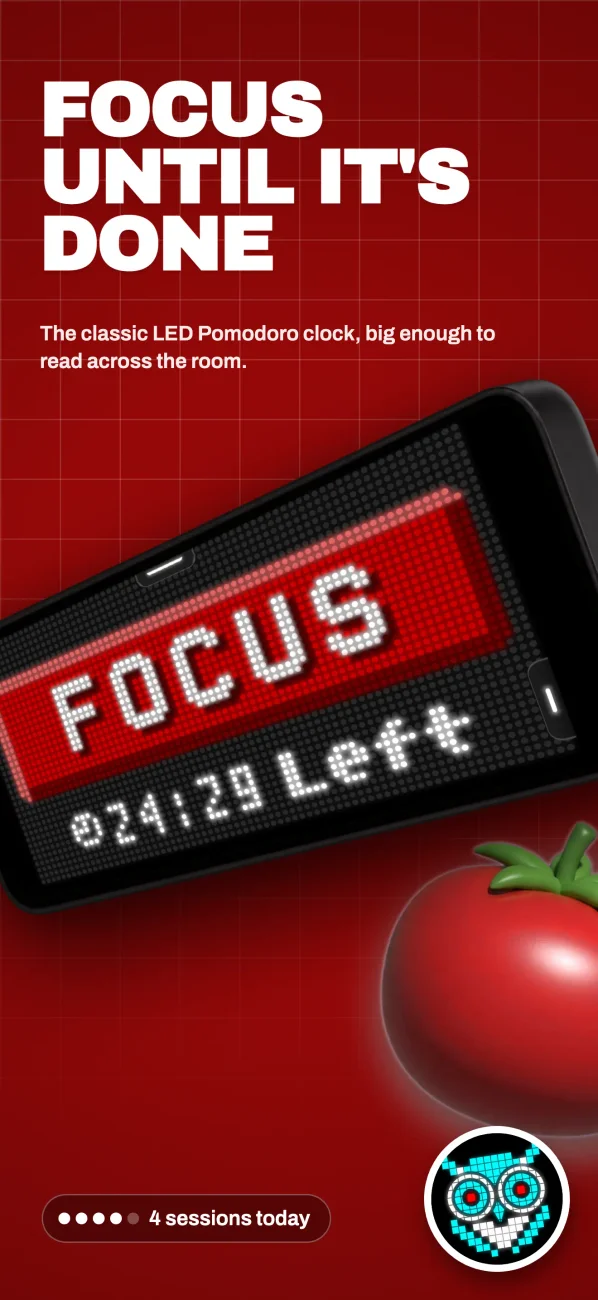
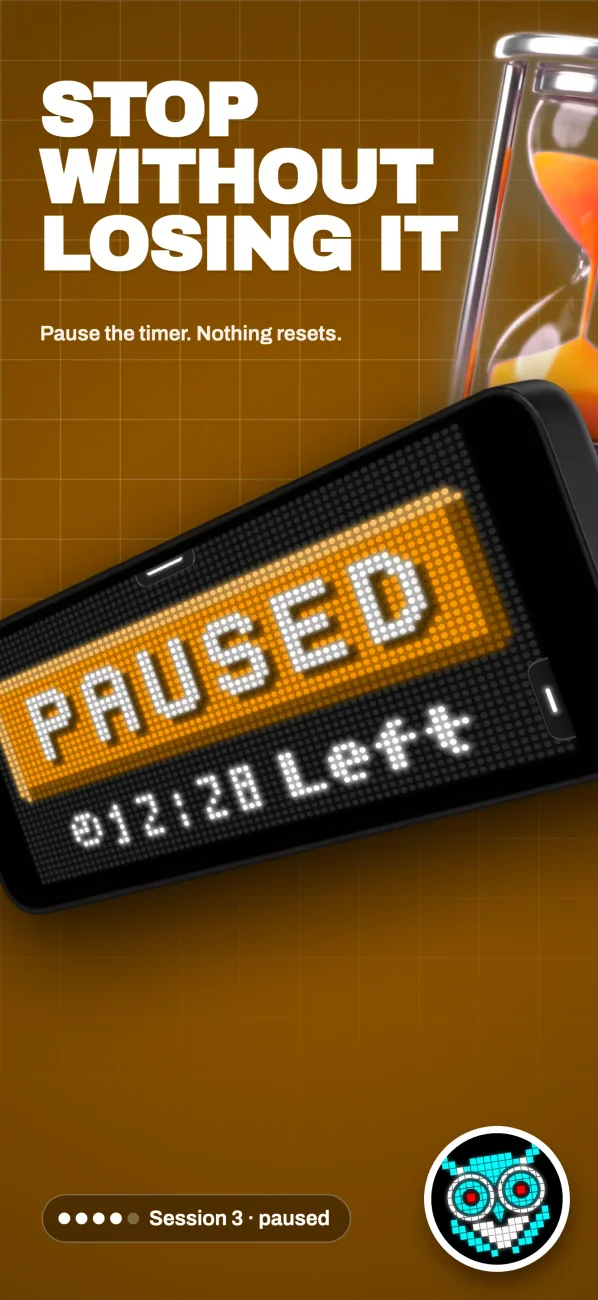
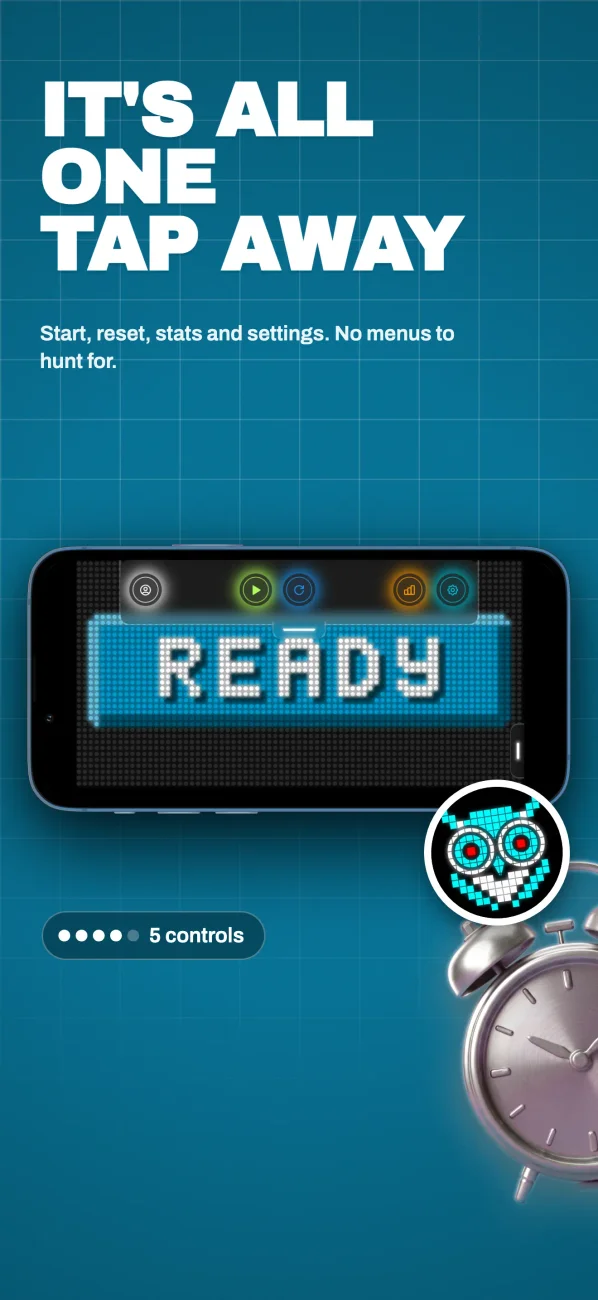
Turn your phone into a retro LED focus clock for studying or working. Set it on your desk, start a focus session, and follow the countdown at a glance. Pixel Focus combines customizable Pomodoro sessions, automatic breaks, and progress tracking in a landscape-first display.
POMODORO TECHNIQUE MADE SIMPLE
• Customizable focus sessions (default 25 minutes)
• Short breaks (5 minutes) and long breaks (15-30 minutes)
• Visual and audio notifications to keep you on track
• Automatic cycle progression through work and break periods
TRACK YOUR PROGRESS
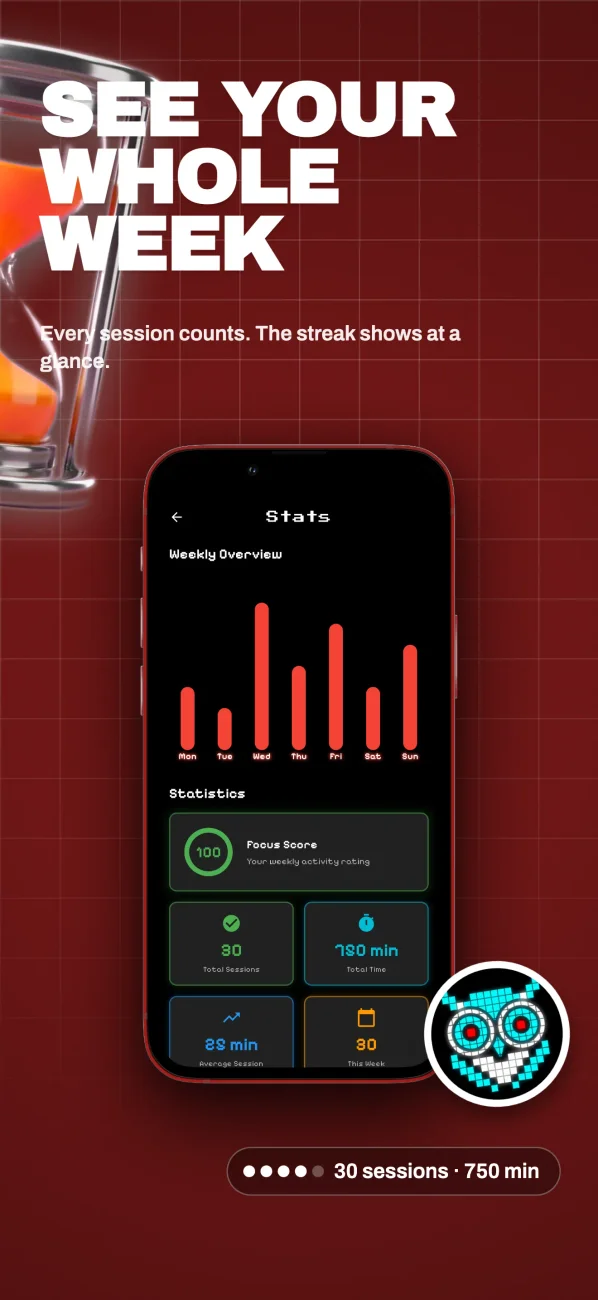
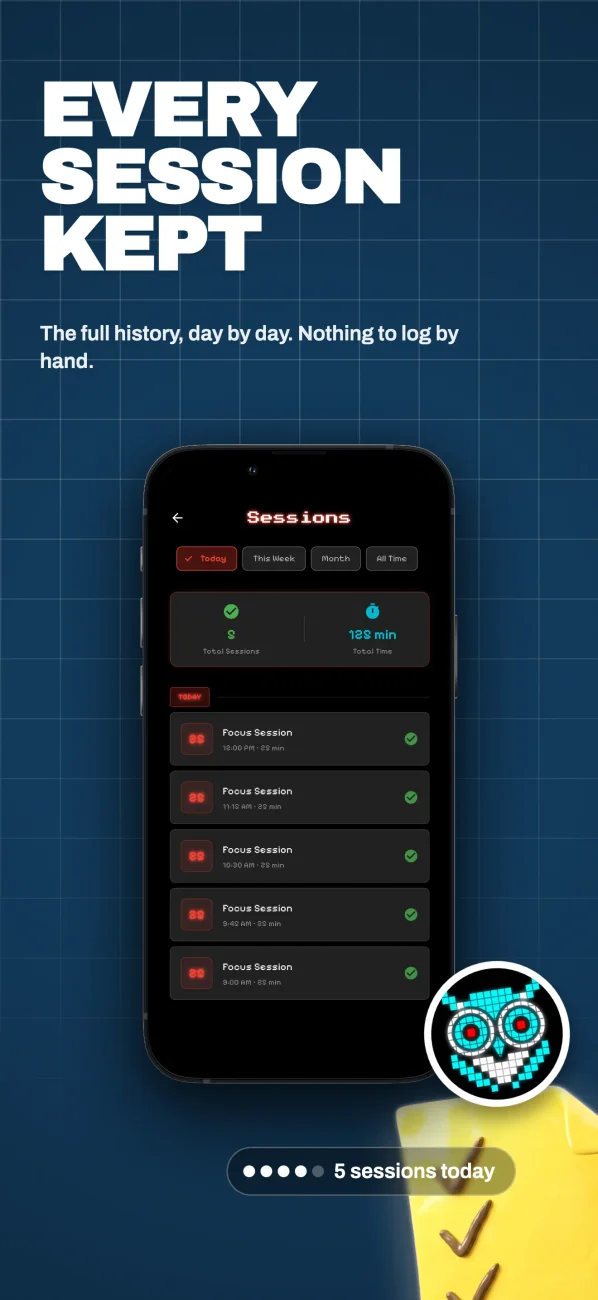
• Session history with detailed statistics
• Visual charts showing your productivity patterns
• Daily, weekly, and monthly focus insights
• Completed session counter and streak tracking
RETRO LED MATRIX DESIGN
• Authentic pixelated aesthetic inspired by classic LED displays
• Glowing red text effects that mimic real LED lighting
• Minimalist black background for reduced eye strain
• Landscape-first design optimized for focus sessions
PERSONALIZE YOUR EXPERIENCE
• Adjust timer durations to match your workflow
• Choose from multiple pixelated fonts (Pixelify Sans, Press Start 2P)
• Customize notification sounds and vibration patterns
• Dark theme optimized for any lighting condition
MULTILINGUAL SUPPORT
Available in English and Spanish, with more languages coming soon.
PERFECT FOR:
• Students during study sessions
• Remote workers and freelancers
• Anyone looking to improve focus and time management
• Fans of retro gaming and pixel art aesthetics
• Professionals using the Pomodoro Technique
WHY CHOOSE PIXEL FOCUS?
Unlike generic timer apps, Pixel Focus combines proven productivity techniques with a unique visual identity. The retro LED aesthetic isn't just beautiful - it's designed to minimize distractions while keeping you engaged with your focus goals.
Start your journey to better productivity today. Download Pixel Focus and experience the perfect blend of nostalgia and efficiency.
Nouveautés
Version 1.1.2 · 31/10/2026
This release keeps Pixel Focus up to date. If the LED clock helps your sessions, a rating on the App Store means a lot to us.
Confidentialité de l’application
Ce que Roberto Requena déclare sur l’App Store au sujet du traitement des données par cette application.
-
Données établissant un lien avec vous
Peuvent être collectées et liées à votre identité.
- Coordonnées
- Identifiants
-
Données n’établissant aucun lien avec vous
Peuvent être collectées, mais ne sont pas liées à votre identité.
- Diagnostic
Les pratiques en matière de confidentialité peuvent varier, notamment en fonction des fonctionnalités que vous utilisez ou de votre âge.
Informations
- Vendeur
- Roberto Requena
- Catégorie
- Productivité
- Version
- 1.1.2
- Mis à jour
- 31/10/2026
- Publié
- 19/01/2026
- Taille
- 90,5 Mo
- Nécessite
- iOS 15.0 ou version ultérieure
- Classification d’âge
- 4+
- Prix
- Gratuit
- Achats intégrés
- Oui
- Langues
- Anglais
- Copyright
- © 2026 RR
Vous aimerez peut-être aussi
-
 FocusTasksPomodoro & Task Management
-
 PixelFocus:Zone out,Focus moreProductivité
-
 Tips MobileProductivité
-
 Easy Pomodoro: simplest timerProductivité
-
 Pomodoro Timer: Pixeldoro ADHDMinuteur concentration & étude
-
 CICO Mobile (Checkin/Checkout)Check-in and check-out app
-
 My Good WeekProductivité
-
 Limit Screen Time・TaskfulnessProductivité
-
 Gentle Timer: Visual CountdownProductivité
-
 CHEP CMACarrier Mobile Application