
PlanPath
Your Life OS & Second Brain
Conçue pour iPhone, iPad, iPod touch
Gratuit
- Classification d’âge4+
- CatégorieProductivité
- DéveloppeurBeat Me In
- LanguesAnglais+ 26 de plus
- Taille187,0 Mo
Renvoie vers la page App Store officielle
Download.org n’héberge aucun fichier de PlanPath. Le bouton ouvre la page de l’application sur App Store, où Beat Me In la publie. Fiche vérifiée pour la dernière fois le 12/11/2026.
Captures d’écran
À propos
Le développeur n’a pas fourni ce texte dans votre langue.
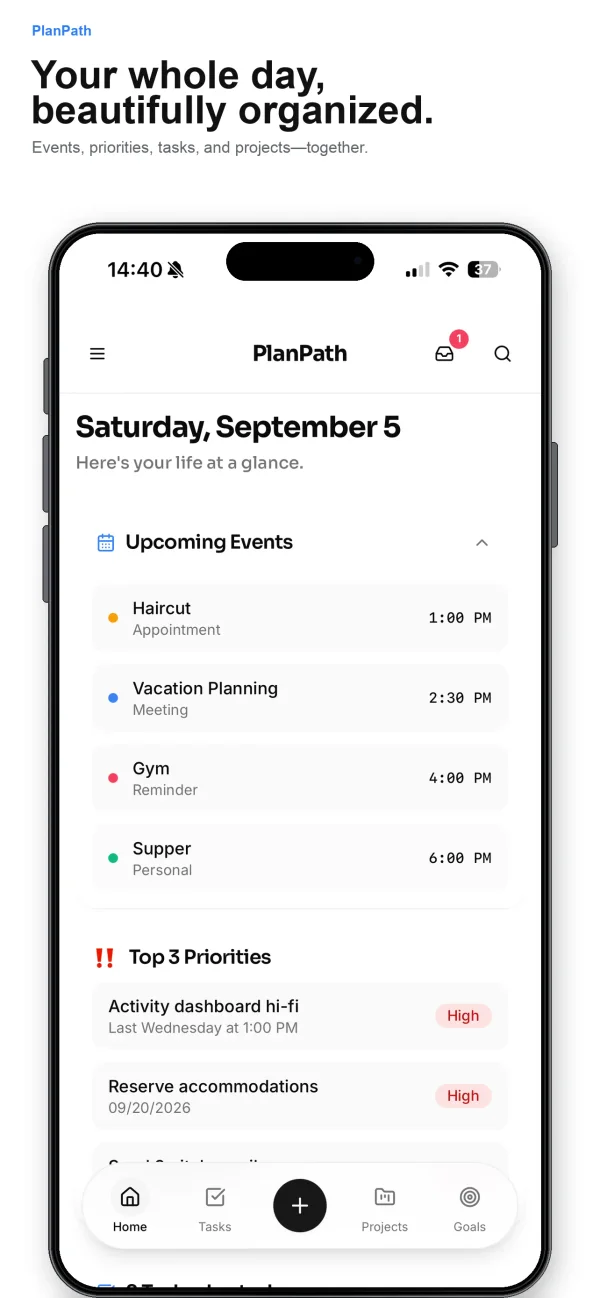
PlanPath is your personal Life OS and Second Brain. A clean, connected app for planning your days, tracking your goals, organizing projects, building habits, capturing notes, viewing your calendar, and managing your finances.
Inspired by the best Notion Life OS, Second Brain, PARA method, and GTD-style productivity systems, PlanPath gives you the structure without the setup.
Instead of juggling separate apps for tasks, goals, habits, notes, finance, reminders, and planning, PlanPath brings everything into one simple dashboard so you can see what matters and take action faster.
PlanPath is designed as the decision layer between your day and your bigger life system: quick capture, daily planning, calendar reality, project context, and long-term goals all stay connected.
Already use Notion? Connect your Notion databases to PlanPath and enjoy a faster, cleaner app experience on top of your existing workspace. Keep the structure you built in Notion, then use PlanPath as the daily interface for planning, action, and review.
Key features:
- PARA-inspired organization — Organize projects, areas, resources, and action-focused planning in a practical daily workflow.
- GTD-friendly capture — Capture tasks, reminders, notes, and follow-ups so they can move from inbox to action.
- Notion database connection — Connect your existing Notion databases and use them through a cleaner, more focused PlanPath experience.
- Better daily experience out of Notion — Keep Notion as your flexible backend while PlanPath becomes the app layer for daily planning and execution.
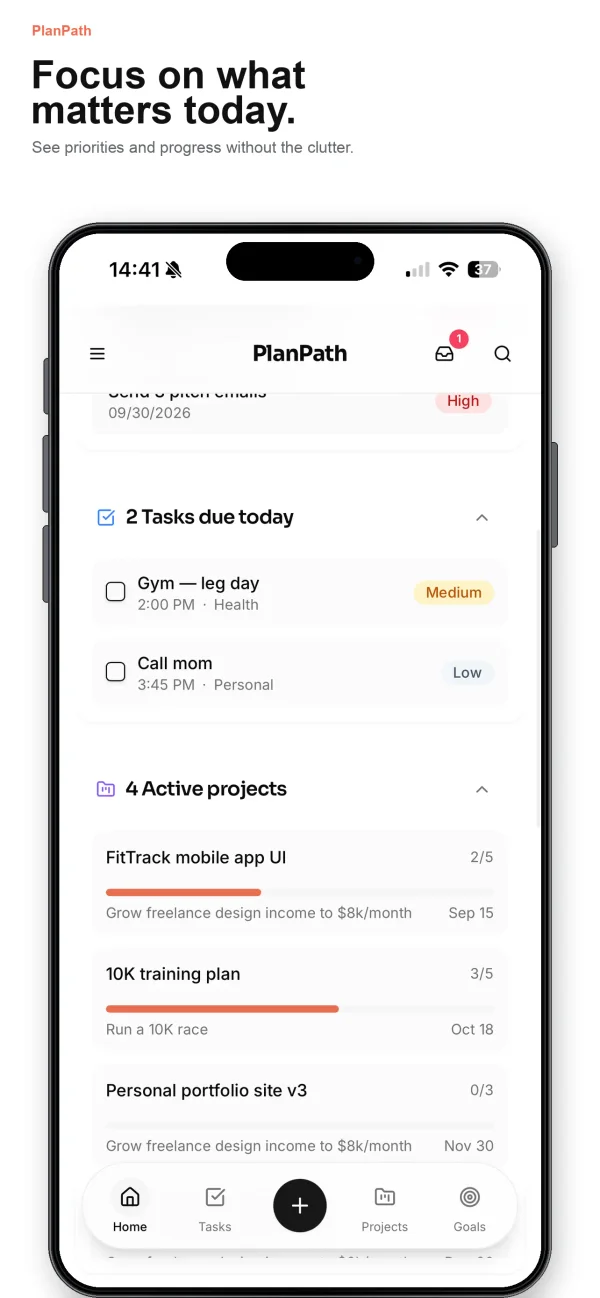
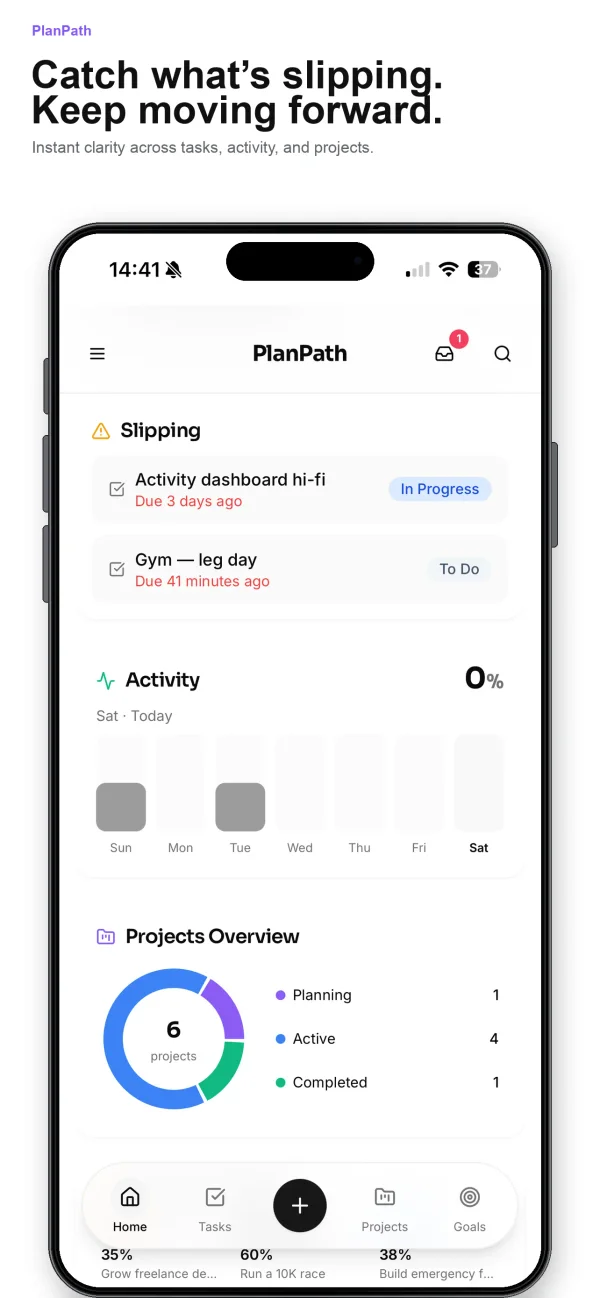
- Today dashboard — See today’s calendar events, reminders, priority tasks, habits, projects, and progress in one place.
- Quick capture inbox — Capture thoughts, errands, links, meeting notes, reminders, and project ideas before organizing them.
- Tasks & reminders — Manage to-dos, deadlines, priorities, and follow-ups.
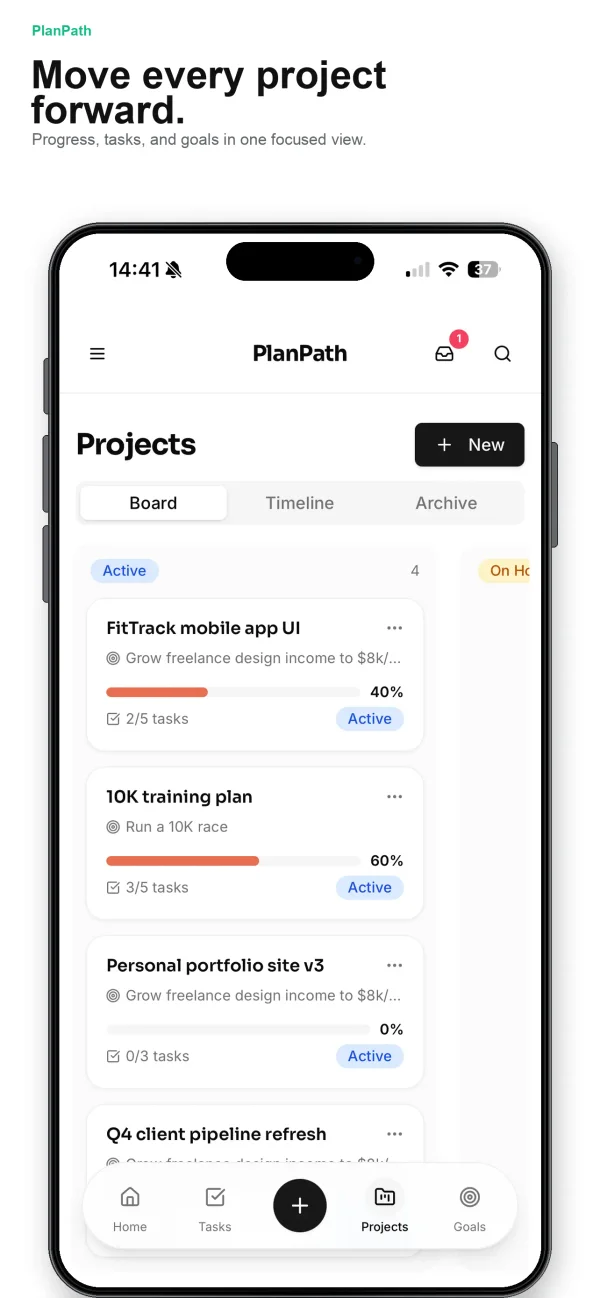
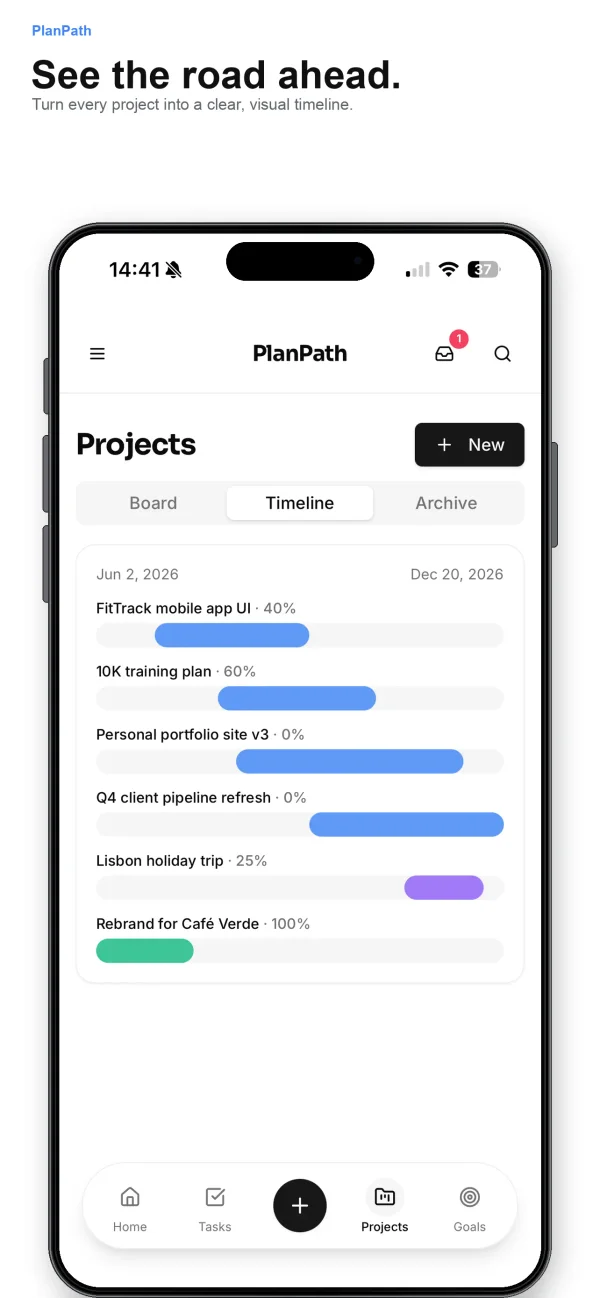
- Projects — Organize larger efforts and connect them to goals.
- Goals — Track what you’re working toward and connect progress to real outcomes.
- Life areas — Keep work, health, money, learning, relationships, and personal life balanced.
- Habits — Build routines, track consistency, and stay accountable.
- Notes — Capture ideas and connect them to your life system.
- Calendar planning — Keep events, deadlines, focus blocks, and open time visible alongside your tasks.
- Finance — Track income, expenses, and money habits.
- Reviews — Support daily review, weekly review, monthly reset, project review, and goal check-ins.
Confidentialité de l’application
Ce que Beat Me In déclare sur l’App Store au sujet du traitement des données par cette application.
-
Données n’établissant aucun lien avec vous
Peuvent être collectées, mais ne sont pas liées à votre identité.
- Coordonnées
Les pratiques en matière de confidentialité peuvent varier, notamment en fonction des fonctionnalités que vous utilisez ou de votre âge.
Informations
- Vendeur
- Beat Me In
- Catégorie
- Productivité
- Version
- 1.0
- Mis à jour
- 04/11/2026
- Publié
- 04/11/2026
- Taille
- 187,0 Mo
- Nécessite
- iOS 15.1 ou version ultérieure
- Classification d’âge
- 4+
- Prix
- Gratuit
- Langues
- Anglais, Arabe, Tchèque, Danois, Néerlandais, Finnois, Français, Allemand, Grec, Hébreu, Hongrois, Indonésien + 15 de plus
- Copyright
- © Marc Senat