PlanStitch – Plan Scanner
Scan large plans in high-res
Conçue pour iPhone
Gratuit
- Classification d’âge4+
- CatégorieProductivité
- DéveloppeurMarius Naef
- LanguesAnglais+ 1 de plus
- Taille5,8 Mo
Renvoie vers la page App Store officielle
Download.org n’héberge aucun fichier de PlanStitch – Plan Scanner. Le bouton ouvre la page de l’application sur App Store, où Marius Naef la publie. Fiche vérifiée pour la dernière fois le 12/11/2026.
Captures d’écran

À propos
Le développeur n’a pas fourni ce texte dans votre langue.
PlanStitch turns large paper plans into sharp, high-resolution scans – using only your iPhone.
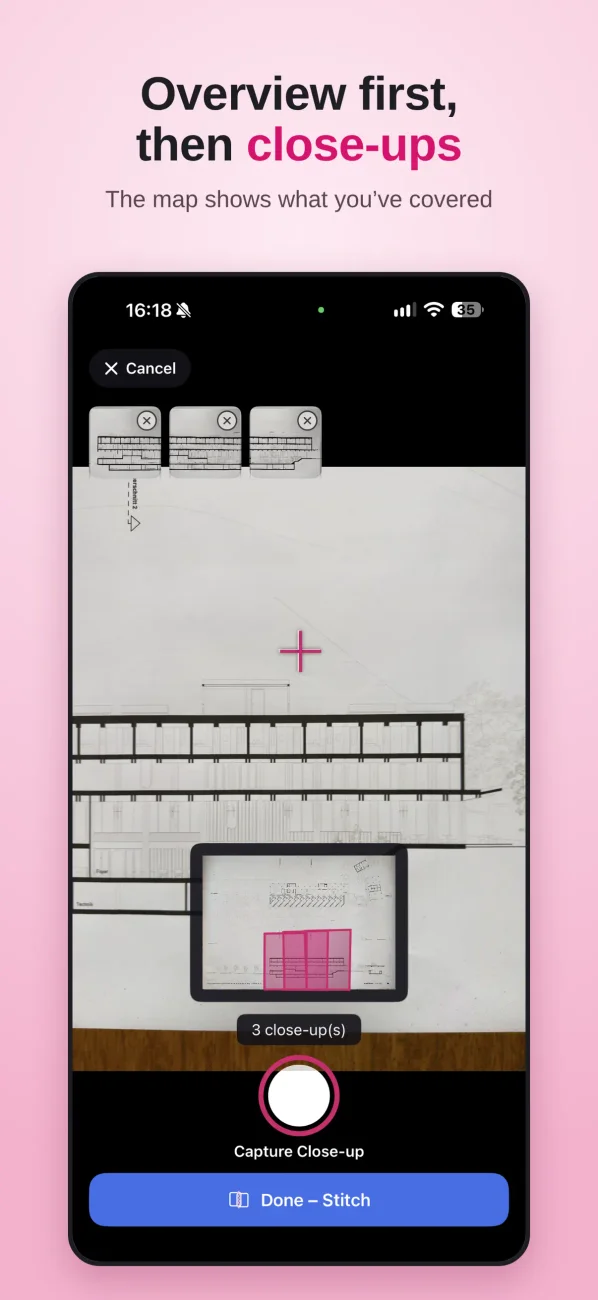
Regular scanner apps capture a whole A1 or A0 sheet in a single photo, so fine lines and small dimension figures get lost. PlanStitch works differently: take one overview photo of the entire plan, then a few close-up photos of the areas that matter. The app aligns them all and stitches them into one detailed scan.
HOW IT WORKS
• Overview photo: capture the whole sheet
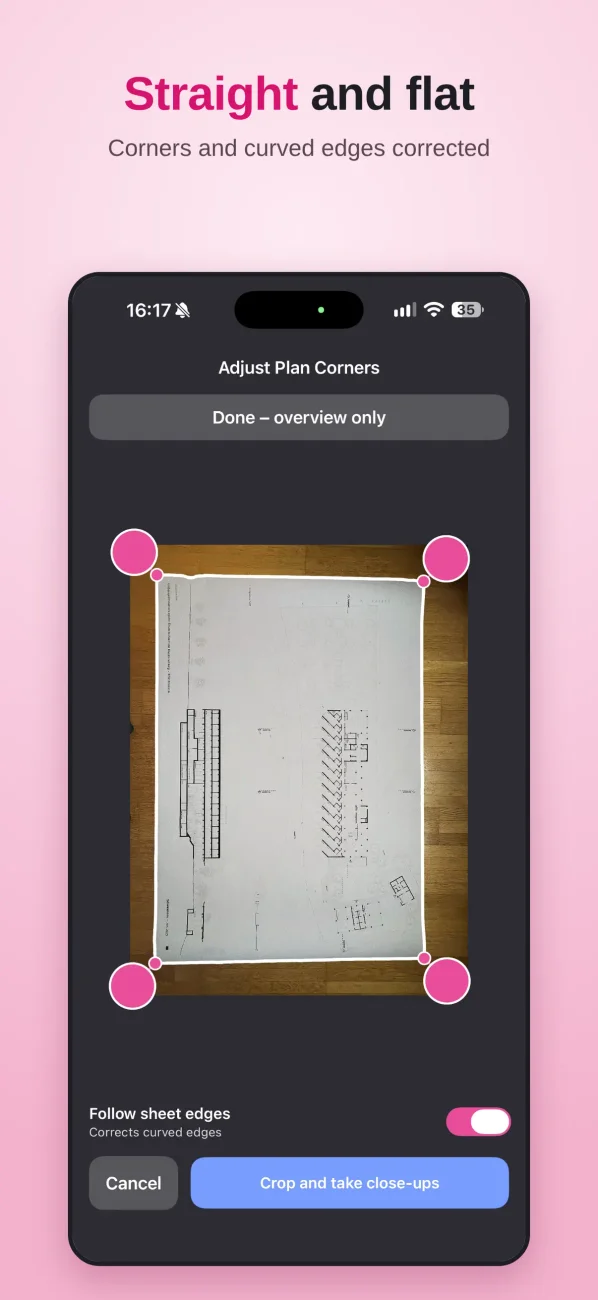
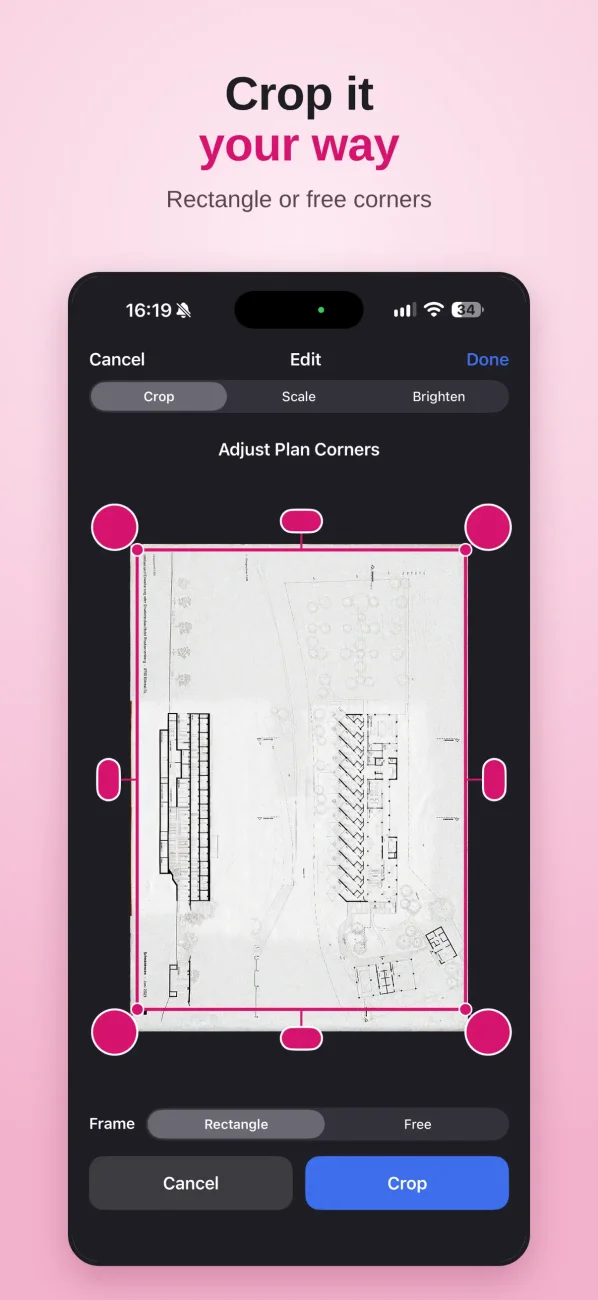
• Adjust corners: PlanStitch detects the sheet and can follow curved paper edges
• Close-ups: a coverage map shows what you have already captured
• Stitch: the app combines everything into one sharp, flat scan
FEATURES
• High-resolution scans of large formats – from A4 to A0
• Corrects perspective and curved or slightly wavy paper
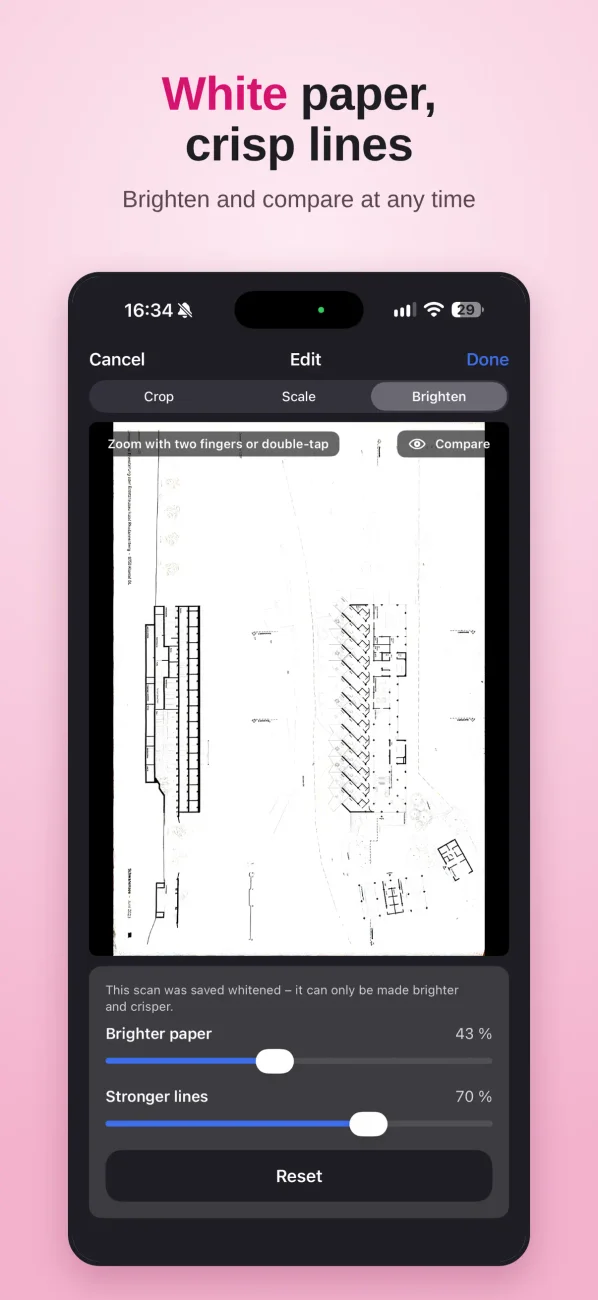
• Whitens the paper and makes lines crisper – fold shadows and uneven light are evened out
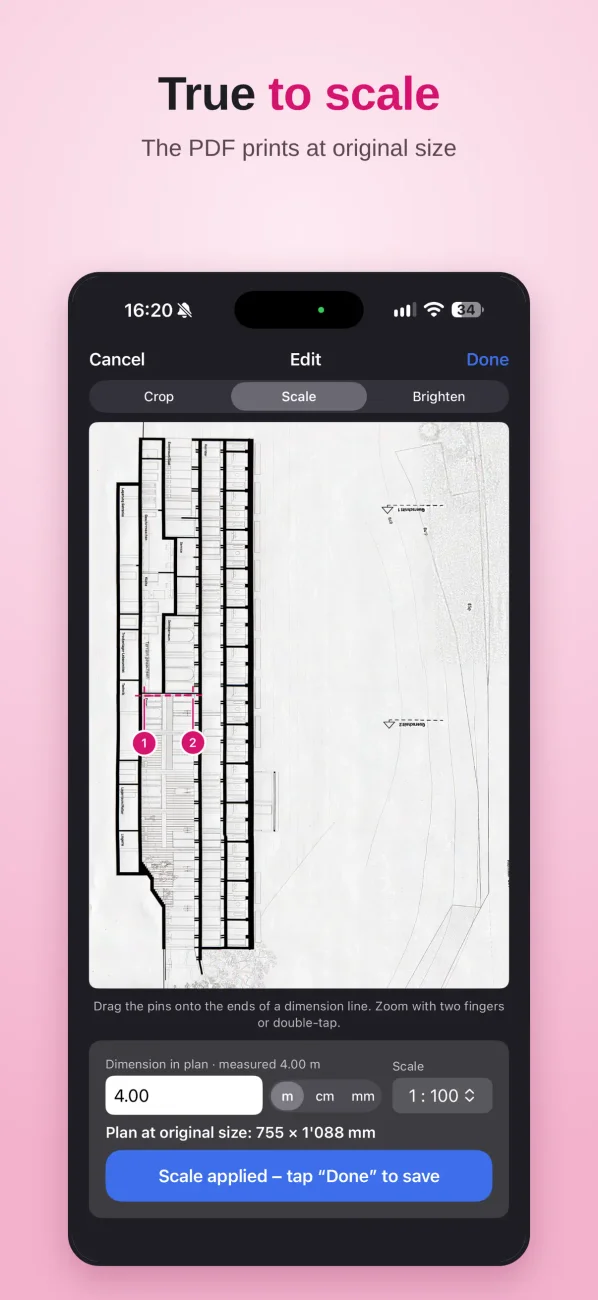
• True scale: set two pins on a dimension line, enter the length and drawing scale – the PDF then prints the plan at its original size
• Edit later: crop (as a rectangle or freely), set the scale, adjust brightness
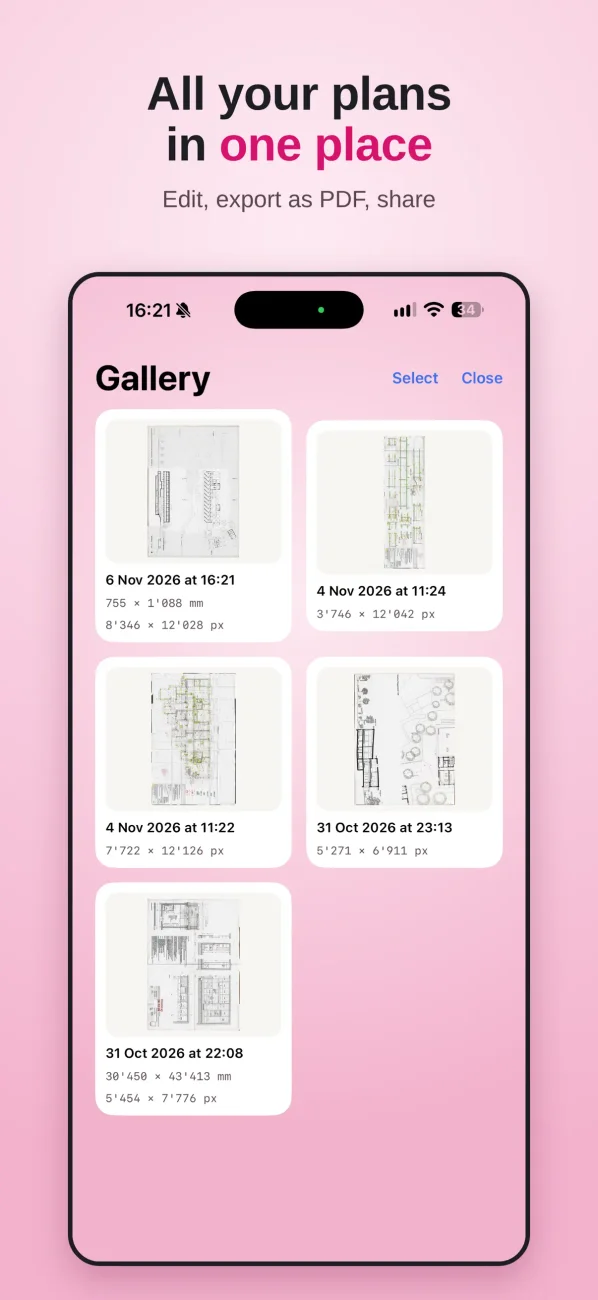
• Duplicate scans to keep different versions
• Export as PDF, save to Photos or share
PRIVATE BY DESIGN
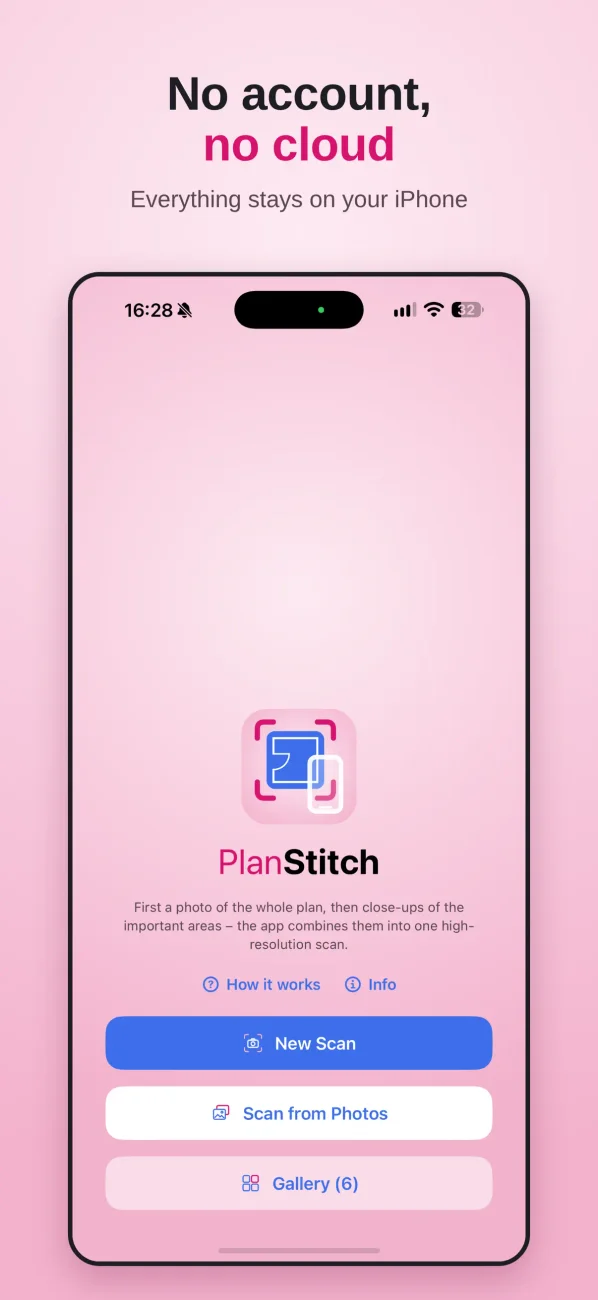
All processing happens on your iPhone. No account, no cloud, no tracking. Your plans never leave your device unless you share them.
Made by an architect, for architects, site managers, tradespeople and anyone working with paper plans.
Nouveautés
Version 1.1 · 08/11/2026
• Large plans up to A0 even more reliable: close-ups are matched more safely
• Sharper scans: close-ups always take priority over wider shots
• More even scans: shadows and uneven lighting are balanced out
• Scans are automatically rotated to reading orientation
• New: scan plans hanging on a wall
Confidentialité de l’application
Ce que Marius Naef déclare sur l’App Store au sujet du traitement des données par cette application.
-
Données non collectées
Le développeur ne collecte aucune donnée à partir de cette application.
Les pratiques en matière de confidentialité peuvent varier, notamment en fonction des fonctionnalités que vous utilisez ou de votre âge.
Informations
- Vendeur
- Marius Naef
- Catégorie
- Productivité
- Version
- 1.1
- Mis à jour
- 08/11/2026
- Publié
- 06/11/2026
- Taille
- 5,8 Mo
- Nécessite
- iOS 17.0 ou version ultérieure
- Classification d’âge
- 4+
- Prix
- Gratuit
- Langues
- Anglais, Allemand
- Copyright
- © 2026 Marius Naef