pmosh
SSH terminal built for tmux
Conçue pour iPhone, iPad
Gratuit · Achats intégrés
- Classification d’âge4+
- CatégorieOutils de développement
- DéveloppeurRobert Gruber
- LanguesAnglais
- Taille9,4 Mo
Renvoie vers la page App Store officielle
Download.org n’héberge aucun fichier de pmosh. Le bouton ouvre la page de l’application sur App Store, où Robert Gruber la publie. Fiche vérifiée pour la dernière fois le 23/11/2026.
Captures d’écran
À propos
Le développeur n’a pas fourni ce texte dans votre langue.
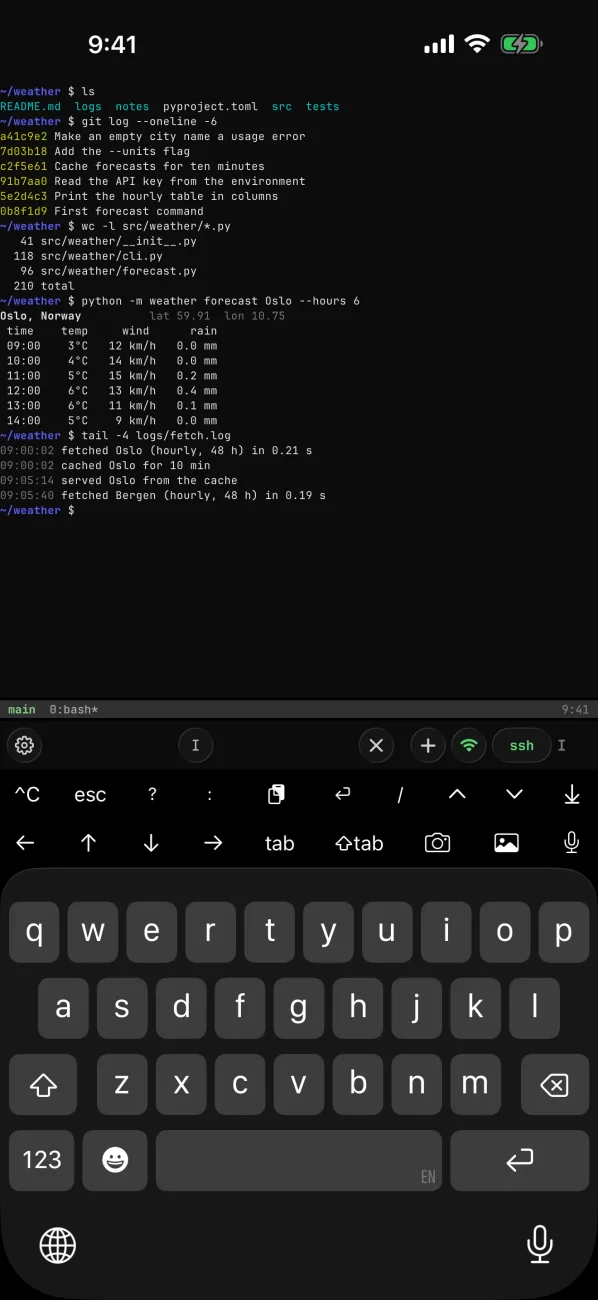
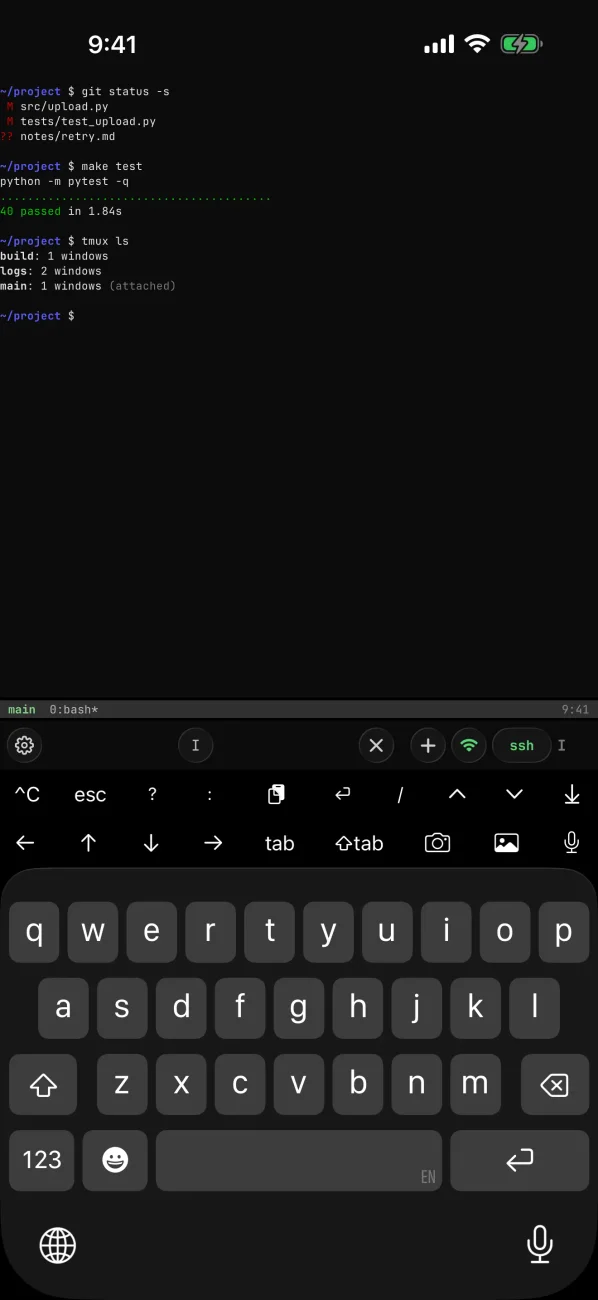
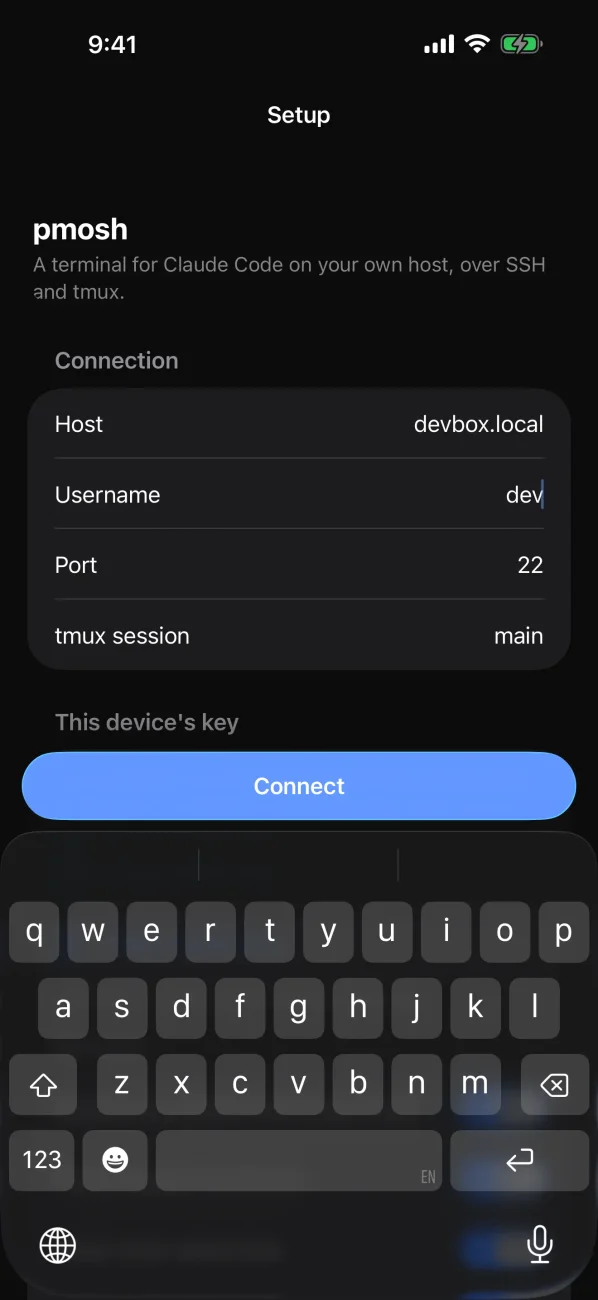
pmosh is an SSH terminal for iPhone and iPad that attaches to a tmux session on your own server using tmux's control mode, so the terminal you see on your phone is the same session running on your machine.
It's built for developers who run tmux, shells, and command-line tools — including agentic coding tools like Claude Code — on servers or machines they already own and administer. pmosh doesn't provide any of that for you; it's a client that connects to infrastructure you already have.
pmosh only connects to servers you configure. On first launch it generates an ed25519 SSH keypair on your device, stored in the iOS Keychain, and shows you the public key so you can add it to authorized_keys on your own server. You type in your host and username; nothing is pre-filled or bundled. There is no pmosh service in between.
Features:
- Attaches to a remote tmux session over SSH using tmux's control mode (tmux -CC), so output and session state stay in sync with the server
- Smooth scrollback for Claude Code: new sessions start Claude Code in its classic renderer, so the conversation lands in tmux history and scrolls natively under your finger
- Multiple tabs, each its own tmux session: swipe between them, or hold + to open a tab for every session on your host
- Hand a tab from your iPhone to your iPad with Handoff; on iPad, pmosh uses the whole screen
- On-device ed25519 key generation — a unique keypair per install, kept in the iOS Keychain
- Optional pmosh account: Sign in with Apple and your host, key rows, settings and SSH key follow you to your other iPhones and iPads through your own iCloud (key-value storage for settings, iCloud Keychain for the key). Nothing requires an account
- Two rows of on-screen keys above the keyboard with what terminal work needs but iOS doesn't have: Esc, Ctrl-C, Enter, arrow keys (hold to repeat), Tab / Shift-Tab, and scrollback paging — both rows customizable in Settings, including keys that type your own text and macro keys that send several in order
- Camera and photos keys: take a photo or pick some from your library, and pmosh sends them to your host over SSH, into ~/.pmosh/inbox, and types their paths at the prompt, ready for Claude Code or any program there to open
- Swipe in from the left edge for the Claude Code chats on your host and tap one to resume it in a tab. pmosh installs nothing there: it runs its own small lister with the host's python3 each time
- JetBrains Mono, with a text size setting
- Works with an external hardware keyboard if you use one
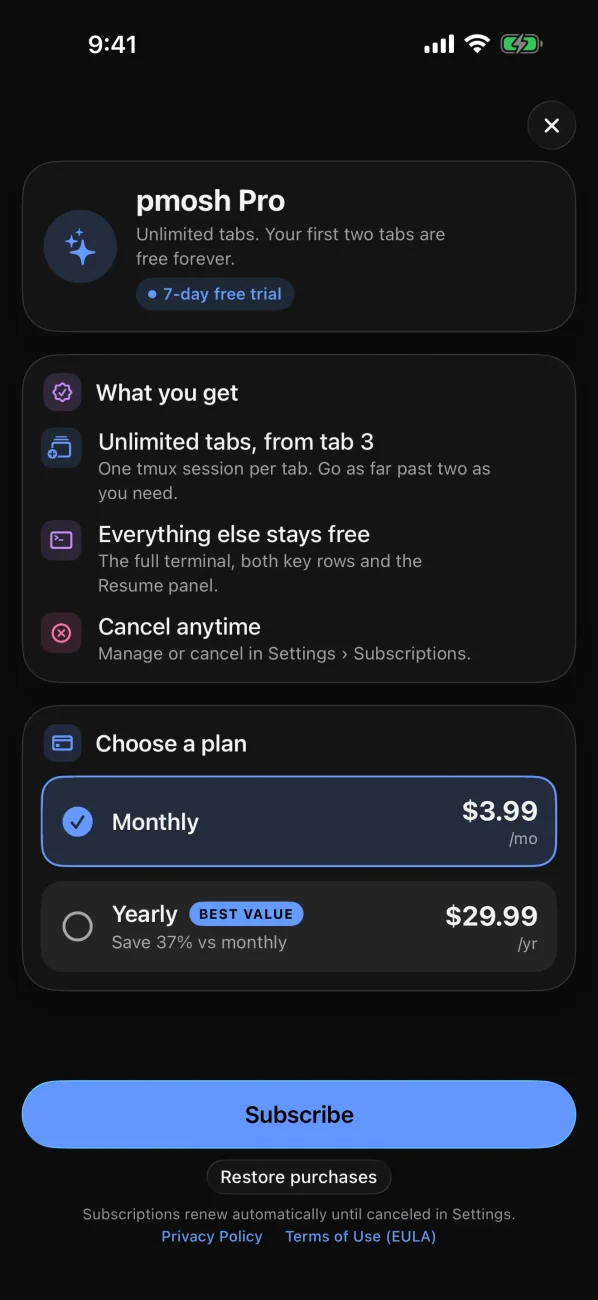
- No account required; two tabs free, pmosh Pro for unlimited tabs
Privacy: pmosh does not collect analytics or usage data. It connects only to the server you enter in setup. Nothing is sent to the developer unless you choose Report a problem in Settings, which sends what you type and, if you leave the option on, pmosh's own connection log — never what is on your screen. The optional account syncs through your own iCloud, which we cannot read.
Requirements: pmosh needs an SSH server you control, reachable from your device, with tmux installed on it. It is not a hosting service and does not include a server — you connect it to a server you already run.
Nouveautés
Version 1.5.36 · 18/11/2026
- Your first two tabs are free. Pro starts at tab 3 and unlocks unlimited tabs.
- New camera and photos keys at the end of the second key row: take a photo or pick some from your library, and they go to your host with their paths typed at the prompt.
- Swipe in from the left edge of a tab for the Claude Code chats on your host, and tap one to pick it up again in a tab.
- The last tab can be closed too. "No tabs open" then offers a new tab, or a tab for every session on your host.
- A reconnect keeps the scrollback whole: what was printed while the connection was down is there when it comes back.
- On the tab bar, × and + stand further apart, a tap on × right after + made a tab no longer closes that tab, a pressed button lights up only itself, and the tab count is a Roman numeral like the tabs.
Confidentialité de l’application
Ce que Robert Gruber déclare sur l’App Store au sujet du traitement des données par cette application.
-
Données non collectées
Le développeur ne collecte aucune donnée à partir de cette application.
Les pratiques en matière de confidentialité peuvent varier, notamment en fonction des fonctionnalités que vous utilisez ou de votre âge.
Informations
- Vendeur
- Robert Gruber
- Catégorie
- Outils de développement
- Version
- 1.5.36
- Mis à jour
- 18/11/2026
- Publié
- 27/07/2026
- Taille
- 9,4 Mo
- Nécessite
- iOS 17.0 ou version ultérieure
- Classification d’âge
- 4+
- Prix
- Gratuit
- Achats intégrés
- Oui
- Langues
- Anglais
- Copyright
- © 2026 Robert Gruber
Vous aimerez peut-être aussi
-
 Kinsman SSHOutils de développement
-
 TermLink - Remote TmuxOutils de développement
-
 Rafter Homelab ConsoleOutils de développement
-
 teletype computerOutils de développement
-
 GitzyOutils de développement
-
 BedcoderOutils de développement
-
 QReader - QR AnalyzerOutils de développement
-
 SSH Terminal & SFTPOutils de développement
-
 SSH Command WidgetOutils de développement
-
 BalauDeckOutils de développement