
- Classification d’âge12+
- CatégorieForme et santé
- DéveloppeurPocket Case Manager, Inc.
- LanguesAnglais
- Taille93,7 Mo
PocketCM n’est peut-être pas disponible sur App Store pour le moment
La fiche de la boutique était inaccessible lors de notre dernière vérification. Le lien mène toujours à la page App Store officielle.
Captures d’écran
À propos
Le développeur n’a pas fourni ce texte dans votre langue.
Pocket Case Manager (PocketCM) is an AI-powered operating system designed to help disability service providers and care centers streamline operations, reduce administrative overhead, and deliver more coordinated, data-driven care at scale.
Built specifically for organizations that support individuals with disabilities, PocketCM transforms complex workflows into simple, intuitive digital processes—saving time, improving compliance, and empowering teams to focus more on people and less on paperwork.
Whether you're managing direct support staff, documenting daily activities, or tracking client progress, PocketCM provides a comprehensive suite of tools to modernize every aspect of care operations. Our AI assistant helps you generate professional-grade case notes, incident reports, forms, and progress summaries with just a few prompts—dramatically reducing documentation time while improving consistency and quality.
Key Features:
• AI-Generated Case Notes & Documentation
Use natural language to quickly create case notes, incident reports, and PDFs that are clear, consistent, and HIPAA-compliant.
• Real-Time Attendance & EVV Compliance
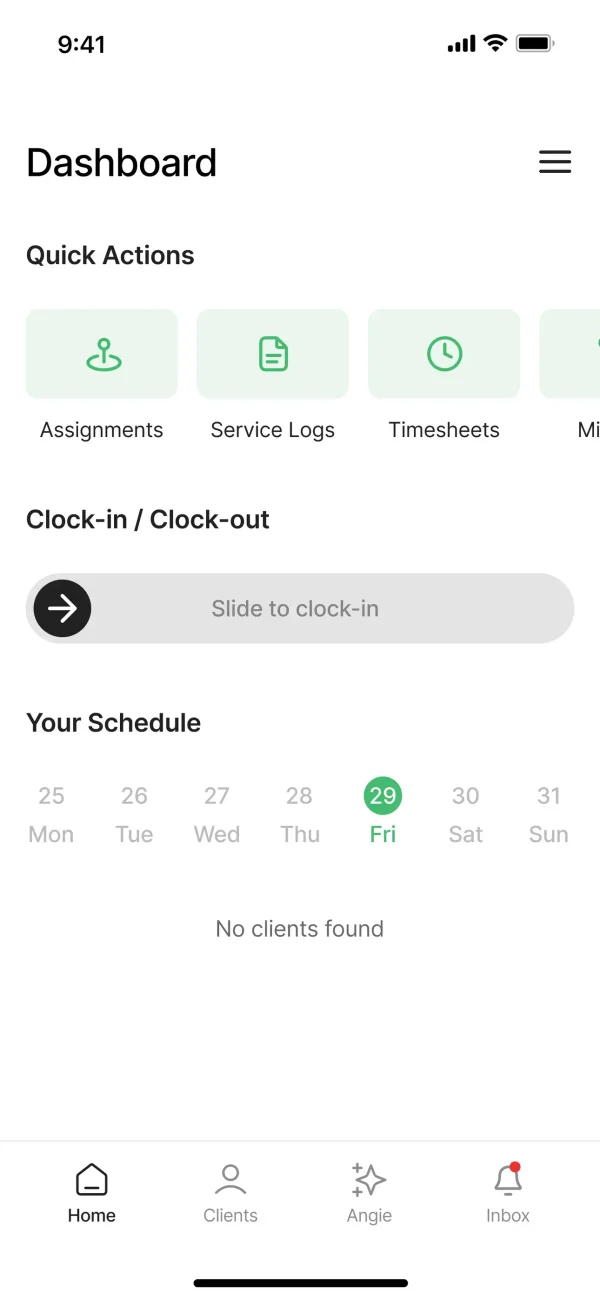
Track staff and client attendance with built-in GPS and time logs to stay compliant with Electronic Visit Verification (EVV) requirements.
• Multilingual & Accessible Communication
Support staff and families with multilingual prompts, translated AI responses, and intuitive visual tools.
• Client-Centered Dashboards & Data Tracking
Monitor progress toward goals, review behavioral trends, and gain actionable insights to support outcome-based care.
• Payroll & Billing Automation
Simplify timesheets, approvals, and billing cycles with tools built specifically for support programs and community-based services.
• Mobile-First, Secure & HIPAA-Compliant
Designed for staff on the go, PocketCM keeps your data encrypted, safe, and accessible only to authorized team members.
• Forms, Signatures & Task Management
Digitize your intake forms, consent documents, and workflows—all from a single platform.
Pocket Case Manager is more than just a digital clipboard—it’s a central nervous system for your care team. Whether you're supporting one client or hundreds, PocketCM scales with your organization to ensure staff have the tools they need to deliver consistent, high-quality care every day.
By dramatically cutting down on documentation and admin time, PocketCM allows caregivers and case managers to invest more energy in building relationships, responding to client needs, and delivering meaningful support.
Nouveautés
Version 6.12.0 · 20/11/2026
What's new in Pocket 6.12.0
New
Client Details on your phone
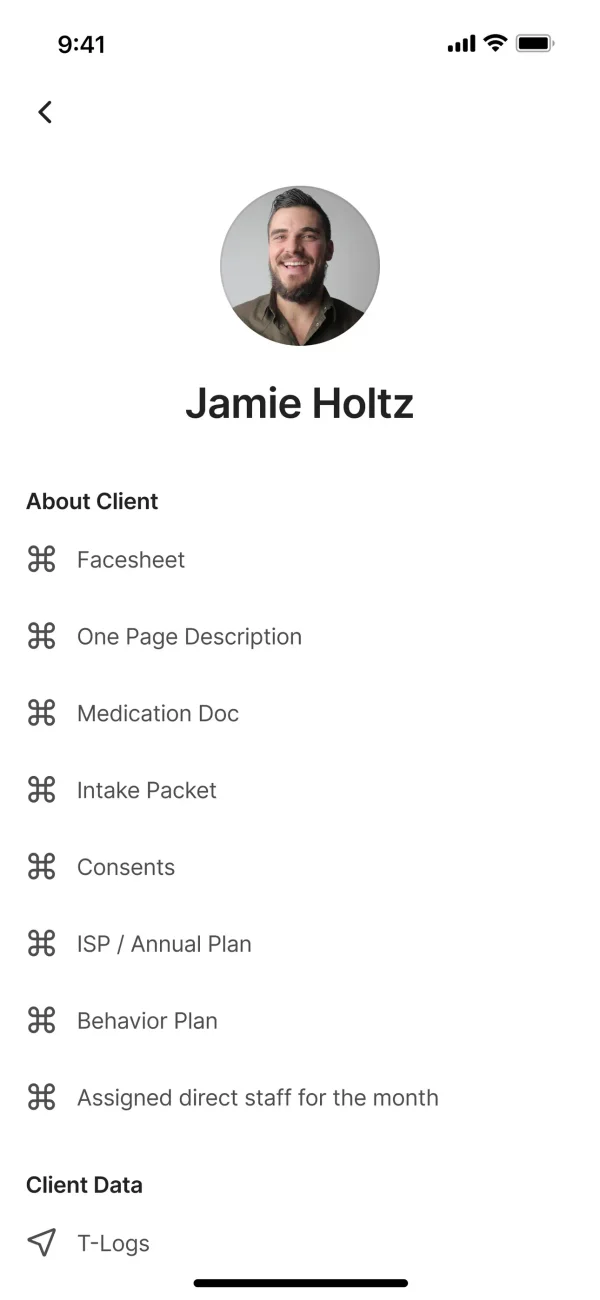
A client's profile in the mobile app has a new About Client › Client Details entry. Choose a section from the screen title to see its fields, including contacts and emergency contacts. A field with no answer says "Not recorded". If you're allowed to edit client profiles, you get the same form as in the admin panel, with a Save button. Everyone else sees it read-only.
Notifications open the log directly
Tapping a notification about a log (for example, "New Case Notes from Ann Smith") now takes you straight to that log. If the log was deleted, it still opens with a red "This log was deleted" banner that shows when it was deleted and, when known, by whom. You can still read and download it, but you can't edit it. If the log no longer exists or you don't have access to it, the screen tells you so.
Phone numbers are formatted automatically
Phone fields in forms, such as a client's Primary and Secondary phone:
show numbers as (555) 123-4567 while you type
open the phone keypad
say "Invalid phone number" until the number has 10 digits
Phone numbers look the same in log details, in client and staff headers, and in form PDFs. A phone saved earlier as free text (like "N/A") is kept exactly as it was and marked as invalid until someone corrects it.
Improvements
Clearer recurring classes. "Repeat through Friday" and "Weekend only" classes now show the days they cover (for example, "Shows Mon, Oct 26 – Fri, Oct 30"). A schedule that ends after a set number of classes reads "for 4 occurrences" instead of "without end".
Info buttons next to the field title. In selection, multi-selection and days-of-the-week fields, the ⓘ button now sits next to the field title. Long titles wrap onto more lines instead of pushing the button off screen.
Form log cards always show when the log was created. The card shows "Created Oct 25 by …" or "Service on Oct 25 by …" even when it's the same day as the header date. A log written later for an earlier day now shows when it was actually created.
Group Home option. The Living Situation field in the client profile now includes "Group Home".
Clearer messages in coursework and off-site classes. An empty Title or Capacity now says "This field is required", and an invalid Capacity says "Invalid number", instead of "You must select an option".
Fixes
Recurring classes stop when they should. A class set to end after a number of times now stops after that many. "Repeat through Friday" and "Weekend only" classes end with their week. In Attendance, coursework and off-site classes no longer repeat forever.
Editing one class in a series keeps the rest correct. Changing one class with "This assignment" and "Following assignments" no longer loses earlier classes or adds extra ones at the end.
My Logs shows your older logs again. It no longer says "No logs found" when you do have older logs. Loading more logs no longer sends you back to the top of the list.
Logs opened from a notification show all their data. Sub-form rows, behavior values and calculated durations used to appear empty there.
Phone fields: editing a phone number that was already filled in no longer erases it. A number starting with 0 is flagged right away instead of quietly blocking the form.
Forms with a misconfigured "+" button now open. The field shows without the button instead of breaking the whole form.
Clock-out with EVV: if you close the location or notes confirmation without confirming, it shows again on your next try.
Today's Forms: if the progress can't be loaded, you now see an error with Retry instead of a misleading 0 %.
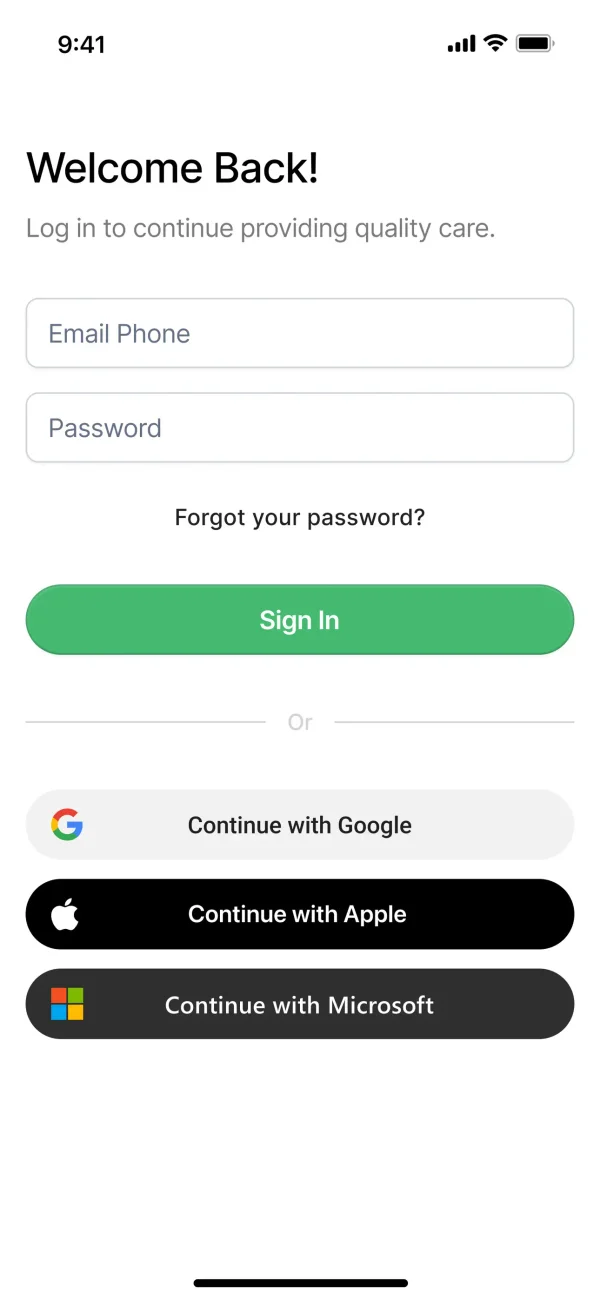
Web: the admin panel and web app now open even with an ad blocker on. Signing in with Apple or Microsoft no longer gets its sign-in window blocked by the browser.
Confidentialité de l’application
Ce que Pocket Case Manager, Inc. déclare sur l’App Store au sujet du traitement des données par cette application.
-
Données établissant un lien avec vous
Peuvent être collectées et liées à votre identité.
- Emplacement
- Coordonnées
- Contenu utilisateur
- Identifiants
- Diagnostic
-
Données n’établissant aucun lien avec vous
Peuvent être collectées, mais ne sont pas liées à votre identité.
- Données d’utilisation
Les pratiques en matière de confidentialité peuvent varier, notamment en fonction des fonctionnalités que vous utilisez ou de votre âge.
Informations
- Vendeur
- Pocket Case Manager, Inc.
- Catégorie
- Forme et santé
- Version
- 6.12.0
- Mis à jour
- 20/11/2026
- Publié
- 25/09/2025
- Taille
- 93,7 Mo
- Nécessite
- iOS 15 ou version ultérieure
- Classification d’âge
- 12+
- Langues
- Anglais
- Copyright
- © 2025 Pocket Case Manager, Inc.