ProShift – Shift Calendar
Plan & share your shifts
Conçue pour iPhone, iPad, iPod touch
Gratuit
- Classification d’âge12+
- CatégorieUtilitaires
- DéveloppeurViktor Leongard
- LanguesAnglais
- Taille103,7 Mo
Renvoie vers la page App Store officielle
Download.org n’héberge aucun fichier de ProShift – Shift Calendar. Le bouton ouvre la page de l’application sur App Store, où Viktor Leongard la publie. Fiche vérifiée pour la dernière fois le 23/11/2026.
Captures d’écran
À propos
Le développeur n’a pas fourni ce texte dans votre langue.
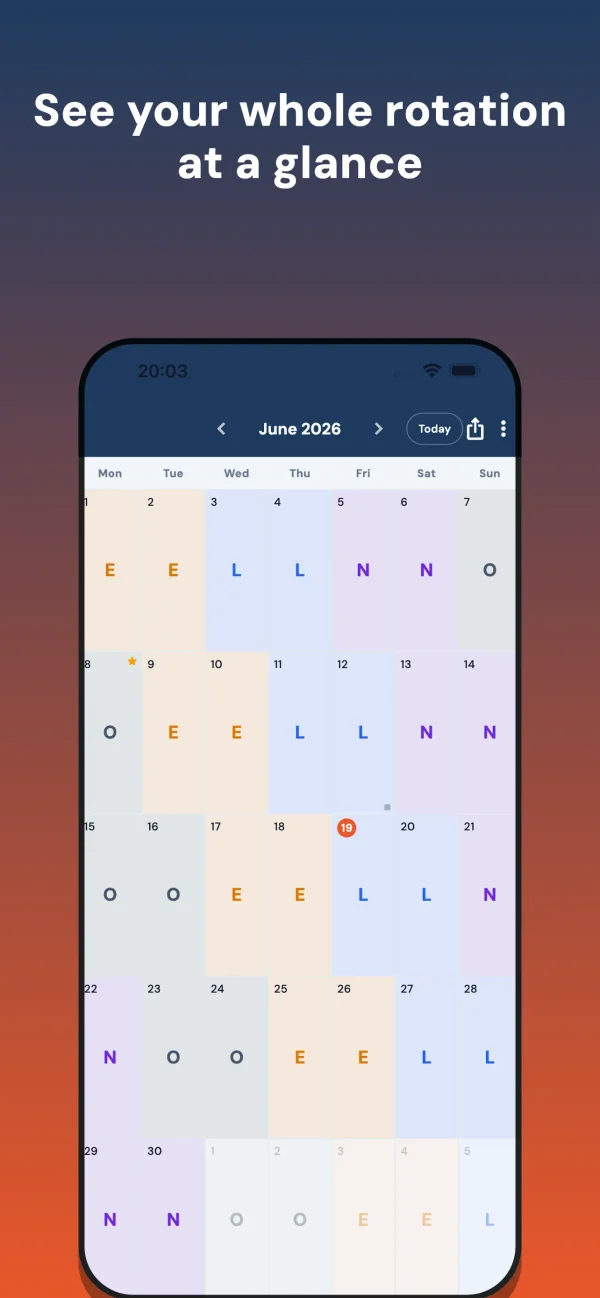
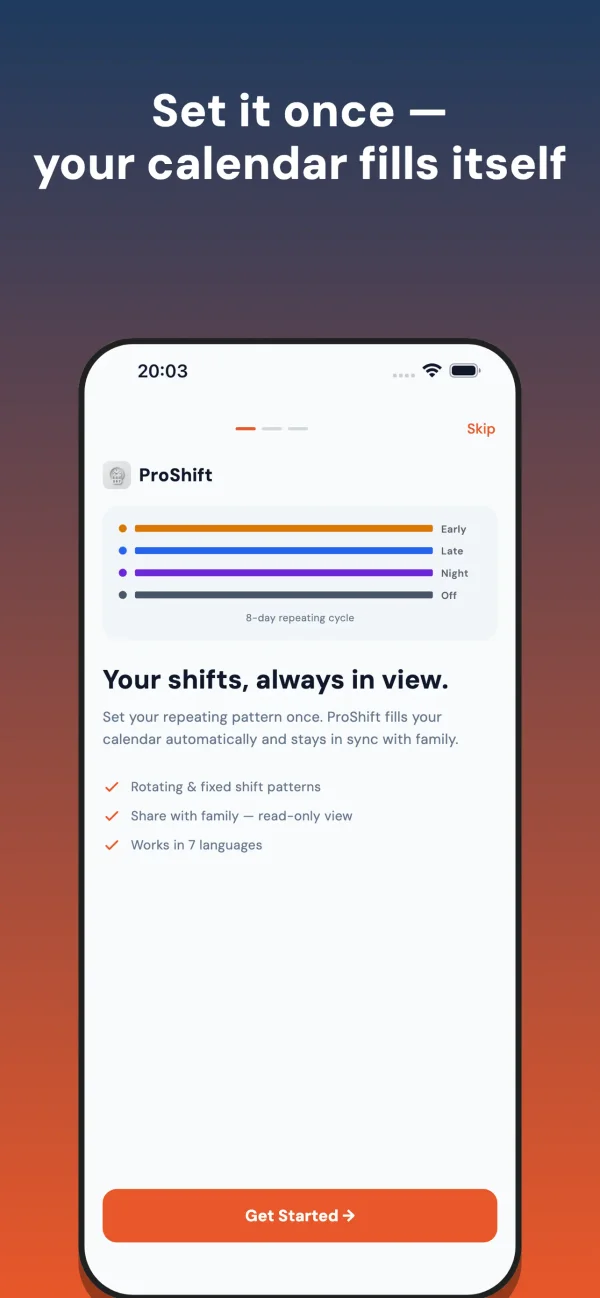
ProShift turns your rotating work schedule into a calendar you can read at a glance. Set your shift pattern once and ProShift fills in every day automatically — no more counting weeks ahead in your head.
Built for shift workers: nurses, factory and warehouse teams, police and fire, hospitality, drivers, security, healthcare and anyone on a rotating roster.
WHY PROSHIFT
Set it once — build your repeating pattern (early, late, night, off… in any order and length) and your whole calendar fills itself in.
Read it at a glance — each shift shows as a colour plus a letter, so it's easy to scan and works for color-blind users too. Choose tinted, lettered or classic day styles.
Change a single day — swap one day to a different shift, or add a one-off like "Free day", "Training" or "Holiday" without touching your pattern. Re-use your custom days whenever you need them.
Add notes — jot a reminder on any day (doctor's appointment, pick up the kids, overtime).
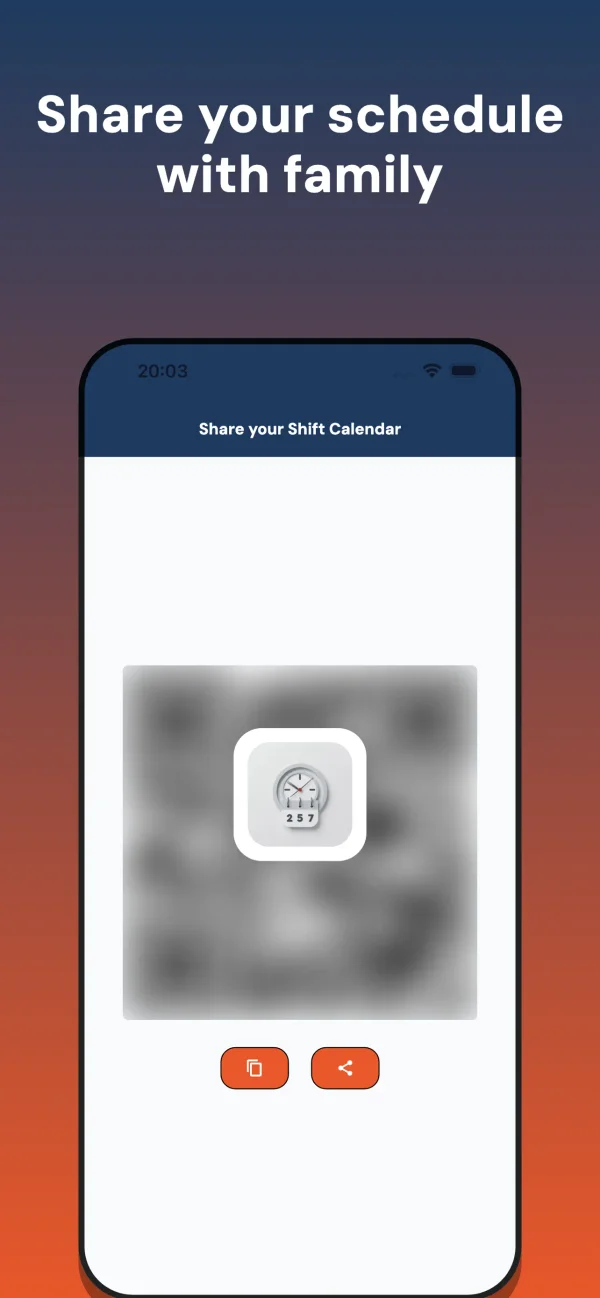
Share with family — let your partner or family follow your schedule with a read-only view, shared in seconds with a QR code.
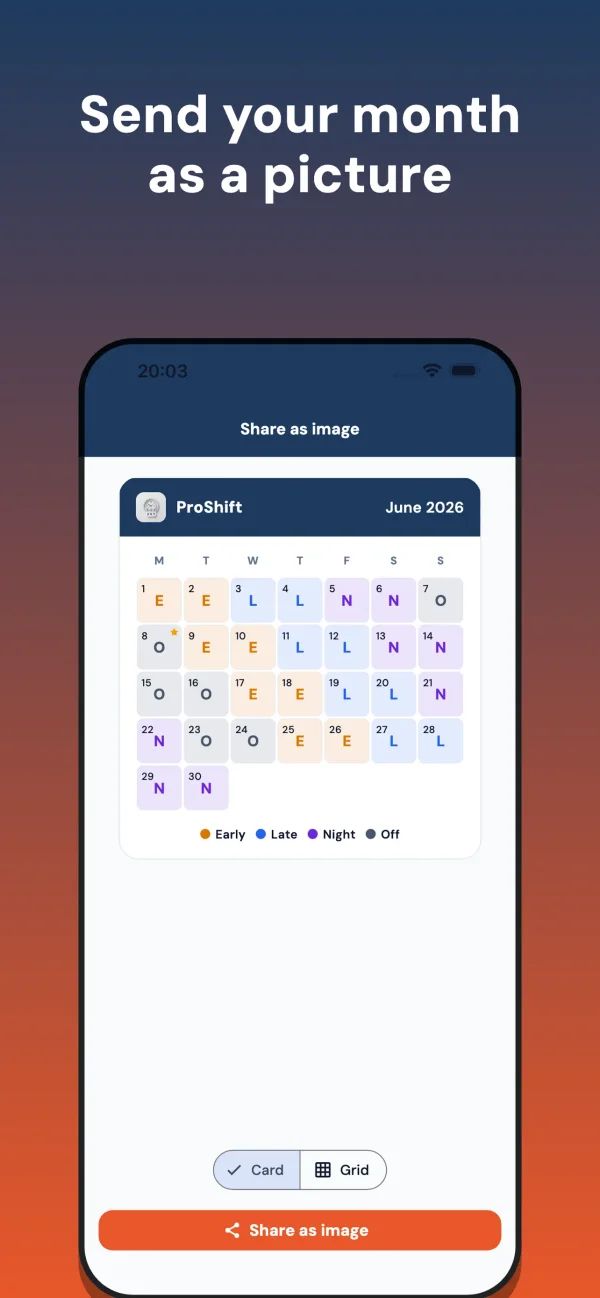
Share as a picture — send your month as an image to anyone — even people who don't use ProShift.
Public holidays — see official holidays for your country right on the calendar.
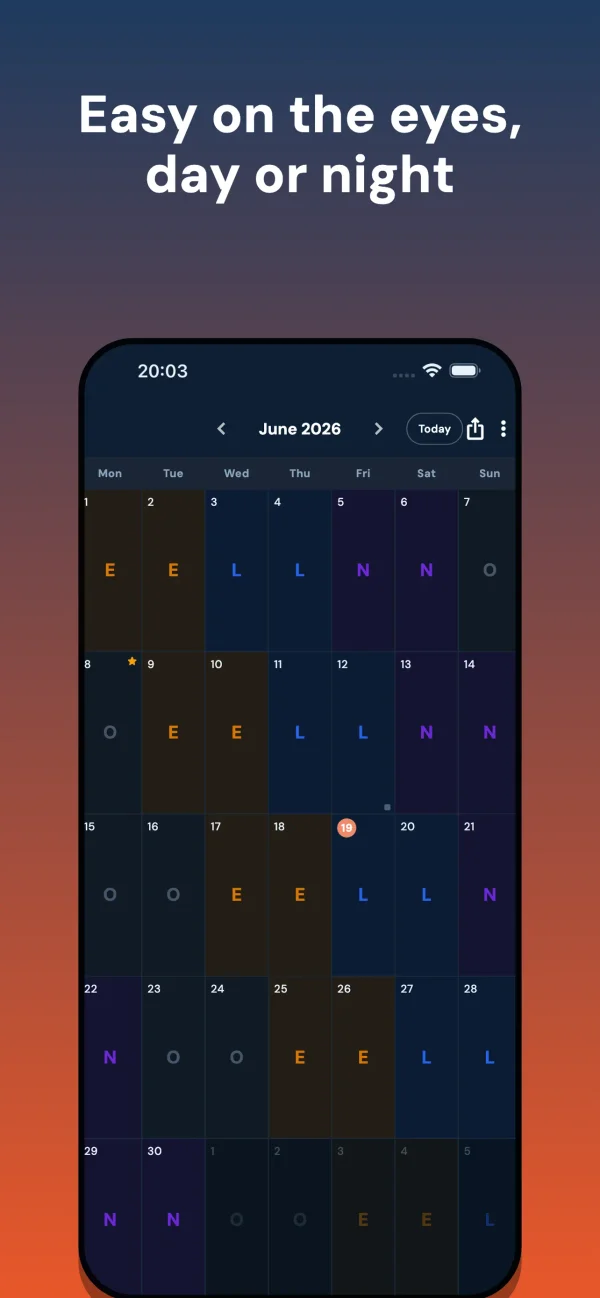
Light & dark mode — comfortable to check day or night.
Talk to the developer — send feedback or report a bug from inside the app and read the developer's reply right there.
Works in 7 languages — English, German, Spanish, Russian, Japanese, Chinese and Korean.
HOW IT WORKS
1. Build your pattern and pick a start date.
2. ProShift projects it across the whole calendar.
3. Tap any day to see the shift, add a note, or override just that day.
4. Swipe up and down to move between months.
Your schedule stays in sync, and sharing is always read-only — the people you share with can see your shifts but can't change them.
ProShift is free to use, supported by ads. Plan your roster, stop guessing, and always know when you're working.
Nouveautés
Version 1.5.0 · 11/11/2026
Share your schedule as a picture.
• Share your month as an image (card or grid) — send it via WhatsApp, Messages or email
• Send feedback or report a bug from the menu and read the developer's reply in the app
• Your shift pattern from setup is now used right away
• Every screen now fully translated in all 7 languages
• Clearer, easier-to-read buttons, especially in dark mode
• Various fixes and improvements
Confidentialité de l’application
Ce que Viktor Leongard déclare sur l’App Store au sujet du traitement des données par cette application.
-
Données non collectées
Le développeur ne collecte aucune donnée à partir de cette application.
Les pratiques en matière de confidentialité peuvent varier, notamment en fonction des fonctionnalités que vous utilisez ou de votre âge.
Informations
- Vendeur
- Viktor Leongard
- Catégorie
- Utilitaires
- Version
- 1.5.0
- Mis à jour
- 11/11/2026
- Publié
- 21/11/2025
- Taille
- 103,7 Mo
- Nécessite
- iOS 15.6 ou version ultérieure
- Classification d’âge
- 12+
- Prix
- Gratuit
- Langues
- Anglais
- Copyright
- © Viktor Leongard
Vous aimerez peut-être aussi
-
 Cal Shift - Calendrier TravailPlanning Rotations Travail
-
 The Next Shift WidgetUtilitaires
-
 Fullsite: Desktop BrowserUtilitaires
-
 nShiftsPlanificateur de services
-
 ELFIS24 WasserUtilitaires
-
 Shift Worker Calendar & AlarmUtilitaires
-
 NullVault: Secret Photo VaultUtilitaires
-
 Work Calendarcalendrier des quarts rotatifs
-
 HEMSlogicUtilitaires
-
 CalendarityCalendriers partagés en couple