- Classification d’âge4+
- CatégorieProductivité
- DéveloppeurUwe Kleinschmidt
- LanguesAnglais
- Taille133,3 Mo
ProViewIQ n’est peut-être pas disponible sur App Store pour le moment
La fiche de la boutique était inaccessible lors de notre dernière vérification. Le lien mène toujours à la page App Store officielle.
Captures d’écran
À propos
Le développeur n’a pas fourni ce texte dans votre langue.
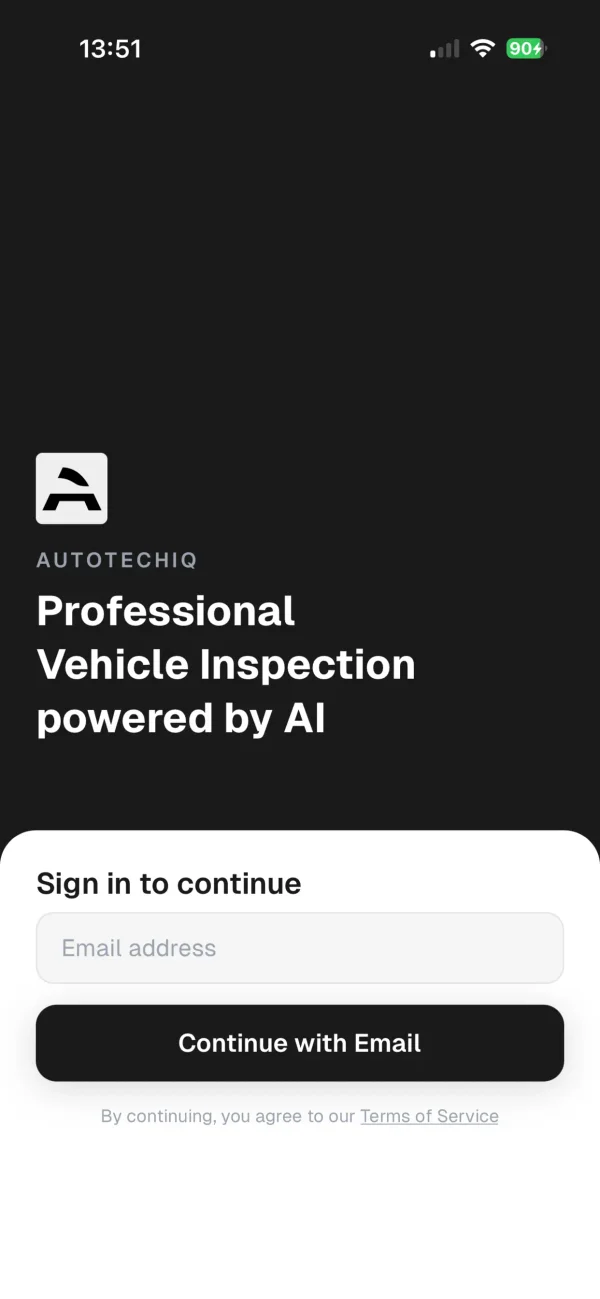
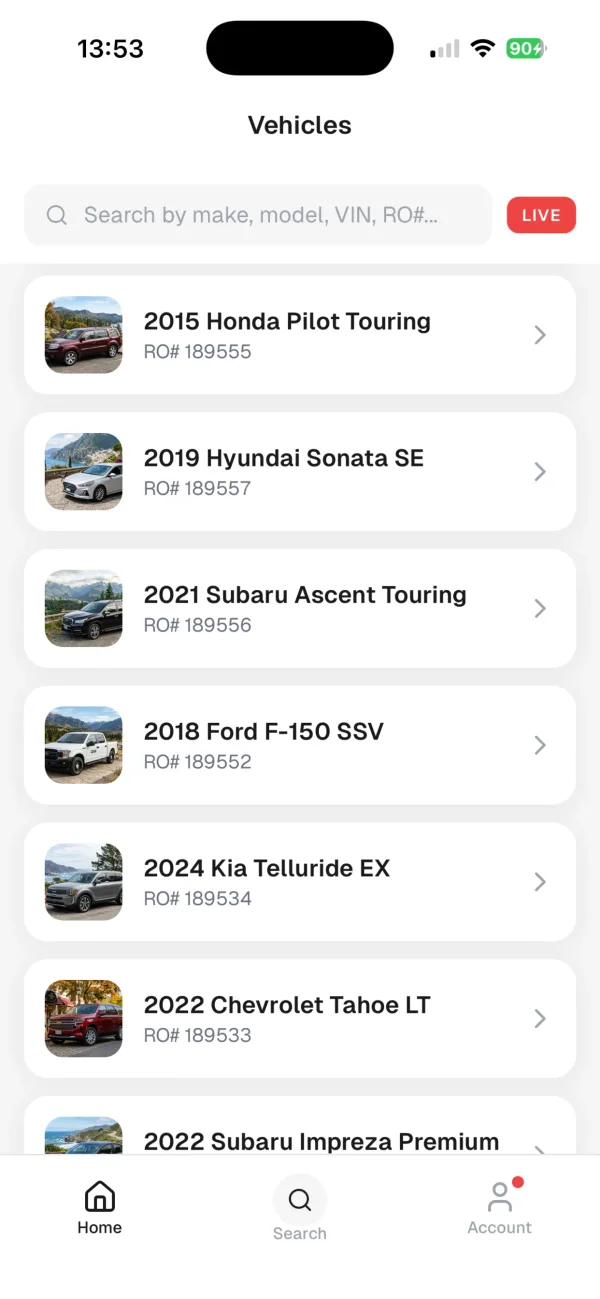
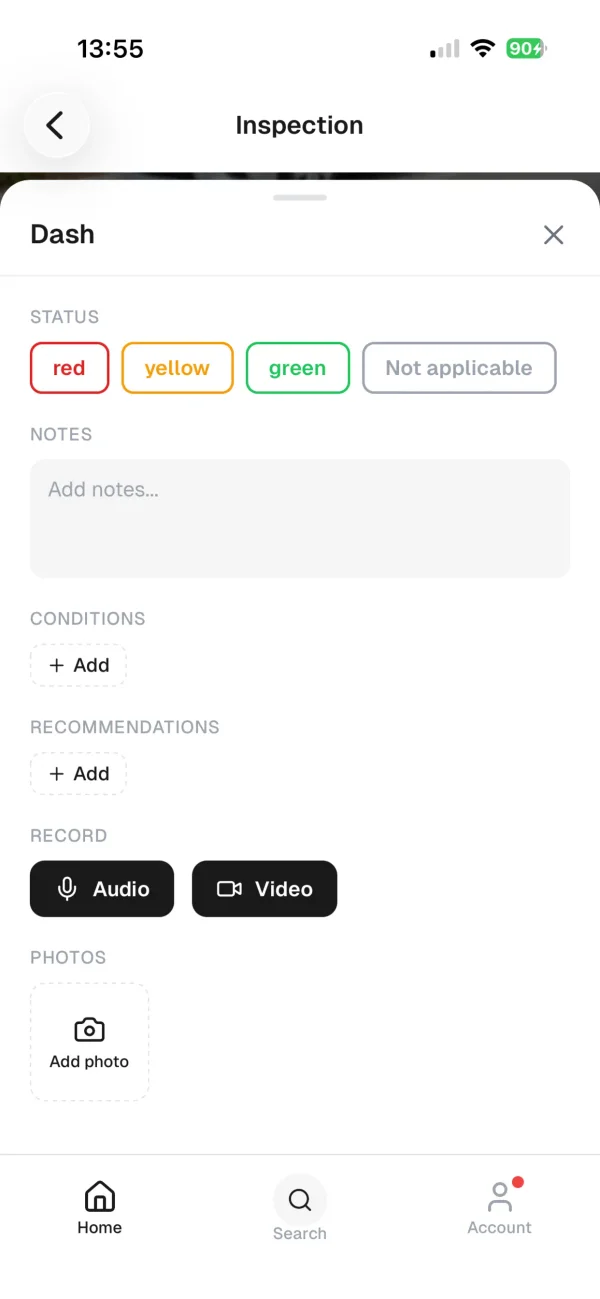
AutoTechIQ is a professional digital vehicle inspection (DVI) app built for automotive repair shops. Technicians can conduct thorough vehicle inspections with real-time audio and video recording, photo capture, and AI-powered analysis that automatically generates findings and recommendations.
- AI-Powered Inspections — Record walkthroughs and let AI analyze your findings, generate recommendations, and populate inspection topics automatically.
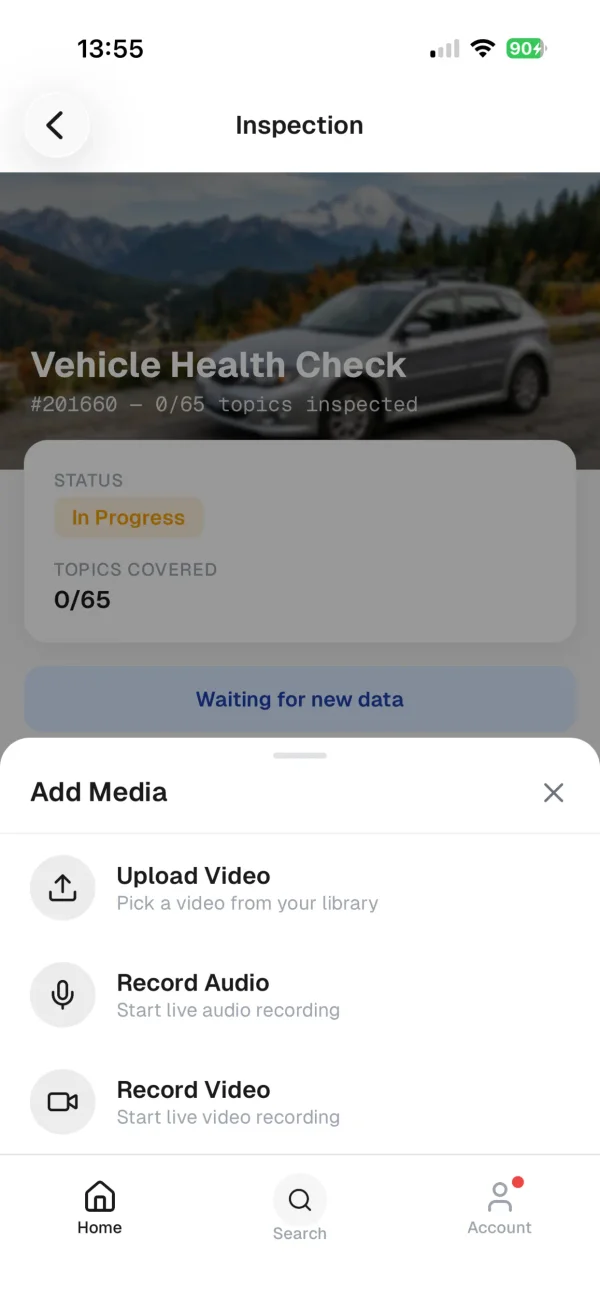
- Video & Audio Recording — Capture full HD video with speech-to-text transcription that matches spoken observations to inspection topics in real time.
- Photo Documentation — Take and attach photos to specific inspection topics for clear visual evidence.
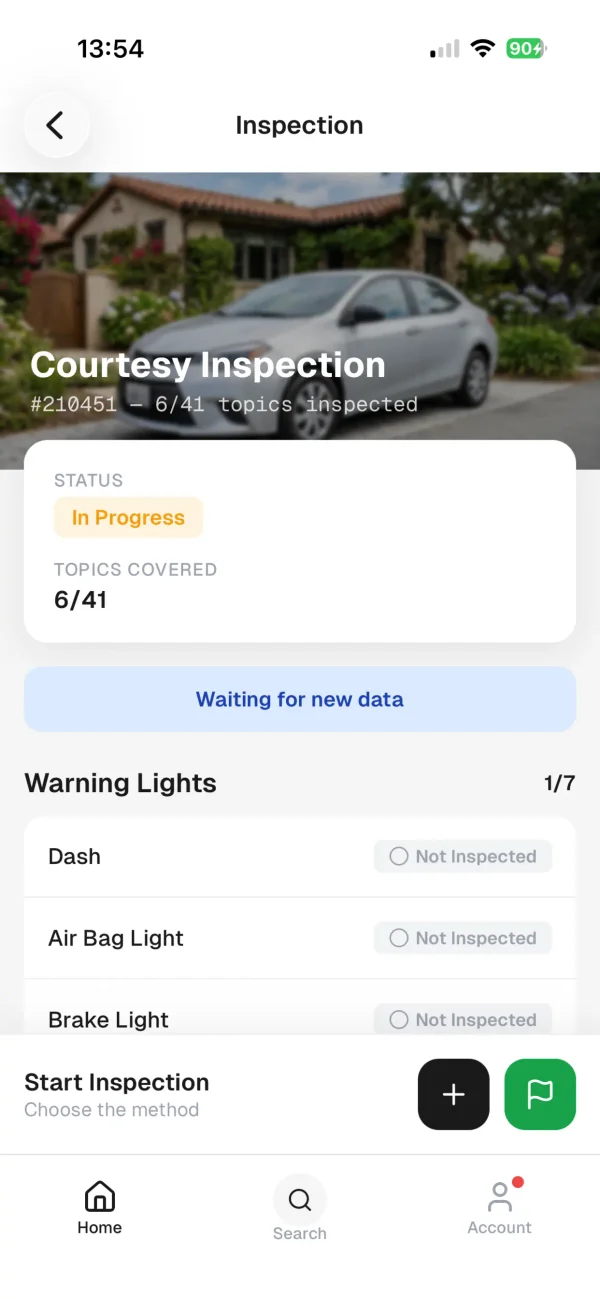
- Template-Based Workflow — Use configurable inspection templates covering all major vehicle systems, organized into sheets, sections, and topics.
- Status Tracking — Mark each topic as Good, Caution, or Immediate Attention with color-coded indicators.
- POS Integration — Syncs with your shop's point-of-sale system to pull repair orders and vehicle information.
- Offline Capable — Media is queued locally and uploaded automatically when connectivity is available, with crash recovery built in.
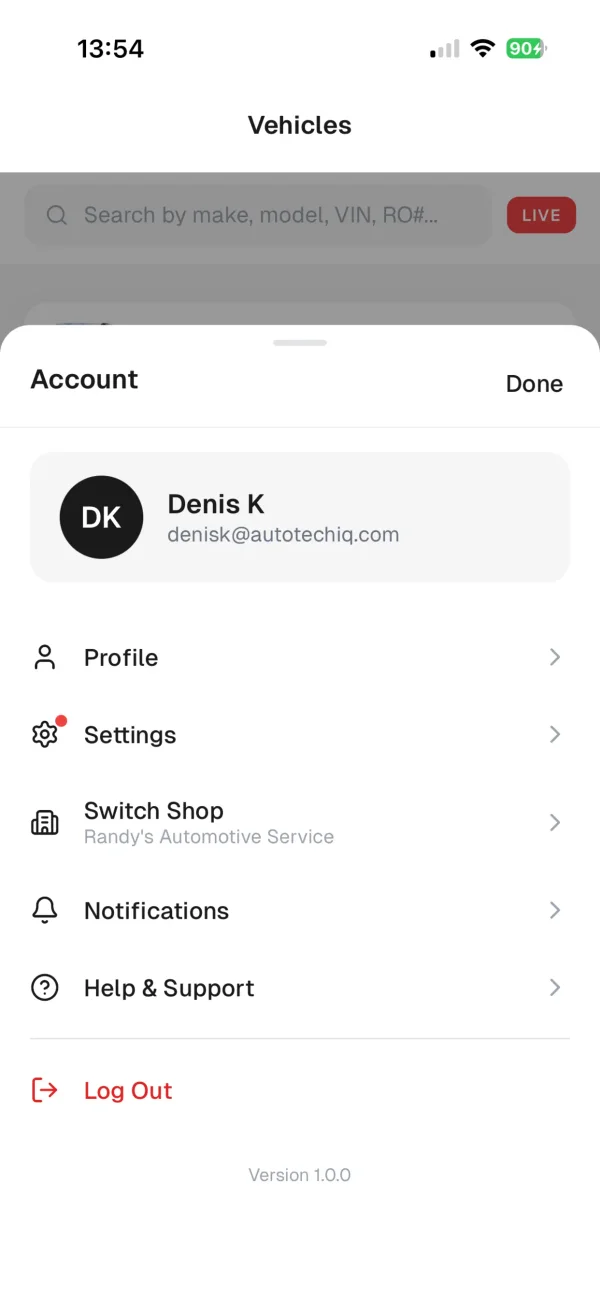
- Multi-Shop Support — Switch between shops seamlessly if you work at multiple locations.
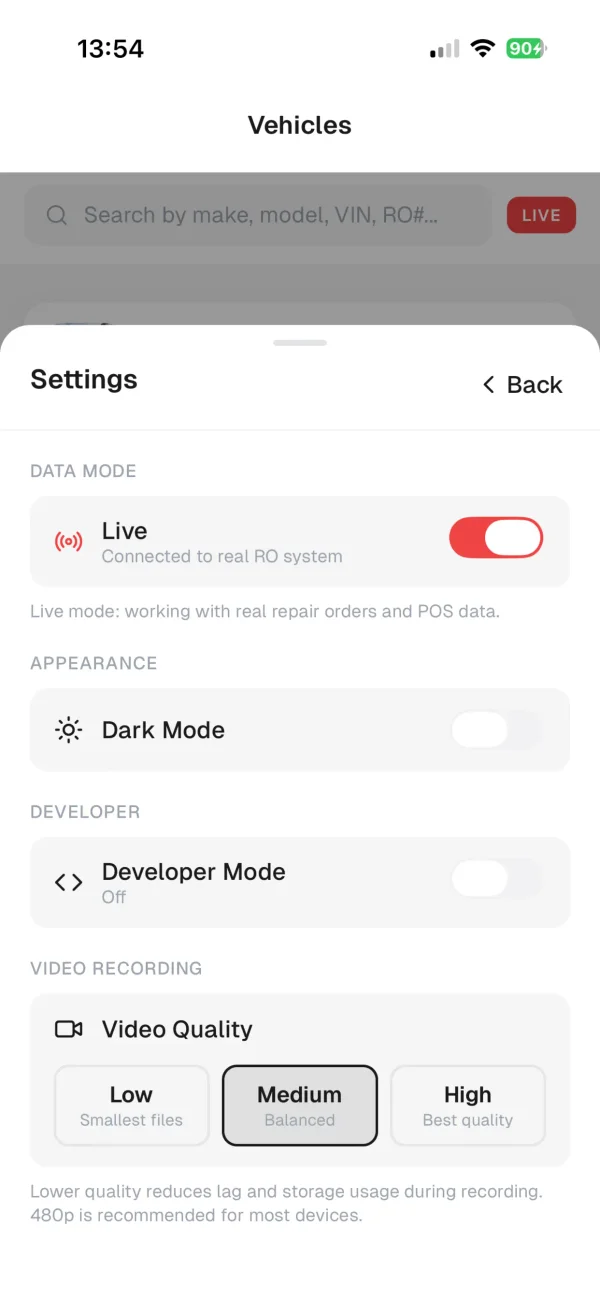
- Demo Mode — Train new technicians or demo the app with sample data before going live.
- Light & Dark Theme — Choose the appearance that works best for your environment.
AutoTechIQ helps technicians work faster, communicate findings clearly, and build customer trust through transparent, professional inspections.
Nouveautés
Version 2.4.9 · 17/11/2026
• Smart glasses: a short press of the glasses' right button takes a photo that lands on its inspection row within seconds.
• Smart glasses on older firmware now ask for an update when connected (about 20–25 minutes); after it, the photo button and uploads work reliably.
• If a glasses photo did not go through, the glasses now say so right away.
• Condition and recommendation lists that fail to load now show a Retry button instead of "No templates configured".
• At Protractor shops, the Complete button now follows the shop's point-of-sale system.
Confidentialité de l’application
Ce que Uwe Kleinschmidt déclare sur l’App Store au sujet du traitement des données par cette application.
-
Données non collectées
Le développeur ne collecte aucune donnée à partir de cette application.
Les pratiques en matière de confidentialité peuvent varier, notamment en fonction des fonctionnalités que vous utilisez ou de votre âge.
Informations
- Vendeur
- Uwe Kleinschmidt
- Catégorie
- Productivité
- Version
- 2.4.9
- Mis à jour
- 17/11/2026
- Publié
- 08/04/2026
- Taille
- 133,3 Mo
- Nécessite
- iOS 15.5 ou version ultérieure
- Classification d’âge
- 4+
- Langues
- Anglais
- Copyright
- © 2026 AutoTechIQ Inc.