
- Classification d’âge4+
- CatégoriePhoto et vidéo
- DéveloppeurMedical Informatics Engineering, Inc.
- LanguesAnglais
- Taille72,9 Mo
Pulse-Camera n’est peut-être pas disponible sur App Store pour le moment
La fiche de la boutique était inaccessible lors de notre dernière vérification. Le lien mène toujours à la page App Store officielle.
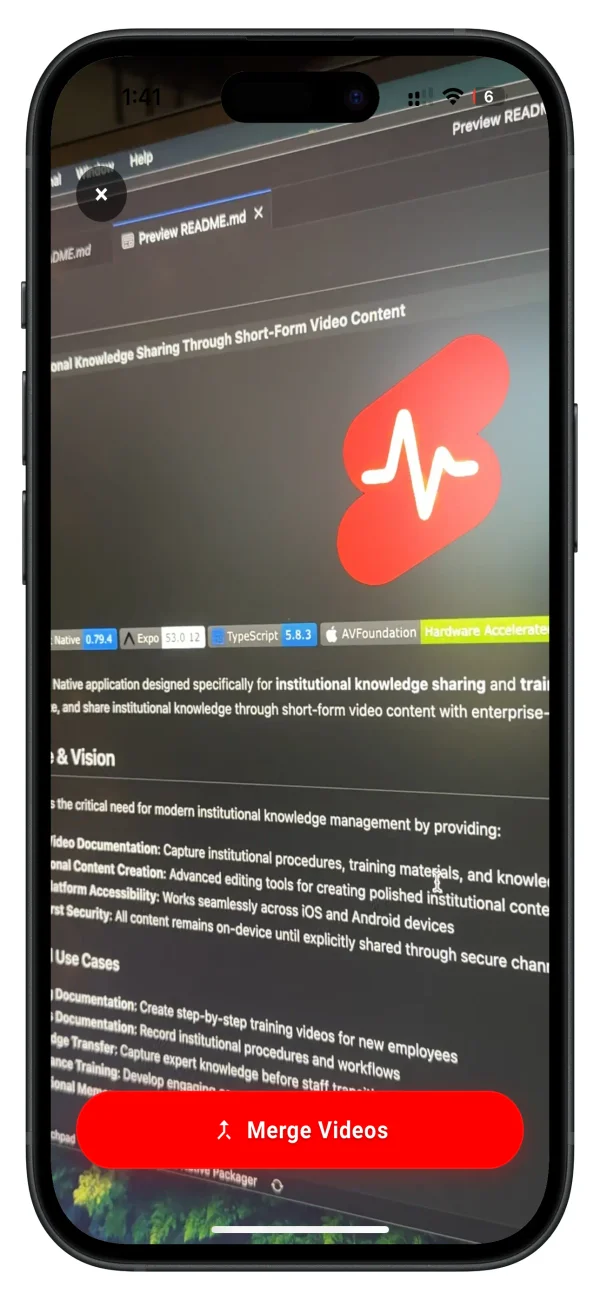
Captures d’écran
À propos
Le développeur n’a pas fourni ce texte dans votre langue.
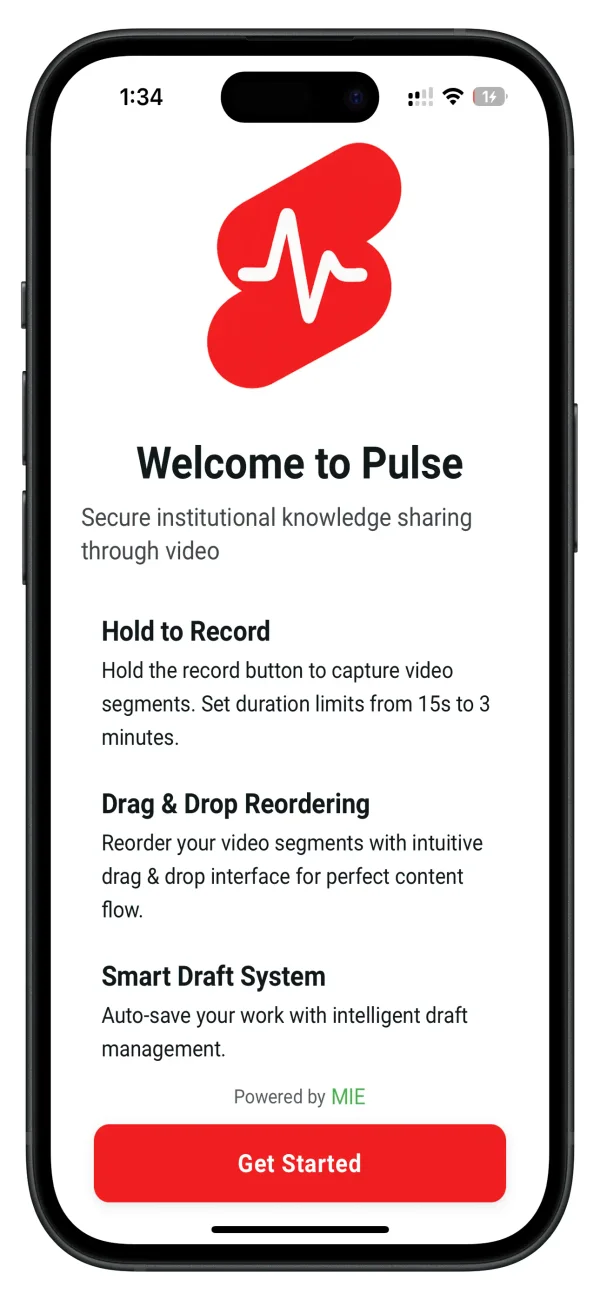
Record a quick walkthrough, caption it on your phone, and send it straight to your organization's own server. No accounts. No third-party cloud.
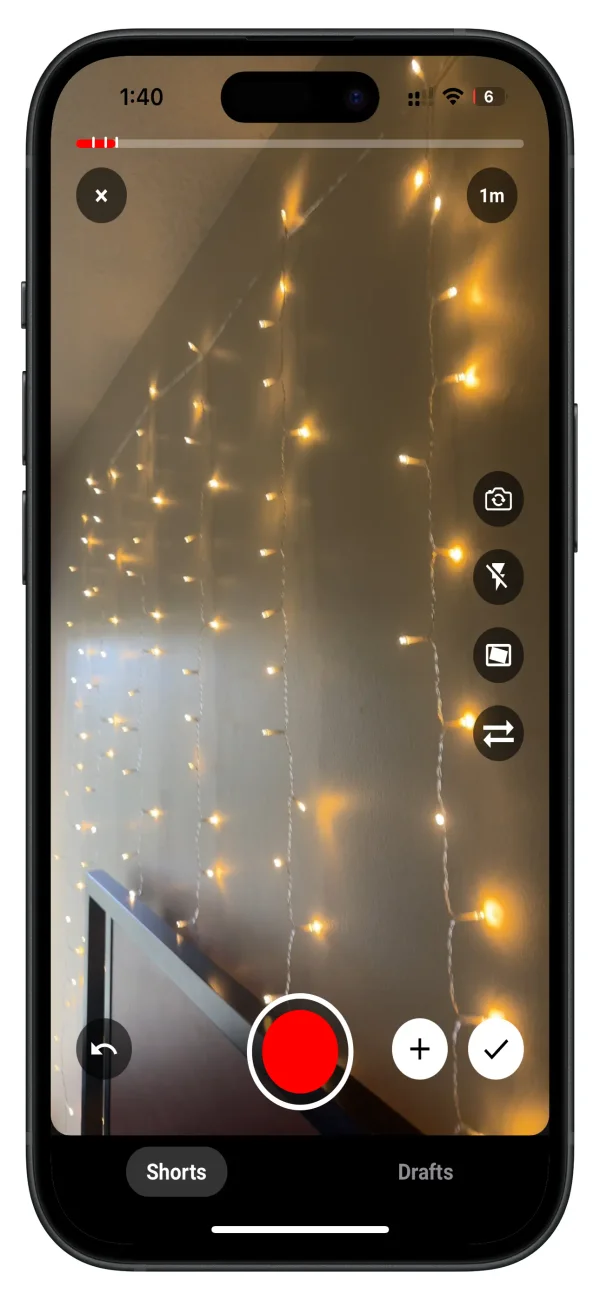
RECORD IN CLIPS
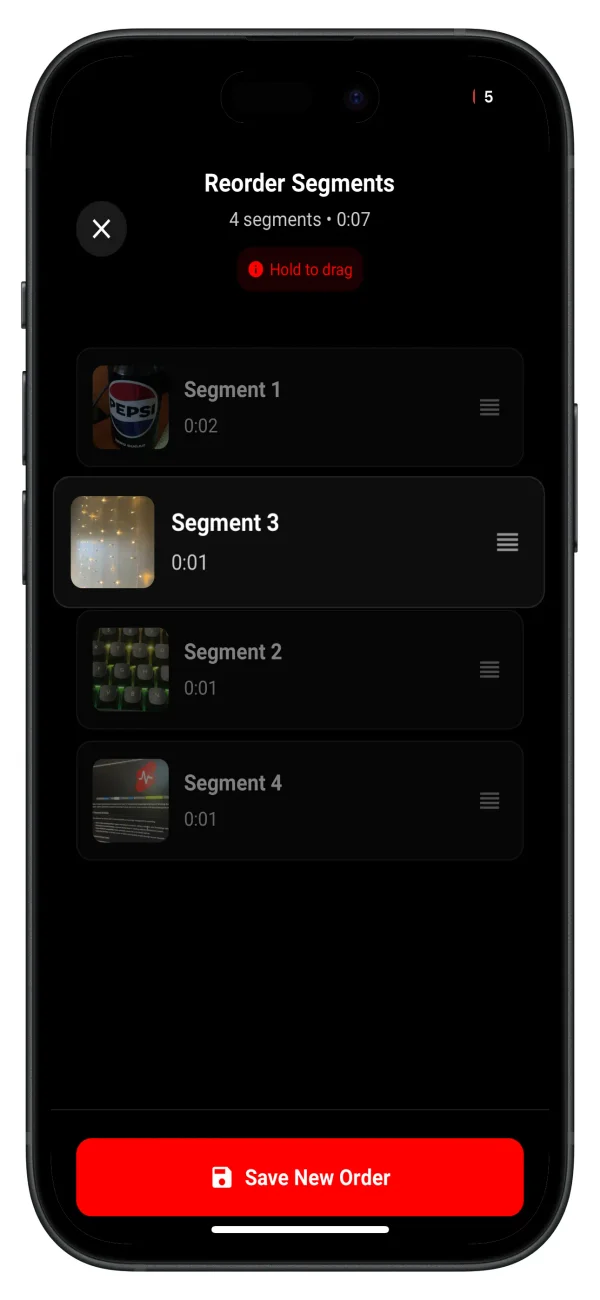
• Shoot short clips instead of one long take. Reorder them, or redo just the one you fumbled.
• Import videos from Photos. Pulse converts them to match your recordings.
• Stabilization built in, and phone calls never silently ruin a take.
EDIT WITHOUT LOSING QUALITY
• Trim, change speed, and reopen any clip to keep editing.
• Every edit works from the original and is applied once, when you export.
• Exports as full-quality portrait video (1080×1920).
CAPTIONS ON YOUR PHONE
• Captions are generated on the device. Your audio never leaves it.
• Fix any word in the caption editor.
SEND TO YOUR SERVER
• Scan your organization's QR code to connect. No sign-up.
• Video, captions and thumbnail arrive together, ready to attach to a ticket, a record or a page.
• Uploads retry on their own when the signal drops.
WORKS OFFLINE
• Record, edit and caption with no connection.
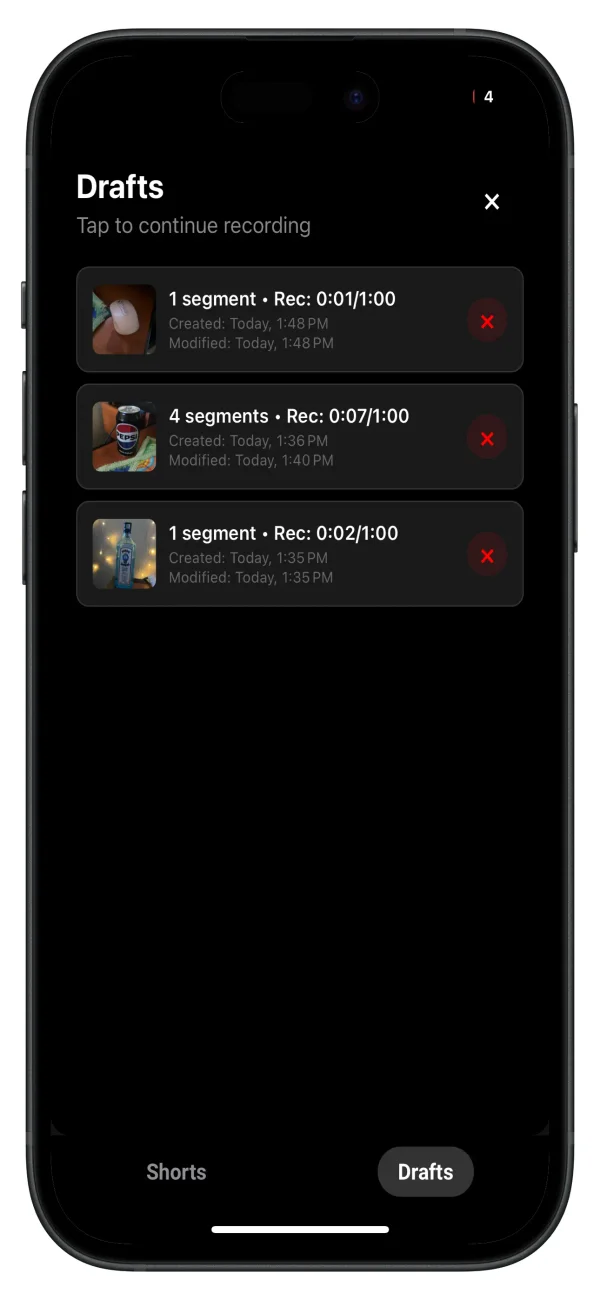
• Share drafts between devices as .pulse files.
Light, Dark or System appearance. An About page shows your version and server compatibility, with logs you can share when reporting a problem.
Your organization runs the server, so your videos stay on your infrastructure.
Nouveautés
Version 2.7.0 · 25/11/2026
• Record your screen as a clip: tap + in the recorder and choose Record screen. You can keep filming with the camera while it records
• Screen recordings keep both the app's sound and your voice
• Imported videos keep their full sound quality
• A link for a ticket or team update opens its own draft, already named, and offers the way back once the upload is done
• Report an issue from the About screen
• Bug fixes
Confidentialité de l’application
Ce que Medical Informatics Engineering, Inc. déclare sur l’App Store au sujet du traitement des données par cette application.
-
Données établissant un lien avec vous
Peuvent être collectées et liées à votre identité.
- Contenu utilisateur
- Identifiants
- Données d’utilisation
Les pratiques en matière de confidentialité peuvent varier, notamment en fonction des fonctionnalités que vous utilisez ou de votre âge.
Informations
- Vendeur
- Medical Informatics Engineering, Inc.
- Catégorie
- Photo et vidéo
- Version
- 2.7.0
- Mis à jour
- 25/11/2026
- Publié
- 27/10/2025
- Taille
- 72,9 Mo
- Nécessite
- iOS 16.4 ou version ultérieure
- Classification d’âge
- 4+
- Langues
- Anglais
- Copyright
- © 2025 Medical Informatics Engineering, Inc.
Vous aimerez peut-être aussi
-
 GridMakr: Carousel & CollagePhoto et vidéo
-
 Video Framer - Add BordersPhoto et vidéo
-
 AiCutO Editor – Reverse VideoPhoto et vidéo
-
 CREACE Video AppPhoto et vidéo
-
 Editioz: Éditeur vidéoCréez des vidéos hors ligne
-
 VidCompress - Video CompressorPhoto et vidéo
-
 Instant Replay Camera RecorderPhoto et vidéo
-
 Ninja : Compresseur vidéoCompresser, réduire la taille
-
 Video Saver - PlayerPhoto et vidéo
-
 All Video Saver - VidPlayerPhoto et vidéo