
- Classification d’âge4+
- CatégorieÉconomie et entreprise
- DéveloppeurVSID REGTECH GROUP LIMITED
- LanguesAnglais
- Taille20,6 Mo
Renvoie vers la page App Store officielle
Download.org n’héberge aucun fichier de QES ID. Le bouton ouvre la page de l’application sur App Store, où VSID REGTECH GROUP LIMITED la publie. Fiche vérifiée pour la dernière fois le 12/11/2026.
Captures d’écran

À propos
Le développeur n’a pas fourni ce texte dans votre langue.
QES ID-Validate app allows you to prove your identity online if requested by a professional legal, financial, HR or Local Authority organisation as part of their due diligence process. You should only use this app if you have been asked to complete a QES ID Validate check by a professional organisation that you know and trust.
This app uses NFC chip present technology to verify biometric face data to an identity document. In order to use this app, you will need a valid token from a fully authorised professional organisation and an NFC compatible mobile device.
For further information on how biometric face data may be used and stored, please refer to our Privacy Policy.
Who can use the app:
Any individuals who hold an up to date and legally valid government issued biometric passport (ePassport)which contains an electronic chip that can be read by a mobile device with Near Field Communications (NFC).
Before you start:
Always follow the instructions and steps requested by the professional organisation before downloading and using the app and please ensure sure that you have your ePassport ready before you start.
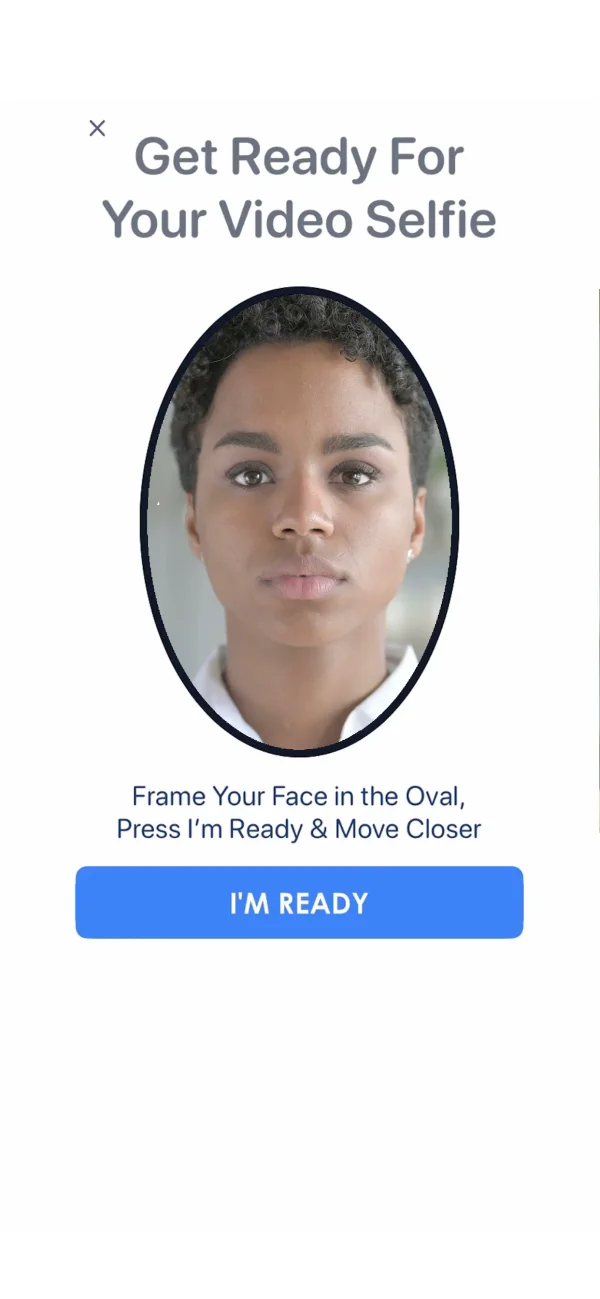
Your mobile phone camera will be needed to take a quality photographic image of yourself and a snapshot of your ePassport photo ID page with Machine Readable Zone (MRZ). For best results, carry out the process in a well-lit area, but do avoid intense light to reduce glare or light saturation.
How it works:
In order to complete the QES ID-Validate process, you will need to :-
1. Activate your camera when instructed.
2. Follow the on-screen instructions.
3. Look at the camera and take a photo of yourself.
4. Take a photo of your ePassport photo ID page.
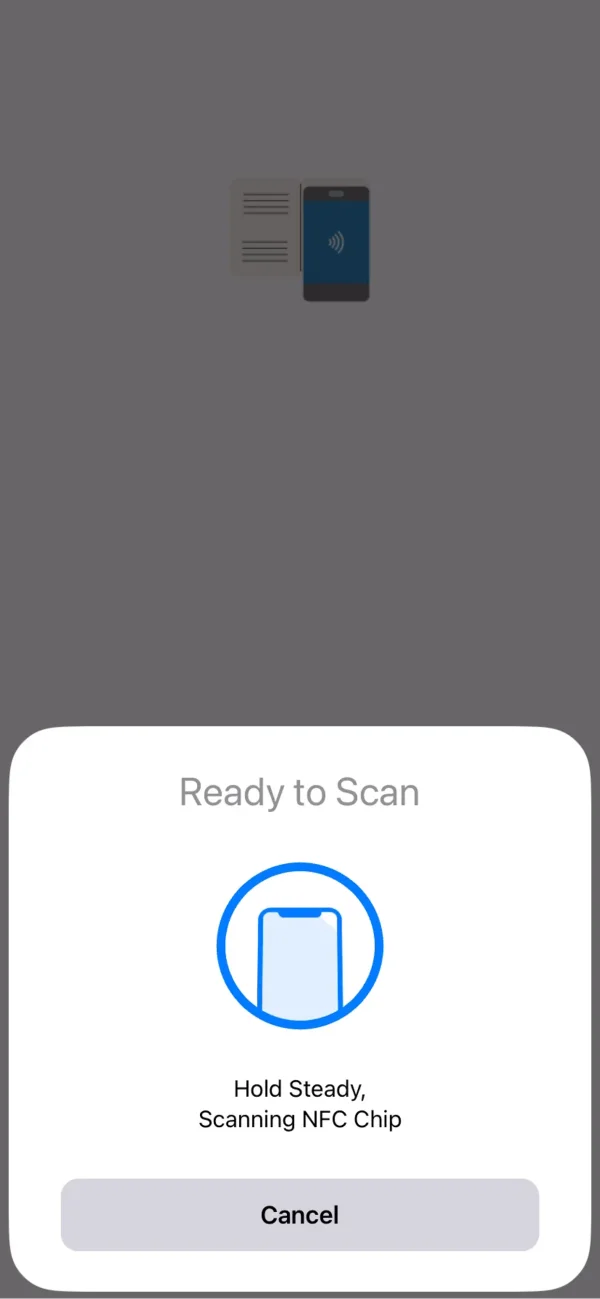
5. Hold your phone against the back of ePassport to read the chip.
What happens when completed:
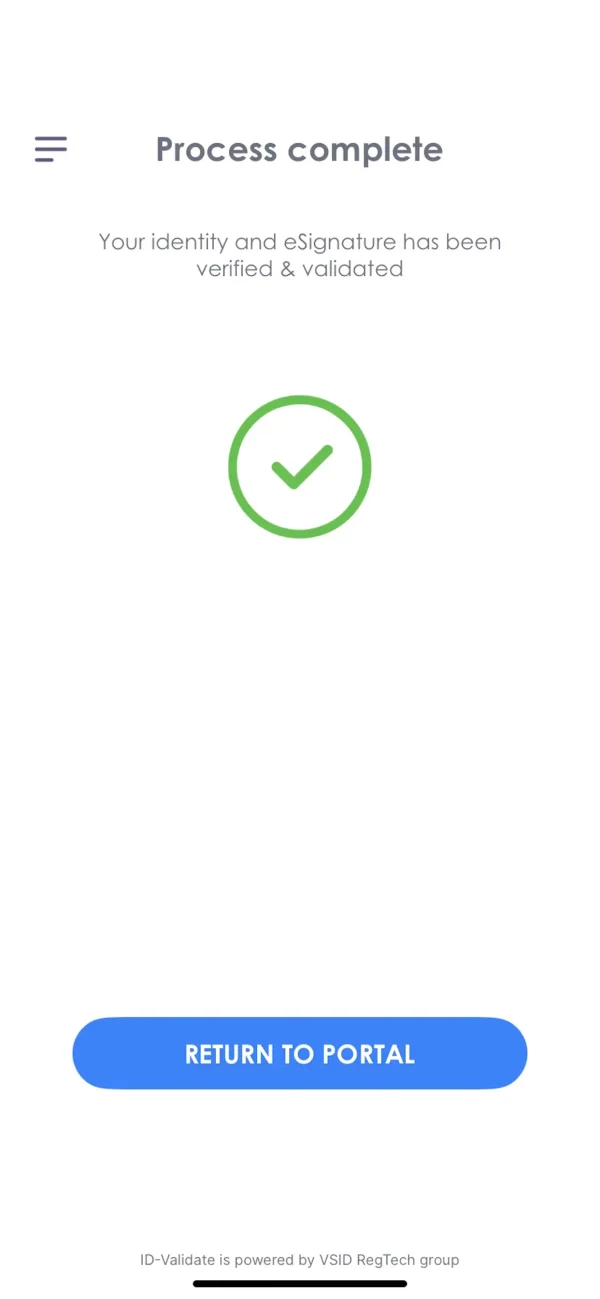
Once completed, the app will automatically confirm the result to the professional organisation, and you will receive an email or text notification from them confirming this and what to do next. You may also delete the app from your phone at any time.
Privacy and Security:
The app is secure and your personal information will not be stored in it or on your phone. For information on staying safe online, please visit your National or UK Cyber Aware website.
Nouveautés
Version 1.2.7 · 10/08/2026
SDK Updates
Confidentialité de l’application
Ce que VSID REGTECH GROUP LIMITED déclare sur l’App Store au sujet du traitement des données par cette application.
-
Données non collectées
Le développeur ne collecte aucune donnée à partir de cette application.
Les pratiques en matière de confidentialité peuvent varier, notamment en fonction des fonctionnalités que vous utilisez ou de votre âge.
Informations
- Vendeur
- VSID REGTECH GROUP LIMITED
- Catégorie
- Économie et entreprise
- Version
- 1.2.7
- Mis à jour
- 10/08/2026
- Publié
- 24/10/2022
- Taille
- 20,6 Mo
- Nécessite
- iOS 15.0 ou version ultérieure
- Classification d’âge
- 4+
- Prix
- Gratuit
- Langues
- Anglais
- Copyright
- © VirtualSignature-ID
Vous aimerez peut-être aussi
-
 VyceProductivité
-
 Robertsons SolicitorsÉconomie et entreprise
-
 ValidIDÉconomie et entreprise
-
 StrikeMobileÉconomie et entreprise
-
 IDWise VerifyÉconomie et entreprise
-
 DPDiscoverMoreÉconomie et entreprise
-
 Best Practice ShowProductivité
-
 Lee Marley GroupÉconomie et entreprise
-
 OfficeRnD WorkplaceProductivité
-
 BoxlyÉconomie et entreprise