
- Classification d’âge12+
- CatégorieRéseaux sociaux
- DéveloppeurIcecandy
- LanguesAnglais
- Taille43,2 Mo
Renvoie vers la page App Store officielle
Download.org n’héberge aucun fichier de Quacka. Le bouton ouvre la page de l’application sur App Store, où Icecandy la publie. Fiche vérifiée pour la dernière fois le 21/11/2026.
Captures d’écran


À propos
Le développeur n’a pas fourni ce texte dans votre langue.
Fed up with social media?
Want to publish on the internet to a set of friends, family or colleagues with no advertising, spam or unwanted filtering, ordering, connections or requests?
Want to keep your data private and not have it sold to any third-parties under your nose?
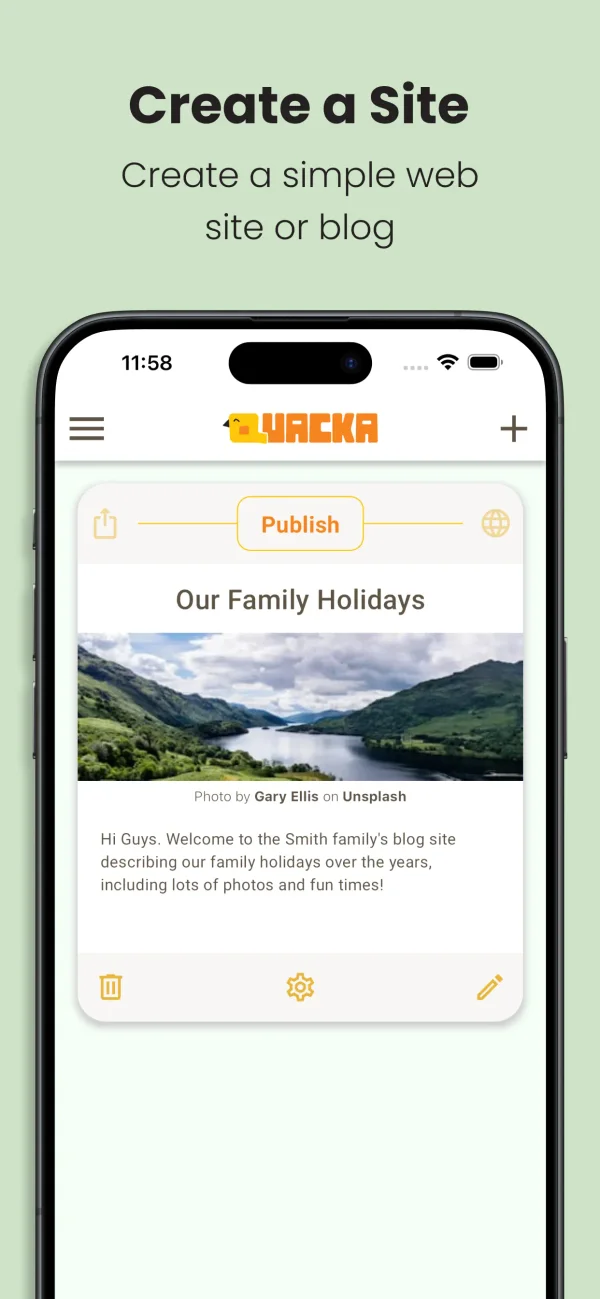
Quacka is an app that allows you to create a simple free web site or blog. All editing is done in the app and after you have finished you can publish to a web site - which can be viewed on any device - at the url https://your-site-name.quacka.blog.
Start by creating your site with: a mandatory site name (to be used in the url) and optional title, header image and introduction.
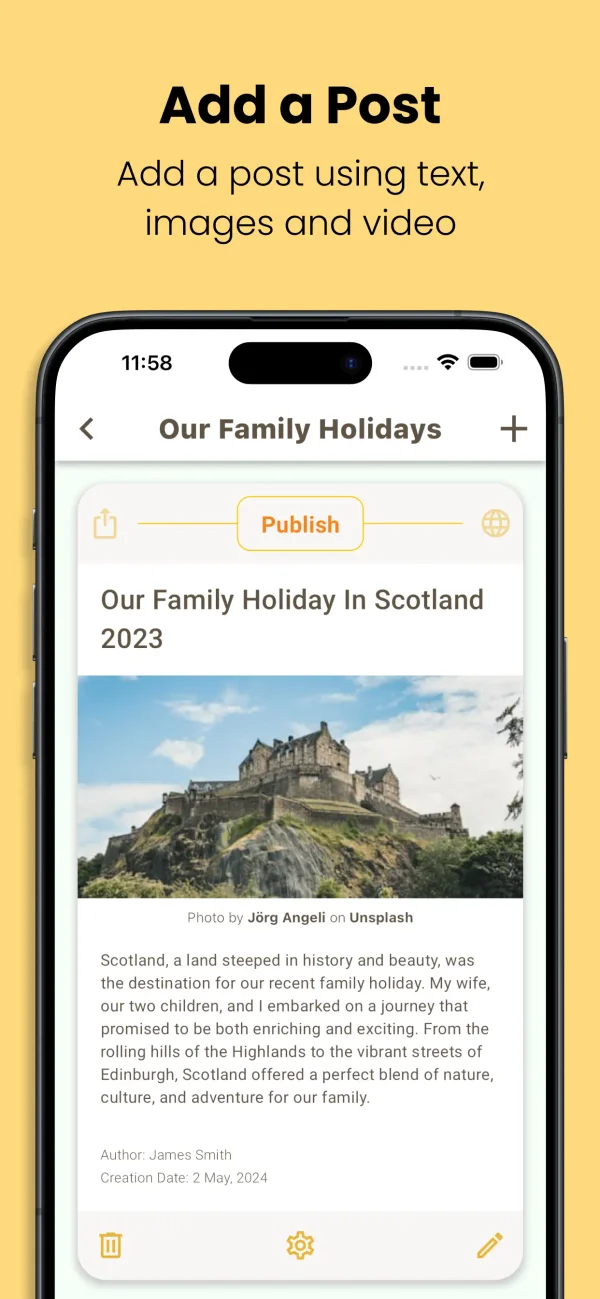
Then add as many posts as you like: each with its own optional title, post image, post introduction and author.
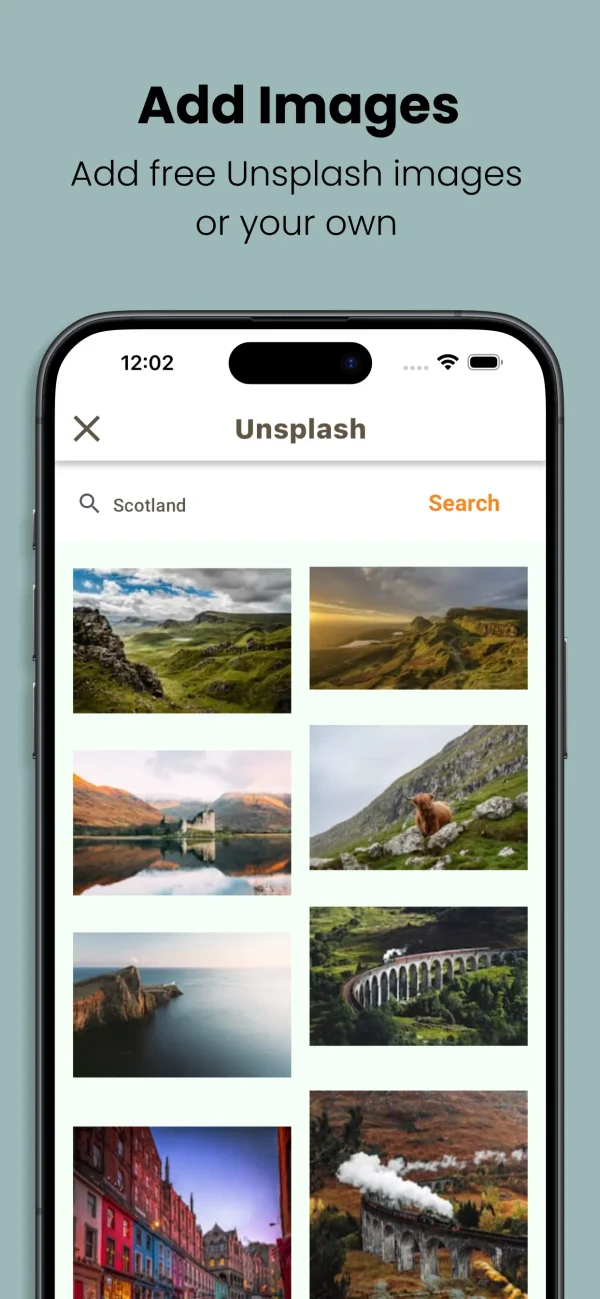
Edit your post using text, images or video. Text can be styled for emphasis, alignment and size - and copied and pasted from outside the app. You can also add a URL link to any selected text. For images you can: select an image from your own photo library; take a fresh picture with your camera; or use any image from the free photo library Unsplash (built into the app). Video links can be embedded from YouTube, Vimeo or a custom URL.
You can edit offline or online, undo or redo whilst editing and preview the content at any time.
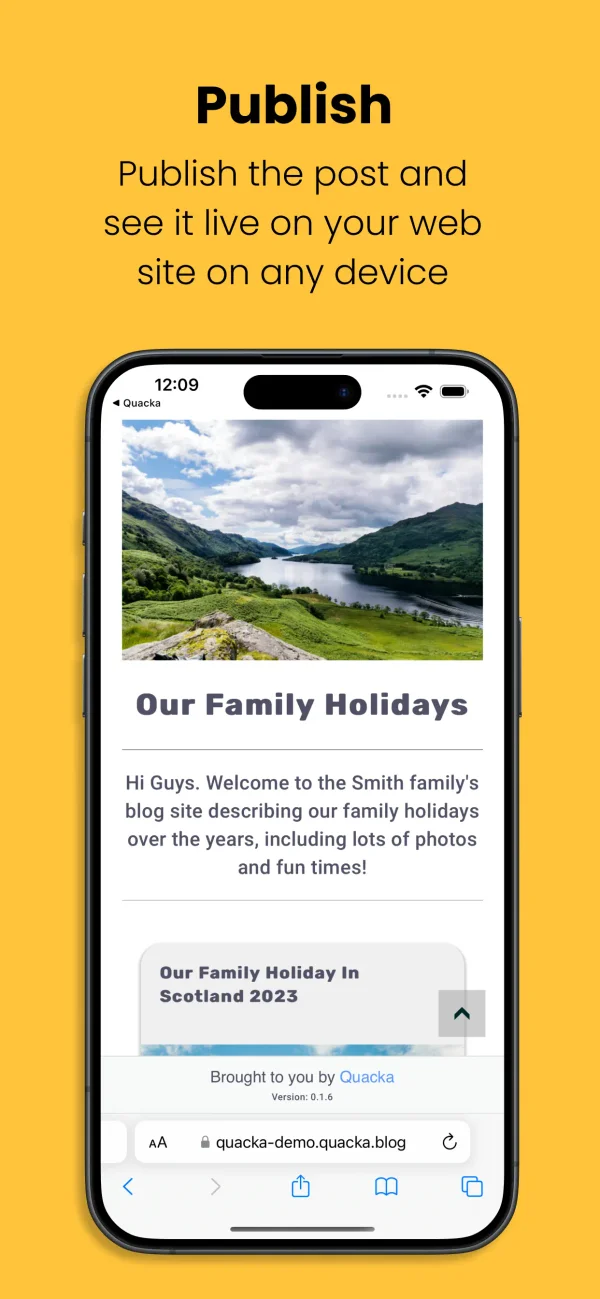
When you are finished select "Publish" and your site or post will appear at your chosen URL. Unhappy about anything, re-edit or change the site or post details at any time. And if you want to hide the site or post at any time in the future then just select "Unpublish".
After publishing you can check the site directly from the app site link and then share it with friends, family or colleagues by sending a link in an email, chat or social media post.
Nouveautés
Version 0.4.1 · 31/01/2026
- Fix for YouTube broken video embedding
- Fix for deleting or replacing videos
- Better support for embedding various YouTube/Vimeo links
- Better support for changing account email or password
- Numerous other fixes and improvements
Confidentialité de l’application
Ce que Icecandy déclare sur l’App Store au sujet du traitement des données par cette application.
-
Données établissant un lien avec vous
Peuvent être collectées et liées à votre identité.
- Coordonnées
- Contenu utilisateur
- Identifiants
Les pratiques en matière de confidentialité peuvent varier, notamment en fonction des fonctionnalités que vous utilisez ou de votre âge.
Informations
- Vendeur
- Icecandy Entertainment Ltd
- Catégorie
- Réseaux sociaux
- Version
- 0.4.1
- Mis à jour
- 31/01/2026
- Publié
- 28/02/2025
- Taille
- 43,2 Mo
- Nécessite
- iOS 13.0 ou version ultérieure
- Classification d’âge
- 12+
- Prix
- Gratuit
- Langues
- Anglais
- Copyright
- © 2020-2026 Icecandy Entertainment Ltd. All Rights Reserved.
Vous aimerez peut-être aussi
-
 Tale - Write Stories, TogetherRéseaux sociaux
-
 Clarity - Get Honest AdviceRéseaux sociaux
-
 CoffeeSpace: Connect & BuildRéseaux sociaux
-
 Superfy: Find Your PeopleRéseaux sociaux
-
 Faxo: L’app tout-en-un PlusVidéo, social, achat & tchat
-
 Unspace: ton monde, tes règlesExprime-toi, personnalise
-
 Twiq - Chat socialRencontre de nouveaux amis
-
 Emoji Me Sticker MakerRéseaux sociaux
-
 Huddle community & e-learningRéseaux sociaux
-
 Match Dating App: Chat & MeetRéseaux sociaux