
QuickNotion
Capture notes to Notion fast
Conçue pour iPhone, iPod touch
Achats intégrés
- Classification d’âge4+
- CatégorieProductivité
- Développeursanghwa park
- LanguesAnglais
- Taille26,7 Mo
QuickNotion n’est peut-être pas disponible sur App Store pour le moment
La fiche de la boutique était inaccessible lors de notre dernière vérification. Le lien mène toujours à la page App Store officielle.
Captures d’écran


À propos
Le développeur n’a pas fourni ce texte dans votre langue.
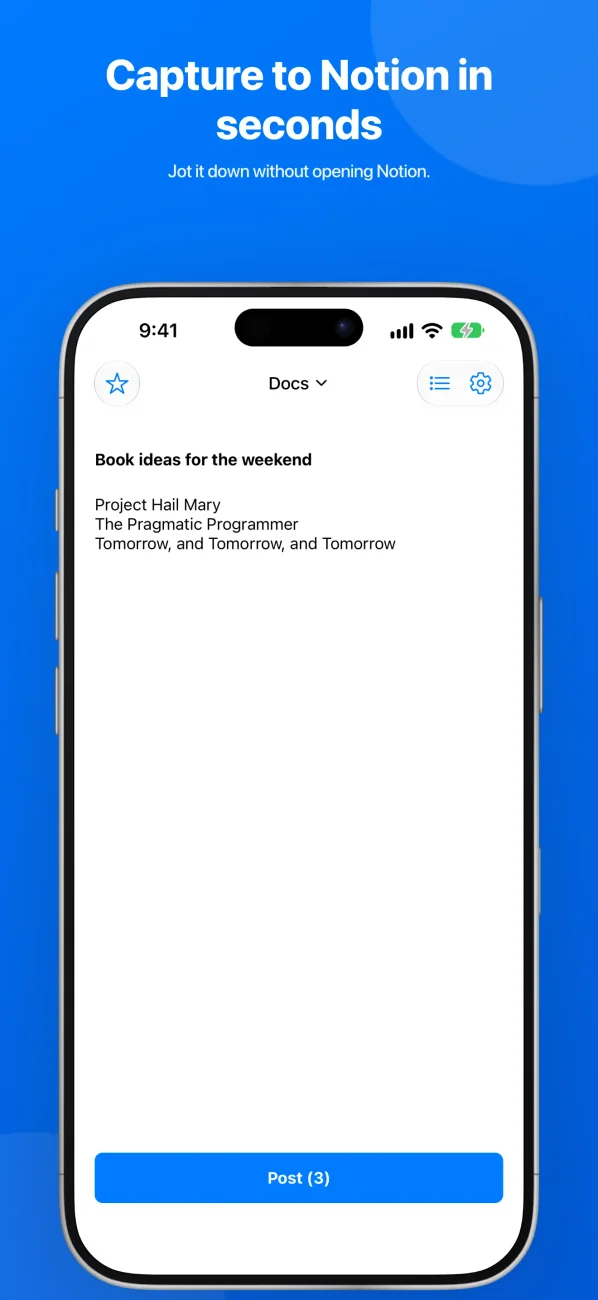
QuickNotion helps you capture ideas, notes, and tasks directly in your Notion databases.
CONNECT AND CAPTURE
Connect your Notion workspace, choose an authorized database, and write a title and note without opening the full Notion app.
ORGANIZE YOUR NOTES
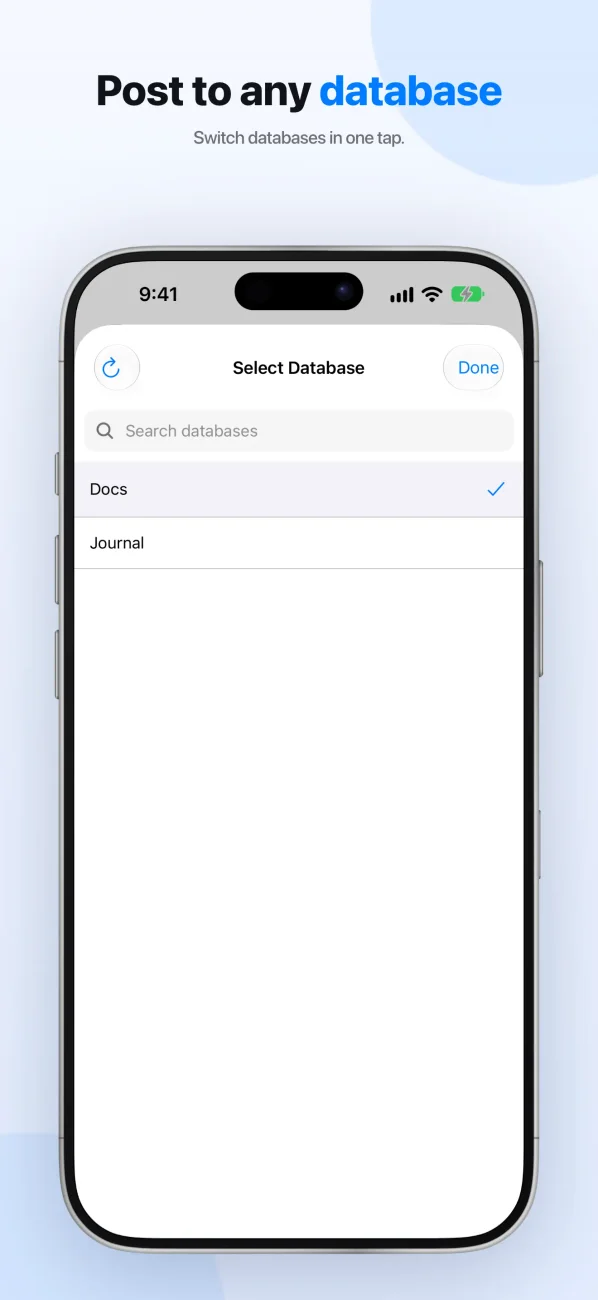
Switch between databases and fill in supported text, tag, and date properties. Use Markdown for headings and lists, and save reusable templates for recurring entries.
MADE FOR EVERYDAY USE
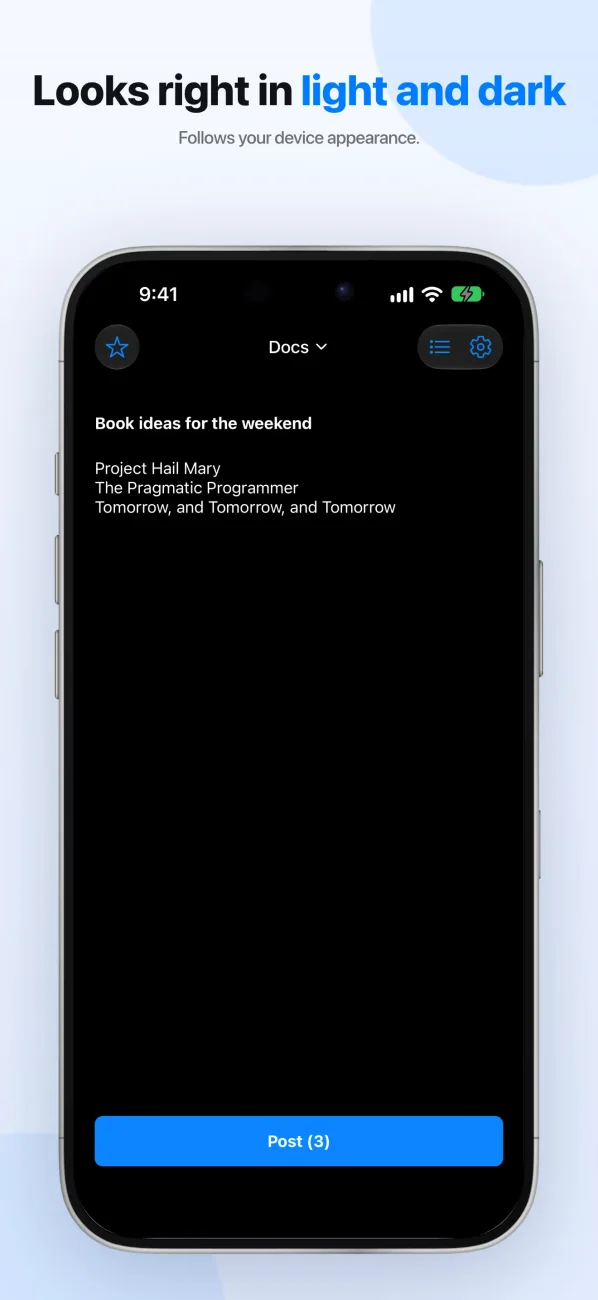
Choose the database and properties that fit your workflow. QuickNotion follows your device's light or dark appearance.
FREE AND PRO
The free plan includes 3 posts per 24-hour allowance period, starting when the first successful post is reported. Pro offers unlimited posts through an optional auto-renewable monthly subscription. Your local price is shown in the app before purchase.
A Notion account, an internet connection, and access to a Notion database are required. QuickNotion is an independent app and is not affiliated with Notion.
SUBSCRIPTION INFORMATION
Payment is charged to your Apple Account when you confirm a purchase. Your subscription renews automatically unless canceled at least 24 hours before the current period ends. Your account is charged for renewal within 24 hours before that period ends. Manage or cancel your subscription in your App Store account settings. Restore Purchases is available in the app.
Privacy Policy: https://ugabiga.notion.site/Privacy-And-Policy-14a16c2101d080db9bb6fca2de7f7bf9
Terms of Use (EULA): https://www.apple.com/legal/internet-services/itunes/dev/stdeula/
Support: vultor.xyz@gmail.com
Nouveautés
Version 1.0.5 · 07/11/2026
Fixes note text disappearing when you switch between light and dark mode.
Confidentialité de l’application
Ce que sanghwa park déclare sur l’App Store au sujet du traitement des données par cette application.
-
Données établissant un lien avec vous
Peuvent être collectées et liées à votre identité.
- Contenu utilisateur
- Identifiants
-
Données n’établissant aucun lien avec vous
Peuvent être collectées, mais ne sont pas liées à votre identité.
- Achats
- Emplacement
- Identifiants
- Données d’utilisation
- Diagnostic
Les pratiques en matière de confidentialité peuvent varier, notamment en fonction des fonctionnalités que vous utilisez ou de votre âge.
Informations
- Vendeur
- sanghwa park
- Catégorie
- Productivité
- Version
- 1.0.5
- Mis à jour
- 07/11/2026
- Publié
- 09/12/2024
- Taille
- 26,7 Mo
- Nécessite
- iOS 15.0 ou version ultérieure
- Classification d’âge
- 4+
- Achats intégrés
- Oui
- Langues
- Anglais
- Copyright
- © 2024 Vultor Inc.
Vous aimerez peut-être aussi
-
 Lite NotionProductivité
-
 Remindion: AI Life ManagerProductivité
-
 Port - All tasks in One PlaceProductivité
-
 FlashNotion - Fast EntryProductivité
-
 Swift Note Lite for NotionProductivité
-
 NoteChat: Analytics for NotionProductivité
-
 Tanzaku Todo for NotionProductivité
-
 SimoToDo: Notion To-Do ListProductivité
-
 Actions rapides NotionWidgets et actions rapides
-
 dumppp - Notion TimelineVotre base Notion en timeline