ReAlarmed
Reminders that really ring
Conçue pour iPhone, iPad
Gratuit · Achats intégrés
- Classification d’âge4+
- CatégorieProductivité
- DéveloppeurDeverity AB
- LanguesAnglais+ 1 de plus
- Taille14,1 Mo
Renvoie vers la page App Store officielle
Download.org n’héberge aucun fichier de ReAlarmed. Le bouton ouvre la page de l’application sur App Store, où Deverity AB la publie. Fiche vérifiée pour la dernière fois le 18/11/2026.
Captures d’écran

À propos
Le développeur n’a pas fourni ce texte dans votre langue.
ReAlarmed is for the reminders that matter — the ones a quiet notification lets you miss.
Every reminder is a normal notification by default. When one really can't be missed, switch it to Alarm: it rings like a real alarm clock, through silent mode and Focus, even when ReAlarmed is closed.
NAG-ME
Some things need more than one nudge. Turn on Nag-Me and ReAlarmed keeps alerting you every few minutes until you actually mark the reminder done.
PUSH IT BACK IN ONE TAP
Tap any reminder to move it by five minutes, an hour or a day. Snooze straight from the alert. No editing, no retyping.
SET IT UP YOUR WAY
• Pre-alarms, so you get a heads-up before it's time
• Repeat daily, on weekdays, or on your own schedule
• Choose the melody and the snooze length
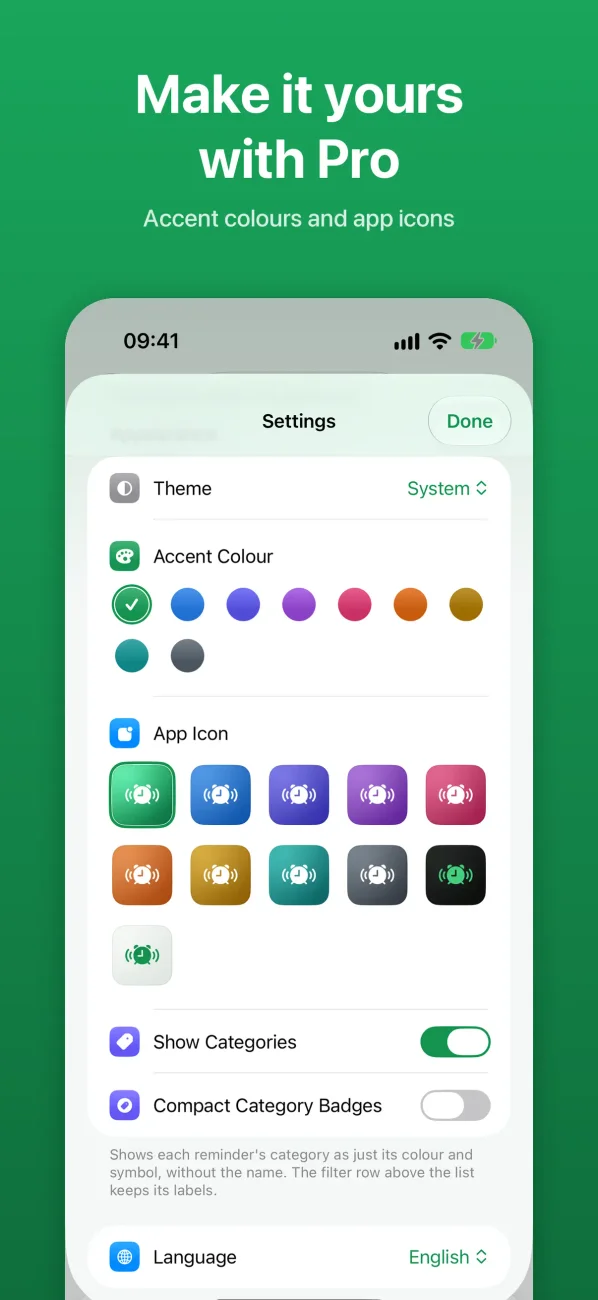
• Categories with colours and symbols, to filter your list at a glance
• Quick time presets and one-tap "+3 hours" or "+1 week"
ALWAYS IN VIEW
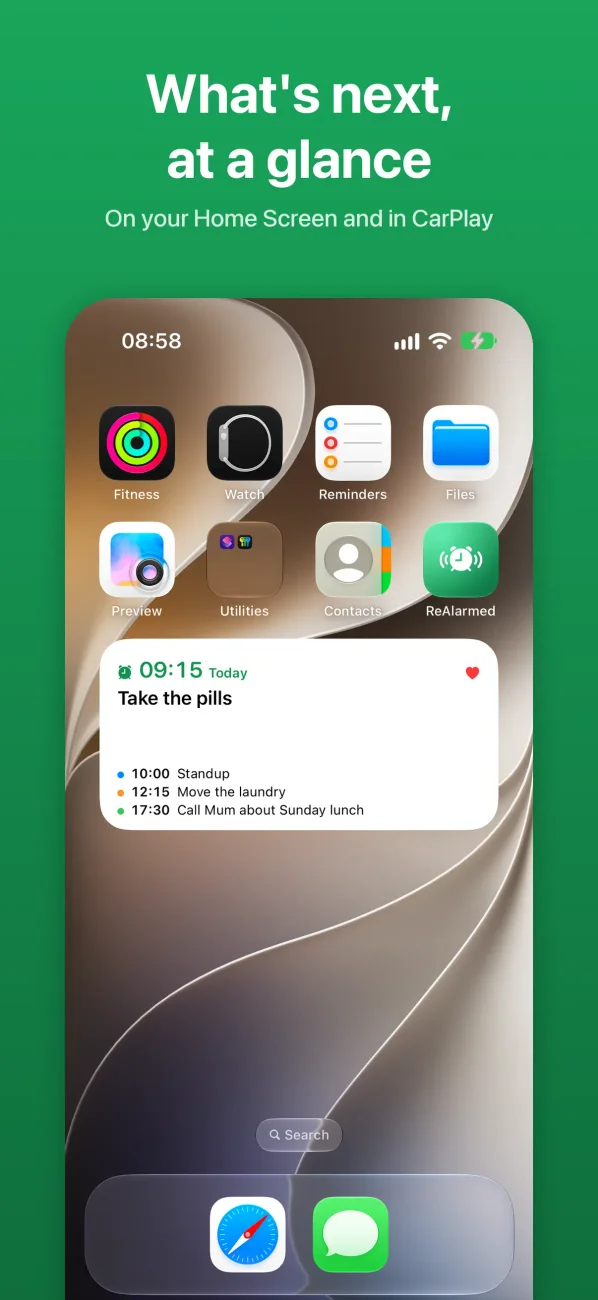
Overdue reminders stay at the top and in red, and the app icon shows how many are waiting. A ringing alarm shows on the Lock Screen and in the Dynamic Island.
EVERYWHERE YOU ARE
Your reminders sync with iCloud across iPhone, iPad and Mac. On the Mac, reminders ring in their own window while ReAlarmed is running.
Also in English and Swedish, with full Dark Mode.
Nouveautés
Version 1.9 · 17/11/2026
• Choose between a notification and an alarm straight from the top of the editor. The bell or alarm clock next to Done shows which one a reminder uses. Tap it to switch, even while you're still typing the title.
• On a Mac, the due date is now a date field you can click and type into, with a calendar to pick the day, instead of the scroll wheel made for fingers.
Confidentialité de l’application
Ce que Deverity AB déclare sur l’App Store au sujet du traitement des données par cette application.
-
Données non collectées
Le développeur ne collecte aucune donnée à partir de cette application.
Les pratiques en matière de confidentialité peuvent varier, notamment en fonction des fonctionnalités que vous utilisez ou de votre âge.
Informations
- Vendeur
- Deverity AB
- Catégorie
- Productivité
- Version
- 1.9
- Mis à jour
- 17/11/2026
- Publié
- 07/10/2026
- Taille
- 14,1 Mo
- Nécessite
- iOS 27.0 ou version ultérieure
- Classification d’âge
- 4+
- Prix
- Gratuit
- Achats intégrés
- Oui
- Langues
- Anglais, Suédois
- Copyright
- © 2026 Deverity AB
Vous aimerez peut-être aussi
-
 Later: Simple RemindersProductivité
-
 Cloudless RemindersReminders In 22 Languages
-
 The Friendly ReminderProductivité
-
 LinguaNote:Voice to StickyListProductivité
-
 DayPlan: Daily PlannerProductivité
-
 diReminder: To Do ListTasks, Countdowns, Reminders
-
 Repeaters: Track Repeat TodosProductivité
-
 Super Reminder AppProductivité
-
 Loud Calendar Alarms - RouzzProductivité
-
 Nudge: Recurring RemindersProductivité