- Classification d’âge4+
- CatégorieUtilitaires
- DéveloppeurYUCHEN LIU
- LanguesAnglais+ 2 de plus
- Taille58,5 Mo
Renvoie vers la page App Store officielle
Download.org n’héberge aucun fichier de Rectfly. Le bouton ouvre la page de l’application sur App Store, où YUCHEN LIU la publie. Fiche vérifiée pour la dernière fois le 23/11/2026.
Captures d’écran



À propos
Le développeur n’a pas fourni ce texte dans votre langue.
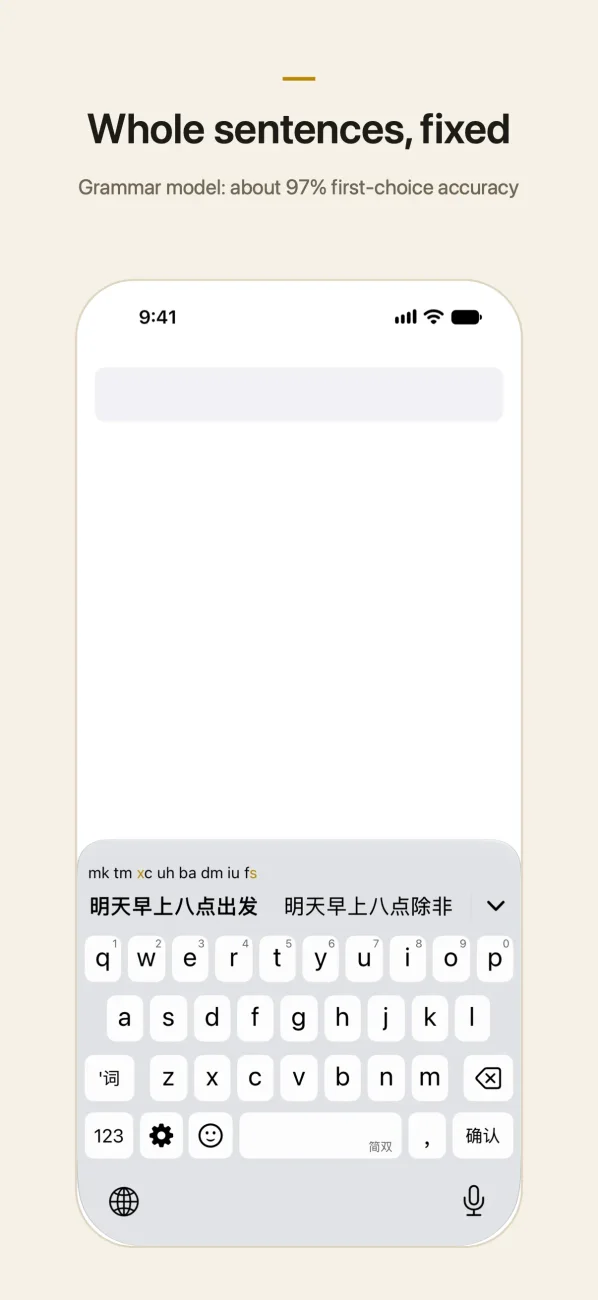
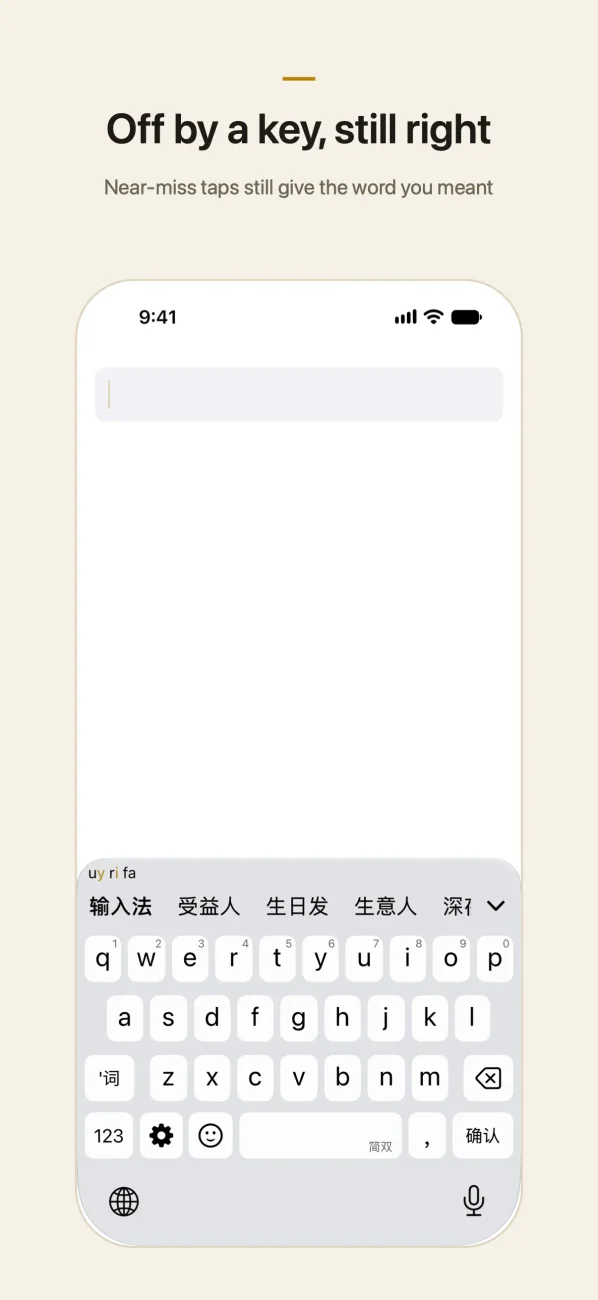
Rectfly is a Chinese pinyin keyboard that fixes your typos. Hit a nearby key, miss one or press an extra one, and you still get the word you meant. It can fix a whole sentence at once.
Layouts
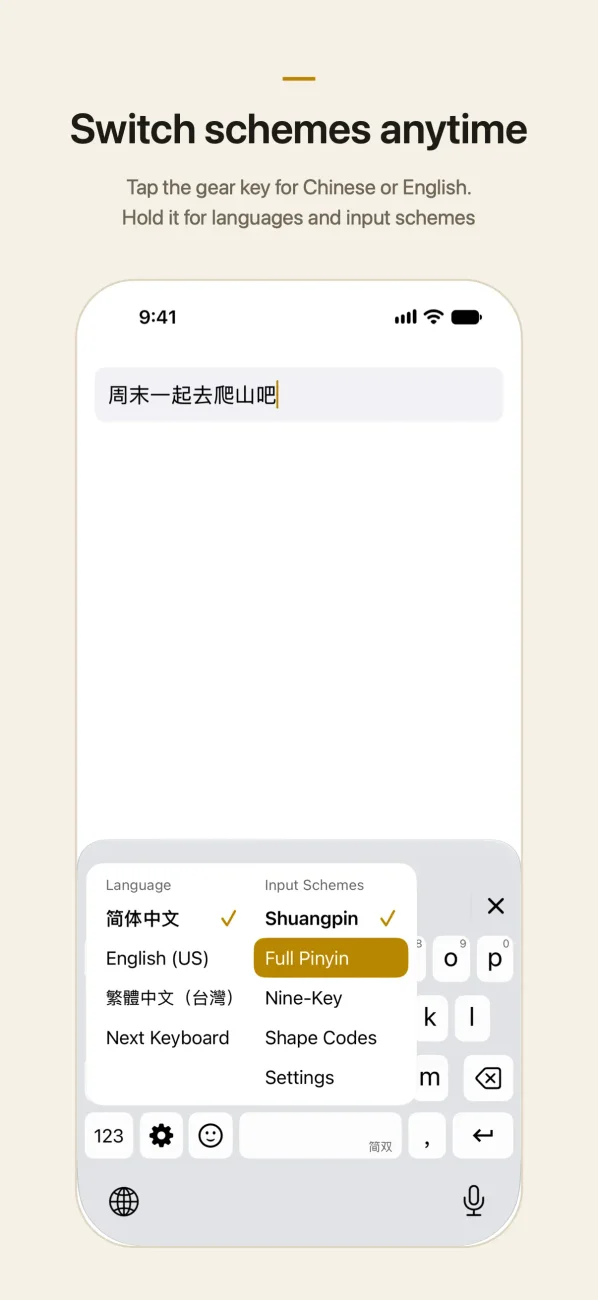
• Full Pinyin
• Shuangpin: Xiaohe (Flypy), Ziranma, Microsoft, Sogou, Ziguang, Intelligent ABC, Pinyin Jiajia and GB
• Every layout corrects typos
Features
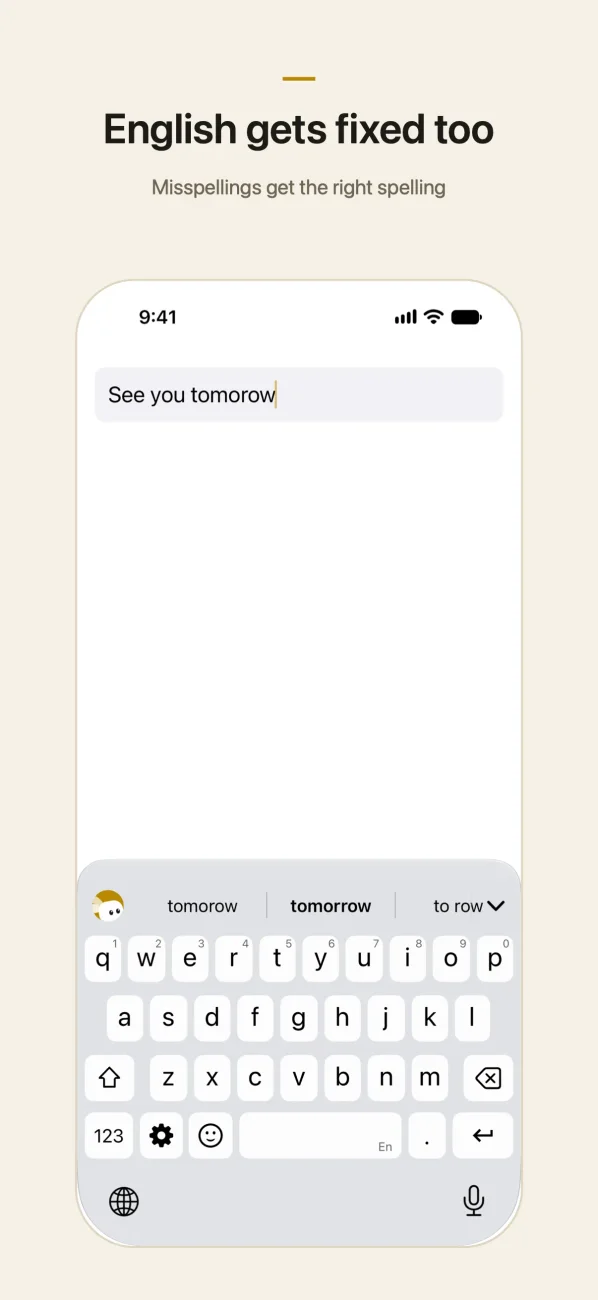
• Simplified and Traditional Chinese (Taiwan, Hong Kong), plus English with correction and completion
• Learns your words, and you can view or delete them
• Import Sogou, Rime and Gboard dictionaries, iPhone Text Replacements and names from Contacts
• Clipboard that recognizes codes, phone numbers and links
• Custom phrases, dates and times, emoji
• Themes, accent colors, a background photo and adjustable keyboard size
Privacy
• The keyboard does not use the network. Correction and learning stay on your iPhone.
• No ads, no account.
Requires iOS 26 or later.
Nouveautés
Version 3.0 · 15/11/2026
New
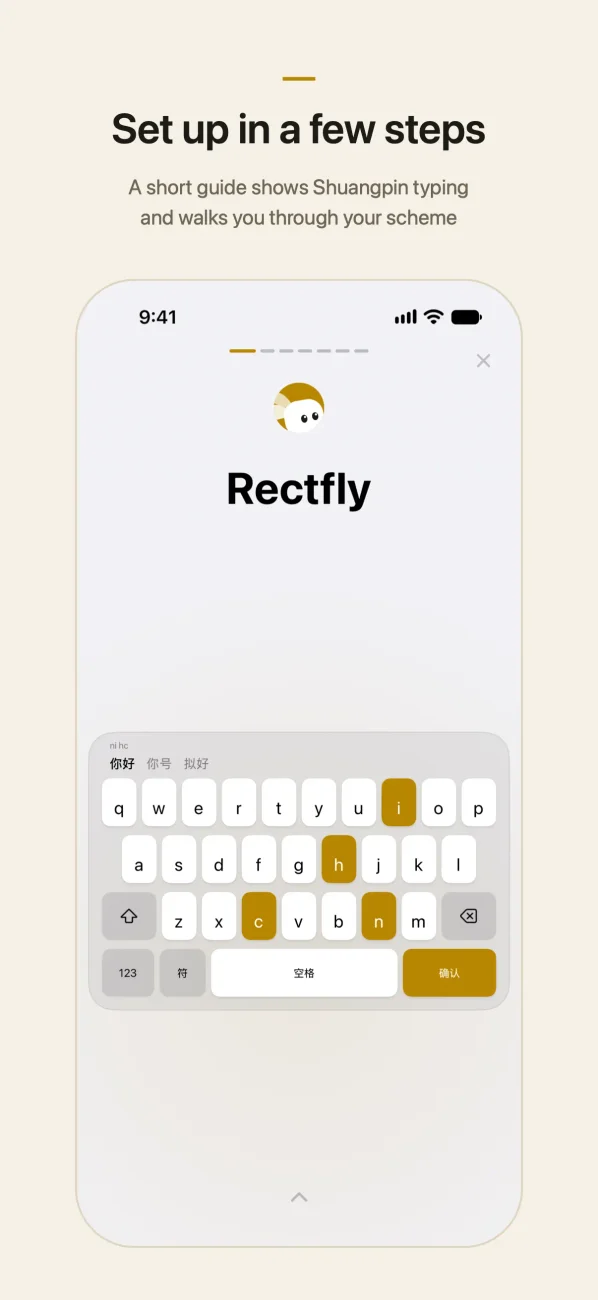
• Setup guide
• Tile home for settings, with keyboard drawings on settings pages
• Statistics for today and this week, with a chart
• Nine-key Full Pinyin
• Several input schemes at once, switched with the language key
• Fuzzy pinyin
• Import your own shape code and auxiliary code tables
• Find rare characters by radical or by their parts
• More letter layouts for the English keyboard
• Customizable key layout and tool panel
• Slide from 123 to numbers and symbols; hold return for a new line
• Symbol page in the emoji panel; phrases in the tool panel
Improved
• Settings regrouped
• Better English corrections and suggestions
• Chinese candidates fit the preceding text better
• Full Pinyin remembers the words you pick
• Enter part of a suggestion, or replace the word just entered
• Chinese forms for typed digits
• Hold a letter for its capital on the Chinese keyboard
• Automatic space between Chinese and digits
• Imported word lists managed file by file
• Key sounds use the system keyboard clicks
• Finer steps for keyboard height and candidate text size
• Keyboard text follows the app language
Fixed
• Letters typed while holding Shift came out lowercase
• No key sound or haptic when choosing an emoji
• Sliding across a held letter's options started a glide
• Swiping left on delete removed entered text
• Fast typing produced swipe-up symbols
• Keyboard froze briefly after copying
• Occasional lag after long typing
• Keys overlapped on foldable iPhones
• Emoji search sometimes did not open
Confidentialité de l’application
Ce que YUCHEN LIU déclare sur l’App Store au sujet du traitement des données par cette application.
-
Données n’établissant aucun lien avec vous
Peuvent être collectées, mais ne sont pas liées à votre identité.
- Diagnostic
Les pratiques en matière de confidentialité peuvent varier, notamment en fonction des fonctionnalités que vous utilisez ou de votre âge.
Informations
- Vendeur
- YUCHEN LIU
- Catégorie
- Utilitaires
- Version
- 3.0
- Mis à jour
- 15/11/2026
- Publié
- 05/11/2026
- Taille
- 58,5 Mo
- Nécessite
- iOS 26.0 ou version ultérieure
- Classification d’âge
- 4+
- Prix
- Gratuit
- Langues
- Anglais, Chinois simplifié, Chinois traditionnel
- Copyright
- © 2026 Yuchen Liu