
Red Sheet: PDF Study App
Study, Memorize & Mark Up PDFs
Conçue pour iPhone, iPad, Mac, iPod touch
Achats intégrés
- Classification d’âge4+
- CatégorieÉducation
- DéveloppeurFoodmenu.world Inc.
- LanguesAnglais+ 13 de plus
- Taille193,1 Mo
Red Sheet: PDF Study App n’est peut-être pas disponible sur App Store pour le moment
La fiche de la boutique était inaccessible lors de notre dernière vérification. Le lien mène toujours à la page App Store officielle.
Captures d’écran
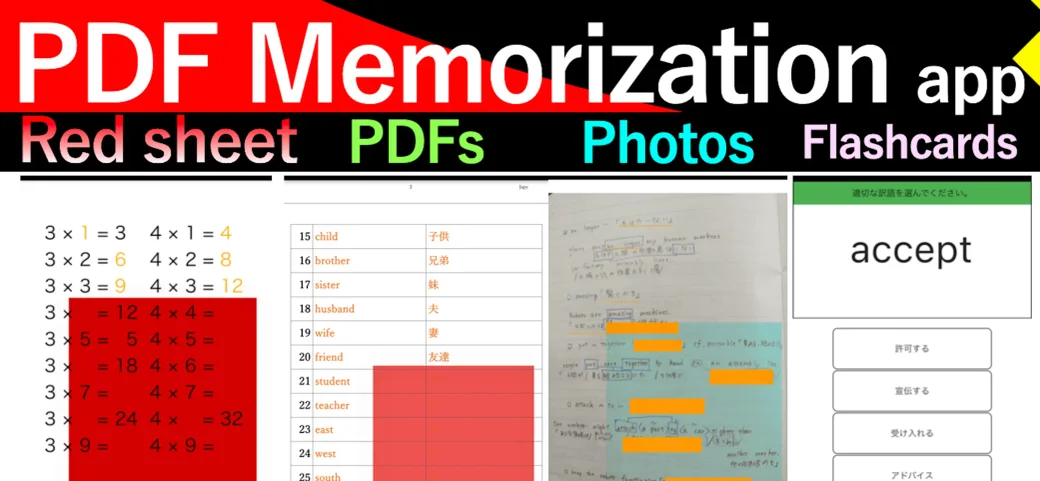
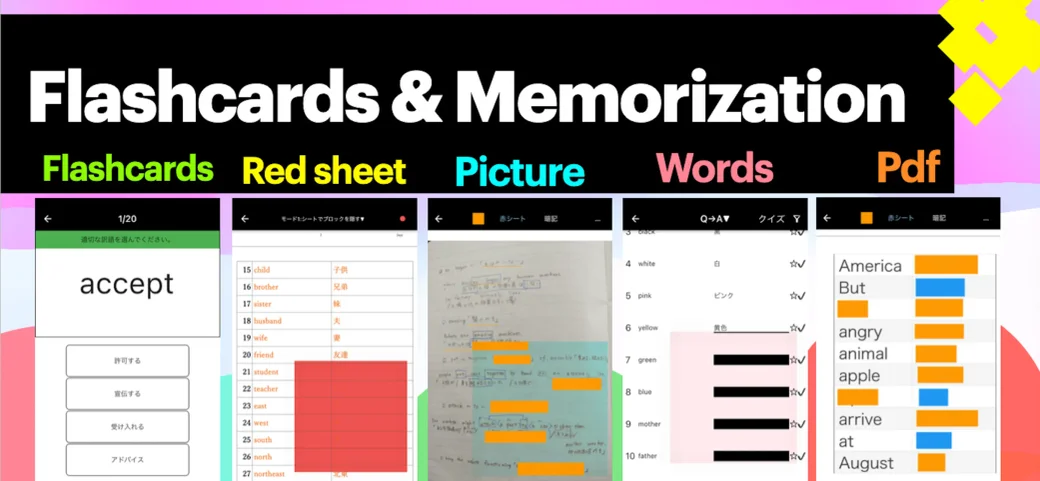
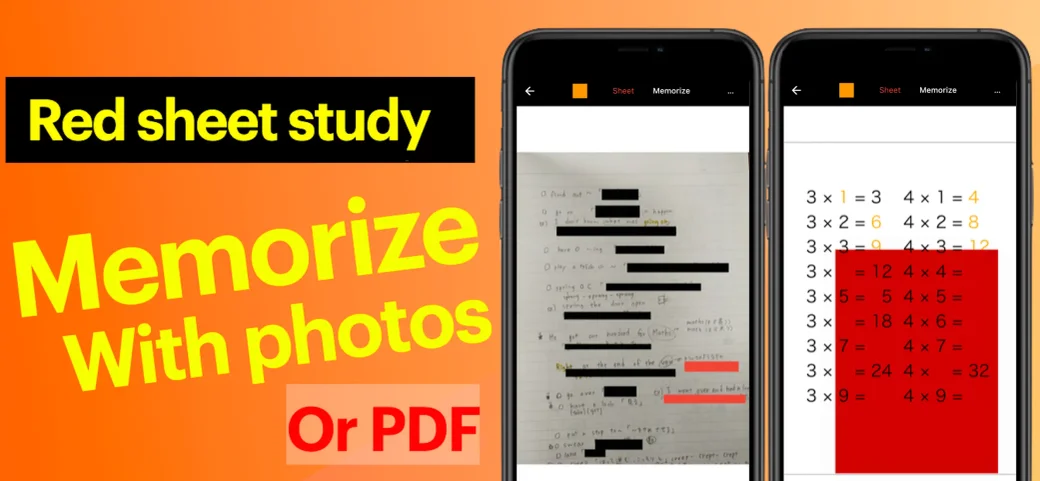
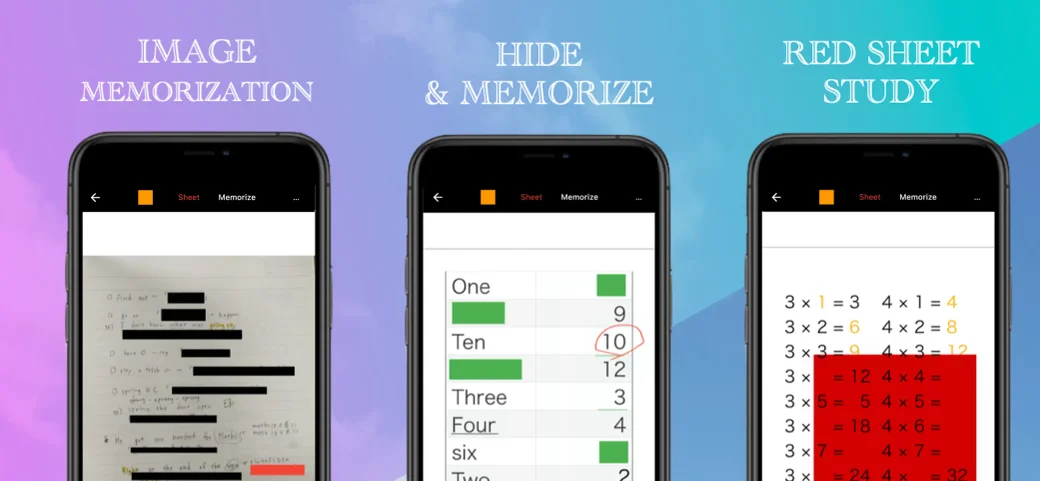

À propos
Le développeur n’a pas fourni ce texte dans votre langue.
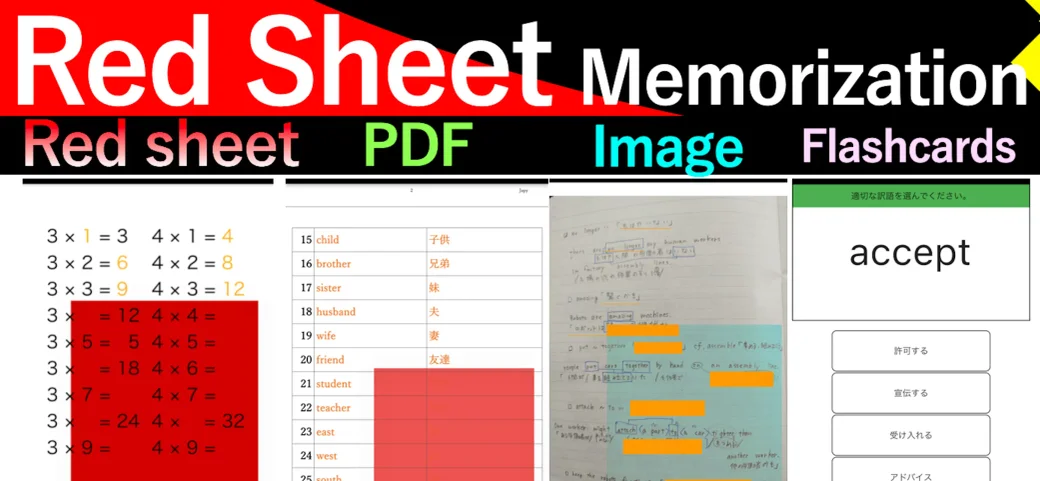
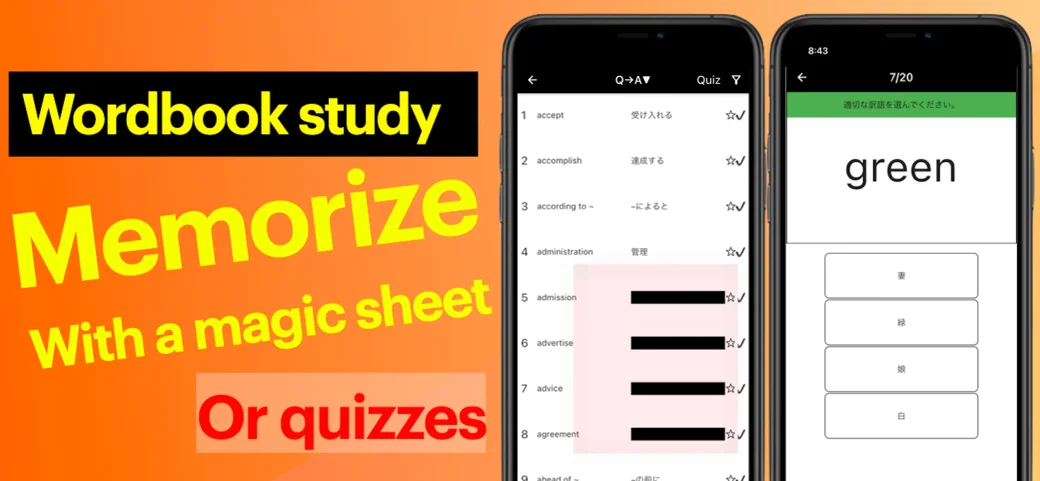
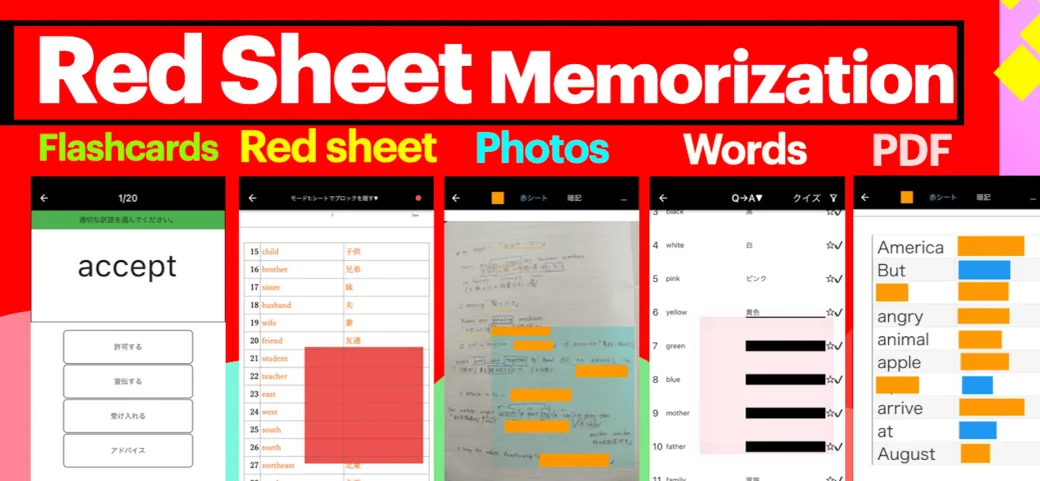
◆ All-in-One PDF Memorization App with Red Sheet Study
Turn your PDFs, notes, textbooks, handouts, and images into powerful study materials.
This app helps students memorize faster by hiding and revealing important parts of their own documents.
Import PDF files, photos, scanned notes, class handouts, worksheets, and study materials, then create memorization blocks directly on the page.
It works like a digital red sheet, flashcard maker, and PDF study tool in one simple app.
◆ PDF Memorization Made Simple
・Import PDF files and study directly from the page
・Hide words, definitions, formulas, diagrams, and answers
・Tap to reveal hidden areas while reviewing
・Use red sheet style memorization on PDF pages
・Study textbooks, school handouts, exam materials, and notes
・Create your own PDF memorization notebook
If you already study with PDFs, this app turns them into active memorization tools.
◆ Red Sheet Style Study for PDFs and Images
Use memorization blocks to cover the parts you want to remember.
Place blocks over text, formulas, diagrams, definitions, answers, or explanations.
・Hide text like using a red sheet
・Reveal answers by tapping
・Create blocks anywhere on a PDF or image
・Adjust block size by dragging the edges
・Change the color and style of blocks
・Use blocks for notes, textbooks, worksheets, and scanned documents
This is useful when you want to memorize from your own materials without rewriting everything into separate flashcards.
◆ Smooth Vertical Review for Memorization
Review multiple PDF pages and images smoothly.
Vertical scrolling makes it easy to study long documents, like moving a red sheet from top to bottom.
・Scroll vertically through study pages
・Review many PDF pages at once
・Memorize photos and handouts continuously
・Swipe between pages and cards
・Add more images when needed
・Study at your own pace
Useful for test prep, school study, certification exams, language learning, and daily review.
◆ Useful Study Tools
・One-tap show and hide for fast review
・Multiple memorization blocks for one page
・Auto-align blocks for cleaner layouts
・Zoom in with two fingers to study small text
・Hidden areas stay aligned even when zooming
・Add memo text to support memorization
・Hide memo text for self-testing
・Organize study decks by title or subject
Create separate study materials for English, science, history, math, medical terms, law, certification exams, or any subject that requires memorization.
◆ Great For
・Students preparing for tests and exams
・PDF study and textbook review
・Vocabulary memorization
・Language learning
・Science, history, math, and social studies
・Certification exam preparation
・Medical, legal, and technical study
・People who want a simple flashcards maker
・Students who use GoodNotes, notes apps, or PDF files
・Anyone who wants to memorize from their own materials
◆ How to Use
1. Import a PDF file, photo, or image
2. Place memorization blocks over the parts you want to hide
3. Tap to reveal the answer while studying
4. Repeat until you can remember it
5. Organize your materials by subject and review again
◆ Why This App Is Different
This app focuses on PDF memorization and red sheet style study.
You do not need to recreate every page from scratch.
Use your own PDFs, notes, handouts, images, and textbooks as they are, then hide only the parts you want to memorize.
It is a simple way to turn everyday study materials into flashcard-style memorization tools.
◆ Recommended If You Want
・A PDF study app for memorization
・A flashcards maker from PDFs
・A red sheet style study app
・A way to memorize school notes and handouts
・A simple tool for exam preparation
・A study app that works with your own materials
・A faster way to hide and reveal answers
Start studying your own PDFs, notes, and images with red sheet style memorization.
Make your study materials easier to review, repeat, and remember.
Terms of Service
https://hidevoicy.com/en/tos
Privacy Policy
https://hidevoicy.com/en/privacy
Nouveautés
Version 5.0.4 · 08/09/2026
Improved the PDF note-taking features!
We hope this study app helps make studying a little easier!
Confidentialité de l’application
Ce que Foodmenu.world Inc. déclare sur l’App Store au sujet du traitement des données par cette application.
-
Données utilisées pour vous suivre
Peuvent être utilisées pour vous suivre sur des applications et des sites web appartenant à d’autres sociétés.
- Emplacement
- Identifiants
- Données d’utilisation
- Diagnostic
-
Données établissant un lien avec vous
Peuvent être collectées et liées à votre identité.
- Emplacement
- Identifiants
- Données d’utilisation
- Diagnostic
-
Données n’établissant aucun lien avec vous
Peuvent être collectées, mais ne sont pas liées à votre identité.
- Diagnostic
Les pratiques en matière de confidentialité peuvent varier, notamment en fonction des fonctionnalités que vous utilisez ou de votre âge.
Informations
- Vendeur
- Foodmenu.world Inc.
- Catégorie
- Éducation
- Version
- 5.0.4
- Mis à jour
- 08/09/2026
- Publié
- 06/09/2021
- Taille
- 193,1 Mo
- Nécessite
- iOS 13.0 ou version ultérieure
- Classification d’âge
- 4+
- Achats intégrés
- Oui
- Langues
- Anglais, Allemand, Hindi, Indonésien, Italien, Japonais, Coréen, Malais, Chinois simplifié, Espagnol, Tamoul, Thaï + 2 de plus
- Copyright
- 赤シートアプリ ©︎2026 Foodmenu.world Inc.
Vous aimerez peut-être aussi
-
 i-Memorize SheetÉducation
-
 VoCat - Mon propre vocabulaireCréez votre propre vocabulaire
-
 Mochi - Flashcards and notesÉducation
-
 MemoCoach: Memorize TextsÉducation
-
 Todaii: Easy JapaneseApprenez le japonais, JLPT.
-
 Mémoriser par CœurTexte, lignes, vers, discours
-
 MochiKanji - Learn JapaneseÉducation
-
 Apprendre le Japonais: BenkyōKanji & Vocab SRS Flashcards
-
 Kanji - Apprenez le japonaisPar vocabulaire, JLPT N5–N1
-
 RemNote - Notes & FlashcardsÉducation