
- Classification d’âge4+
- CatégorieOutils de développement
- Développeurmotoki furusawa
- LanguesAnglais+ 1 de plus
- Taille52,5 Mo
REMOREMO n’est peut-être pas disponible sur App Store pour le moment
La fiche de la boutique était inaccessible lors de notre dernière vérification. Le lien mène toujours à la page App Store officielle.
Captures d’écran
À propos
Le développeur n’a pas fourni ce texte dans votre langue.
Remote desktop was made for desktops. REMOREMO is made for your iPhone.
REMOREMO is a remote desktop client built around a simple idea: on a phone, seeing and controlling a remote computer should not require squeezing an entire desktop interface into a tiny screen.
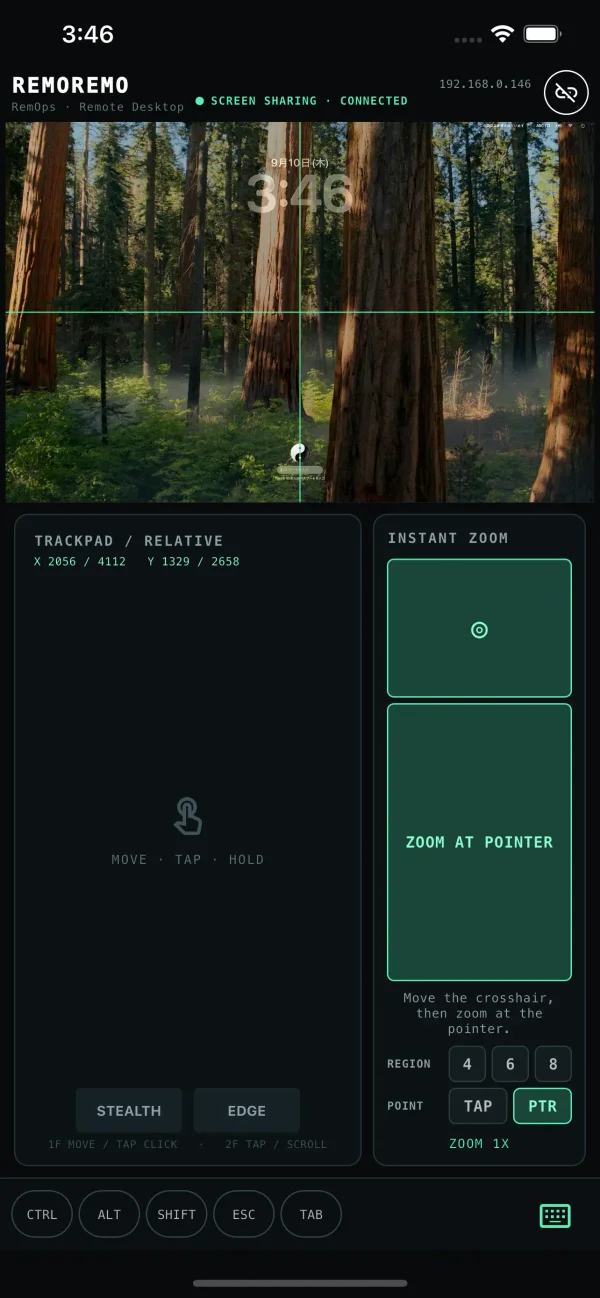
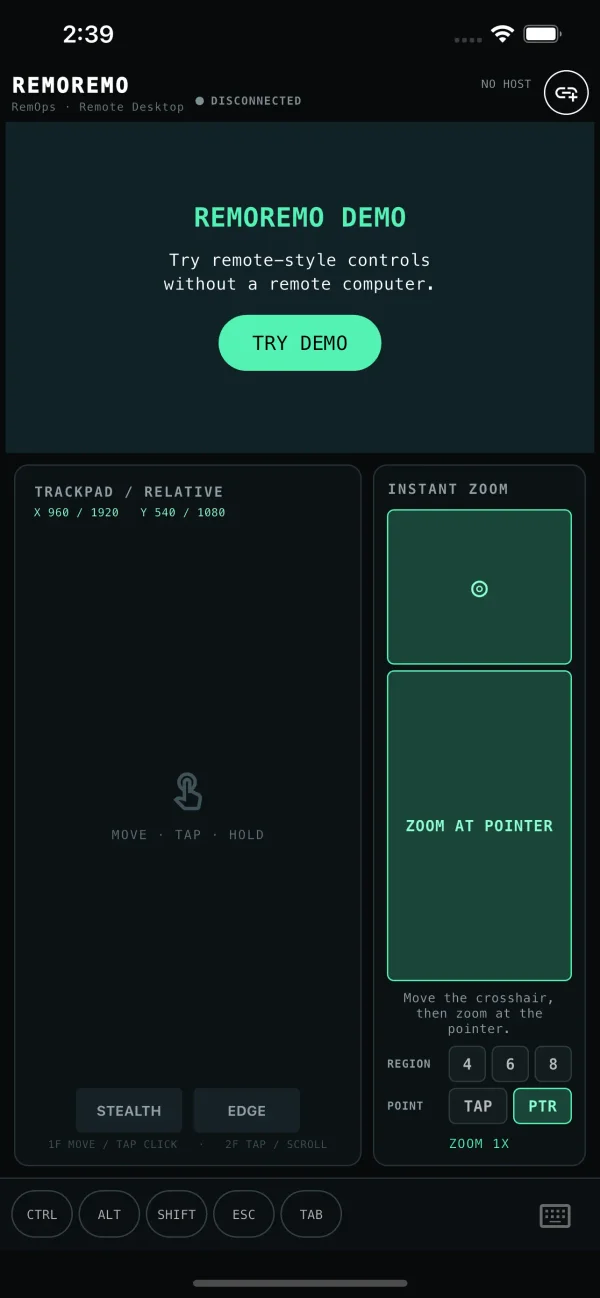
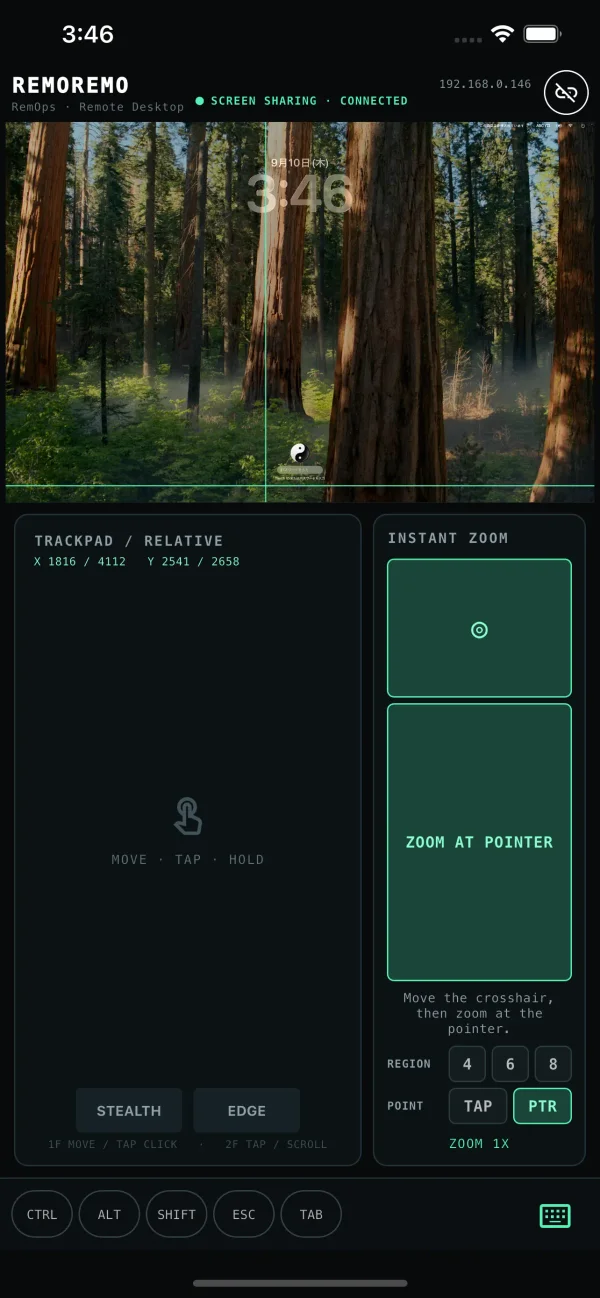
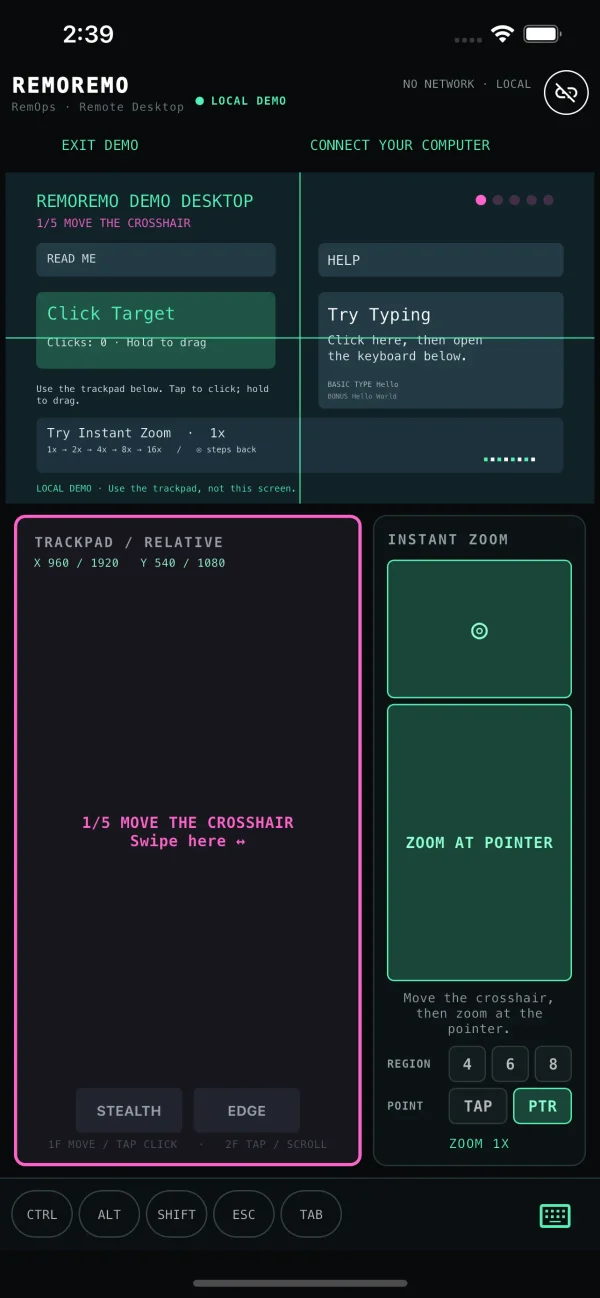
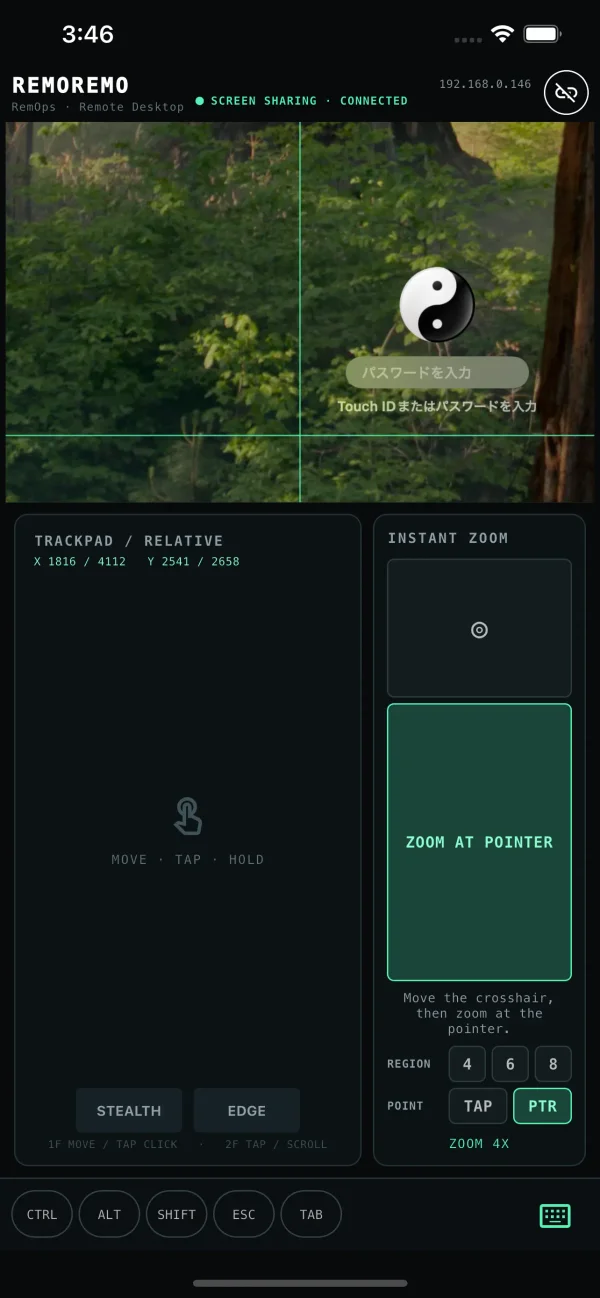
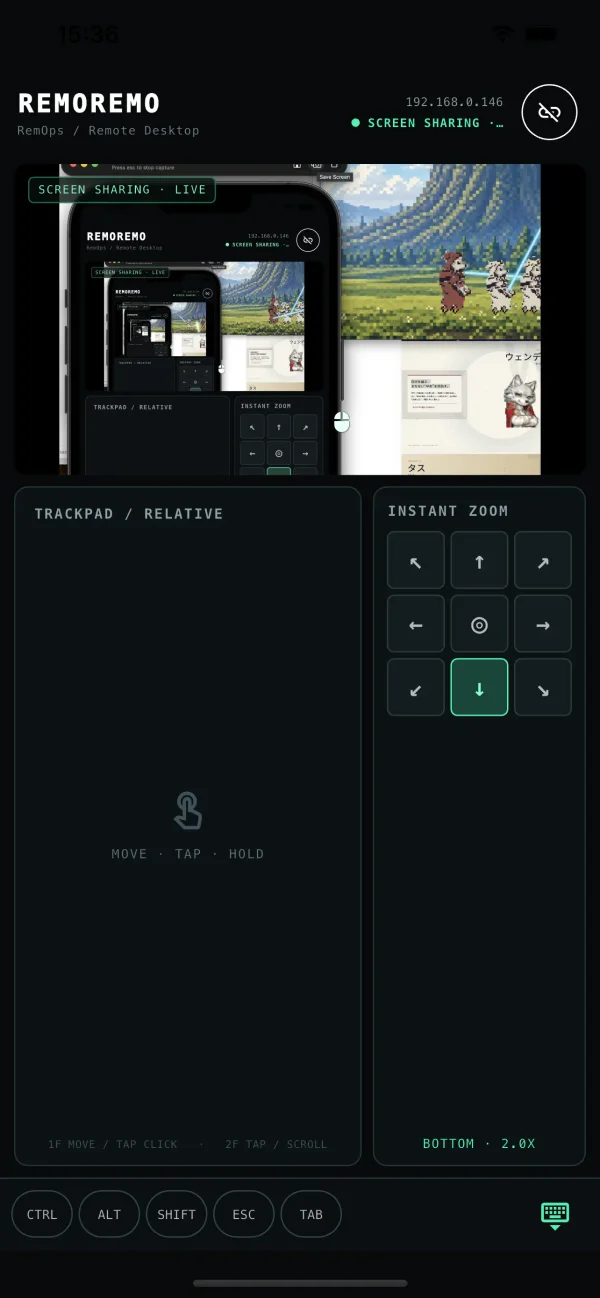
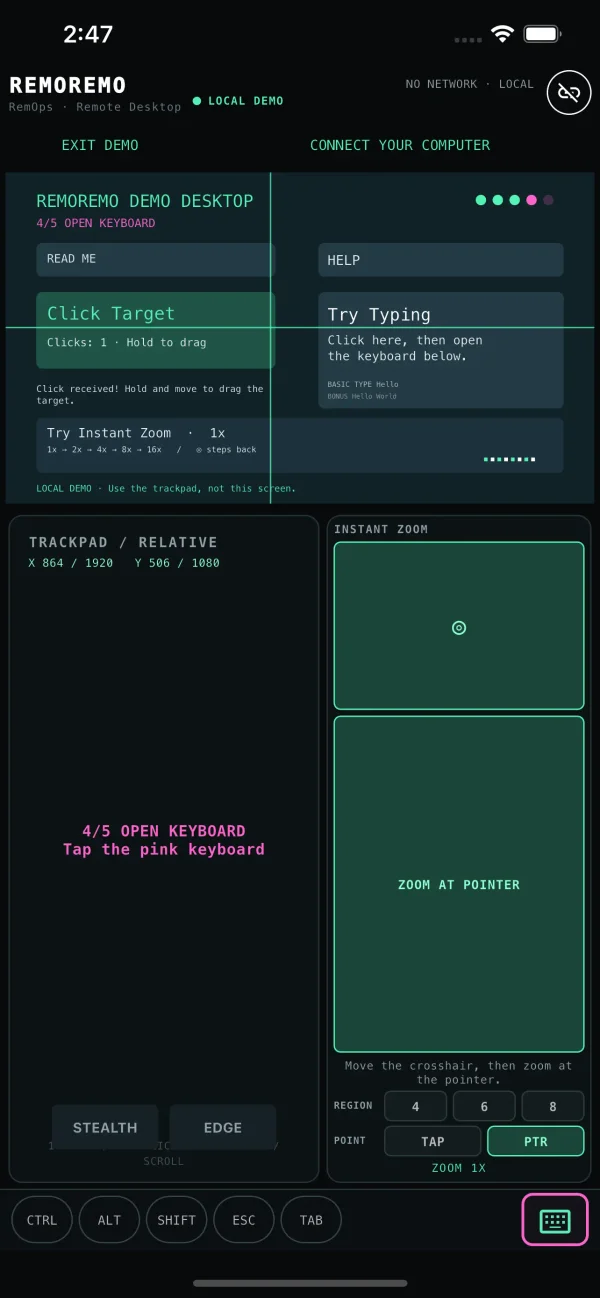
Instead, REMOREMO gives you a clear desktop overview, a large touch-friendly trackpad, and Instant Zoom controls that let you jump directly to the part of the screen you want to see.
Whether you are checking a remote PC, watching a long-running task, inspecting a server or development machine, or making a quick adjustment while away from your desk, REMOREMO is designed to make remote access feel practical on a normal smartphone.
## DESKTOP OVERVIEW
Keep the entire remote desktop visible at a glance.
You do not need to constantly pan and pinch around a huge desktop just to understand what is happening.
## INSTANT ZOOM
Need to inspect one part of the screen?
The 3×3 Instant Zoom controller lets you jump immediately to the top, bottom, left, right, corners, or return to the full desktop overview.
No repeated pinch-to-zoom gestures. Just tap where you want to look.
## LARGE RELATIVE TRACKPAD
A remote mouse deserves more than a tiny gesture area.
REMOREMO provides a large laptop-style relative trackpad designed specifically for touch.
Move the pointer, click, drag, right-click and scroll without covering the remote screen with your fingers.
## KEYBOARD WHEN YOU NEED IT
Use the iOS software keyboard for text entry, with quick access to useful remote-control keys such as:
Ctrl
Alt
Shift
Esc
Tab
No external keyboard is required for basic remote operation.
## BUILT FOR REMOTE OPERATIONS
REMOREMO is not trying to turn your iPhone into a desktop workstation.
It is designed for the moments when you want to quickly answer questions like:
“What's happening on my remote computer?”
“Did that task finish?”
“Is there an error on the screen?”
“Can I quickly click that button?”
“Can I make one small change without opening my laptop?”
That philosophy is what I call RemOps — Remote Operations.
## BRING YOUR OWN NETWORK
REMOREMO keeps the networking layer intentionally simple.
It connects to an RDP host that is already reachable from your device. You can use your existing local network, VPN, overlay network, or other trusted network configuration.
There is no requirement to use a REMOREMO account or proprietary remote-access network.
Enter your Host or IP address and connect.
## MADE FOR TECHNICAL USERS — WITHOUT MAKING THE UI DIFFICULT
The networking can be as advanced as you want.
The controls should not be.
Remote access without fighting your phone.
Nouveautés
Version 6.0.0 · 12/11/2026
This is 6th release!
A new remote desktop experience for iPhone and iPad!
This update includes improved connection stability when using cellular networks and minor bug fixes.
Enjoy greater flexibility when accessing your Mac remotely with REMOREMO!
Confidentialité de l’application
Ce que motoki furusawa déclare sur l’App Store au sujet du traitement des données par cette application.
-
Données n’établissant aucun lien avec vous
Peuvent être collectées, mais ne sont pas liées à votre identité.
- Identifiants
Les pratiques en matière de confidentialité peuvent varier, notamment en fonction des fonctionnalités que vous utilisez ou de votre âge.
Informations
- Vendeur
- motoki furusawa
- Catégorie
- Outils de développement
- Version
- 6.0.0
- Mis à jour
- 12/11/2026
- Publié
- 08/09/2026
- Taille
- 52,5 Mo
- Nécessite
- iOS 15.0 ou version ultérieure
- Classification d’âge
- 4+
- Langues
- Anglais, Japonais
- Copyright
- © 2026 Motoki Furusawa. All rights reserved.
Vous aimerez peut-être aussi
-
 Assets for XcodeOutils de développement
-
 TermCOW - Stable SSH TerminalOutils de développement
-
 SkillPilot: AI Tool RadarOutils de développement
-
 Vanta: IA locale auto-hébergéeOllama, LM Studio & OpenRouter
-
 JavaScript IDE - HTML & CSSExécuter & Apprendre JS + TS
-
 Tempest 3 - SSH, RDP & MoshOutils de développement
-
 Launch CanvasOutils de développement
-
 Crafty: Addons, Maps & SkinsOutils de développement