
- Classification d’âge4+
- CatégorieProductivité
- DéveloppeurPaul Berberian
- LanguesAnglais+ 1 de plus
- Taille24,1 Mo
Report6 n’est peut-être pas disponible sur App Store pour le moment
La fiche de la boutique était inaccessible lors de notre dernière vérification. Le lien mène toujours à la page App Store officielle.
Captures d’écran


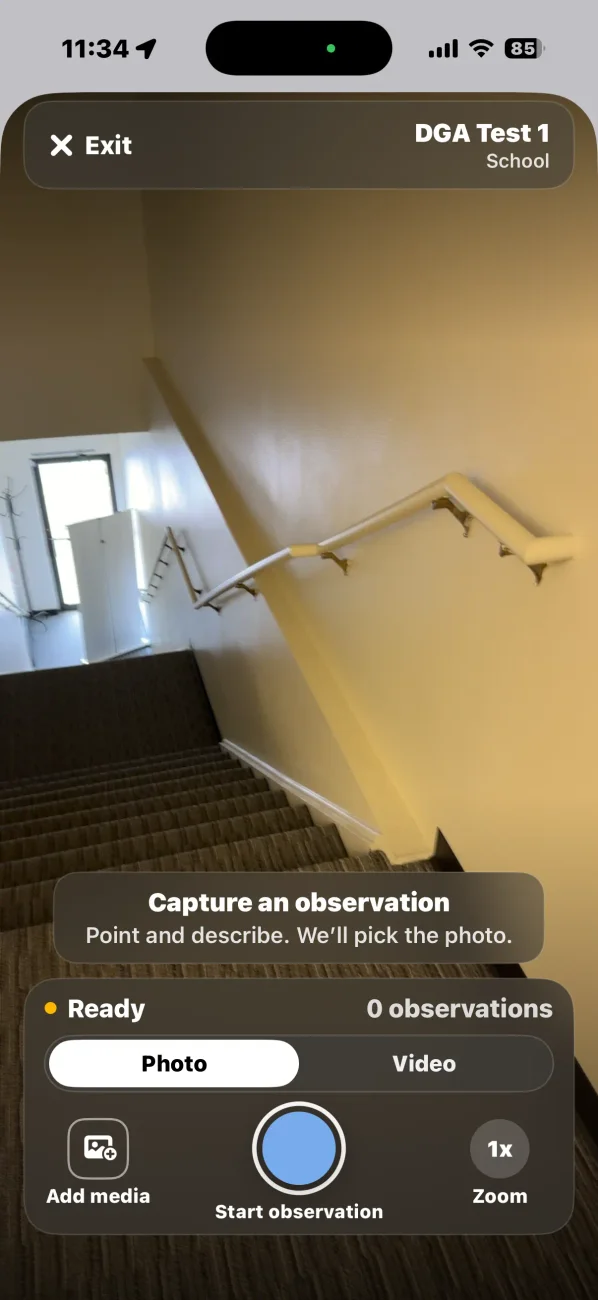
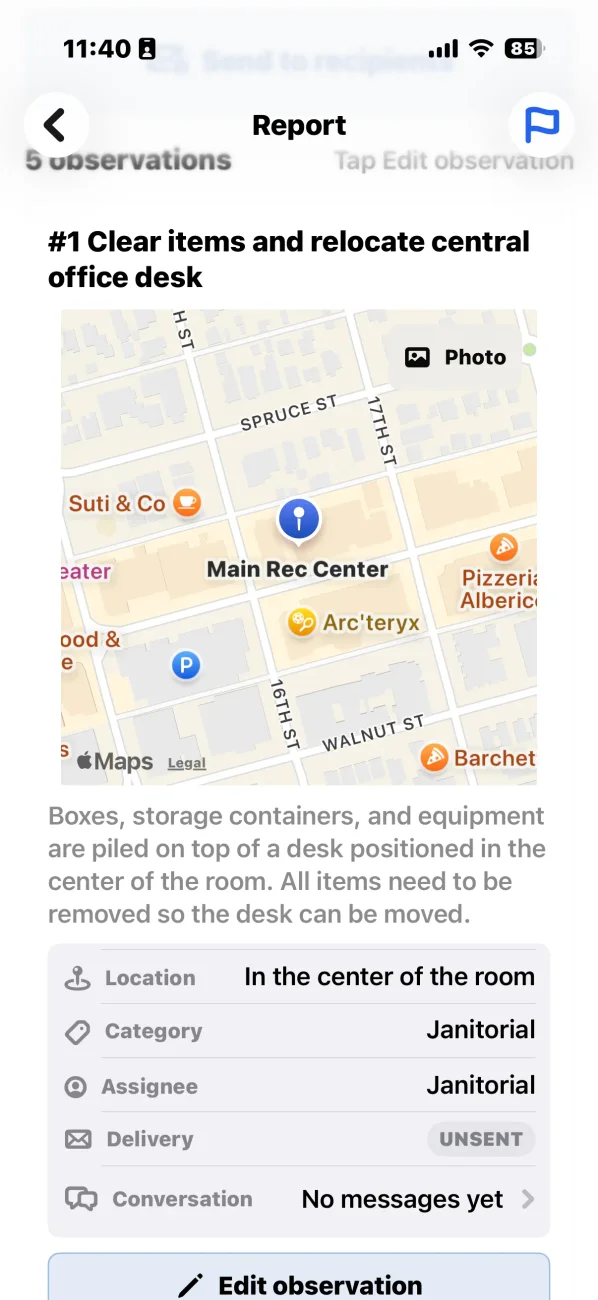
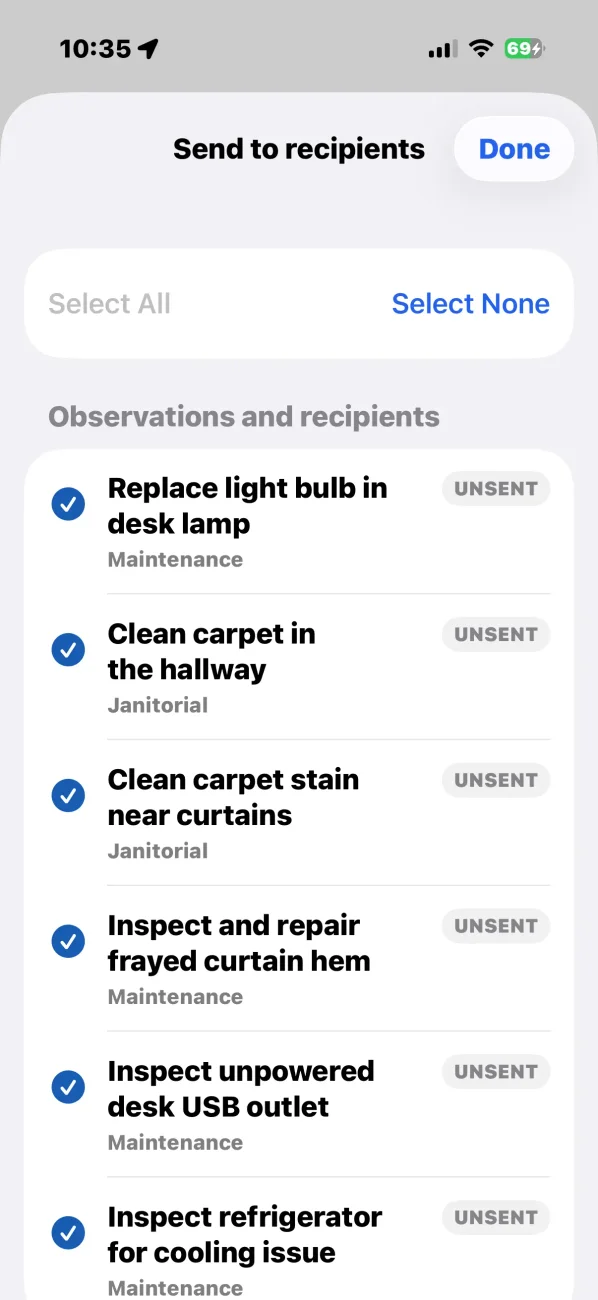
À propos
Le développeur n’a pas fourni ce texte dans votre langue.
Turn a narrated site walk into a clear, structured field report.
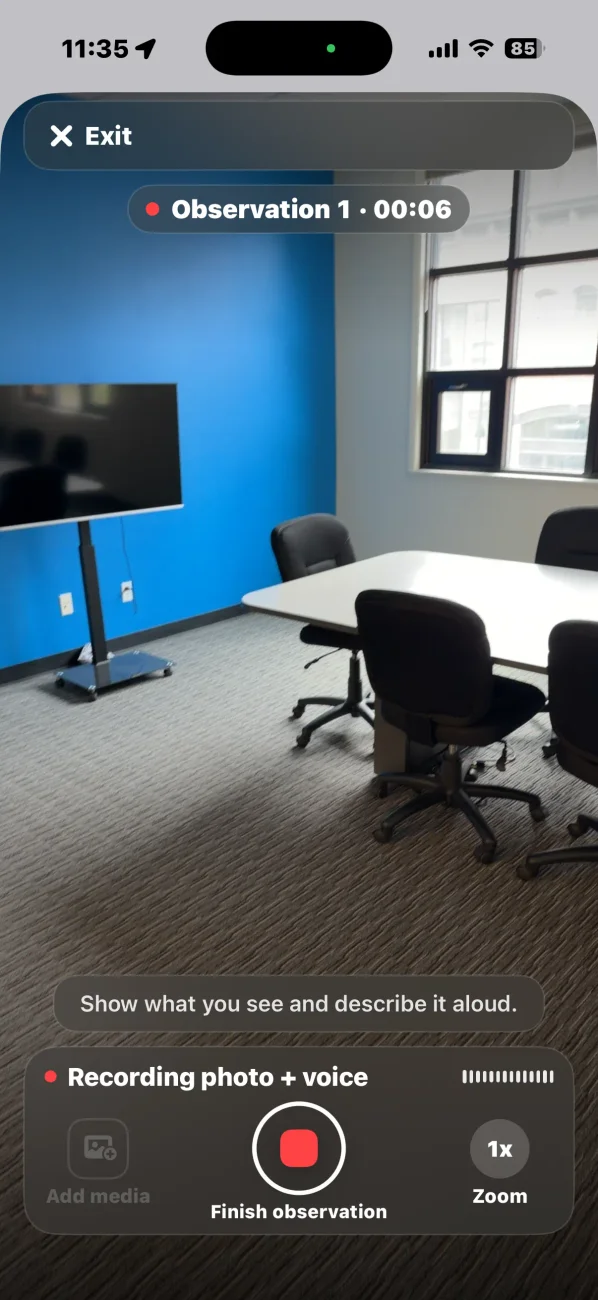
Report6 helps inspectors, property teams, facilities staff, contractors, adjusters, and other field professionals capture what they see and say. Take photos, record narration, and add location context while you walk. In supported company workflows, you can also capture video. Report6 uses transcription and AI to organize that material into findings and report content for you to review.
Capture in the field
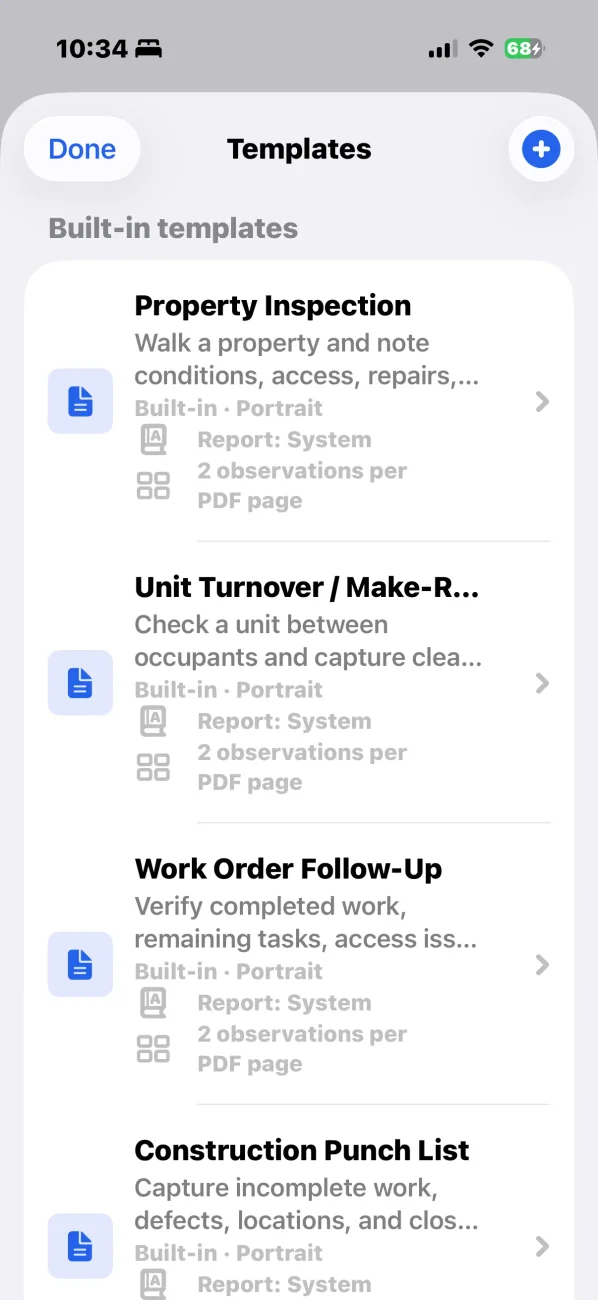
- Start a Personal report or choose an approved company template.
- Use continuous or start-and-stop capture for short visits or longer rounds.
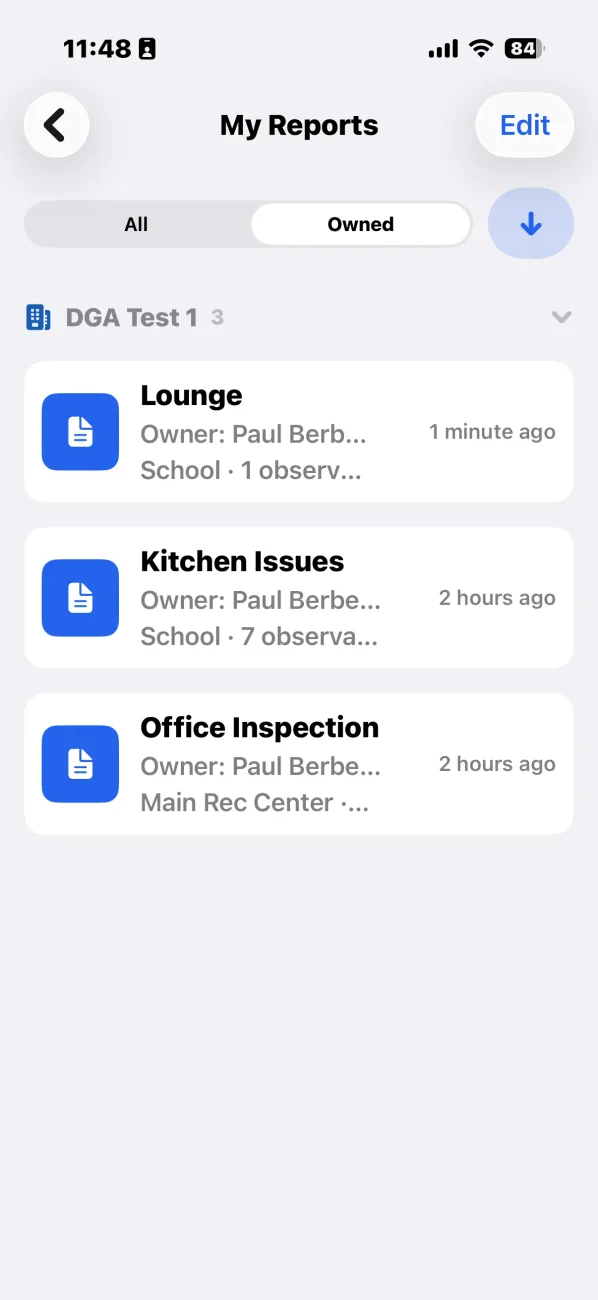
- Leave an open report and resume it later.
- Keep capturing and saving locally when service is unavailable; uploads catch up after connectivity returns.
Review before sharing
- Review and edit generated findings, descriptions, categories, photos, and location details.
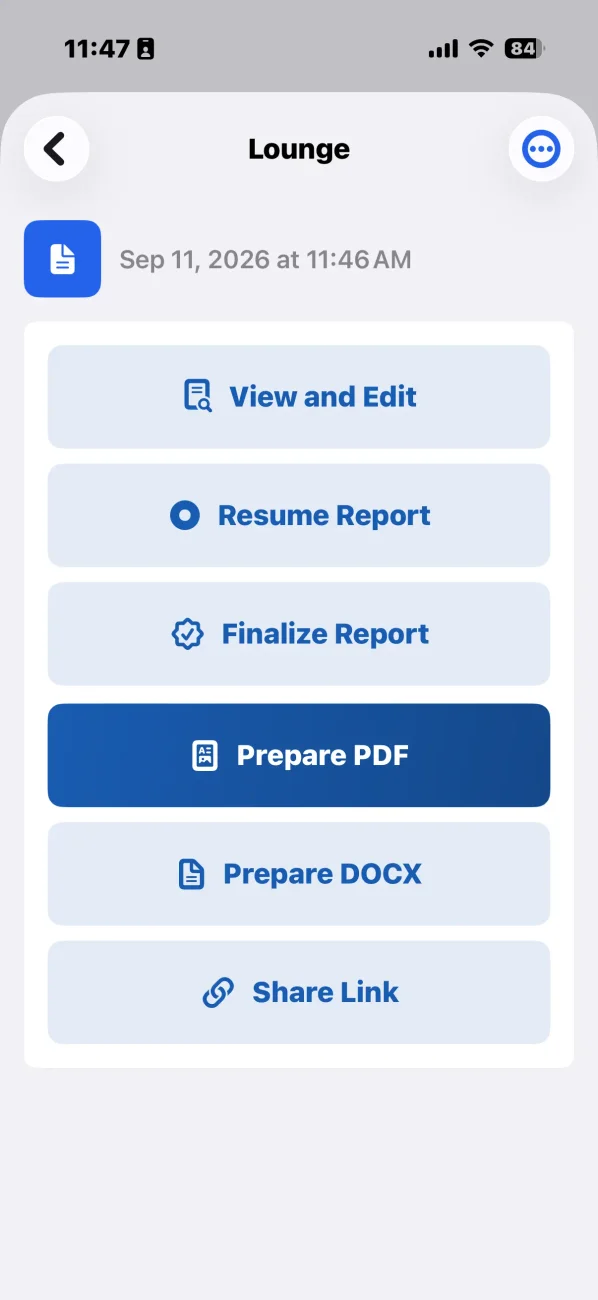
- Keep a report open while work continues, then finalize it when ready.
- Share a review link or export available report formats.
- Report AI-generated output that is inaccurate, unsafe, or inappropriate.
Built for personal and company work
- Personal reports stay under your Report6 account.
- When your verified email belongs to a participating organization, its company workspace and approved templates are available in the same app.
- On first company sign-in, Report6 opens the first available company workspace. Later launches return to the last workspace you used when it is still available.
AI processing is required
Report6 uses Deepgram to transcribe report audio and Google Gemini to organize captured content into a structured report. This processing is required to generate reports. Report6 asks for account-specific permission before sending report content to these services. If permission is declined or later revoked, Report6 stops sending new content and captured material remains saved locally. Transcription and report generation for content not already sent pause until permission is granted. Revocation cannot recall content already sent or in transit.
AI-assisted content may be incomplete or incorrect. Review every report before finalizing or sharing it. Use Report6 only where you have permission to record people, property, audio, images, video, and location.
Nouveautés
Version 1.0.8 · 14/11/2026
Fixes an issue that could prevent edited or marked-up report photos from saving.
Confidentialité de l’application
Ce que Paul Berberian déclare sur l’App Store au sujet du traitement des données par cette application.
-
Données établissant un lien avec vous
Peuvent être collectées et liées à votre identité.
- Emplacement
- Coordonnées
- Contenu utilisateur
- Identifiants
- Données d’utilisation
- Diagnostic
- Surroundings
Les pratiques en matière de confidentialité peuvent varier, notamment en fonction des fonctionnalités que vous utilisez ou de votre âge.
Informations
- Vendeur
- Paul Berberian
- Catégorie
- Productivité
- Version
- 1.0.8
- Mis à jour
- 14/11/2026
- Publié
- 22/09/2026
- Taille
- 24,1 Mo
- Nécessite
- iOS 17.0 ou version ultérieure
- Classification d’âge
- 4+
- Langues
- Anglais, Espagnol
- Copyright
- © 2026 Patrol 6, Inc.
Vous aimerez peut-être aussi
-
 Reentry: First StepProductivité
-
 Free and ForwardProductivité
-
 & (and.com)Productivité
-
 Plix AIProductivité
-
 Monolith MobileProductivité
-
 Obsession: Goal AccountabilityProductivité
-
 Accountability Buddie: GoalsProductivité
-
 /call-me: AI Agent Phone CallsChaque agent IA, un numéro
-
 Pad Notes AI: Prise de notesCarnet, PDF, ruban de révision
-
 Rytel MobileProductivité