Resolutioner
Calculate or scale resolutions
Conçue pour iPhone, iPad, Mac
0,99 € · Achats intégrés
- Classification d’âge4+
- CatégorieOutils de développement
- DéveloppeurSun Apps, LLC
- LanguesAnglais
- Taille39,5 Mo
Renvoie vers la page App Store officielle
Download.org n’héberge aucun fichier de Resolutioner. Le bouton ouvre la page de l’application sur App Store, où Sun Apps, LLC la publie. Fiche vérifiée pour la dernière fois le 23/11/2026.
Captures d’écran
À propos
Le développeur n’a pas fourni ce texte dans votre langue.
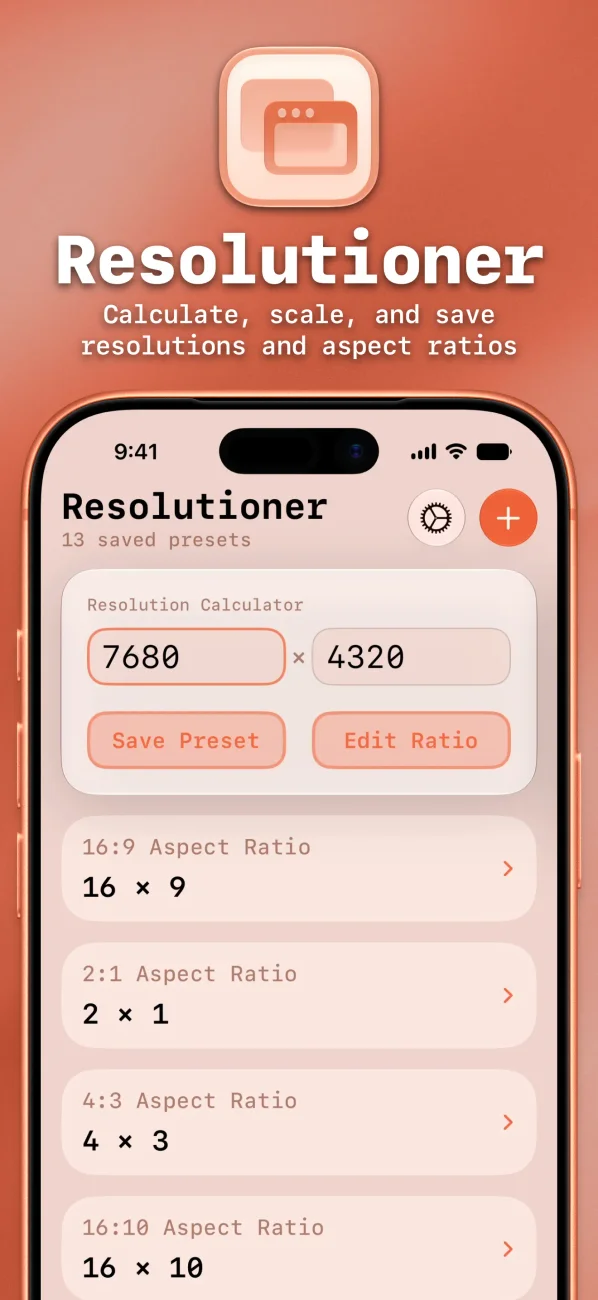
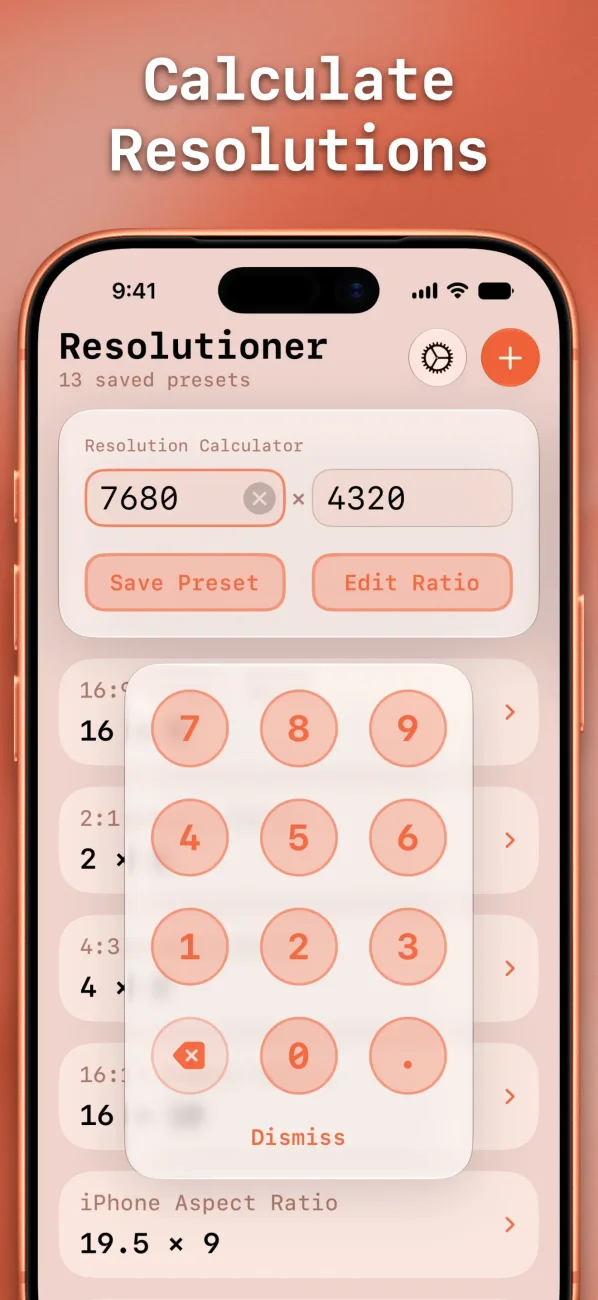
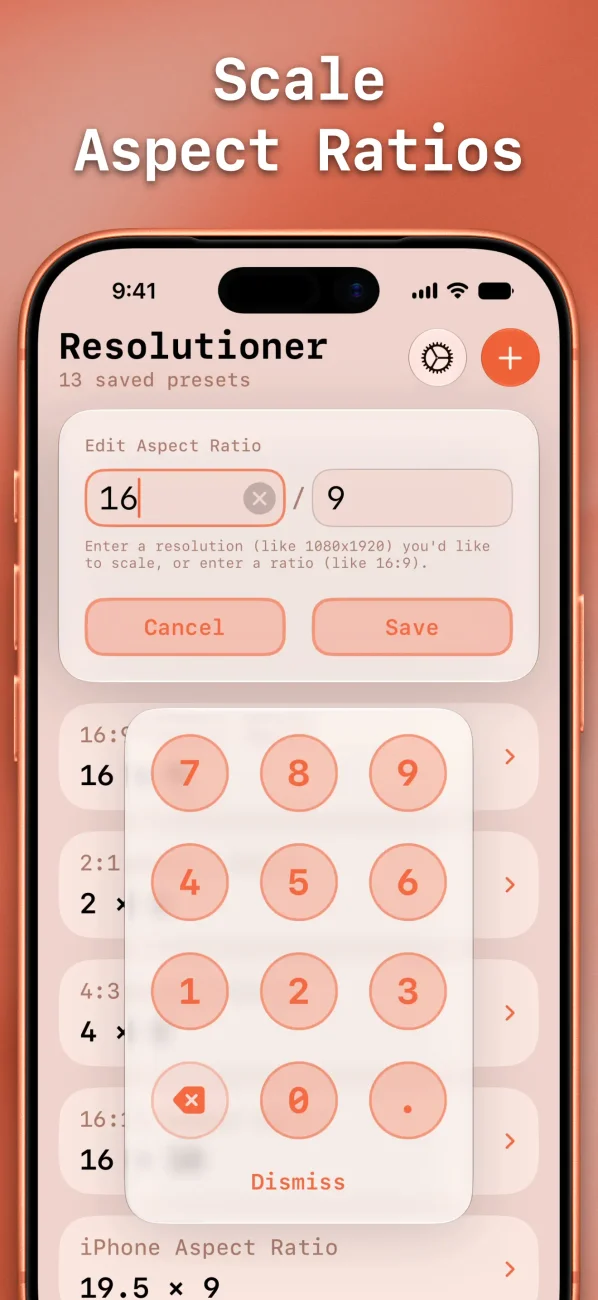
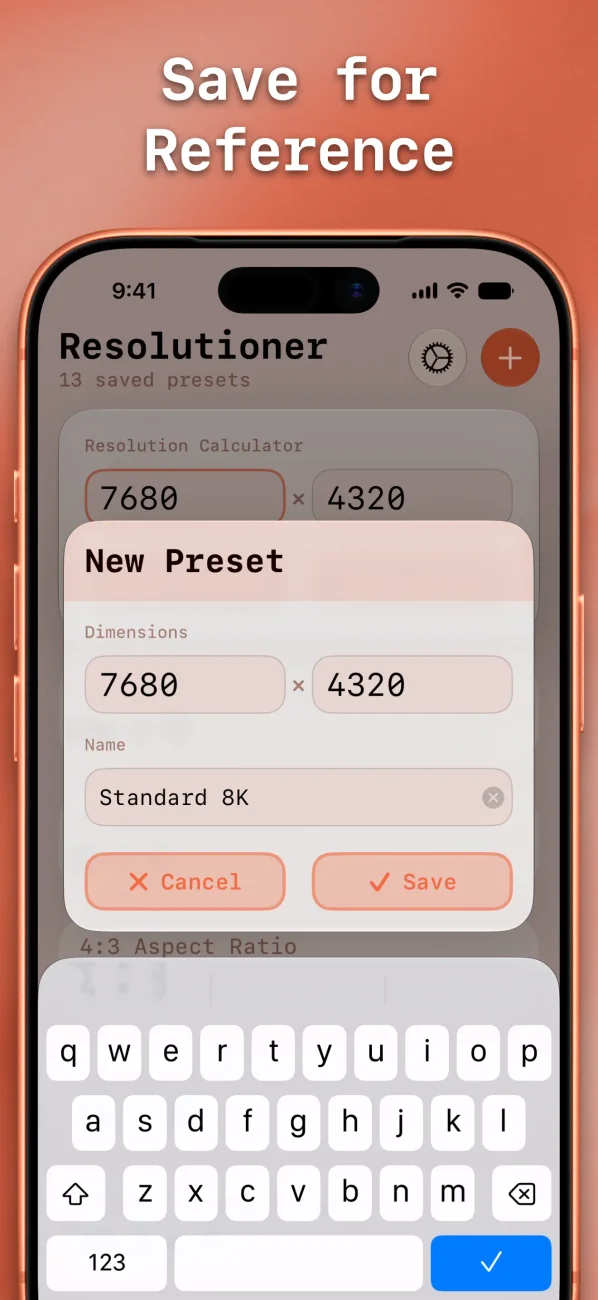
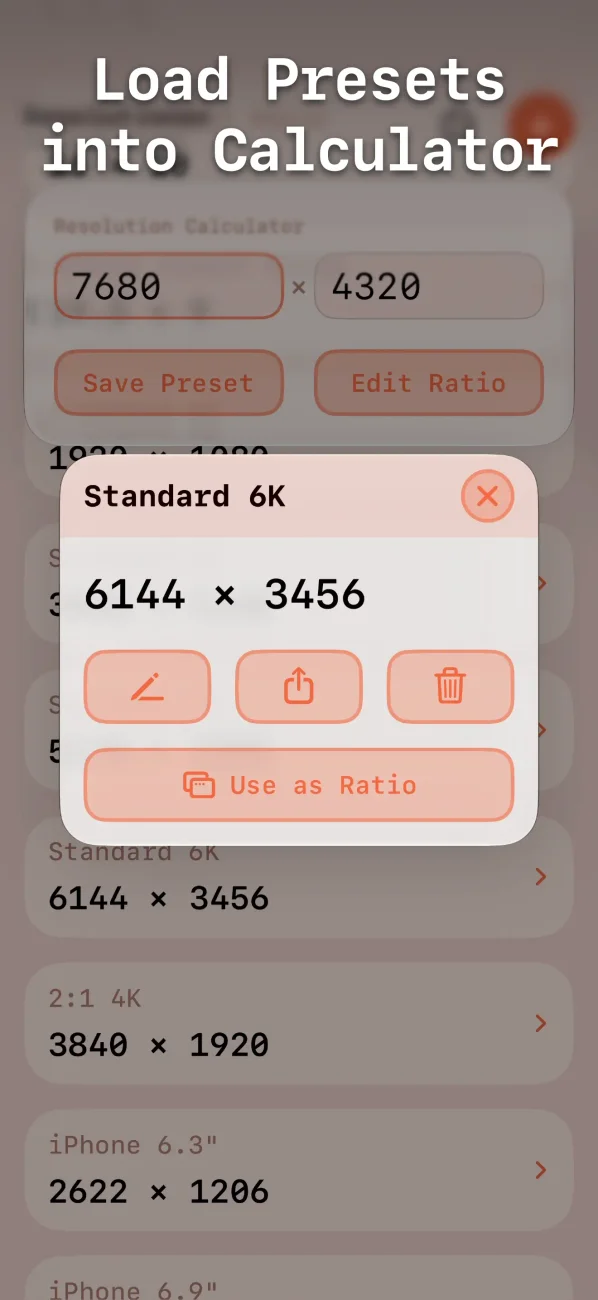
Resolutioner by Sun Apps is a simple utility app for calculating and scaling resolutions and aspect ratios. You can input an aspect ratio and calculate a resolution based on it, or you can input a resolution and scale it up or down. For quick reference, you can save an aspect ratio to your Saved Presets, and load it back into the calculator with just one tap.
NO ADS OR PREMIUM FEATURES
The price you see is the price you pay. There are no ads, premium features, subscriptions, or anything else. And since we don’t collect any data, there’s no data for us to sell! If you really love the app, you can donate via the Tip Jar option (that’s the in-app purchases the App Store shows).
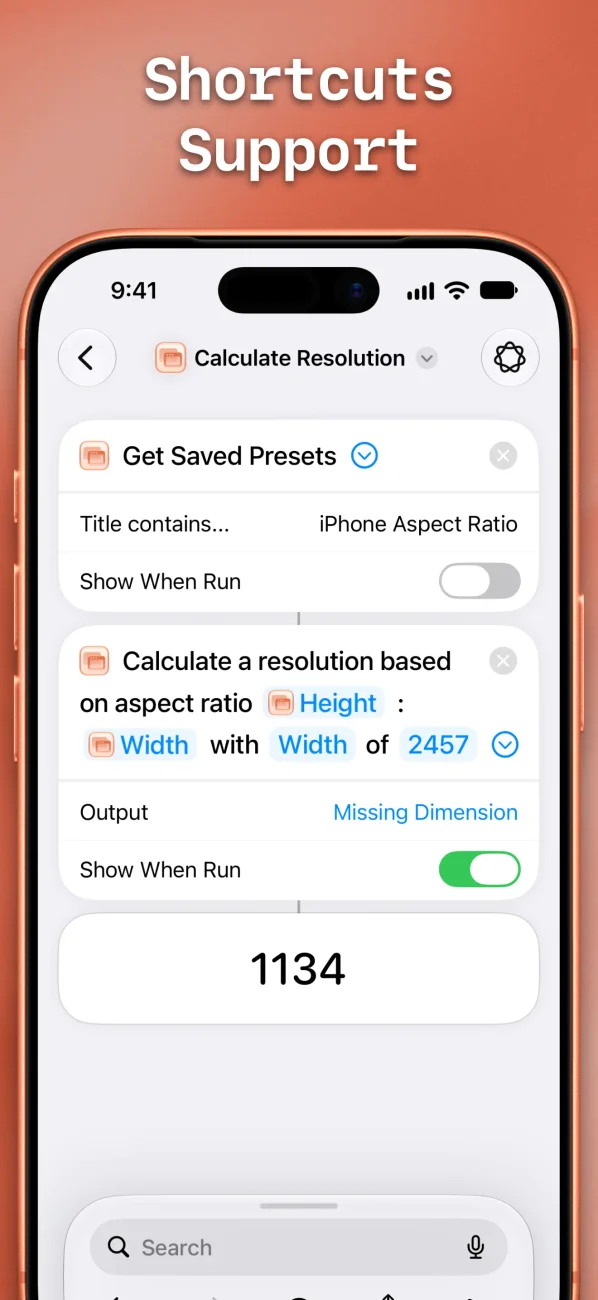
SHORTCUTS SUPPORT
Resolutioner extends all of its functionality to the Shortcuts app, so you can calculate resolutions, scale resolutions, and determine aspect ratios in Shortcuts or with Siri AI. You can also view, create, and manage your Saved Presets.
INTERFACE
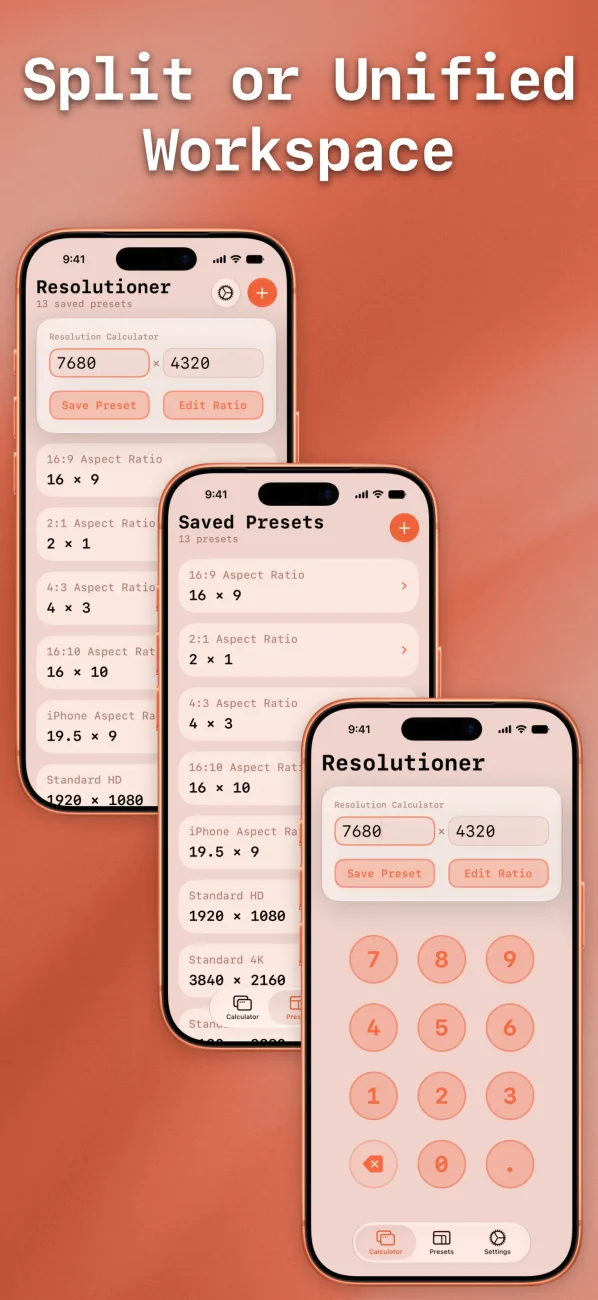
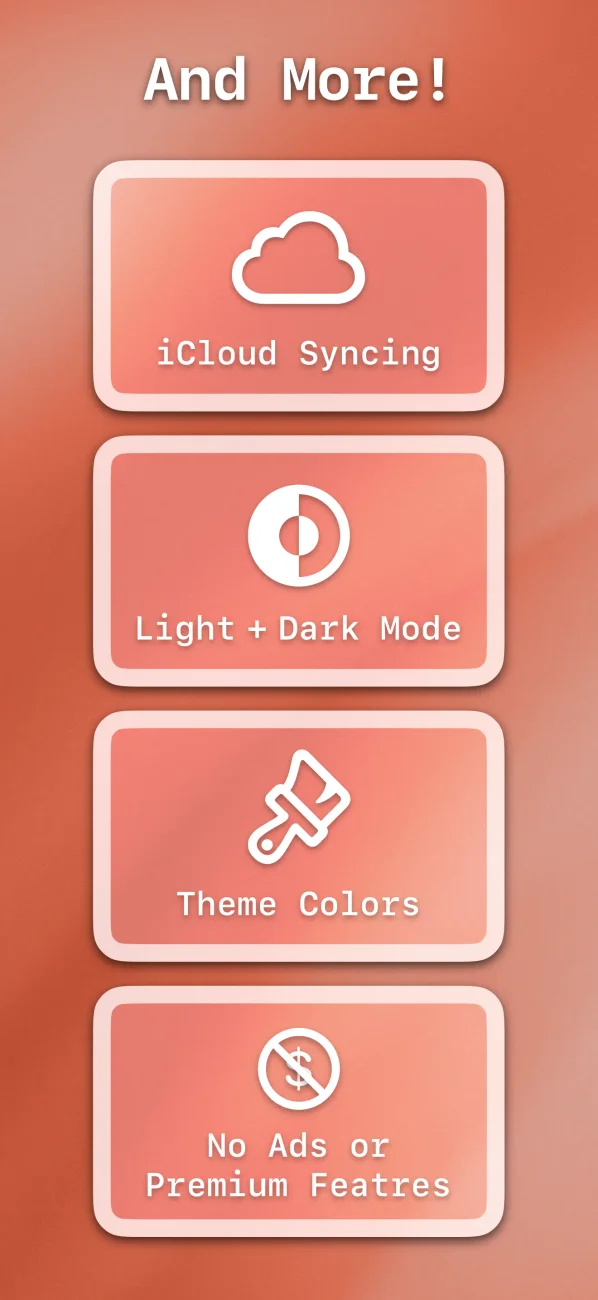
You can choose from two great interface options, Unified or Split. Unified puts the calculator and Saved Presets on one page, while Split puts them side-by-side or into tabs, depending on screen/window size. You can also turn the theme color on or off, as well as toggle between a monospaced and a standard font design.
DESIGNED FOR iOS AND iPadOS
Resolutioner has been designed with Liquid Glass in mind, and works great across iPhone, iPad, Mac, and Apple Vision Pro!
- Full support for Dark, Tinted, and Clear Home Screen modes
- Full multitasking support: multi-window support, keyboard shortcuts, full cursor support, Slide Over + Split View, and more
- Full support for iPhone Duo
- Choose from five app icon designs
- Fully updated for Liquid Glass
- iCloud sync support
- Dynamic text support
Nouveautés
Version 2.2.1 · 22/10/2026
Resolutioner is now ready for iPhone Duo! This update brings full support for iPhone Duo. The app now adapts to both screens, all poses, and all orientations.
New with v2.2.1: added iPhone Duo screenshots to the App Store listing
Confidentialité de l’application
Ce que Sun Apps, LLC déclare sur l’App Store au sujet du traitement des données par cette application.
-
Données non collectées
Le développeur ne collecte aucune donnée à partir de cette application.
Les pratiques en matière de confidentialité peuvent varier, notamment en fonction des fonctionnalités que vous utilisez ou de votre âge.
Informations
- Vendeur
- Sun Apps, LLC
- Catégorie
- Outils de développement
- Version
- 2.2.1
- Mis à jour
- 22/10/2026
- Publié
- 11/05/2021
- Taille
- 39,5 Mo
- Nécessite
- iOS 17.0 ou version ultérieure
- Classification d’âge
- 4+
- Prix
- 0,99 €
- Achats intégrés
- Oui
- Langues
- Anglais
- Copyright
- © 2026 Dylan McDonald
Vous aimerez peut-être aussi
-
 KodexOutils de développement
-
 xTerminal - SSH Terminal ShellOutils de développement
-
 Wifi Analyzer: Network ScannerOutils de développement
-
 Desktop Browser • ZoomableOutils de développement
-
 Terminal#SSH client
-
 Spectre VPNOutils de développement
-
 Code Editor - Éditeur de codeProgramming on mobile
-
 Proxyman - Capture HTTPSOutils de développement
-
 a-ShellOutils de développement
-
 Dashify for Netlify.comOutils de développement