- Classification d’âge4+
- CatégorieForme et santé
- DéveloppeurRachel McConnell
- LanguesAnglais
- Taille15,9 Mo
Renvoie vers la page App Store officielle
Download.org n’héberge aucun fichier de ROXLAP. Le bouton ouvre la page de l’application sur App Store, où Rachel McConnell la publie. Fiche vérifiée pour la dernière fois le 23/11/2026.
Captures d’écran
À propos
Le développeur n’a pas fourni ce texte dans votre langue.
ROXLAP: Your HYROX Lap Counter
Never lose count of your IN passes again.
ROXLAP helps you know when to go IN during a HYROX race or simulation. Count each time you see the IN arch, track your progress through all eight runs and workout stations, and stay focused on racing.
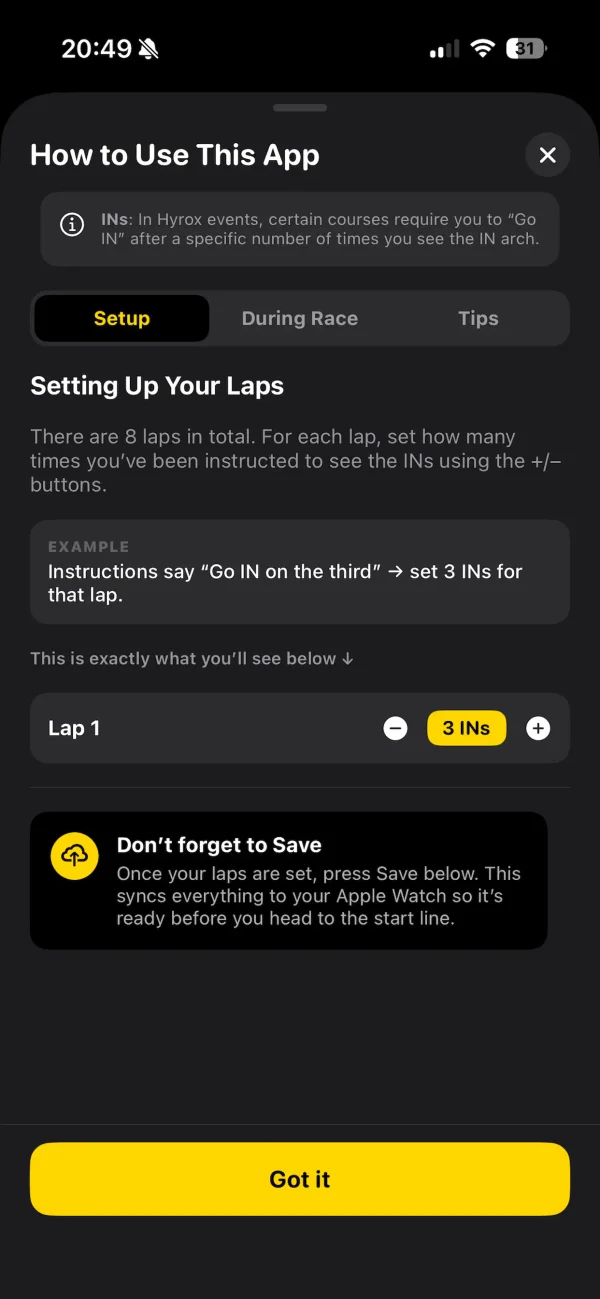
SET UP YOUR RACE
Before your race, use the ROXLAP iPhone app to choose Apple Watch or Garmin.
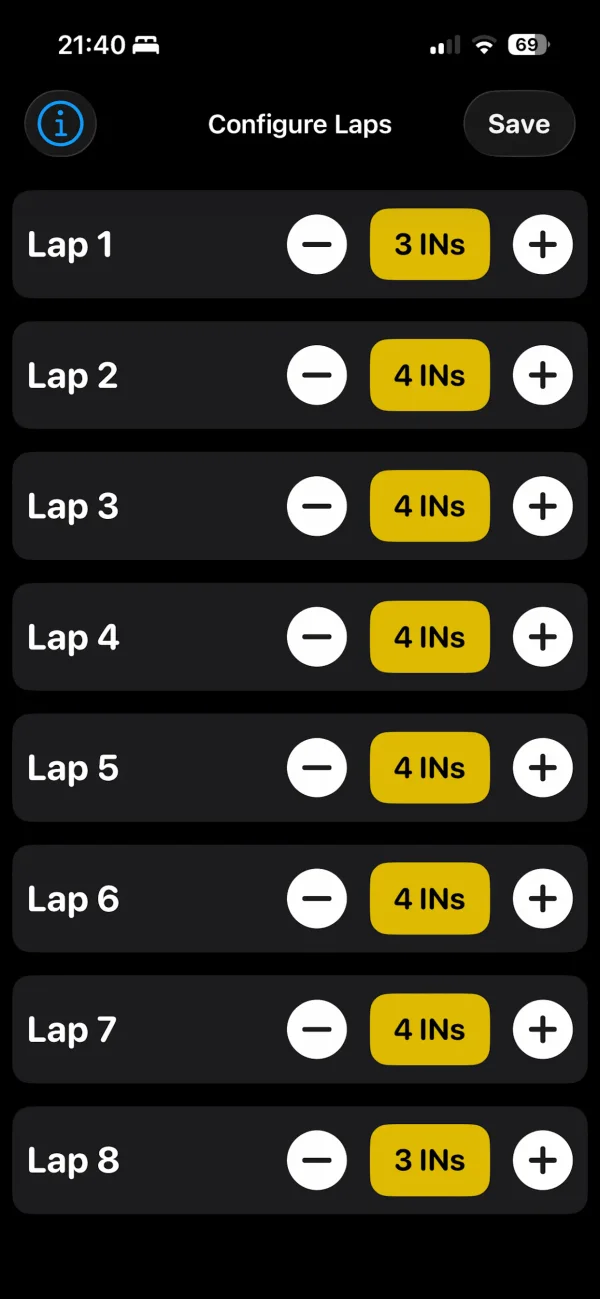
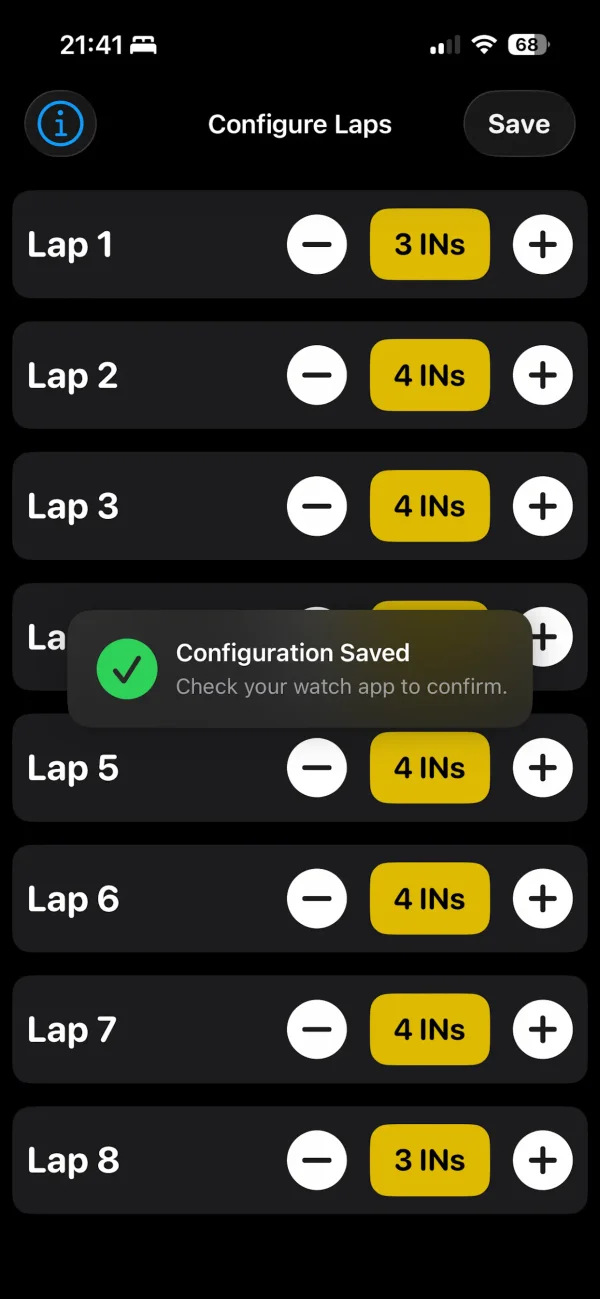
Check your official HYROX race map and enter how many times you need to see the IN arch before going IN for each of the eight runs.
Sync your configuration to your watch and you're ready to race.
HOW IT WORKS
1. PRESS START
Start ROXLAP on your watch when your race begins.
2. COUNT EVERY IN
Each time you see the IN arch during your run, press IN on your watch to count it.
3. KNOW WHEN TO GO IN
ROXLAP keeps track of how many times you've seen the IN arch so you know when it's time to enter the Roxzone.
For example:
• RUN 1: Go IN the THIRD time you see the IN arch.
• RUNS 2 TO 7: Go IN the FOURTH time you see the IN arch.
• RUN 8: Go IN the THIRD time you see the WALL BALL IN.
These are example counts. Always follow the instructions on your own race map.
4. COMPLETE YOUR WORKOUT STATION
When you reach your required IN count, follow the course into your next workout station.
After completing the station, press OUT as you leave to begin tracking your next run.
5. KEEP TRACK UNTIL THE FINISH
ROXLAP displays your current run or station, IN count, elapsed time, split time and available heart-rate information.
APPLE WATCH
Use ROXLAP on your Apple Watch with workout tracking, Apple Health and Fitness integration, and workout summaries on your iPhone.
GARMIN
Install the ROXLAP companion from the Connect IQ Store on a compatible Garmin watch.
Configure your race using the ROXLAP iPhone app. Keep Garmin Connect installed for setup and syncing.
Press the action button or tap the on-screen control for START, IN, OUT and FINISH. Once set up, the counter works without your phone during the race.
Garmin Connect and the paid ROXLAP iPhone app are required for setup and syncing.
START automatically records your Garmin workout and FINISH saves it for syncing to Garmin Connect.
REVIEW YOUR RACE
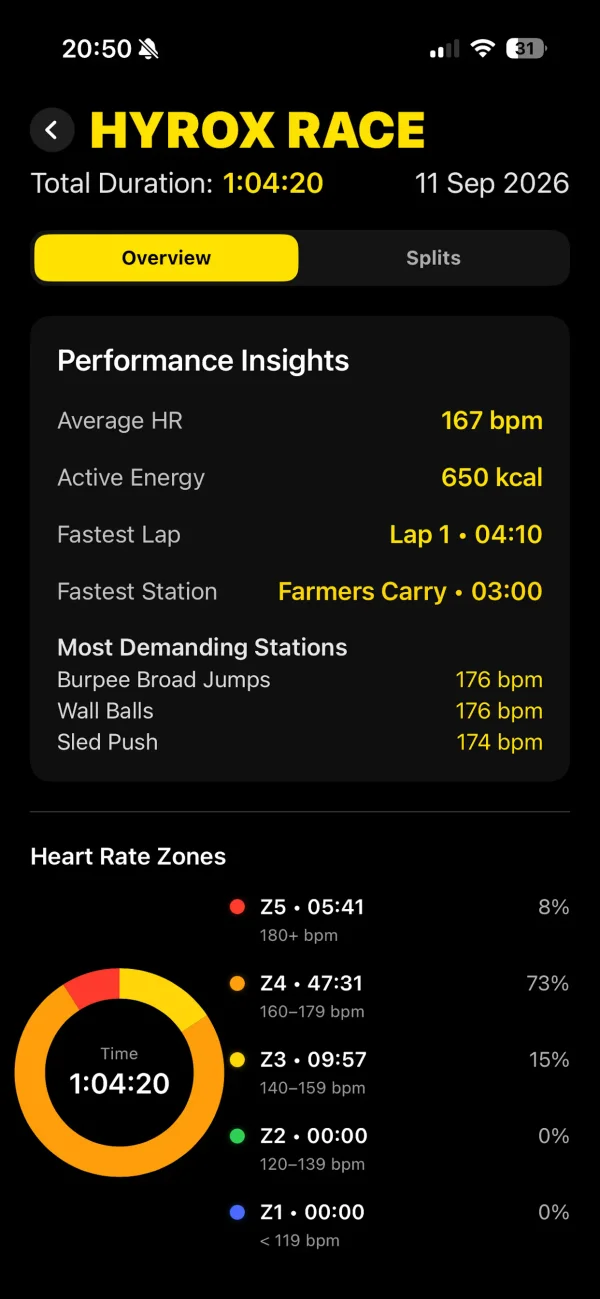
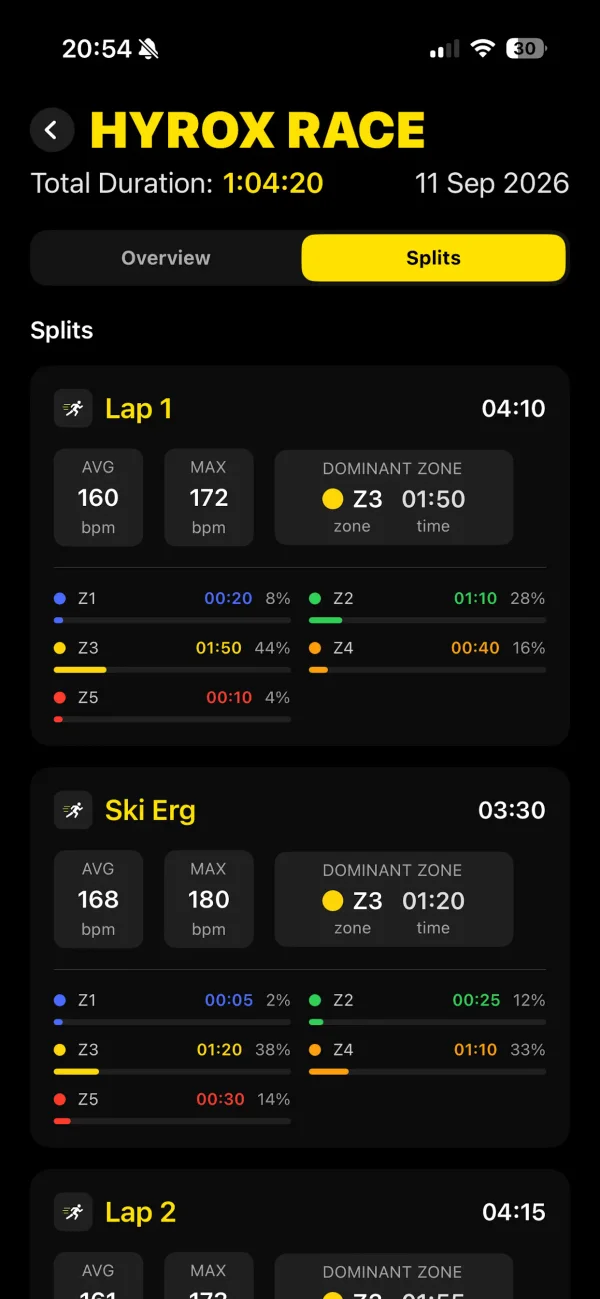
Review your splits and available heart-rate metrics after your session.
Completed ROXLAP Garmin sessions can be imported into your iPhone Workouts tab. Garmin users can also correct an IN count or return to the previous stage.
Calories are included when provided by Garmin recording. Unfinished Garmin sessions cannot resume after exiting the app. Other Garmin Connect activities are not imported, and Garmin sessions are not written to Apple Health.
Nouveautés
Version 3.1 · 19/11/2026
ROXLAP now supports compatible Garmin watches alongside Apple Watch.
• Choose your watch and send your IN counts from iPhone.
• Follow visual Garmin controls guides with arrows for buttons and touch.
• Import completed ROXLAP Garmin sessions, including splits and available heart-rate data.
• Clearer setup confirmation helps you check your counts before racing.
Apple Watch setup and workout tracking remain available as before.
Fixed an issue where saved IN counts could reset on iPhone. Your last saved configuration is now retained for Apple Watch and Garmin, including when your Garmin is disconnected.
Simpler Garmin instructions, refreshed watch images and a clearer Watch page. Garmin START now records your workout automatically and FINISH saves it.
Confidentialité de l’application
Ce que Rachel McConnell déclare sur l’App Store au sujet du traitement des données par cette application.
-
Données non collectées
Le développeur ne collecte aucune donnée à partir de cette application.
Les pratiques en matière de confidentialité peuvent varier, notamment en fonction des fonctionnalités que vous utilisez ou de votre âge.
Informations
- Vendeur
- Rachel McConnell
- Catégorie
- Forme et santé
- Version
- 3.1
- Mis à jour
- 19/11/2026
- Publié
- 03/12/2025
- Taille
- 15,9 Mo
- Nécessite
- iOS 16.0 ou version ultérieure
- Classification d’âge
- 4+
- Prix
- 5,99 €
- Langues
- Anglais
- Copyright
- © 2025 Rachel McConnell