Sable: Pixel • Draw • Vector
Pixel & vector drawing studio
Conçue pour iPad
Gratuit · Achats intégrés
- Classification d’âge4+
- CatégorieGraphisme et design
- DéveloppeurJuan Pierre Lotter
- LanguesAnglais
- Taille20,5 Mo
Renvoie vers la page App Store officielle
Download.org n’héberge aucun fichier de Sable: Pixel • Draw • Vector. Le bouton ouvre la page de l’application sur App Store, où Juan Pierre Lotter la publie. Fiche vérifiée pour la dernière fois le 24/11/2026.
Captures d’écran

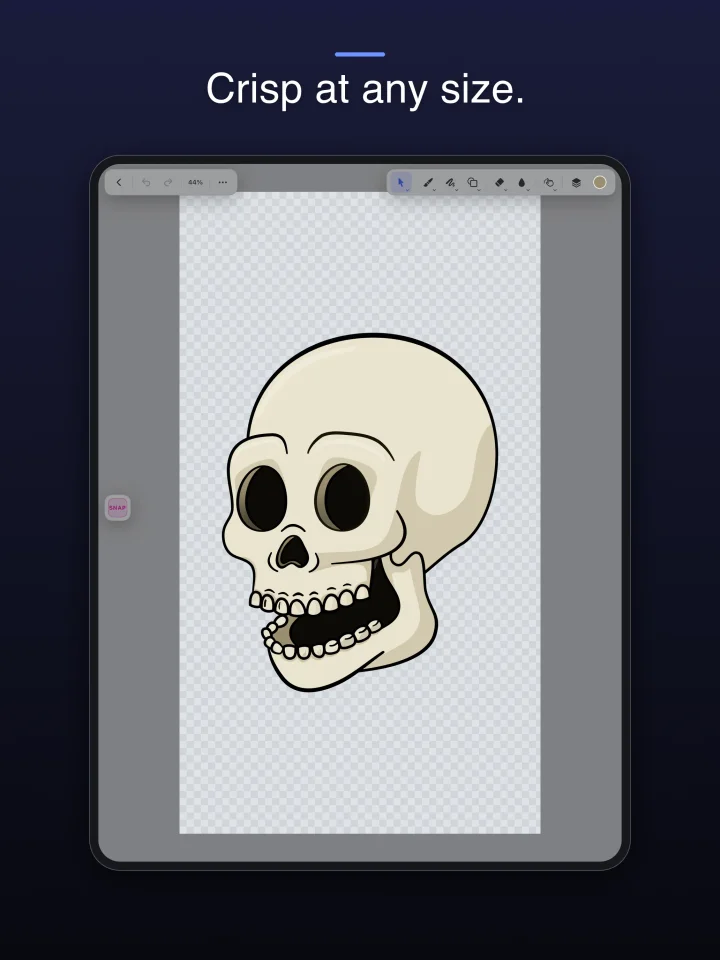
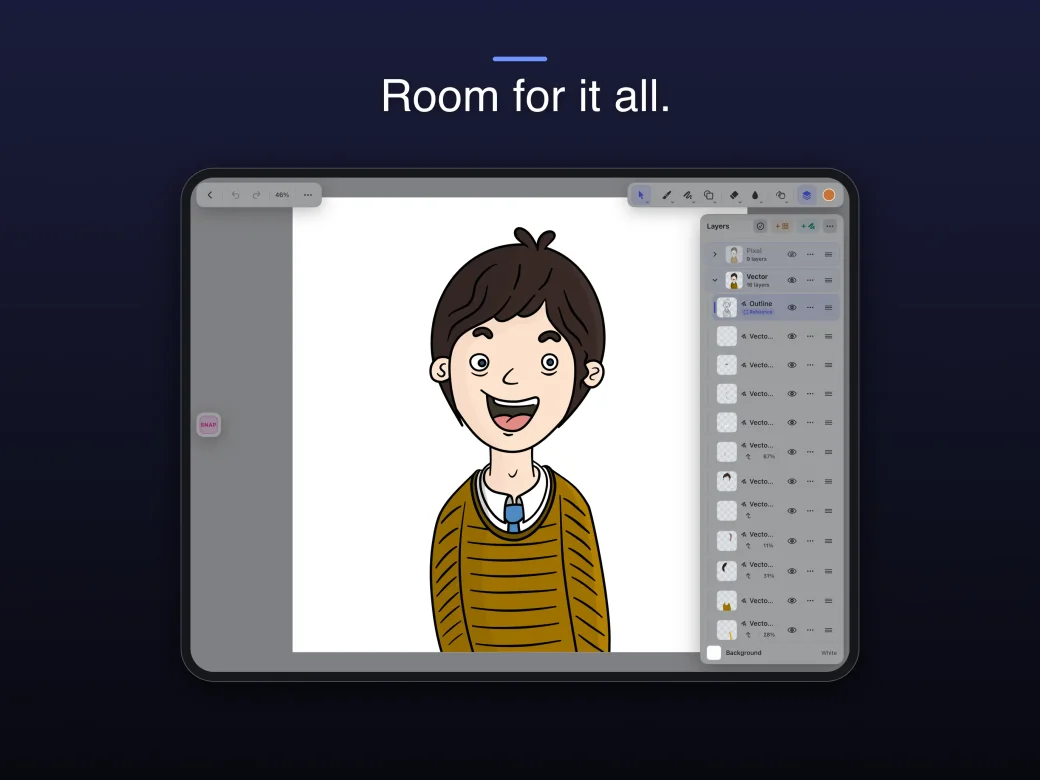
À propos
Le développeur n’a pas fourni ce texte dans votre langue.
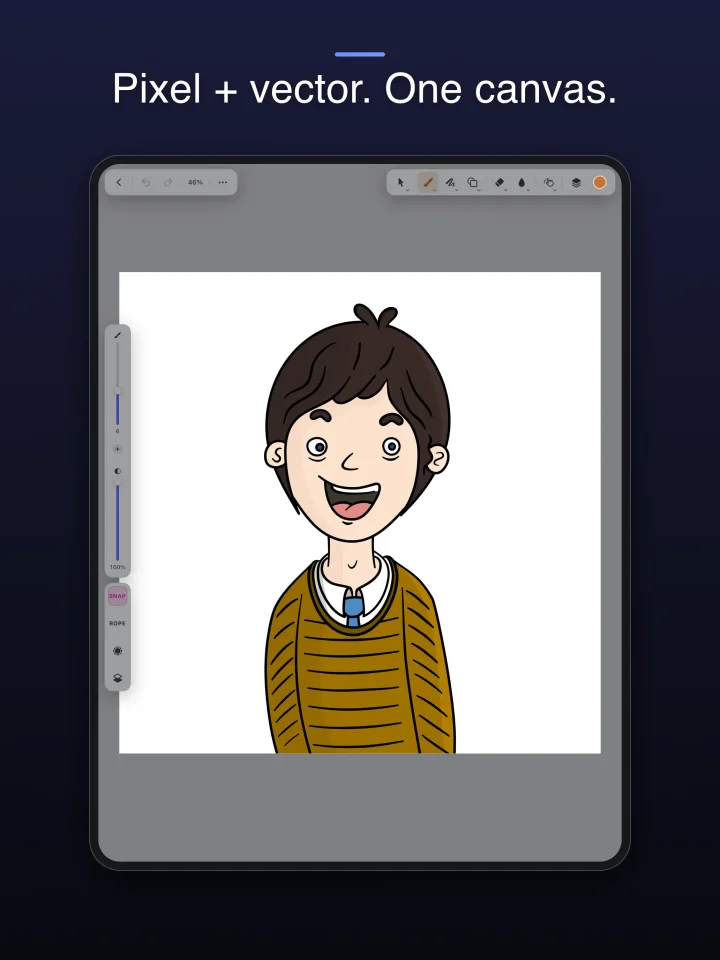
Draw in pixels and vectors — on the same layer.
Sable is a professional drawing studio for iPad that erases the line between painting and vector art. Lay down a textured, pressure-sensitive brush stroke, then drop an editable vector shape right next to it — on the very same layer. No switching apps. No flattening. No compromise.
Built for Apple Pencil on a Metal canvas tuned to stay glued to the nib: every stroke lands exactly where you expect, the instant you make it.
WHY SABLE
• Pixel and vector on one canvas — freehand painting and precise shapes, together
• Weave shapes through and around each other — a signature Sable move
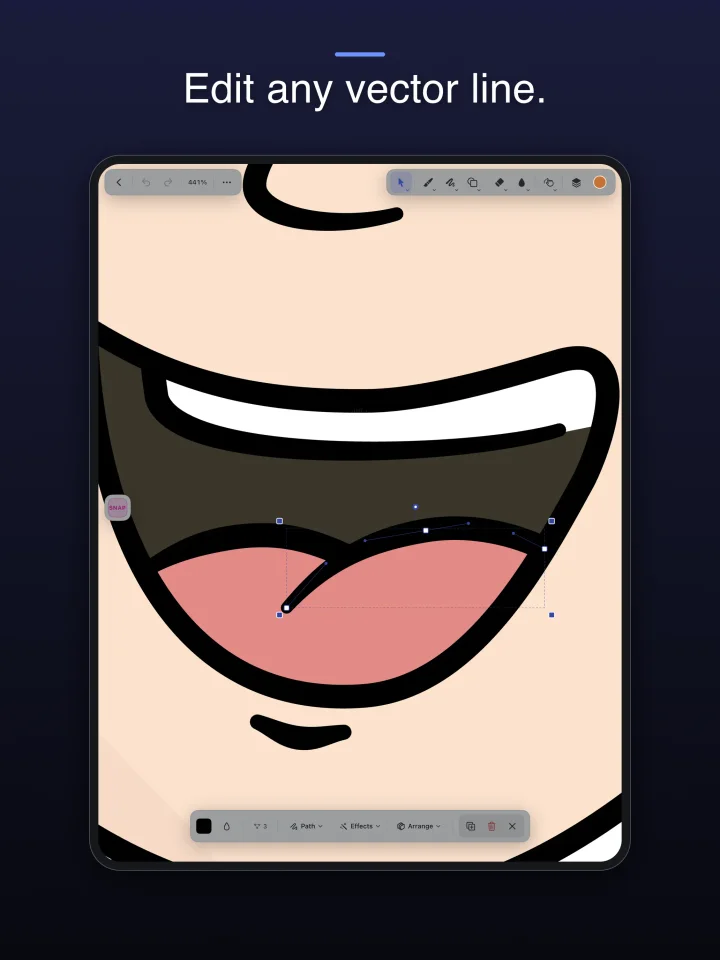
• Vectors stay razor-sharp at any zoom, from 100% to 5000% — never a jagged edge
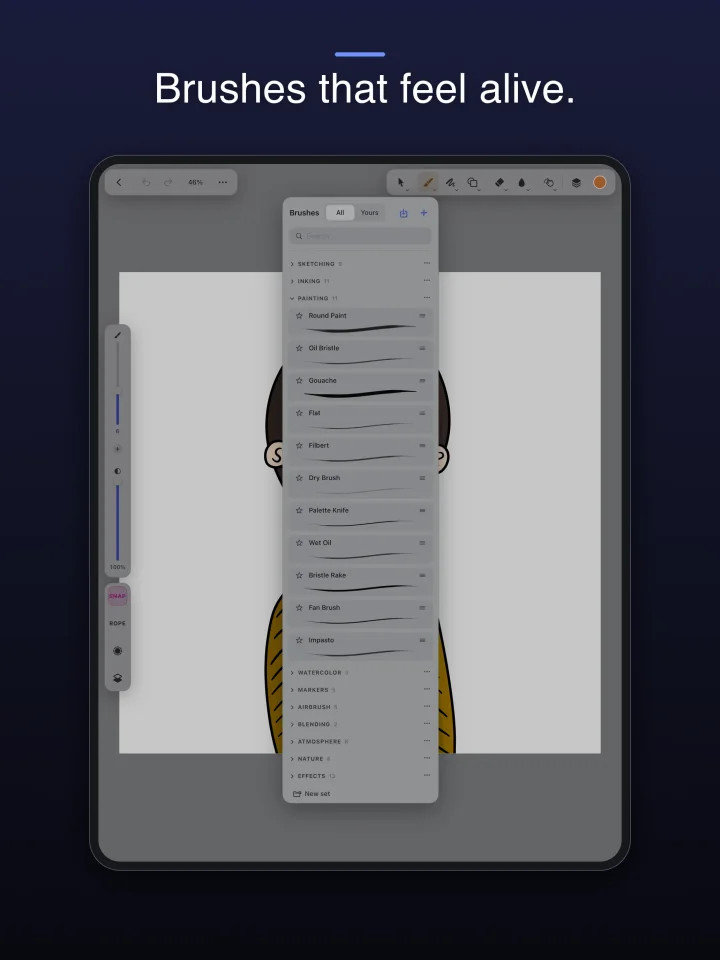
• A deep, organic brush engine with real pressure, tilt, and grain
DRAW
• Expressive pixel brushes with a natural, hand-made feel
• A full vector pen with node editing, plus freehand Draw and Smooth modes
• ShapeSnap — hold at the end of a stroke to snap a perfect line, arc, or shape
• Symmetry, perspective, grid, and isometric guides
COLOUR & FILL
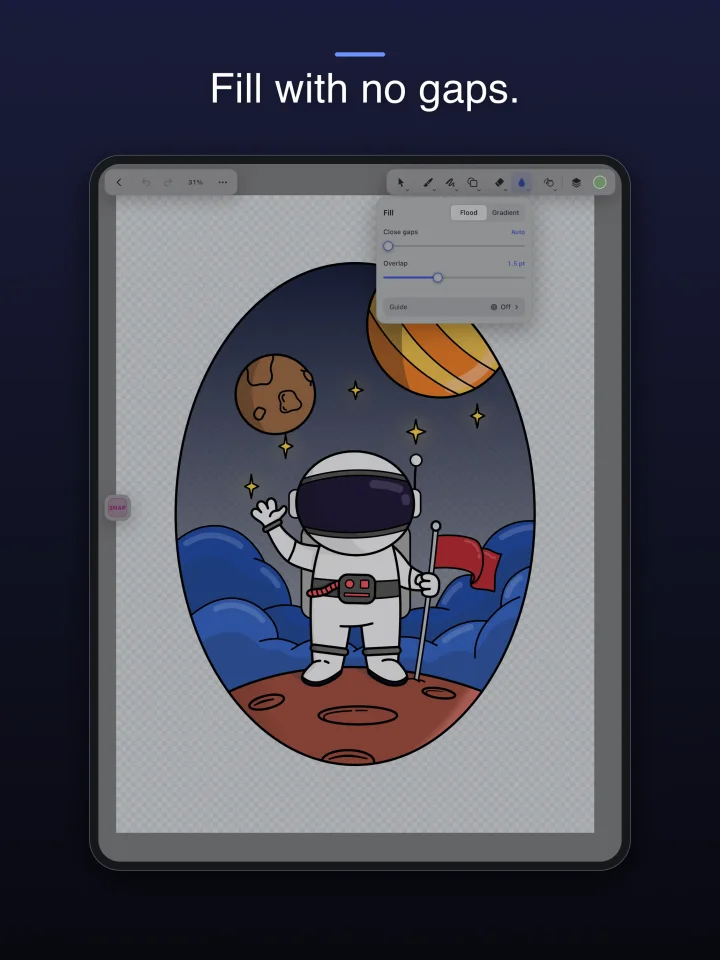
• A true paint bucket that fills exactly the region you tap
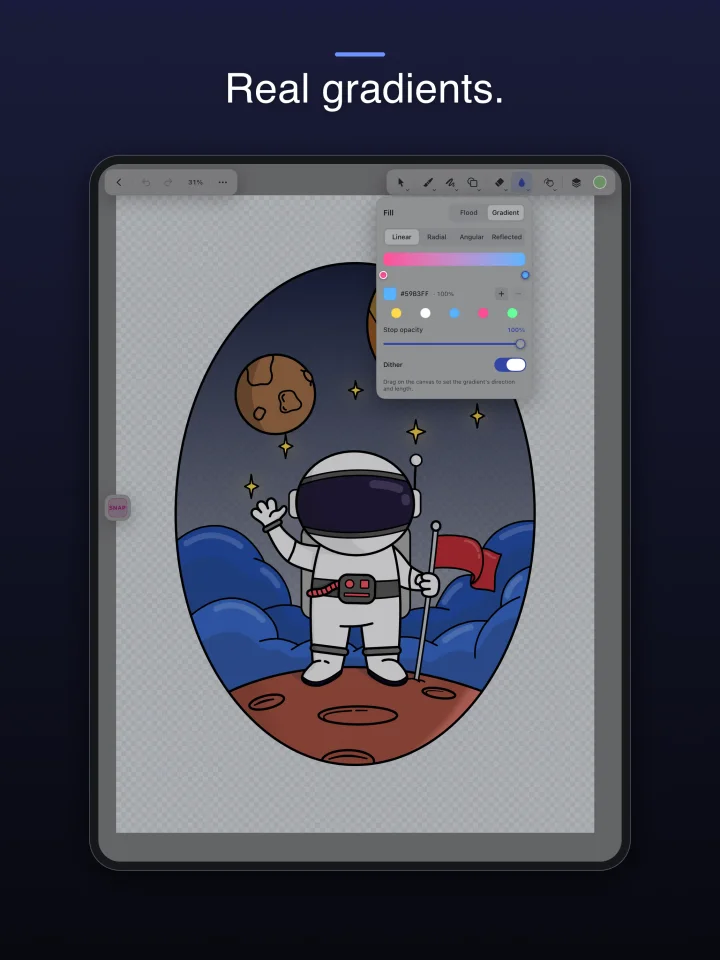
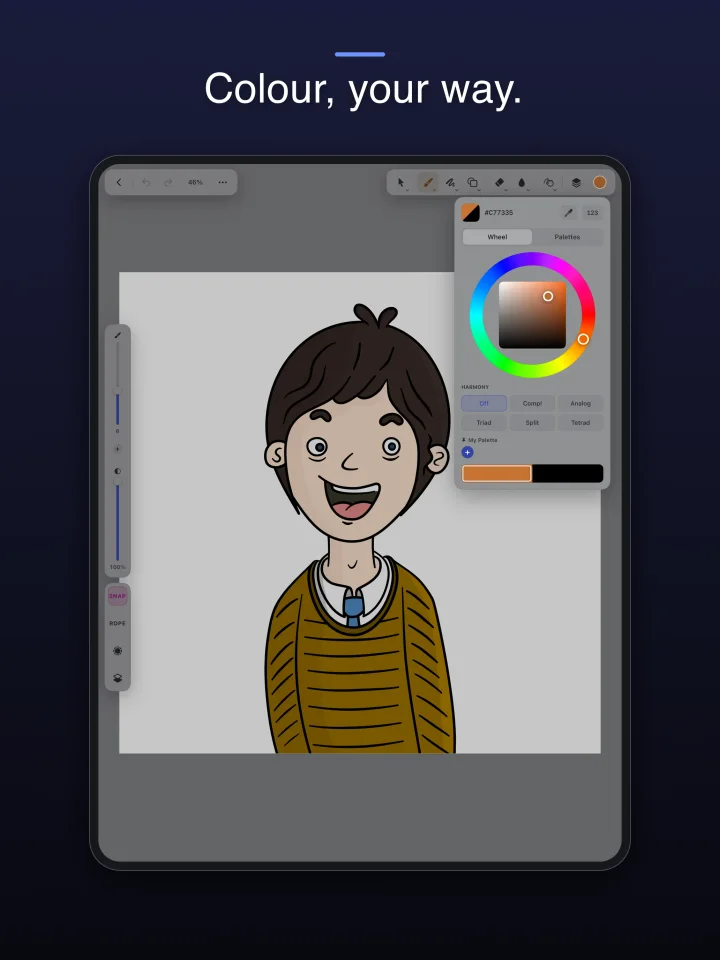
• Gradients, colour drop, alpha lock, and clipping masks
SHAPE & TRANSFORM
• Melt — push, twirl, pinch, and expand with your finger
• Distort, warp, round corners, trim, and the live shape weave
EFFECTS
• Blur, sharpen, colour grades, curves and more — live and non-destructive
• Change or remove any effect anytime; your pixels and paths stay untouched
LAYERS
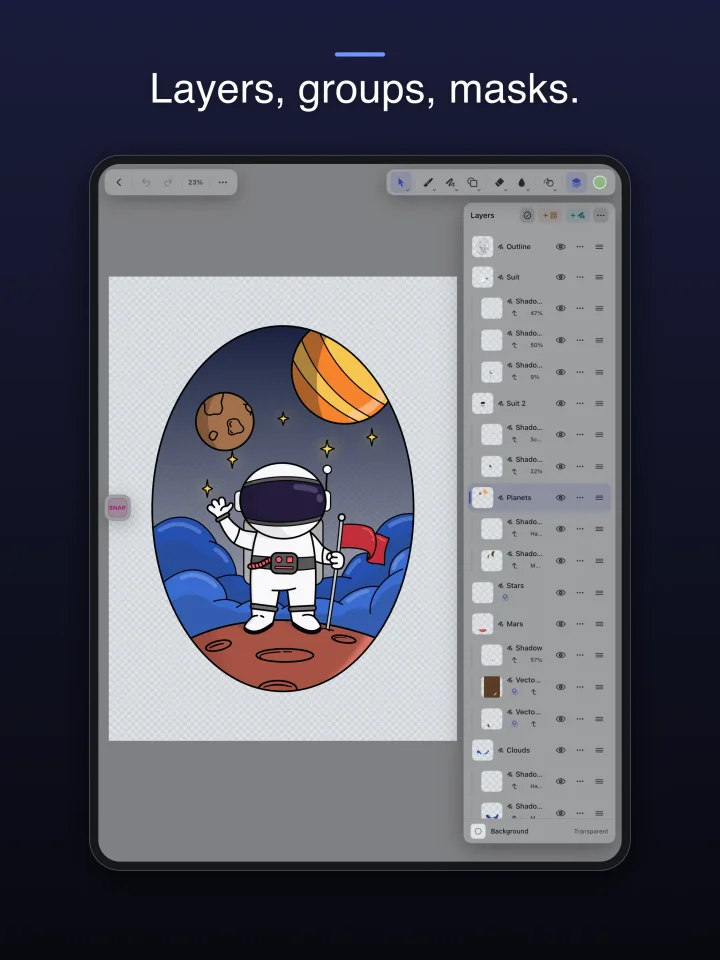
• Hybrid layers, folders, masks, clipping, blend modes, and opacity
EXPORT & SYNC
• Export PNG, JPEG, PDF, and true, editable SVG
• Sync your work across your iPads with iCloud
• Record a time-lapse of any drawing
HONEST PRICING
Free to try for 14 days — the whole app, nothing held back. Then one payment unlocks Sable for good. No subscription, ever. Anything you make during the trial stays yours to keep, open, and export.
Made by an independent developer who cares about craft. Draw something you're proud of.
Nouveautés
Version 1.1.44 · 23/11/2026
A small polish release.
• The Effects card now opens at exactly the same spot every time, with no tiny jump.
• Plus small behind-the-scenes fixes.
Confidentialité de l’application
Ce que Juan Pierre Lotter déclare sur l’App Store au sujet du traitement des données par cette application.
-
Données non collectées
Le développeur ne collecte aucune donnée à partir de cette application.
Les pratiques en matière de confidentialité peuvent varier, notamment en fonction des fonctionnalités que vous utilisez ou de votre âge.
Informations
- Vendeur
- Juan Pierre Lotter
- Catégorie
- Graphisme et design
- Version
- 1.1.44
- Mis à jour
- 23/11/2026
- Publié
- 09/08/2026
- Taille
- 20,5 Mo
- Nécessite
- iOS 17.0 ou version ultérieure
- Classification d’âge
- 4+
- Prix
- Gratuit
- Achats intégrés
- Oui
- Langues
- Anglais
- Copyright
- © 2026 JP Lotter
Vous aimerez peut-être aussi
-
 PaintlustratorGraphisme et design
-
 Vector CurveGraphisme et design
-
 Layerz CanvasGraphisme et design
-
 Doodle - Vector DrawingGraphisme et design
-
 Layer-ArtGraphisme et design
-
 Munus PaintGraphisme et design
-
 Canvas Software - AnimateGraphisme et design
-
 xPaletteGraphisme et design
-
 Particle GeneratorGraphisme et design
-
 Atelier — Dessin & AnimationDessin, BD, animation, film