Satellite Tracker
ProSat, HamSat, ISS
Conçue pour iPhone, iPad
Gratuit · Achats intégrés
- Classification d’âge4+
- CatégorieUtilitaires
- DéveloppeurCraig Vosburgh
- LanguesAnglais
- Taille19,4 Mo
Renvoie vers la page App Store officielle
Download.org n’héberge aucun fichier de Satellite Tracker. Le bouton ouvre la page de l’application sur App Store, où Craig Vosburgh la publie. Fiche vérifiée pour la dernière fois le 25/11/2026.
Captures d’écran
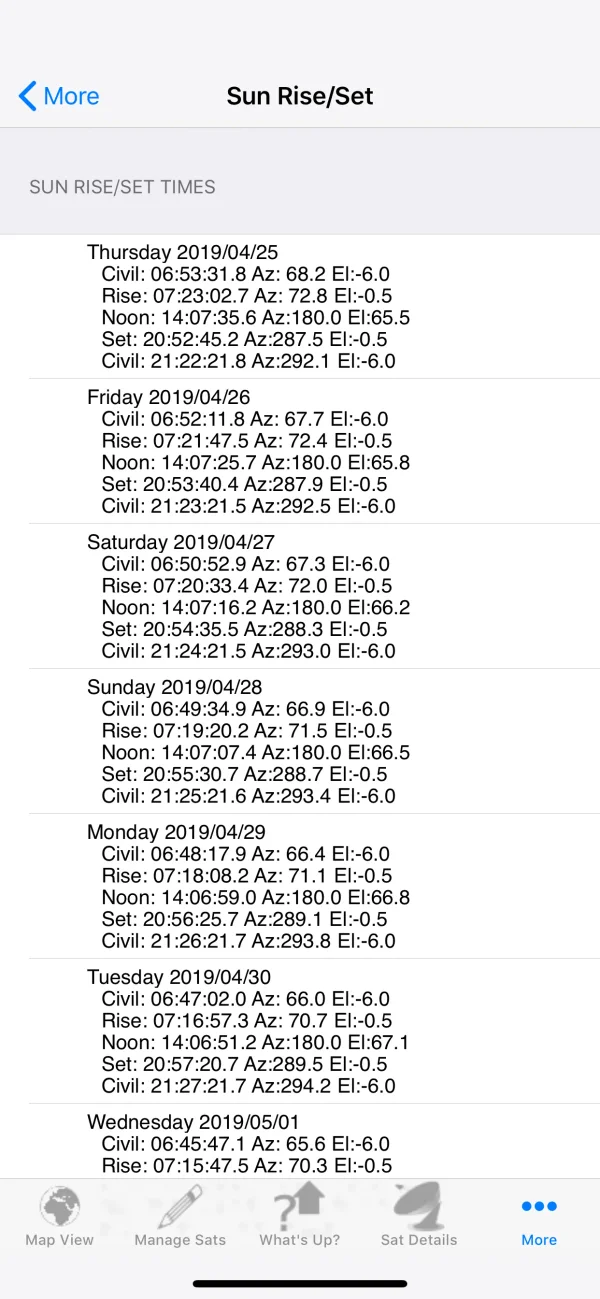

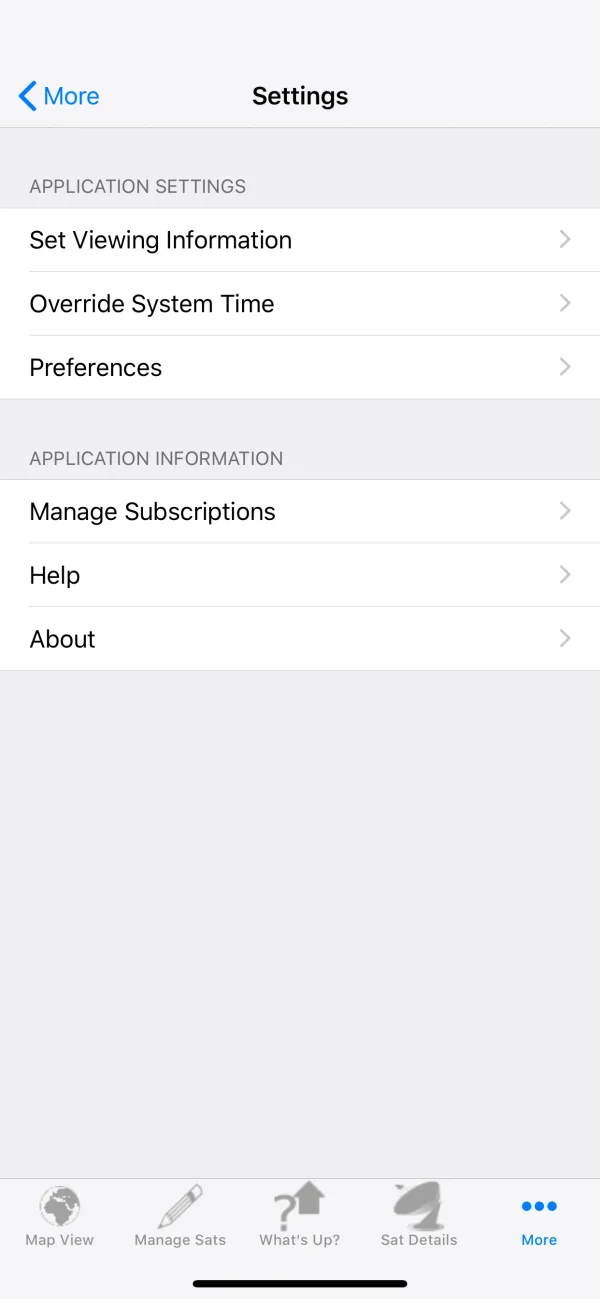
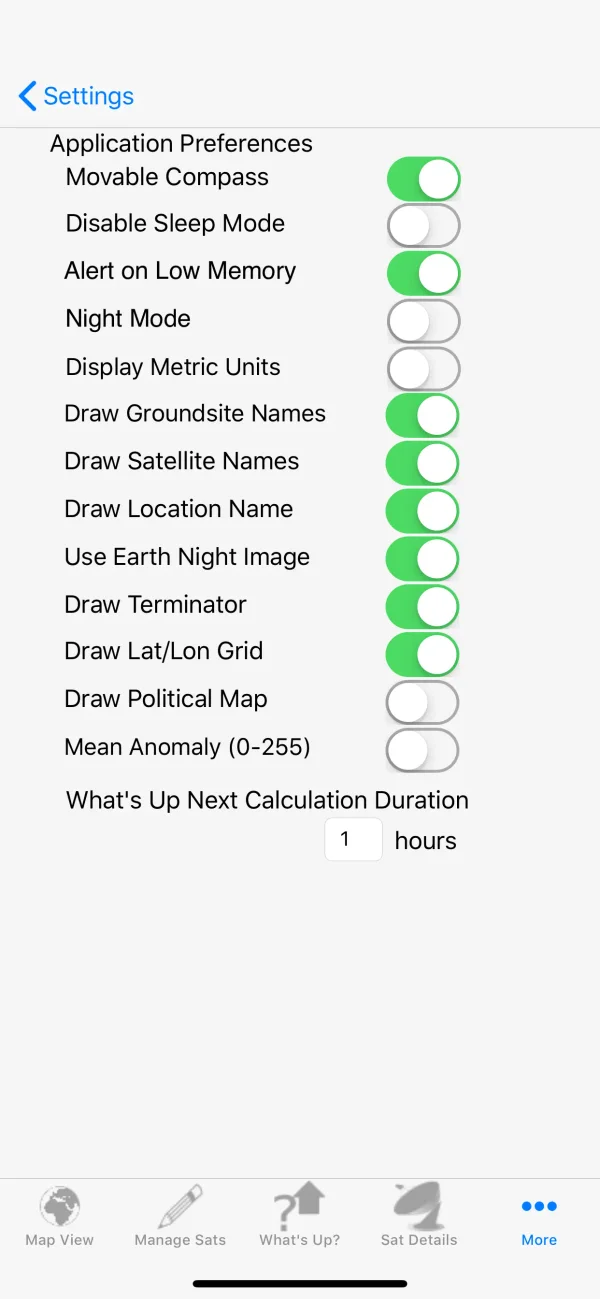
À propos
Le développeur n’a pas fourni ce texte dans votre langue.
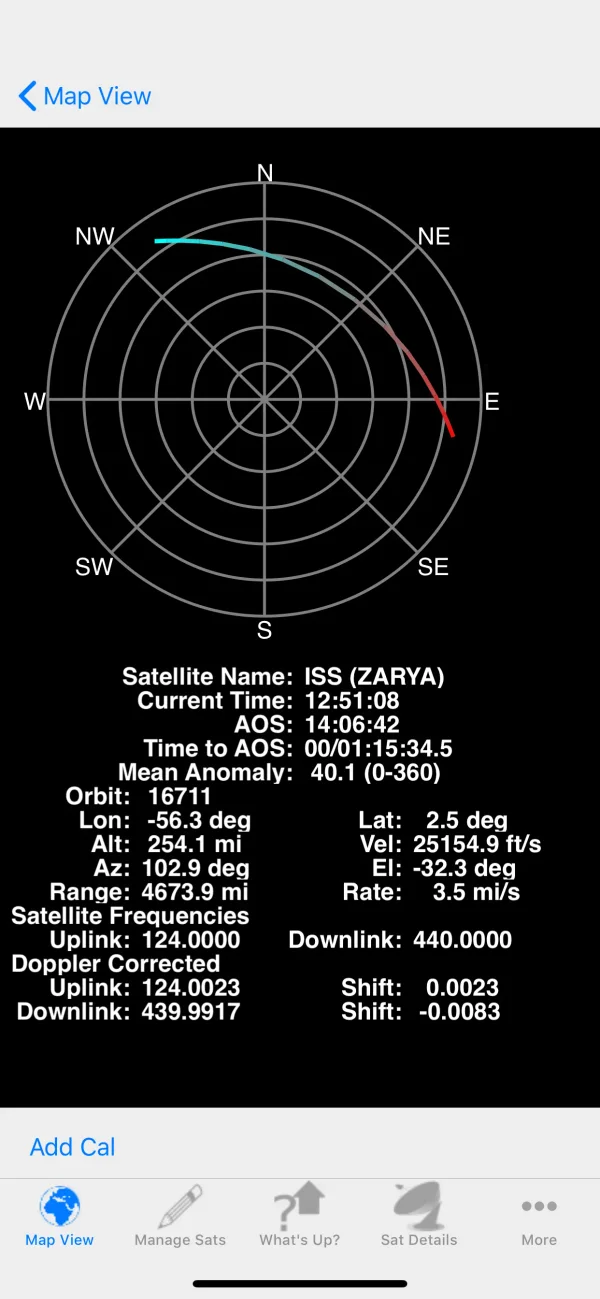
Satellite Tracker is the follow on to our award winning HamSat series of applications. Satellite Tracker merges all the features of the iPhone and iPad versions providing you a single application that seamlessly optimizes the screen to the device you’re running it on (check out the various iPhone and iPad screen shots).
The application will calculate the rise/set times and associated azimuth and elevation for the selected satellite, Sun or Moon given either the user entered or network retrieved location.
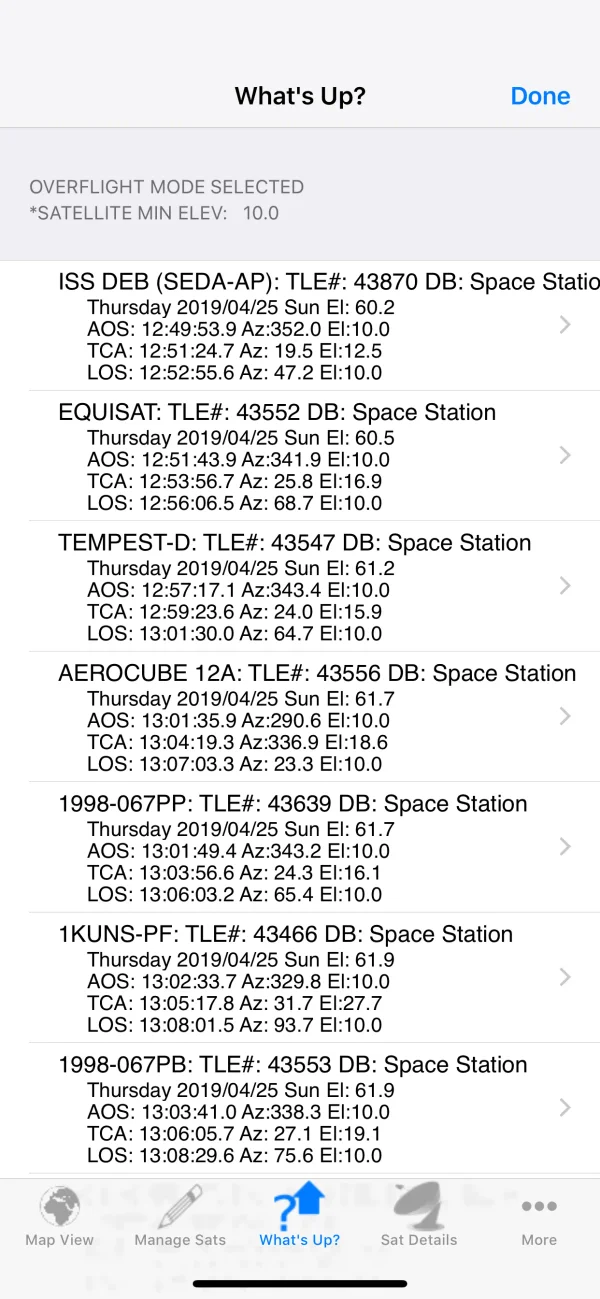
There are two modes for satellite rise/set calculations. The first is for those folks wanting to know all overflights for a given location (like Ham radio operators) while the second mode computes only those passes where the satellite would be visible to a ground observer. In the ground observer mode, the calculations not only take into account that the ground is dark but also that the satellite is in sunlight (it even takes into account if the satellite becomes lit or unlit during the pass)
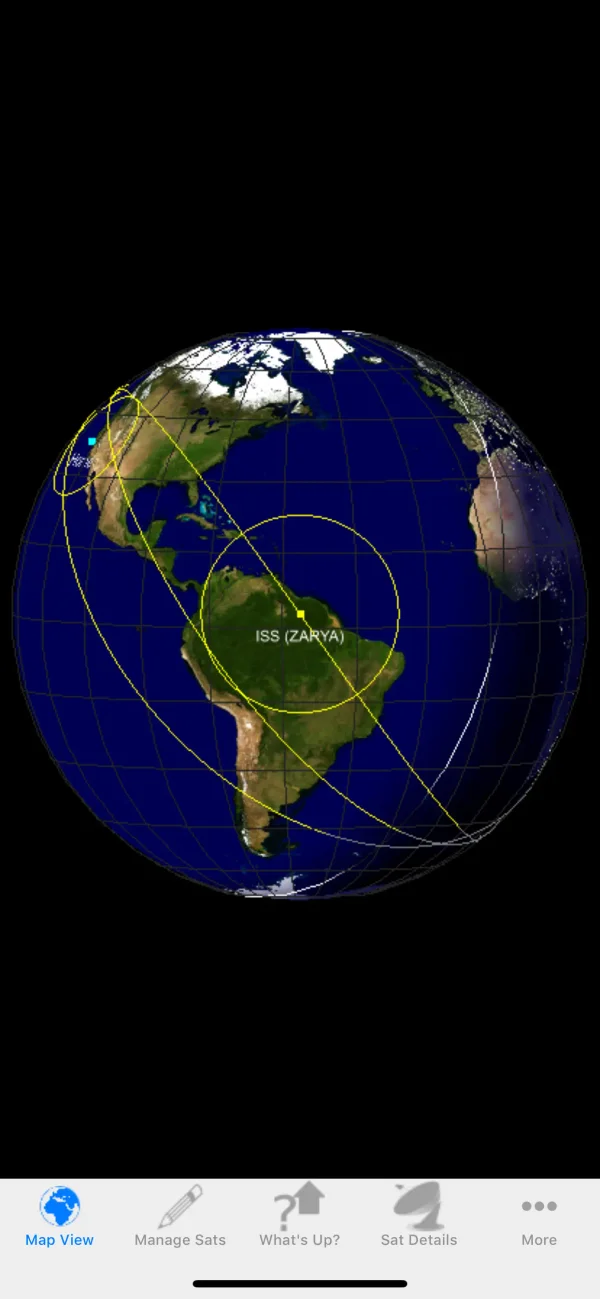
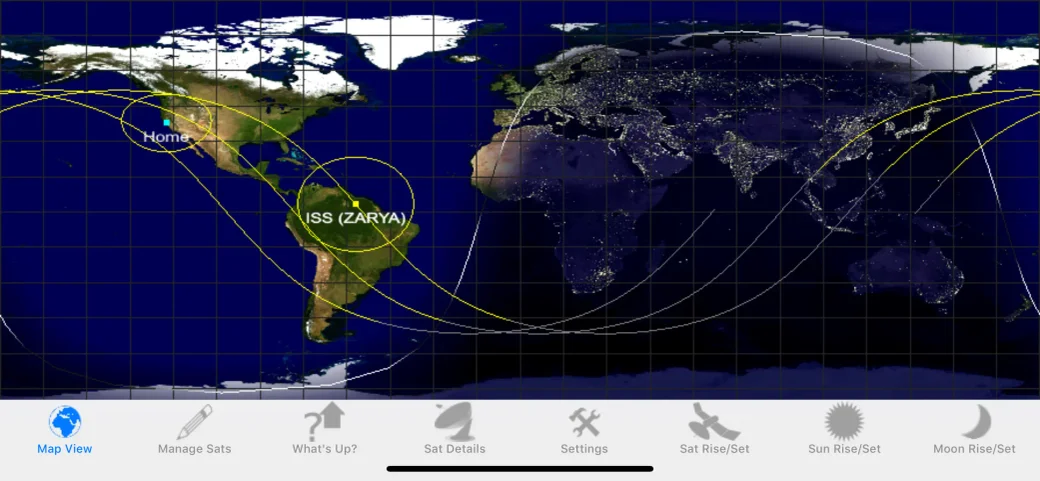
In addition, you can see the Earth rendered either as a 3D globe or a 2D map using photo realistic texture maps for the Earth model. The orientation of the map is easily changed by a simple rotation of the device from portrait (3D) to landscape (2D). In either orientation you can zoom in and out as well as pan using the touch screen.
There are more than a dozen controls provided to allow you to customize how the application works to meet your specific needs (type of Earth texture used, location, type of overflight calculated…)
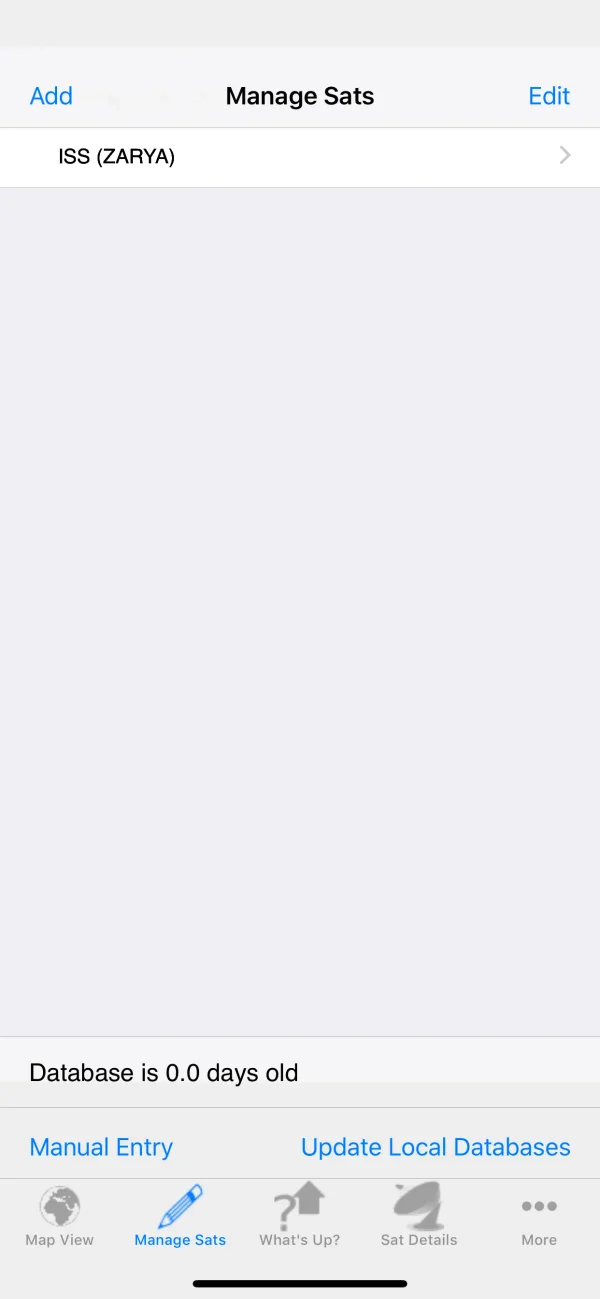
Finally, the application is now free to download and provides full functionality for tracking, viewing and communicating with the International Space Station (what was the capability of the ISS family of paid apps). The following subscriptions are available for tracking and communicating with a larger set of satellites:
-HamSat (Annual and Monthly): Provides access to the NORAD and AMSAT two line element sets which cover all amateur related satellites.
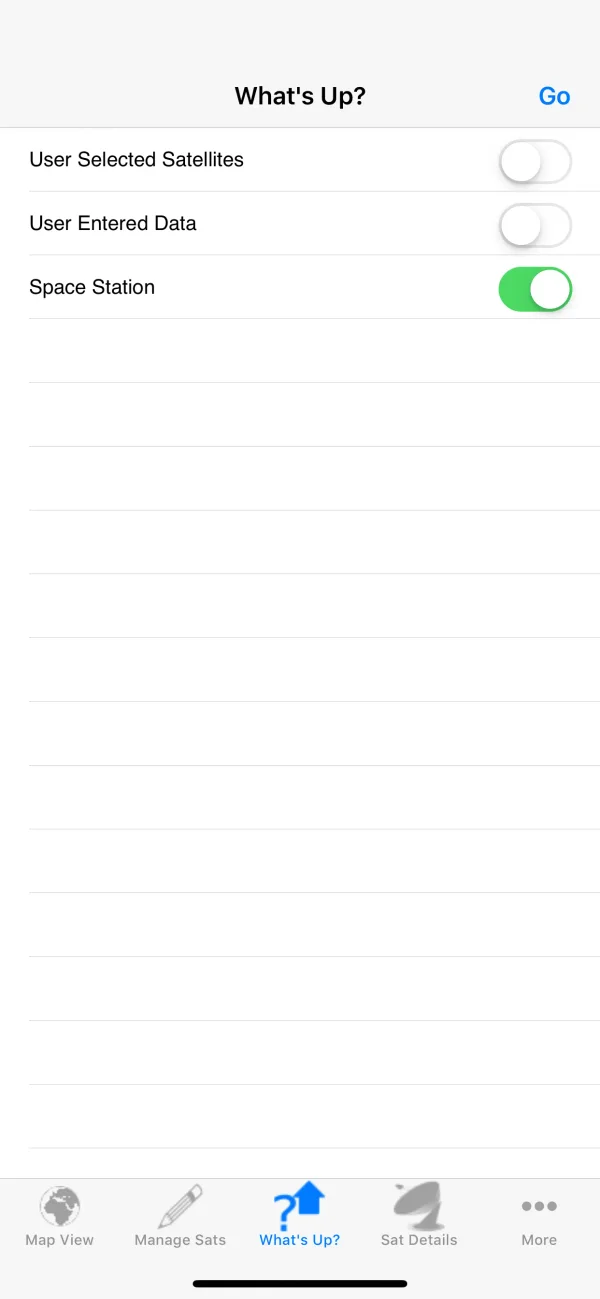
-ProSat (Annual and Monthly): Provides access to thousands of satellites grouped into the following categories (from www.celestrak.com):
-100 (or so) Brightest
-Last 30 Day’s Launches (or so)
-Amateur Ham Radio Satellites
-CubeSats
-Disaster Monitoring
-Earth Resources
-Education
-Engineering
-Geodetic
-Geostationary
-GOES
-GPS Operational
-Intelsat
-Iridium
-Molniya
-NOAA
-Orbcomm
-Search & Rescue (SARSAT)
-Space & Earth Science
-Space Station
-Weather
To get a feel for the apps, please checkout the iPad quickstart video (http://www.youtube.com/watch?v=tiHCGxV0WM8) and associated user’s guide (http://www.vosworx.com/wp-content/uploads/2017/05/SatSeriesHD.pdf) or the iPhone quickstart video (http://www.youtube.com/watch?v=iuPccQI9oSg) and it’s user’s guide (http://www.vosworx.com/wp-content/uploads/2017/05/SatSeries.pdf).
Please note that InApp payments will be charged to your AppleID account at the confirmation of purchase. Subscriptions automatically renews unless it is canceled at least 24 hours before the end of the current period. Your account will be charged for renewal within 24 hours prior to the end of the current period. You can manage and cancel your subscription by going to your account settings on the App Store after purchase. For more information, please visit our Terms of Service at http://www.vosworx.com/terms-of-service-for-app and our Privacy Policy at http://www.vosworx.com/privacy-policy-for-apps.
Thanks to everyone who has sent in their questions/requests and keep them coming!
-Craig (support@vosworx.com)
Nouveautés
Version 11.0.0 · 24/11/2026
-And the major work continues.
--Removed the old StoreKit1 solution for managing subscriptions and moved to the new StoreKit2 interfaces. A bunch of corner testing but I think we got it all working correctly again using the new interfaces.
--Added a new Watch companion app and associated complication. Has the functionality of the phone but on the watch. Gets elements and setting from the Phone and syncs as changes happen. The watch will now alert on the watch (as opposed to the calendar) for satellite passes you set an alert for.
--A bunch of cleanup from the XCode Analyse pass given all the recent change to the app.
Confidentialité de l’application
Ce que Craig Vosburgh déclare sur l’App Store au sujet du traitement des données par cette application.
-
Données non collectées
Le développeur ne collecte aucune donnée à partir de cette application.
Les pratiques en matière de confidentialité peuvent varier, notamment en fonction des fonctionnalités que vous utilisez ou de votre âge.
Informations
- Vendeur
- Craig Vosburgh
- Catégorie
- Utilitaires
- Version
- 11.0.0
- Mis à jour
- 24/11/2026
- Publié
- 16/05/2019
- Taille
- 19,4 Mo
- Nécessite
- iOS 17.0 ou version ultérieure
- Classification d’âge
- 4+
- Prix
- Gratuit
- Achats intégrés
- Oui
- Langues
- Anglais
- Copyright
- © 2008-2026 VosWorx LLC