Scanner PDF: Scan & Edit
Scan, Edit & Sign PDFs
Conçue pour iPhone
Gratuit · Achats intégrés
- Classification d’âge4+
- CatégorieProductivité
- DéveloppeurARIPISER SOLUTIONS S.L.U
- LanguesAnglais+ 11 de plus
- Taille16,3 Mo
Renvoie vers la page App Store officielle
Download.org n’héberge aucun fichier de Scanner PDF: Scan & Edit. Le bouton ouvre la page de l’application sur App Store, où ARIPISER SOLUTIONS S.L.U la publie. Fiche vérifiée pour la dernière fois le 16/11/2026.
Captures d’écran

À propos
Le développeur n’a pas fourni ce texte dans votre langue.
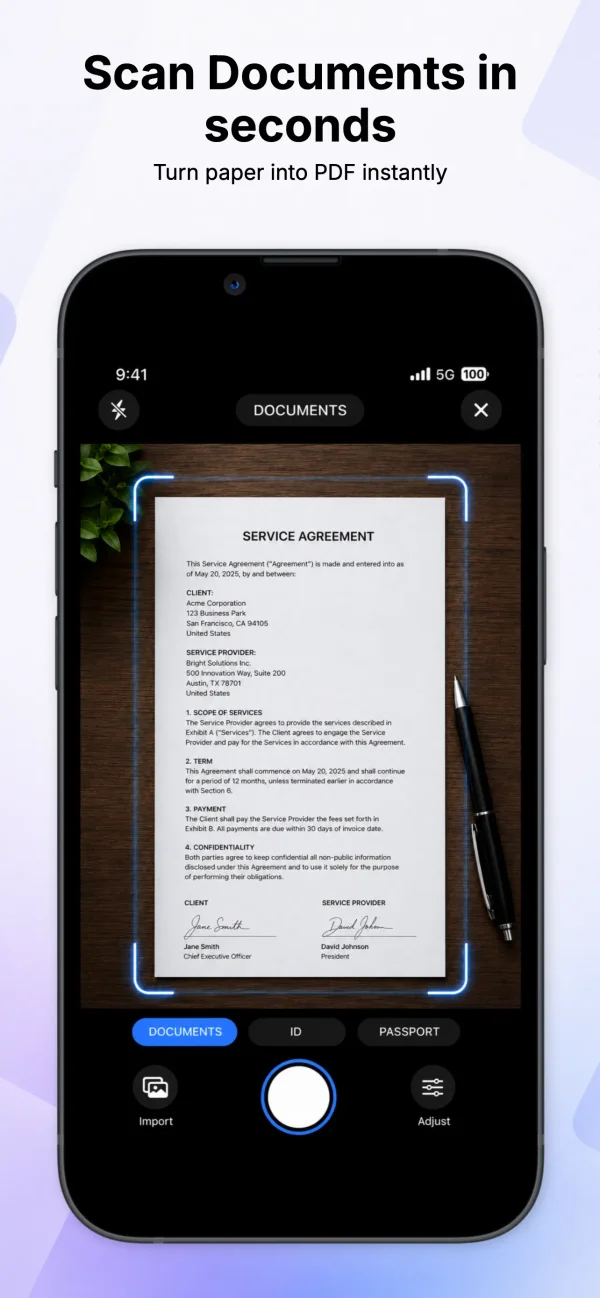
Scanner PDF: Scan & Edit is an all-in-one document scanner and PDF toolkit for iPhone.
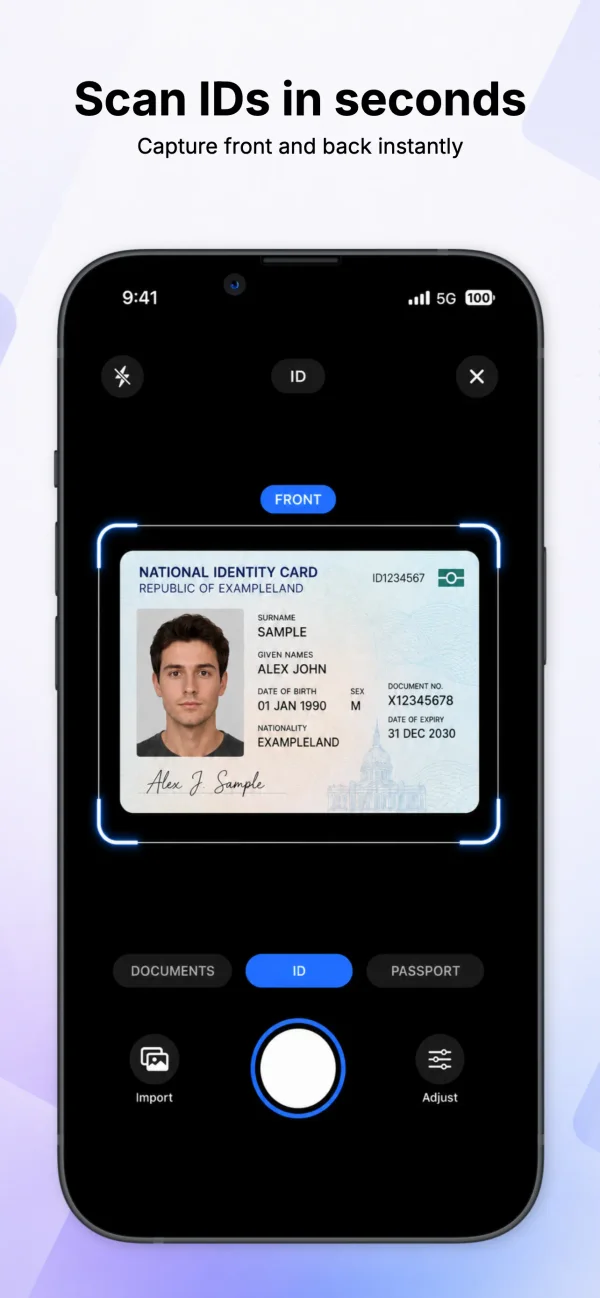
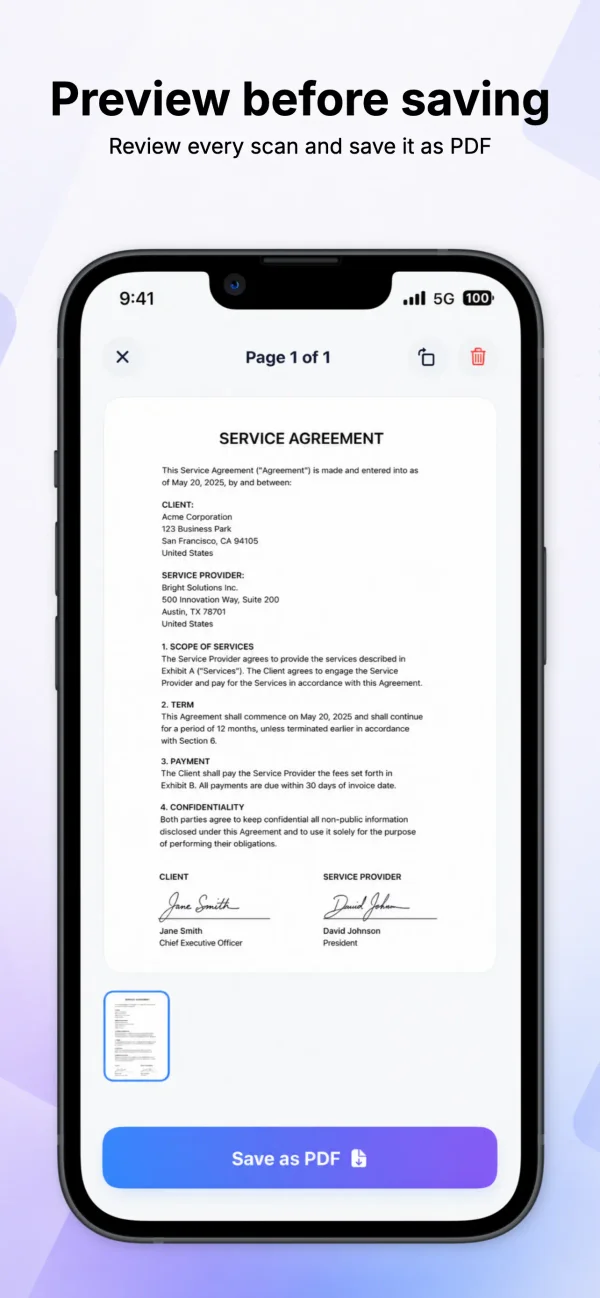
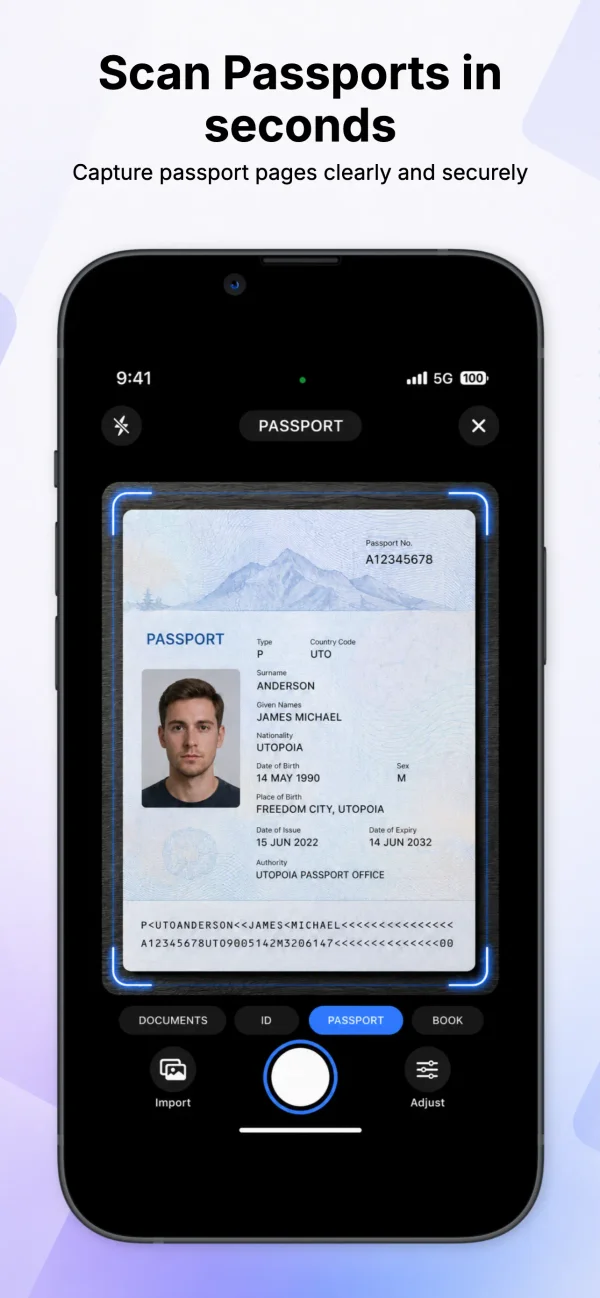
Scan documents, IDs, passports, books, receipts, notes and paperwork in seconds. Turn paper into clean PDF files, extract text with OCR, edit PDFs, sign documents, convert files and keep everything organized in one place.
Main features:
• Scan documents and save them as PDF
• Scan IDs, passports and books
• Extract text from documents with OCR
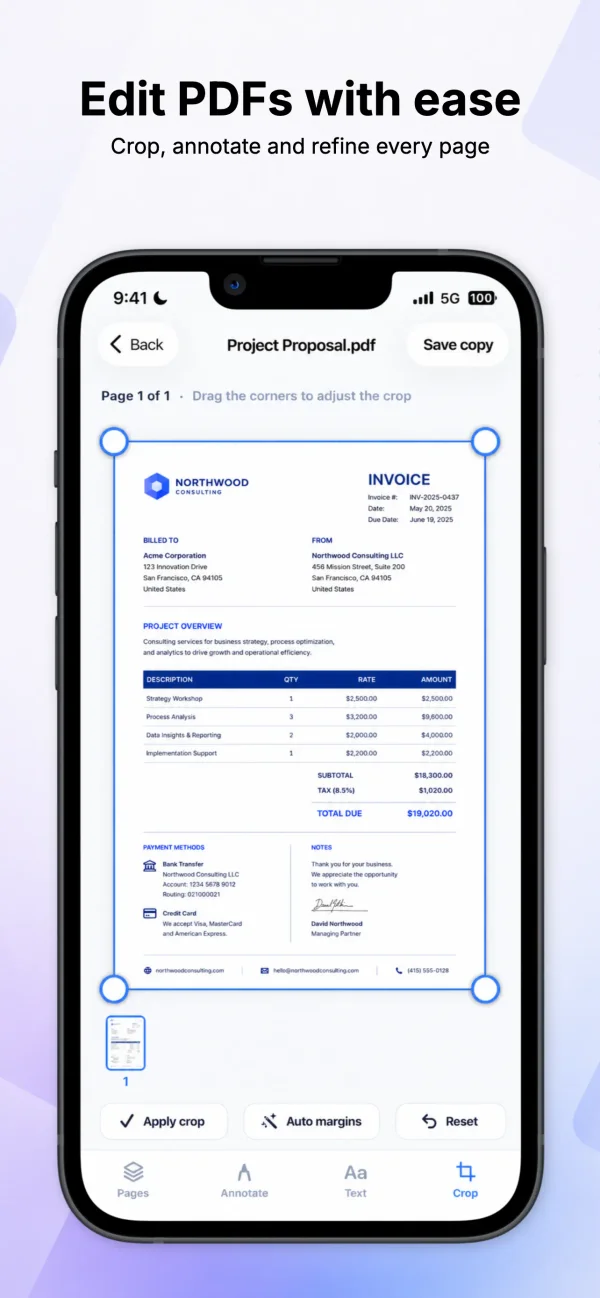
• Edit PDF pages
• Add text, drawings and highlights
• Crop, rotate and organize pages
• Sign PDF documents
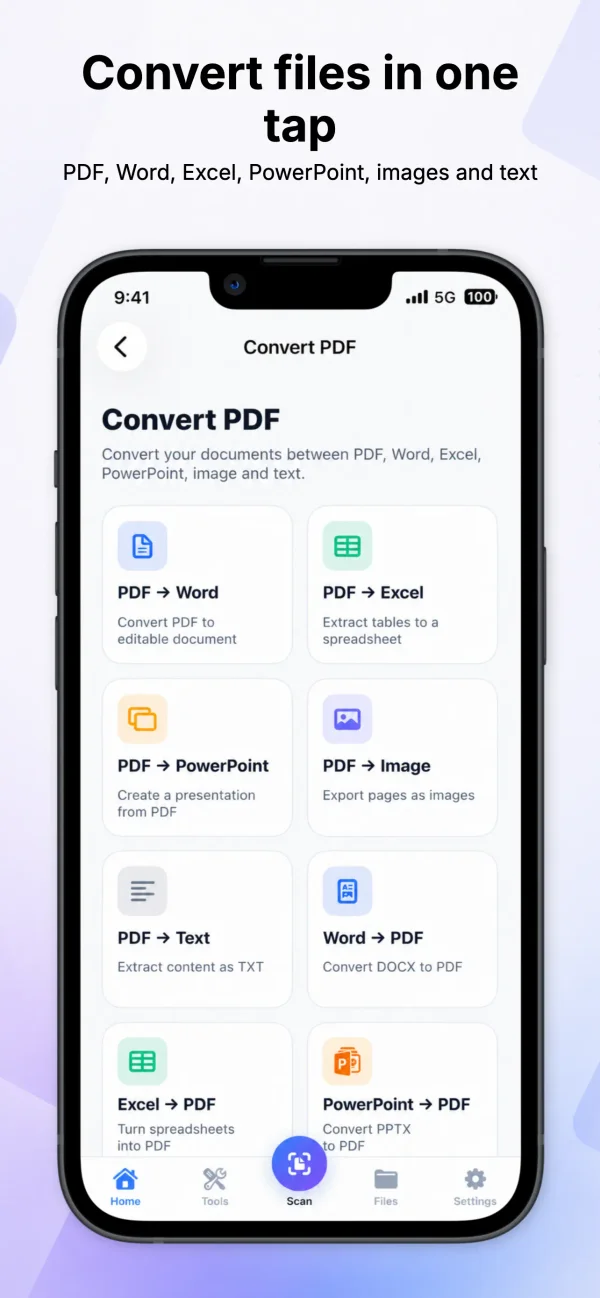
• Convert PDF, Word, Excel, PowerPoint, images and text files
• Preview and manage your documents
• Keep your files organized inside the app
Scanner PDF is designed for students, professionals, freelancers and anyone who needs a fast and reliable document scanner in their pocket.
Whether you need to scan a contract, sign a PDF, convert a file, save a receipt or extract text from a document, Scanner PDF gives you the tools you need in one simple app.
Scanner PDF Premium unlocks all premium tools, including advanced scanning, OCR, PDF editing, PDF signing, file conversion and document management.
Subscription information:
• Payment will be charged to your Apple ID account at confirmation of purchase.
• Subscriptions automatically renew unless canceled at least 24 hours before the end of the current period.
• You can manage or cancel your subscription in your App Store account settings.
• Any unused portion of a free trial, if offered, will be forfeited when you purchase a subscription.
Terms of Use: https://scannerpdf-app.com/terms-of-service
Privacy Policy: https://scannerpdf-app.com/privacy-policy
Nouveautés
Version 1.0.2 · 06/07/2026
- You can now use the app without creating an account
- Improved welcome experience
- Performance improvements and bug fixes
Confidentialité de l’application
Ce que ARIPISER SOLUTIONS S.L.U déclare sur l’App Store au sujet du traitement des données par cette application.
-
Données établissant un lien avec vous
Peuvent être collectées et liées à votre identité.
- Achats
- Coordonnées
- Contenu utilisateur
- Identifiants
-
Données n’établissant aucun lien avec vous
Peuvent être collectées, mais ne sont pas liées à votre identité.
- Diagnostic
Les pratiques en matière de confidentialité peuvent varier, notamment en fonction des fonctionnalités que vous utilisez ou de votre âge.
Informations
- Vendeur
- ARIPSER SOLUTIONS S.L.U.
- Catégorie
- Productivité
- Version
- 1.0.2
- Mis à jour
- 06/07/2026
- Publié
- 03/06/2026
- Taille
- 16,3 Mo
- Nécessite
- iOS 18.0 ou version ultérieure
- Classification d’âge
- 4+
- Prix
- Gratuit
- Achats intégrés
- Oui
- Langues
- Anglais, Arabe, Néerlandais, Français, Allemand, Hindi, Italien, Japonais, Polonais, Portugais, Chinois simplifié, Espagnol
- Copyright
- © 2026 Aripser Solutions S.L.U.
Vous aimerez peut-être aussi
-
 PDF Reader - Smart ReaderProductivité
-
 VoicePDF: Scan and RecordProductivité
-
 CamVision: Scanner PDF & OCROCR rapide pour PDF et texte
-
 AI Note Taker: Audio SummaryProductivité
-
 Sleek CalendarProductivité
-
 Scan Now - de numérisation PDFConvertir des images en PDF
-
 App Scanner - PDF et OCRScanner PDF intelligent
-
 AresScan+Productivité
-
 Wisp Prise de Notes par IATranscribe Audio Record Taker
-
 Scan & Sign PDF ScannerProductivité