- Classification d’âge4+
- CatégorieUtilitaires
- Développeur松凡 曾
- LanguesAnglais+ 10 de plus
- Taille64,2 Mo
Renvoie vers la page App Store officielle
Download.org n’héberge aucun fichier de Scanner Studio. Le bouton ouvre la page de l’application sur App Store, où 松凡 曾 la publie. Fiche vérifiée pour la dernière fois le 23/11/2026.
Captures d’écran


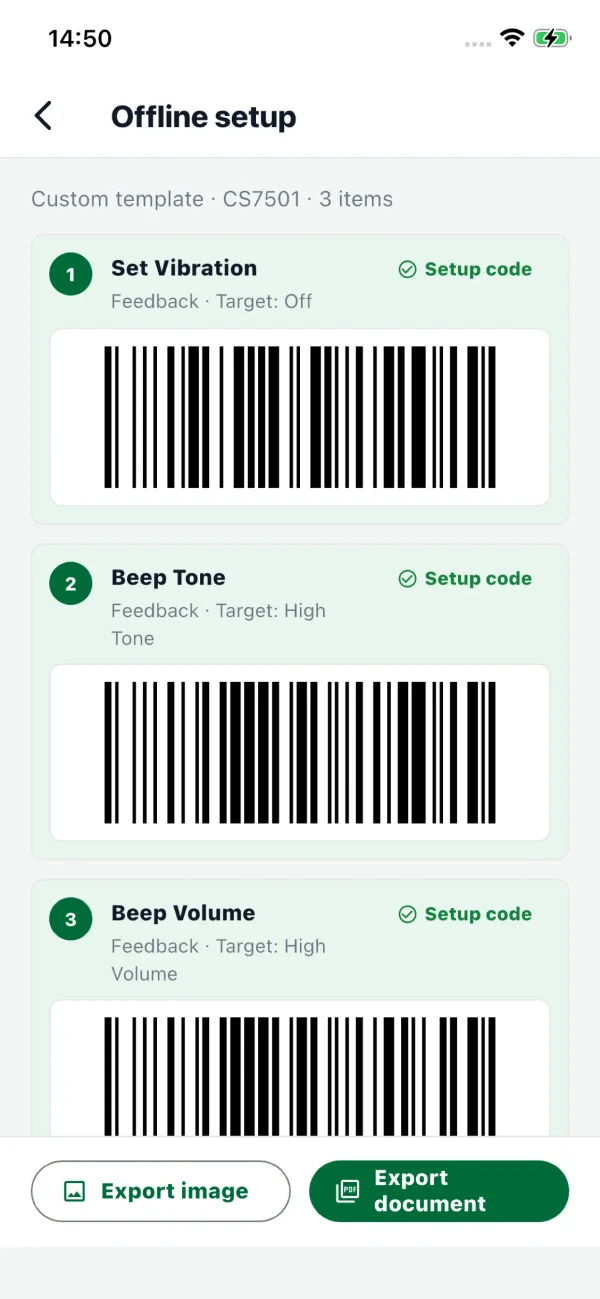
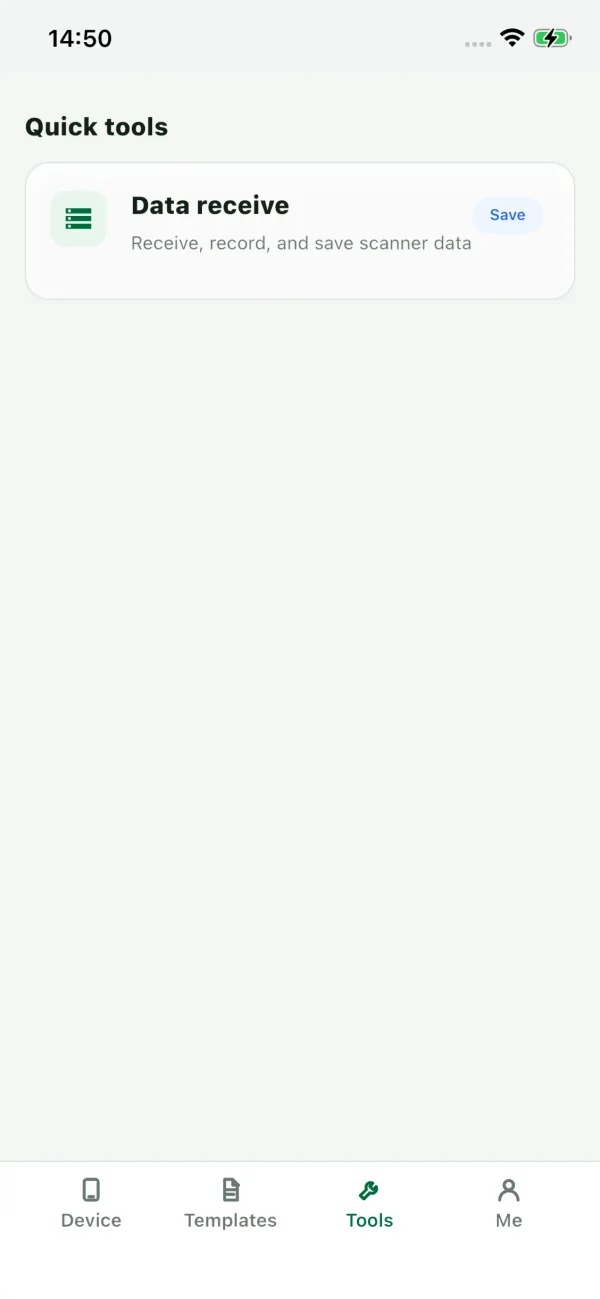

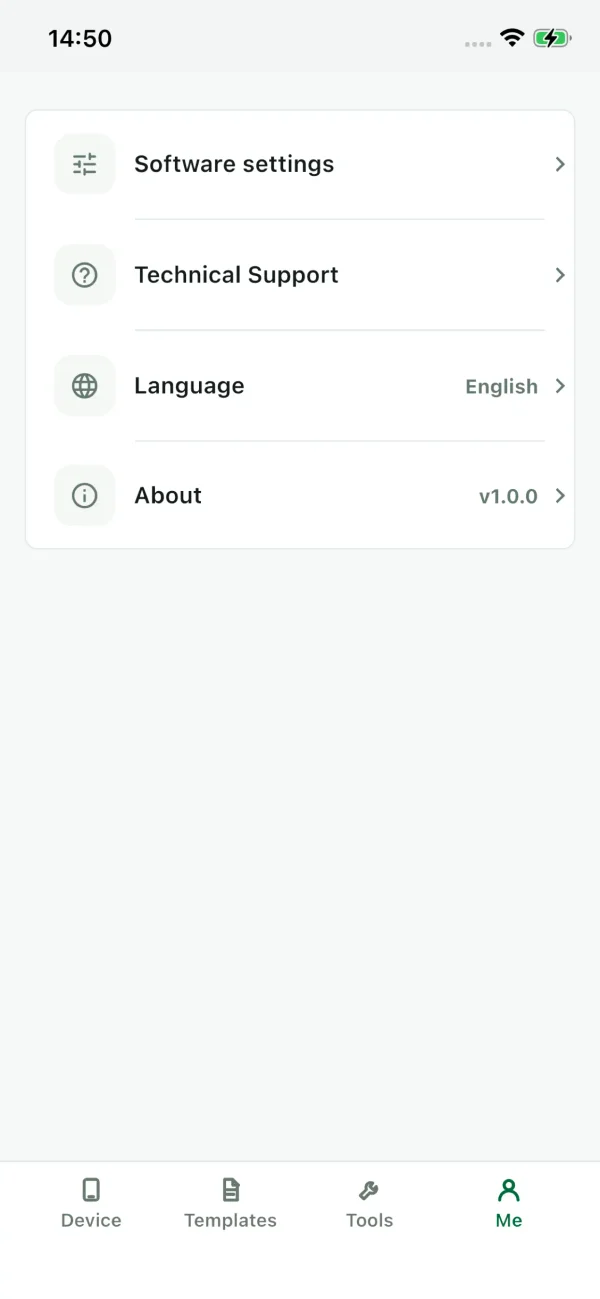
À propos
Le développeur n’a pas fourni ce texte dans votre langue.
Scanner Studio is a mobile configuration and validation tool for compatible NETUM Bluetooth barcode scanners. It helps users connect devices, manage settings, apply configuration templates, generate offline setup barcodes, and verify scanned data directly from a mobile device.
Key features:
• Device Connection
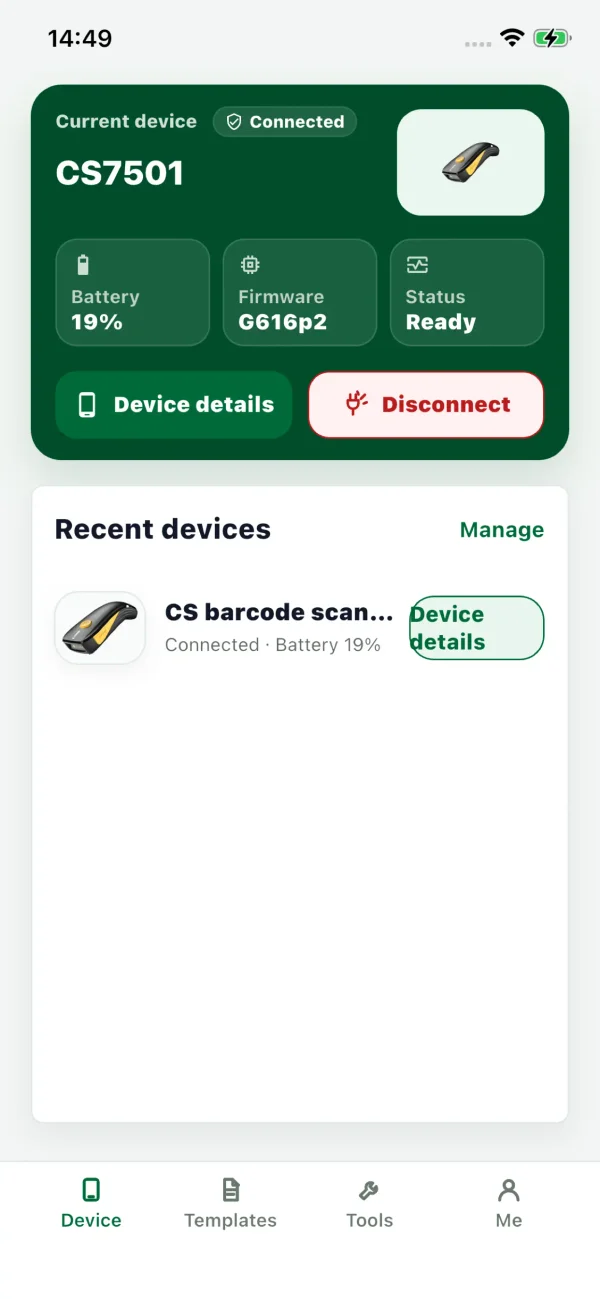
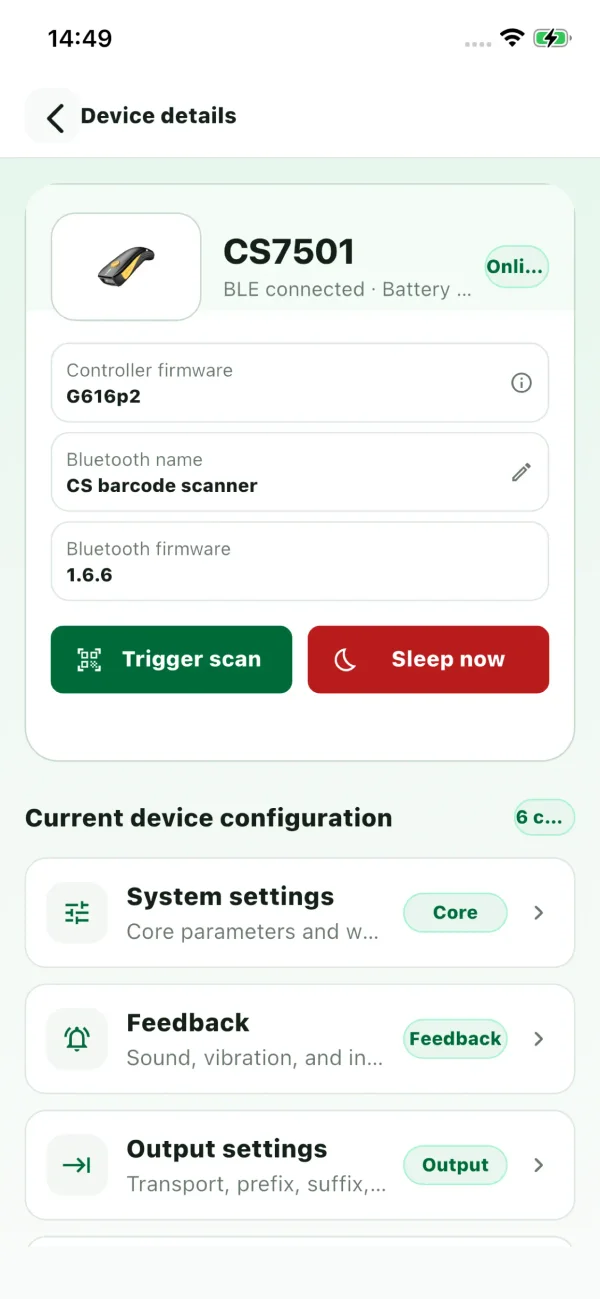
Discover and connect to nearby compatible Bluetooth scanners. View the device model, connection status, battery level, and firmware information.
• Device Settings
Configure supported options such as operating modes, feedback indicators, symbologies, and output formats.
• Configuration Templates
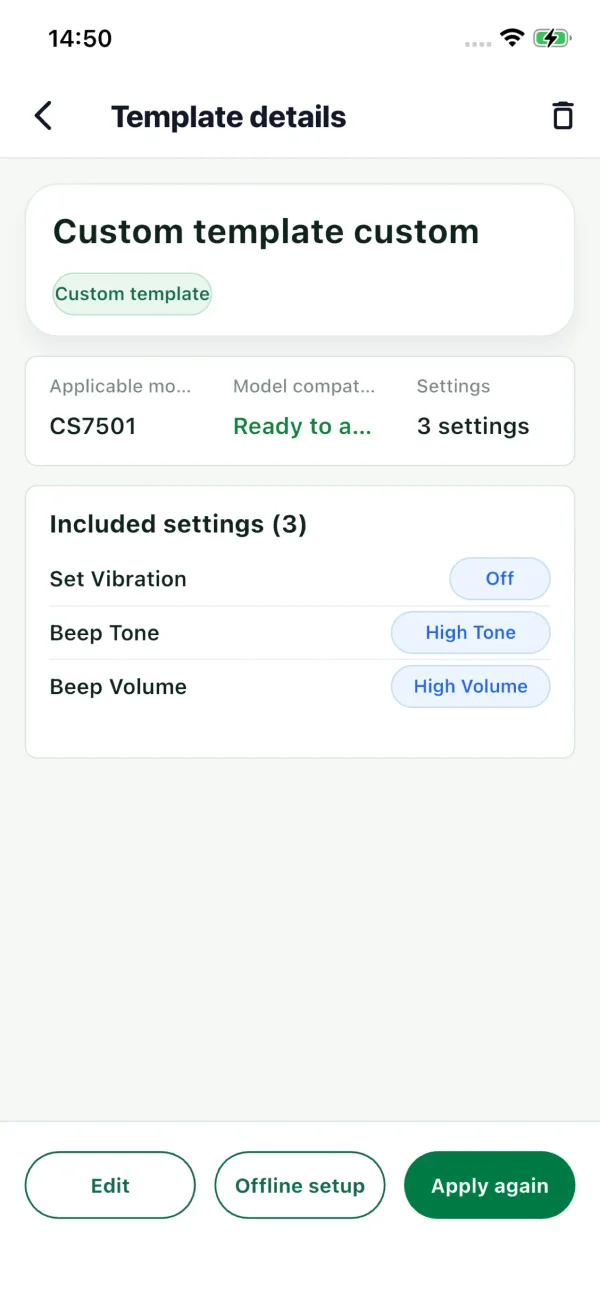
Create and manage reusable templates, then apply multiple settings to the connected scanner for more efficient deployment.
• Offline Setup
Generate setup barcodes based on the selected scanner model and template, allowing supported configurations to be applied without maintaining an App connection.
• Scan Testing
Receive and inspect scanned data to verify character encoding, terminators, and scanner output behavior.
• Software Settings
Configure the character encoding and terminator used for received scan data, and manage local data and privacy preferences.
• Technical Support
Access online help, review device issues, and export privacy-protected diagnostic packages for troubleshooting and support.
ScanCore is designed for scanner deployment, warehouse operations, retail workflows, and routine device maintenance—bringing connection, configuration, validation, and troubleshooting into one streamlined experience.
Available features may vary depending on the scanner model, firmware version, and supported device capabilities. Bluetooth access and the corresponding system permissions are required for device connectivity.
Nouveautés
Version 1.2.0 · 19/11/2026
• Added background update checks, with an update indicator and manual checks in About.
• Added system dark mode support and improved navigation and large-text layouts.
• Simplified Bluetooth and Wi-Fi setup and improved reconnection, data reception, and export.
• Improved template deployment, offline setup codes, and diagnostics. You can now view all retained local history.
Confidentialité de l’application
Ce que 松凡 曾 déclare sur l’App Store au sujet du traitement des données par cette application.
-
Données non collectées
Le développeur ne collecte aucune donnée à partir de cette application.
Les pratiques en matière de confidentialité peuvent varier, notamment en fonction des fonctionnalités que vous utilisez ou de votre âge.
Informations
- Vendeur
- 松凡 曾
- Catégorie
- Utilitaires
- Version
- 1.2.0
- Mis à jour
- 19/11/2026
- Publié
- 18/08/2026
- Taille
- 64,2 Mo
- Nécessite
- iOS 15.0 ou version ultérieure
- Classification d’âge
- 4+
- Prix
- Gratuit
- Langues
- Anglais, Français, Allemand, Grec, Italien, Japonais, Coréen, Portugais, Russe, Chinois simplifié, Espagnol
- Copyright
- © 2026 NETUM
Vous aimerez peut-être aussi
-
 Is This a Scam? AIUtilitaires
-
 HW QR GeneratorUtilitaires
-
 COSTA CART CONTROLLERUtilitaires
-
 MSR90 Card Reader for SafariUtilitaires
-
 My ColleyvilleUtilitaires
-
 SelfVote: Habit TrackerUtilitaires
-
 Echoes: Network Tools & PingUtilitaires
-
 Scan4DUtilitaires
-
 BowlersAIUtilitaires
-
 PodFind: Trouvez vos écouteursSuivre les appareils