- Classification d’âge4+
- CatégorieÉducation
- DéveloppeurBrian Foutty
- LanguesAnglais
- Taille4,2 Mo
School Notes n’est peut-être pas disponible sur App Store pour le moment
La fiche de la boutique était inaccessible lors de notre dernière vérification. Le lien mène toujours à la page App Store officielle.
Captures d’écran
À propos
Le développeur n’a pas fourni ce texte dans votre langue.
School Notes was born in the classroom. As a teacher, I needed a simple, reliable way for staff and students in my district to take notes, annotate handouts, and stay organized — without the complexity (or cost) of apps that try to do everything. I built SchoolNotes to solve that problem, and now I'm sharing it with educators and students everywhere.
Three ways to take notes, one place to keep them:
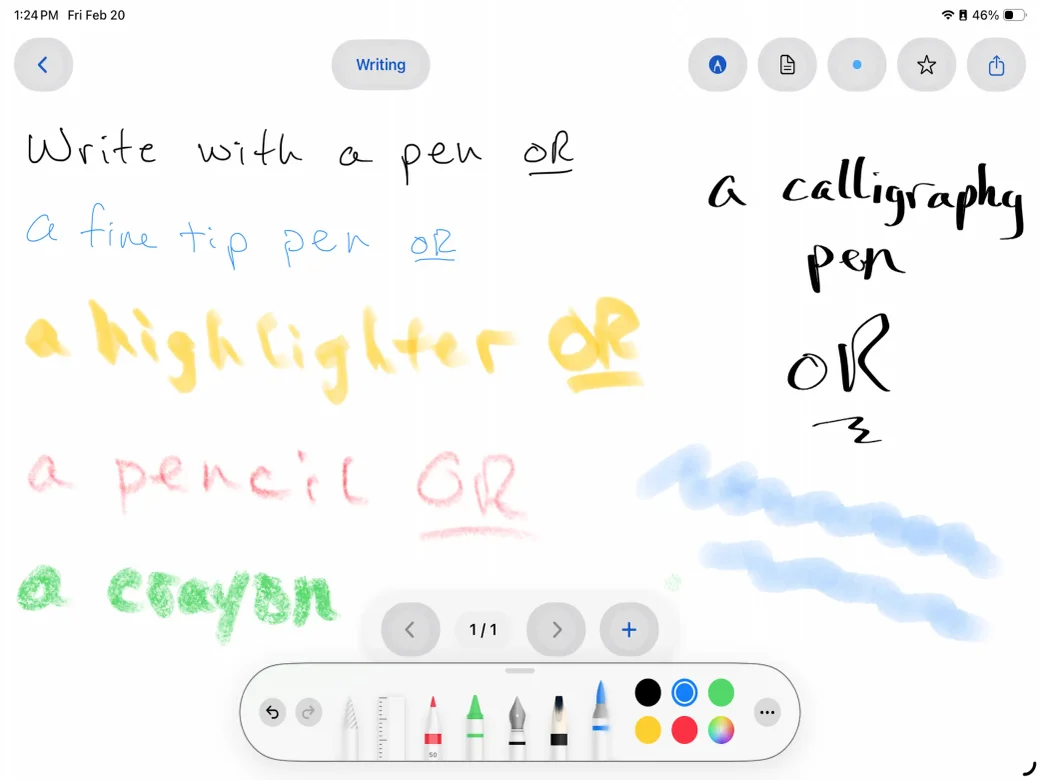
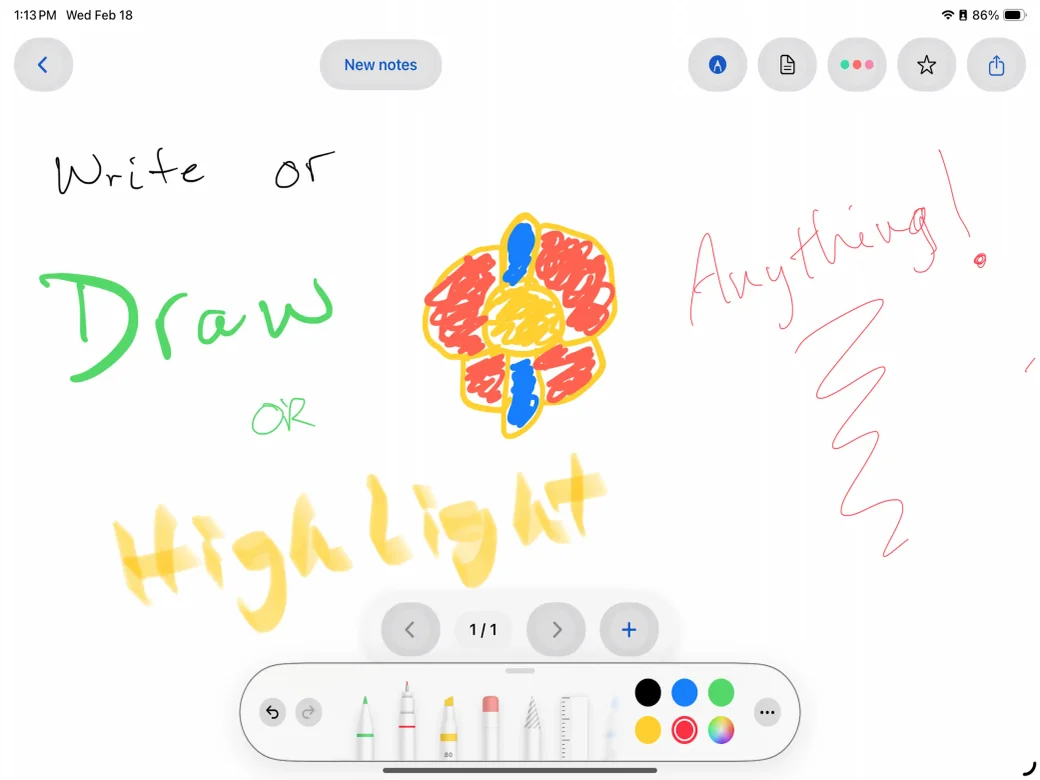
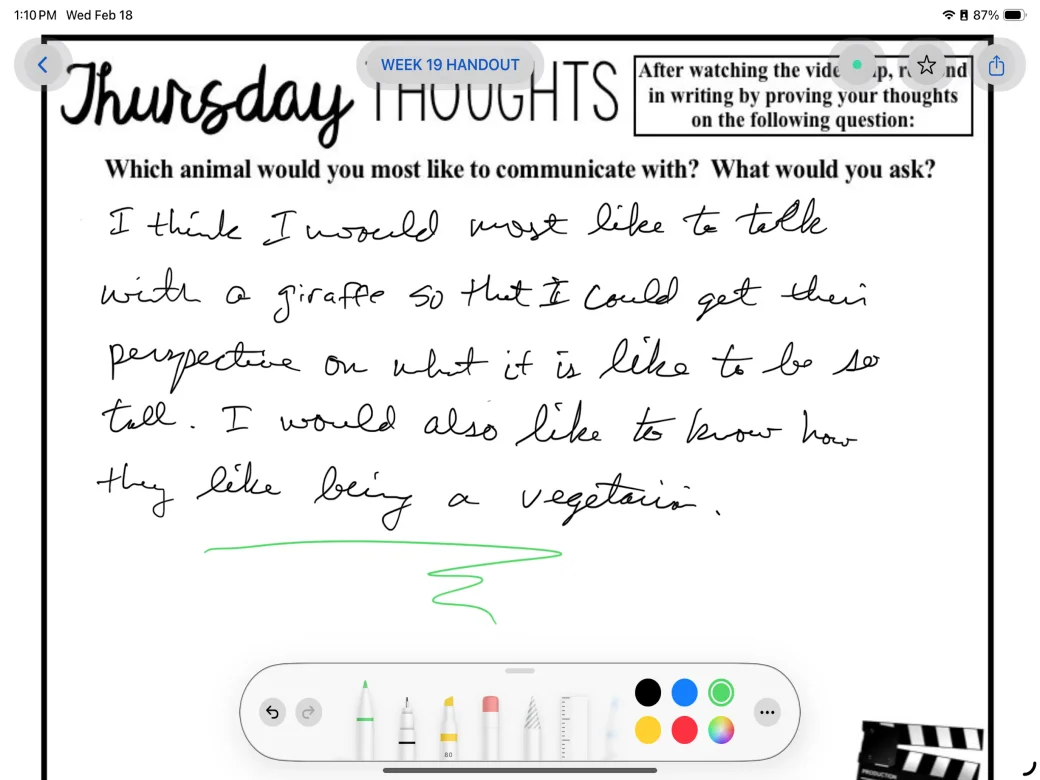
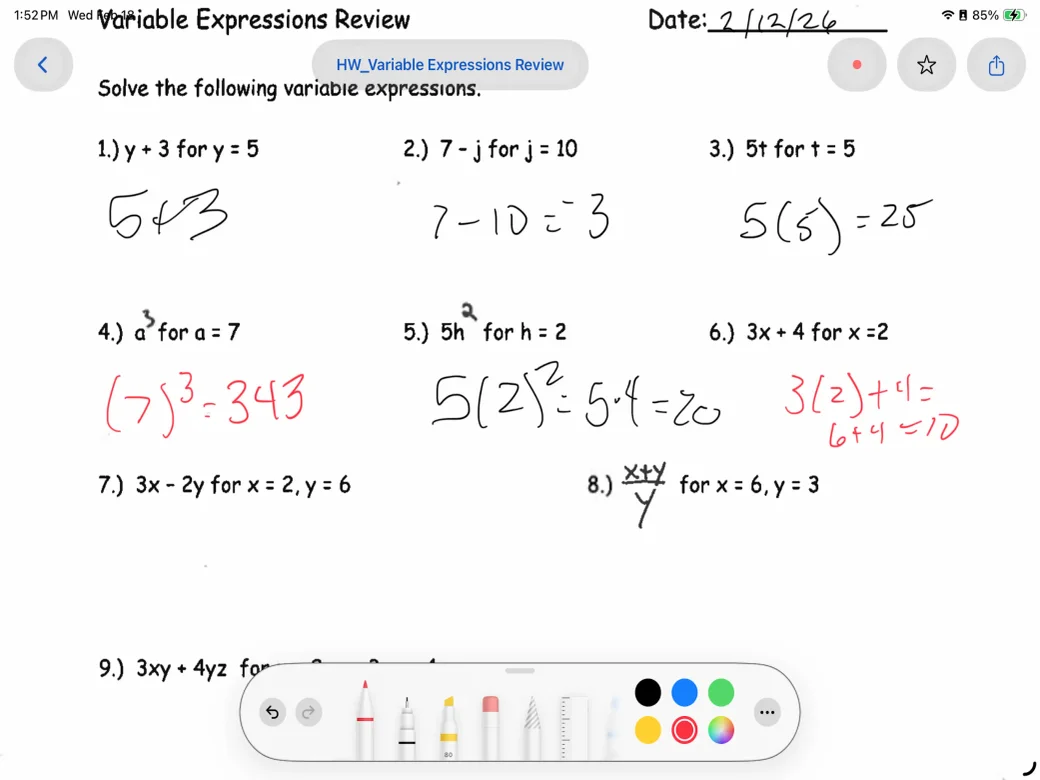
• Handwrite with Apple Pencil — A full drawing canvas with multi-page support, zoom, and all the tools you'd expect from PencilKit. Great for math, science diagrams, or just jotting things down.
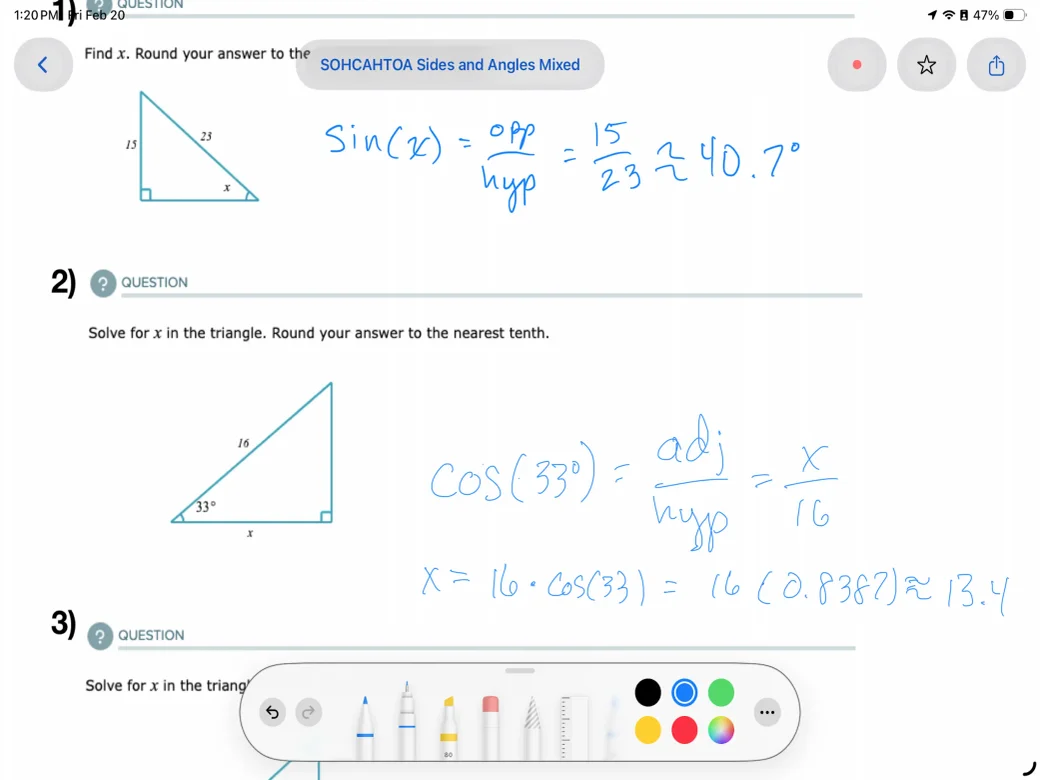
• Annotate PDFs — Import worksheets, handouts, or articles and draw right on top of them. Grab PDFs from Files, Safari, or any app using the built-in Share Extension.
• Type text notes — For outlines, study guides, or anything that's faster on a keyboard.
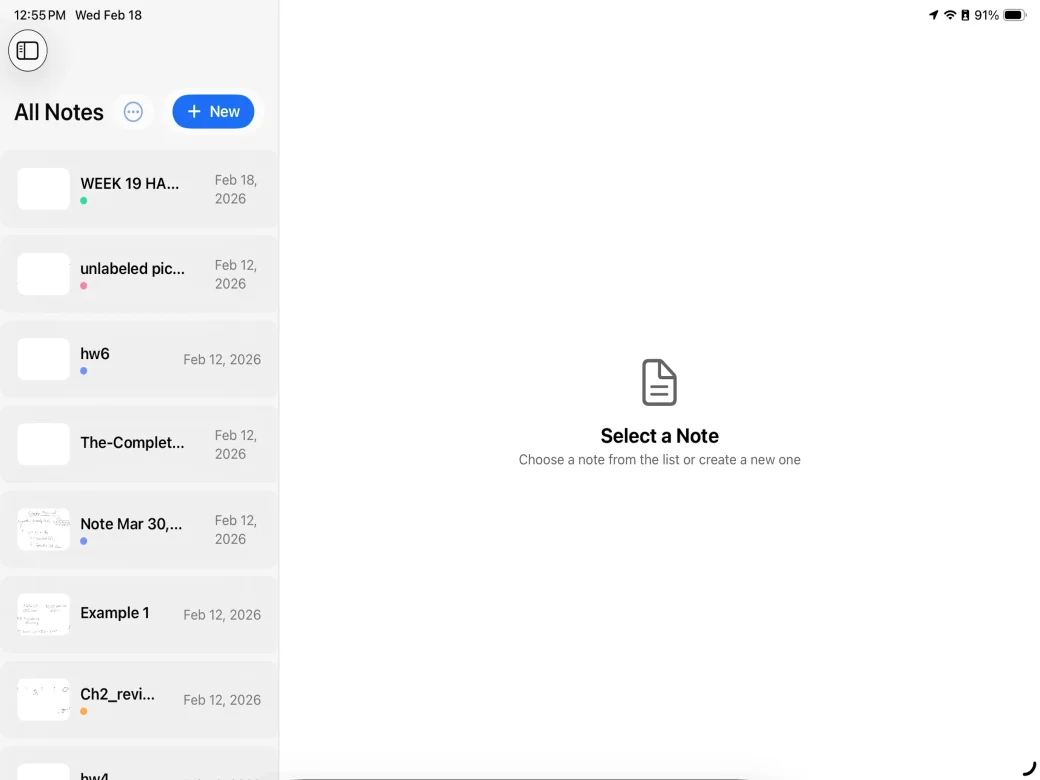
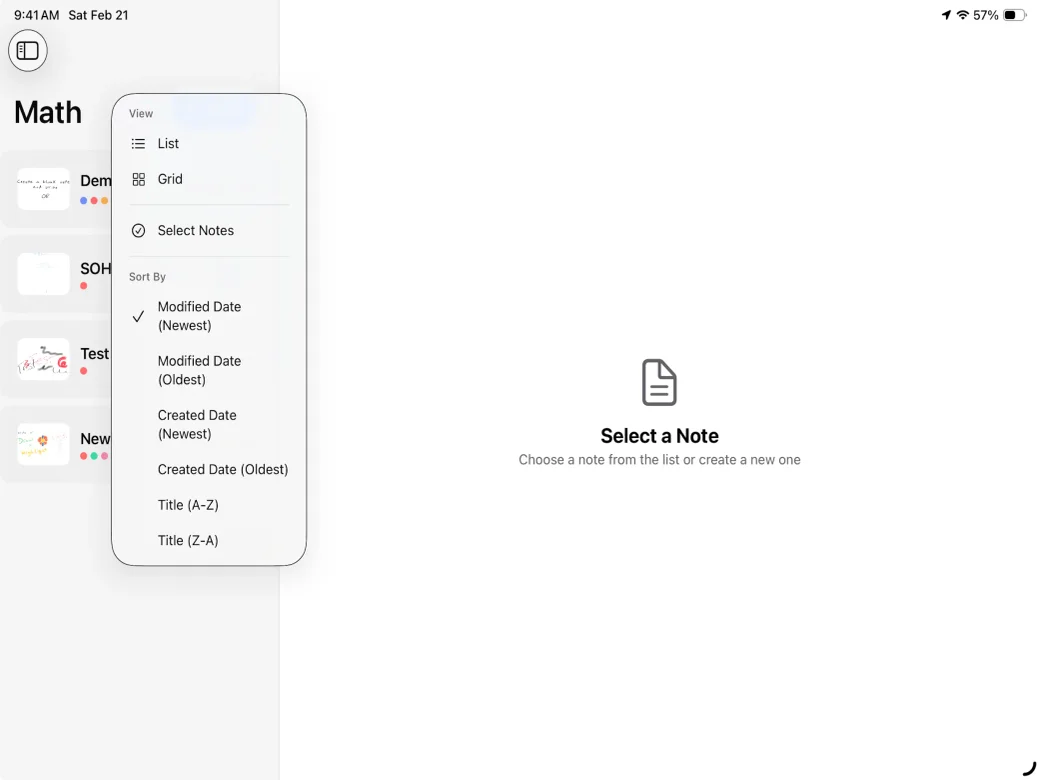
Stay organized with Classes: Create color-coded classes that match your schedule. Assign notes to one or more classes, drag to reorder, and find what you need fast with search and flexible sorting. Switch between list and grid views to browse your notes the way you prefer.
Sync across your iPads with iCloud: Turn on iCloud sync and your notes follow you between devices. Works with personal Apple IDs — and if your school uses managed Apple IDs, SchoolNotes works great offline too.
Share your work: Export any note as a PDF or image. Need everything at once? Batch-export your entire notebook with a single tap.
Features at a glance: ◦ Apple Pencil drawing with full tool picker ◦ Multi-page drawing notes ◦ PDF import and annotation ◦ Text notes ◦ Color-coded class organization ◦ Assign notes to multiple classes ◦ Favorites for quick access ◦ Search across all notes ◦ Sort by date modified, date created, or title ◦ List and grid views ◦ Export as PDF or image ◦ Batch export all notes ◦ Share Extension for quick PDF import ◦ Optional iCloud sync ◦ No account required — your data stays on your device ◦ No ads. No subscriptions. Just notes.
School Notes is free to use with all features included. If you find it helpful, there's an optional tip jar in Settings to support continued development.
I'd love to hear how you're using School Notes in your classroom. Feedback and feature requests are always welcome!
Nouveautés
Version 1.6 · 06/08/2026
Added continuous scrolling note creation. Users can now choose, in the app's Settings screen, to have all notes scroll rather than using the next and previous buttons for note navigation. Thanks for the suggestion Lisa K!!
Confidentialité de l’application
Ce que Brian Foutty déclare sur l’App Store au sujet du traitement des données par cette application.
-
Données non collectées
Le développeur ne collecte aucune donnée à partir de cette application.
Les pratiques en matière de confidentialité peuvent varier, notamment en fonction des fonctionnalités que vous utilisez ou de votre âge.
Informations
- Vendeur
- Brian Foutty
- Catégorie
- Éducation
- Version
- 1.6
- Mis à jour
- 06/08/2026
- Publié
- 09/03/2026
- Taille
- 4,2 Mo
- Nécessite
- iOS 18.6 ou version ultérieure
- Classification d’âge
- 4+
- Achats intégrés
- Oui
- Langues
- Anglais
- Copyright
- © Brian Foutty
Vous aimerez peut-être aussi
-
 CAPM Exam PrepÉducation
-
 Multiplication Math FactsÉducation
-
 InClass Plus - School ManagerÉducation
-
 Mot d’absence - ExcusoBillet d’absence pour l’école
-
 McBain Public SchoolÉducation
-
 Teacher NotebookÉducation
-
 EdutechsÉducation
-
 Yomu – Japanese ReaderÉducation
-
 Note Genie AI : Notes de CoursDictaphone IA, Fiches & Quiz
-
 CastSlate: Whiteboard & CastÉducation