- Classification d’âge4+
- CatégorieProductivité
- DéveloppeurJohn Worthington
- LanguesAnglais
- Taille2,5 Mo
Renvoie vers la page App Store officielle
Download.org n’héberge aucun fichier de Scrinium. Le bouton ouvre la page de l’application sur App Store, où John Worthington la publie. Fiche vérifiée pour la dernière fois le 18/11/2026.
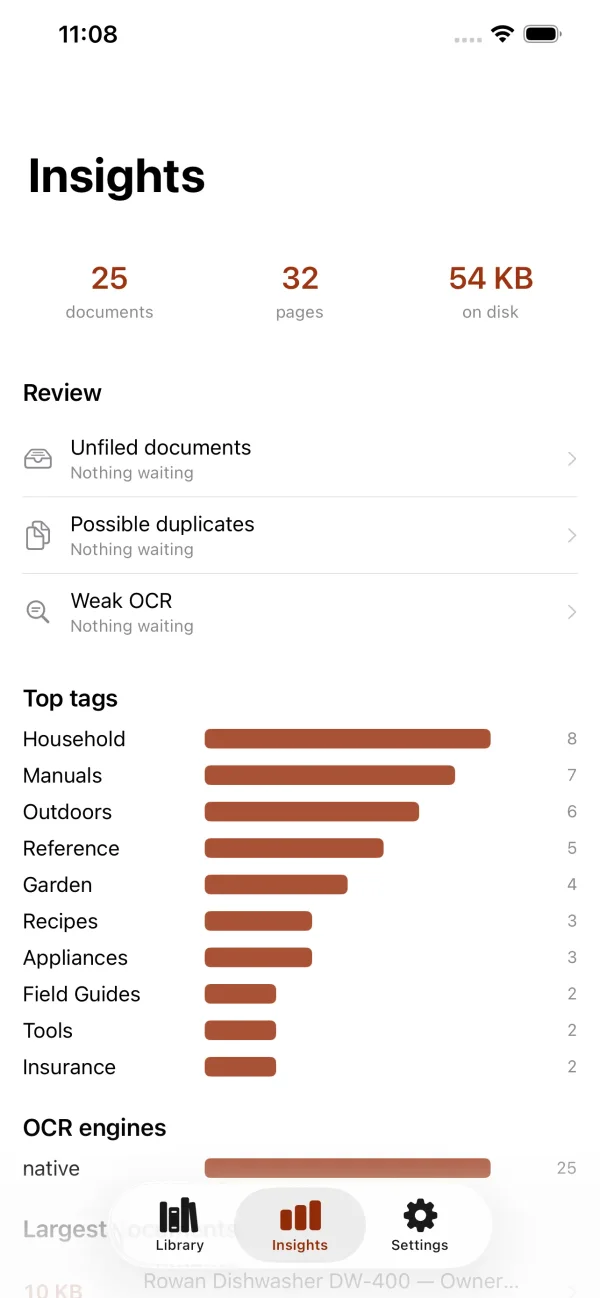
Captures d’écran


À propos
Le développeur n’a pas fourni ce texte dans votre langue.
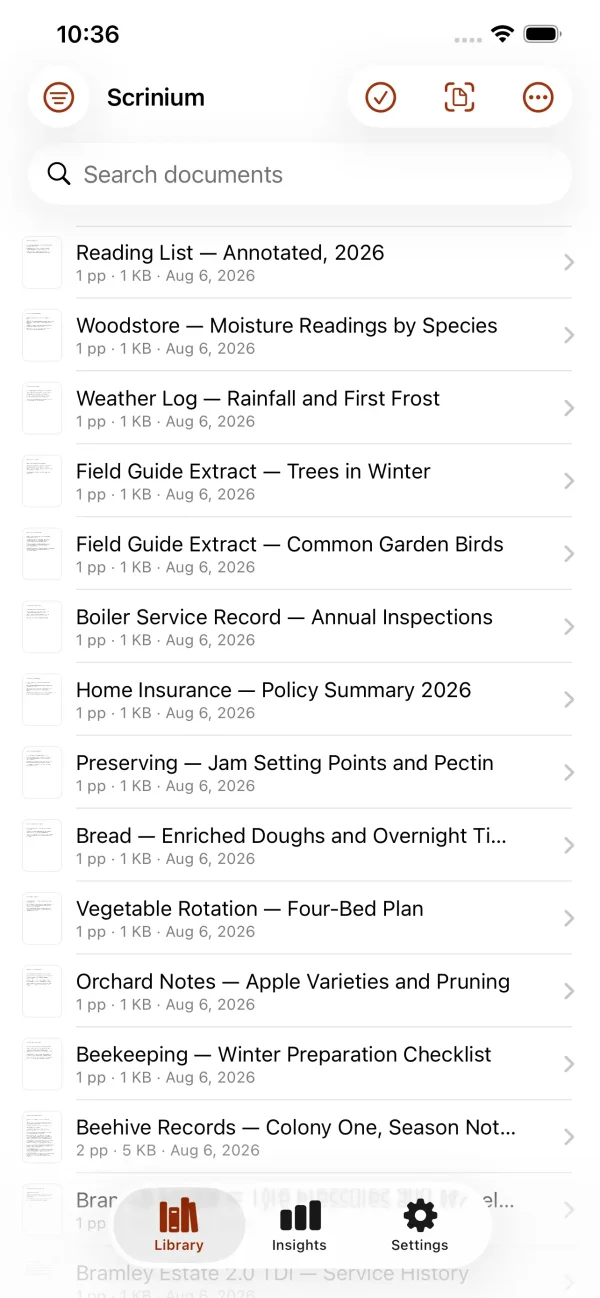
Scrinium is the native iOS client for your self-hosted Scrinium document server. Connect the app to your own server and carry your entire document library with you.
Because you run the server, your documents stay entirely under your control. The app is a fast, native window into them — nothing is uploaded to a third party, and there is no account to create with anyone but yourself.
FEATURES
• Read anything — PDFs and scans in a proper reader, plus text files, Word documents, spreadsheets and EPUBs rendered natively.
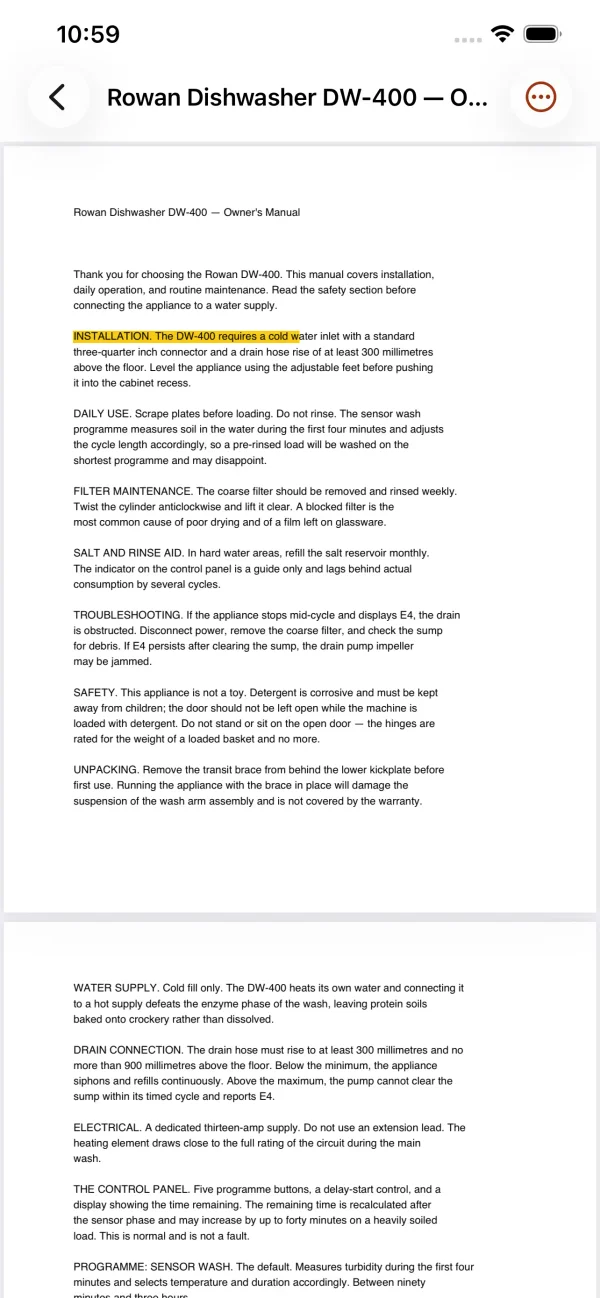
• Search to the word — full-text search across the whole library, and opening a result jumps straight to that word inside the document with every occurrence highlighted. Search stems, so "wheels" finds "wheel".
• Highlights and notes — select text to highlight it in one of four colours, attach a note, and search your own markings across every document you own.
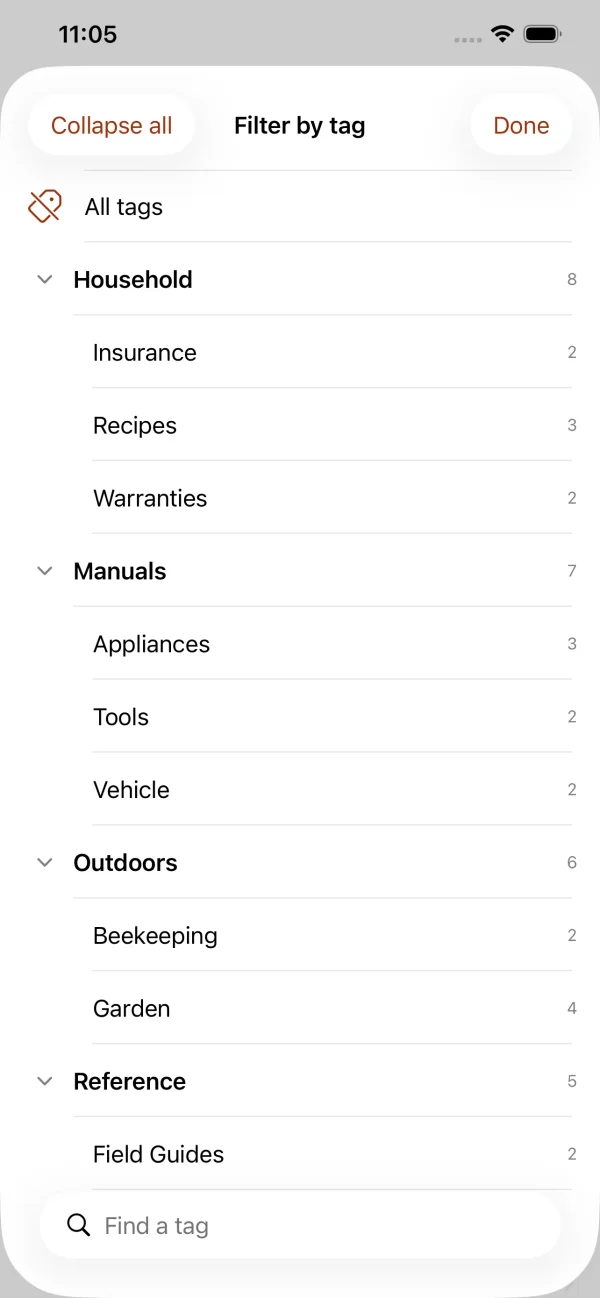
• Hierarchical tags — tag trees with colours and counts, where tagging a document with a child applies the whole chain above it.
• Scan with the camera — capture pages on device; text recognition runs locally using Apple Vision, so a scan arrives already searchable.
• Offline reading — keep chosen documents on the device and read them with no network at all. Copies are encrypted, excluded from backups, and removed when you sign out.
• Organise properly — bulk actions, page editing (rotate, delete, extract), duplicate review, and a triage queue for anything unfiled.
• Share on your terms — time-limited public links you can revoke, with one screen listing everything currently exposed.
• Built for iPad — a sidebar layout, a reflowing grid, and side-by-side document comparison.
• Your reading position syncs across your devices, because it lives on your server.
Scrinium requires a Scrinium server. It is a client for that server, not a standalone product. The server is open source and self-hostable: github.com/jwapps-app/scrinium
Confidentialité de l’application
Ce que John Worthington déclare sur l’App Store au sujet du traitement des données par cette application.
-
Données non collectées
Le développeur ne collecte aucune donnée à partir de cette application.
Les pratiques en matière de confidentialité peuvent varier, notamment en fonction des fonctionnalités que vous utilisez ou de votre âge.
Informations
- Vendeur
- John Worthington
- Catégorie
- Productivité
- Version
- 1.0
- Mis à jour
- 31/08/2026
- Publié
- 31/08/2026
- Taille
- 2,5 Mo
- Nécessite
- iOS 16.0 ou version ultérieure
- Classification d’âge
- 4+
- Prix
- Gratuit
- Langues
- Anglais
- Copyright
- © Scrinium 2006
Vous aimerez peut-être aussi
-
 Simple.NotesProductivité
-
 Write — Notes focaliséesUne pensée à la fois
-
 Timee: Suivi du tempsChronométrez vos activités
-
 Zonal: time zone buddyProductivité
-
 NoteManagerProNotes stylées avec des tags
-
 Filedra: PDF Scanner & OCRProductivité
-
 DocbaseProductivité
-
 Afterpage: Go PaperlessProductivité
-
 SimpleNote - To Do ListProductivité
-
 Ultra Note ProProductivité