Scritch – Handwriting Notes
Feels like paper. Messy's fine
Conçue pour iPhone, iPad, iPod touch
Gratuit
- Classification d’âge4+
- CatégorieProductivité
- DéveloppeurKiil Ryu
- LanguesCoréen+ 2 de plus
- Taille84,9 Mo
Renvoie vers la page App Store officielle
Download.org n’héberge aucun fichier de Scritch – Handwriting Notes. Le bouton ouvre la page de l’application sur App Store, où Kiil Ryu la publie. Fiche vérifiée pour la dernière fois le 28/11/2026.
Captures d’écran
À propos
Le développeur n’a pas fourni ce texte dans votre langue.
Scritch.
Your notes don't have to be perfect from the start. Begin by jotting down whatever comes to mind, and take it all the way with Scritch.
Even a quick jot has its details.
Writing
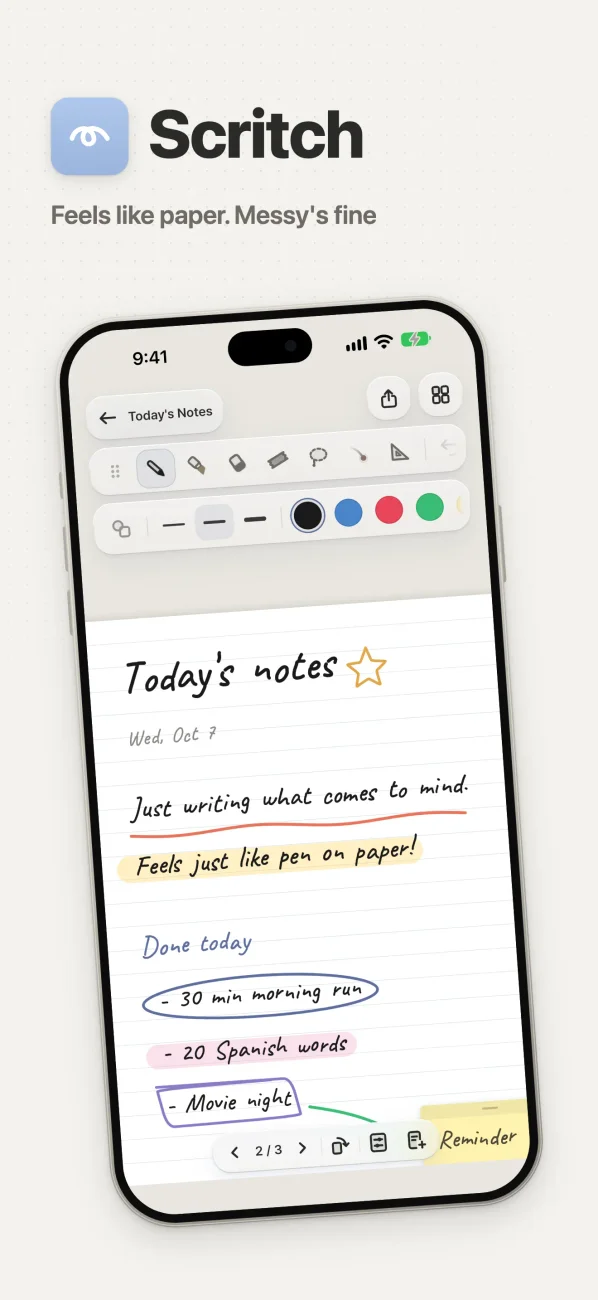
· Ink shows up the moment your pen touches down, like on paper
· Lines respond to pressure and tilt, and the fountain pen pools a little where you pause
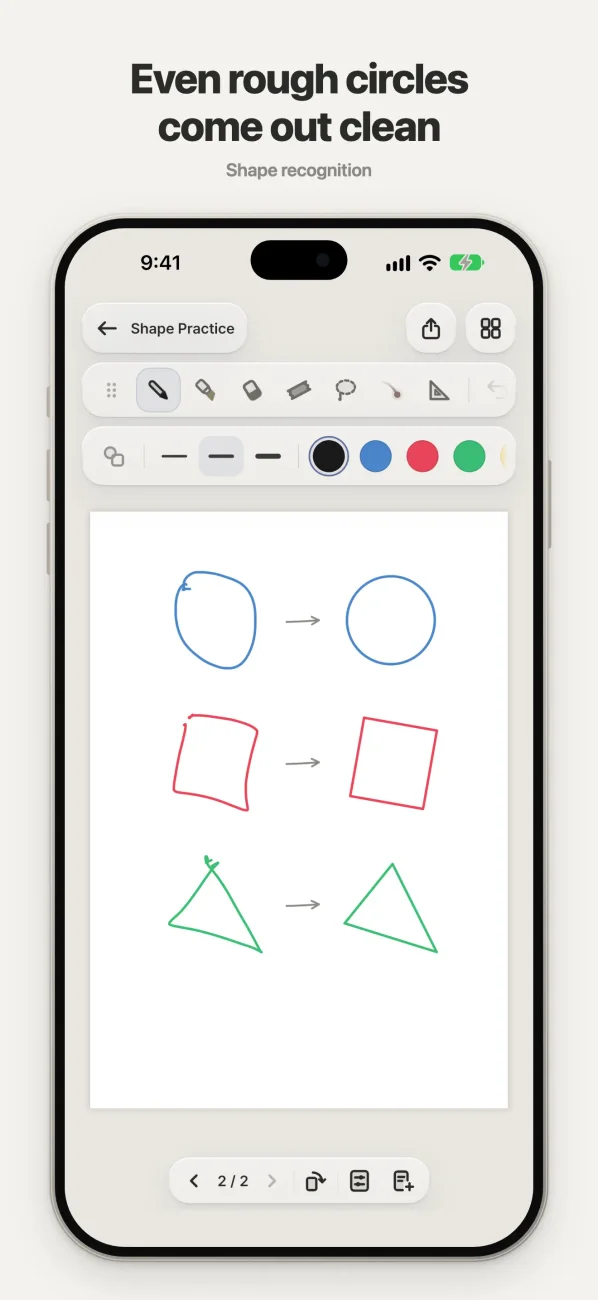
· Hold your pen at the end of a stroke to get a straight line, or a clean circle, rectangle or triangle
· Scribble over something with the pen you're holding to erase it. No need to switch to the eraser
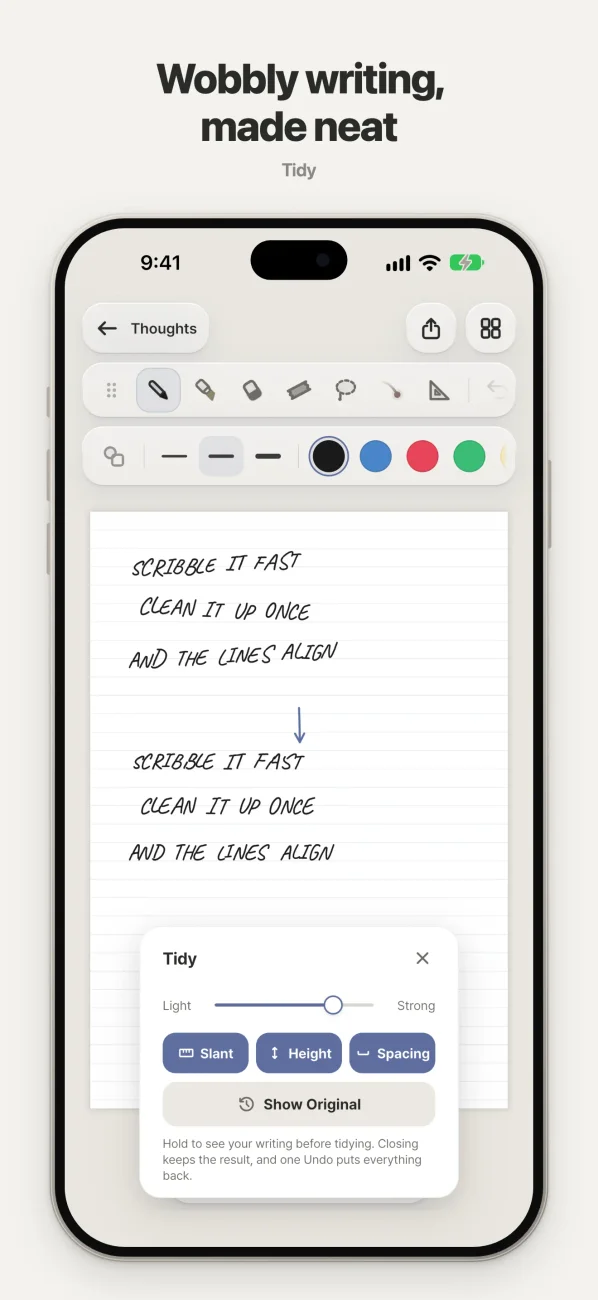
· Tidy straightens wobbly handwriting and evens out its size and spacing
· Drag a color into a closed shape to fill it
· The highlighter sits behind the text, so words stay crisp, even on PDFs
· Double-tap or squeeze Apple Pencil to switch tools
Studying
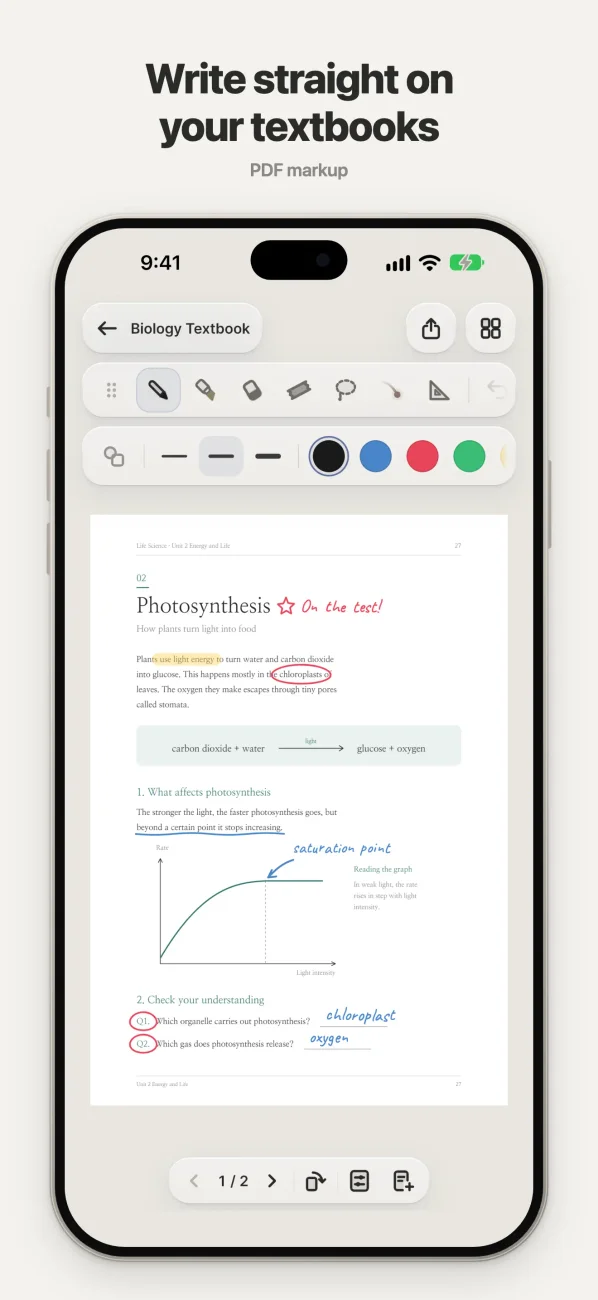
· Write directly on PDF textbooks. Even hundreds of pages stay light, and you can bring in just the pages you need
· Bring in other documents as notes and write on them too
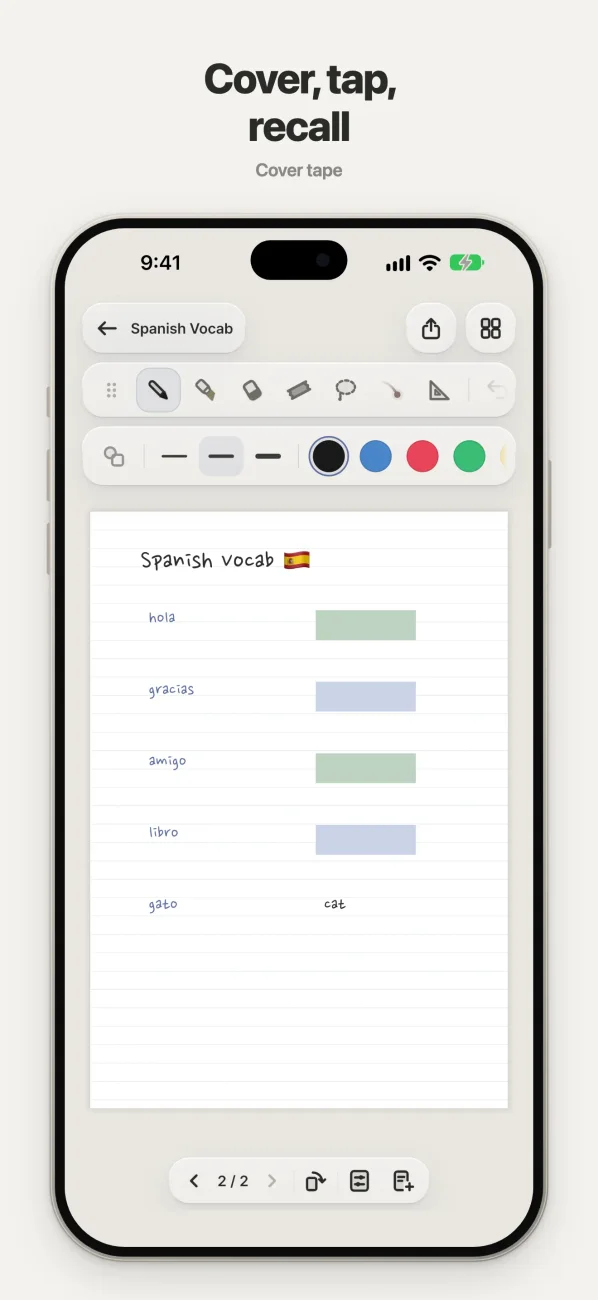
· Cover tape hides what you're memorizing. Tap it to check yourself
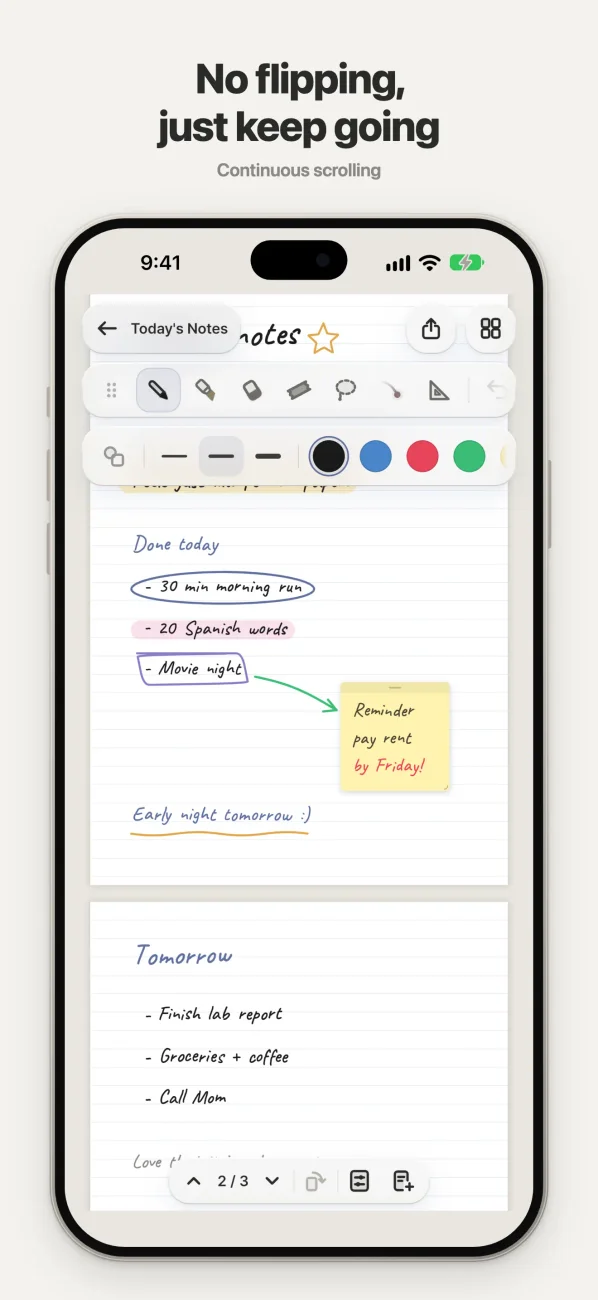
· If you'd rather not flip pages, write in one long page that scrolls down
· 23 paper types, including Cornell, vocabulary, planner, manuscript grid, music staff, four-line and kanji practice
· Layers keep your writing and drawings apart, and each one has its own opacity
· Connect a TV or monitor and it shows just the page, nice and big. There's a laser pointer for classes and talks, too
Sticking and decorating
· Put photos, stickers, text and sticky notes anywhere on the page
· Lasso things to move, rotate or copy them
· Run out of room? Switch to an infinite canvas
· Give each notebook the cover color and texture you like
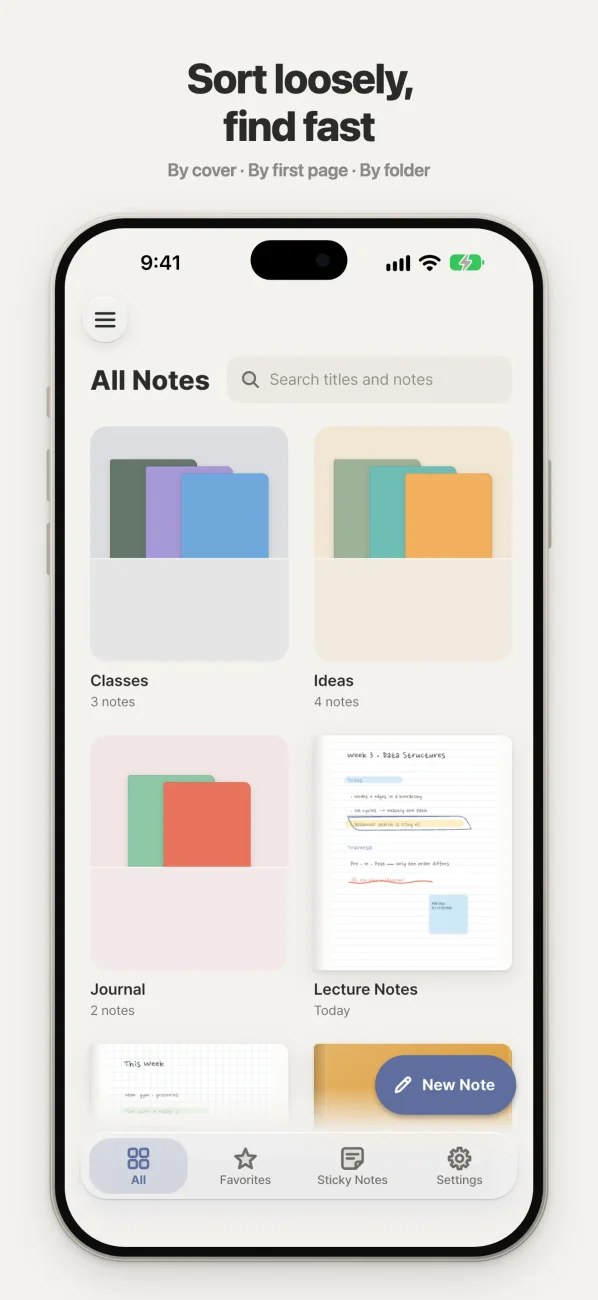
Sort loosely, find fast
· Folders inside folders, favorites, and long-press to drag things where you want them
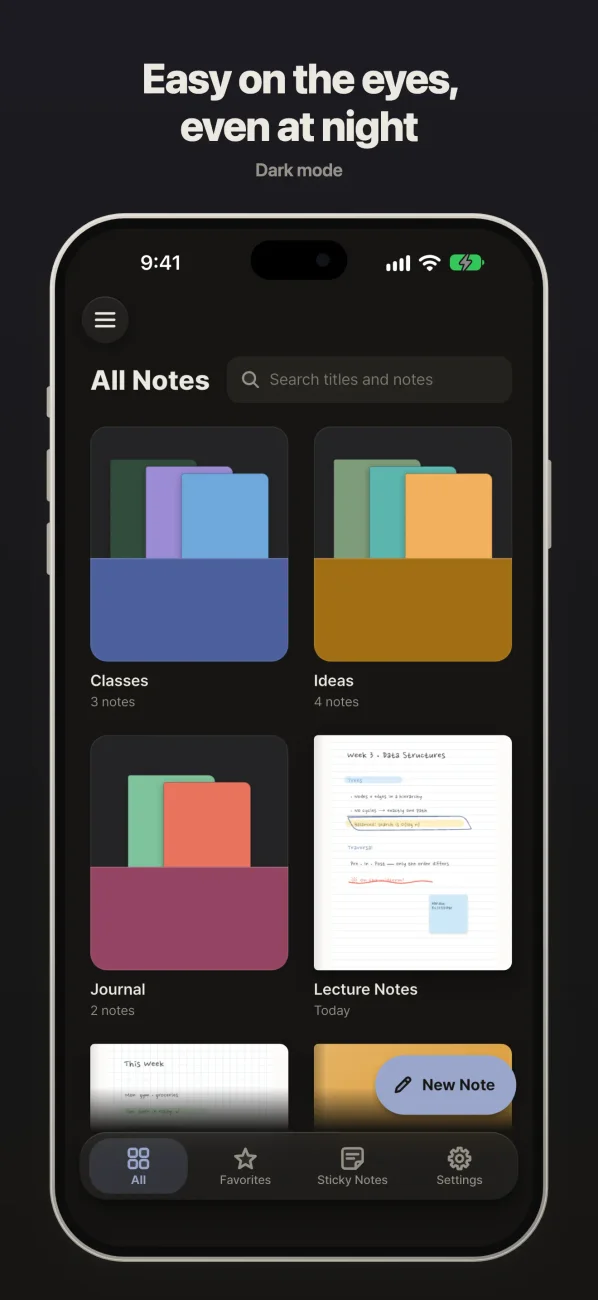
· Browse by cover, or by each note's first page as you wrote it
· Dark mode that's easy on the eyes at night
And peace of mind
· No ads. Who wants ads while they're jotting?
· Every feature works without an account
· Notes are saved on your device. If you want, pick up where you left off on another device through your own Google Drive
· If a save ever fails, you'll know right away, and snapshots let you go back to an earlier version
Whenever you feel like jotting, just Scritch.
Nouveautés
Version 1.2.4 · 27/11/2026
• Pens, highlighters, erasers and lasers can now have up to five sizes. Just press and hold a size!
• Make a note straight from your photo library, and tap any photo in a note to crop it.
• In Split View, copy and paste between the two notes.
• We polished the crop screen and the tape preview, and fixed various bugs. Now you can jot down with even more to work with.
Confidentialité de l’application
Ce que Kiil Ryu déclare sur l’App Store au sujet du traitement des données par cette application.
-
Données n’établissant aucun lien avec vous
Peuvent être collectées, mais ne sont pas liées à votre identité.
- Contenu utilisateur
- Identifiants
- Données d’utilisation
Les pratiques en matière de confidentialité peuvent varier, notamment en fonction des fonctionnalités que vous utilisez ou de votre âge.
Informations
- Vendeur
- Kiil Ryu
- Catégorie
- Productivité
- Version
- 1.2.4
- Mis à jour
- 27/11/2026
- Publié
- 28/07/2026
- Taille
- 84,9 Mo
- Nécessite
- iOS 15.0 ou version ultérieure
- Classification d’âge
- 4+
- Prix
- Gratuit
- Langues
- Coréen, Anglais, Japonais
- Copyright
- © 2026 루니비
Vous aimerez peut-être aussi
-
 스플리 - 나만의 똑똑한 학습 플래너Productivité
-
 Jamtudy - Focus TimerProductivité
-
 Focusway – Focus & Study TimerProductivité
-
 Uni:Note – Notes de révisionNotes manuscrites pour réviser
-
 UnivNote: notes PDF fluidesCahier manuscrit sans latence
-
 todo planner - plan managerProductivité
-
 SpiraldayProductivité
-
 Novela: Writing app for novelsProductivité
-
 타이피 - 언제든 이어 쓰는 글쓰기 앱Productivité
-
 SSGPAD - Easy Convenient PadProductivité