SD Import
Import SD Card to Photos Fast
Conçue pour iPhone, iPad
Gratuit · Achats intégrés
- Classification d’âge4+
- CatégorieUtilitaires
- Développeur海龙 李
- LanguesAnglais+ 5 de plus
- Taille6,1 Mo
Renvoie vers la page App Store officielle
Download.org n’héberge aucun fichier de SD Import. Le bouton ouvre la page de l’application sur App Store, où 海龙 李 la publie. Fiche vérifiée pour la dernière fois le 13/11/2026.
Captures d’écran

À propos
Le développeur n’a pas fourni ce texte dans votre langue.
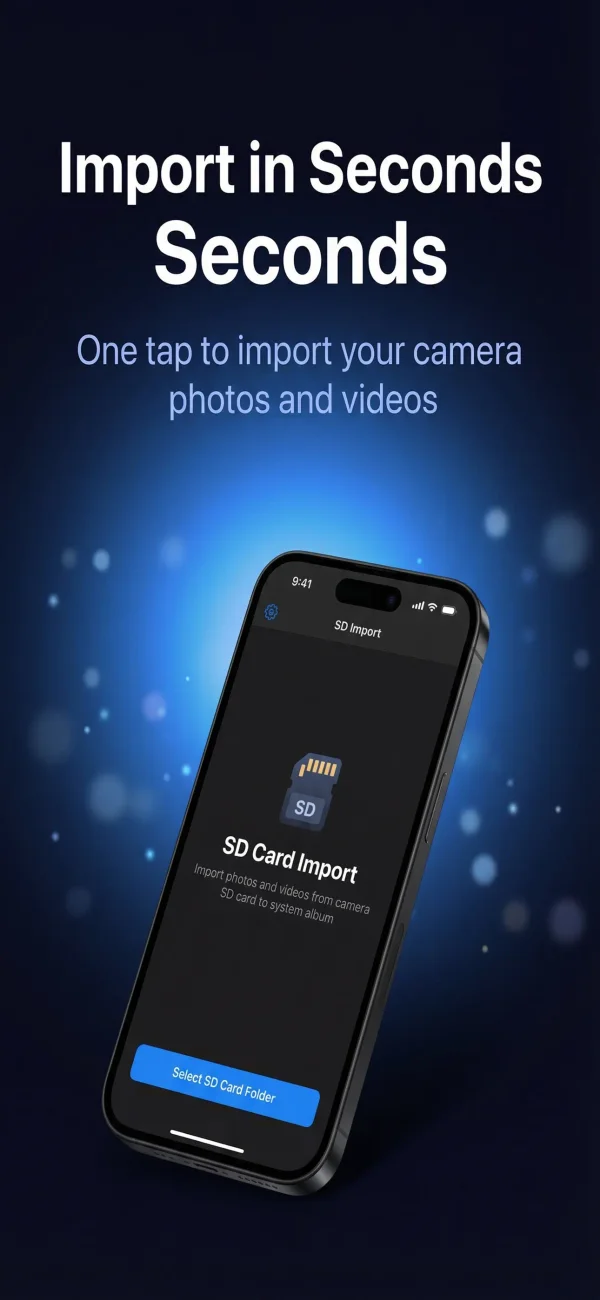
SD Import is the fastest and simplest tool to import photos and videos from your camera SD card directly to iPhone Photos.
Why SD Import?
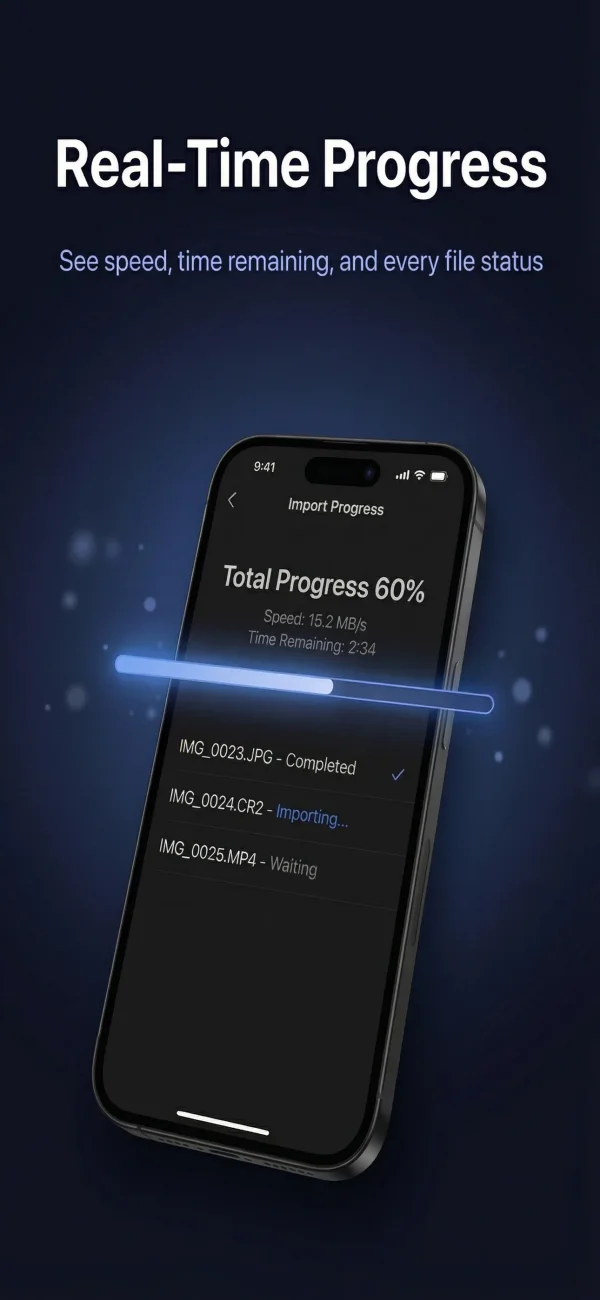
• Real-time import progress — see exactly how fast files are transferring, byte by byte
• One-tap card cleanup — delete successfully imported files from your SD card right after importing, freeing space while you're still shooting (Pro)
• Deletion with two safeguards — only files verified as fully read and confirmed saved to Photos are removed; failed imports are never deleted, and every deletion needs your confirmation
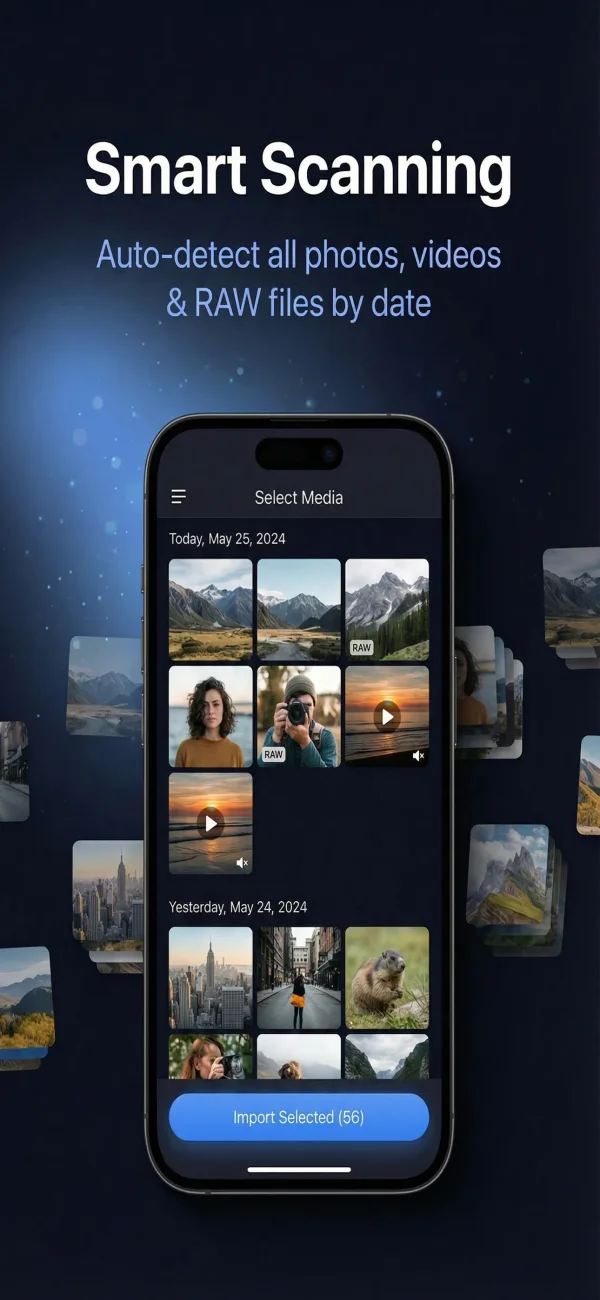
• RAW format support — ARW, CR2, CR3, RAF, NEF and more
• Smart scanning — automatically finds photos and videos, hides junk files
• Date grouping — browse media organized by shooting date
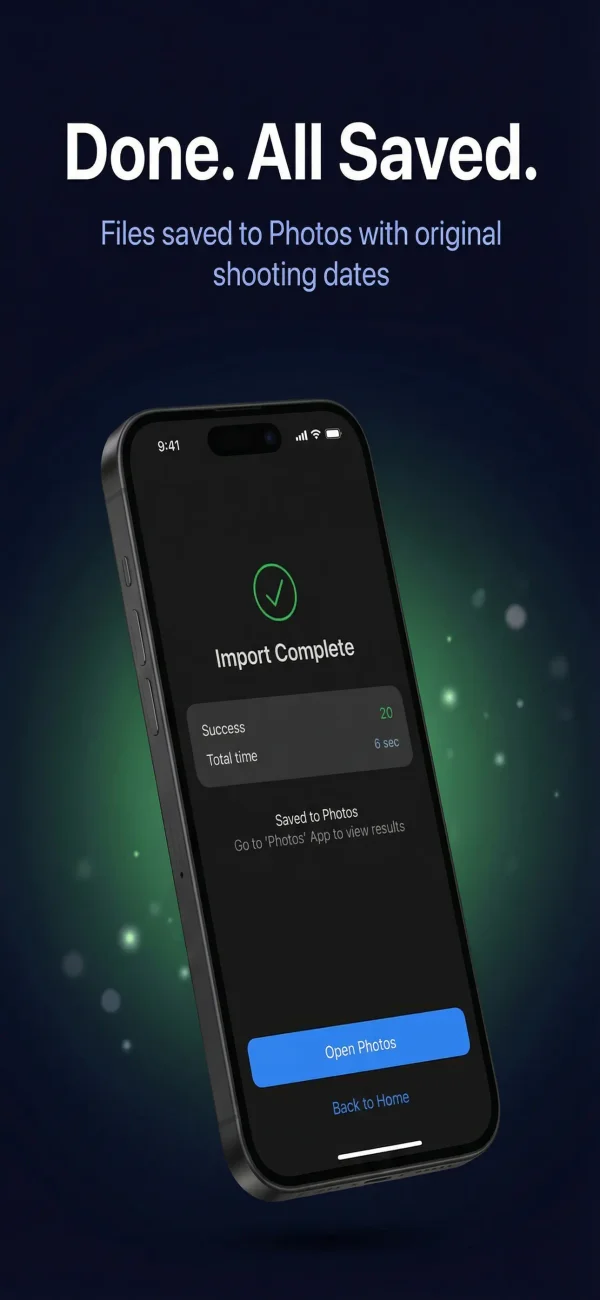
• EXIF preserved — original shooting dates kept intact in your Photos library
• Storage check — warns you before import if space is running low
How it works:
1. Connect your SD card reader to iPhone
2. Select the SD card directory
3. Pick your photos and videos
4. Tap Import — done!
5. Need space? Clear the imported files off the card in one tap
About the delete feature
Every file is verified as fully read and successfully saved to your Photos library before it is deleted. Files that failed to import, or that you didn't select, are never touched. Deletion always requires an explicit tap plus a confirmation — nothing is ever deleted automatically.
Pro upgrade unlocks unlimited imports and SD card cleanup with a one-time purchase. No subscription, yours forever.
Supports Sony, Canon, Fujifilm, Nikon, DJI and other major camera brands.
Nouveautés
Version 1.3.4 · 30/08/2026
• Fixes product information occasionally failing to load, which could leave the purchase button unavailable until the app was restarted.
• Restoring a purchase no longer always asks for your Apple ID password — in most cases it now completes silently.
Confidentialité de l’application
Ce que 海龙 李 déclare sur l’App Store au sujet du traitement des données par cette application.
-
Données non collectées
Le développeur ne collecte aucune donnée à partir de cette application.
Les pratiques en matière de confidentialité peuvent varier, notamment en fonction des fonctionnalités que vous utilisez ou de votre âge.
Informations
- Vendeur
- 海龙 李
- Catégorie
- Utilitaires
- Version
- 1.3.4
- Mis à jour
- 30/08/2026
- Publié
- 08/04/2026
- Taille
- 6,1 Mo
- Nécessite
- iOS 16.0 ou version ultérieure
- Classification d’âge
- 4+
- Prix
- Gratuit
- Achats intégrés
- Oui
- Langues
- Anglais, Allemand, Japonais, Coréen, Chinois simplifié, Espagnol
- Copyright
- © 2026 OKTool