- Classification d’âge4+
- CatégorieSports
- DéveloppeurSydney White
- LanguesAnglais
- Taille1,5 Mo
Renvoie vers la page App Store officielle
Download.org n’héberge aucun fichier de Shot Put Analyzer. Le bouton ouvre la page de l’application sur App Store, où Sydney White la publie. Fiche vérifiée pour la dernière fois le 18/11/2026.
Captures d’écran

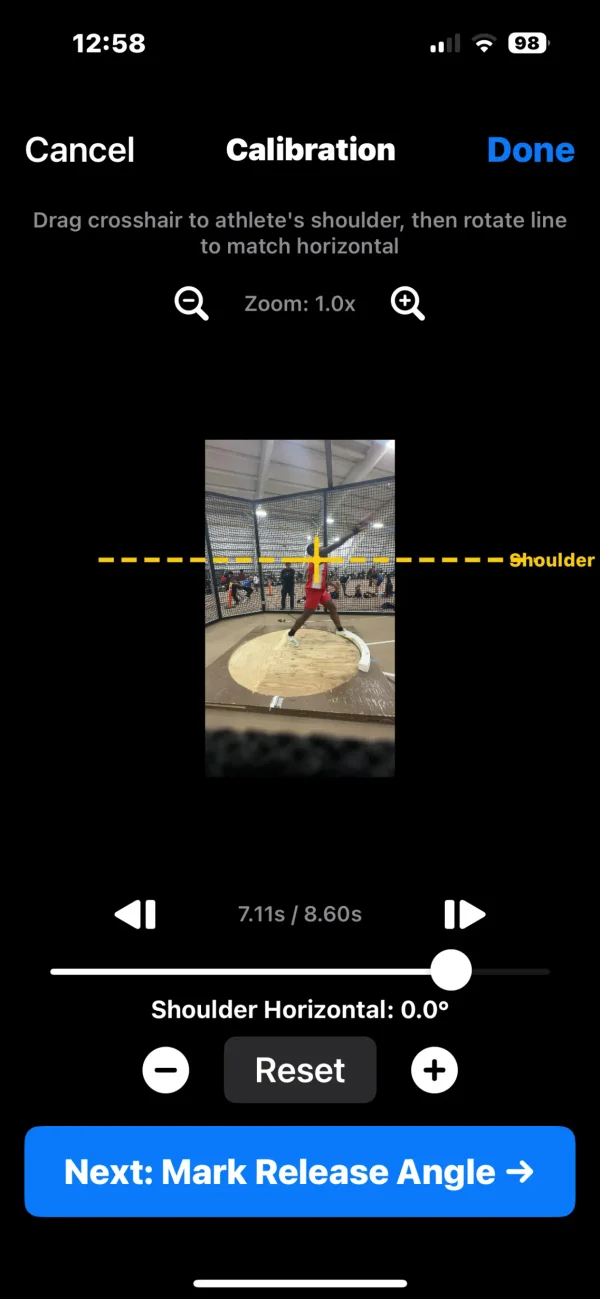
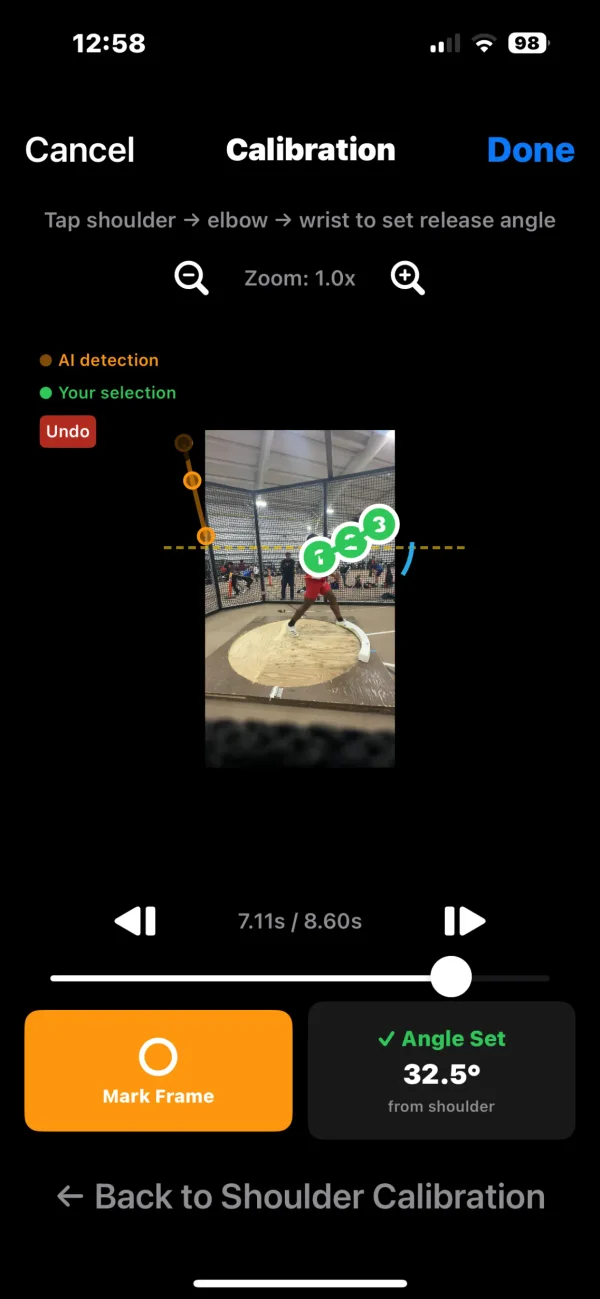
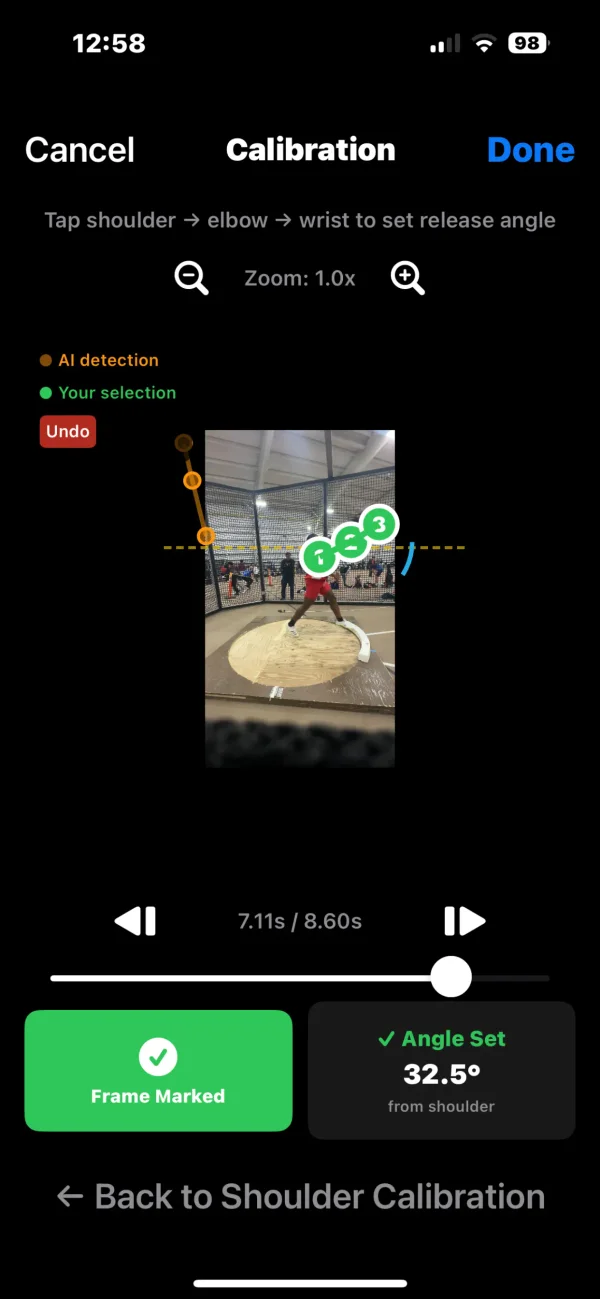
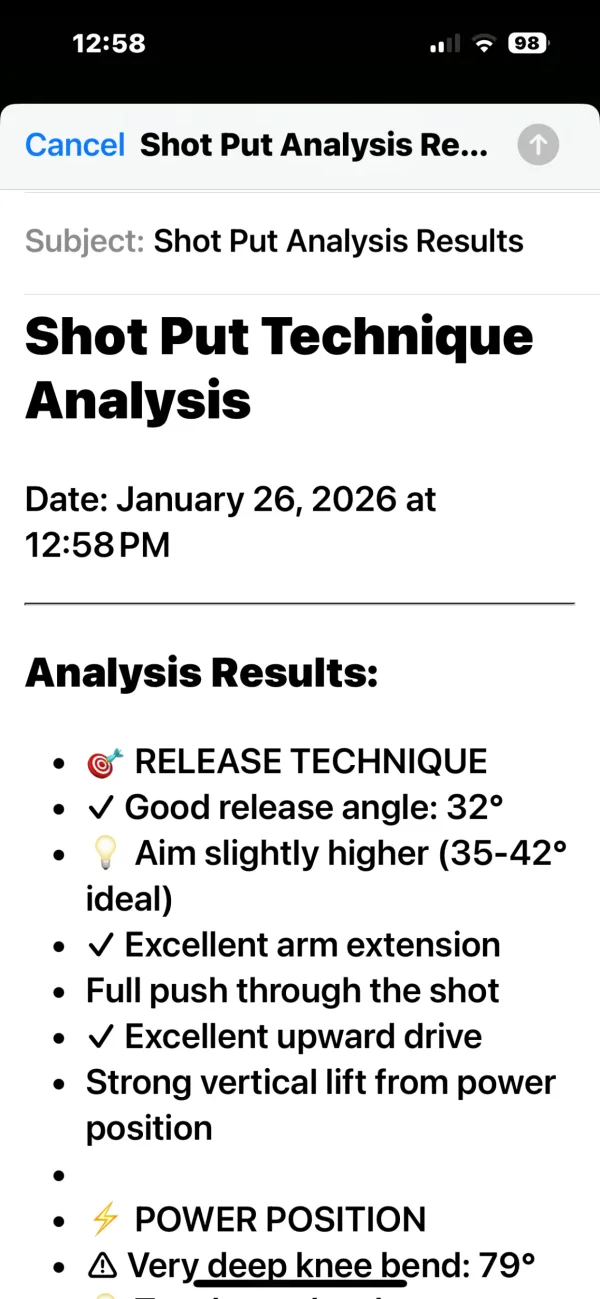

À propos
Le développeur n’a pas fourni ce texte dans votre langue.
This fast, intuitive app allows you to analyze previously recorded videos with precision, providing detailed insights into your technique and performance. Simply tap the download icon in your saved videos list, select your video, and let the app handle the rest—copying it to local storage, playing it back instantly, and automatically analyzing it through advanced pose detection.
With easy-to-enter athlete information such as height and throw distance, the app calibrates measurements for accurate real-world analysis. It converts pixel data into meaningful metrics like velocity, distance, and power output, all adjusted for your athlete's size. This personalized feedback helps you understand how your technique impacts performance, validate your power calculations, and make targeted improvements. Save your results to your personal library and track your progress over time.
Key features include visual indicator markers for critical moments—power position and release point—highlighted with color-coded dots and labels for quick identification. The app’s handedness toggle ensures analysis accuracy whether you're a right or left-handed thrower, with arm highlights tailored to your throwing side. Frame-by-frame controls allow precise examination of critical moments, especially when combined with slow-motion playback.
Share your results via an email that includes a comprehensive analysis report includes detailed metrics, coaching tips, and a video attachment, making it simple for coaches and athletes to review and implement improvements.
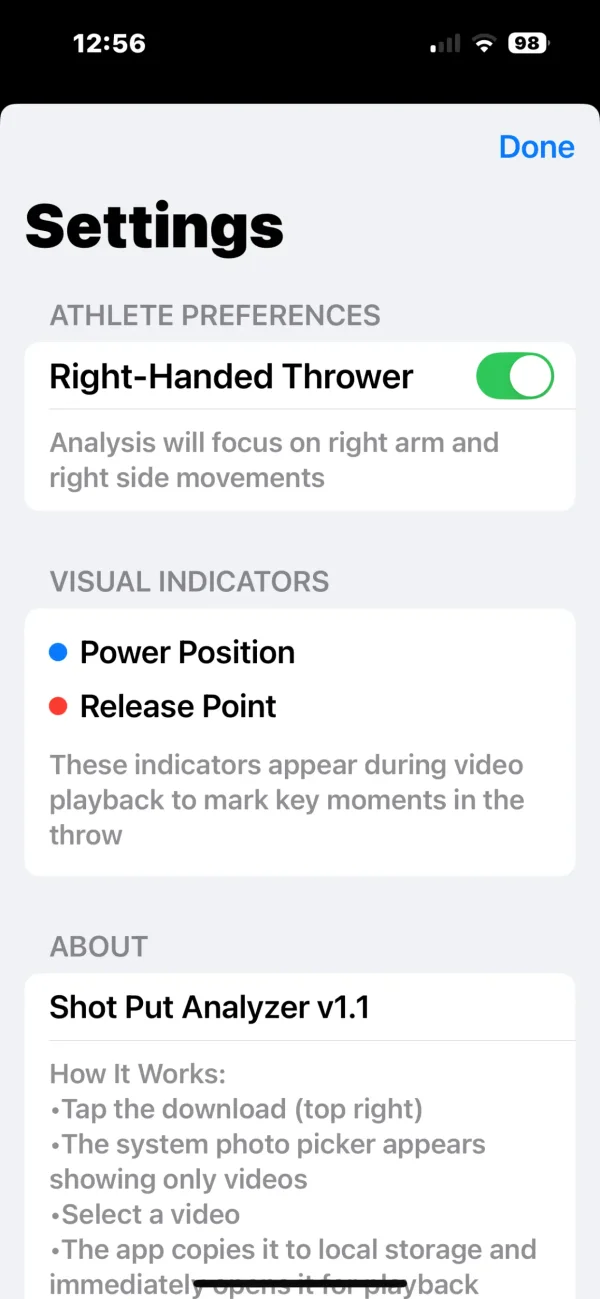
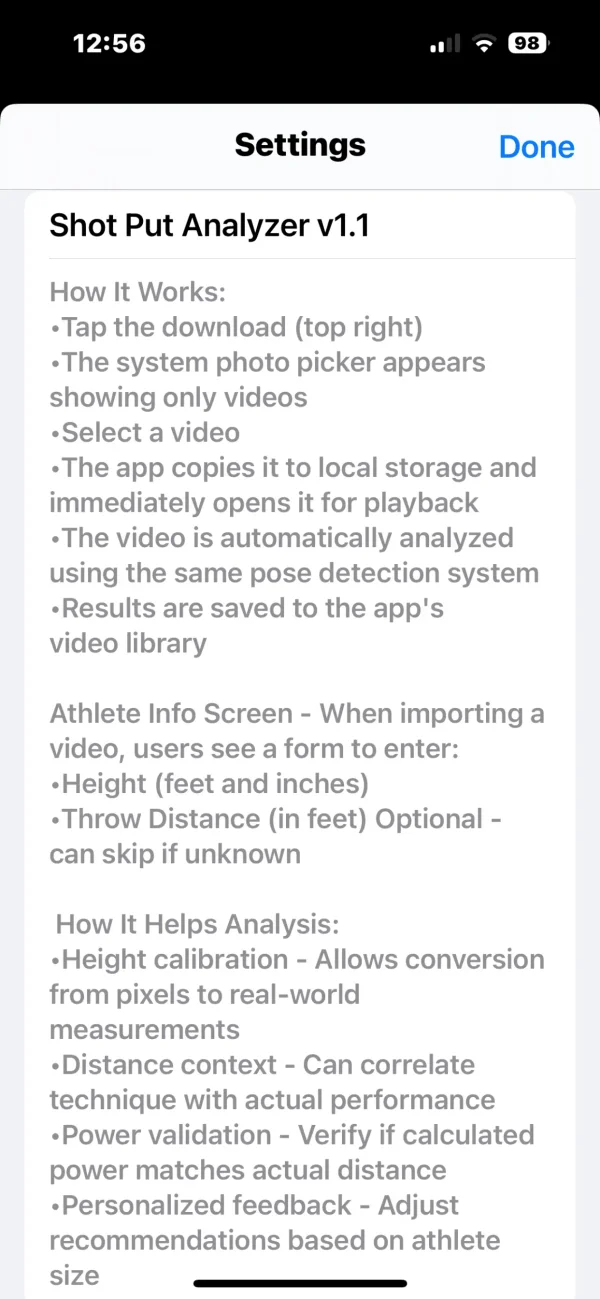
How It Works:
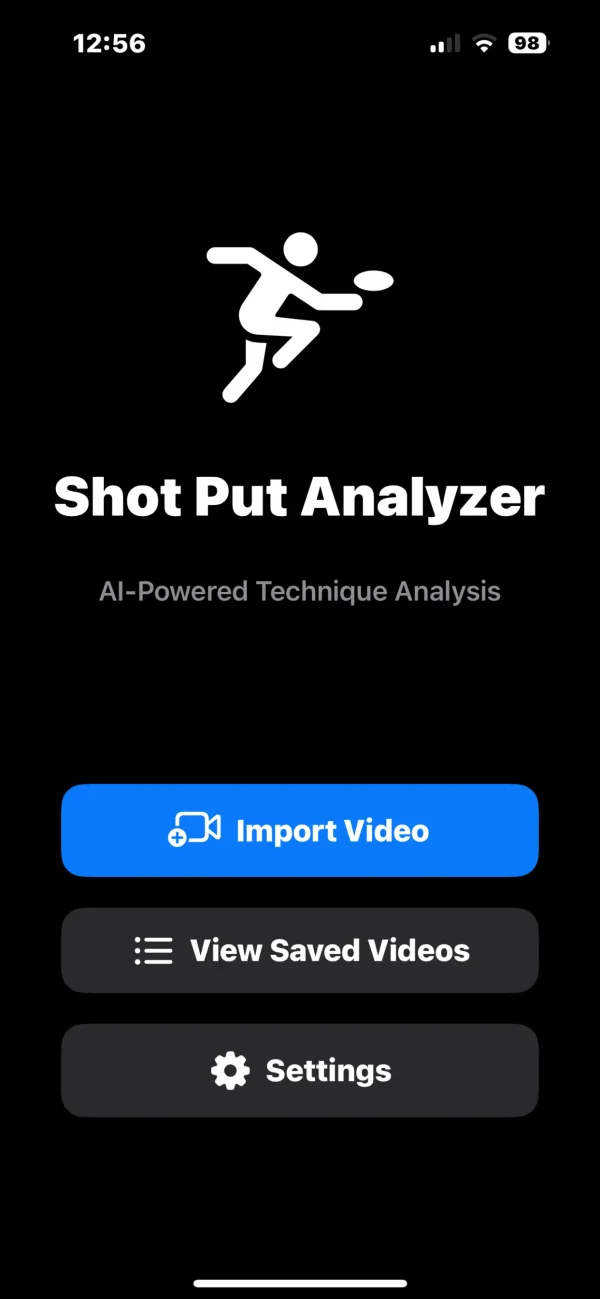
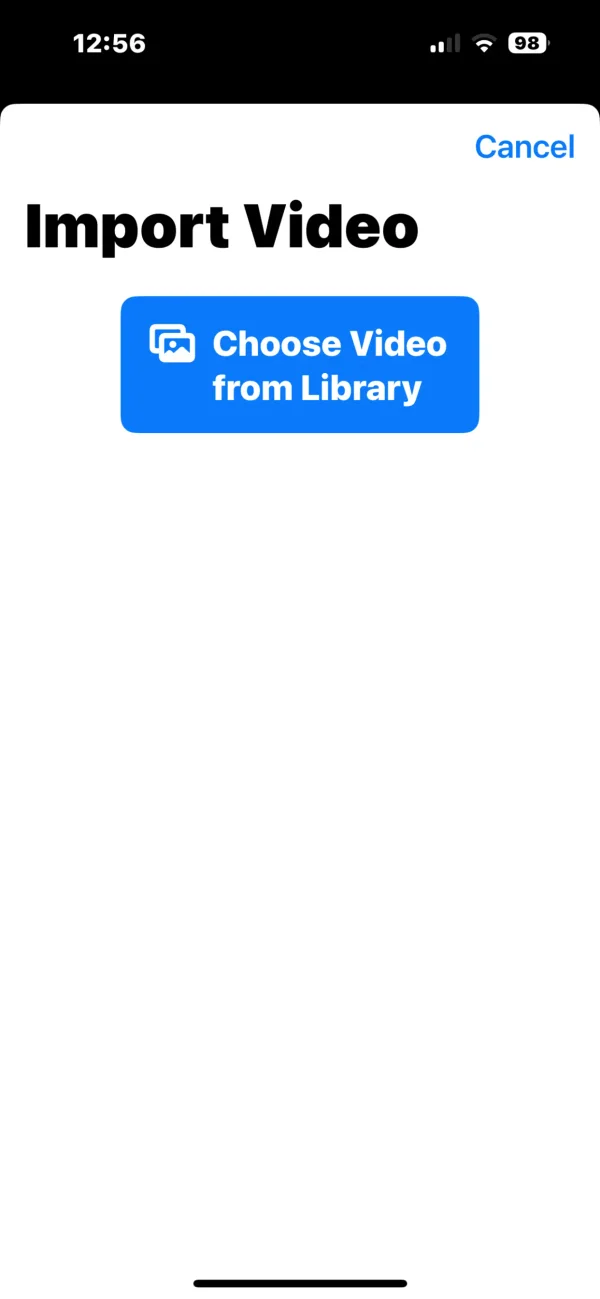
Tap Import Video
The system photo picker appears showing only videos
Select a video
The app copies it to local storage and immediately opens it for playback
The video is automatically analyzed using the same pose detection system
Results are saved to the app's video library
When importing a video, users see Athlete Info Screen:
Height (feet and inches)
Throw Distance (in feet)
Optional - can skip if unknown
How It Helps Analysis:
Height calibration - Allows conversion from pixels to real-world measurements
Distance context - Can correlate technique with actual performance
Power validation - Verify if calculated power matches actual distance
Personalized feedback - Adjust recommendations based on athlete size
With this data, the app can:
Calculate actual velocities
Estimate real-world distances from angles and speed
Compare power output to actual throw distance
Provide height-adjusted feedback
Validate if release angle + speed should produce the stated distance
The data is saved with each video so you can track progress over time!
Features:
1. Two Key Moment Visual Indicators
Power Position (Blue dot) - Detected at the lowest knee angle (when athlete is maximally loaded)
Release Point (Red dot) - Detected at maximum elbow extension (when the shot leaves the hand)
2. Handedness Settings
Toggle between right-handed and left-handed throwers
Settings persist between app sessions
What Changes Based on Handedness:
Analysis Focus: Uses the correct arm (right or left) for all angle calculations
All technique feedback is based on the selected throwing side
Settings Screen Also Shows:
Share Button
Located in the top-right corner of the video (upload icon) has multiple export options.
Email Contents:
1. Detailed Feedback
Clear section headers (RELEASE, POWER POSITION, LEG DRIVE, etc.)
Specific explanations for each metric (not just pass/fail)
Context for numbers - explains what the angles mean
Priority indicators - "CRITICAL" flags for major issues
2. Actionable Coaching Tips
3. Advanced Metrics
4. Overall Assessment
5. Power Analysis
Nouveautés
Version 23.0 · 20/03/2026
Improved the analysis, add multiple export options and addressed issues that may have cause crashes.
Confidentialité de l’application
Ce que Sydney White déclare sur l’App Store au sujet du traitement des données par cette application.
-
Données non collectées
Le développeur ne collecte aucune donnée à partir de cette application.
Les pratiques en matière de confidentialité peuvent varier, notamment en fonction des fonctionnalités que vous utilisez ou de votre âge.
Informations
- Vendeur
- Sydney White
- Catégorie
- Sports
- Version
- 23.0
- Mis à jour
- 20/03/2026
- Publié
- 08/02/2026
- Taille
- 1,5 Mo
- Nécessite
- iOS 18.5 ou version ultérieure
- Classification d’âge
- 4+
- Prix
- 0,99 €
- Langues
- Anglais
- Copyright
- © Ssswhites 2026