
SignAgent
Sign Surveys and Tracking
Conçue pour iPhone, iPad, iPod touch
Gratuit
- Classification d’âge12+
- CatégorieProductivité
- DéveloppeurSignAgent Inc.
- LanguesAnglais
- Taille41,3 Mo
Renvoie vers la page App Store officielle
Download.org n’héberge aucun fichier de SignAgent. Le bouton ouvre la page de l’application sur App Store, où SignAgent Inc. la publie. Fiche vérifiée pour la dernière fois le 16/11/2026.
Captures d’écran



À propos
Le développeur n’a pas fourni ce texte dans votre langue.
Working on another time-consuming sign survey, audit or punch list? Get it done faster and more accurately and leave the cart, buggy, and clipboard behind. SignAgent’s iOS app, your iPhone or iPad are all you need. Take pictures of signs, assign state and type, view messages, and add comments. Your data is captured as you go and immediately synced with your SignAgent desktop.
*Features*
With the SignAgent iPhone and iPad app you can:
- Log in using your existing SignAgent credentials and access your current projects
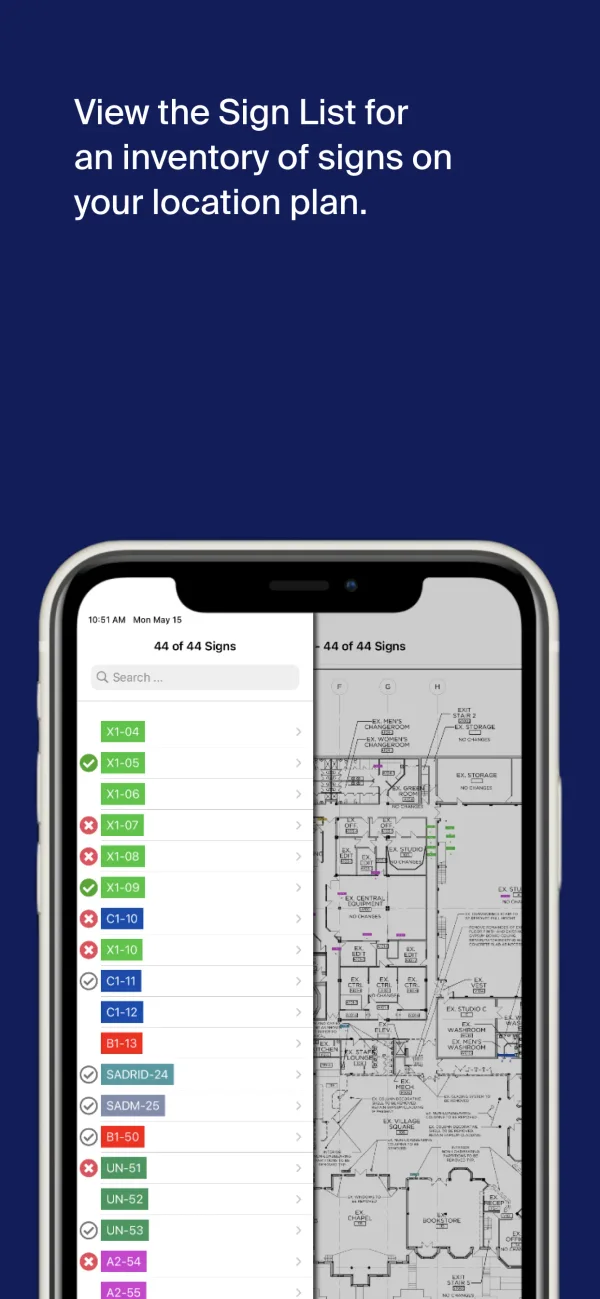
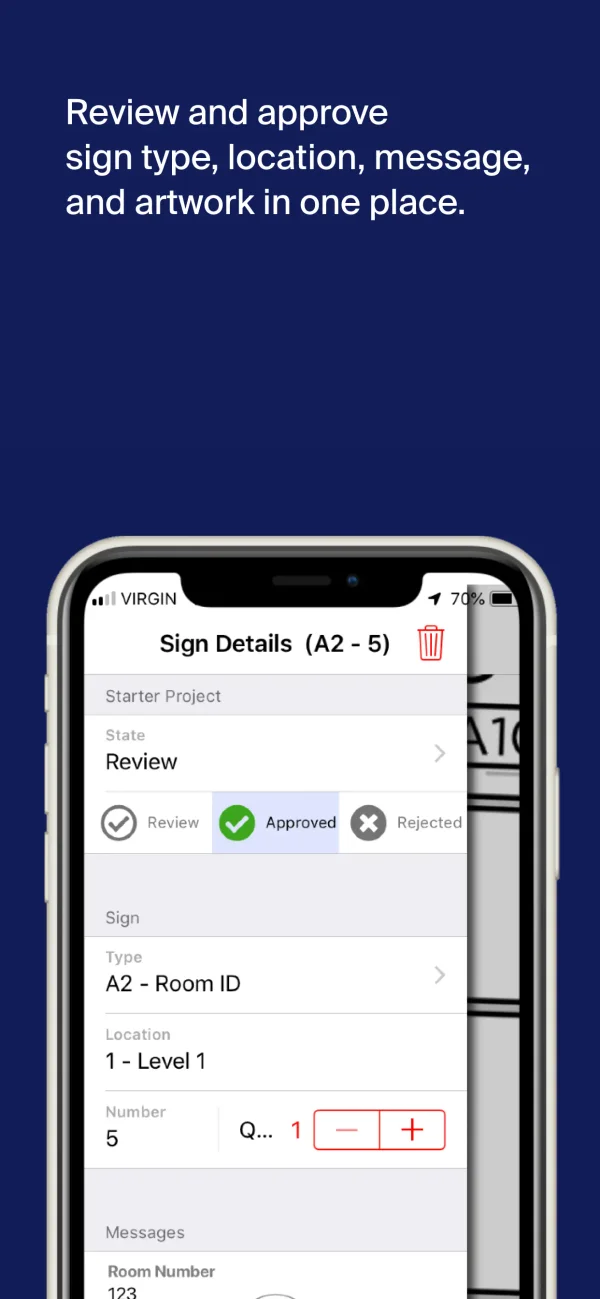
-See the sign information from currently programmed floor plans and list view including: Sign State, Sign Type, Location, Number, Quantity, Messaging, Artwork, Comments
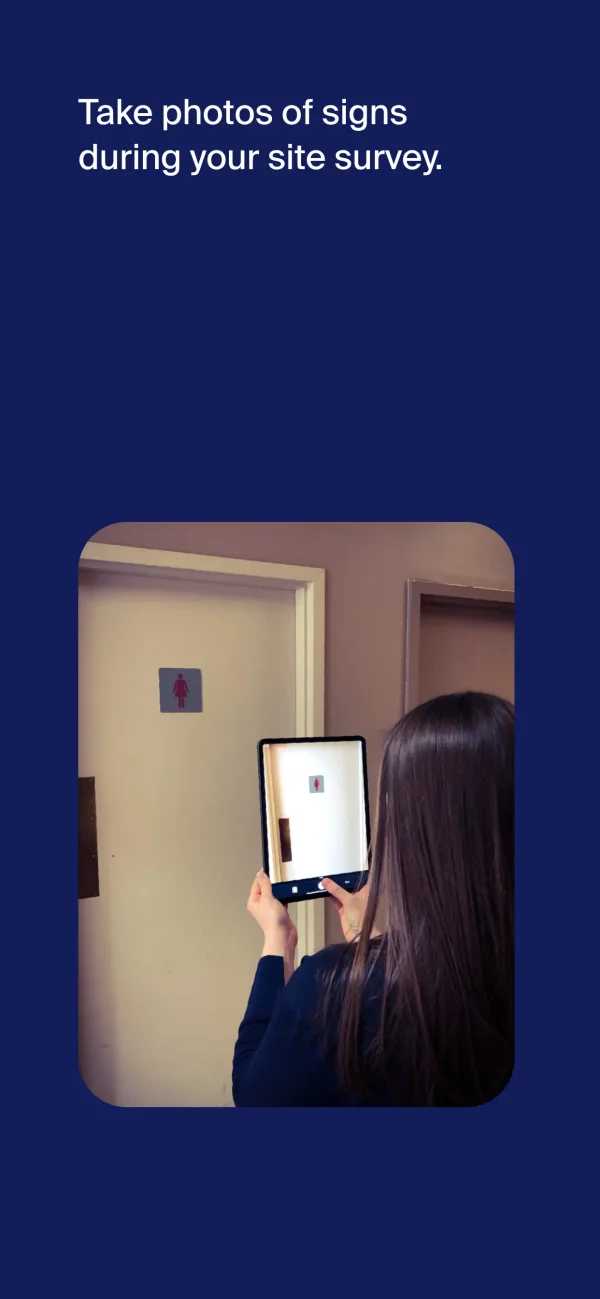
- Take pictures of existing signs
- Pinch to zoom, move through the plan using your fingers, and rotate the plan 45 degrees at a time
- Surveying and Auditing: Tap and hold on the plan to add a new sign marker. Take multiple pictures, add comments, and collect all necessary information
- Manage sign tags: Select, rotate and move signs within the plan
- Share information back and forth: Sync all of your project data with SignAgent online. Any changes can also be synced back to the mobile device.
- Divide and Conquer: Set up multiple mobile iOS devices on the same project to complete your survey even faster!
- Choose your workflow: Pick whether to launch camera when adding new signs, or display messages with artwork.
- Punch/Review: Easily evaluate signs with approval and rejection actions within the app.
- Doing a large exterior or city-wide project? The SignAgent app works with the mapping feature.
*System Requirements*
Requires iOS 12.0 or later.
Compatible with iPhone 6 or later,
iPad Air Wifi or later,
and iPod touch.
Nouveautés
Version 2.3.9 · 19/05/2025
UI fix to force “compact” width so the tab bar stays at the bottom on iPad screens.
Confidentialité de l’application
Ce que SignAgent Inc. déclare sur l’App Store au sujet du traitement des données par cette application.
-
Données non collectées
Le développeur ne collecte aucune donnée à partir de cette application.
Les pratiques en matière de confidentialité peuvent varier, notamment en fonction des fonctionnalités que vous utilisez ou de votre âge.
Informations
- Vendeur
- SignAgent Inc.
- Catégorie
- Productivité
- Version
- 2.3.9
- Mis à jour
- 19/05/2025
- Publié
- 24/04/2019
- Taille
- 41,3 Mo
- Nécessite
- iOS 12.4 ou version ultérieure
- Classification d’âge
- 12+
- Prix
- Gratuit
- Langues
- Anglais
- Copyright
- © 2023 SignAgent Inc.