- Classification d’âge4+
- CatégorieÉducation
- DéveloppeurAntonio Chavez
- LanguesAnglais+ 1 de plus
- Taille457,1 Mo
Renvoie vers la page App Store officielle
Download.org n’héberge aucun fichier de SignDict. Le bouton ouvre la page de l’application sur App Store, où Antonio Chavez la publie. Fiche vérifiée pour la dernière fois le 20/11/2026.
Captures d’écran

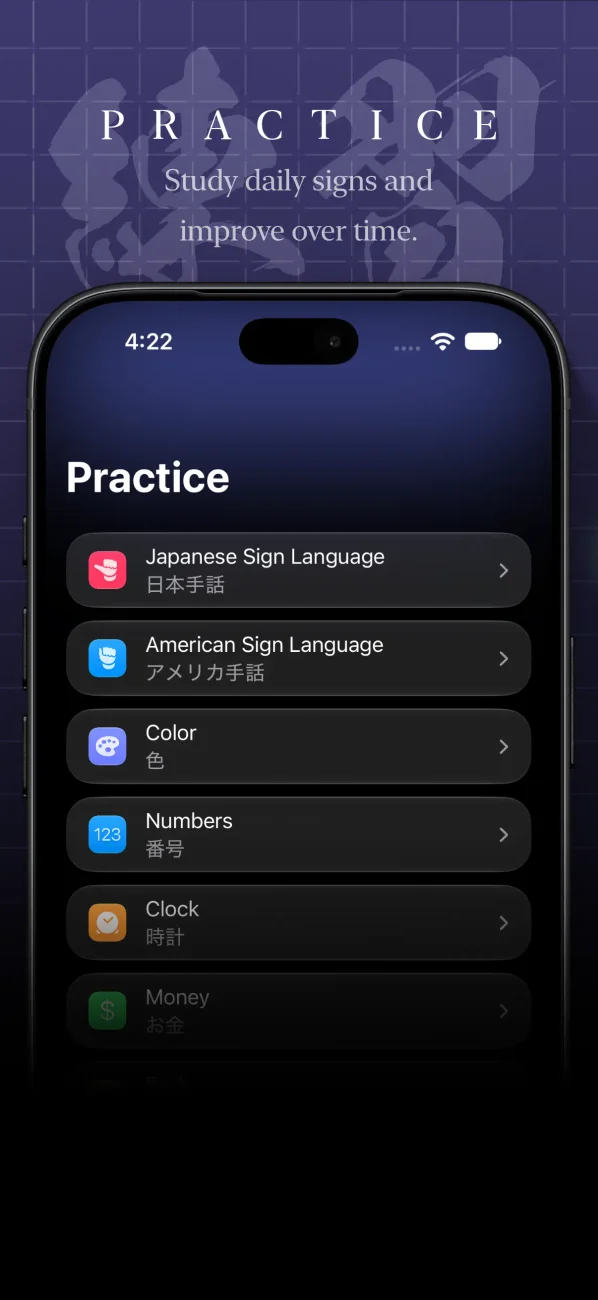
À propos
Le développeur n’a pas fourni ce texte dans votre langue.
The world’s first Japanese Sign Language (JSL) and American Sign Language (ASL) dictionary and translation app.
Discover a faster, easier way to learn and compare Japanese Sign Language and American Sign Language. Whether you’re a student, educator, interpreter, traveler, or simply interested in sign language, SignDict provides a modern learning experience designed exclusively for Apple platforms.
Built entirely with SwiftUI, SignDict features a beautiful native interface, powerful search, offline access, and cross-platform support for iPhone, iPad, Mac, and Apple Vision Pro.
Features
• JSL ⇄ ASL Dictionary & Translation
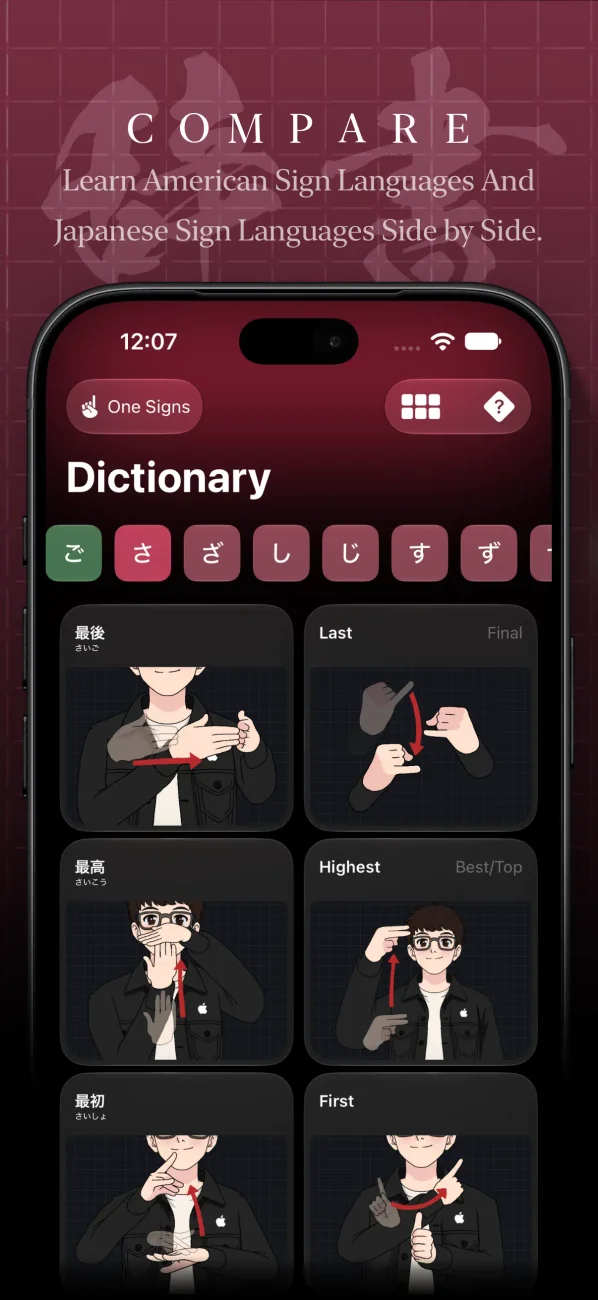
Explore thousands of signs with side-by-side translations between Japanese Sign Language and American Sign Language.
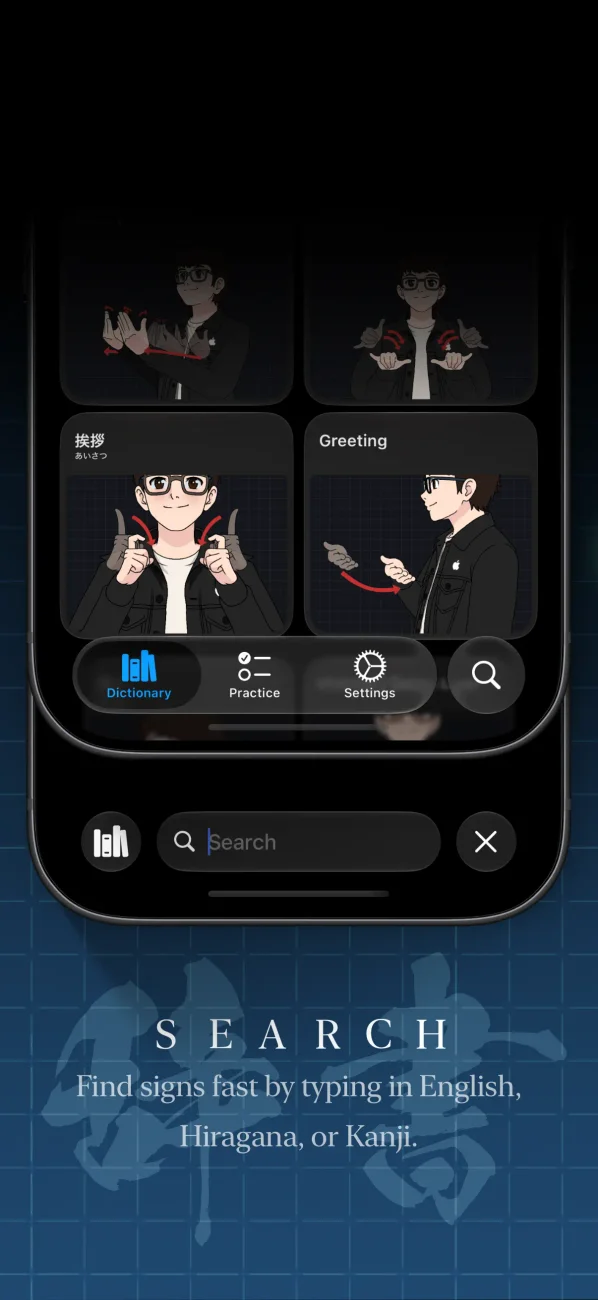
• Fast Search
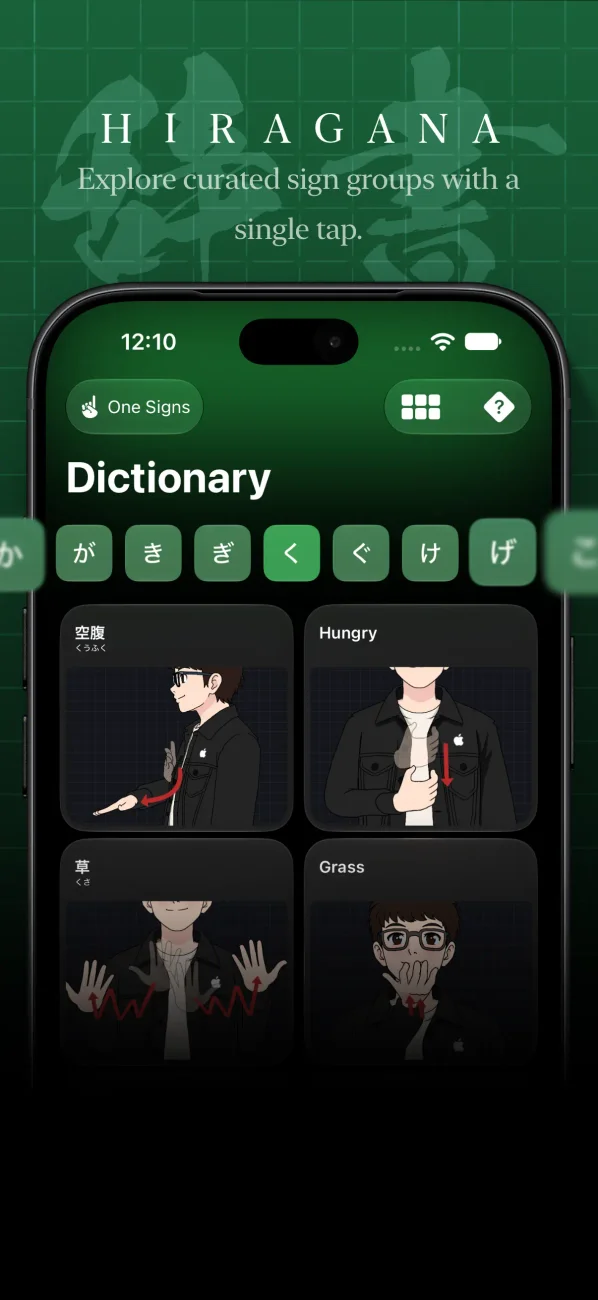
Search instantly using English, Hiragana, Kanji, or Katakana to quickly find the sign you’re looking for.
• Interactive Learning
Learn through structured lessons, practice sessions, quizzes, Hiragana charts, Dakuon, Yōon, and more.
• Compare Signs Side by Side
Understand the differences between American and Japanese Sign Language with an easy-to-read comparison interface.
• Offline Access
Study anywhere—even without an internet connection. Perfect for travel, flights, classrooms, and everyday learning.
• Designed for Apple Platforms
Built entirely with SwiftUI and featuring Apple’s native Liquid Glass design for a fast, responsive, and beautiful experience across iPhone, iPad, Mac, and Apple Vision Pro.
• Privacy First
No accounts. No advertisements. Your learning stays private.
• Active Development
SignDict is continuously updated with new signs, improved illustrations, enhanced translations, and new learning features.
Community Feedback
Sign language evolves through its community.
If you’d like to request a new sign or report a correction, you can submit feedback directly within the app by going to Settings → Feedback.
Many improvements to the Japanese Sign Language dictionary have been made thanks to feedback from members of the Deaf community, helping SignDict become more accurate with every update.
Thank you for helping make SignDict better.
Nouveautés
Version 2.0.1 · 11/11/2026
- Terms & Conditions and Privacy Policy now open directly on the Deaf Can Code website instead of within the app. The previous in-app policy views have been removed to help reduce the app’s size.
Confidentialité de l’application
Ce que Antonio Chavez déclare sur l’App Store au sujet du traitement des données par cette application.
-
Données non collectées
Le développeur ne collecte aucune donnée à partir de cette application.
Les pratiques en matière de confidentialité peuvent varier, notamment en fonction des fonctionnalités que vous utilisez ou de votre âge.
Informations
- Vendeur
- Antonio Chavez
- Catégorie
- Éducation
- Version
- 2.0.1
- Mis à jour
- 11/11/2026
- Publié
- 05/12/2024
- Taille
- 457,1 Mo
- Nécessite
- iOS 17.4 ou version ultérieure
- Classification d’âge
- 4+
- Prix
- 5,99 €
- Langues
- Anglais, Japonais
- Copyright
- © Antonio A. Chavez
Vous aimerez peut-être aussi
-
 Japanese Sign LanguageÉducation
-
 MTG GuideRéférences
-
 Spread the Sign DictionnaireComparez 23 langues des signes
-
 ASL American Sign LanguageÉducation
-
 Shinobi: Apprendre le JaponaisLisez, écoutez, apprenez
-
 ASL Sign Language | AslingoÉducation
-
 Sign ASLÉducation
-
 SignSchoolÉducation
-
 Shirabe JishoRéférences
-
 The ASL AppÉducation