SliceFocus
Pomodoro Planner & App Blocker
Conçue pour iPhone, iPad, Mac
Gratuit
- Classification d’âge4+
- CatégorieProductivité
- DéveloppeurLUVITA TEKNOLOJI ENERJI YAZILIM SANAYI VE TICARET LIMITED SIRKETI
- LanguesAnglais
- Taille30,4 Mo
Renvoie vers la page App Store officielle
Download.org n’héberge aucun fichier de SliceFocus. Le bouton ouvre la page de l’application sur App Store, où LUVITA TEKNOLOJI ENERJI YAZILIM SANAYI VE TICARET LIMITED SIRKETI la publie. Fiche vérifiée pour la dernière fois le 13/11/2026.
Captures d’écran

À propos
Le développeur n’a pas fourni ce texte dans votre langue.
MASTER YOUR TIME VISUALLY
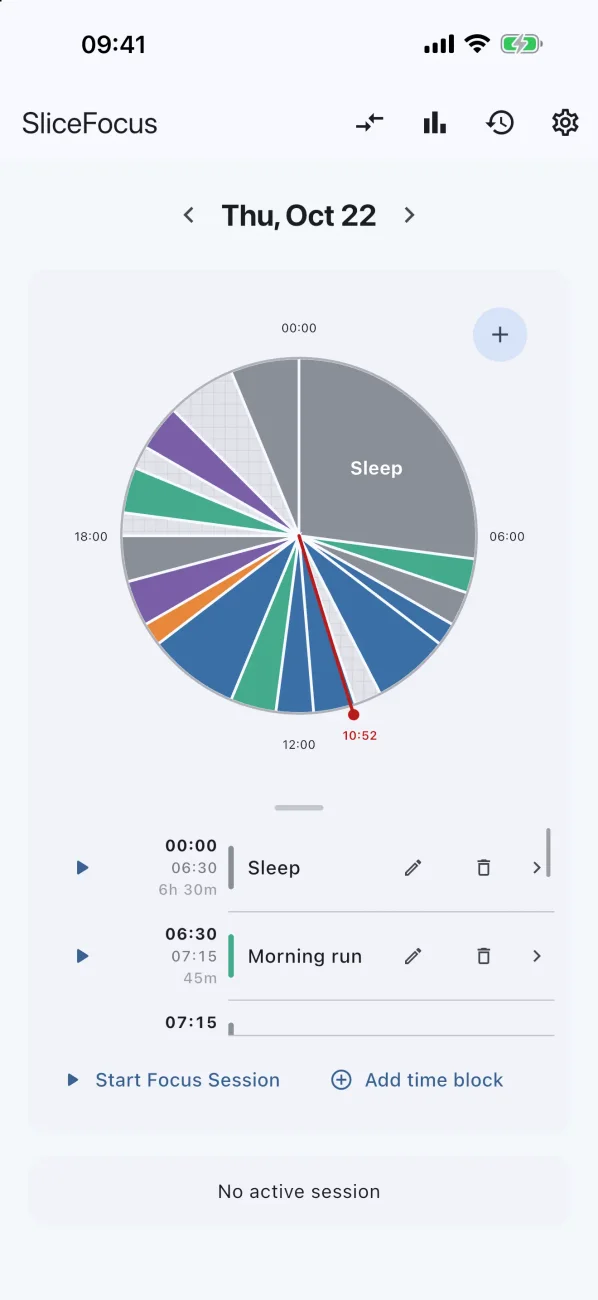
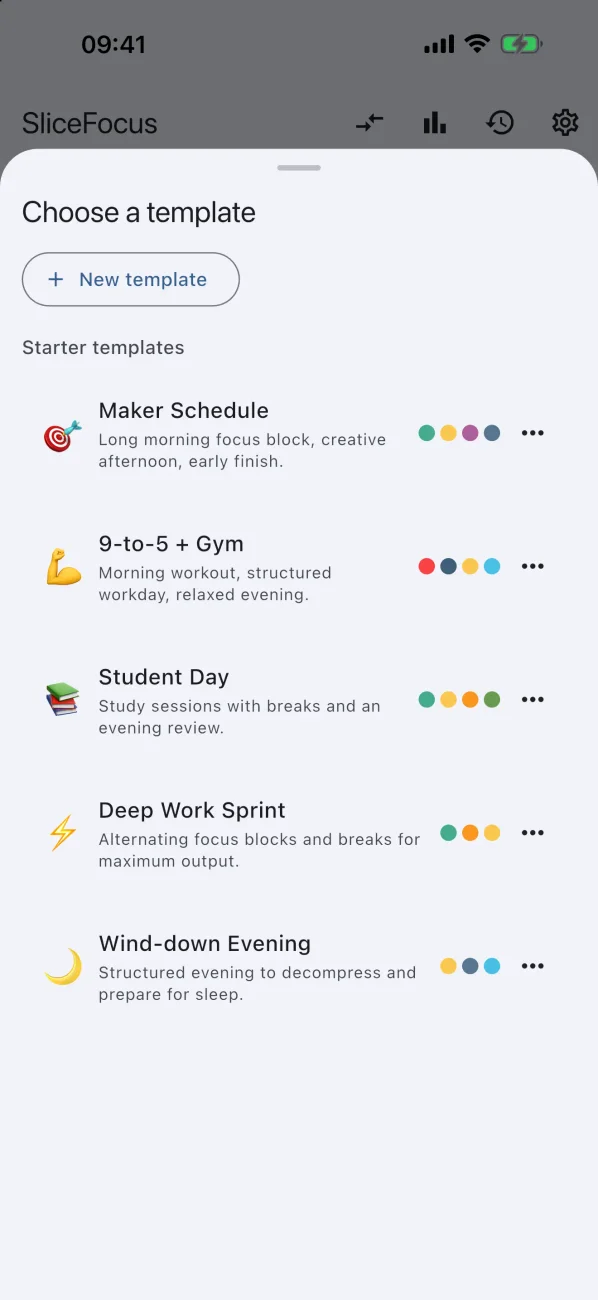
Time management is deeply personal, and SliceFocus offers a distinct, visual approach to organizing your day. By mapping your schedule onto a 24-hour circular timeline, you gain an immediate understanding of how your hours are distributed. Drag and drop time blocks directly onto the clock face to build a daily plan that makes sense for your lifestyle, no matter what your day entails. Seeing the whole day at a glance makes time tangible, a visual approach many people with ADHD find helpful.
YOUR CALENDAR, IN THE SAME CIRCLE
SliceFocus works with Apple Calendar. Your calendar events appear on the day view next to your slices, and you can export your planned slices into a calendar you choose. Move or delete an exported event in Calendar and SliceFocus follows. Add a native reminder before a slice starts so nothing slips past.
BUILT-IN FOCUS TIMERS
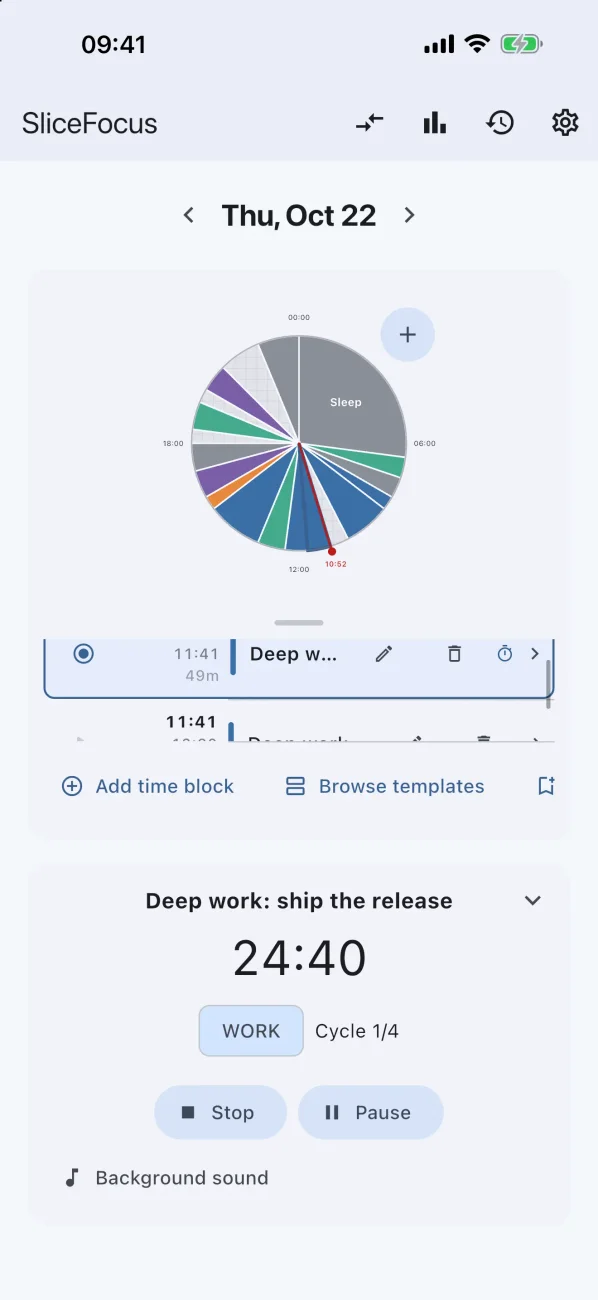
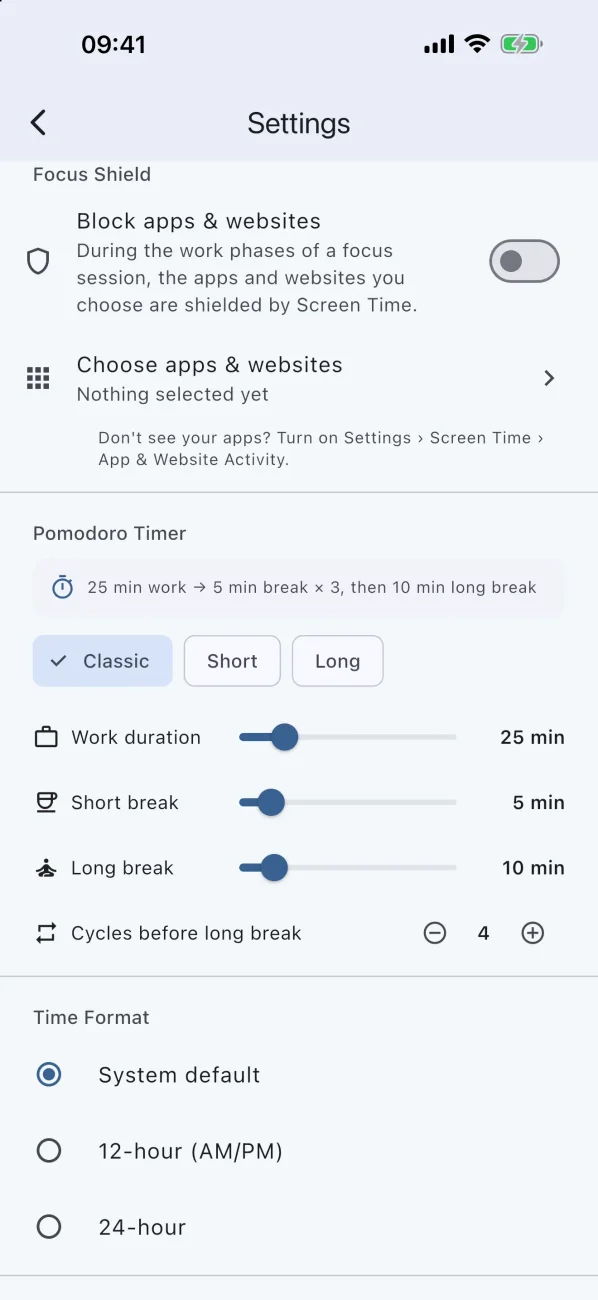
Execution requires concentration. SliceFocus integrates a fully featured Pomodoro timer into your daily blocks to help you maintain momentum. You have total control over your workflow: customize your work durations, short breaks, long breaks, and set exactly how many cycles you want to complete before an extended rest. Engage the built-in ambient soundscapes, featuring white, brown, and pink noise, to minimize background distractions and maintain deep focus.
FOCUS SHIELD: BLOCK DISTRACTING APPS AND WEBSITES
Pick the apps and websites that pull you away, and SliceFocus blocks them during the work phases of your focus sessions. On iPhone you choose them with Screen Time, and the shield lifts at the planned end of the session even if the app is closed. On Mac, a session started on any of your devices shields the Mac too: a Safari extension blocks the websites on your list, and switching to a blocked app brings up a shield window. Breaks stay free.
TRACK YOUR ACTUAL PROGRESS
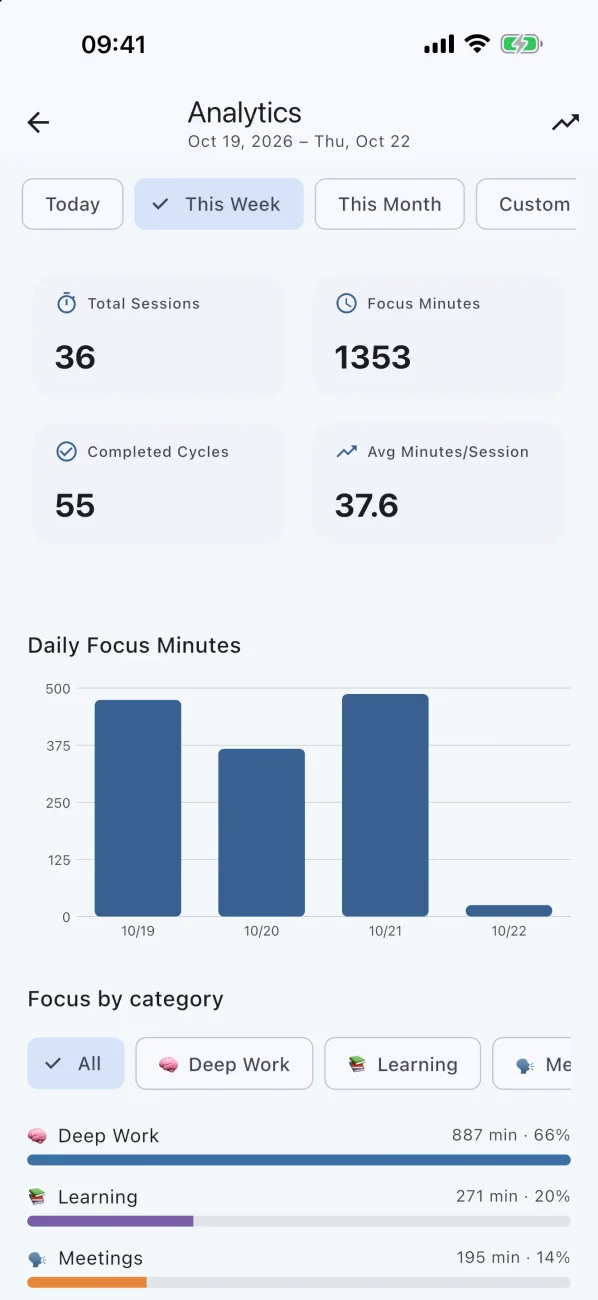
Understanding your habits is the key to improving them. SliceFocus captures your session history and generates detailed analytics, comparing your planned schedule against the actual time spent. Review your daily, weekly, and monthly trends to make informed, data-driven adjustments to your routine.
KEY FEATURES
• Circular 24-Hour Timeline: Visualize your tasks as color-coded arcs on a continuous clock face.
• Drag-and-Drop Scheduling: Create and adjust time blocks with intuitive touch controls.
• Apple Calendar & Reminders: See your events on the day view, export slices, and get reminders before they start.
• Highly Customizable Timers: Set exact durations for work, short breaks, long breaks, and cycle intervals.
• Focus Shield: Block the apps and websites you choose during work phases, on iPhone and Mac.
• Focus Soundscapes: Integrated white, brown, and pink noise for immediate concentration.
• Reality Check Analytics: Detailed reports comparing your actual execution against your planned day.
• Trend Dashboards: Track your session history across daily, weekly, and monthly views.
• Live Activities & Widgets: Monitor your active timer directly from your iOS lock screen.
• macOS Menu Bar Timer: Keep your focus visible when working on your Mac.
• Smart Phase Notifications: Timely push alerts for transitioning between work and breaks.
• One Timer Across Devices: Start on iPhone, see the same session on your Mac, with auto-advance between work and break.
• Frictionless Login: Quick, secure access using Apple or Google Sign-In.
• Adaptive Interface: Fully optimised Light and Dark themes.
Nouveautés
Version 1.7.4 · 29/10/2026
Start right away, no account needed. SliceFocus now opens on today's plan as a guest, and when you sign in, everything you made comes with you.
• Continue as guest is the first option on the sign-in screen
• On iPhone, Focus Shield now comes back for every work phase after a break
• A break no longer shows as Work when a session starts right after one you stopped
Confidentialité de l’application
Ce que LUVITA TEKNOLOJI ENERJI YAZILIM SANAYI VE TICARET LIMITED SIRKETI déclare sur l’App Store au sujet du traitement des données par cette application.
-
Données établissant un lien avec vous
Peuvent être collectées et liées à votre identité.
- Coordonnées
- Contenu utilisateur
- Identifiants
-
Données n’établissant aucun lien avec vous
Peuvent être collectées, mais ne sont pas liées à votre identité.
- Emplacement
- Données d’utilisation
- Diagnostic
Les pratiques en matière de confidentialité peuvent varier, notamment en fonction des fonctionnalités que vous utilisez ou de votre âge.
Informations
- Vendeur
- LUVITA TEKNOLOJI ENERJI YAZILIM SANAYI VE TICARET LIMITED SIRKETI
- Catégorie
- Productivité
- Version
- 1.7.4
- Mis à jour
- 29/10/2026
- Publié
- 13/04/2026
- Taille
- 30,4 Mo
- Nécessite
- iOS 16.1 ou version ultérieure
- Classification d’âge
- 4+
- Prix
- Gratuit
- Langues
- Anglais
- Copyright
- © 2026 Luvita Teknoloji Ltd. Şti.
Vous aimerez peut-être aussi
-
 24 Hours: Planning du jourBudget d'heures et objectifs
-
 Habit Tracker - Habit LadderProductivité
-
 Habitt : Suivi d'HabitudesRoutines, Objectifs & Séries
-
 Agenda Planificateur JournéeCalendrier, Notes et Rappels
-
 Timmio: Planning VisuelRoutine, focus et tâches
-
 Partager planning : NotSoBusyCalendrier & planning
-
 Thought Capture: OllyProductivité
-
 VerklagProductivité
-
 Pomodoro Timer - PomoDonePomodoro Timer with to do list
-
 Naru : Minuteur PomodoroConcentration, travail, études