
SlipSync: Split & Settle
Shared Expenses & Ledger
Conçue pour iPhone, iPad
Gratuit · Achats intégrés
- Classification d’âge4+
- CatégorieFinance
- DéveloppeurHui Guo
- LanguesAnglais+ 1 de plus
- Taille16,9 Mo
Renvoie vers la page App Store officielle
Download.org n’héberge aucun fichier de SlipSync: Split & Settle. Le bouton ouvre la page de l’application sur App Store, où Hui Guo la publie. Fiche vérifiée pour la dernière fois le 15/11/2026.
Captures d’écran
À propos
Le développeur n’a pas fourni ce texte dans votre langue.
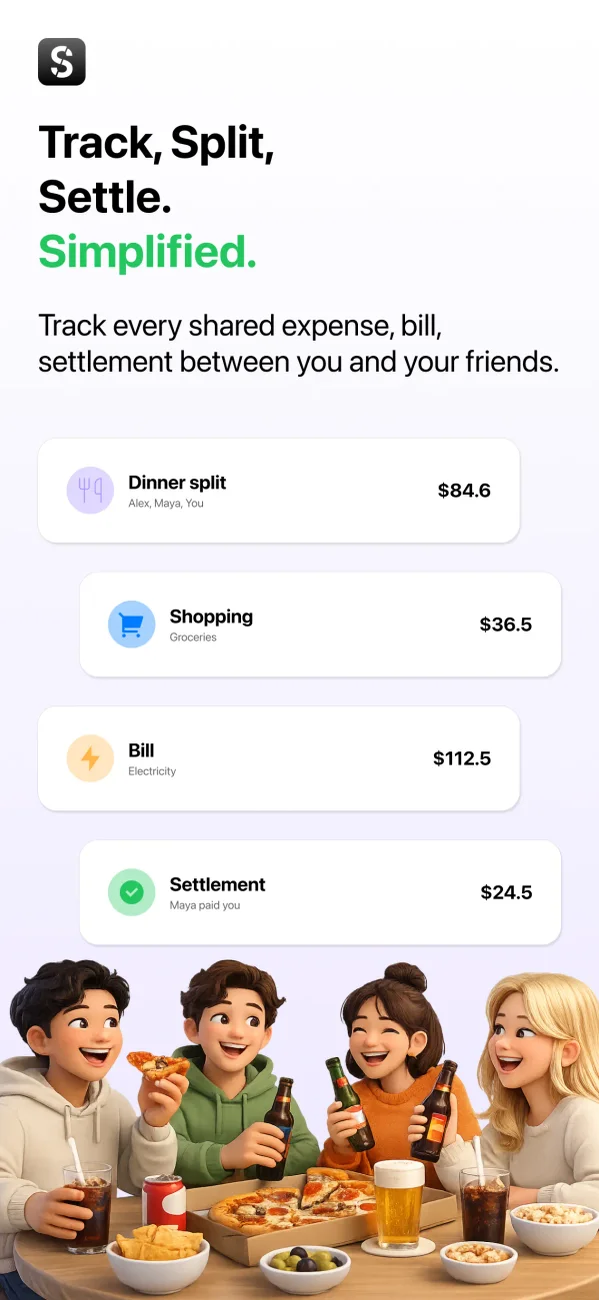
Split bills. Settle up. Stay friends.
SlipSync is the money app for real life — personal spending and shared expenses in one place. Track what you spend, split bills with friends, and see a running balance so nobody has to ask “who owes what?”
WHY SLIPSYNC
• One app for your wallet and your friendships
• Live balances that update as expenses and settlements are logged
• A mutual timeline per friend — same story on both sides
• Transparent math: gross → offsets → net, step by step
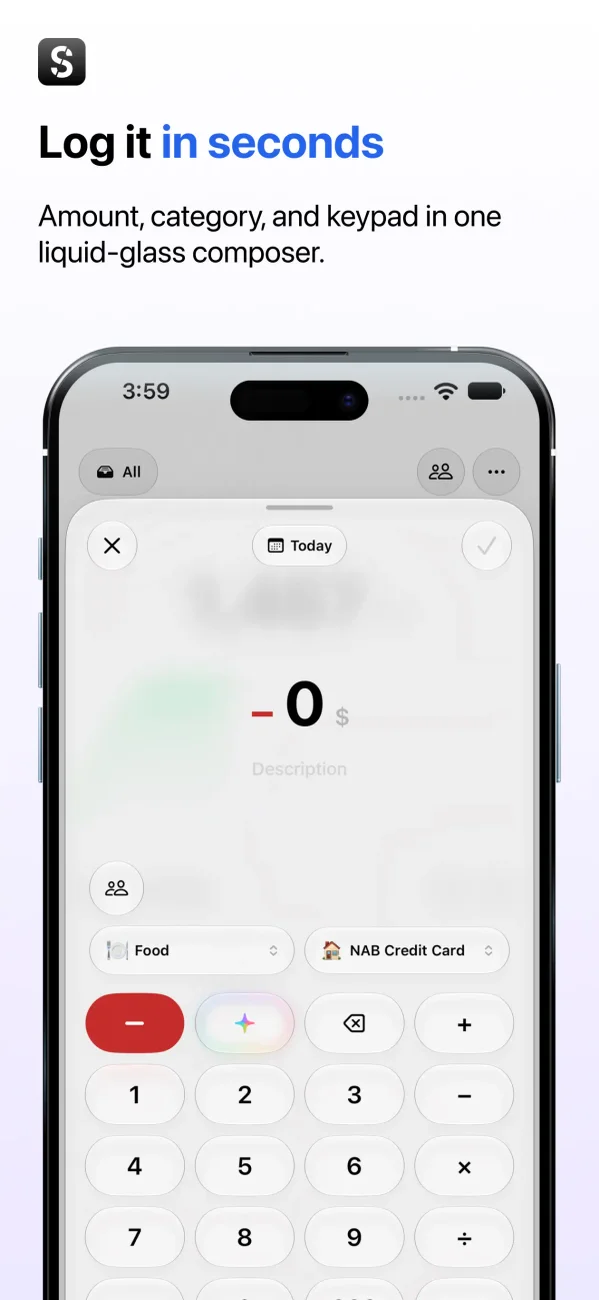
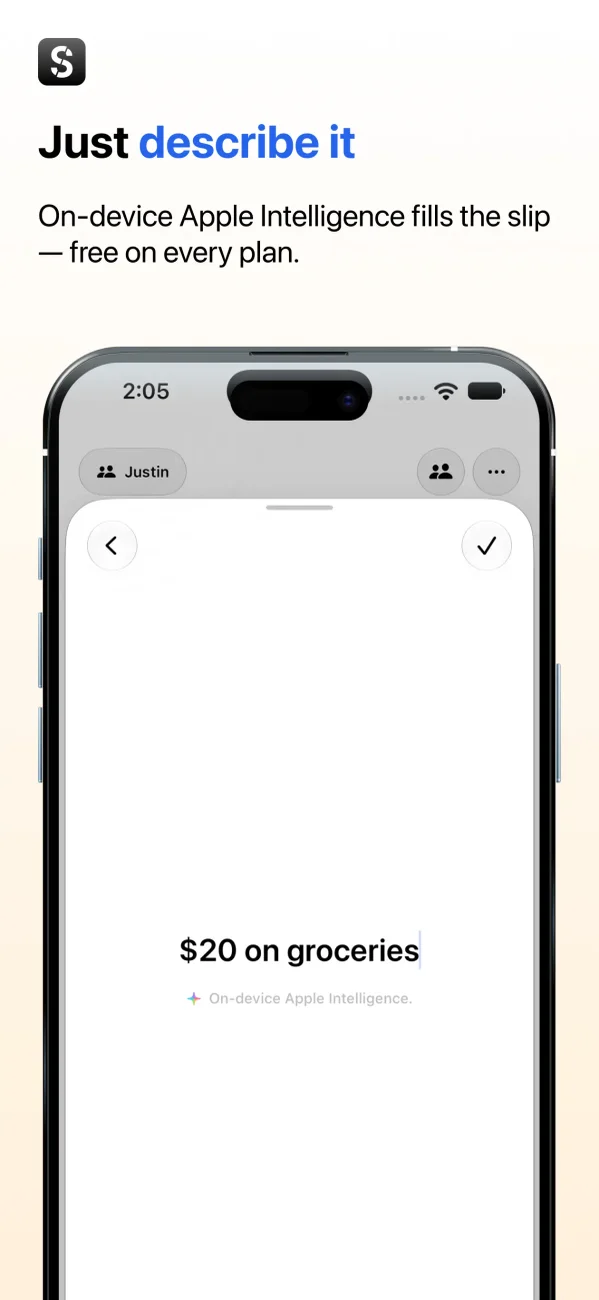
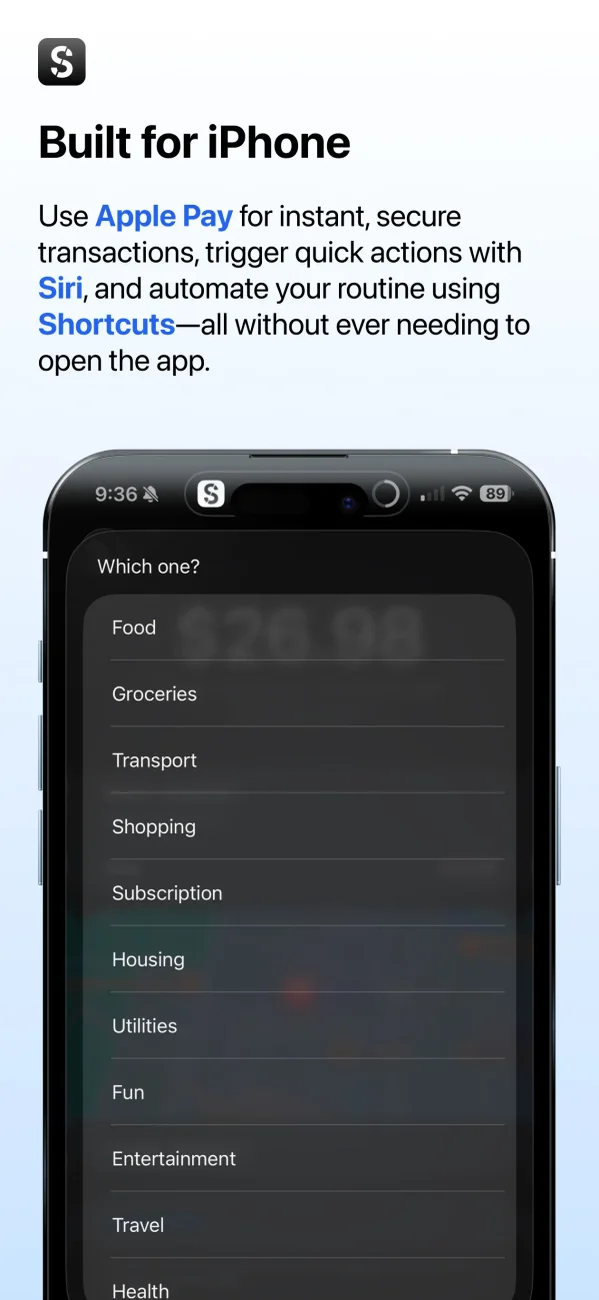
• Built for speed: log income, spend, and shared bills in seconds
PERSONAL LEDGER
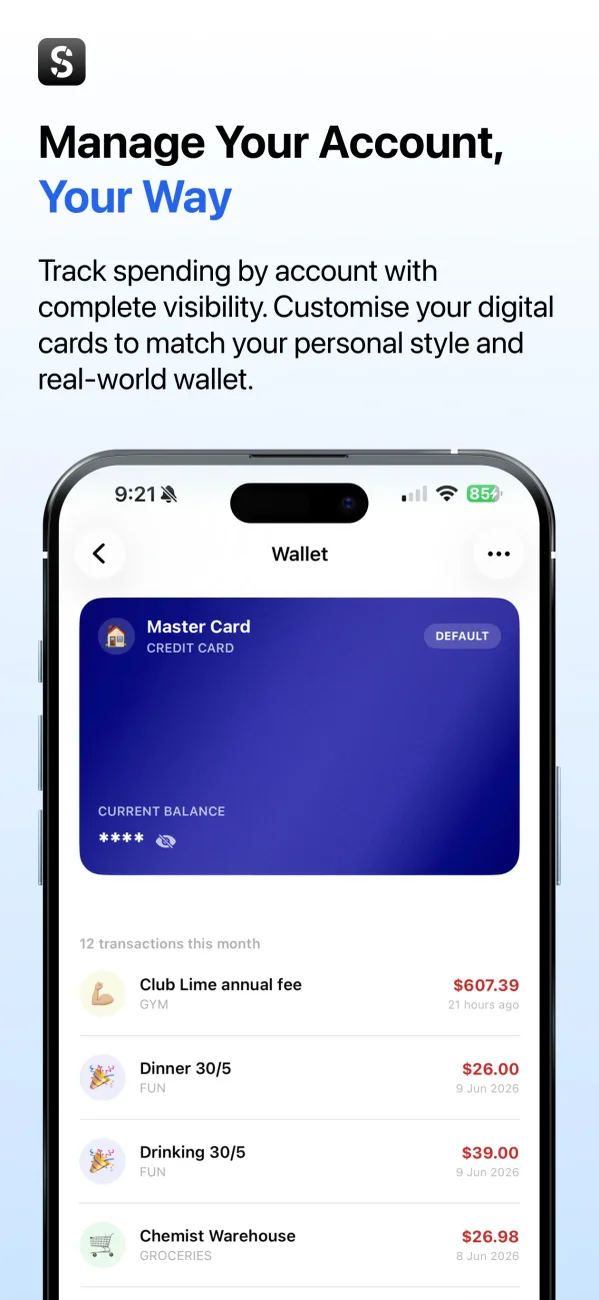
• Track income, spending, and bills in a clean, searchable timeline
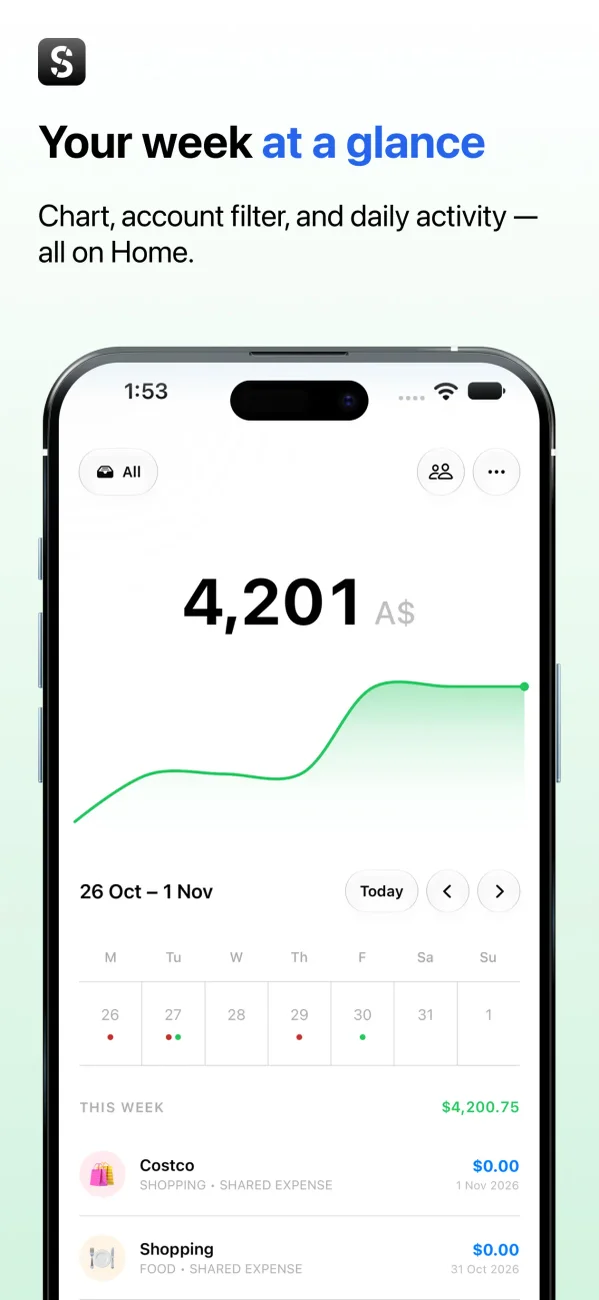
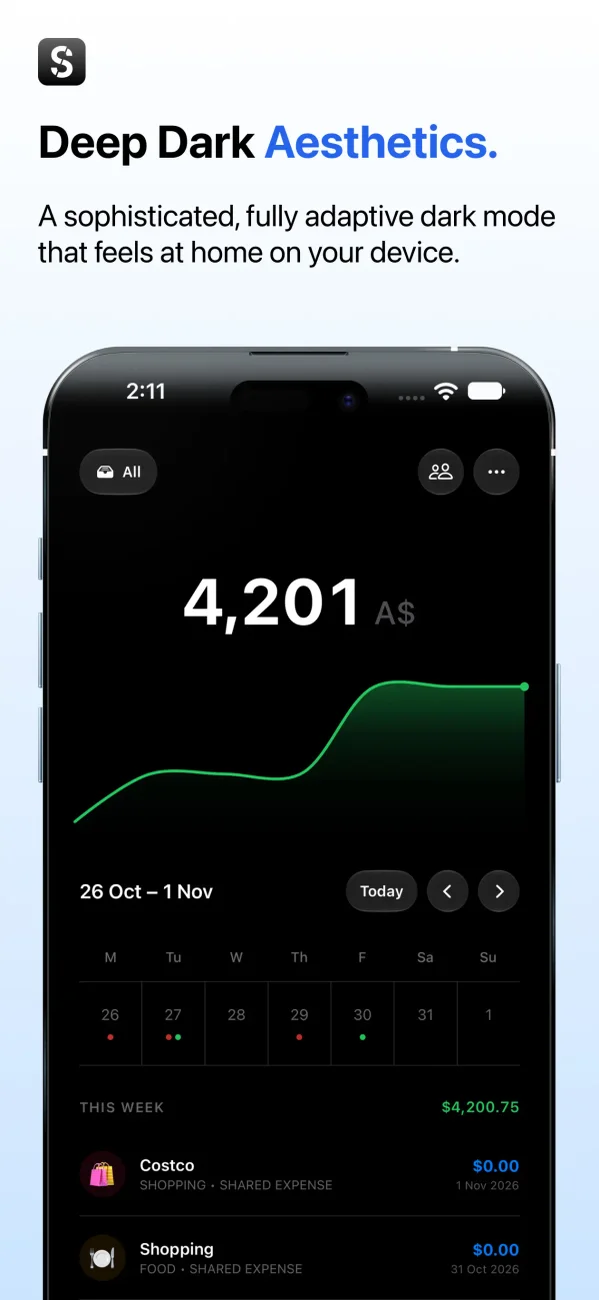
• See today’s in/out and your live net balance on Home
• Built-in categories — start logging without a setup marathon
• Upcoming bills, due-date reminders, and mark-as-paid in a tap
• Monthly spend cap and category budgets (your share of group spend counts correctly)
SHARED EXPENSES & BILL SPLITTING
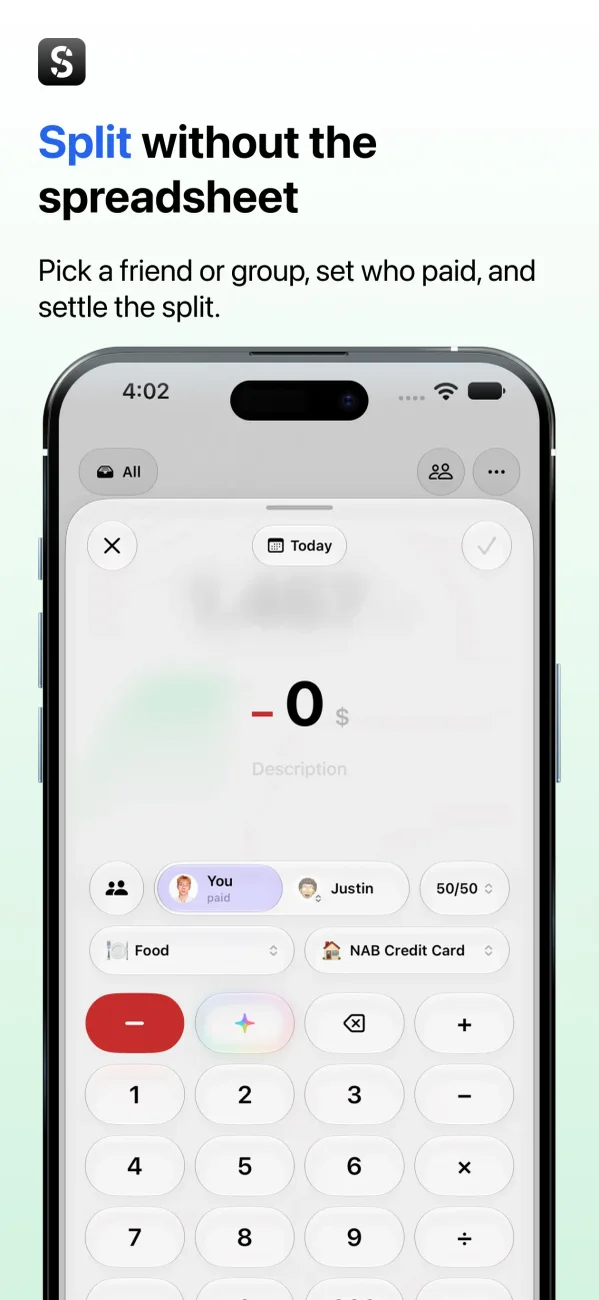
• Create shared expenses and split equally or by percentage
• Choose who paid; everyone sees their share instantly
• Edit splits when plans change—balances stay fair
• Recurring shared bills for rent, utilities, and household costs
• Cross-netting reduces back-and-forth when you owe each other in both directions
SETTLE UP WITH CONFIDENCE
• Record repayments with transfer or “mark paid”
• Partial payments and overpayments handled automatically
• Settlement progress on every shared bill
• Status updates when someone settles — no more chasing receipts in group chat
FRIENDS & GROUPS
• Add friends by username, email, or invite link
• Friend list sorted by who actually owes
• Free: split with up to 3 close friends, unlimited activity within those relationships
• Pro: unlimited friends, named groups (household, trip, crew), flexible payers, and recurring balance agreements
PRIVATE BY DEFAULT
• Face ID / Touch ID / passcode lock
• Encrypted in transit and at rest
• No ads, no data brokers — your money story stays yours
IMPORTANT
SlipSync does not move money like a bank or payment app. You record bills and settlements to match what happened in real life (bank transfer, cash, Venmo, etc.).
FREE FOREVER
Personal ledger, shared expenses, settlements, mutual activity, running balances (up to 3 friends), budgeting basics, and reminders — no credit card required.
SLIPSYNC PRO
Upgrade for unlimited friends, groups, shared account, recurring shared bills, unlimited category budgets, next-month planning, budget alerts, CSV export, and more. Pro includes a 14-day free trial; subscription terms shown in-app.
Built in Australia. Designed for iPhone with a modern, focused interface.
Download SlipSync and split smarter with every friend.
Privacy Policy: https://www.slipsync.app/privacy
Terms of Use (EULA): https://www.apple.com/legal/internet-services/itunes/dev/stdeula/
Nouveautés
Version 2.0.1 · 05/11/2026
SlipSync 2.0.1 polishes Calendar and Home so period spend and friends mode are clearer at a glance.
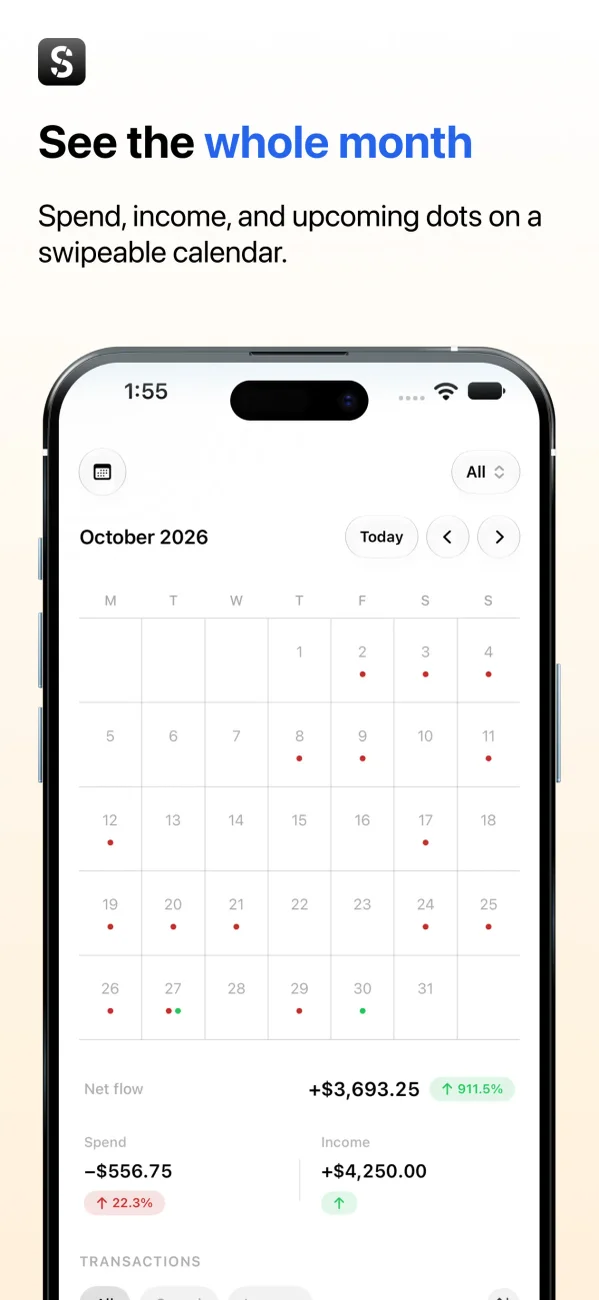
【Calendar by category】— Switch period transactions between list and category view, with budget usage when a limit is set
【Cleaner Calendar chrome】— All, month/year title, Today, and chevrons sit in one row; tap the title to flip month ↔ year
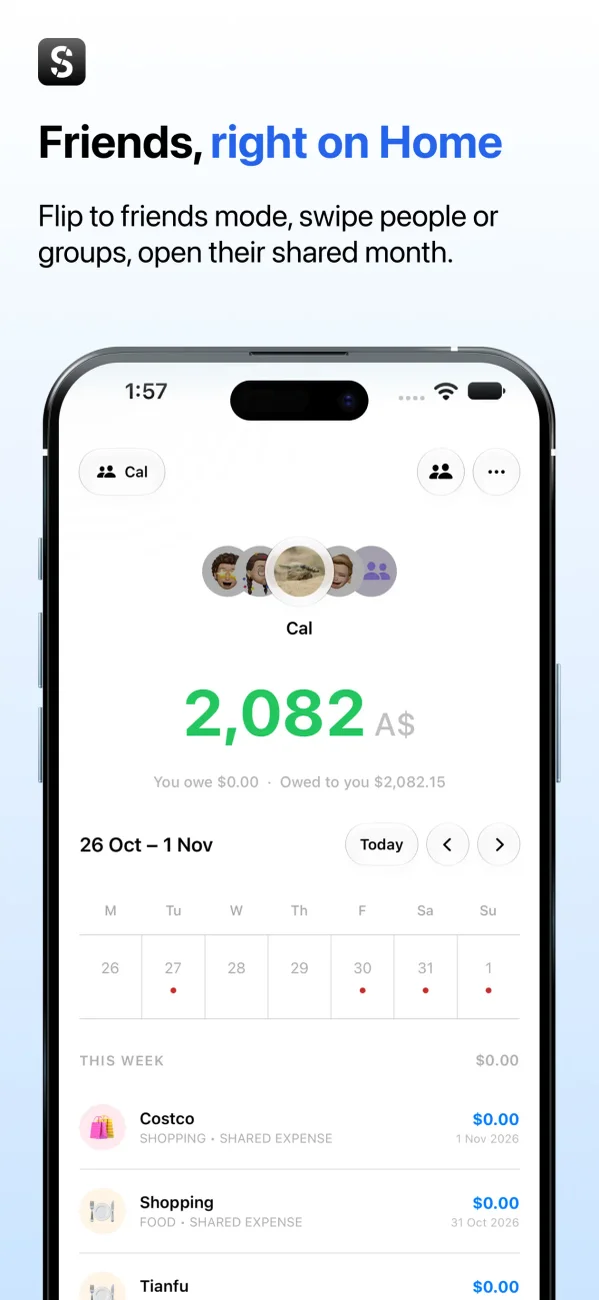
【Friends on Home】— In friends mode, the top pill shows your friend’s avatar beside their name
Confidentialité de l’application
Ce que Hui Guo déclare sur l’App Store au sujet du traitement des données par cette application.
-
Données établissant un lien avec vous
Peuvent être collectées et liées à votre identité.
- Informations financières
- Coordonnées
- Identifiants
-
Données n’établissant aucun lien avec vous
Peuvent être collectées, mais ne sont pas liées à votre identité.
- Emplacement
- Contenu utilisateur
- Données d’utilisation
- Diagnostic
Les pratiques en matière de confidentialité peuvent varier, notamment en fonction des fonctionnalités que vous utilisez ou de votre âge.
Informations
- Vendeur
- Hui Guo
- Catégorie
- Finance
- Version
- 2.0.1
- Mis à jour
- 05/11/2026
- Publié
- 21/05/2026
- Taille
- 16,9 Mo
- Nécessite
- iOS 26.0 ou version ultérieure
- Classification d’âge
- 4+
- Prix
- Gratuit
- Achats intégrés
- Oui
- Langues
- Anglais, Chinois simplifié
- Copyright
- © 2026 WebXpert Pty Ltd
Vous aimerez peut-être aussi
-
 BooKoo - Dépenses partagéesCouple, famille et colocation
-
 PolyCat: Polymarket TrackerPrediction Market Whale Alerts
-
 Nema : Budget & Money TrackerAI Debt Plan, Bills & Savings
-
 Trackly - Spending TrackerFinance
-
 SplyncDépenses pour couples et amis
-
 Focus Finance : BudgetSuivi finances & IA
-
 Bucko: Budget & Dépenses IAGestion d'argent, scan tickets
-
 CStory记账 - AI记账财务管家Finance
-
 Docket: Expense TrackerFinance
-
 Owe Book : Dettes entre amisPrêts et dépenses partagées