
Smart-PDF
PDF Scanner, OCR & PDF Tools
Conçue pour iPhone, iPad, iPod touch
Gratuit
- Classification d’âge4+
- CatégorieProductivité
- DéveloppeurShehryar Shujat
- LanguesAnglais
- Taille74,6 Mo
Renvoie vers la page App Store officielle
Download.org n’héberge aucun fichier de Smart-PDF. Le bouton ouvre la page de l’application sur App Store, où Shehryar Shujat la publie. Fiche vérifiée pour la dernière fois le 14/11/2026.
Captures d’écran

À propos
Le développeur n’a pas fourni ce texte dans votre langue.
Smart PDF — PDF tools that fit real life
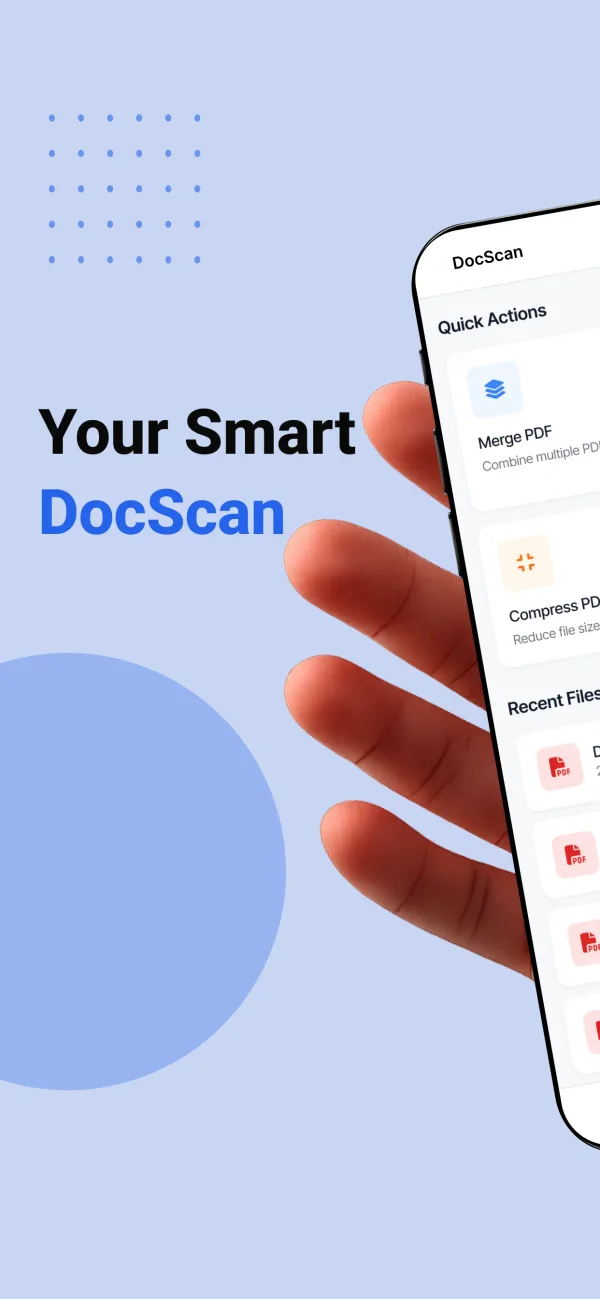
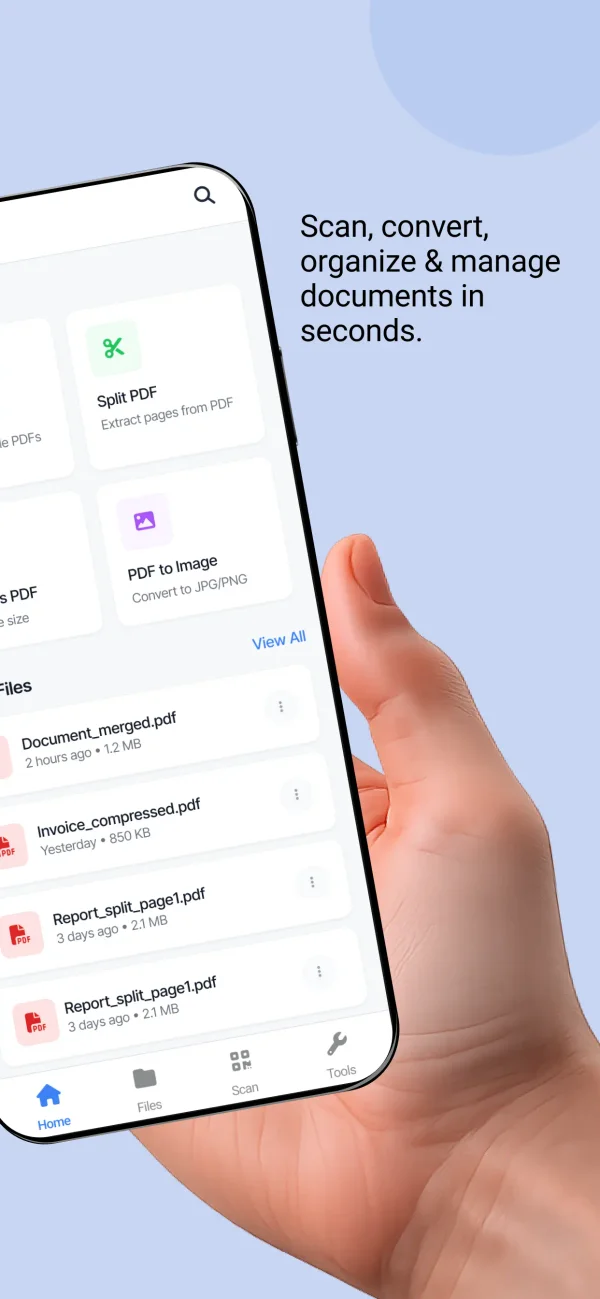
Smart PDF is an all-in-one PDF utility designed for students, freelancers, professionals, small businesses, and everyday users who work with documents regularly. Instead of relying on multiple applications for different PDF tasks, Smart PDF brings essential document tools together in a single, easy-to-use mobile experience.
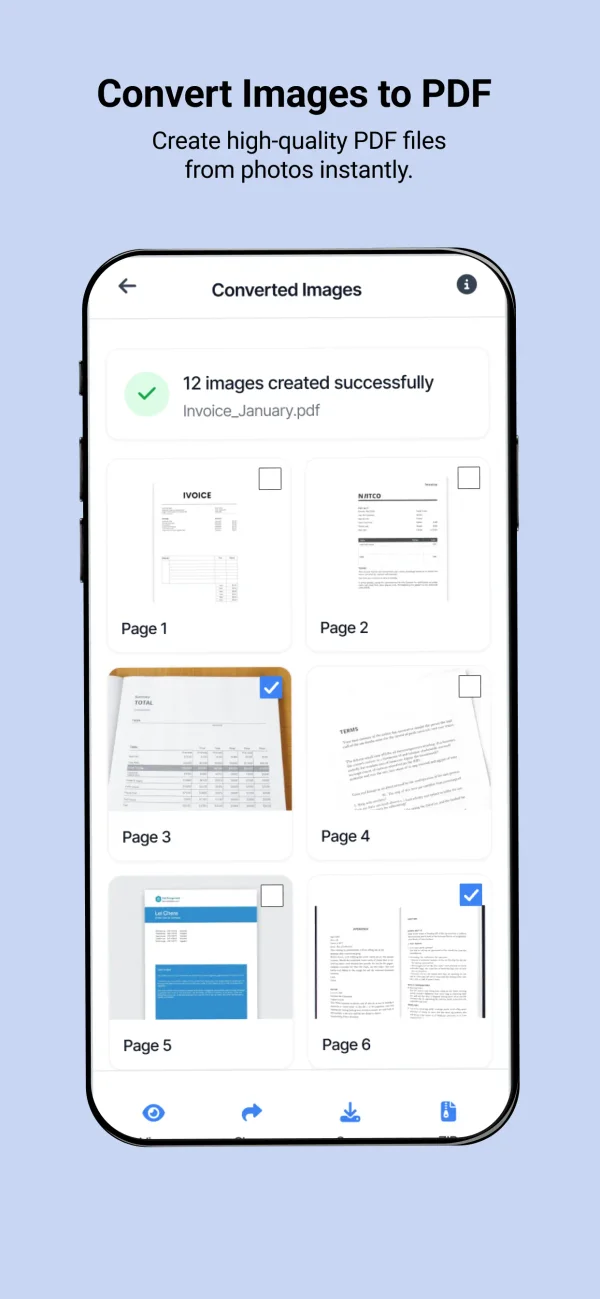
CREATE PDFs FROM IMAGES
Convert photos, screenshots, notes, receipts, forms, invoices, and other images into professional PDF documents. Import images from your gallery, arrange pages in the desired order, and generate a PDF ready for sharing, printing, or archiving.
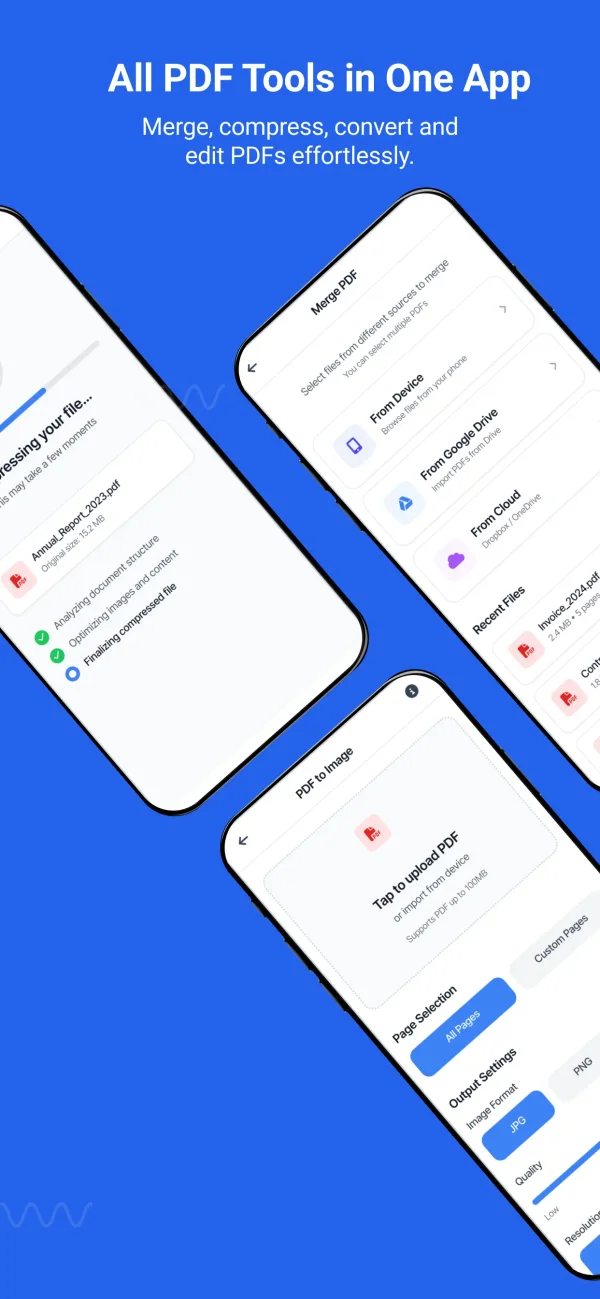
MERGE MULTIPLE PDF FILES
Combine multiple PDF documents into a single organized file. Whether you need to merge lecture notes, contracts, reports, invoices, or project files, Smart PDF helps you keep everything together in one convenient document.
COMPRESS PDF FILES
Reduce PDF file size without sacrificing readability. Compression makes documents easier to upload, email, share through messaging apps, and store on your device. This feature is especially useful when dealing with large image-heavy PDF files.
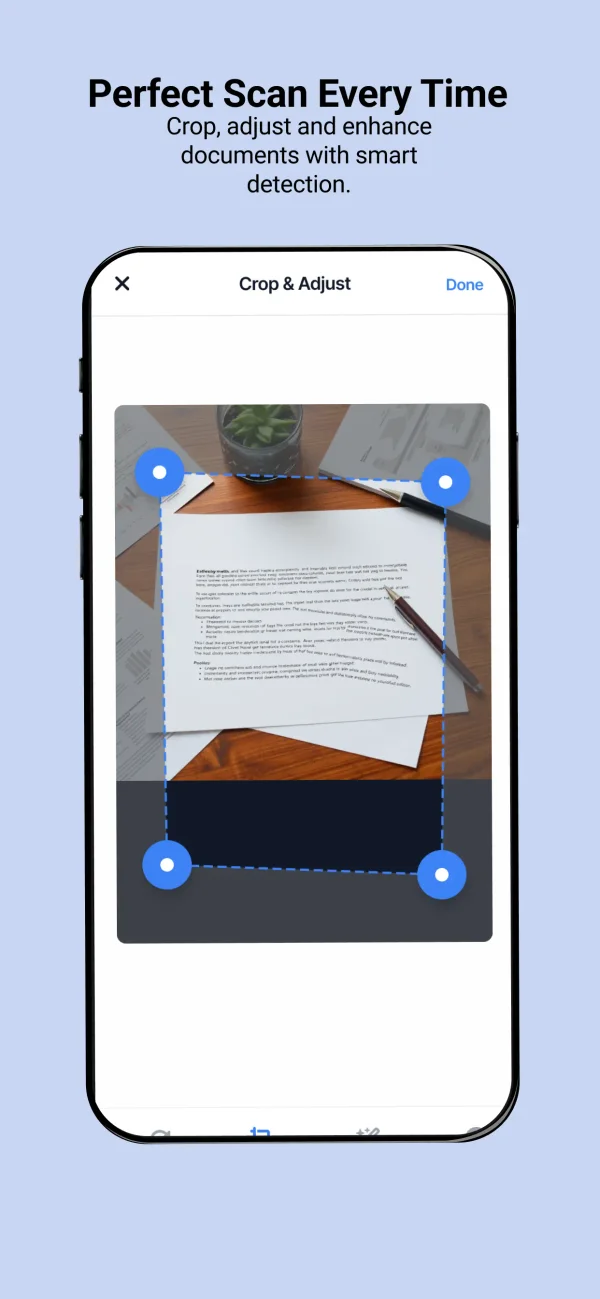
SCAN DOCUMENTS USING YOUR CAMERA
Transform your smartphone into a portable document scanner. Capture paper documents, receipts, notes, agreements, forms, and other printed materials directly from your device and convert them into clean digital PDFs.
OCR TEXT RECOGNITION
Extract text from images and scanned documents using Optical Character Recognition (OCR). Convert printed content into editable and searchable text that can be copied, reused, or shared. OCR works best with clear, well-lit images and high-quality scans.
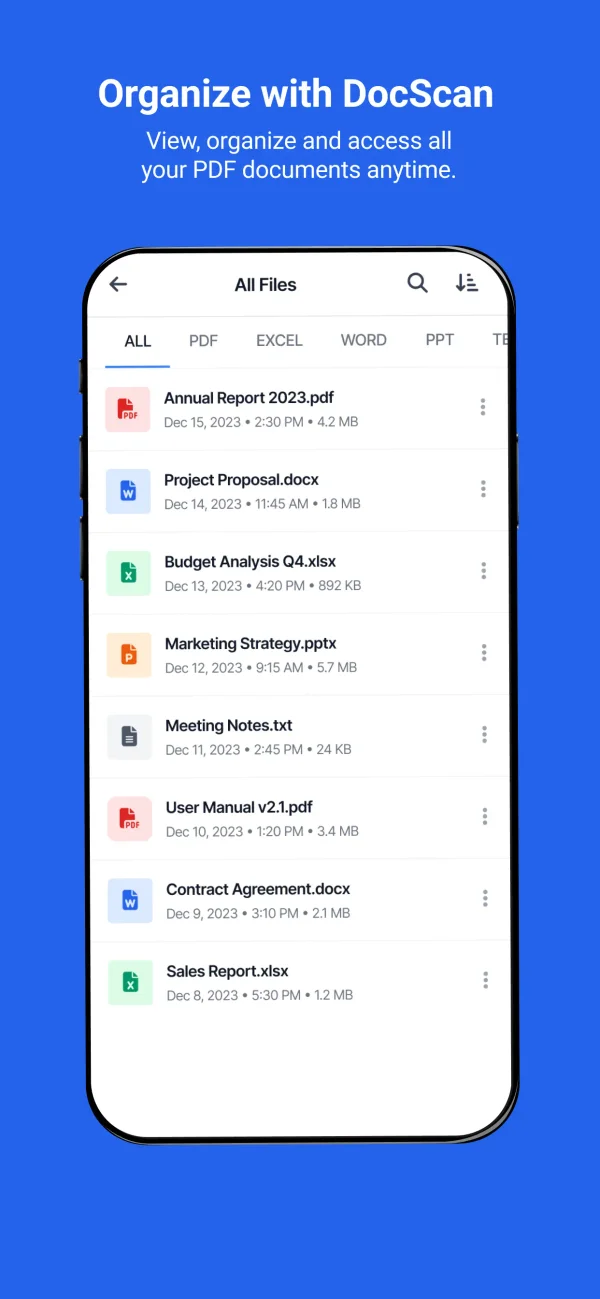
ORGANIZE DOCUMENTS EFFICIENTLY
Rearrange PDF pages to create a logical document structure. Move pages, organize content, and prepare documents for professional sharing, presentation, or storage.
EASY SHARING
Share completed PDFs through email, messaging applications, cloud storage services, and other platforms. Smart PDF integrates naturally into your existing workflow so you can work more efficiently wherever you are.
DESIGNED FOR EVERYDAY PRODUCTIVITY
Smart PDF is built with simplicity in mind. The clean and intuitive interface focuses on the tasks users perform most often, making it easy to create, edit, organize, and share PDF documents without unnecessary complexity.
PERFECT FOR:
• Students managing assignments, notes, and lecture materials
• Freelancers sending contracts, proposals, and portfolios
• Professionals handling reports, forms, and business documents
• Small businesses organizing invoices and records
• Home users digitizing paperwork and household documents
FEATURES
• Image to PDF conversion
• PDF merging
• PDF compression
• Document scanning
• OCR text extraction
• Page organization
• Easy document sharing
• Fast and mobile-friendly workflow
Download Smart PDF today and simplify the way you create, manage, and share PDF documents.
Confidentialité de l’application
Ce que Shehryar Shujat déclare sur l’App Store au sujet du traitement des données par cette application.
-
Données non collectées
Le développeur ne collecte aucune donnée à partir de cette application.
Les pratiques en matière de confidentialité peuvent varier, notamment en fonction des fonctionnalités que vous utilisez ou de votre âge.
Informations
- Vendeur
- Shehryar Shujat
- Catégorie
- Productivité
- Version
- 1.0
- Mis à jour
- 03/06/2026
- Publié
- 08/06/2026
- Taille
- 74,6 Mo
- Nécessite
- iOS 13.0 ou version ultérieure
- Classification d’âge
- 4+
- Prix
- Gratuit
- Langues
- Anglais
- Copyright
- © 2026 Smart PDF. All Rights Reserved.
Vous aimerez peut-être aussi
-
 Scan PDF: Scanner & OCRReçus, pièces, image en PDF
-
 Simply ScanProductivité
-
 Pagi - Morning Pages & DiaryFocus Journal & Text Editor
-
 Albanian Translator OfflineProductivité
-
 Virtual Landline OfficeProductivité
-
 Scanner: Docs et Photos en PDFSigner, modifier et partager
-
 PDF Merge X: PDF MergerMerge, Rotate & Organize PDF
-
 PDF Converter For Adobe PDF.Photo to PDF Maker・Word to PDF
-
 PDF Scanner: Convertisseur PDFNumériser des Documents PDF
-
 PDF NOW: éditeur PDF & scanConvertir, scanner, signer PDF