Smart Printer: Smart Print
Air Scanner Wireless Copier
Conçue pour iPhone, iPad
Gratuit · Achats intégrés
- Classification d’âge4+
- CatégorieUtilitaires
- DéveloppeurMEHMET KARAKAS
- LanguesAnglais+ 68 de plus
- Taille49,2 Mo
Renvoie vers la page App Store officielle
Download.org n’héberge aucun fichier de Smart Printer: Smart Print. Le bouton ouvre la page de l’application sur App Store, où MEHMET KARAKAS la publie. Fiche vérifiée pour la dernière fois le 12/11/2026.
Captures d’écran

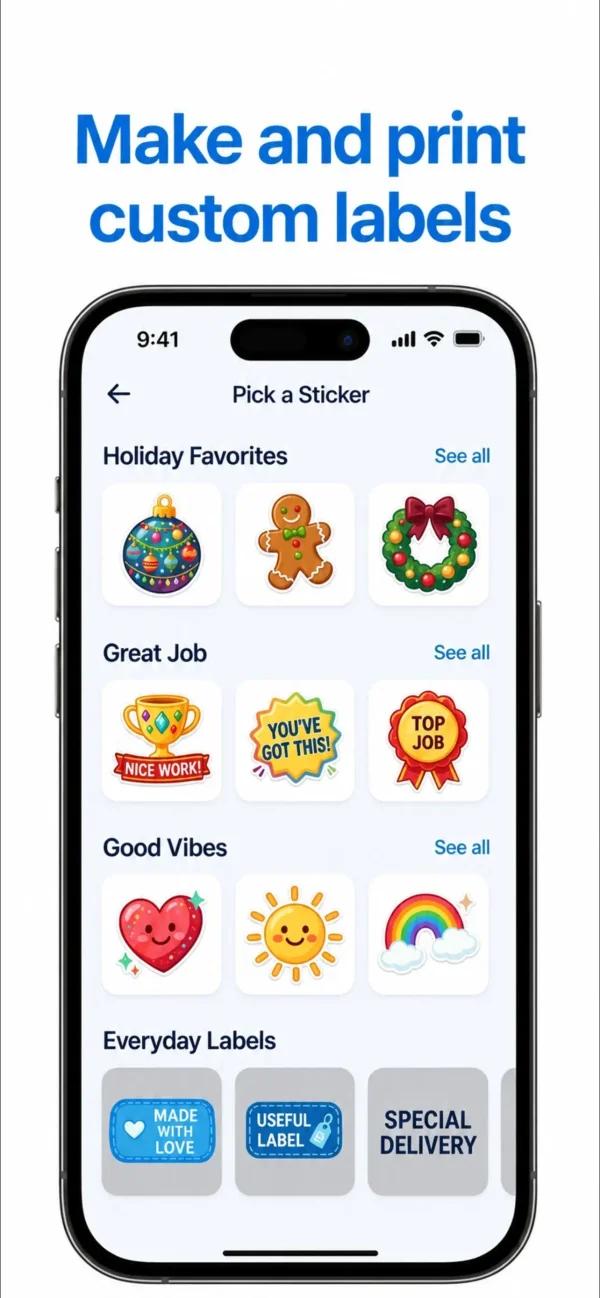
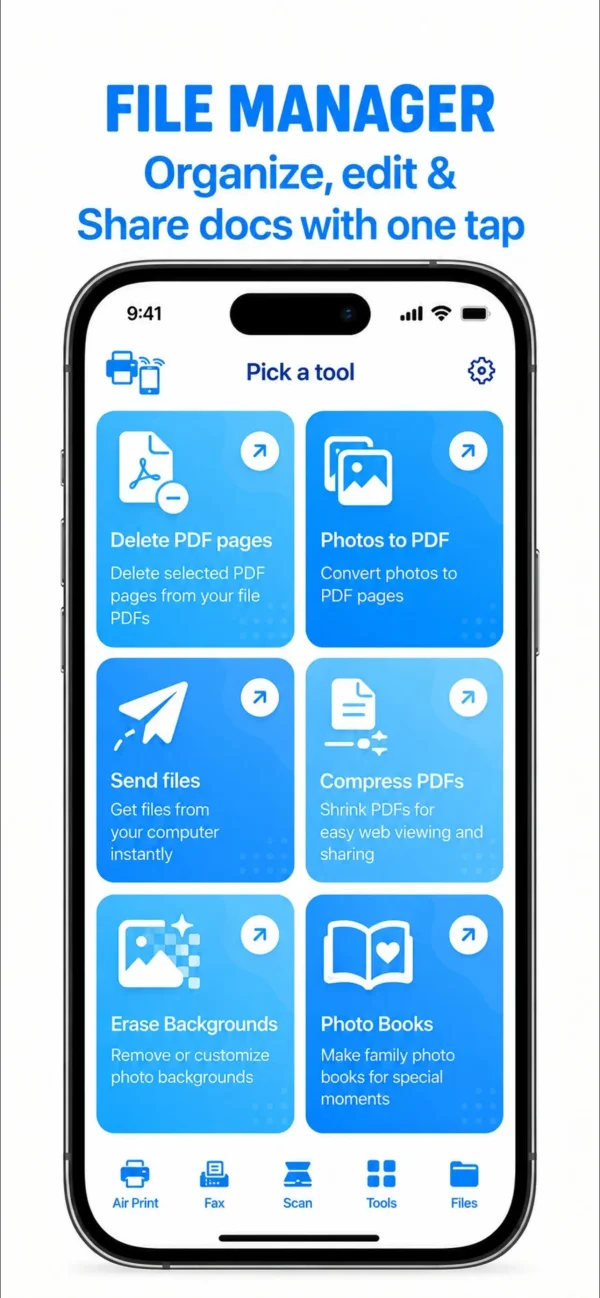
À propos
Le développeur n’a pas fourni ce texte dans votre langue.
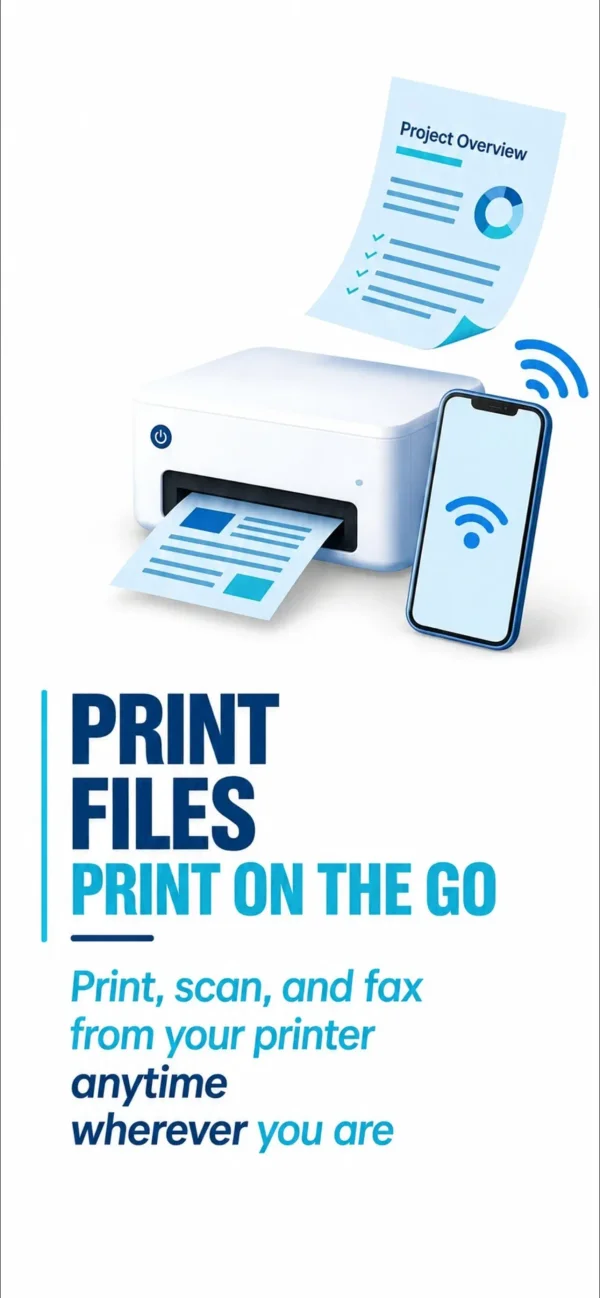
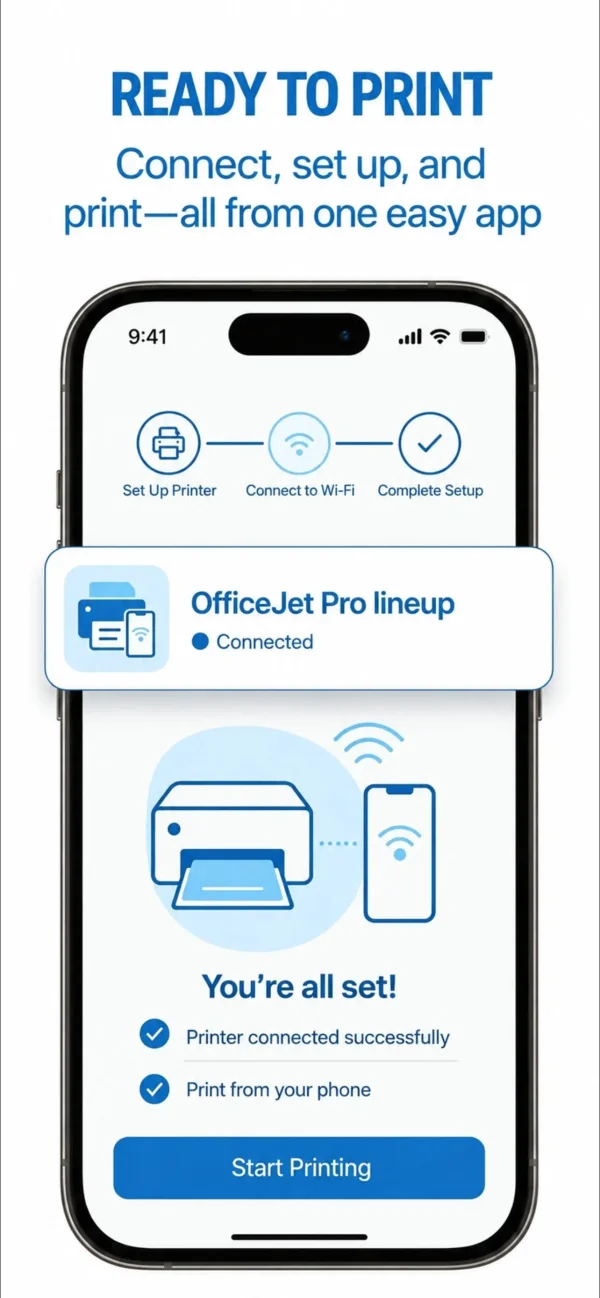
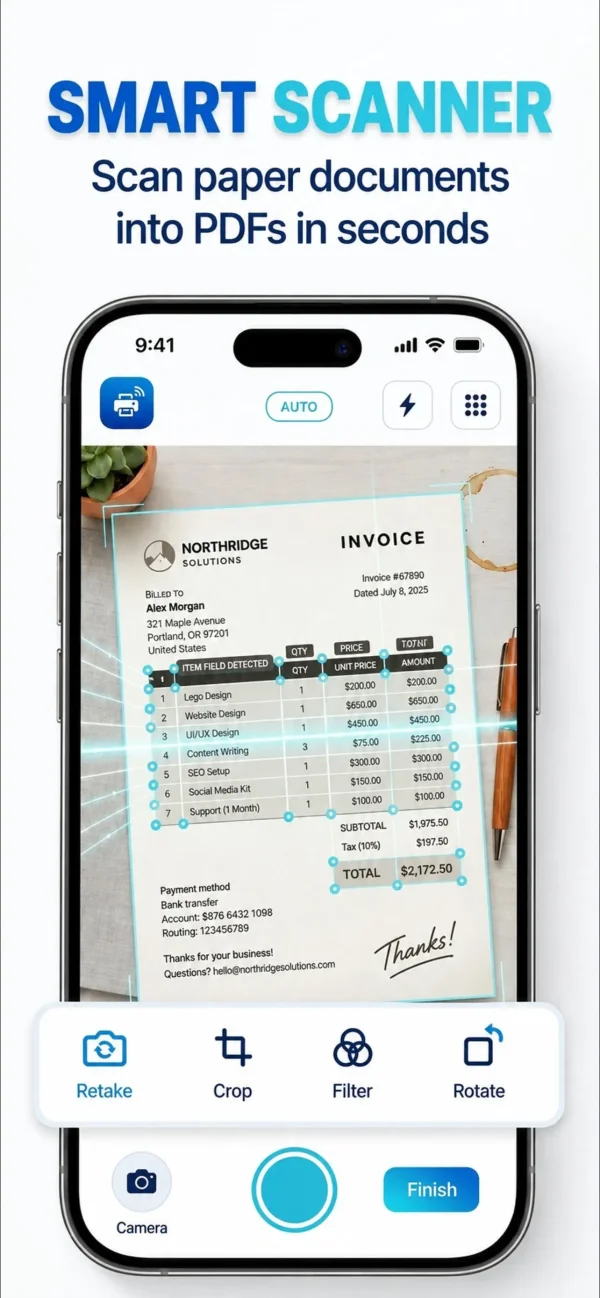
Get paper copies, clean files, and printouts ready to be sent with just a few taps using Smart Printer: Smart Print. Turn your iPhone into a wireless scanner, copier, and simple print station for everyday tasks.
- Find nearby printers via Wi-Fi
- Connect your device without a lengthy setup
- Scan a receipt with a single scan
- Straighten pages into a neat document
- Save copies as a compact PDF
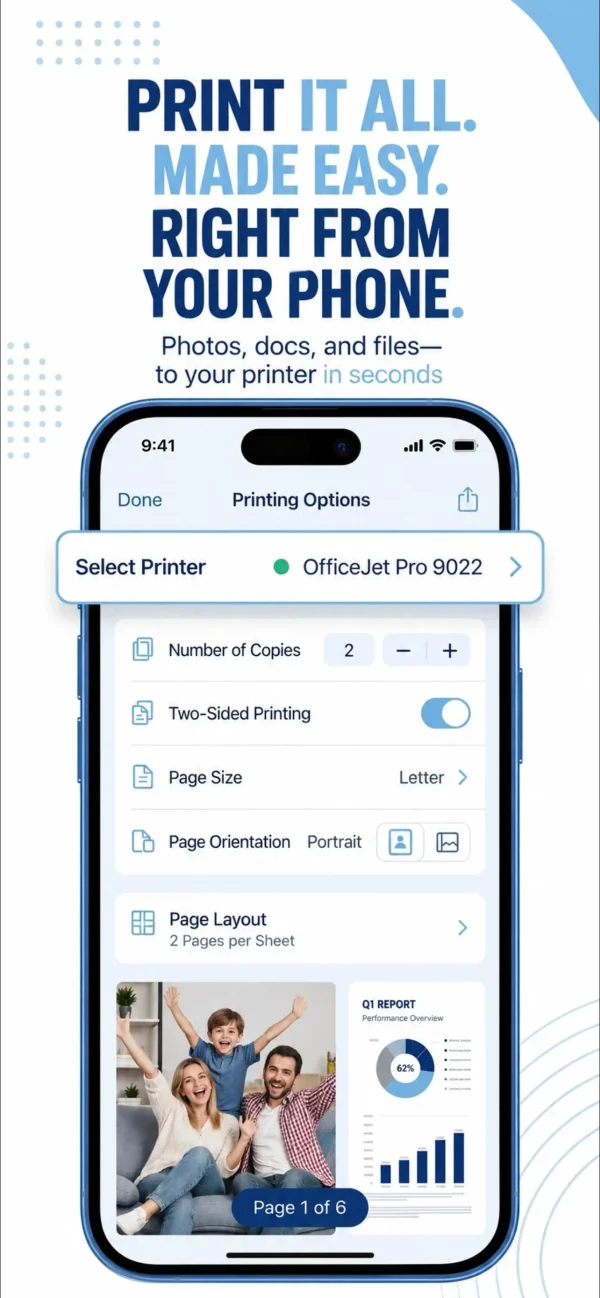
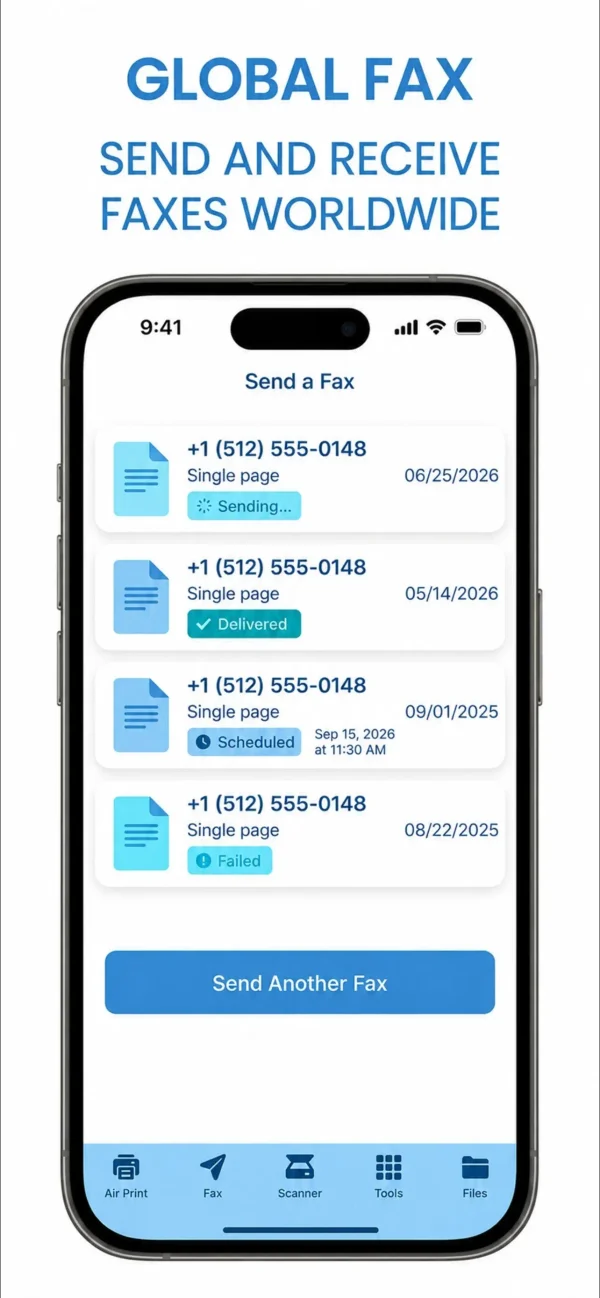
- Send photos, notes, and web pages
- Create a queue before printing
- Choose A4 when forms require it
- Read a QR code from paper
- Prepare CV pages for job interviews
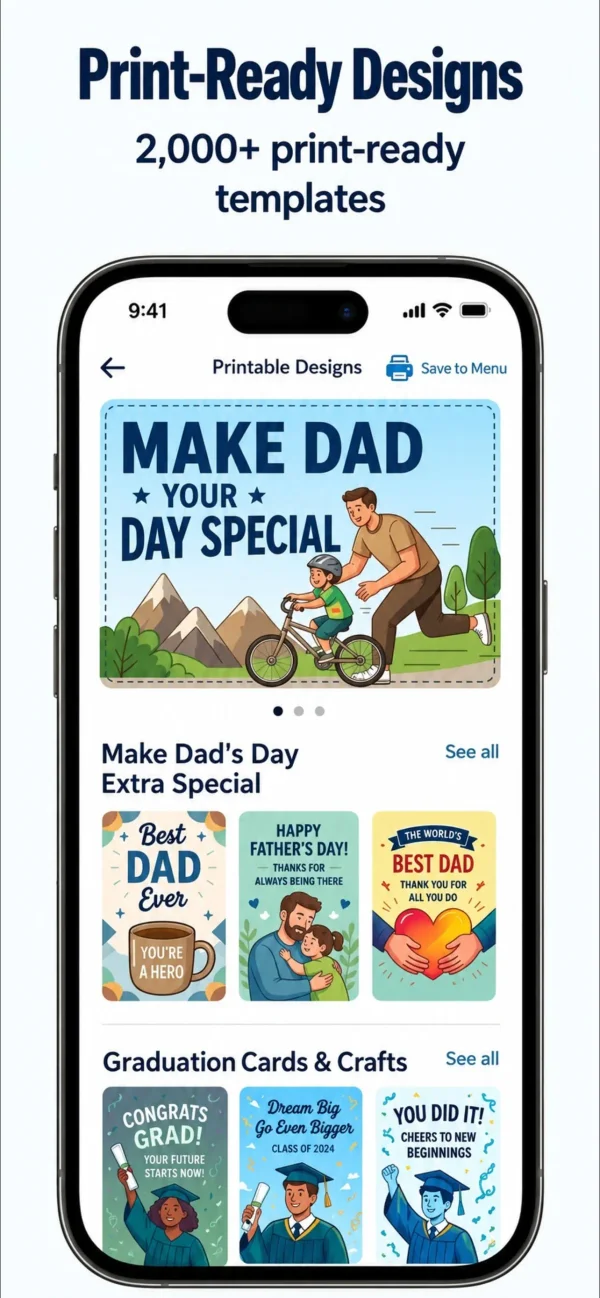
- Print photo booth pictures from your gallery
- Keep the latest files at hand for reprinting
Start with what you have in hand: a receipt, form, note, photo, or signed page. Smart Printer: Smart Print helps you scan it, check the preview, and send it to an available wireless printer when your device and network support printing. It is made for the small tasks that come up during the day, from copying a letter to saving a travel booking before you leave.
The app keeps the process simple. Open the camera, frame the page, adjust the result, and decide whether you need a digital file or a paper copy. If you are preparing something for work or study, you can review the page before sending it, so the final result feels less like a quick phone photo and more like a tidy file.
EVERYDAY PRINTING AND COPYING FLOW
Smart Printer: Smart Print is useful when you quickly need a copy but still want to stay in control. Scan a page, crop the edges, keep the readable part, and decide how it should leave your phone. The app is intended for practical tasks rather than complex design work.
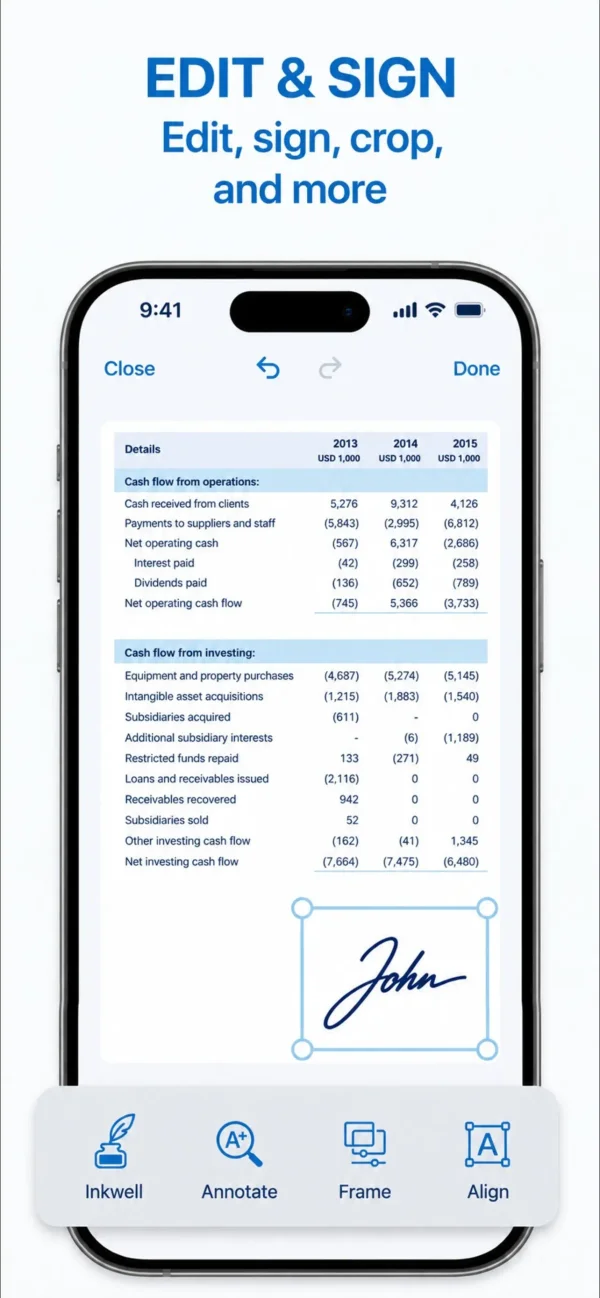
Use it for letters, homework pages, invoices, recipes, tickets, handwritten notes, and quick photo prints. When you need to save a copy, save the file. When someone needs a physical copy, send it to a printer. When the first result is not right, you can adjust the page and try again before using paper.
The copier-like flow is convenient away from a traditional scanner. You can create a clean digital version of a paper page, save it on your phone, and print it later when you are near a suitable printer. This is especially useful for forms, travel documents, and signed documents that should not disappear into a pile of photos.
Smart Printer: Smart Print also helps separate urgent tasks from more informal ones. Keep the latest items at hand, check what you are about to print, and avoid accidentally sending the wrong page. A clear preview gives you time to spot missing edges, poor lighting, or the wrong orientation before the task leaves your device.
Smart Printer: Smart Print may include a paid subscription that provides full access to the available tools for printing, copying, and files, with fewer limitations where the app applies them. If you choose a subscription, it renews through your Apple ID until you turn it off, and you can manage or cancel it in your account settings.
Information about the service terms and how personal data is handled can be found in the app's Terms of Use and Privacy Policy: https://docs.google.com/document/d/19vdtnwuE78IL2cGGlT6CUSFUazLms6eU1Ev6s_c2oDE/edit?usp=sharing
Nouveautés
Version 2.1.0 · 18/09/2026
• Updated print preview
• Better file processing
• Improved connection stability
• Fixed minor interface issues
• Optimized overall performance
Confidentialité de l’application
Ce que MEHMET KARAKAS déclare sur l’App Store au sujet du traitement des données par cette application.
-
Données utilisées pour vous suivre
Peuvent être utilisées pour vous suivre sur des applications et des sites web appartenant à d’autres sociétés.
- Identifiants
- Données d’utilisation
-
Données n’établissant aucun lien avec vous
Peuvent être collectées, mais ne sont pas liées à votre identité.
- Identifiants
- Données d’utilisation
Les pratiques en matière de confidentialité peuvent varier, notamment en fonction des fonctionnalités que vous utilisez ou de votre âge.
Informations
- Vendeur
- MEHMET KARAKAS
- Catégorie
- Utilitaires
- Version
- 2.1.0
- Mis à jour
- 18/09/2026
- Publié
- 23/04/2024
- Taille
- 49,2 Mo
- Nécessite
- iOS 18.0 ou version ultérieure
- Classification d’âge
- 4+
- Prix
- Gratuit
- Achats intégrés
- Oui
- Langues
- Anglais, Afrikaans, Albanais, Arabe, Arménien, Azéri, Belarusian, Bengali, Bosniaque, Bulgare, Birman, Cambodgien + 57 de plus
- Copyright
- © MEHMET KARAKAS
Vous aimerez peut-être aussi
-
 Contacts Sync & Transfer AppCompte Gestionnaire:Sauvegarde
-
 Print&Scan: Imprimante ScannerImprimer PDF, photos et docs
-
 ZapCopy: Image to Text ScanUtilitaires
-
 QR Studio : Scanner et créerCodes QR et codes-barres
-
 Imprimante AI: ImpressionImpression Scan PDF & Photos
-
 QRFast - Code HelperScan, Create & Organize Codes
-
 PDF Converter: Scanner DocsScan, OCR, signer & fusionner
-
 Smart Printer: HP Print & ScanUtilitaires
-
 PhotoSurePhoto Cleanup & Privacy Space
-
 imprimante: Imprimer le PDFPhotos, numérisation,documents