
StreetShare
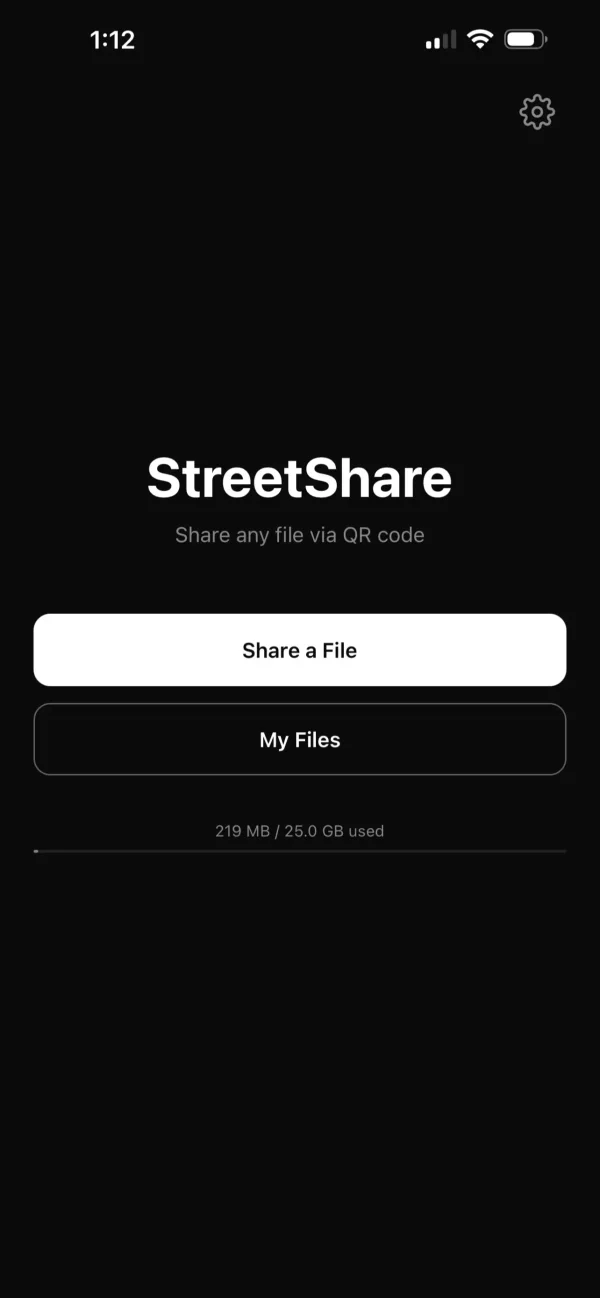
Share any file via QR code
Conçue pour iPhone, iPod touch
Gratuit · Achats intégrés
- Classification d’âge4+
- CatégorieProductivité
- DéveloppeurNeil David Howard Jr.
- LanguesAnglais
- Taille38,5 Mo
Renvoie vers la page App Store officielle
Download.org n’héberge aucun fichier de StreetShare. Le bouton ouvre la page de l’application sur App Store, où Neil David Howard Jr. la publie. Fiche vérifiée pour la dernière fois le 13/11/2026.
Captures d’écran
À propos
Le développeur n’a pas fourni ce texte dans votre langue.
StreetShare is the fastest way to share files with someone in person.
• Pick any file - photo, video, PDF, document, archive
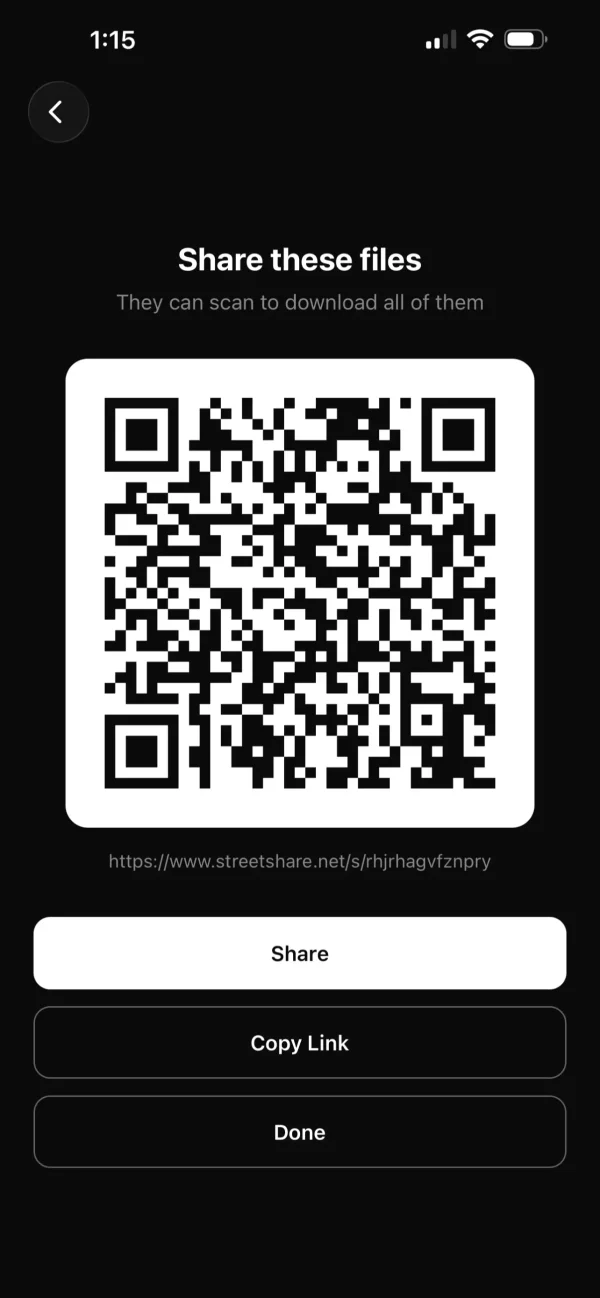
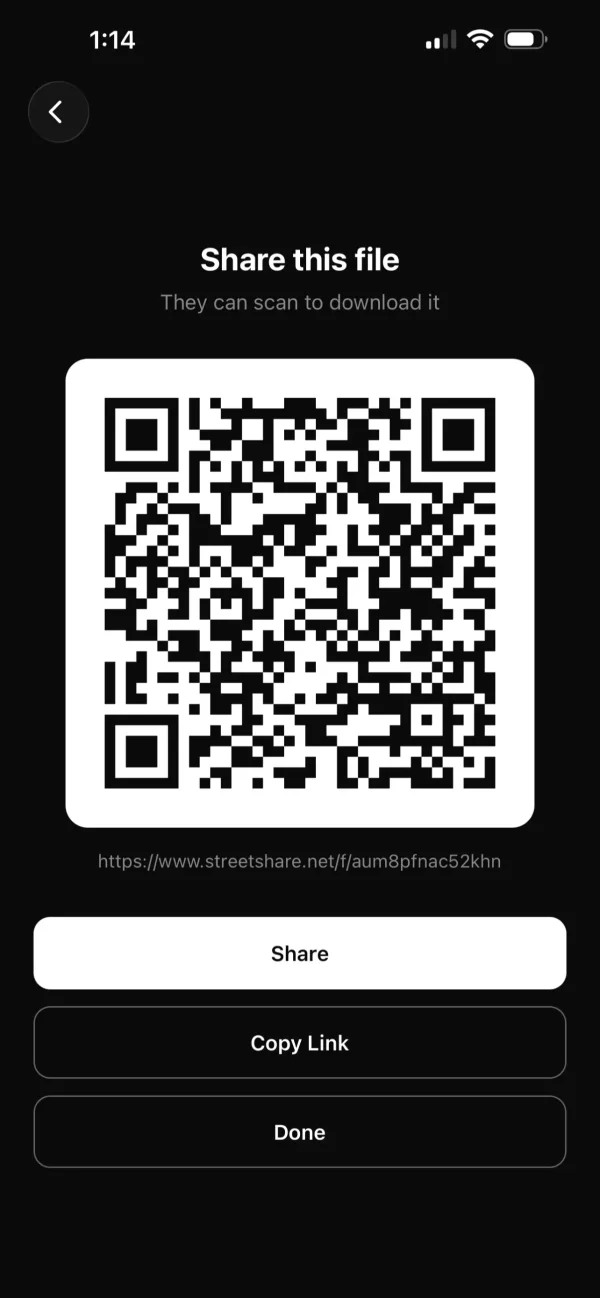
• Show them a QR code
• They scan and download. Done.
How it works:
1. Open StreetShare and tap "Share a File"
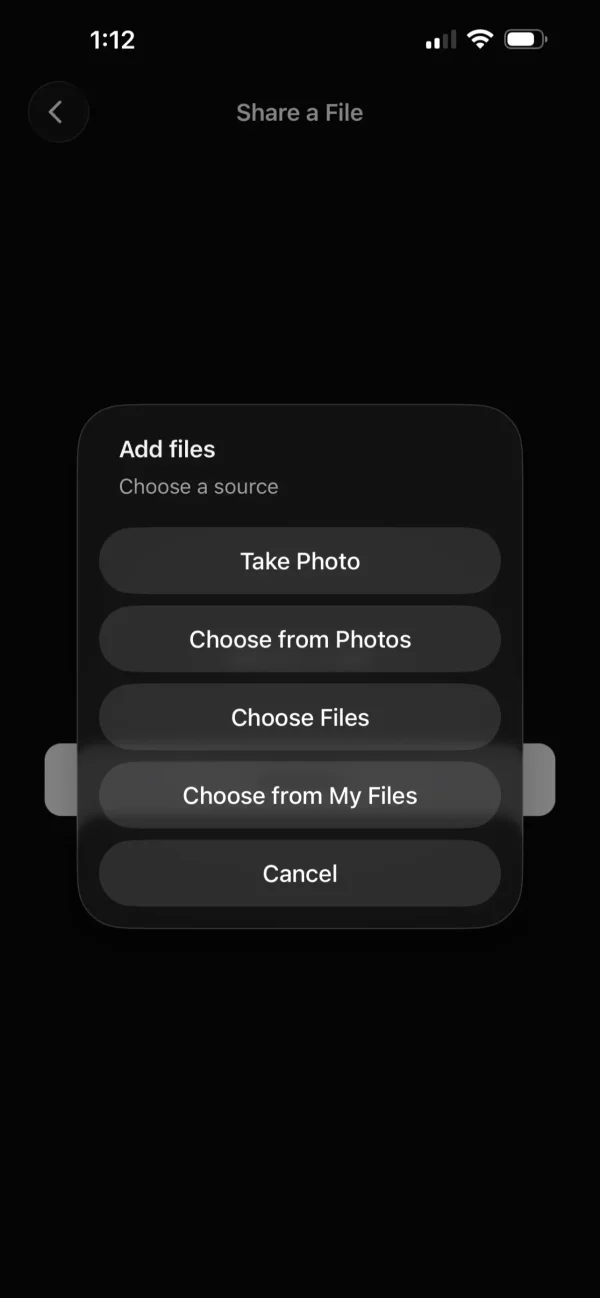
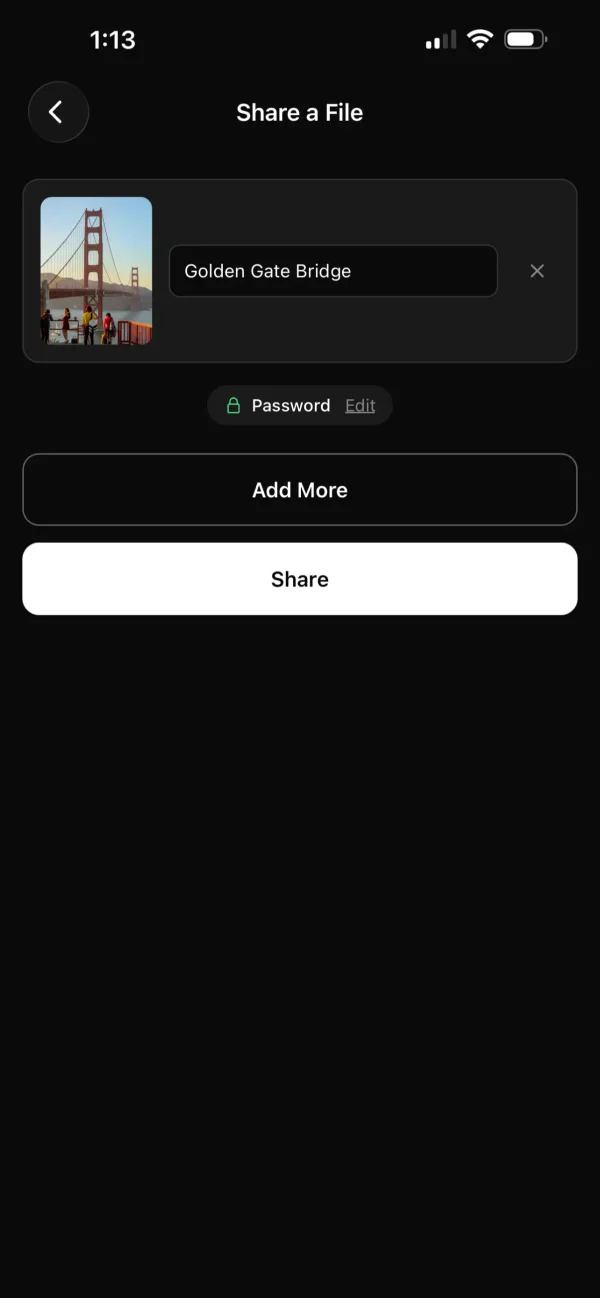
2. Select one or more files (or take a photo on the spot)
3. Show the auto-generated QR code on your screen
4. The recipient scans with any phone - no app required on their end
Built for moments where AirDrop is a no-go, email is overkill, and a chat app feels weird. Street photographers sharing portraits with subjects. Designers handing off mockups in person. Anyone passing a document to someone they just met.
You stay in control:
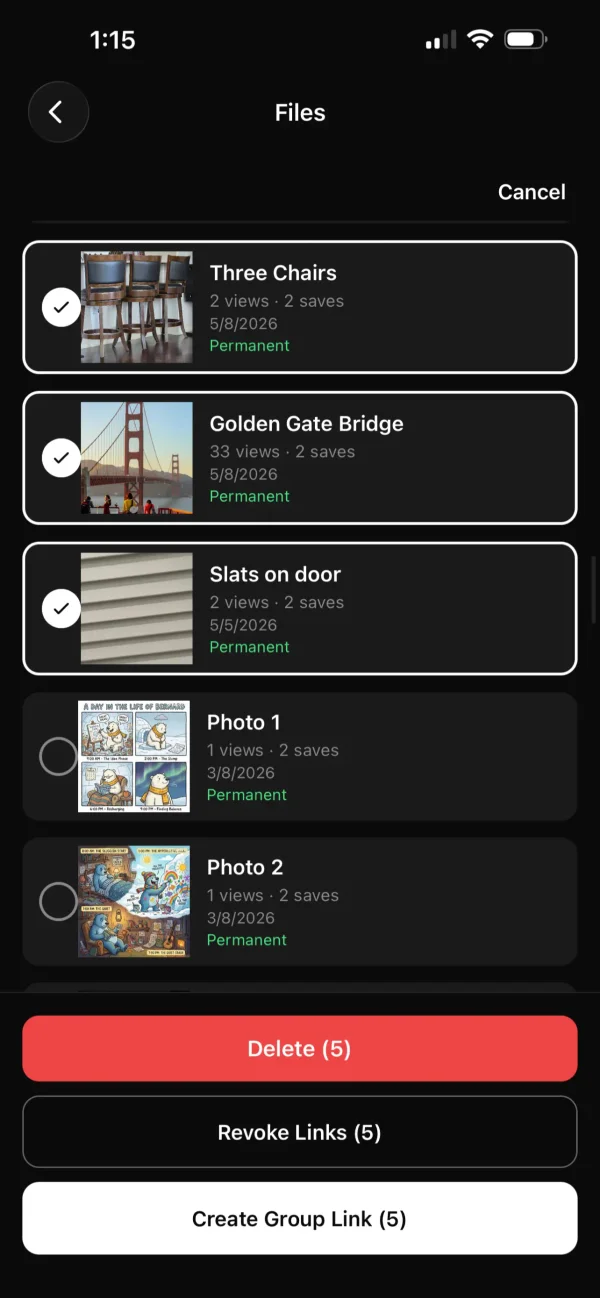
• Revoke any link and the page stops working. Re-enable it later if you change your mind - the file stays in your account. Free for everyone.
• Every share link is unguessable and blocked from search engines.
• Free files delete themselves 30 days after upload. Nothing lingers by default.
Sign in your way:
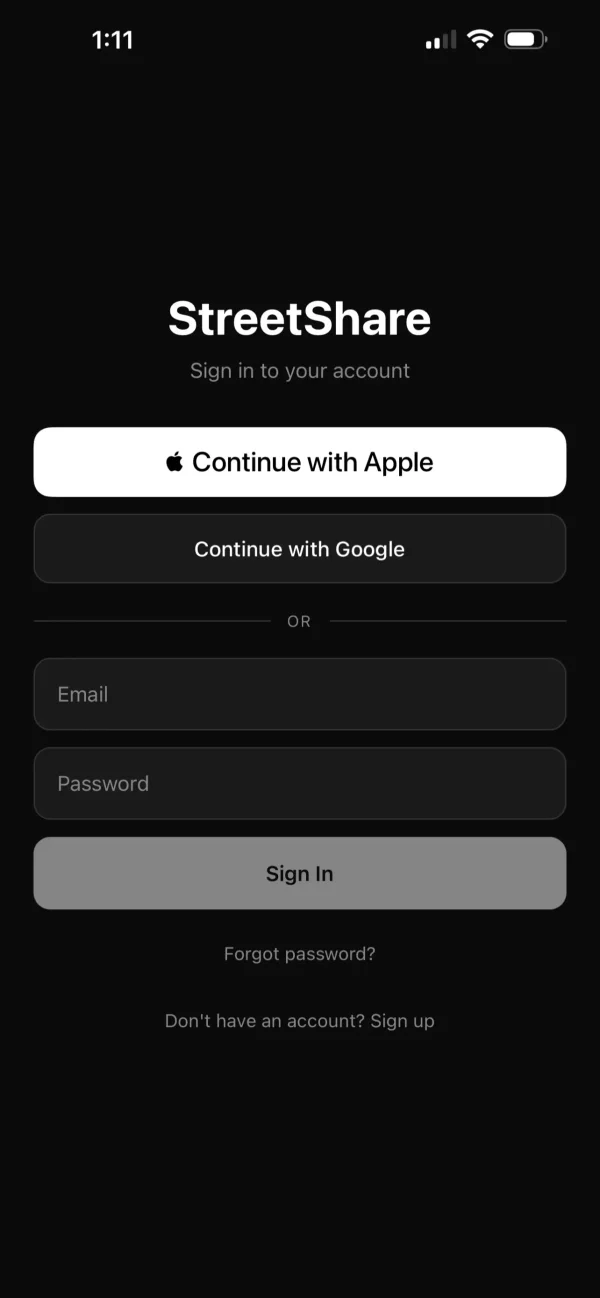
• Sign in with Apple, sign in with Google, or use an email address and password
• Sign in with Apple works with Hide My Email - we never need your real address
Free tier (everything you need to get started):
• 50 MB per file
• 1 GB total storage
• Batches of up to 10 files under a single QR code
• Files automatically expire 30 days after upload
• Free account required (so you can manage and delete your own files)
StreetShare Plus (in-app subscription):
• 200 MB per file
• 25 GB total storage
• Batches of up to 50 files at once
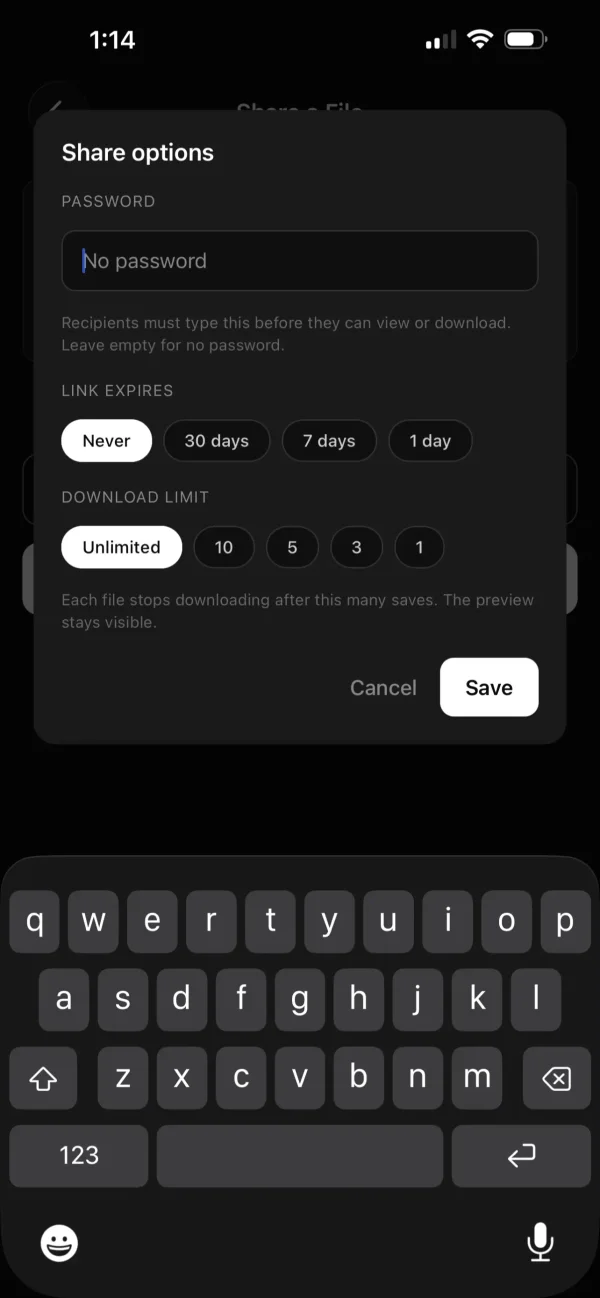
• Password-protect your shares - recipients enter a password before they can see a preview, a filename, or download anything. Tell them the password in person; it is never in the link.
• Files do not expire while your subscription is active
• $4.99/month or $29.99/year (about 50% off with the annual plan)
• 7-day free trial for new subscribers
Privacy:
Every share link is unguessable and blocked from search engines. You can delete your account and all of your uploaded files at any time from in-app Settings. We don't sell your data, and recipient-side viewing requires no account.
Terms of Use (EULA): https://www.streetshare.net/legal/terms
Privacy Policy: https://www.streetshare.net/legal/privacy
StreetShare Plus is an auto-renewing subscription: $4.99/month or $29.99/year. A 7-day free trial is available to new subscribers and converts to a paid subscription unless cancelled before it ends. Payment is charged to your Apple ID at confirmation of purchase. Subscriptions renew automatically unless cancelled at least 24 hours before the end of the current period. Manage or cancel anytime in your App Store account settings.
Nouveautés
Version 1.2.1 · 28/09/2026
• After you sign up, a new "Check your email" screen explains the next step and lets you resend the confirmation link in one tap.
• Fixed "Choose Files" sometimes not opening the file picker on iPhone.
• My Files opens faster and no longer reloads every thumbnail each time you return to it.
• Bulk actions in My Files now work on large selections.
• A share password you set is kept when you retry a batch that partly failed.
• Your sign-in is saved more reliably, so you are less likely to be signed out unexpectedly.
Confidentialité de l’application
Ce que Neil David Howard Jr. déclare sur l’App Store au sujet du traitement des données par cette application.
-
Données non collectées
Le développeur ne collecte aucune donnée à partir de cette application.
Les pratiques en matière de confidentialité peuvent varier, notamment en fonction des fonctionnalités que vous utilisez ou de votre âge.
Informations
- Vendeur
- Neil David Howard Jr.
- Catégorie
- Productivité
- Version
- 1.2.1
- Mis à jour
- 28/09/2026
- Publié
- 08/07/2026
- Taille
- 38,5 Mo
- Nécessite
- iOS 15.1 ou version ultérieure
- Classification d’âge
- 4+
- Prix
- Gratuit
- Achats intégrés
- Oui
- Langues
- Anglais
- Copyright
- © 2026 EOF Security
Vous aimerez peut-être aussi
-
 Cool To DoProductivité
-
 Time Tracker for freelancersProductivité
-
 esim.ggProductivité
-
 Text to Speech AI - Voice OverProductivité
-
 Forte - Habit TrackerProductivité
-
 Anytime Mailbox Mail CenterProductivité
-
 DRACOONProductivité
-
 Lightweight Text EditorProductivité
-
 Password Manager'Productivité
-
 Réveil vocalMinuterie Multifonction