SuPAR
Mobile inspection tool with AR
Conçue pour iPhone, iPad, iPod touch
Gratuit · Achats intégrés
- Classification d’âge4+
- CatégorieÉconomie et entreprise
- DéveloppeurCDMVision
- LanguesAnglais
- Taille515,9 Mo
Renvoie vers la page App Store officielle
Download.org n’héberge aucun fichier de SuPAR. Le bouton ouvre la page de l’application sur App Store, où CDMVision la publie. Fiche vérifiée pour la dernière fois le 21/11/2026.
Captures d’écran
À propos
Le développeur n’a pas fourni ce texte dans votre langue.
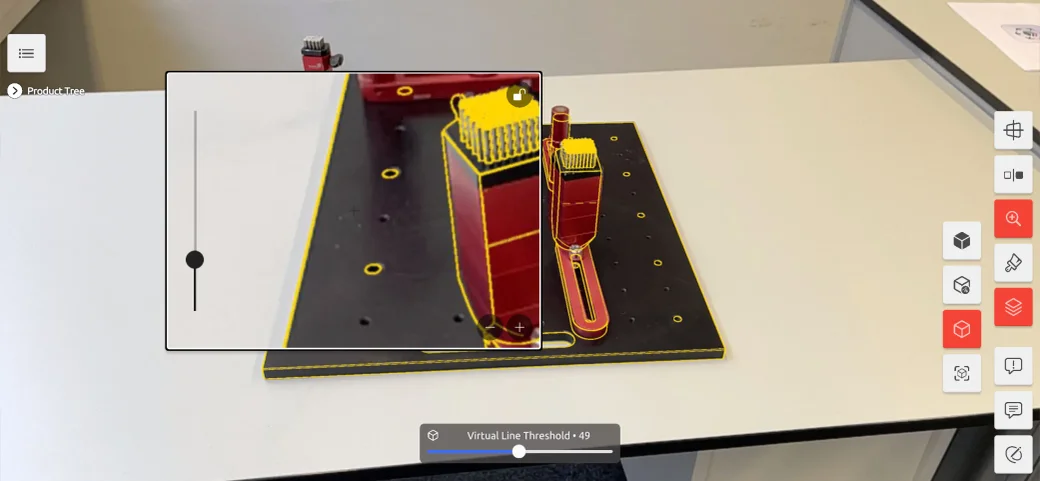
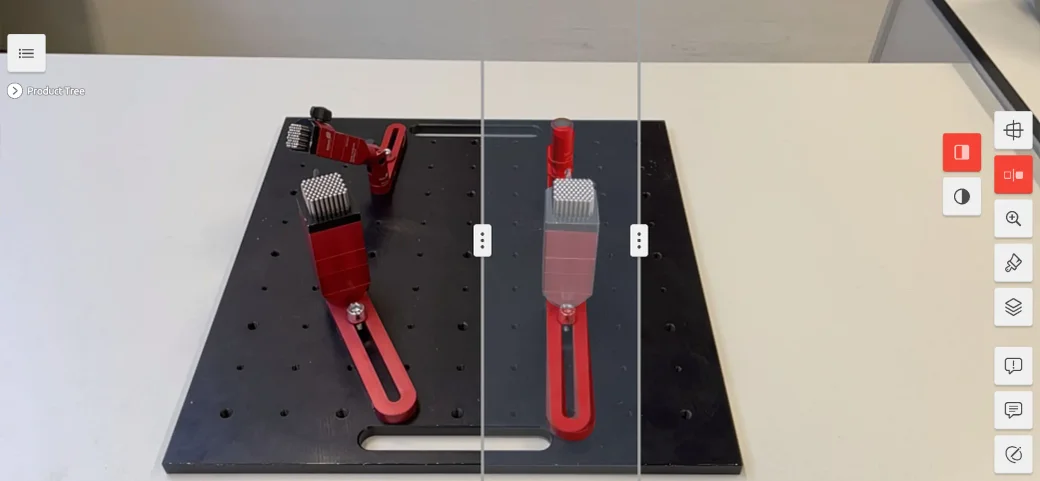
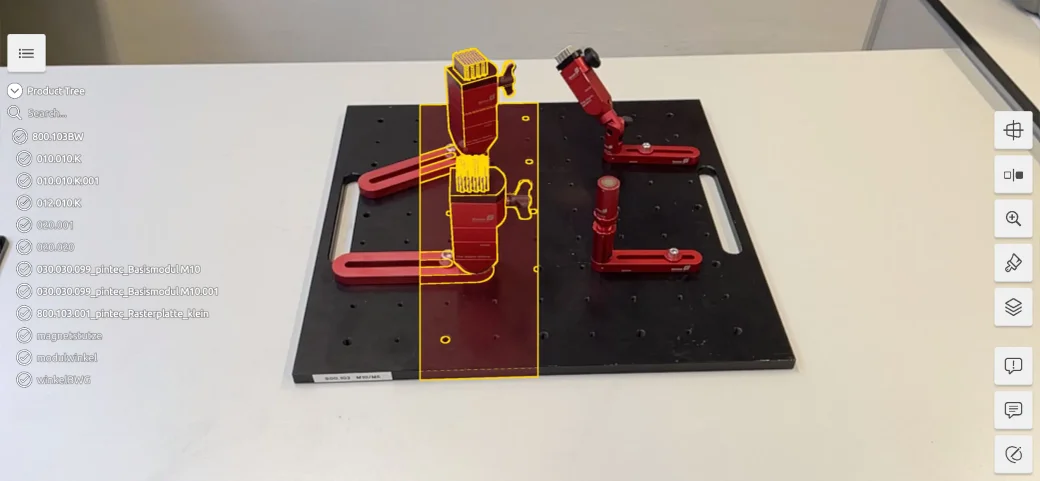
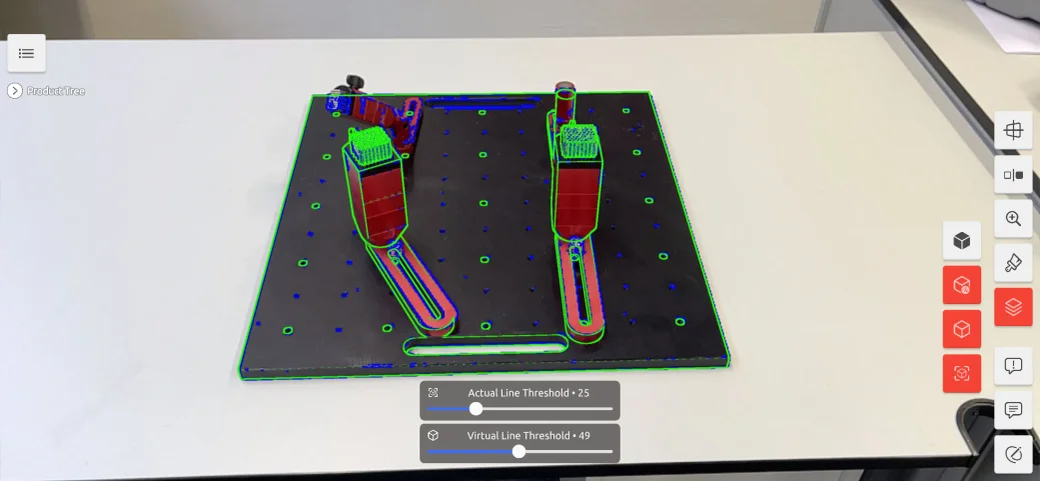
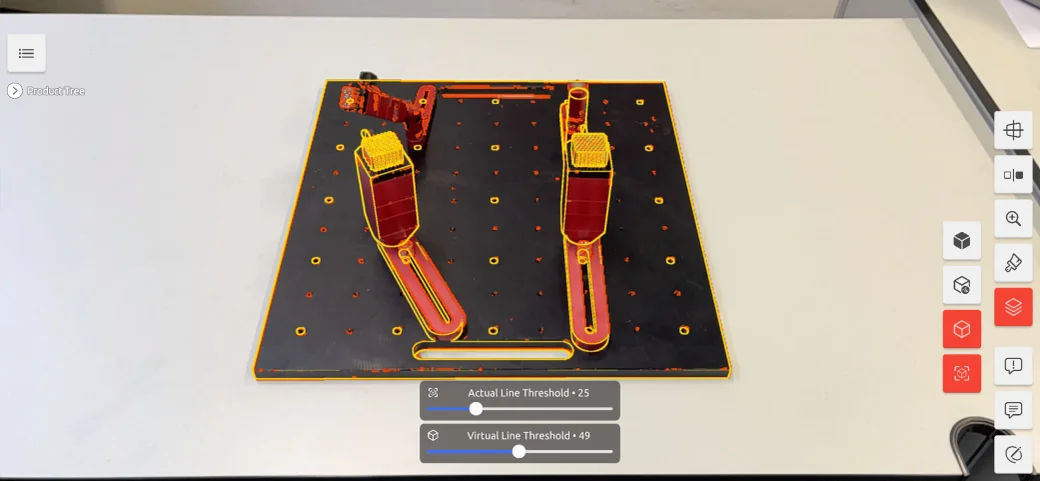
SuPAR, enables instant visual inspection of the physical objects in the quality control process, by superimposing its CAD model onto the object over real-time imagery from a device camera.
With the AR visualization SuPAR provides, visual inspection in the quality processes can be carried out much more efficiently and reliably.
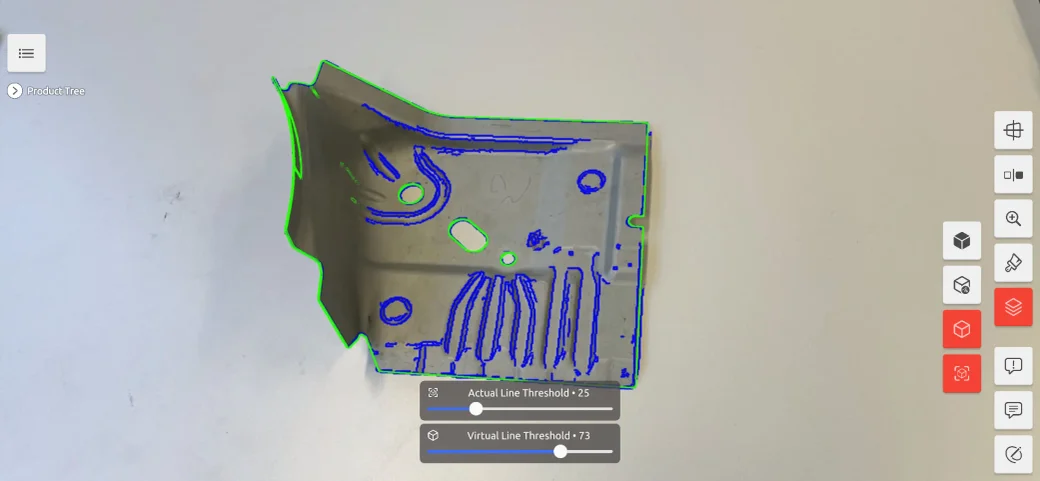
SuPAR automatically creates a visual comparison of CAD data (how it should be) with what the camera sees (real situation). Thus, with the augmented reality (AR) technology, it is easily ensured that the targeted and real situations can be coincided and the deviations can be detected.
The software supports the user in three main tasks:
• Visual inspection/verification of various production tools, master models, sheet metal molds and parts, plastic parts, equipment and such series, prototypes and test parts,
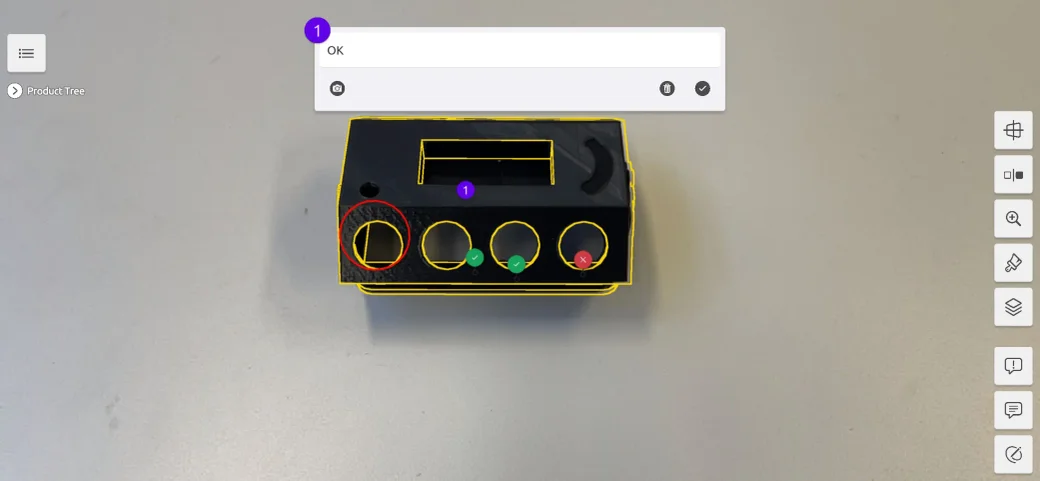
• Recording problematic areas in notes and reports using annotations such as texts, photographs and 3D Notes, through created digital Twins,
• Communication through the created digital twin and video conference.
With SuPAR, parts of any size can be traced using a CAD file reference and can be checked in a very short time by a "Quality Assurer" without any calipers, templates, rulers, etc.
In addition, the virtual drawing tools and control notes offer the possibility of exporting outputs, such as notes and photos, overlapping of target and real situations, with an Excel file during and after the control. There is also a communication module where you can start a video conference.
SuPAR application areas can be various as follows.
• Dimensional quality control in the input and output processes of materials
• In the approval and acceptance of components and equipment,
• In the approval of the first sample shapes and geometries,
• Providing production standardization,
• In maintenance and repair processes, etc.
Using SuPAR saves great time and resources, helps achieve higher quality and process reliability with improved cognitive perception, simplifies the whole process and builds a better cooperation between operational processes.
In a nutshell, with the use of SuPAR;
• Quality issues are detected earlier with less effort and corrected easier and faster.
• All structural and geometric features are checked and documented.
Terms of Use: https://supar.eu/eula
Nouveautés
Version 2026.1.161 · 17/11/2026
- Fixed Smartpoint AI photos showing the wrong area after the iPad was turned.
- Fixed autosaves being lost when the app closed or when the inspection or project was opened again. An autosave is now kept until you save or discard it.
- Autosave now also runs when SuPAR goes to the background and writes each photo only once, so it stays fast in inspections with many photos. Restoring an autosave shows its progress.
- Fixed notifications with two actions showing only the first one, for example Cancel on the autosave notification.
- Fixed text typed into a custom field not being saved when a rule made the field read-only.
- Fixed Excel (.xlsx) export failing on inspections with attached PDFs or other documents.
- Reports now show Yes or No for toggle fields, and the default value for sliders that were not moved.
- Sealant Smartpoints now add two images to the report: a photo showing where the Smartpoint is on the part, and a strip along the bead with a ruler that marks where the check failed.
- Custom fields can now be shown, required or made read-only depending on the step's status, as set up in SuPAR Insight. Reports list only the custom fields that were visible during the inspection.
- App settings that your organization or team sets in SuPAR Insight are applied when you log in. Changes you make while logged in are kept.
- The POI window now shows a Smartpoint's AI parameters.
- The ••• button on local projects and folders now offers Share and Delete.
- Large models run more smoothly, and creating an inspection from a checklist with many steps is several times faster.
Confidentialité de l’application
Ce que CDMVision déclare sur l’App Store au sujet du traitement des données par cette application.
-
Données établissant un lien avec vous
Peuvent être collectées et liées à votre identité.
- Identifiants
-
Données n’établissant aucun lien avec vous
Peuvent être collectées, mais ne sont pas liées à votre identité.
- Diagnostic
- Autres données
Les pratiques en matière de confidentialité peuvent varier, notamment en fonction des fonctionnalités que vous utilisez ou de votre âge.
Informations
- Vendeur
- CDMVISION Yazilim hizmetleri ticaret anonim sirketi
- Catégorie
- Économie et entreprise
- Version
- 2026.1.161
- Mis à jour
- 17/11/2026
- Publié
- 04/05/2021
- Taille
- 515,9 Mo
- Nécessite
- iOS 15.0 ou version ultérieure
- Classification d’âge
- 4+
- Prix
- Gratuit
- Achats intégrés
- Oui
- Langues
- Anglais
- Copyright
- © 2018 CDMVision Yazilim Hizmetleri Tic. A.S.