
Synapse Console Pro
Remote SSH terminal with SFTP
Conçue pour iPhone, iPad
Achats intégrés
- Classification d’âge4+
- CatégorieOutils de développement
- DéveloppeurKubilay Onur Gungor
- LanguesAnglais
- Taille37,5 Mo
Synapse Console Pro n’est peut-être pas disponible sur App Store pour le moment
La fiche de la boutique était inaccessible lors de notre dernière vérification. Le lien mène toujours à la page App Store officielle.
Captures d’écran

À propos
Le développeur n’a pas fourni ce texte dans votre langue.
Synapse Console is a professional SSH, Mosh, and SFTP client for iPhone and iPad. Connect to your servers with password or SSH key authentication, mount remote filesystems natively in Files.app, automate workflows with Shortcuts, and work across multiple tabs and split panes; with end-to-end encrypted cloud sync.
Terminal
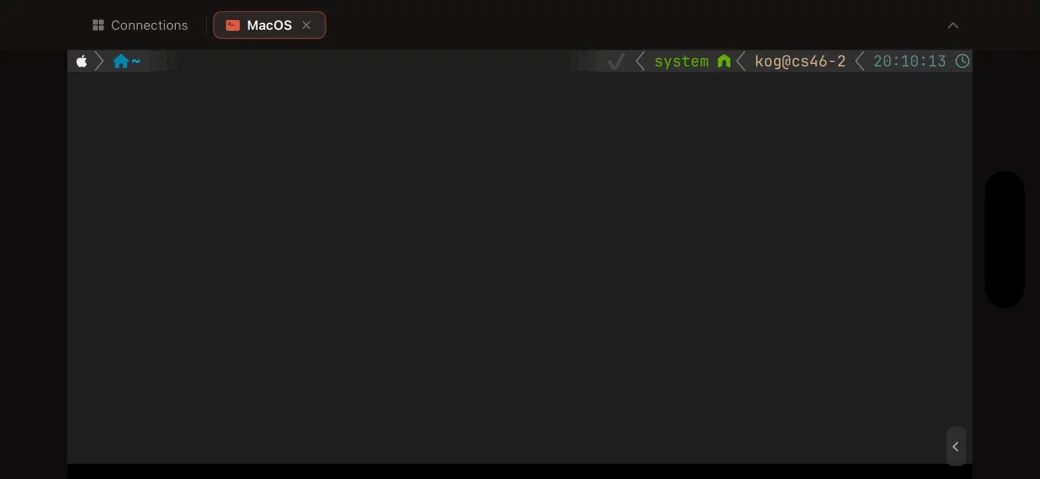
- Full xterm-compatible terminal emulator
- Persistent scrollback buffer (configurable up to 50,000 lines)
- OSC 52 clipboard sync: copy from remote directly to your iOS clipboard
- URL and hyperlink detection with in-app browser
- Hardware keyboard support with fully customizable key bindings
- Option-as-Meta toggle for readline/Emacs compatibility
- Multiple fonts: JetBrains Mono, Fira Code, Hack (all Nerd Font variants)
- Per-connection theme and font size overrides
- 18 built-in themes (Dracula, Nord, Gruvbox, Catppuccin, Tokyo Night, and more)
Connections
- Password and SSH key authentication (RSA, Ed25519, ECDSA P-256)
- SSH key generation and import — including passphrase-protected OpenSSH keys
- SSH Agent Forwarding — forward your identity to remote hosts without copying keys
- Mosh support for resilient sessions on unstable or roaming networks
- ProxyJump (multi-hop via intermediate hosts) — fully compatible with Mosh
- ProxyCommand (HTTP CONNECT proxy tunnel support)
- SSH Config file import
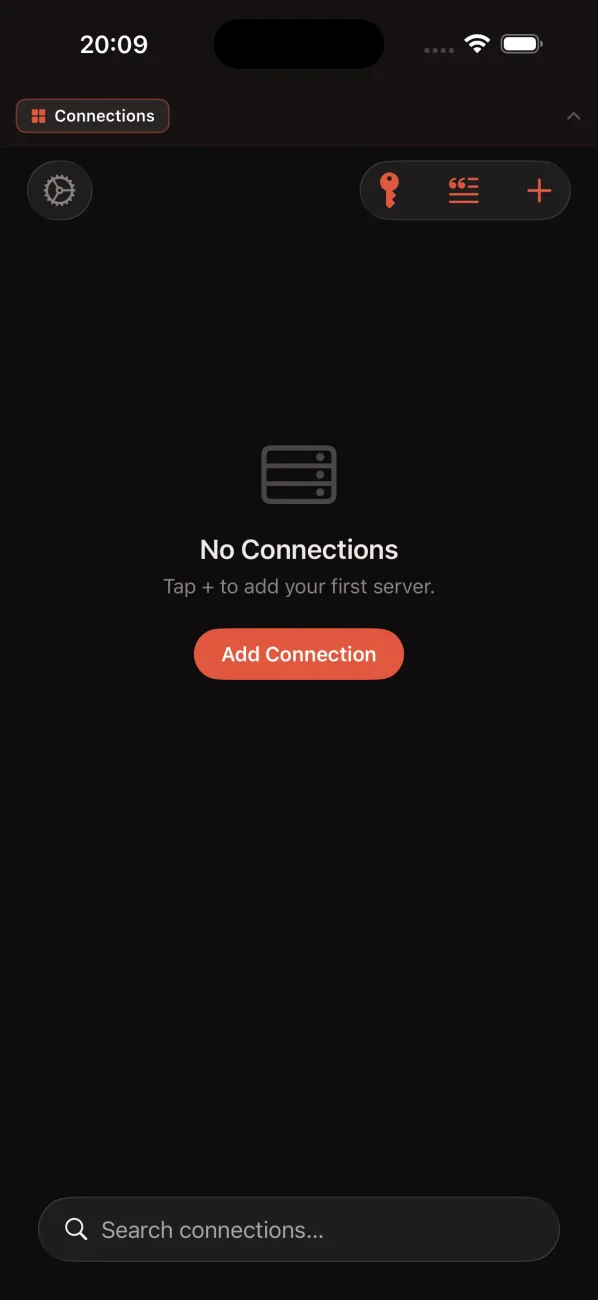
- Connection groups for organization
- Biometric lock per connection (Face ID / Touch ID)
- Encrypted notes per connection
- TCP connection test before connecting
Files.app Integration
- Mount any saved server as a native volume in iOS Files.app
- Browse, open, edit, rename, move, and delete remote files directly from Files.app or any document picker-enabled app — without opening Synapse
- Full read/write support: create folders, upload files, delete items, rename — all over SFTP
- Tap "Add to Files.app" in the SFTP browser to activate for any connection
File Transfer
- Built-in SFTP browser with directory navigation
- Upload, download, progress tracking, and mid-transfer cancellation
- Files over 500 MB prompt for confirmation before transfer
Productivity
- Multi-tab workspace with swipe navigation
- Split-pane terminal workflows on iPad
- tmux Control Mode (tmux -CC): native window/pane UI without tmux keybindings
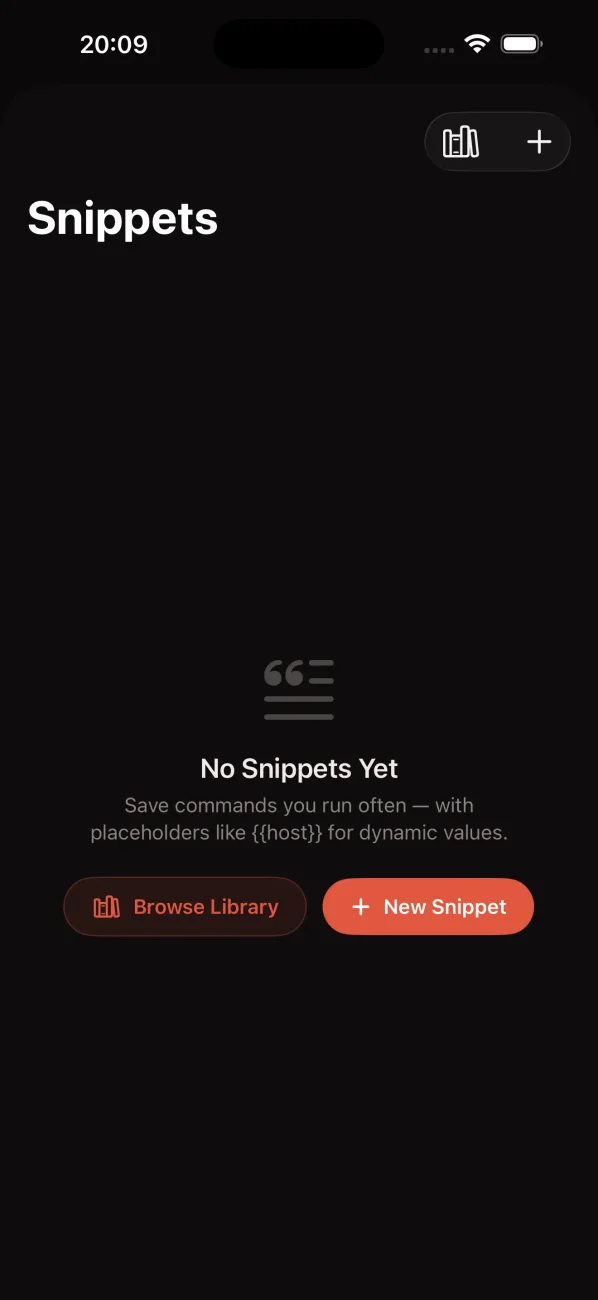
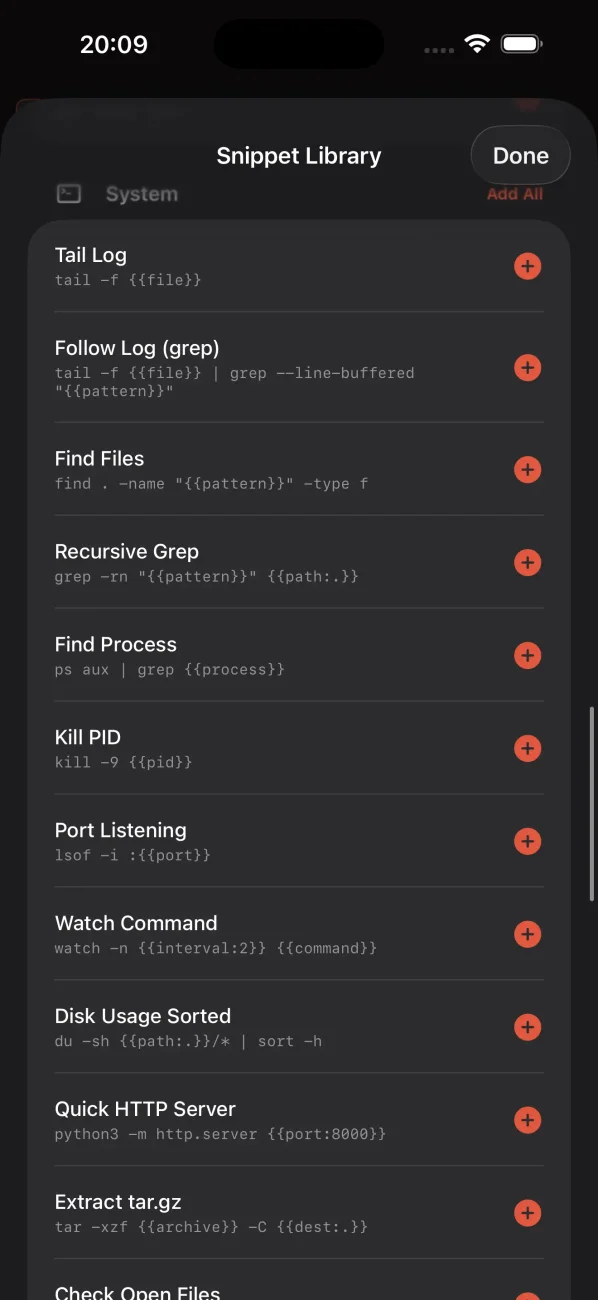
- Snippets library: save and send frequently used commands in one tap
- Session recording in asciinema v2 format
- Broadcast mode: send input to multiple tabs simultaneously
Shortcuts & Siri
- Connect to Server — open any saved connection by voice or Shortcut
- Run SSH Command — execute a shell command in the background and pipe the output into any Shortcut workflow, without opening the app
- Get Saved Servers — list all connections for dynamic, automated workflows
- Say "SSH to production in Synapse Console" to Siri
Networking
Local and remote port forwarding
Tunnel manager with per-connection tunnel list
Security & Sync
SSH private keys stored in the iOS Keychain with Face ID / Touch ID protection
Connection profiles encrypted end-to-end with AES-256-GCM before syncing
Encryption key stored in iCloud Keychain — server never receives plaintext
TOFU (Trust On First Use) host key verification with SHA-256 fingerprint display
App Lock with Face ID / Touch ID
Backup & Restore: export all connections to an AES-256 encrypted file, import on any device
Clear scrollback on disconnect option
Start with a 7-day full-feature trial. After the trial, Synapse Pro is available as a yearly subscription.
Privacy Policy: https://github.com/kogungor/synapse-console/blob/main/docs/privacy-policy.md
Terms of Use (EULA): https://www.apple.com/legal/internet-services/itunes/dev/stdeula/
Nouveautés
Version 2.5.2 · 08/10/2026
This update brings new ways to see and keep your work, sturdier connections, and stronger security.
NEW
• Web Preview: open web apps running on your server, like dev servers or Markdown previews, right next to the terminal. Synapse forwards the port for you.
• Inline images: Sixel and iTerm2 (imgcat) images now display in the terminal.
• Session recording: record any tab with ⇧⌘R or from the tab menu, then replay or share it from Recordings.
• Notifications: get notified when a task or a coding agent in another tab needs your attention (OSC 9 / OSC 777). A bell marks the tab.
• Paste and Copy buttons in the key panel, for use without a keyboard.
• The Connections screen now fits every iPhone and iPad size.
• Experimental: Kitty graphics and keyboard protocol (Settings → Experimental), so coding agents can tell Shift+Enter from Enter.
CONNECTIONS
• Dropped connections are detected within about a minute, and the keepalive no longer sends stray keystrokes to vim, tmux and other apps.
• tmux control mode: after a dropped connection, Synapse reattaches to the same session and restores the screen. Panes keep their content when you split or close them, and Detach, keys, paste, copy and snippets now have on-screen controls.
• Mosh connects by host name, including Tailscale MagicDNS names. In Auto mode it falls back to SSH when Mosh can't start. Fixed crashes when closing Mosh sessions.
• iCloud sync works again on iOS 26.5 and later, and Settings shows its status.
• Faster output for heavy streams. Right and middle clicks now reach mouse-aware apps.
SECURITY
• Host keys are now verified for SFTP, split panes, reconnects, the Run SSH Command shortcut and the Files app, not just new terminal tabs.
• App Lock now covers open screens such as SFTP and Settings, and blocks keyboard input while locked.
• Remote programs can no longer read your clipboard without asking: clipboard reads are off by default and ask every time when turned on. Remote copy (OSC 52) is more reliable.
FIXES
• Passphrase-protected OpenSSH keys now import correctly.
• ProxyCommand with nc -X connect now works.
Confidentialité de l’application
Ce que Kubilay Onur Gungor déclare sur l’App Store au sujet du traitement des données par cette application.
-
Données non collectées
Le développeur ne collecte aucune donnée à partir de cette application.
Les pratiques en matière de confidentialité peuvent varier, notamment en fonction des fonctionnalités que vous utilisez ou de votre âge.
Informations
- Vendeur
- Kubilay Onur Gungor
- Catégorie
- Outils de développement
- Version
- 2.5.2
- Mis à jour
- 08/10/2026
- Publié
- 15/04/2026
- Taille
- 37,5 Mo
- Nécessite
- iOS 17.0 ou version ultérieure
- Classification d’âge
- 4+
- Achats intégrés
- Oui
- Langues
- Anglais
- Copyright
- © Kubilay Onur Gungor
Vous aimerez peut-être aussi
-
 FlitraOutils de développement
-
 Agentlock: AI Agent SecurityOutils de développement
-
 gterm: Ghostty SSHOutils de développement
-
 OmniForge AIOutils de développement
-
 wmux - Workspace for AI agentsOutils de développement
-
 Cosmo: mobile postmanOutils de développement
-
 EdgeLLMOutils de développement
-
 YoloShell-Terminal SSH et VNCHerdr, sshfs & bureau
-
 Kulp.AI - Software in SecondsOutils de développement
-
 Infer RingOutils de développement