- Classification d’âge4+
- CatégorieÉducation
- DéveloppeurBlooming Kids Software LLC
- LanguesAnglais
- Taille402,1 Mo
Renvoie vers la page App Store officielle
Download.org n’héberge aucun fichier de Talking Machine. Le bouton ouvre la page de l’application sur App Store, où Blooming Kids Software LLC la publie. Fiche vérifiée pour la dernière fois le 14/11/2026.
Captures d’écran

À propos
Le développeur n’a pas fourni ce texte dans votre langue.
Talking Machine
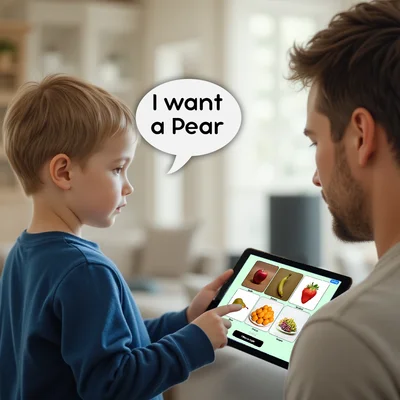
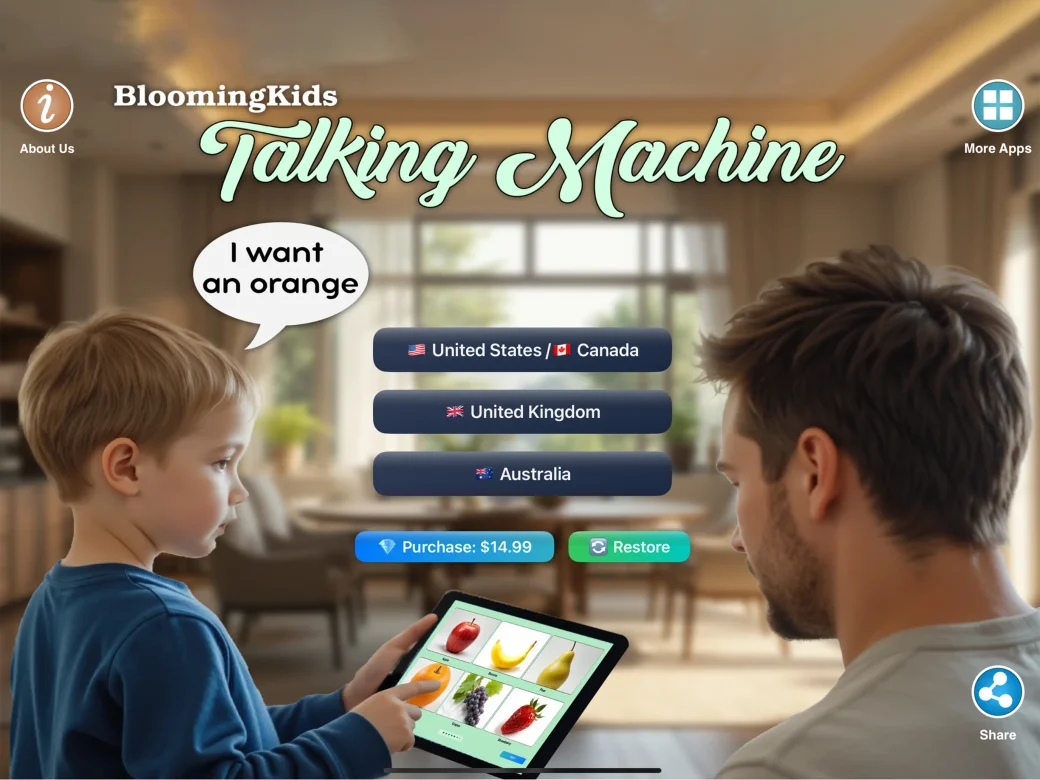
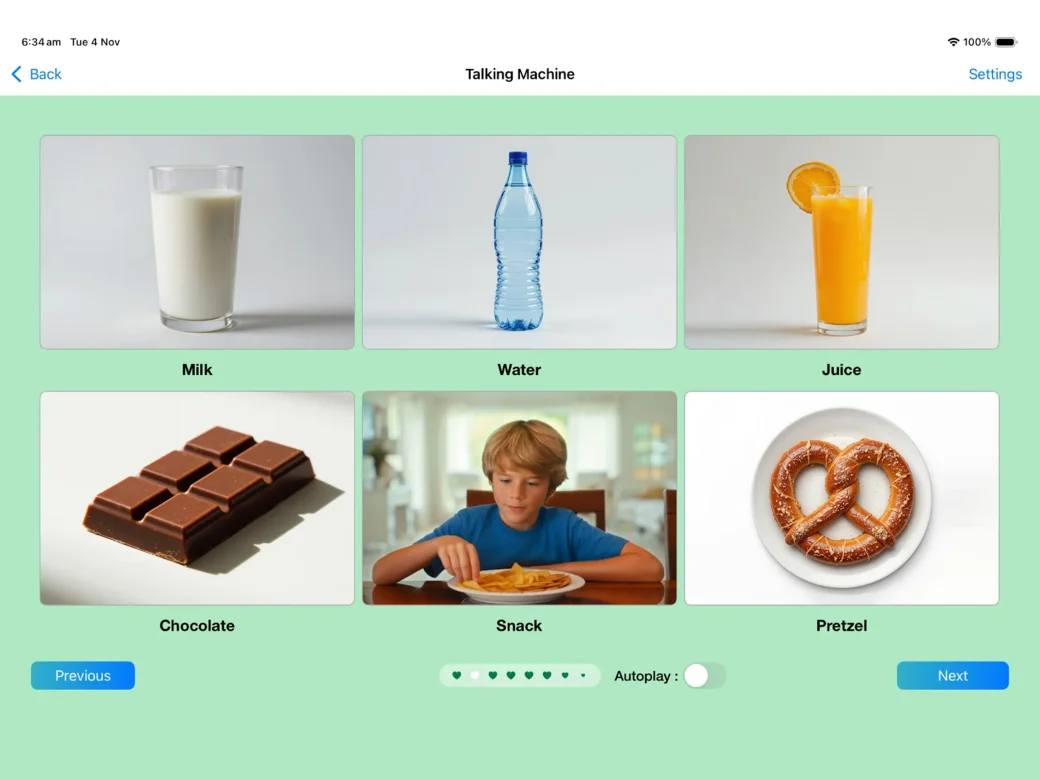
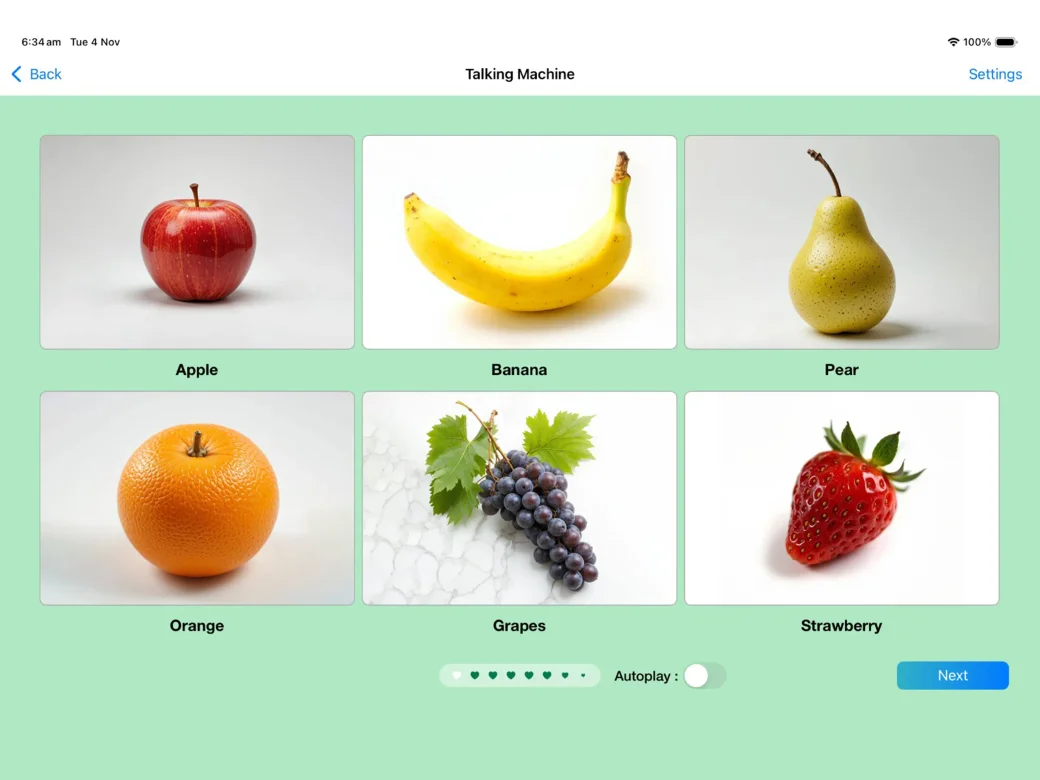
Talking Machine is a communication tool designed for children with speaking disabilities. It helps them express their thoughts, needs, and choices using pictures, spoken words, and animations.
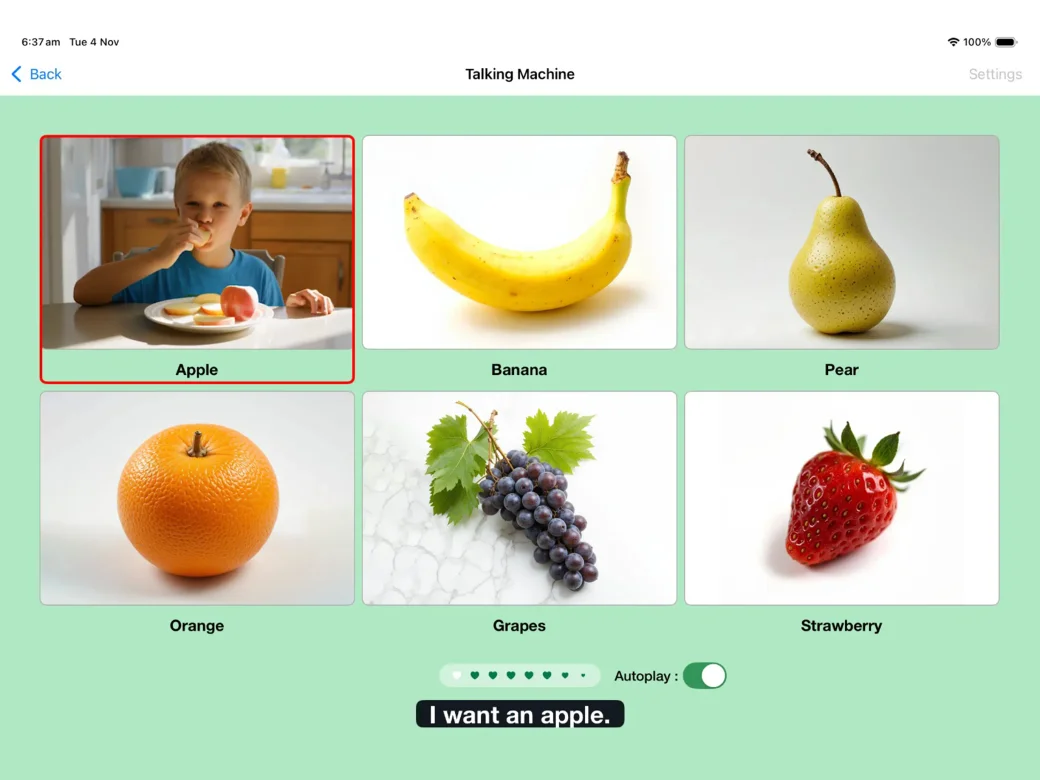
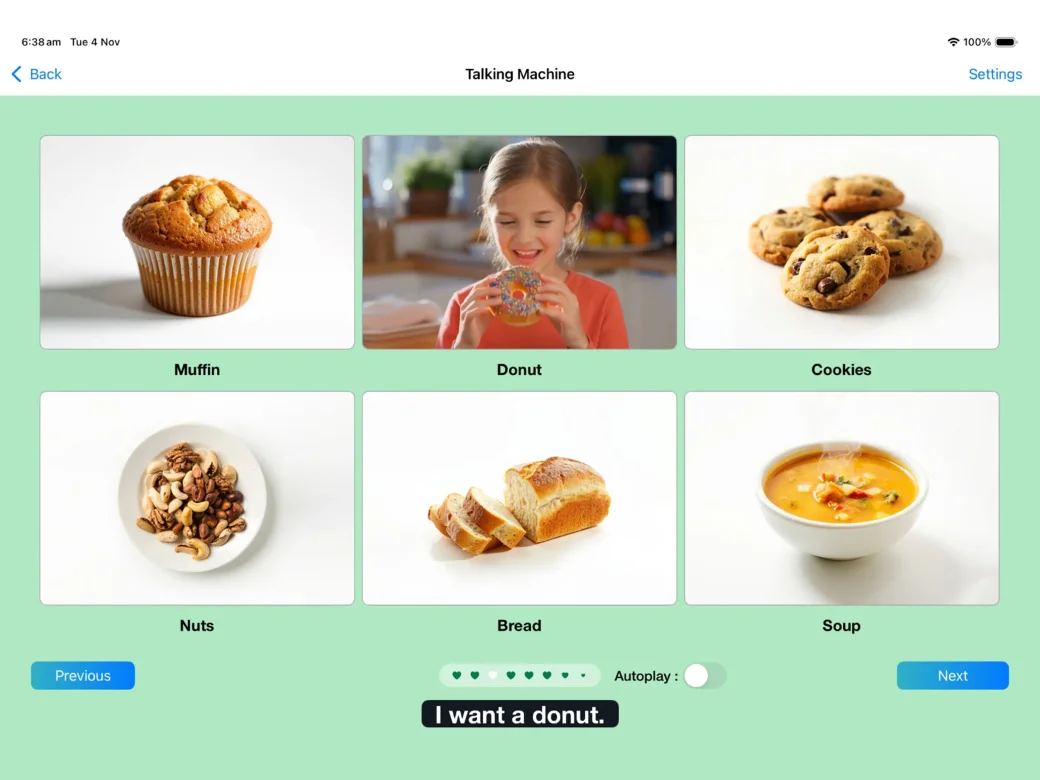
This program gives children a voice. They can click on a picture or activity they want, and the program speaks the words aloud, displays a relevant animation, and shows the sentence at the top of the screen. This visual and auditory combination helps children communicate more effectively with their caregivers, teachers, and family members.
Key Features
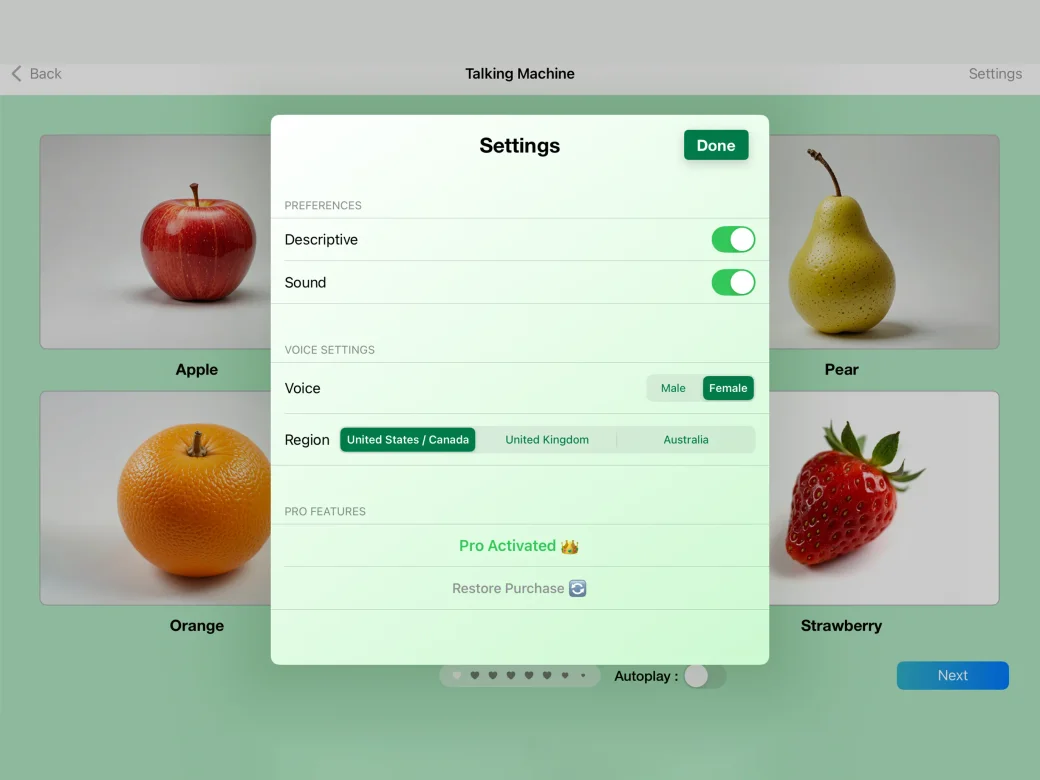
Voice Output Communication: The program speaks the selected word or phrase, allowing children to communicate clearly.
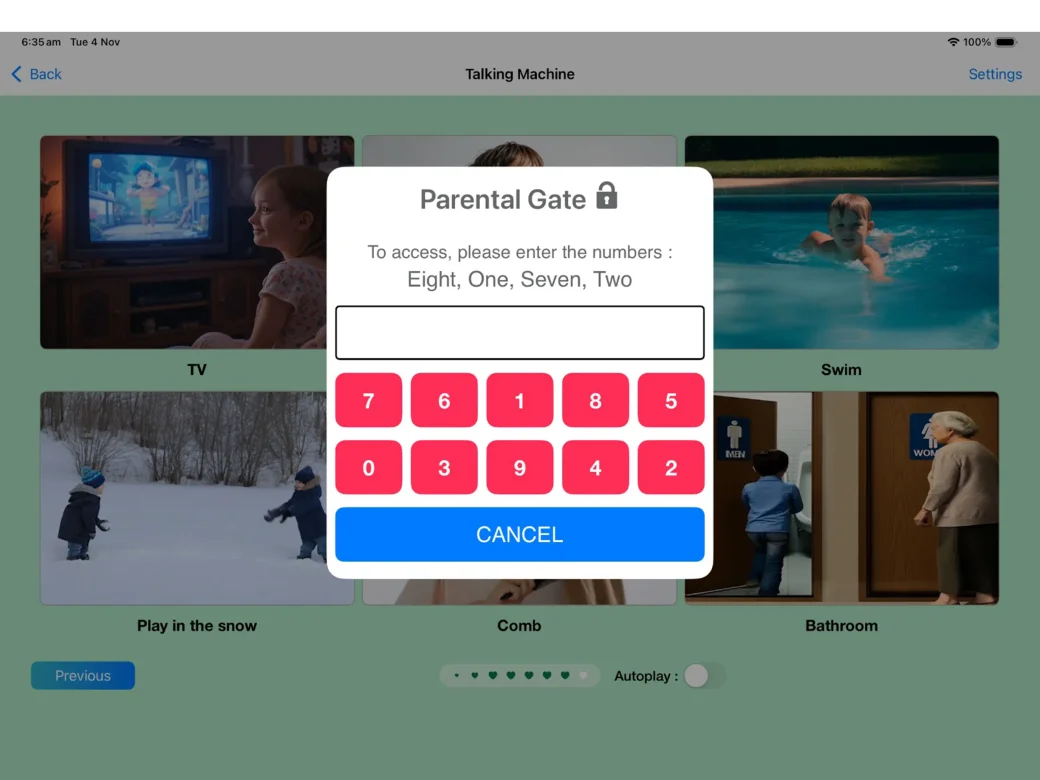
60 Colorful Pictures and Animations: Each picture represents a daily activity or object. Clicking it shows an animation and plays the related sentence.
Familiarization-Friendly Design: Children can easily learn how to use the program with guidance from teachers or caregivers.
Sentence Display: The spoken sentence appears at the top of the screen to help children associate written words with spoken language.
Simple Navigation: Large, easy-to-use buttons for Next, Previous, First, and Last screens.
Help Section: The Help file opens in a separate window for quick assistance and detailed instructions.
About Section: Learn more about the company and its mission to create educational tools for children with special needs.
Safe and Accessible: Clear layout, simple icons, and minimal text make it ideal for young learners and children with communication challenges.
How It Works
Click Enter to open the main program screen.
Browse through the screens using the navigation buttons.
Click on any picture or item. The program will say the word, show the animation, and display the sentence.
The child can use this as a voice to tell caregivers what they want or need.
Click Done or Exit to close the program.
Benefits
Encourages communication and confidence for non-verbal or speech-delayed children.
Builds understanding between child and caregiver through visual and auditory cues.
Supports language learning, recognition, and social interaction.
Can be used at home, in schools, or in therapy sessions.
Why Talking Machine?
Children with speaking difficulties often struggle to make their needs understood. Talking Machine bridges that gap with the power of visuals and voice. With familiar pictures and realistic animations, children can easily select what they want to do, and the program speaks for them.
This application has been carefully designed by educators and software developers dedicated to helping children communicate, learn, and connect with the world around them.
Talking Machine — Giving Every Child a Voice.
Confidentialité de l’application
Ce que Blooming Kids Software LLC déclare sur l’App Store au sujet du traitement des données par cette application.
-
Données non collectées
Le développeur ne collecte aucune donnée à partir de cette application.
Les pratiques en matière de confidentialité peuvent varier, notamment en fonction des fonctionnalités que vous utilisez ou de votre âge.
Informations
- Vendeur
- Blooming Kids Software LLC
- Catégorie
- Éducation
- Version
- 1.0
- Mis à jour
- 25/11/2025
- Publié
- 24/11/2025
- Taille
- 402,1 Mo
- Nécessite
- iOS 15.6 ou version ultérieure
- Classification d’âge
- 4+
- Prix
- Gratuit
- Achats intégrés
- Oui
- Langues
- Anglais
- Copyright
- © 2025 Blooming Kids Software