Telnet Client Terminal
Connect to your Telnet Server
Conçue pour iPhone, iPad, iPod touch
Gratuit · Achats intégrés
- Classification d’âge4+
- CatégorieProductivité
- DéveloppeurLoopbots Technology
- LanguesAnglais+ 11 de plus
- Taille14,8 Mo
Renvoie vers la page App Store officielle
Download.org n’héberge aucun fichier de Telnet Client Terminal. Le bouton ouvre la page de l’application sur App Store, où Loopbots Technology la publie. Fiche vérifiée pour la dernière fois le 12/11/2026.
Captures d’écran

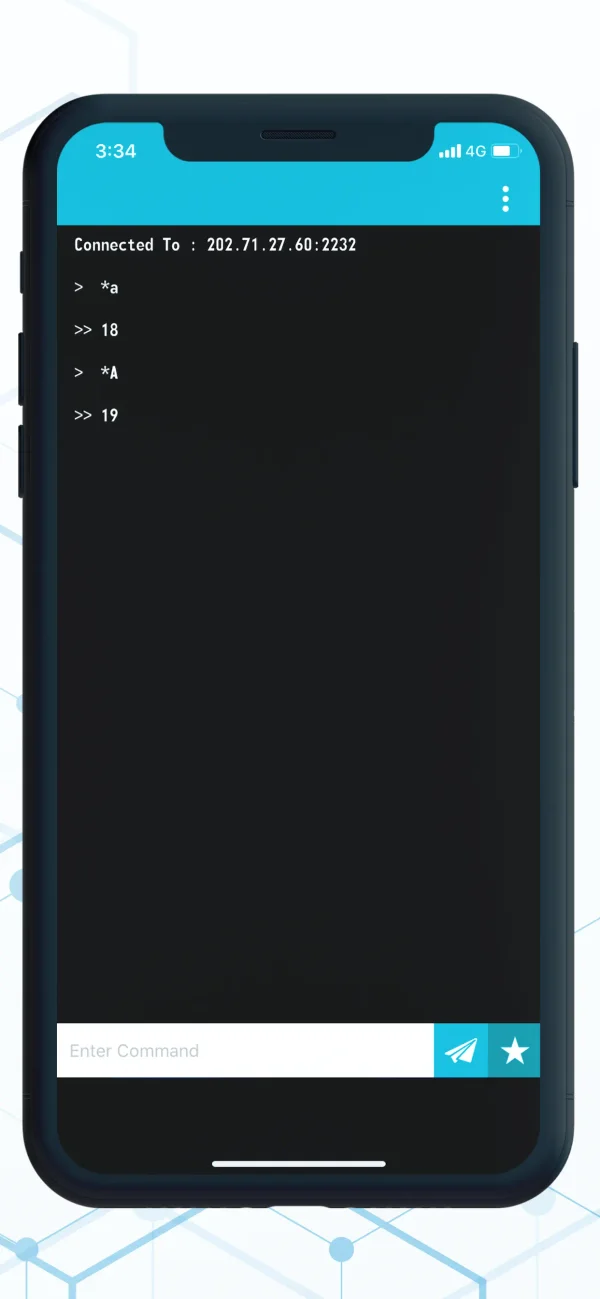
À propos
Le développeur n’a pas fourni ce texte dans votre langue.
◆◆◆◆◆ Telnet Client Terminal ◆◆◆◆◆
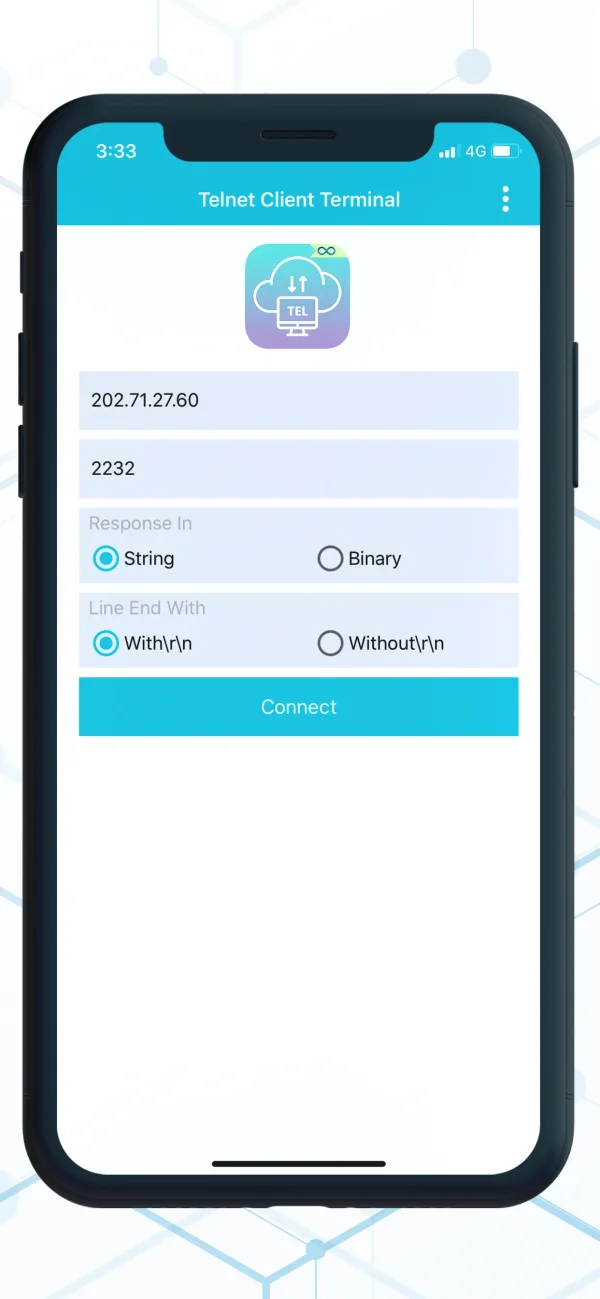
Telnet Client Terminal is a simple and reliable app for connecting to TCP/IP servers from your iPhone or iPad. Easily establish a connection by entering an IP address or hostname and port number.
Designed for ease of use, the app helps you manage server connections efficiently. You can save and bookmark frequently used commands or connections for quick access and improved productivity.
With a clean interface and straightforward setup, Telnet Client Terminal is suitable for developers, network administrators, and users who need a lightweight telnet tool on mobile.
Key Features
▶ Connect to servers using TCP/IP Telnet
▶ Supports standard Telnet terminal functions
▶ Run the Telnet client directly on your device
▶ Connect using IP address or hostname and port
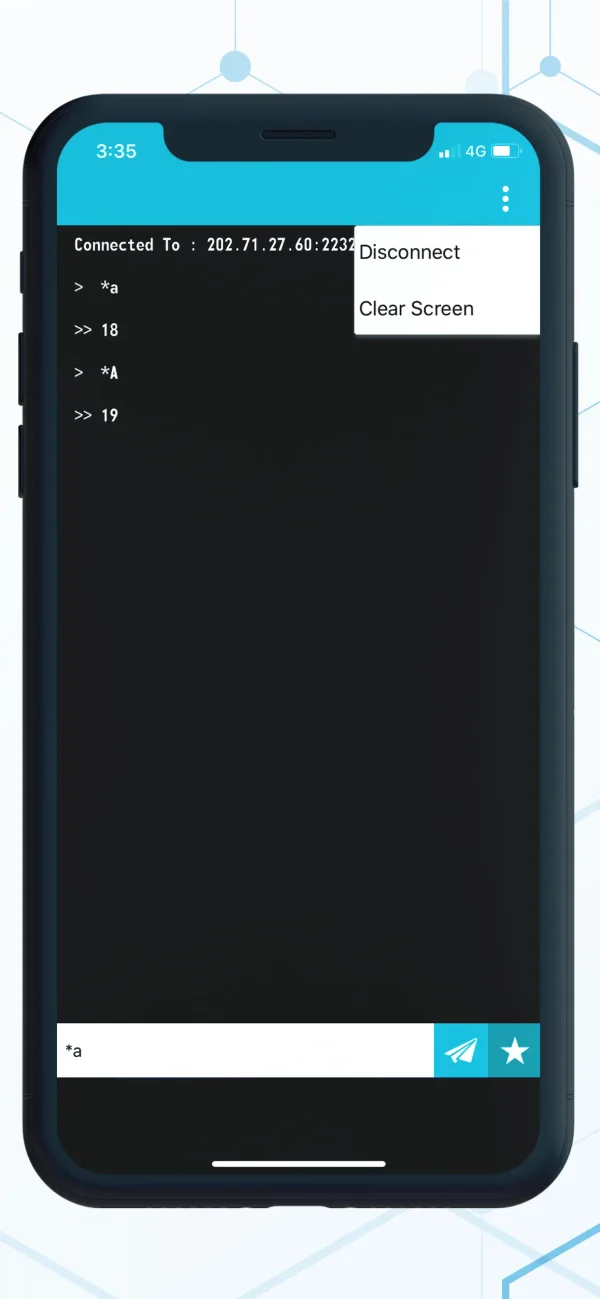
▶ Send commands that execute on the server console
▶ Communicate with remote servers over the network
▶ Save and reuse recent server connections
▶ Smart suggestions for hostnames and ports while typing
▶ View and manage command history
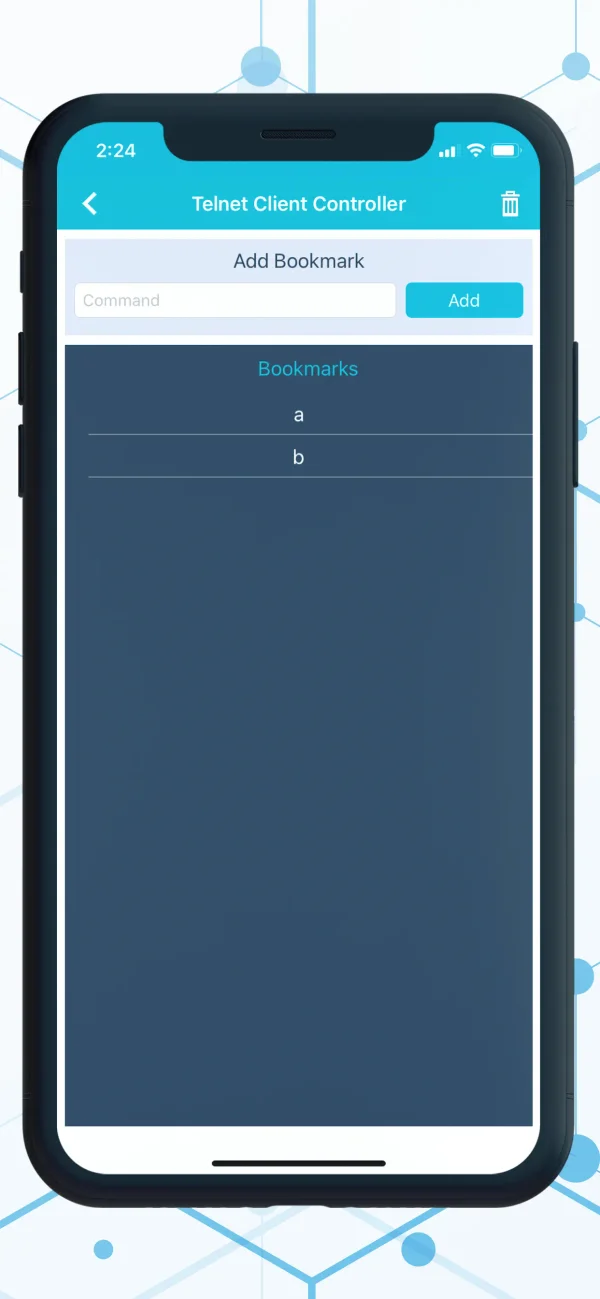
▶ Bookmark frequently used commands for quick access
▶ Add, edit, and manage saved commands
▶ Auto-complete suggestions based on command history
We are working on it to make it even better. Your suggestions are most welcome as always. We appreciate your suggestions.
▶▶ Supported languages: English, Russian, Spanish, Italian, German, Portuguese, French, Arabic, Japanese, Korean, Simplified Chinese, Traditional Chinese.
▶▶ Note: All the supported languages are machine translations. There are possibilities of mistakes in any language. If you found any type of mistake then please write to us at contact@loopbots.com and we will verify and resolve it.
Nouveautés
Version 2.10 · 06/01/2026
Bug fixes and performance improvements.
Improved stability and reliability.
Confidentialité de l’application
Ce que Loopbots Technology déclare sur l’App Store au sujet du traitement des données par cette application.
-
Données non collectées
Le développeur ne collecte aucune donnée à partir de cette application.
Les pratiques en matière de confidentialité peuvent varier, notamment en fonction des fonctionnalités que vous utilisez ou de votre âge.
Informations
- Vendeur
- Loopbots Technology
- Catégorie
- Productivité
- Version
- 2.10
- Mis à jour
- 06/01/2026
- Publié
- 31/03/2016
- Taille
- 14,8 Mo
- Nécessite
- iOS 10.0 ou version ultérieure
- Classification d’âge
- 4+
- Prix
- Gratuit
- Achats intégrés
- Oui
- Langues
- Anglais, Arabe, Français, Allemand, Italien, Japonais, Coréen, Portugais, Russe, Chinois simplifié, Espagnol, Chinois traditionnel
- Copyright
- © 2026 Copyright Loopbots Technology.
Vous aimerez peut-être aussi
-
 Halo OSProductivité
-
 My WebDAVProductivité
-
 SFTP File ProviderFichiers sur serveurs SFTP
-
 Network Utilities & AnalyzerProductivité
-
 ADSignify - Active DirectoryProductivité
-
 EasyMQTTProductivité
-
 FTP Files: Server StorageFTP, FTPS & SFTP over SSH
-
 PRTG - MonitoringProductivité
-
 Network Toolbox Net securityProductivité
-
 iNet - Scanner de réseauConnaissez votre réseau ...