Text Editor : Code Editor
#1 App Built for Developers
Conçue pour iPhone, iPad
Gratuit
- Classification d’âge4+
- CatégorieOutils de développement
- DéveloppeurDevashy Rangpariya
- LanguesAnglais+ 31 de plus
- Taille52,6 Mo
Renvoie vers la page App Store officielle
Download.org n’héberge aucun fichier de Text Editor : Code Editor. Le bouton ouvre la page de l’application sur App Store, où Devashy Rangpariya la publie. Fiche vérifiée pour la dernière fois le 20/11/2026.
Captures d’écran
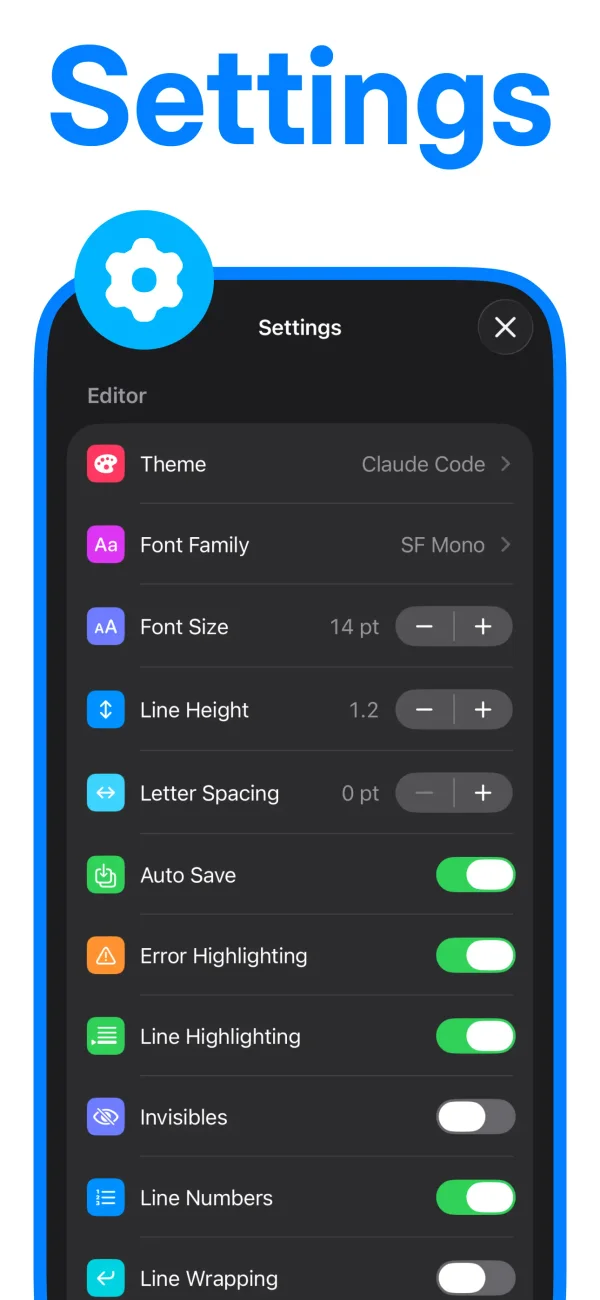
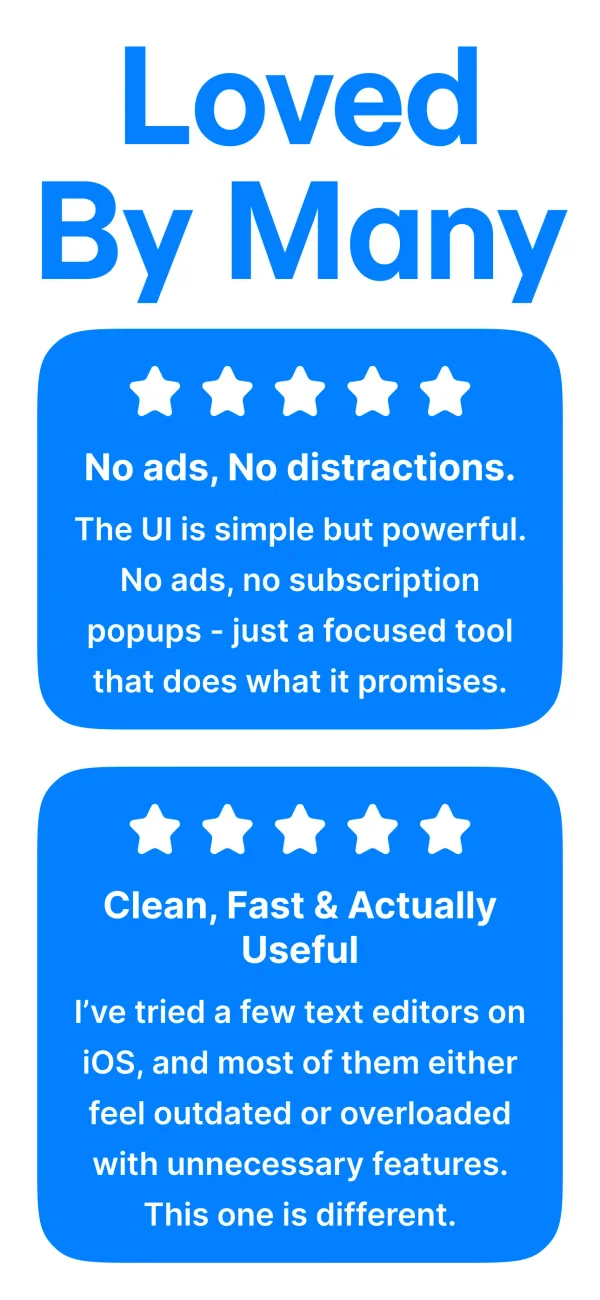
À propos
Le développeur n’a pas fourni ce texte dans votre langue.
Text Editor is a fast, modern, and powerful code editor built for developers, students, and creators who want a professional coding experience on iPhone, iPad, Mac, and Vision Pro.
Write, edit, and manage code with support for many popular programming, scripting, and markup languages all in one lightweight and easy-to-use editor.
Whether you are building websites, editing configuration files, writing scripts, learning programming, or taking technical notes, Text Editor provides a smooth and reliable workspace designed for productivity.
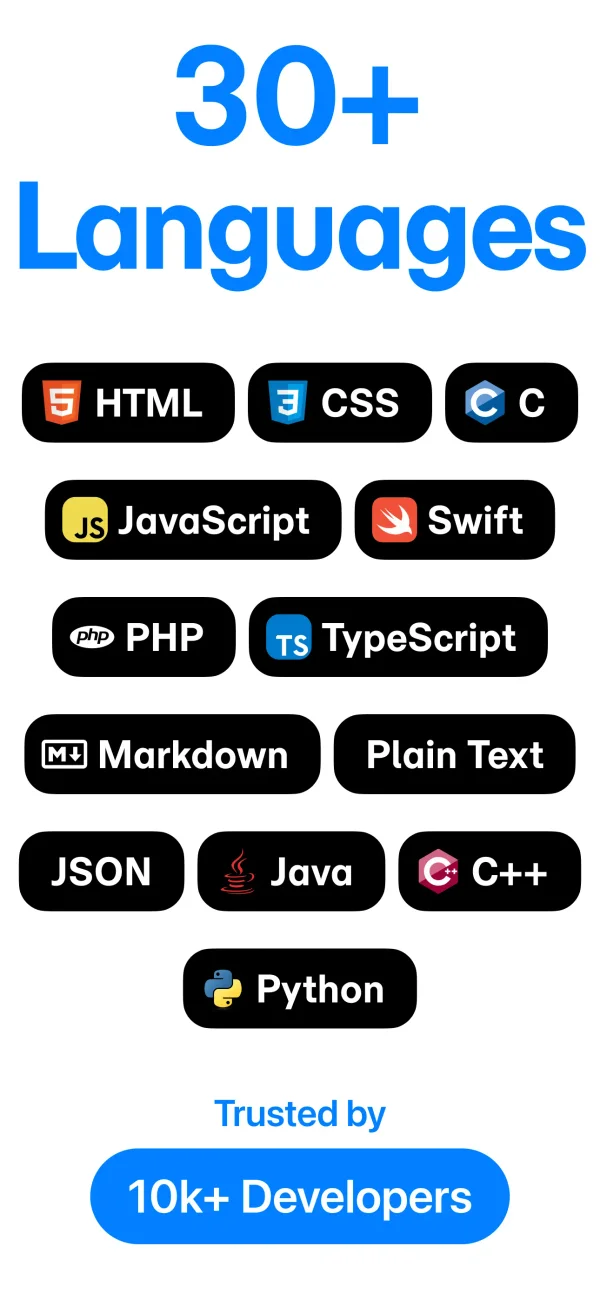
Supported Languages:
Swift, C, C++, C#, Objective-C, Go, Rust, Java, Kotlin, JavaScript, TypeScript, JSX, TSX, Python, Ruby, PHP, Lua, Perl, Bash, SQL, HTML, CSS, SCSS, JSON, JSON5, YAML, TOML, Markdown, Astro, Regex, Elixir, Haskell, Plain Text, and many more.
Features:
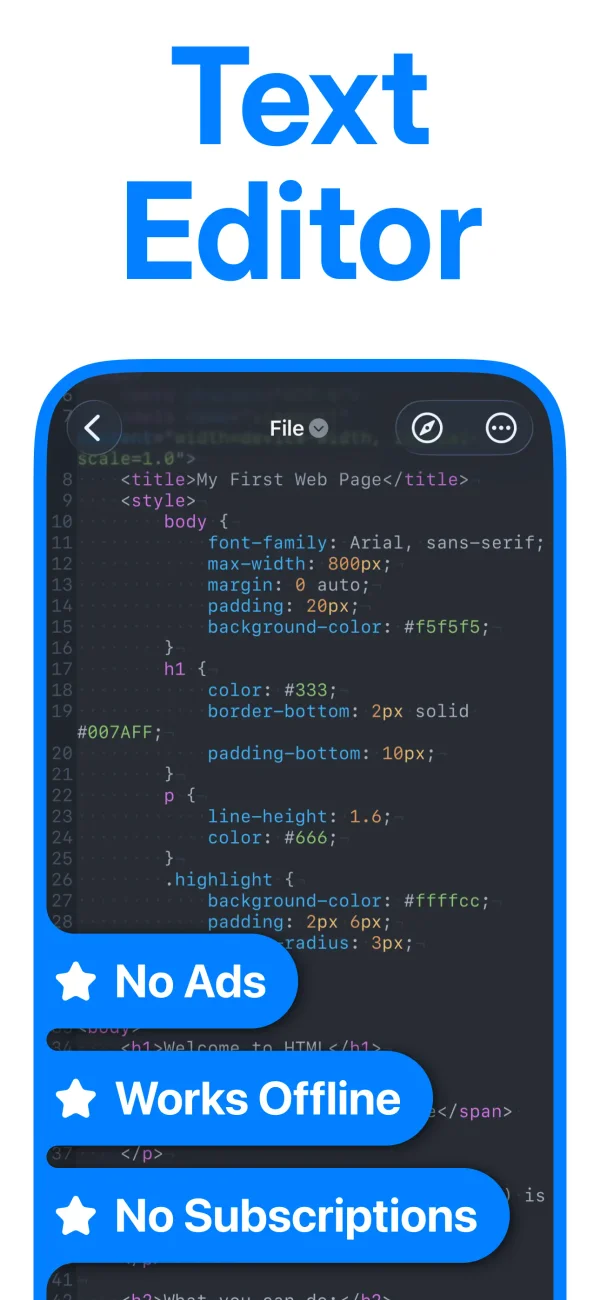
- Professional code and text editing
- Fast and lightweight performance
- Tree-sitter powered syntax highlighting
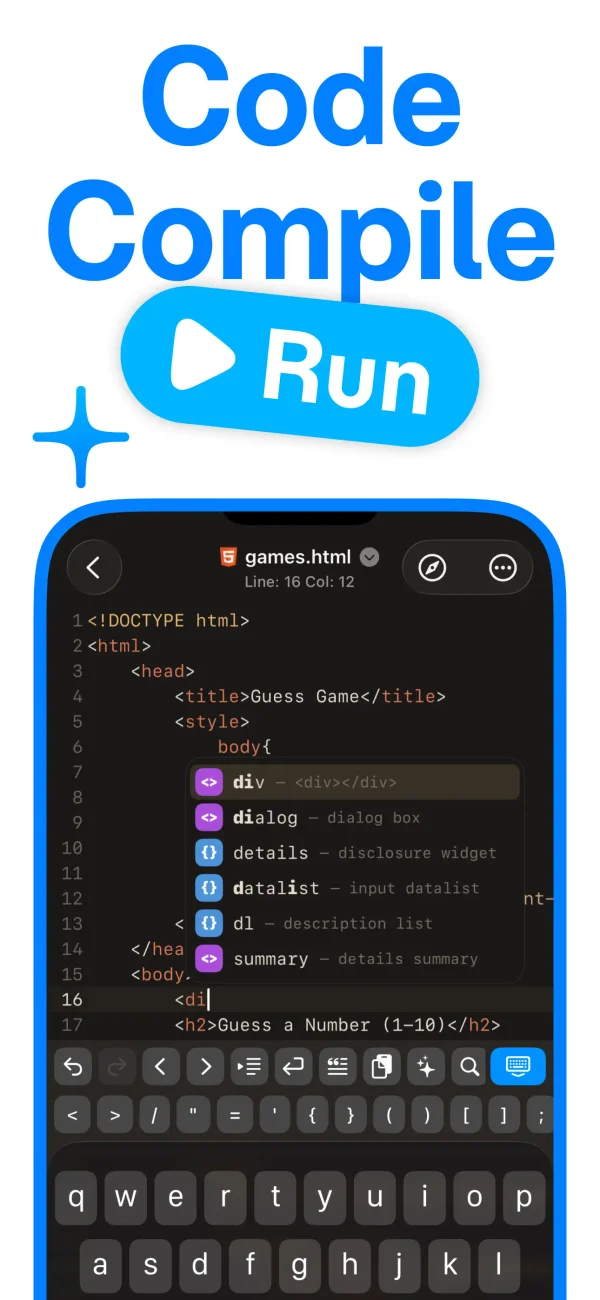
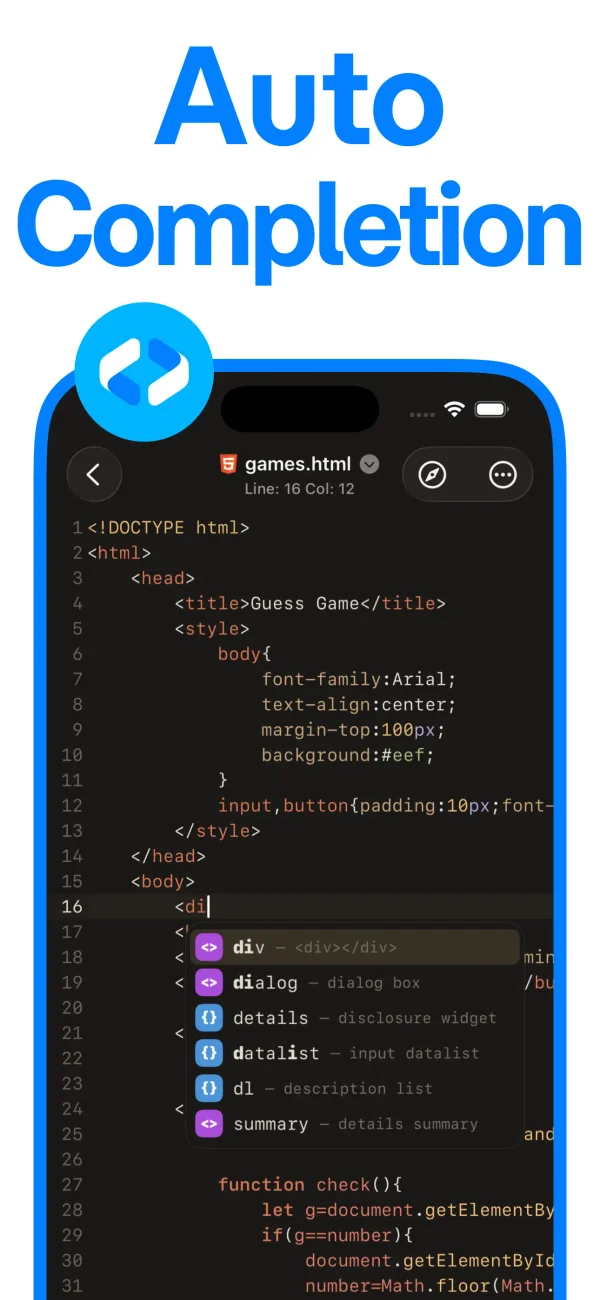
- Smart autocomplete and code suggestions
- Built-in snippets for popular languages
- Context-aware suggestions with fuzzy matching
- Auto-close brackets, quotes, and tags
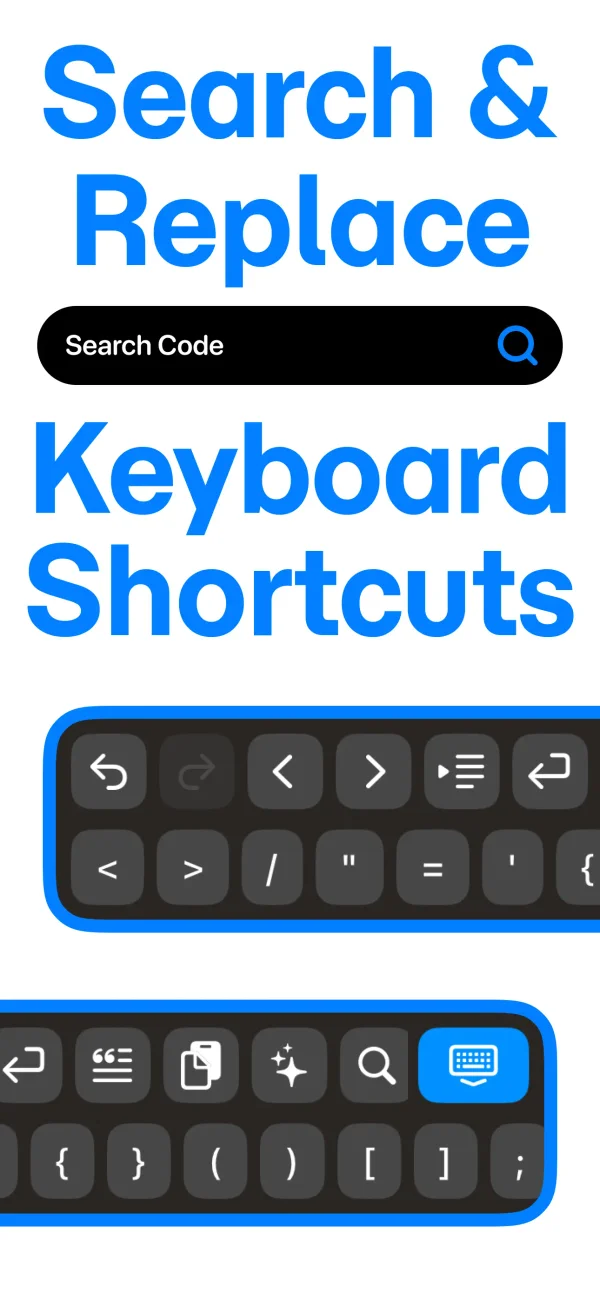
- Find and replace
- Go to line
- Undo and redo support
- Duplicate and move lines quickly
- Advanced keyboard editing controls
- Format code with Prettier
- Support for HTML, CSS, JavaScript, TypeScript, JSON, YAML, Markdown, and PHP formatting
- Adjustable tab width, line length, quote style, trailing commas, prose wrap, and more
- Beautiful built-in light and dark themes
- 30+ professionally designed themes included
- Popular themes inspired by One Dark Pro, Dracula, Monokai, Solarized, Nord, GitHub Dark, Tokyo Night, Material, Paper, and more
- Import and export custom themes
- App-wide adaptive color scheme
- Fully customizable keyboard accessory bar
- Quick access coding symbols and actions
- Powerful editing actions including indent, outdent, duplicate lines, move lines, and cursor navigation
- Searchable advanced font picker with support for custom fonts
- Adjustable font size, line height, and letter spacing
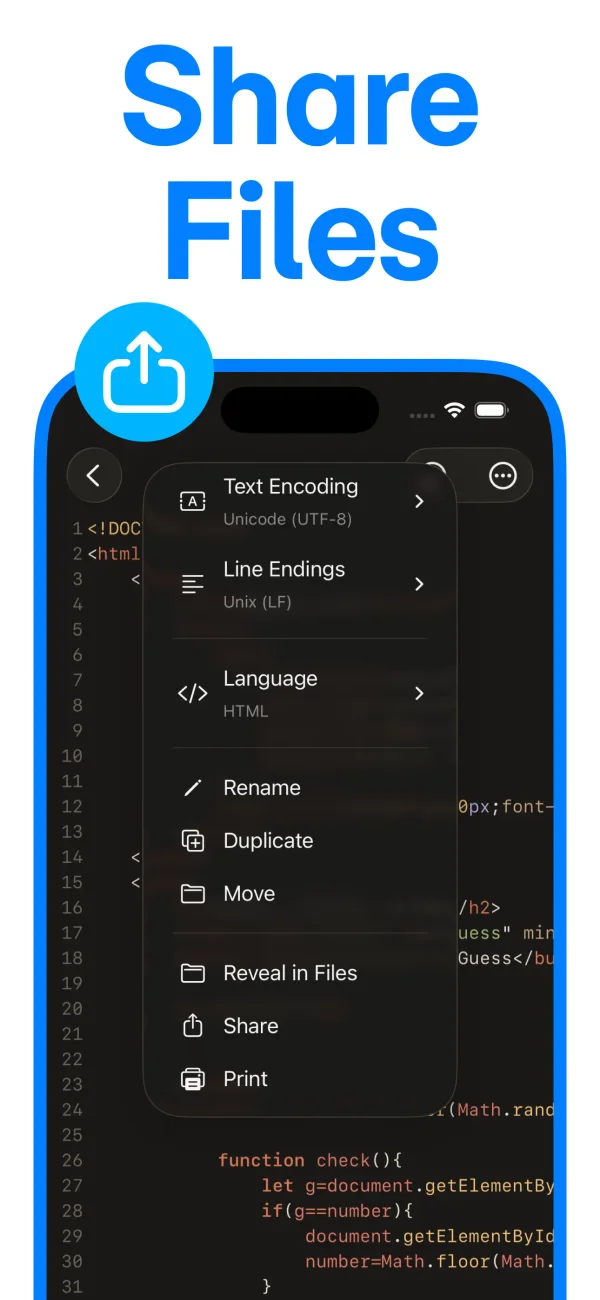
- Multiple text encodings with automatic detection
- Choose between UTF-8, UTF-16, ISO Latin 1, and many more encodings
- Line ending detection and preservation (LF and CRLF)
- Enable or disable auto-correction
- Enable or disable auto-capitalization
- Enable or disable spell-checking
- Hardware keyboard shortcuts for save, find, format, comments, and navigation
- Auto-save and unsaved changes protection
- Native Files app integration
- Open, edit, and share files easily
- Share Sheet support
- Print documents directly from the app
- Optimized for iPhone, iPad, Mac, and Vision Pro
Built for Productivity:
Text Editor is designed to help you stay focused with a clean interface, responsive performance, and powerful developer tools that make coding easier anywhere.
Perfect for web development, mobile app development, backend scripting, configuration editing, Markdown writing, learning programming, technical notes, and everyday text editing.
Simple enough for beginners. Powerful enough for professional developers.
Nouveautés
Version 1.0.2 · 04/07/2026
- Redesigned iPhone home screen
- Adaptive iPad layout with sidebar
- Preview images, PDFs, and CSV files
- Open archives and many more file types
- Colorful language icons for files
- More languages for syntax highlighting
- Bug fixes and better performance
Confidentialité de l’application
Ce que Devashy Rangpariya déclare sur l’App Store au sujet du traitement des données par cette application.
-
Données non collectées
Le développeur ne collecte aucune donnée à partir de cette application.
Les pratiques en matière de confidentialité peuvent varier, notamment en fonction des fonctionnalités que vous utilisez ou de votre âge.
Informations
- Vendeur
- Devashy Rangpariya
- Catégorie
- Outils de développement
- Version
- 1.0.2
- Mis à jour
- 04/07/2026
- Publié
- 27/04/2026
- Taille
- 52,6 Mo
- Nécessite
- iOS 17.0 ou version ultérieure
- Classification d’âge
- 4+
- Prix
- Gratuit
- Langues
- Anglais, Arabe, Catalan, Croate, Tchèque, Danois, Néerlandais, Finnois, Français, Allemand, Grec, Hébreu + 20 de plus
- Copyright
- © Devashya Rangpariya
Vous aimerez peut-être aussi
-
 PushwordOutils de développement
-
 DevSnoop - Developer BrowserOutils de développement
-
 Nice SSHOutils de développement
-
 Regex PlaygroundOutils de développement
-
 JSON View : Editor & FormatterOutils de développement
-
 PyodiosOutils de développement
-
 Pad Code AI: Éditeur & IDELancez Python, C++, JavaScript
-
 Agent BrowserOutils de développement
-
 Kodo : Éditeur de code avec IAPython et C++ hors ligne, SSH
-
 Launch CanvasOutils de développement