
Text Editor - Document Editor
Edit Texts & Replace Words
Conçue pour iPhone, iPad
Gratuit · Achats intégrés
- Classification d’âge4+
- CatégorieOutils de développement
- DéveloppeurSupagarn Pattananuchart
- LanguesAnglais
- Taille8,7 Mo
Renvoie vers la page App Store officielle
Download.org n’héberge aucun fichier de Text Editor - Document Editor. Le bouton ouvre la page de l’application sur App Store, où Supagarn Pattananuchart la publie. Fiche vérifiée pour la dernière fois le 17/11/2026.
Captures d’écran
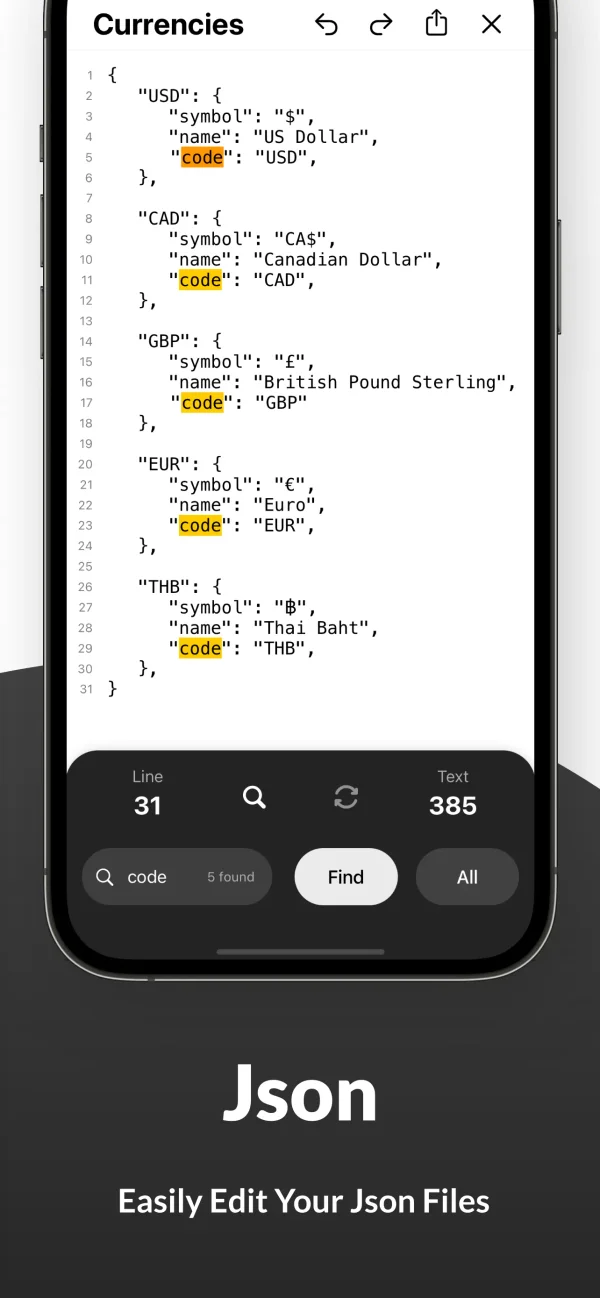
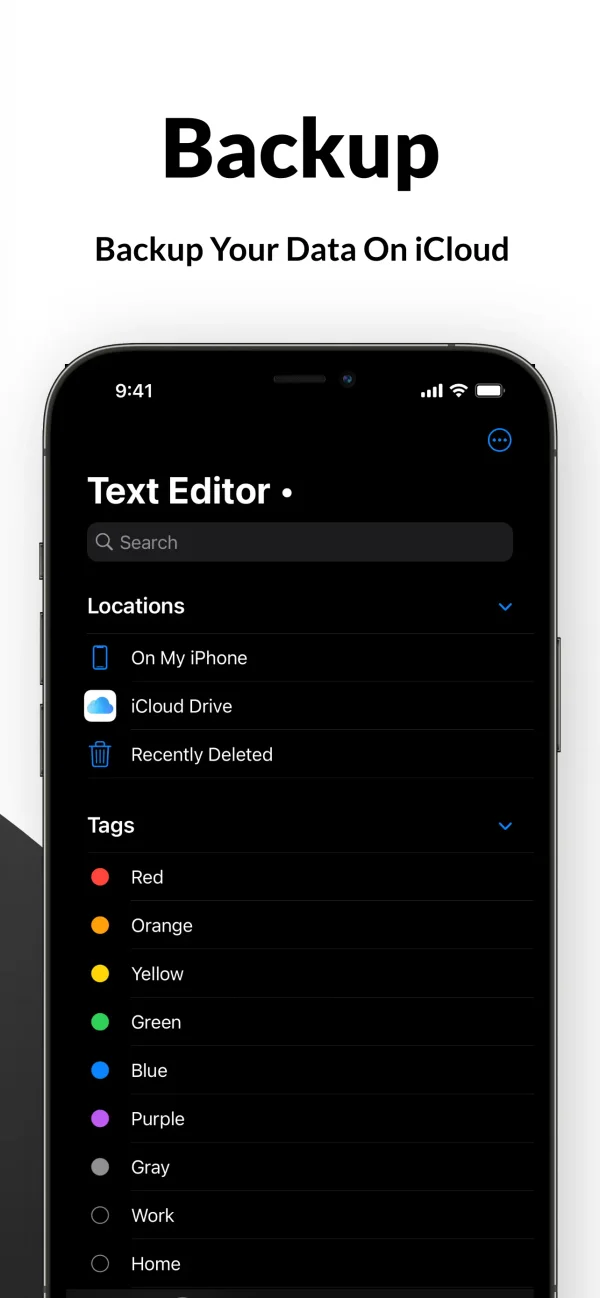
À propos
Le développeur n’a pas fourni ce texte dans votre langue.
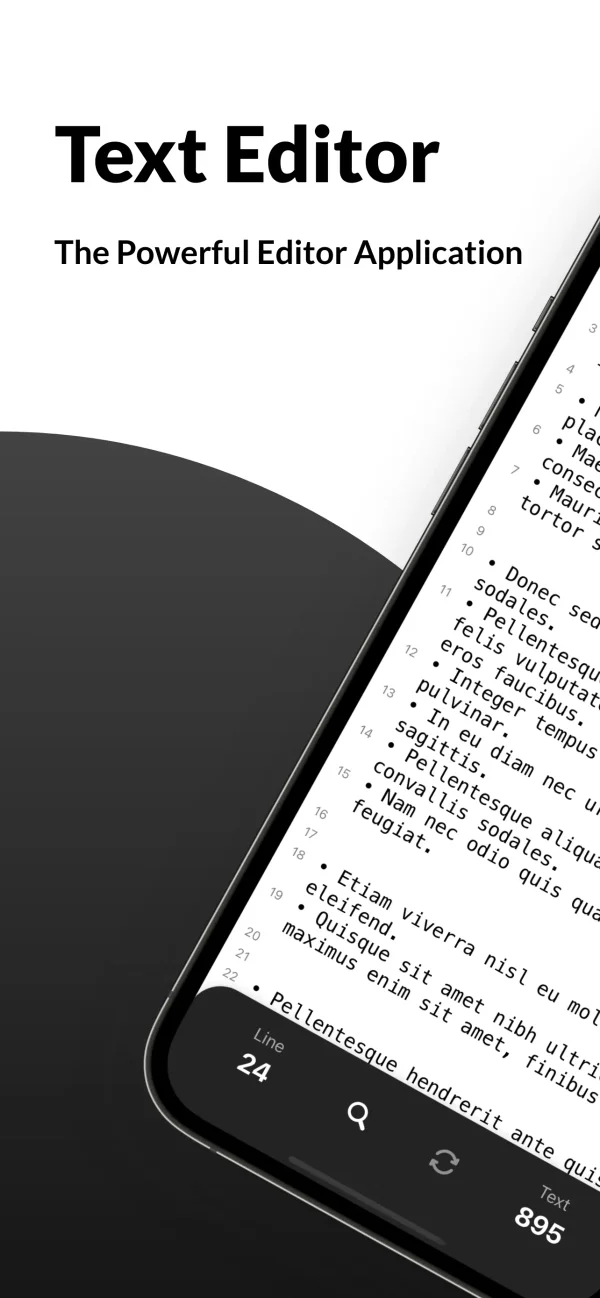
Looking for powerful editing apps to write your story, files and make corrections whenever needed? Install Text Editor - Document Editor Pro on your iOS device and edit your texts anytime, anywhere easily.
We have brought you a fantastic and easy text editor app that will allow you to write and record your story, draft writings, search words or letters and replace multiple words at once. You don’t need several file editors to get different jobs done; this texting editor will provide you with everything. Whether you are looking for a free document editor or a font editing app, our words editor or text document editing app will delight you big time.
What can you do with Text Editor- Document Editor app?
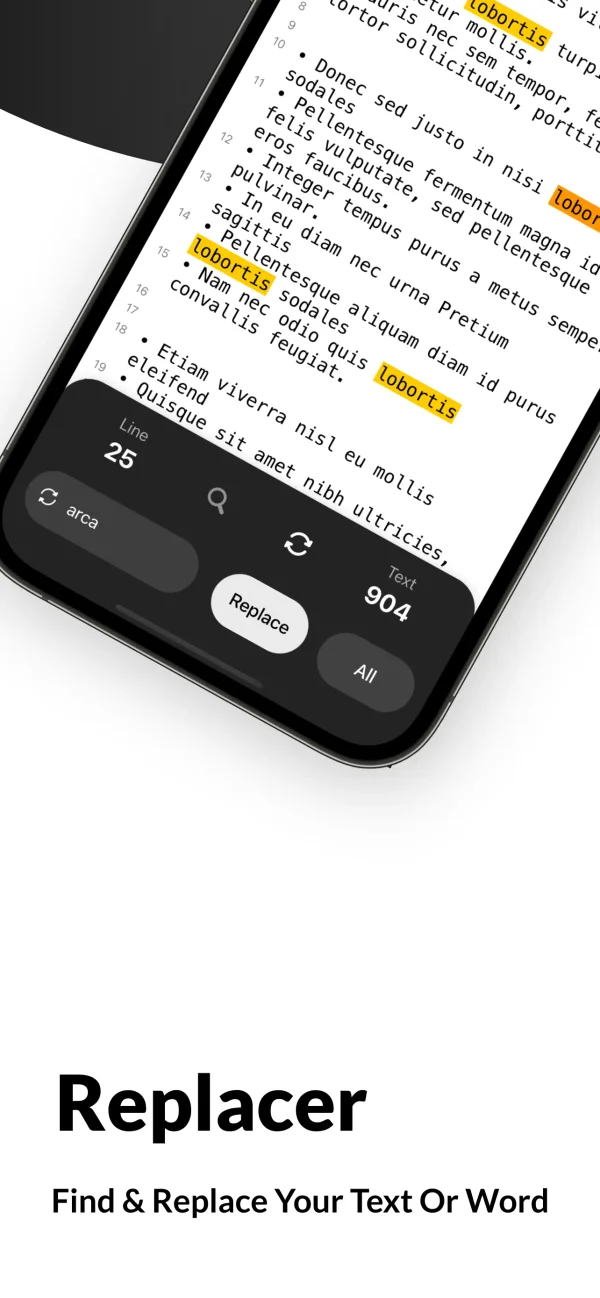
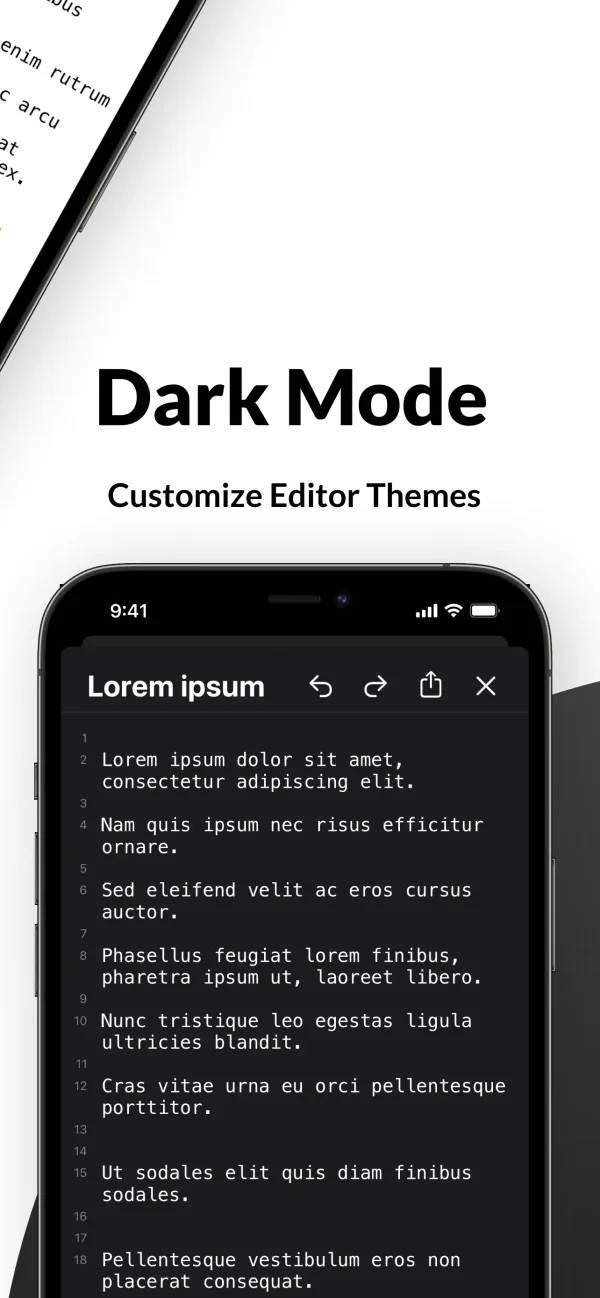
This powerful editing app allows you to edit word files anywhere, anytime. While using this file editor to rewrite your texts, you can find a new word and replace your text with it. Our app works as a text changer, so you can change any word instantly right in the app. You can replace multiple words and search for new words in this word editor app. You can also customize editor themes such as a dark mode for the night or light mode for the day. Also, back up your files and documents on the cloud with one click.
So, if you are searching for a word editor to edit google documents or a text edit app for customizing your notebook word writings, this editing app is always here to help.
Take a look at the key features of the Text Editor- Document Editor Pro app:
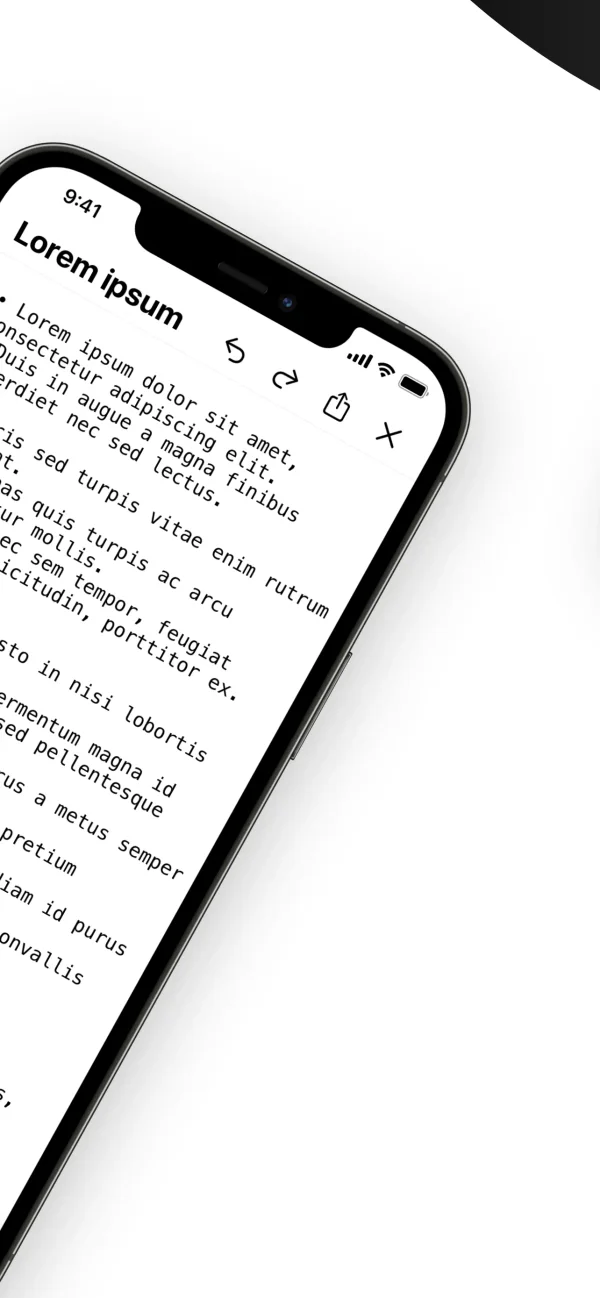
• Whether you are looking for editing apps to make corrections to your word docs or to write a story on your iOS device, this text edit app works effectively and efficiently. The simple and easy user interface of this app editor allows you to edit texts quickly and flawlessly. Install the app on your iPhone and start editing texts instantly without going through any complicated settings.
• In the setting, you can customize the text as per your will. There are hundreds of font sizes available in our markdown app, and you can select the one you require. You can keep auto-correction on so the app can correct if you make a mistake. This docs and notes editor allows you to write and read texts in fullscreen mode.
• Your recent activities are also saved in the history so you can find previous documents in one tap. If you are looking for an easy, simple yet elegant text editing tool that contains all necessary functions, your search ends with our quick edit app.
• You can find words or texts and replace them easily in this texteditor app. This text changer allows you to change words anytime you want. Select the word you want to change, find the alternative in the app, and replace it. You can also edit your Json file effortlessly with this quickedit app.
• This texting editor allows you to customize the theme. You can switch into the dark mode or light mode according to your need.
• Keep a backup of your edited word doc or google-docs into the cloud, so you never lose them. Find the right tags for your file in the app and upload them directly on iCloud.
• If you are searching for a document editor free to edit documents like word files or Json, our simple texting-file editor is the right one. In-app purchases are also available if you want to access more unique features.
So, what are you waiting for? Install Text Editor- Document Editor on your iOS device and start editing texts like a pro.
Terms of Use: https://www.apple.com/legal/internet-services/itunes/dev/stdeula/
Privacy Policy: https://supagarn-pa.com/TextEditor/privacy-policy
Nouveautés
Version 2.6 · 20/10/2026
• Bug fixes
• Performance improvements
Confidentialité de l’application
Ce que Supagarn Pattananuchart déclare sur l’App Store au sujet du traitement des données par cette application.
-
Données non collectées
Le développeur ne collecte aucune donnée à partir de cette application.
Les pratiques en matière de confidentialité peuvent varier, notamment en fonction des fonctionnalités que vous utilisez ou de votre âge.
Informations
- Vendeur
- Supagarn Pattananuchart
- Catégorie
- Outils de développement
- Version
- 2.6
- Mis à jour
- 20/10/2026
- Publié
- 12/05/2021
- Taille
- 8,7 Mo
- Nécessite
- iOS 17.0 ou version ultérieure
- Classification d’âge
- 4+
- Prix
- Gratuit
- Achats intégrés
- Oui
- Langues
- Anglais
- Copyright
- © 2019 SUPAGARN - PA
Vous aimerez peut-être aussi
-
 YAML Tools: Éditeur & ValideurJSON Schema, conversion, diff
-
 GrafanaUIDashboards & Alertes DevOps
-
 DNS Client: Lookup & QueryOutils de développement
-
 Code Workspace - IA AgentIDE gratuit avec Git, SSH, IA
-
 Shell KeyboardOutils de développement
-
 SwiftyTerminal: Terminal ShellOutils de développement
-
 Tanuki for GitLabOutils de développement
-
 iCardVerify-Validateur cartesGénérateur de cartes de crédit
-
 Python ManualOutils de développement
-
 eBook Studio: Create & PublishOutils de développement