
Text Mod
Easy Search Edit Text by RegEx
Conçue pour iPhone, iPad, iPod touch
3,99 €
- Classification d’âge4+
- CatégorieUtilitaires
- DéveloppeurHeng Jia Liang
- LanguesAnglais
- Taille8,3 Mo
Renvoie vers la page App Store officielle
Download.org n’héberge aucun fichier de Text Mod. Le bouton ouvre la page de l’application sur App Store, où Heng Jia Liang la publie. Fiche vérifiée pour la dernière fois le 18/11/2026.
Captures d’écran
À propos
Le développeur n’a pas fourni ce texte dans votre langue.
Text Mod are powerful text utilities tool use for search, list, edit or modify text characters by using RegEx fast and easy.
Features:
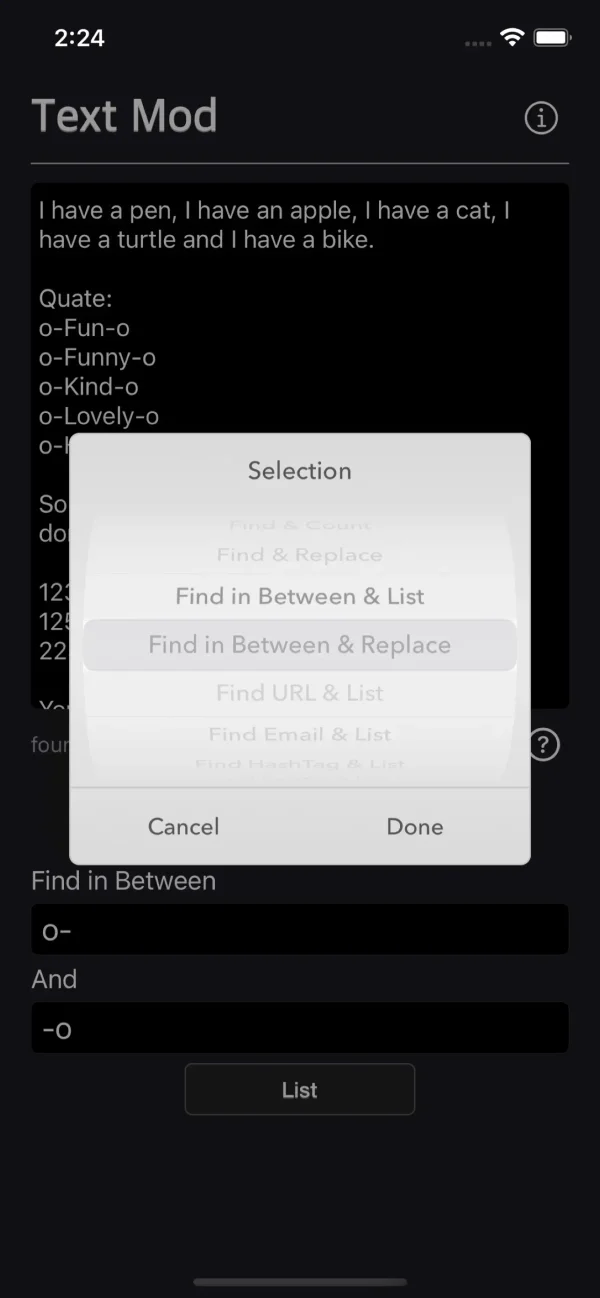
==Find & Count==
Find and count search string in text
==Find & Replace==
Find and replace search string in text
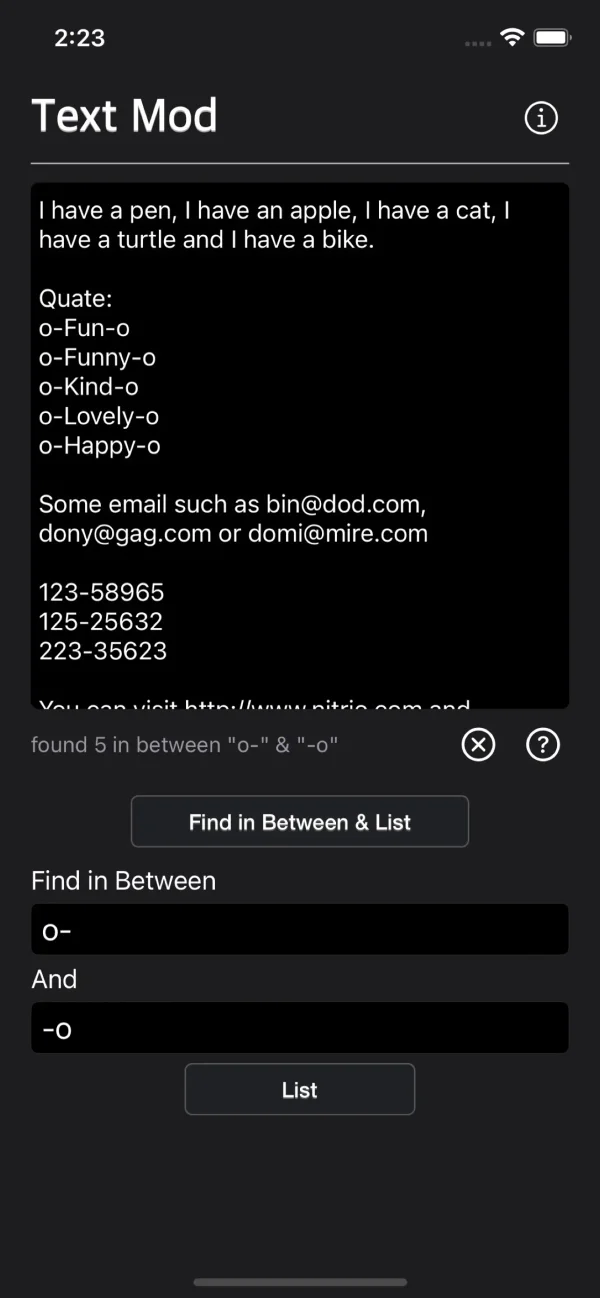
==Find in Between & List==
Find and list string in between search text, eg. Find in between "I" and "You" in
"I Love You, I Miss You, I Wait You" will result in "Love, Miss, Wait"
==Find in Between & Replace==
Find and Replace string in between search text, eg. Find in Between "I" and "You" and replace with "And" in "I Love You, I Miss You, I Wait You" will result in "I And You, I And You, I And You"
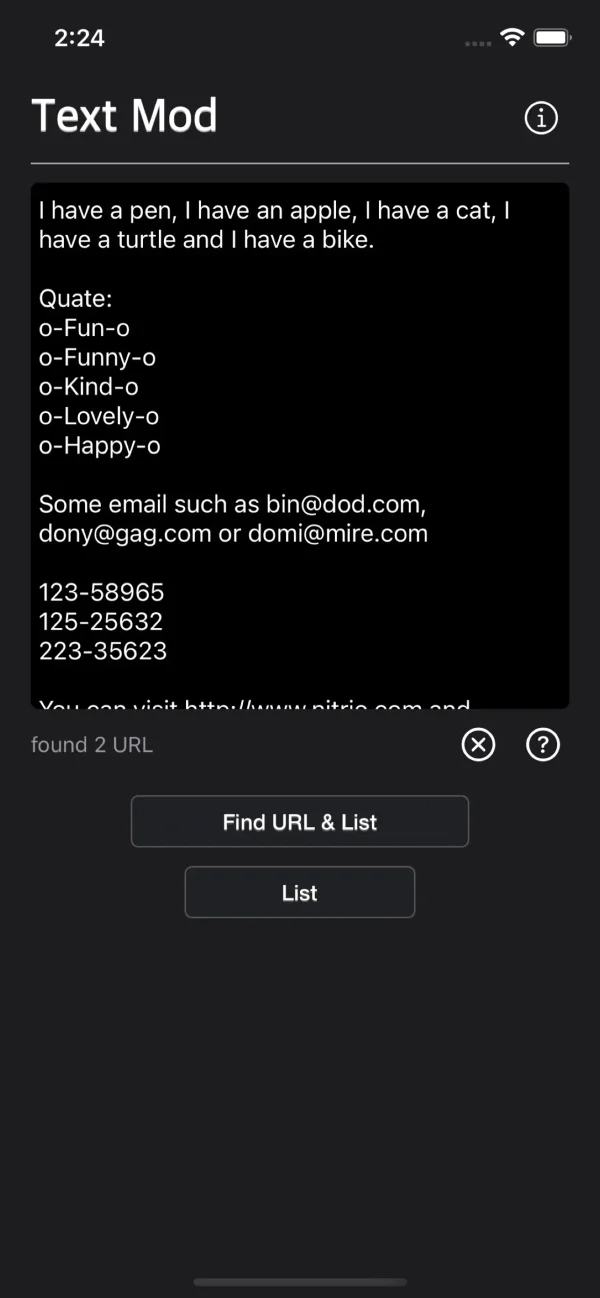
==Find URL & List==
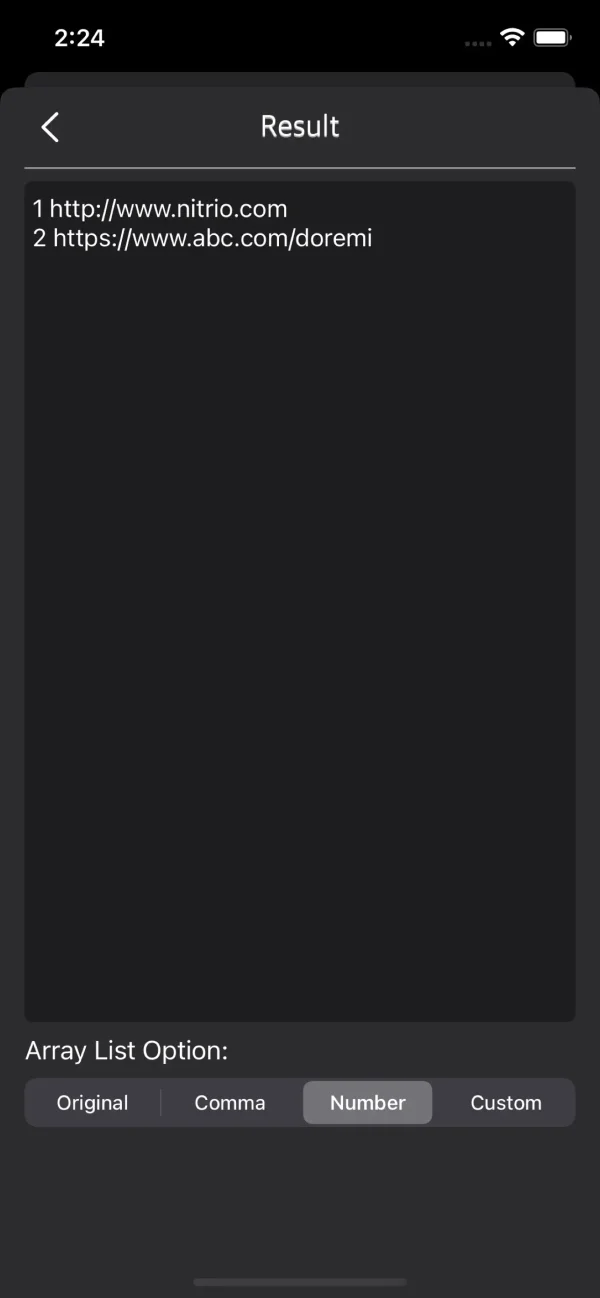
Find and list URL in search text, will return url such as http://www.nitrio.com, http://www.abc.com
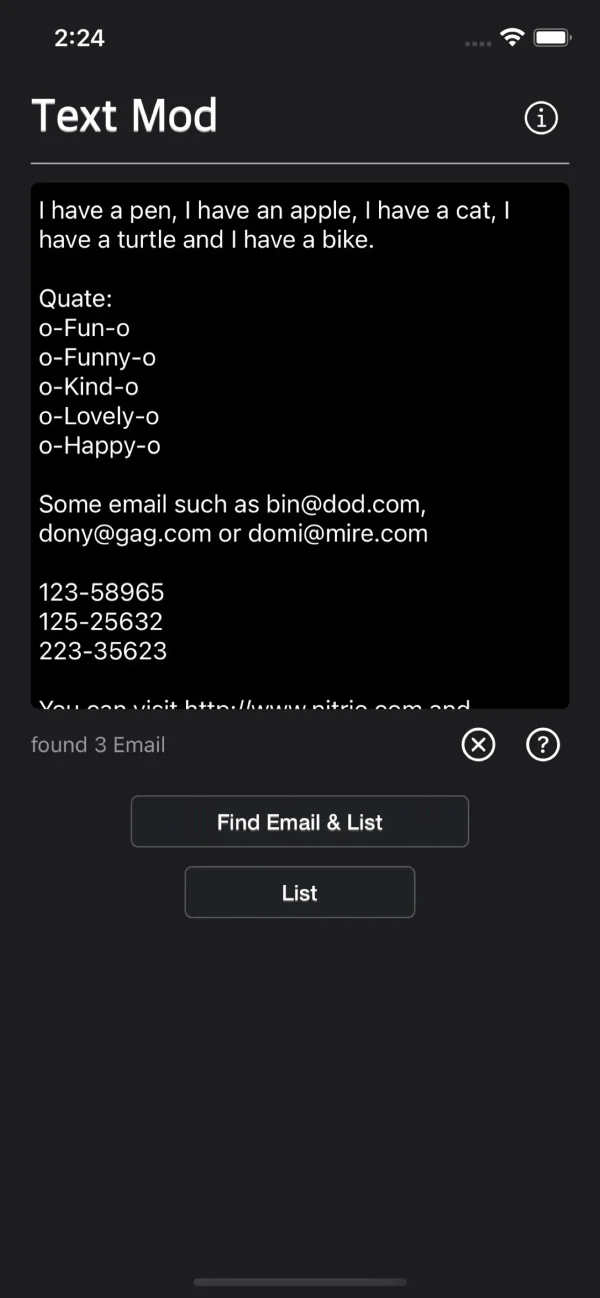
==Find Email & List==
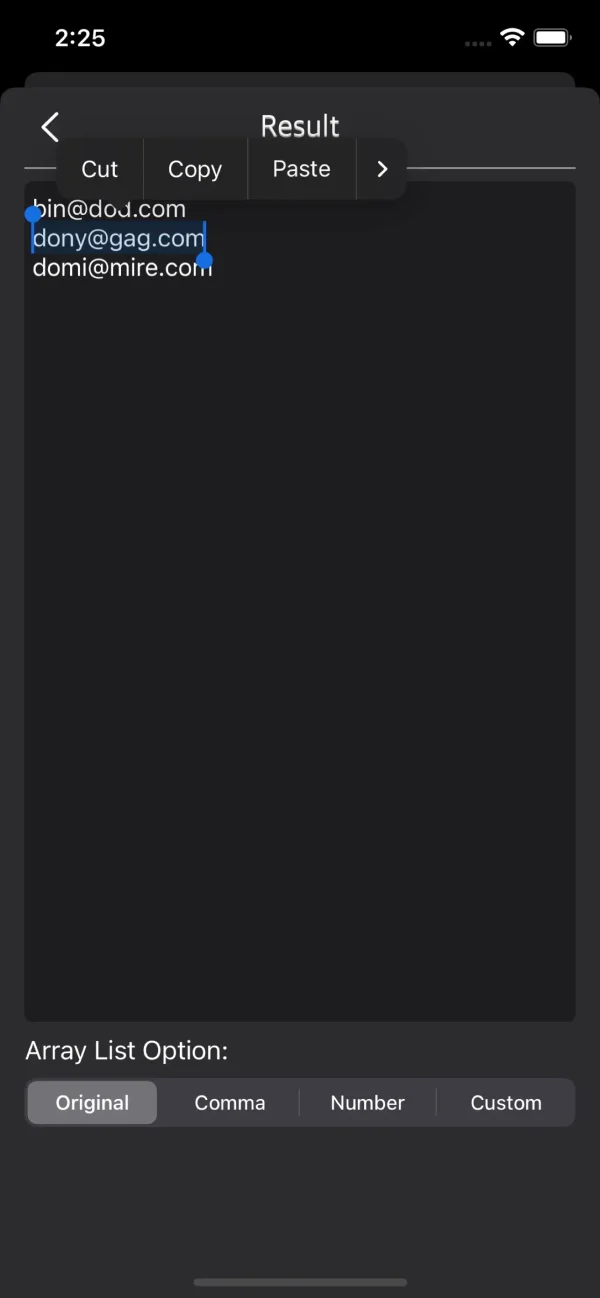
Find and list Email in search text, will return email such as abc@abb.com, vivi@nini.com
==Find HashTag & List==
Find and list HashTag in search text, will return HashTag such as #Happy, #GoLucky
==Find RegEx & List==
A RegEx, or Regular Expression, is a sequence of characters that forms a search pattern.
RegEx can be used to check if a string contains the specified search pattern.
Example:
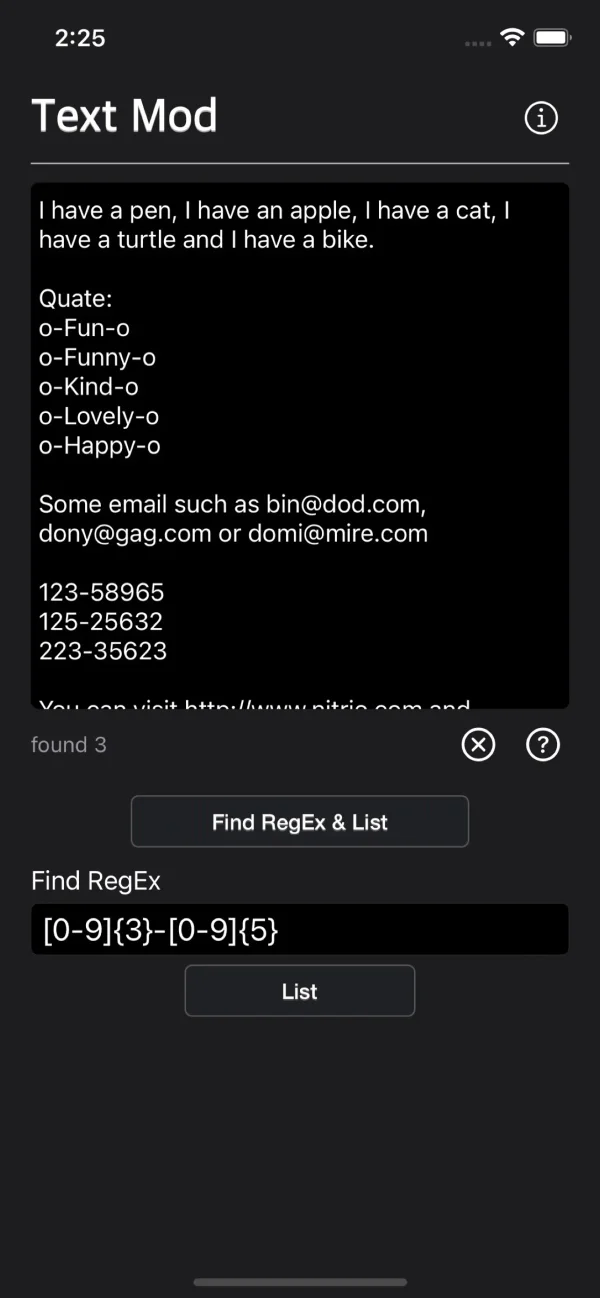
[0-9]{5} give search result exactly five integer letters such as 25125, 23652
[a-z]+, give search result such as hello, end, [including the comma]
#[a-z0-9]+ give search result such as #meme12, #city, #doremi256
c[a-z]+ give search result such as cat, comma, city
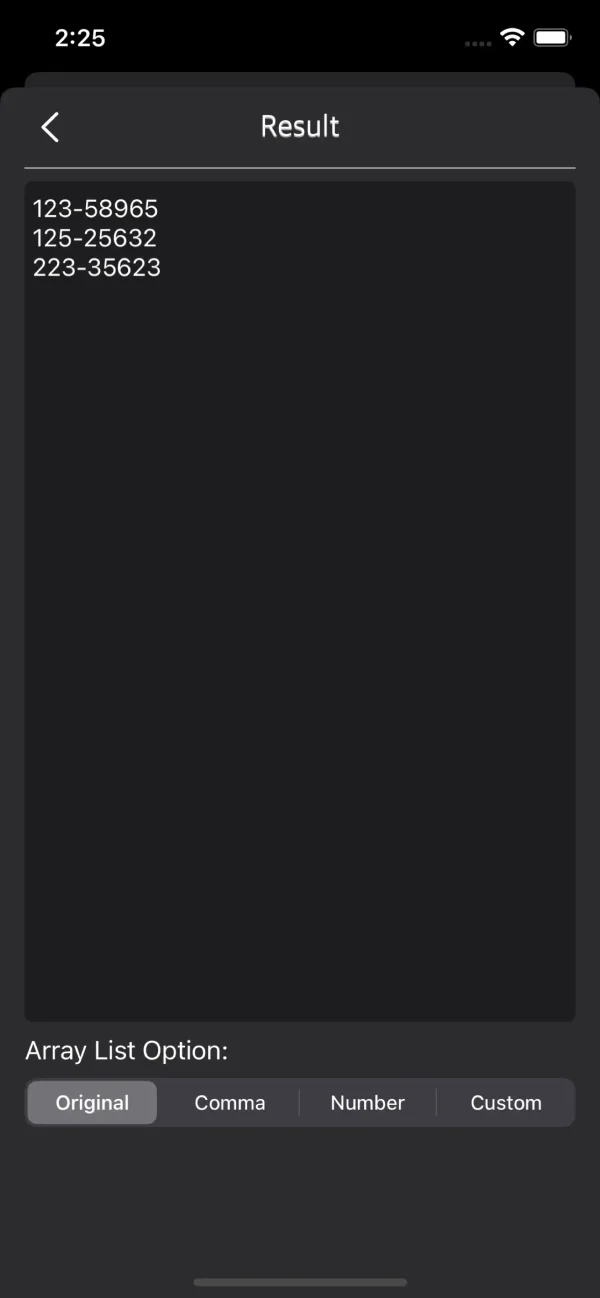
[0-9]{3}-[0-9]{5} give search result such as 253-52365, 563-95201, 598-12045
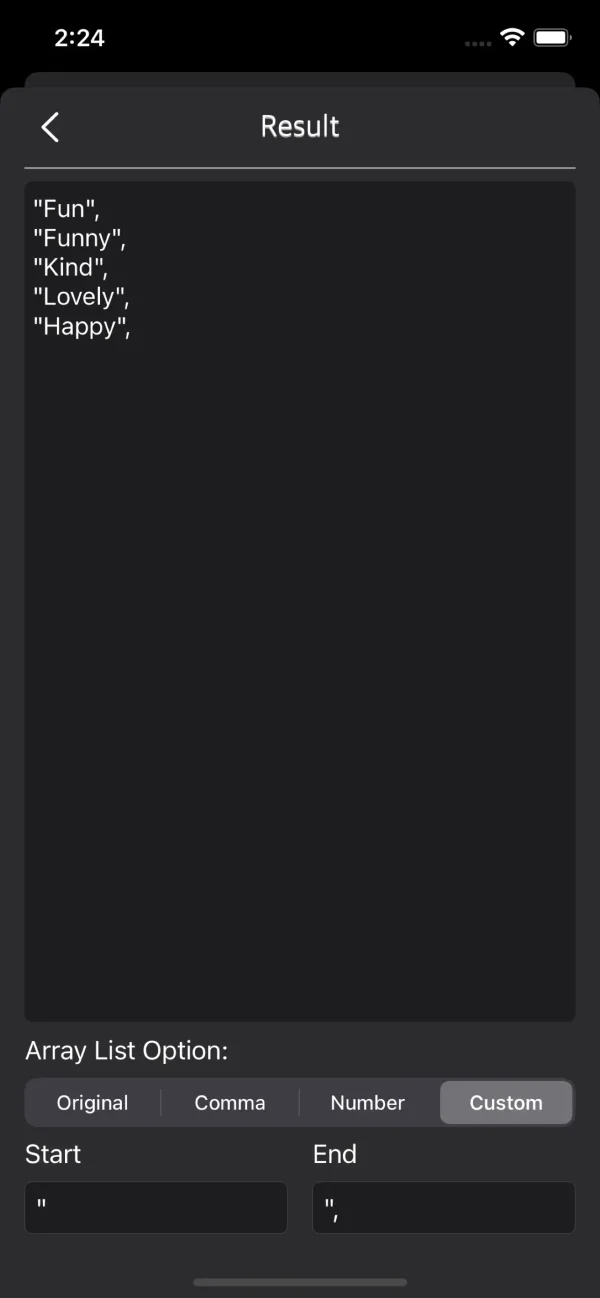
Search result is listed in difference way, such as:
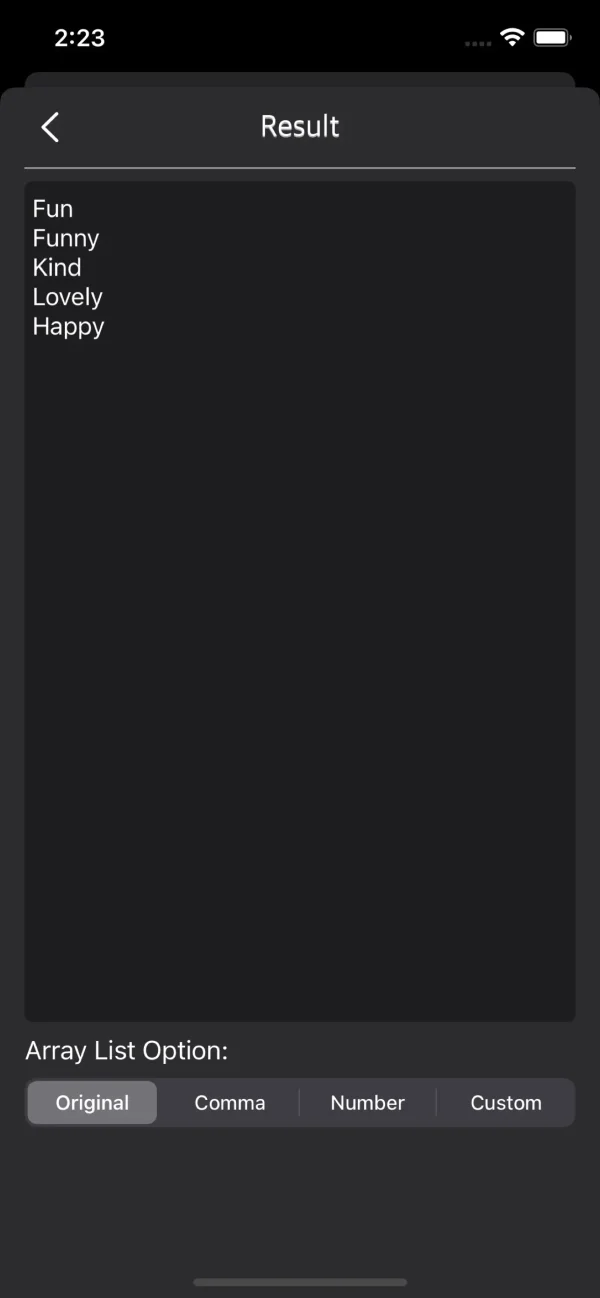
Original - default each individual result in newline.
Comma - add a comma behind each result.
Number - add a number behind each result.
Custom - user defines what to include in front and behind individual result.
Thanks for your support and do visit nitrio.com for more apps for your iOS devices.
Nouveautés
Version 1.1 · 08/12/2025
- Updated for the newest devices.
- Minor bugs fixed.
Confidentialité de l’application
Ce que Heng Jia Liang déclare sur l’App Store au sujet du traitement des données par cette application.
-
Données non collectées
Le développeur ne collecte aucune donnée à partir de cette application.
Les pratiques en matière de confidentialité peuvent varier, notamment en fonction des fonctionnalités que vous utilisez ou de votre âge.
Informations
- Vendeur
- Heng Jia Liang
- Catégorie
- Utilitaires
- Version
- 1.1
- Mis à jour
- 08/12/2025
- Publié
- 31/10/2022
- Taille
- 8,3 Mo
- Nécessite
- iOS 12.0 ou version ultérieure
- Classification d’âge
- 4+
- Prix
- 3,99 €
- Langues
- Anglais
- Copyright
- © Heng Jia Liang
Vous aimerez peut-être aussi
-
 VoiceScriberUtilitaires
-
 Website Downloader & CopierUtilitaires
-
 Illuminance Pulsation MeterTrouvez le scintillement de la
-
 Image Translator - SnapTextUtilitaires
-
 Traducteur d'ÉcranOCR et traduction photo
-
 ND FilterUtilitaires
-
 FishLLM - AI IntelligenceModèle de langage large privé
-
 Scanner de PDF et de documentsSigner, OCR, export vers Word
-
 Pretty GS1 Barcode ScannerUtilitaires
-
 Gamertag Generator for GamersUtilitaires