TickMeOff
Creative planning for to-doers
Conçue pour iPhone, iPad, Mac
Gratuit
- Classification d’âge4+
- CatégorieProductivité
- DéveloppeurAnderson Santos Silva
- LanguesAnglais+ 3 de plus
- Taille24,4 Mo
Renvoie vers la page App Store officielle
Download.org n’héberge aucun fichier de TickMeOff. Le bouton ouvre la page de l’application sur App Store, où Anderson Santos Silva la publie. Fiche vérifiée pour la dernière fois le 18/11/2026.
Captures d’écran



À propos
Le développeur n’a pas fourni ce texte dans votre langue.
Welcome to the No-Deadline Zone
TickMeOff is planning made for creatives who prefer to flow over deadline guilt.
Create your space based on your personal context and areas of interest, and start jotting down all your ideas whenever they arise.
In TickMeOff, planning is not a “due date” action, but an evolution. You have the spark, the project evolves, and when you are ready, it can just start. No reshuffling a bunch of scheduled tasks.
And that website you want to check out later or the photo you need for a project can all be shared to the app and become projects or searchable references.
Meeting notes or written ideas can easily be processed into projects or tasks using Apple Intelligence–powered features* like Plan mode and Refine Project actions.
Your projects and files should not be kept locked in one place. It’s your personal data. Mirror Folder allows your files to be kept in storage you trust, so you can create backups or even let your AI agents create deeper integrations.
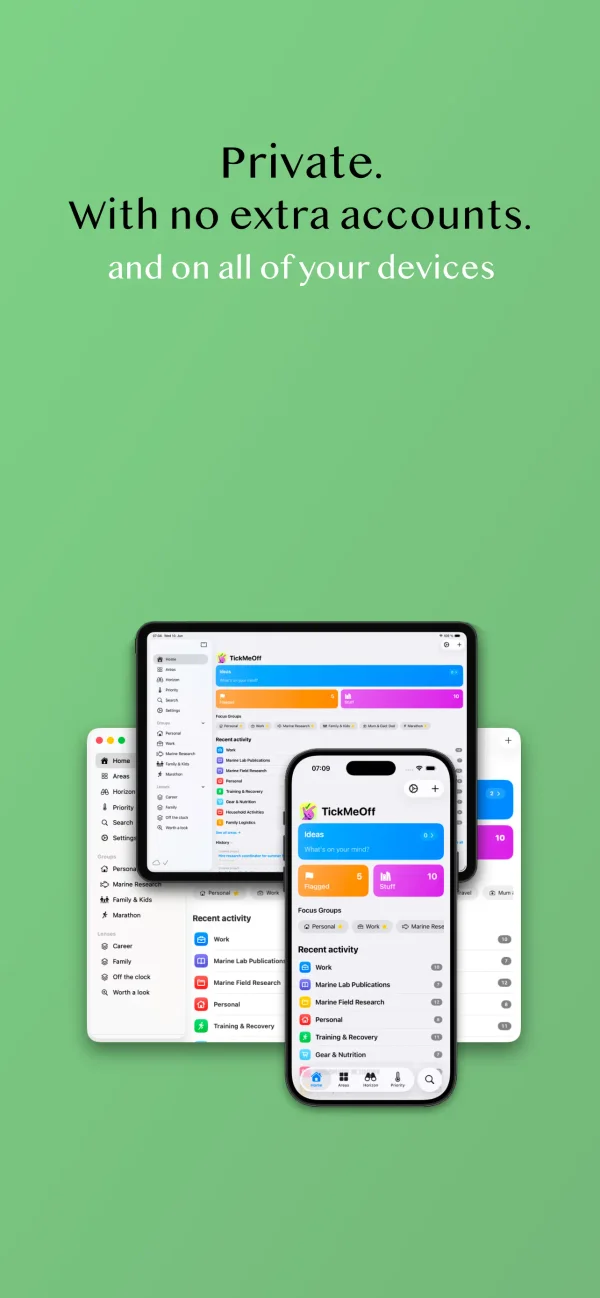
All of this with no extra account or subscription, so you are always in control.
And about those cool things you want to achieve? Tick them all off.
*on supported devices
Full feature list:
Organize
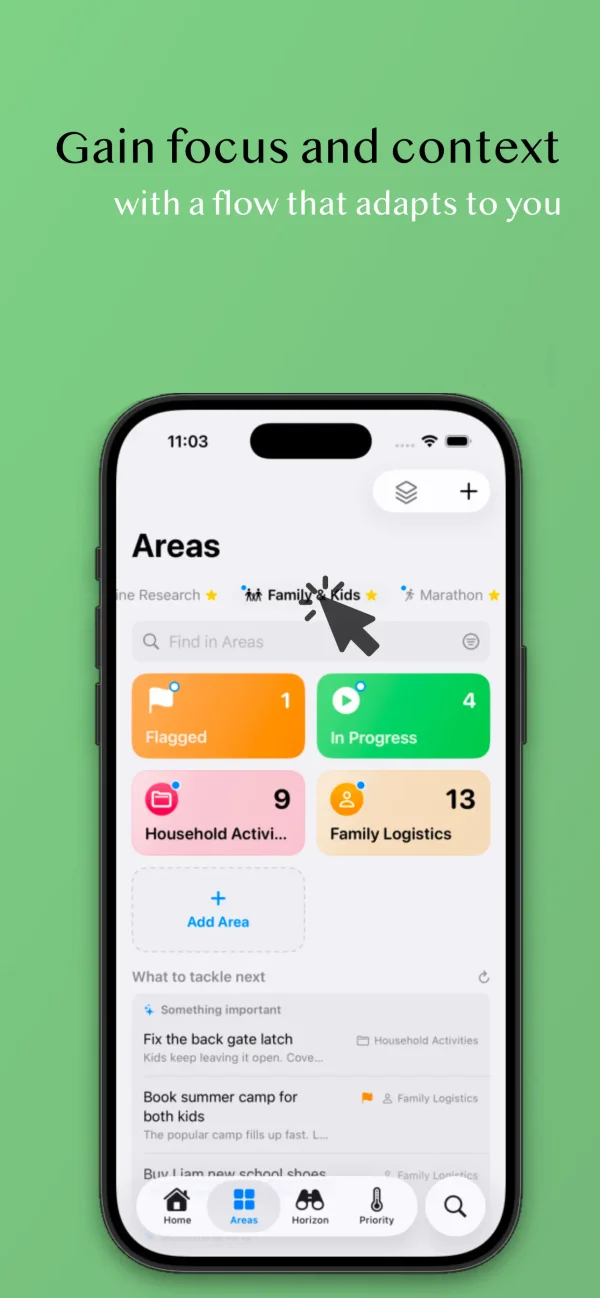
- Areas & Focus Groups — group projects by context so you see only what matters, when it matters
- Horizons — projects evolve from a "Maybe Someday" spark to an active goal
- Stay in context — your workspace only shows what's relevant now based on your areas of interest and groups
- Roles & Lenses — define your workflow by creating flexible ways to visualize your projects
Capture
- Share-in (WebClip & references) — share links, photos, or notes; content lands in your projects as projects or searchable references
Move forward
- Apple Intelligence — extract tasks from a brain-dump, suggest where an idea belongs, surface what's worth tackling next; on-device.
- Smart Suggestions — a hint when you're unsure where an idea goes or what's next — never a demand
- Integrated Pomodoro — a built-in timer keeps you in the zone without leaving your project
- Weekly Review & GTD essentials — tools to help you plan without forcing a rigid workflow
Own your data
- iCloud Sync — everything in sync across iPhone, iPad, and Mac
- Mirror Folder — your projects live as human-readable Markdown in a folder you control; edit them in TickMeOff, any text editor, or with AI
- Total privacy — no accounts, no tracking, no data lock-in
- Free first — full-featured for free, with optional "treats" to support independent development
Nouveautés
Version 1.2.11 · 17/09/2026
- Easier to manage focus groups and lenses with a dedicated view
- General bugs and fixes
Confidentialité de l’application
Ce que Anderson Santos Silva déclare sur l’App Store au sujet du traitement des données par cette application.
-
Données non collectées
Le développeur ne collecte aucune donnée à partir de cette application.
Les pratiques en matière de confidentialité peuvent varier, notamment en fonction des fonctionnalités que vous utilisez ou de votre âge.
Informations
- Vendeur
- Anderson Santos Silva
- Catégorie
- Productivité
- Version
- 1.2.11
- Mis à jour
- 17/09/2026
- Publié
- 25/04/2026
- Taille
- 24,4 Mo
- Nécessite
- iOS 18.0 ou version ultérieure
- Classification d’âge
- 4+
- Prix
- Gratuit
- Langues
- Anglais, Allemand, Japonais, Portugais
- Copyright
- 2026 ©️ Anderson Santos Silva
Vous aimerez peut-être aussi
-
 Nomen MemoryProductivité
-
 PlacefolioProductivité
-
 Ike OrganizerProductivité
-
 LayerMemoProductivité
-
 NeoTodo - Gestionnaire TachesListe de Taches Simple etBelle
-
 Catalist: Tame the chaosProductivité
-
 NearbiDoc - Écriture MarkdownÉcrivez Ensemble, Tout Près
-
 WhatNext To-do ListProductivité
-
 Dimar: Group Planner & PollsProductivité
-
 Truly Simple InventoryProductivité