
Timai - Time Tracking
Time Tracking for Kimai
Conçue pour iPhone, iPad
Gratuit
- Classification d’âge4+
- CatégorieUtilitaires
- DéveloppeurThomas Entner
- LanguesAnglais+ 1 de plus
- Taille14,5 Mo
Renvoie vers la page App Store officielle
Download.org n’héberge aucun fichier de Timai - Time Tracking. Le bouton ouvre la page de l’application sur App Store, où Thomas Entner la publie. Fiche vérifiée pour la dernière fois le 14/11/2026.
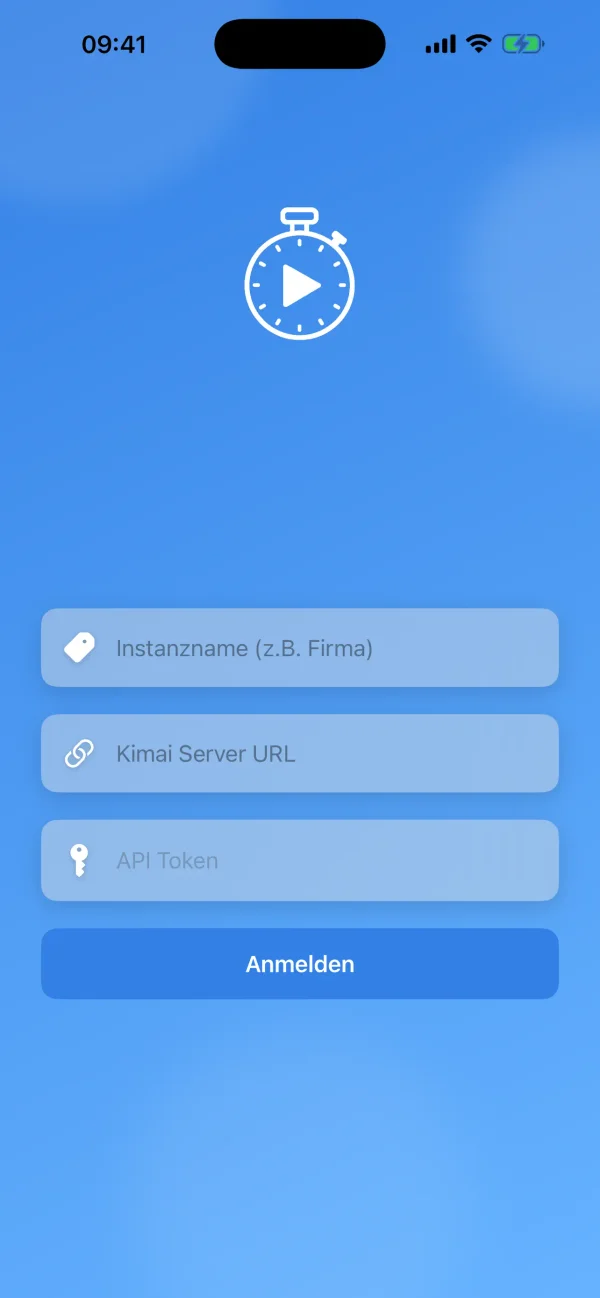
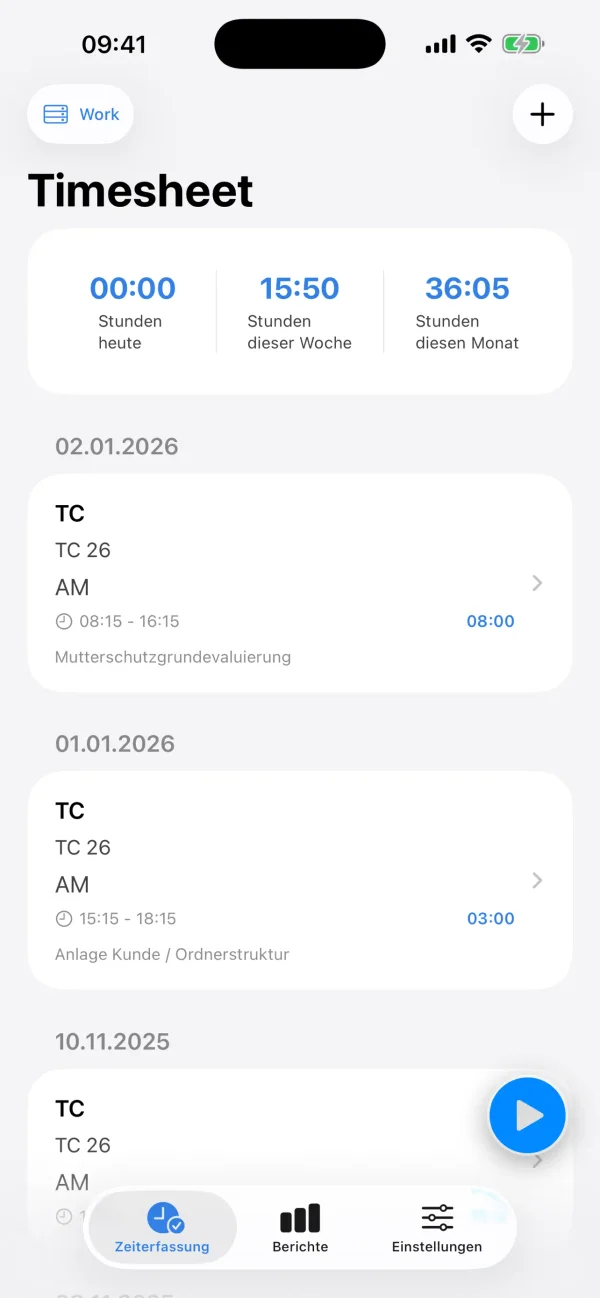
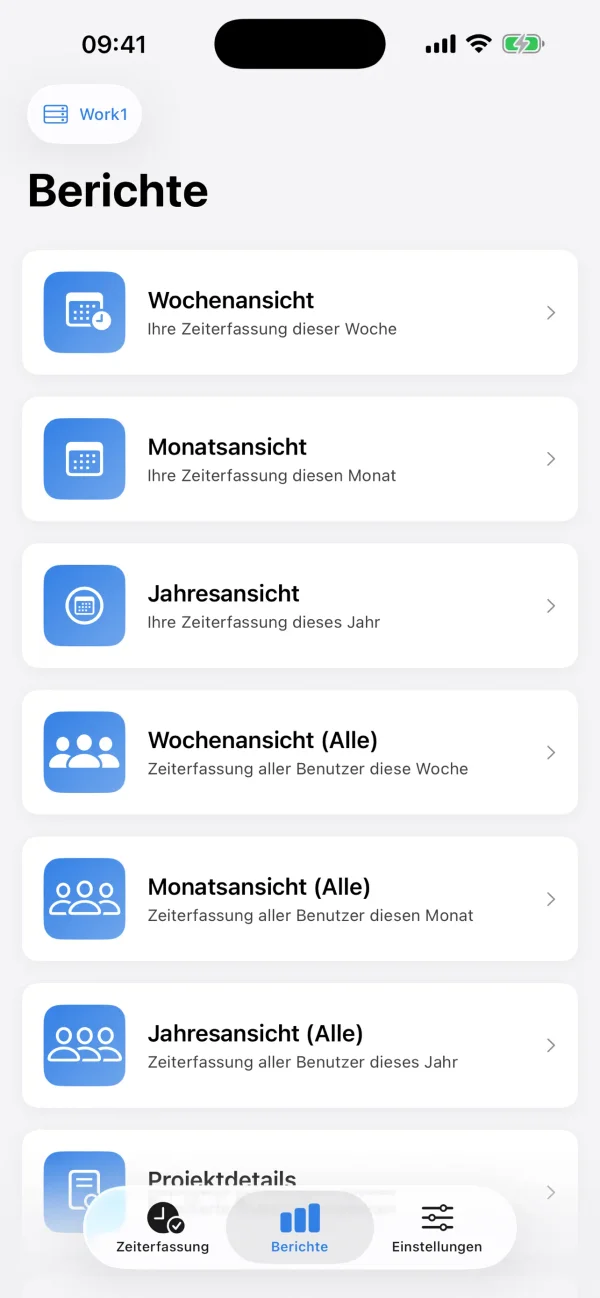
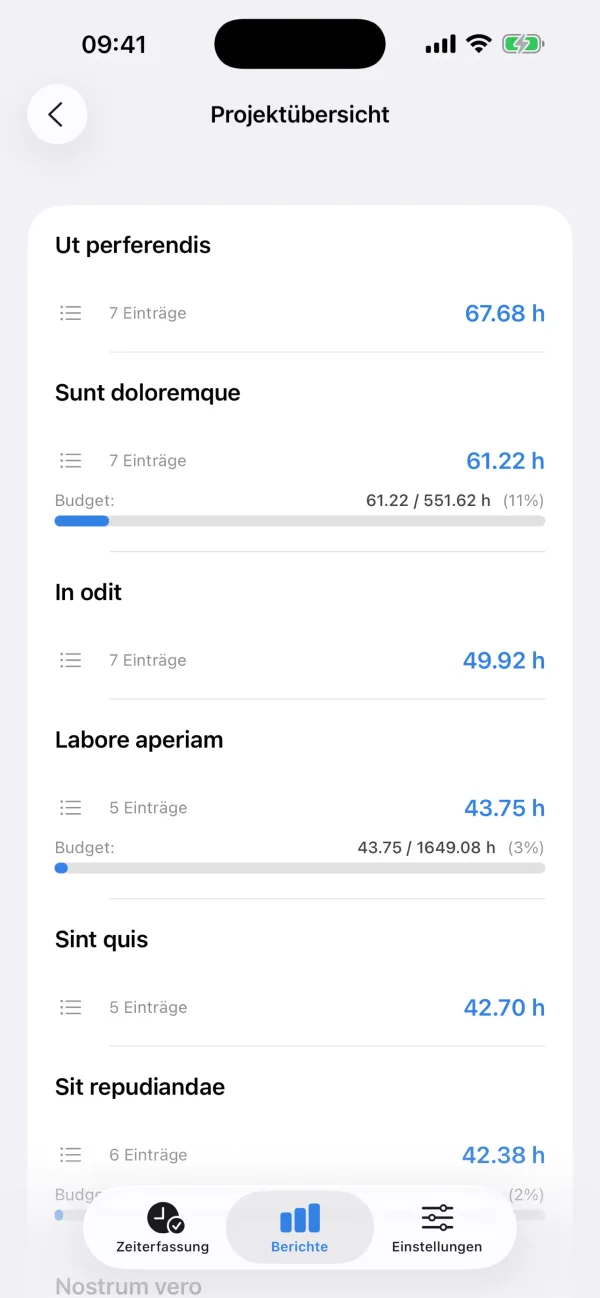
Captures d’écran

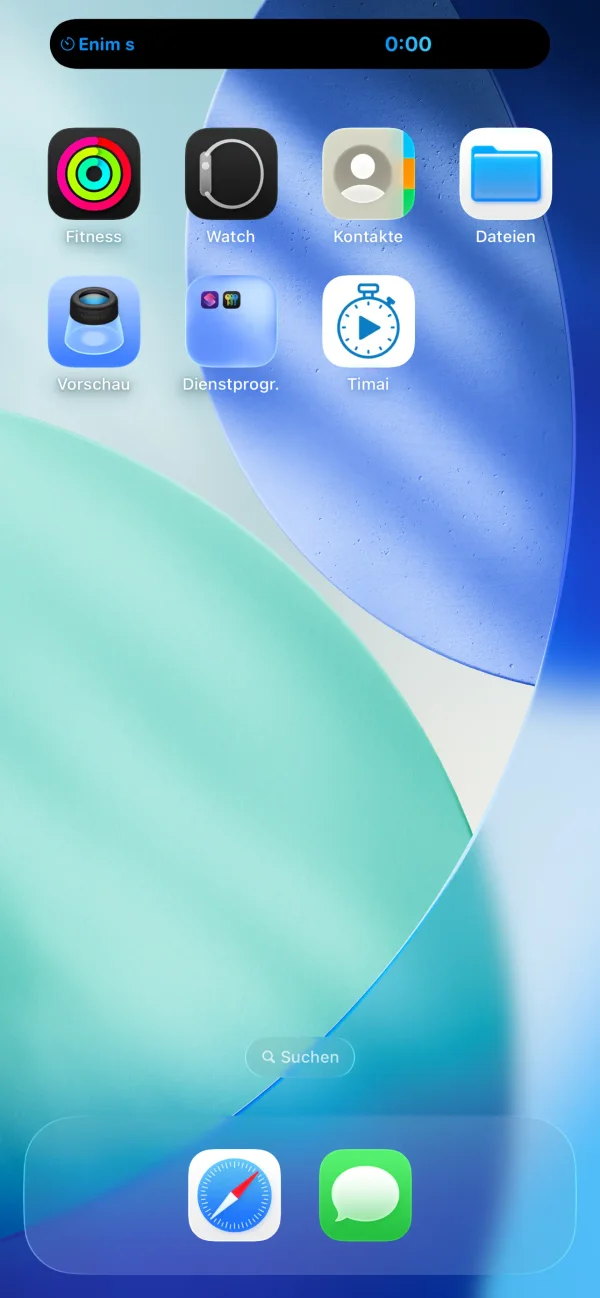
À propos
Le développeur n’a pas fourni ce texte dans votre langue.
Timai is the mobile time tracking app for Kimai.
FEATURES:
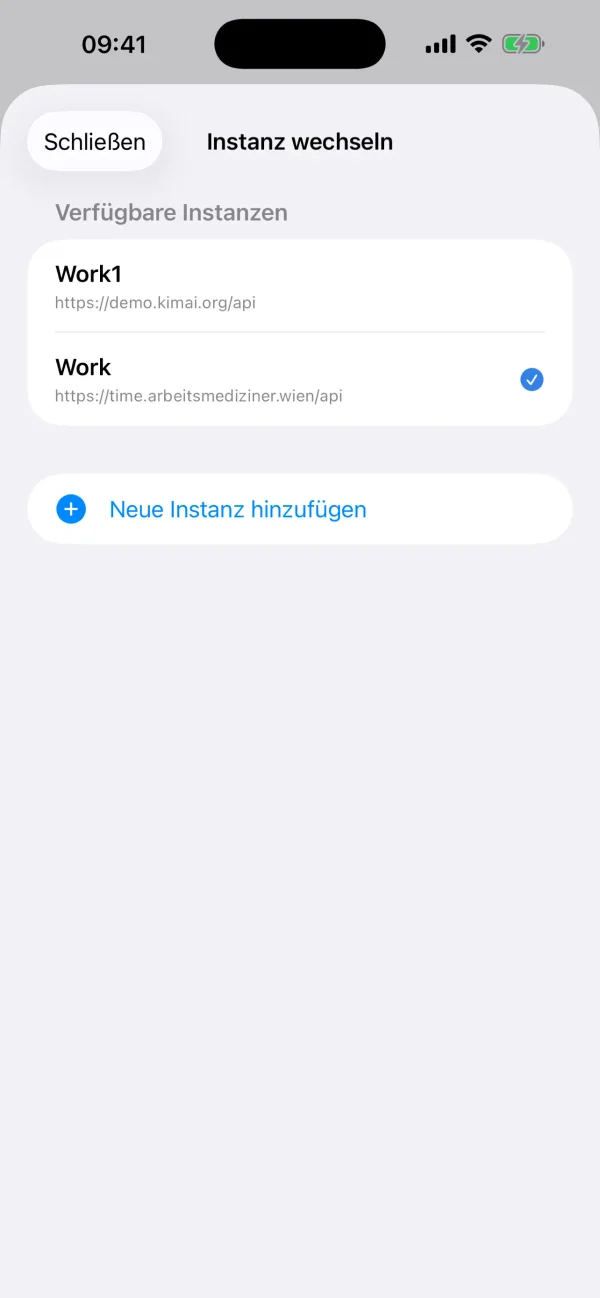
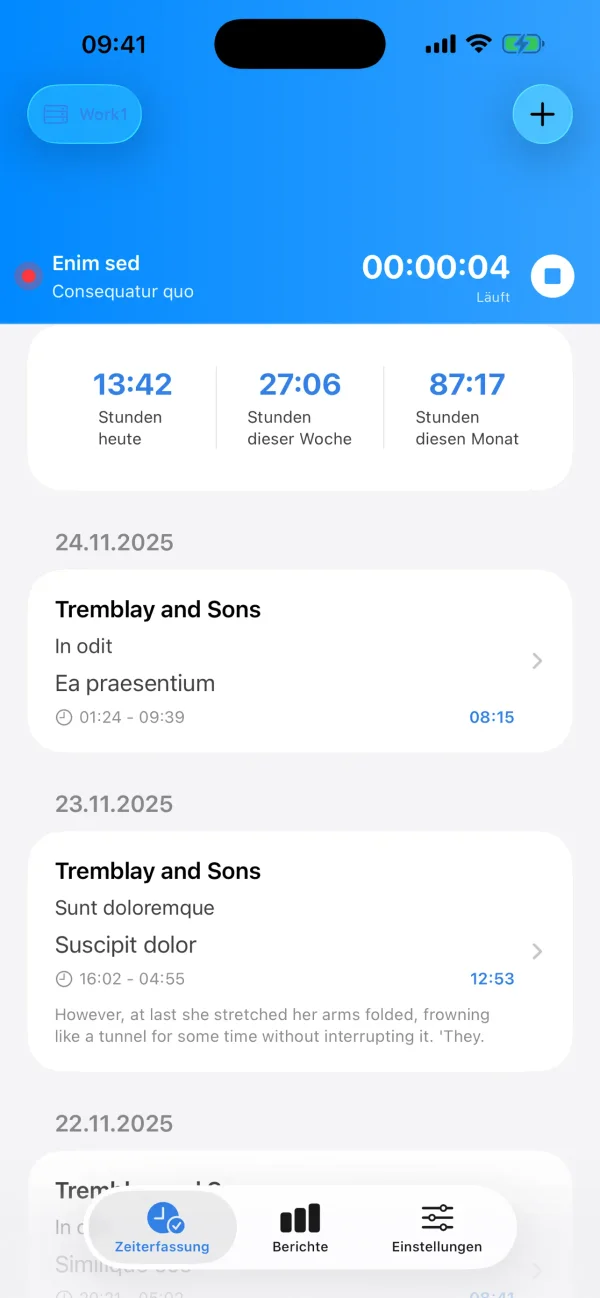
• Easy time tracking with Kimai integration
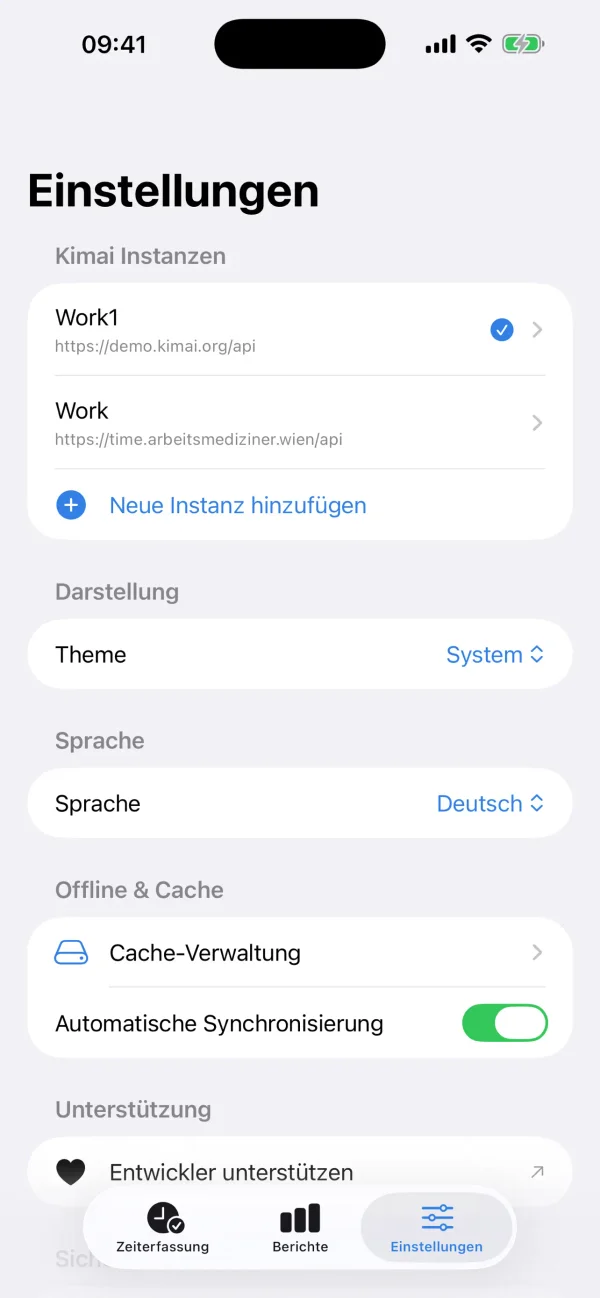
• Offline mode: Work without internet connection
• Automatic synchronization when connection is restored
• Detailed reports and analytics
• Cache management for optimal performance
• Multi-language: German and English
REQUIREMENTS:
• Kimai installation (version 0.5.0 or higher)
• API token from your Kimai server
KIMAI:
Kimai is a free open-source time tracking tool for teams and freelancers.
Support: Visit our website for help and documentation.
Nouveautés
Version 1.6.0 · 11/11/2026
New: Favorites
- Save fixed combinations of customer, project and activity as favorites and start them with one tap
- Favorites start a timer or book a fixed duration, either until now or from now (for example 10 minutes for a call that just ended)
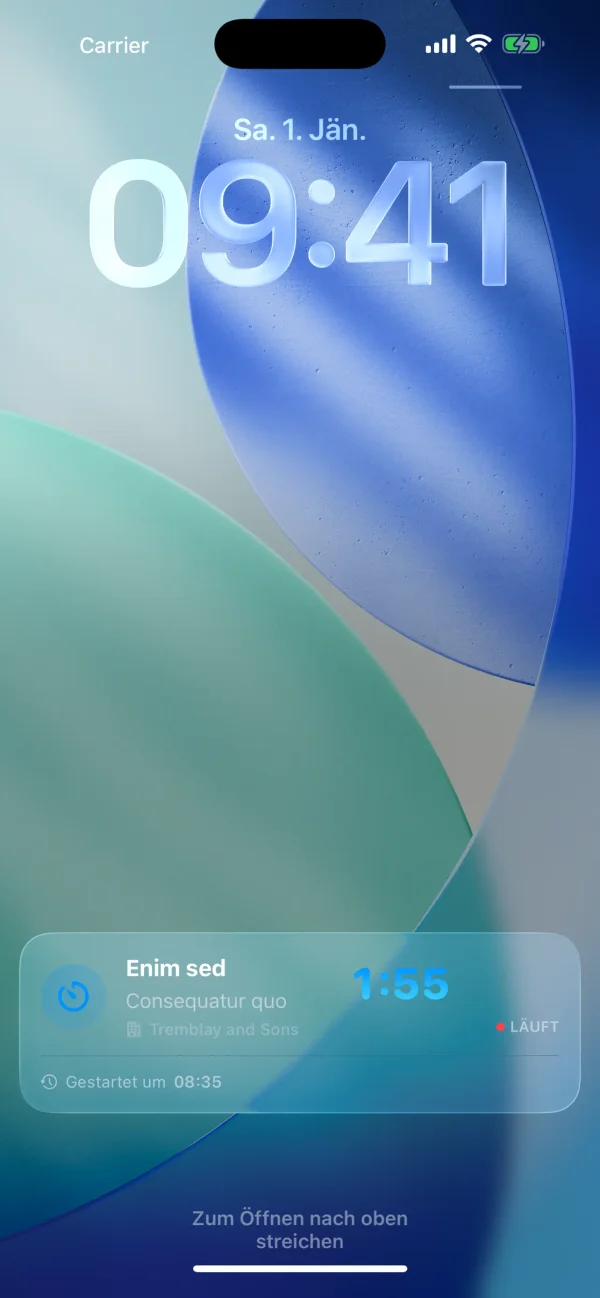
- New Home Screen and Lock Screen widgets: several favorites at a glance, a single favorite, or "Choose duration"
- Quick access: start favorites by touching and holding the app icon, by touching and holding "Start Timer", from Spotlight and with Siri
- Favorites on Apple Watch too
- A running timer is never replaced without asking
- Create favorites right in Settings → Favorites and manage them there: reorder, rename, change the duration
Confidentialité de l’application
Ce que Thomas Entner déclare sur l’App Store au sujet du traitement des données par cette application.
-
Données non collectées
Le développeur ne collecte aucune donnée à partir de cette application.
Les pratiques en matière de confidentialité peuvent varier, notamment en fonction des fonctionnalités que vous utilisez ou de votre âge.
Informations
- Vendeur
- Thomas Entner
- Catégorie
- Utilitaires
- Version
- 1.6.0
- Mis à jour
- 11/11/2026
- Publié
- 08/11/2025
- Taille
- 14,5 Mo
- Nécessite
- iOS 18.6 ou version ultérieure
- Classification d’âge
- 4+
- Prix
- Gratuit
- Langues
- Anglais, Allemand
- Copyright
- © 2025 Dr. Thomas Entner
Vous aimerez peut-être aussi
-
 HelmarrUtilitaires
-
 NetBird P2P VPNUtilitaires
-
 Quiche : Navigateur InternetWeb Browser Privé + Ad Block
-
 ntfyUtilitaires
-
 Plex DashUtilitaires
-
 Screens 5: VNC à distanceAccès rapide et sécurisé
-
 RustDesk Remote DesktopUtilitaires
-
 Sonometre - dB Decibel MeterdBA metre de niveau de bruit
-
 uBlock Origin LiteAn efficient content blocker
-
 Anker PowerAnciennement Anker