TimeGuard – Stop Doomscroll
Focus, Block Apps & Save Time
Conçue pour iPhone
Gratuit · Achats intégrés
- Classification d’âge4+
- CatégorieProductivité
- DéveloppeurRMGO
- LanguesAnglais
- Taille113,5 Mo
Renvoie vers la page App Store officielle
Download.org n’héberge aucun fichier de TimeGuard – Stop Doomscroll. Le bouton ouvre la page de l’application sur App Store, où RMGO la publie. Fiche vérifiée pour la dernière fois le 15/11/2026.
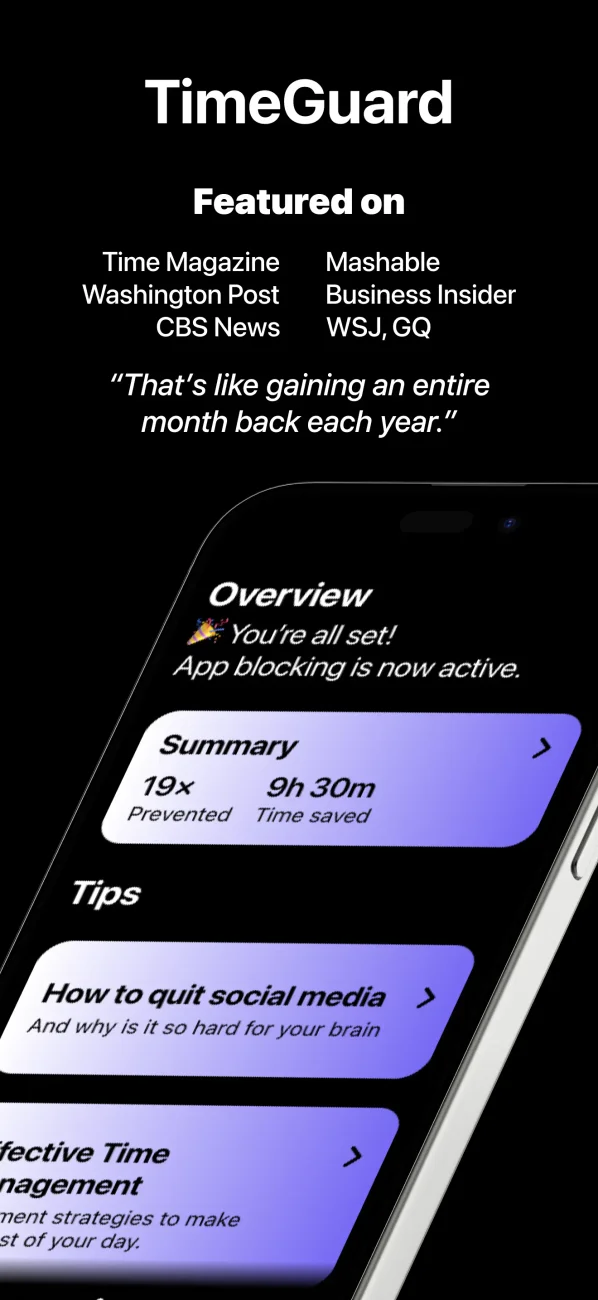
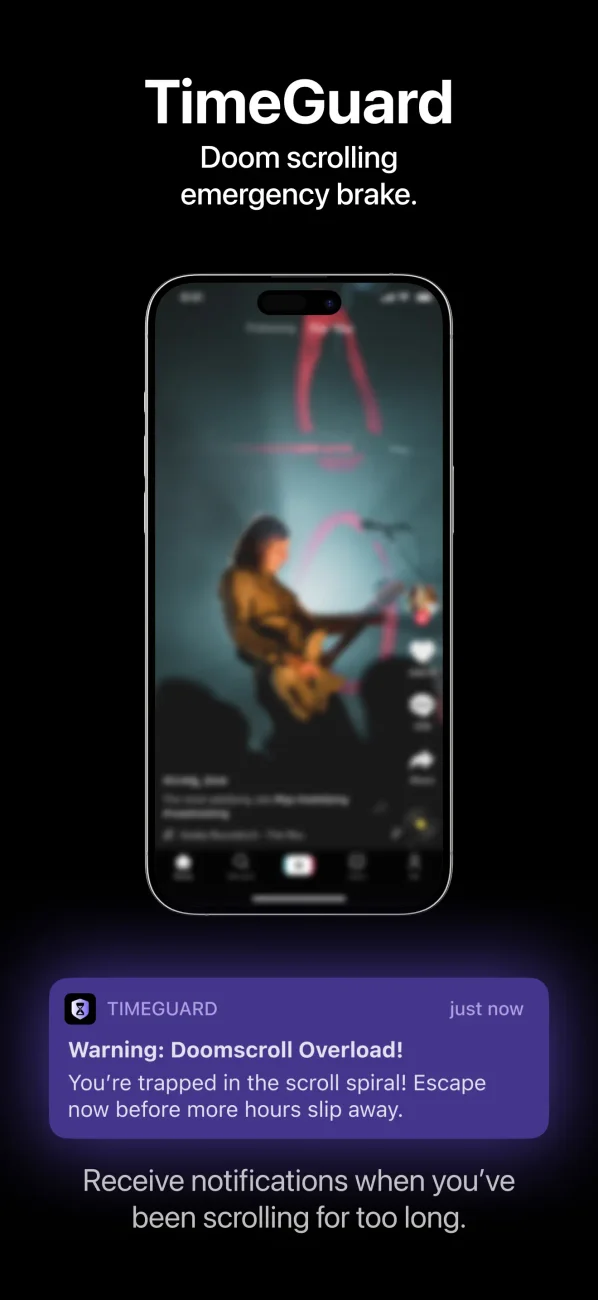
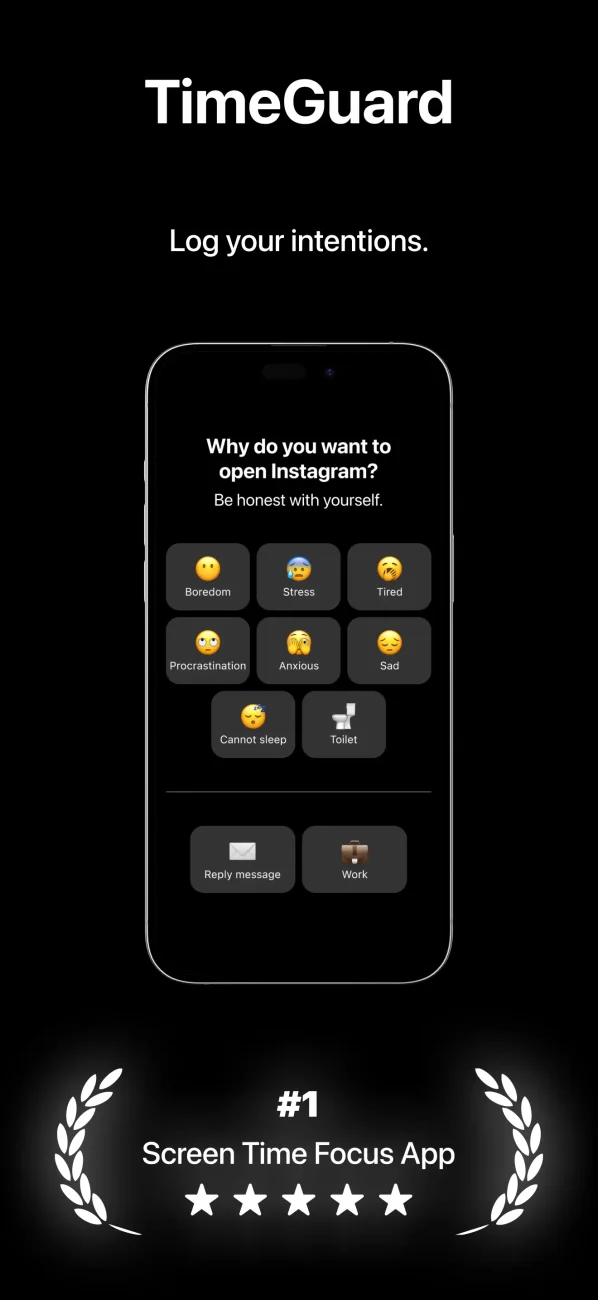
Captures d’écran

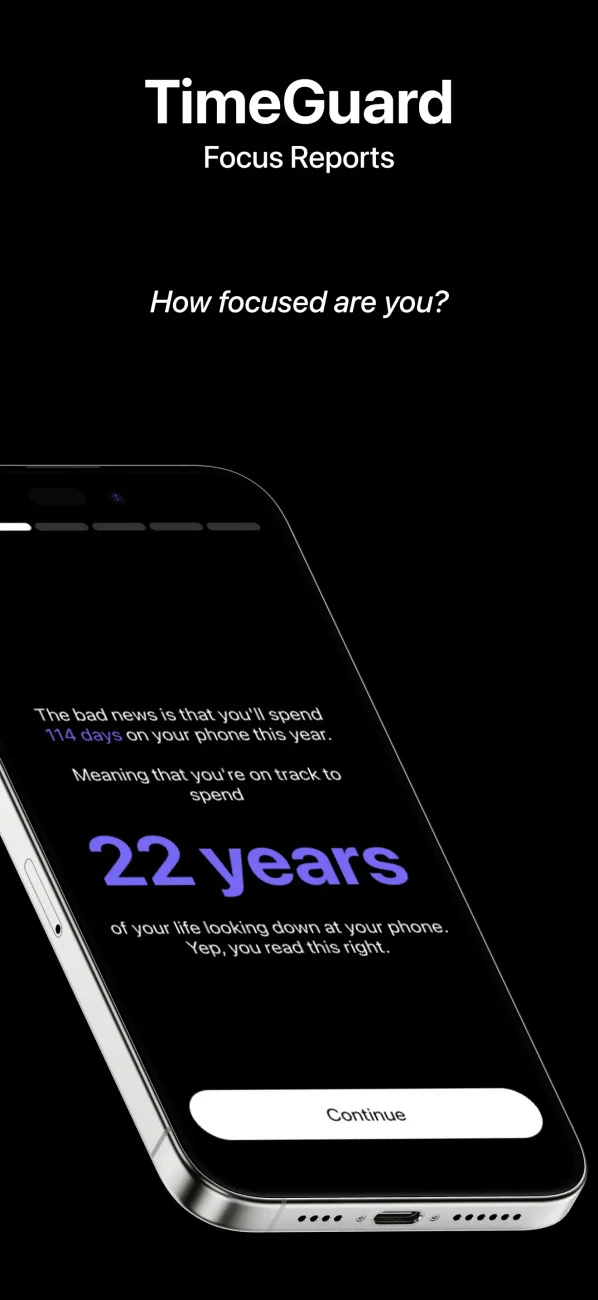
À propos
Le développeur n’a pas fourni ce texte dans votre langue.
TimeGuard: Regain Control of Your Time, Stay Focused, and Be Productive
Imagine having the power to optimize your day with less time spent scrolling through distractions. TimeGuard helps you do just that by providing real-time app-blocking, personalized screen time reports, and smart reminders, allowing you to achieve your goals with clarity.
With TimeGuard, you can:
• Maximize Focus: Block social media and other distractions during critical hours or whenever you need deep concentration.
• Smart Sessions: Schedule focus sessions throughout your day with timed blocking of specific apps and websites, so you stay on track without temptation.
• Daily Reports: Track your screen time, measure your productivity, and compare progress with insightful reports.
• Stay Mindful: With TimeGuard’s prompts, get reminded of your intention each time you try to access a blocked app.
• Unplug and Reconnect: Set dedicated hours for family, work, or personal time without interruptions from your device.
TimeGuard is trusted by users who want to reclaim hours of their day, reduce stress, and improve their overall focus. Whether you’re working on personal projects or simply trying to reduce mindless scrolling, TimeGuard empowers you to stay in control.
Features:
• Custom Block Sessions: Tailor specific time slots where apps or websites are blocked, perfect for work or downtime.
• Detailed Focus Insights: Get personalized statistics on your screen usage, with actionable insights to help you adjust your habits.
• Deep Focus Mode: Need a serious break from distractions? Use TimeGuard’s strict focus mode to lock yourself out of certain apps completely.
• Rewards & Milestones: Unlock rewards as you hit focus milestones, boosting your motivation to reduce screen time.
• Community Challenges: Compete with peers on a leaderboard to see who maintains the best focus.
Take back control of your time, improve your mental clarity, and achieve more with TimeGuard. Whether you’re battling procrastination, managing ADHD, or just want to use your phone more mindfully, TimeGuard has the tools to help.
Enjoy all features with a subscription for the best experience.
Terms of Service (EULA): https://www.mindfusion.app/tos
Privacy Policy: https://www.mindfusion.app/privacy
Nouveautés
Version 1.2.1 · 18/12/2025
Update UX
Confidentialité de l’application
Ce que RMGO déclare sur l’App Store au sujet du traitement des données par cette application.
-
Données utilisées pour vous suivre
Peuvent être utilisées pour vous suivre sur des applications et des sites web appartenant à d’autres sociétés.
- Données d’utilisation
-
Données n’établissant aucun lien avec vous
Peuvent être collectées, mais ne sont pas liées à votre identité.
- Emplacement
- Identifiants
- Données d’utilisation
- Diagnostic
Les pratiques en matière de confidentialité peuvent varier, notamment en fonction des fonctionnalités que vous utilisez ou de votre âge.
Informations
- Vendeur
- RMGO
- Catégorie
- Productivité
- Version
- 1.2.1
- Mis à jour
- 18/12/2025
- Publié
- 10/10/2024
- Taille
- 113,5 Mo
- Nécessite
- iOS 16.0 ou version ultérieure
- Classification d’âge
- 4+
- Prix
- Gratuit
- Achats intégrés
- Oui
- Langues
- Anglais
- Copyright
- © 2024 Mook Ltd
Vous aimerez peut-être aussi
-
 Detox: Temps d'écranBloquer applications, réseaux
-
 TimeBloc - Daily PlannerProductivité
-
 Minimalist LauncherProductivité
-
 everyday - Habit TrackerBonnes habitudes et routines
-
 Focus Hero: Motivation & RPGHabit tracker, pomodoro & bac
-
 AppBlock: bloquer des applisTemps d'écran, Focus & Timer
-
 BlockerX : Bloquer les sitesSe libérer de l'addiction
-
 FocusPomo · Pomodoro TimerProductivité
-
 BePresent: Screen Time ControlProductivité
-
 Routine Timer & Habit TrackerHabitudes, Minuteur Pomodoro