Time’s Up! — Visual Timer
Focus timer & countdown clock
Conçue pour iPhone, iPad, Mac, iPod touch
Gratuit · Achats intégrés
- Classification d’âge4+
- CatégorieUtilitaires
- DéveloppeurOverdesigned, LLC
- LanguesAnglais
- Taille60,5 Mo
Renvoie vers la page App Store officielle
Download.org n’héberge aucun fichier de Time’s Up! — Visual Timer. Le bouton ouvre la page de l’application sur App Store, où Overdesigned, LLC la publie. Fiche vérifiée pour la dernière fois le 16/11/2026.
Captures d’écran
À propos
Le développeur n’a pas fourni ce texte dans votre langue.
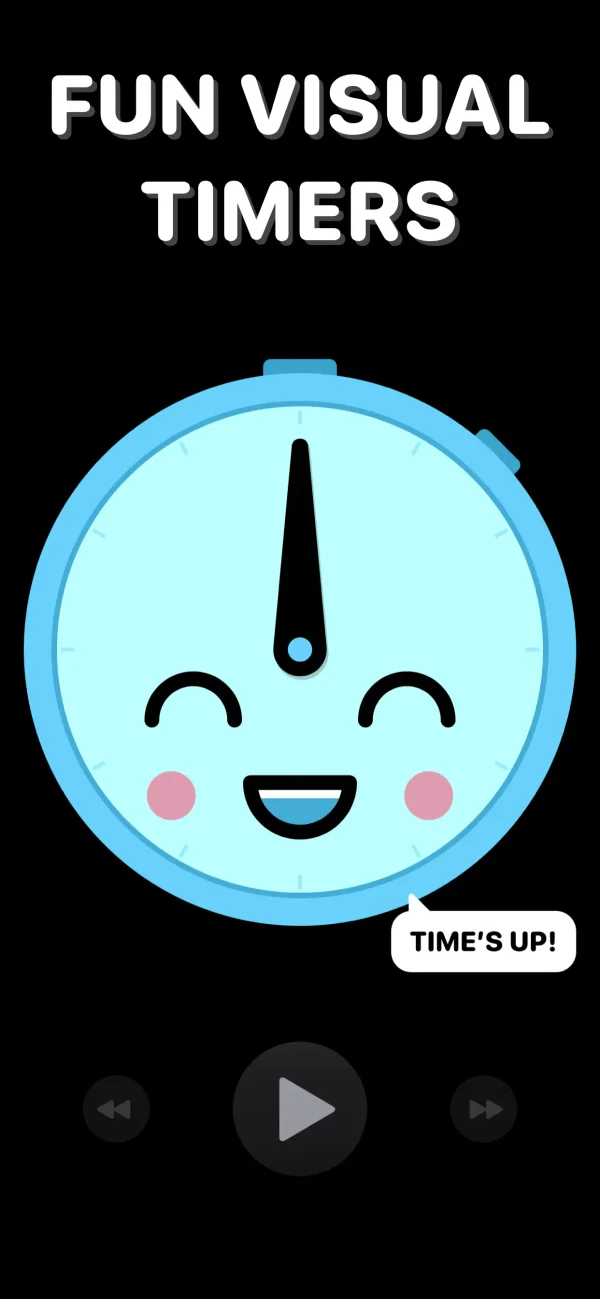
Time’s Up! is a fun, visual timer that you’ll actually want to use. Whether it’s for you, your kids, or someone else, Time’s Up! will make counting down much more engaging.
Timers can be used at work and at home, whether you’re making sure you take a break or telling kids it’s bedtime. Timers exist everywhere, but none of them are fun and visually appealing — and that can be important when you’re dealing with kids big and small! Time’s Up! has the features you need to make time fun again — try it for free, NO ADS.
Time’s Up! isn’t just for kids and workaholics, though. The possibilities are endless:
• Adults who need to set timers to stop them from working for too long without a break.
• Kids who don’t want to do their homework but can be convinced to work in smaller chunks.
• Setting reading or other activity timers before bed time.
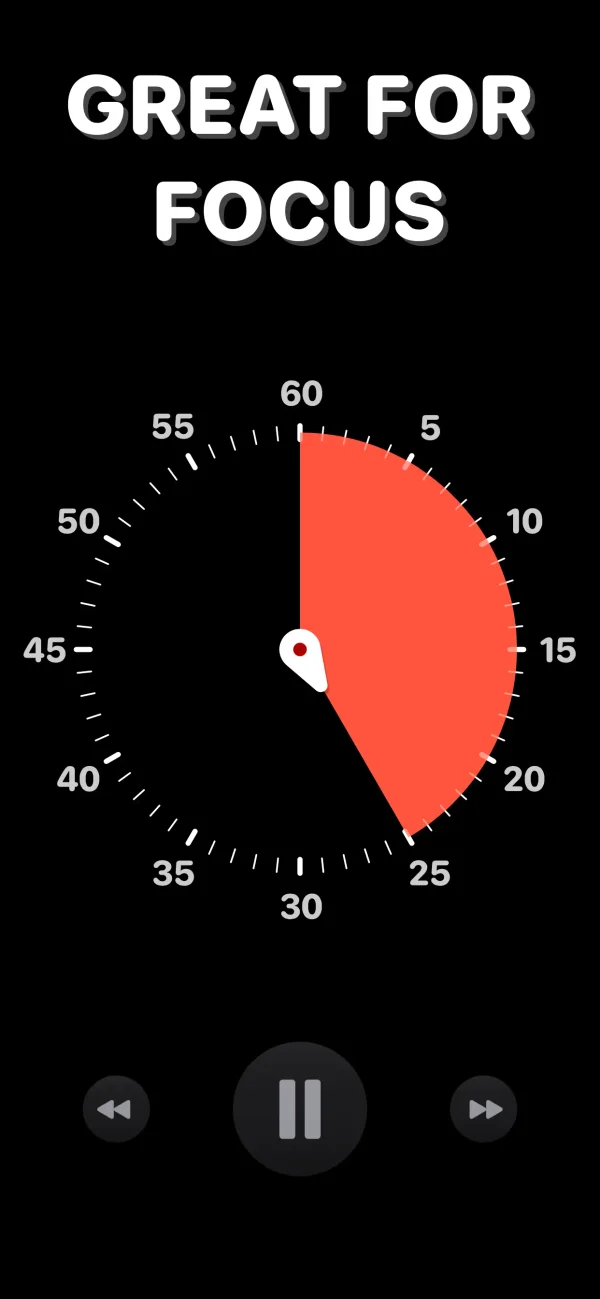
• Helping bigger kids focus on an activity for a set amount of time.
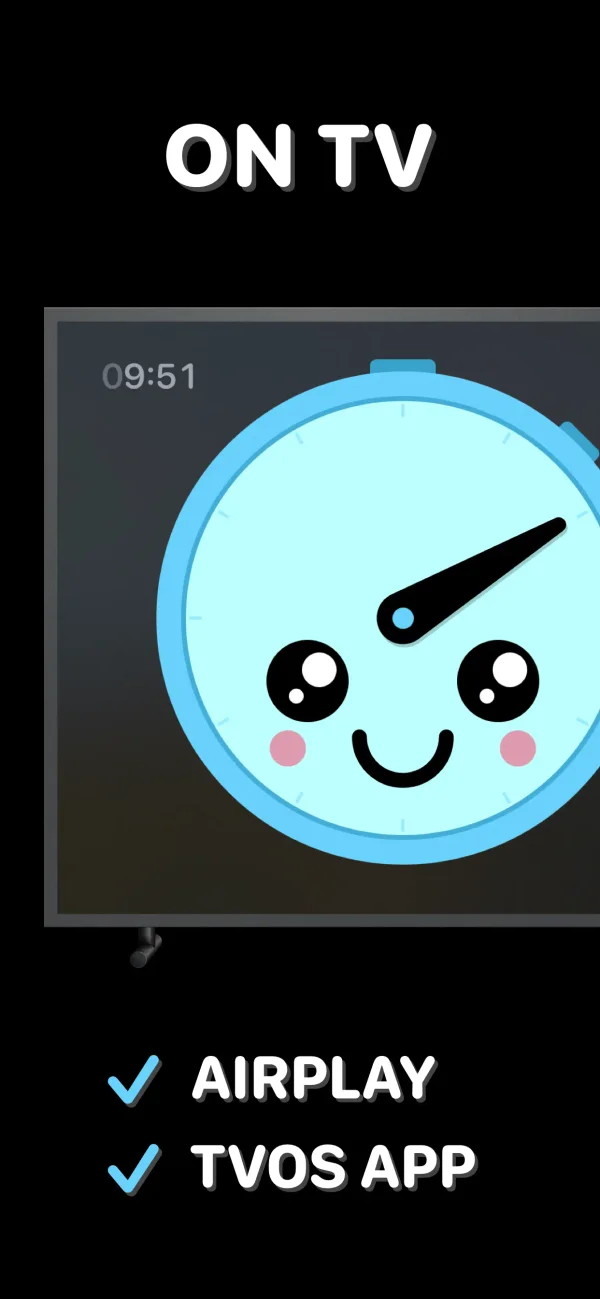
• Setting timers for exercises — put Time’s Up! on your TV screen using AirPlay and turn a timer into the focal point for your exercise group.
• Anything that’s based on a specific amount of time!
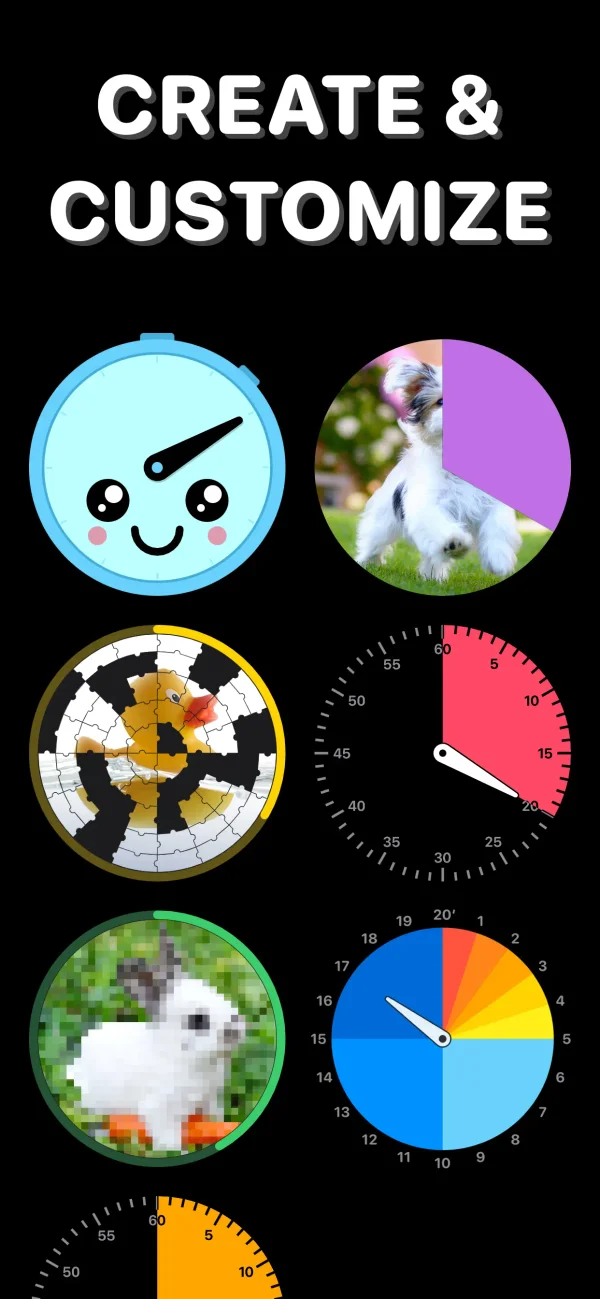
What makes a timer fun? Time’s Up! has 5 fun styles to choose from, including:
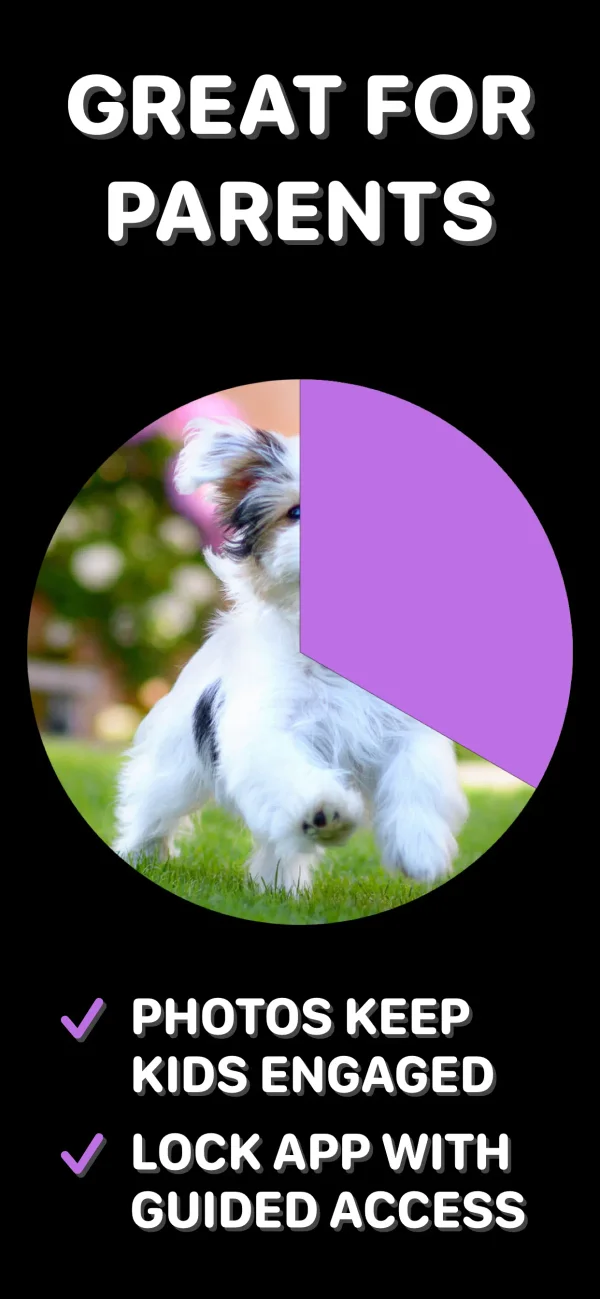
• “Reveal” a photo from your Photo Library as the seconds tick down.
• “Pixelate” makes a photo more clear as a timer gets closer to completion.
• “Puzzle” breaks a photo into jigsaw puzzle pieces and then puts the pieces into their places as time progresses.
Alternatively, there are more traditional clock faces if you just want a simple timer. Timers can be customized with their own alert sound and color, too.
Other key features include:
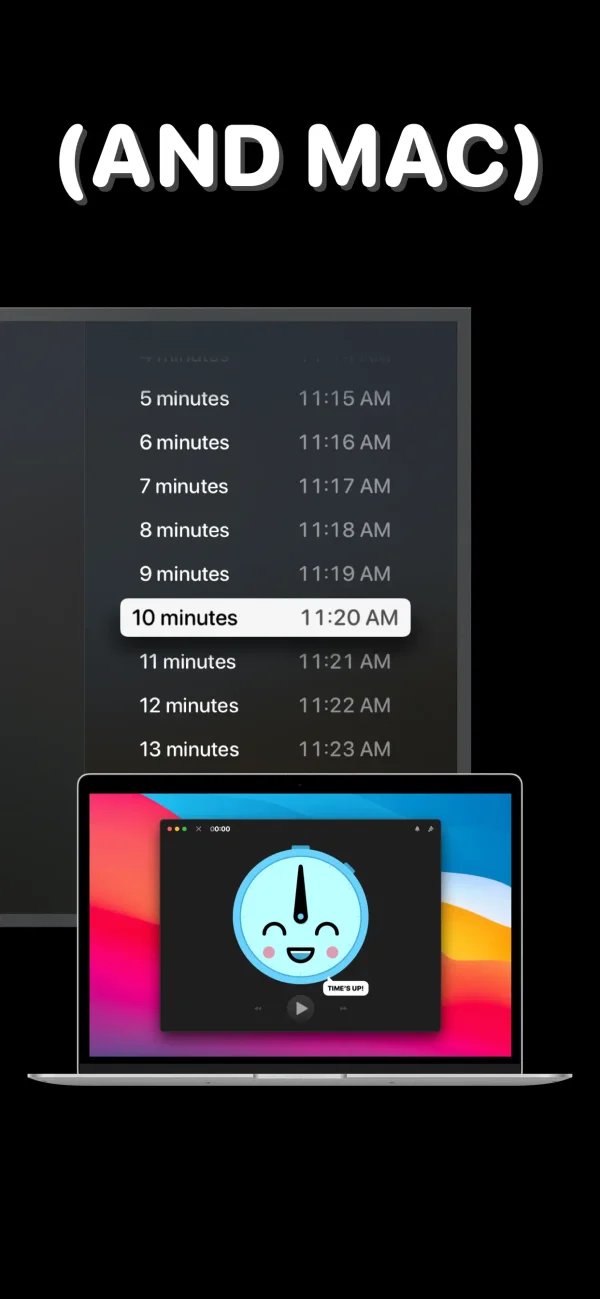
• Sync your timers between iPhone, iPad, Mac, and Apple TV using iCloud.
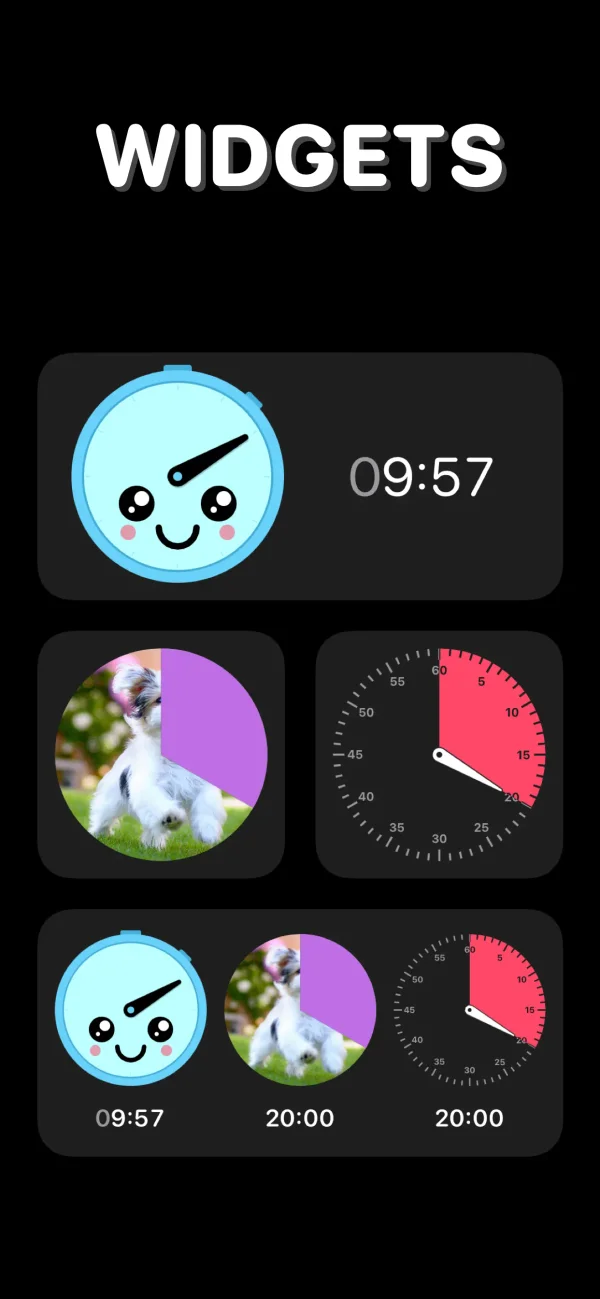
• See your timers on your Lock Screen, Dynamic Island, and Apple Watch with Live Activities (requires iOS 18).
• Guided Access to prevent kids from switching apps and changing timers, making sure only you have the power to control time.
• Airplay and tvOS support so you can put a timer up on a TV screen.
• Get audio updates each minute or countdown the last 10 seconds.
• On macOS, you can float the timer window above other apps so it’s always visible.
Time’s Up! is a free download with a trial limit of five countdowns. After that, there is a small one-time purchase that unlocks the app on all your devices, forever.
———————
What’s the difference between “Time’s Up! — Visual Timer” and “Time’s Up! Timer (VPP)”?
You are looking at the free-to-download version of Time’s Up! that lets you try the app five times before upgrading via in-app purchase. “Time’s Up! Timer (VPP)” is the same app but available paid-upfront with no limits in the app itself. “Time’s Up! Timer (VPP)” exists so educators can purchase the app through Apple’s Volume Purchase Program (VPP) for Education.
———————
Time’s Up! has no ads or data trackers. We believe your data is your own and we don’t collect any of it.
Nouveautés
Version 1.12.2 · 03/11/2026
Fixed a bug in the image picker.
Confidentialité de l’application
Ce que Overdesigned, LLC déclare sur l’App Store au sujet du traitement des données par cette application.
-
Données n’établissant aucun lien avec vous
Peuvent être collectées, mais ne sont pas liées à votre identité.
- Identifiants
- Données d’utilisation
Les pratiques en matière de confidentialité peuvent varier, notamment en fonction des fonctionnalités que vous utilisez ou de votre âge.
Informations
- Vendeur
- Overdesigned, LLC
- Catégorie
- Utilitaires
- Version
- 1.12.2
- Mis à jour
- 03/11/2026
- Publié
- 30/08/2021
- Taille
- 60,5 Mo
- Nécessite
- iOS 15.4 ou version ultérieure
- Classification d’âge
- 4+
- Prix
- Gratuit
- Achats intégrés
- Oui
- Langues
- Anglais
- Copyright
- © 2021–2026 Overdesigned, LLC
Vous aimerez peut-être aussi
-
 Disco Timer: Visual CountdownUtilitaires
-
 MultiTimer: Multiple timersMinuterie facile et pratique
-
 Minuteur de SableSuivez le temps facilement
-
 (Not Boring) TimerUtilitaires
-
 Kiddo - Timer Minuteur enfantsRoutine et chrono pour parents
-
 1Timer - Minuteur vocalAnnonce le temps restant
-
 Interval Timer: Minuteur TimusChronomètre intervalle
-
 Multi Timer: CountdownUtilitaires
-
 Hourglass - Simple TimerUtilitaires
-
 Kids Timer - Visual CountdownUtilitaires