
Todak Time: Study Timer
Focus, Planner, Exam Countdown
Conçue pour iPhone, iPad
Gratuit · Achats intégrés
- Classification d’âge4+
- CatégorieÉducation
- DéveloppeurHyeon mo Gu
- LanguesAnglais+ 8 de plus
- Taille10,3 Mo
Renvoie vers la page App Store officielle
Download.org n’héberge aucun fichier de Todak Time: Study Timer. Le bouton ouvre la page de l’application sur App Store, où Hyeon mo Gu la publie. Fiche vérifiée pour la dernière fois le 25/11/2026.
Captures d’écran
À propos
Le développeur n’a pas fourni ce texte dans votre langue.
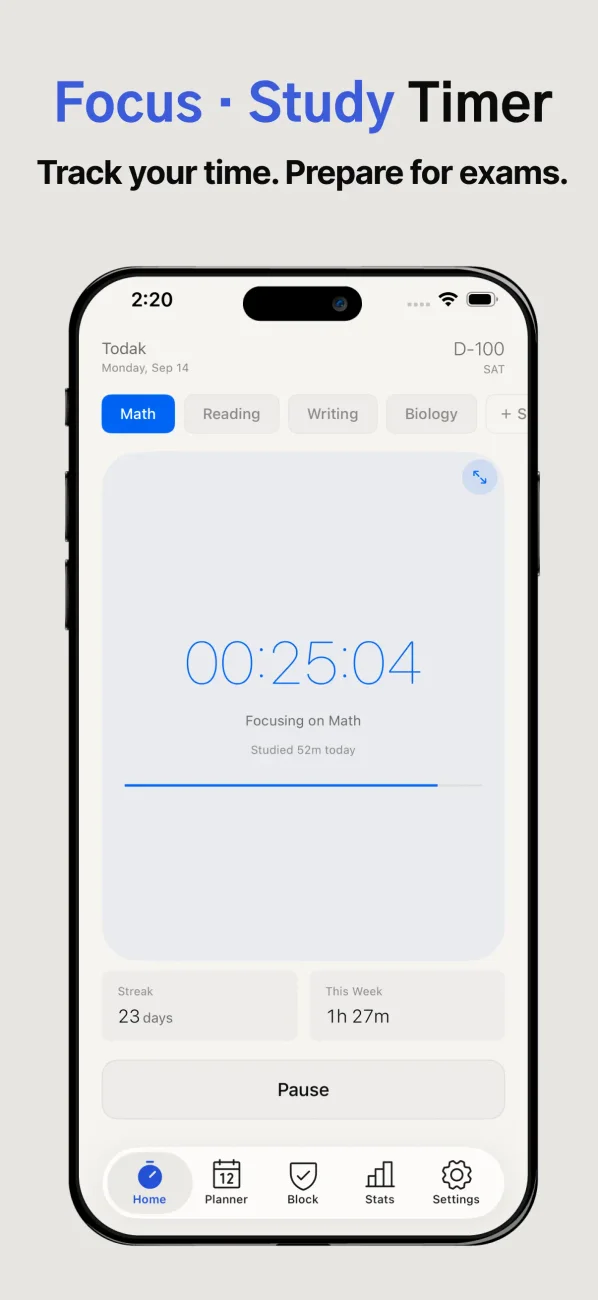
Track your study time. Plan your next session. Get ready for your exams.
Todak Time brings a study timer, daily planner, and exam countdown together in one quiet space. From homework to finals and entrance exams, focus on your own progress without ads, leaderboards, or competition with other students.
• Record the time you spend studying
Choose a subject and start the timer. Pause when you need a break and set a study time goal for each subject.
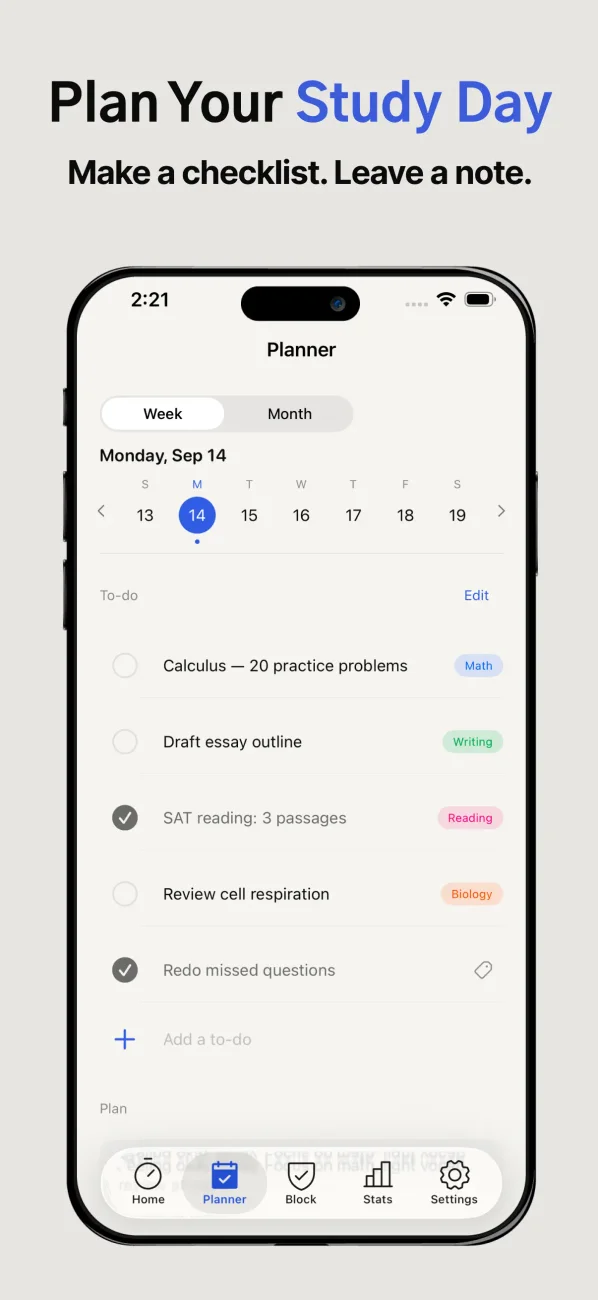
• Make a plan for each day
Add tasks and notes, check off what you finish, and look ahead with weekly and monthly calendar views.
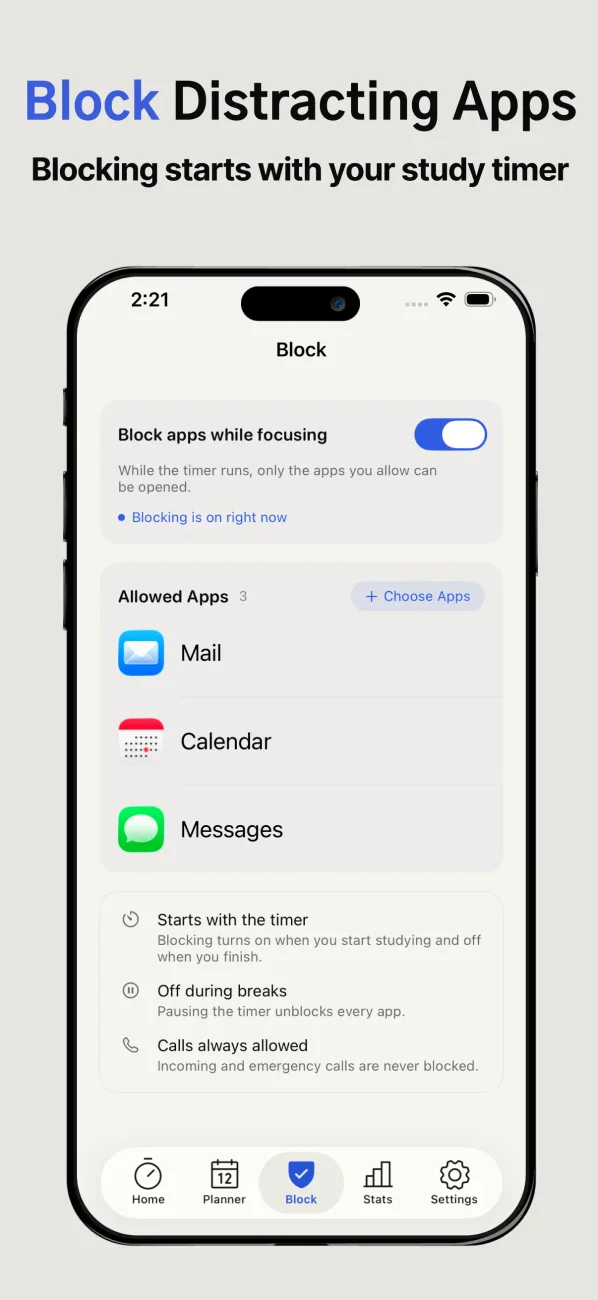
• Keep distractions out of your study sessions
Choose the apps you need and block the rest while the timer is running. App blocking requires Screen Time permission.
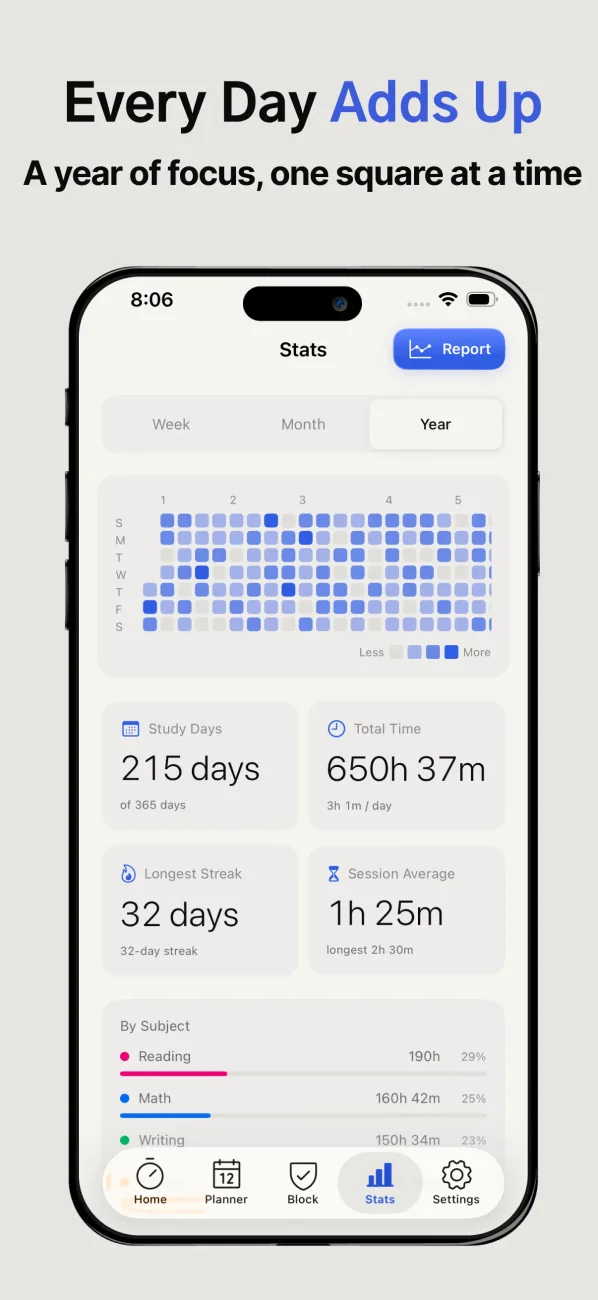
• See your study habits take shape
Weekly charts and a monthly heatmap show when you studied and how you spent your time.
• Keep your exam dates in view
Add an exam date to see how many days are left. Turn break reminders, exam countdown reminders, and daily goal reminders on or off separately.
• Check your time at a glance
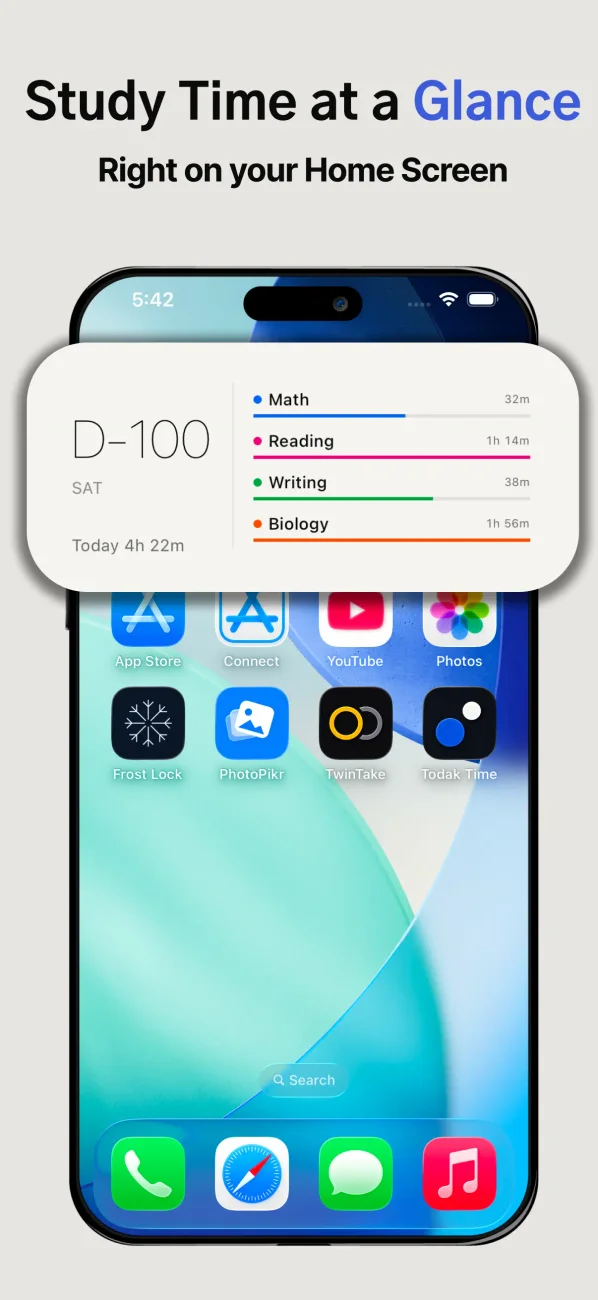
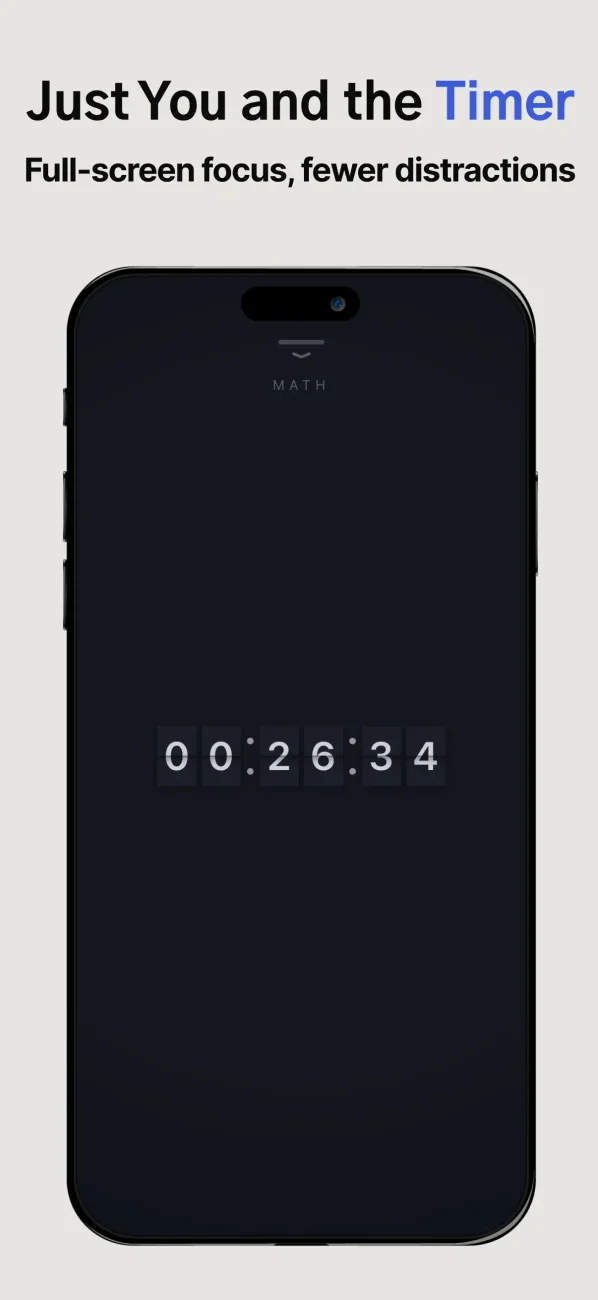
See the timer on your Lock Screen. Tap its controls to open the app and pause, resume, or end your session. Add a Home Screen widget for today's study time and your exam countdown.
• Use your iPhone and iPad together
Enable iCloud sync to keep your study records and plans up to date on both devices.
[Todak Pro]
A one-time purchase unlocks study reports, yearly statistics, CSV export, and unlimited subjects.
Todak is cheering you on as you study today.
Feedback & support: ninemomo.public@gmail.com
Nouveautés
Version 1.4.0 · 24/11/2026
• Stats now has a Day view. See your day as a 24-hour dial and a 10-minute timetable.
• Save or share your day, week or month as an image. Choose from several styles in 9:16 or 4:5.
• Improved layouts for larger text sizes and resized iPad windows.
• Fixed bugs and improved app stability.
Confidentialité de l’application
Ce que Hyeon mo Gu déclare sur l’App Store au sujet du traitement des données par cette application.
-
Données n’établissant aucun lien avec vous
Peuvent être collectées, mais ne sont pas liées à votre identité.
- Contenu utilisateur
Les pratiques en matière de confidentialité peuvent varier, notamment en fonction des fonctionnalités que vous utilisez ou de votre âge.
Informations
- Vendeur
- Hyeon mo Gu
- Catégorie
- Éducation
- Version
- 1.4.0
- Mis à jour
- 24/11/2026
- Publié
- 03/05/2026
- Taille
- 10,3 Mo
- Nécessite
- iOS 17.0 ou version ultérieure
- Classification d’âge
- 4+
- Prix
- Gratuit
- Achats intégrés
- Oui
- Langues
- Anglais, Japonais, Coréen, Portugais, Chinois simplifié, Espagnol, Thaï, Chinois traditionnel, Vietnamien
- Copyright
- © 2026 Ninemomo
Vous aimerez peut-être aussi
-
 StudyDay - Pomodoro TimerÉducation
-
 StudyLog – Suivi étudesMinuteur et bonnes habitudes
-
 Estudylog - Suivi de révisionsRends tes efforts visibles
-
 Minuteur d'étude & suiviChronomètre et statistiques
-
 FLIP - Aide à la concentrationMeilleure application de suivi
-
 YPT - Groupe d’étude & ChronoMinuteur pour réviser ensemble
-
 AprovadoÉducation
-
 EstudeiÉducation
-
 Cogni: Fiche De RevisionApprendre avec flashcards
-
 Decorando a Lei SecaÉducation