Trace: Audio Notes & Insights
Meeting audio into minutes
Conçue pour iPhone, iPad
Achats intégrés
- Classification d’âge4+
- CatégorieProductivité
- DéveloppeurYi-Sung Lin
- LanguesChinois traditionnel+ 1 de plus
- Taille15,8 Mo
Trace: Audio Notes & Insights n’est peut-être pas disponible sur App Store pour le moment
La fiche de la boutique était inaccessible lors de notre dernière vérification. Le lien mène toujours à la page App Store officielle.
Captures d’écran

À propos
Le développeur n’a pas fourni ce texte dans votre langue.
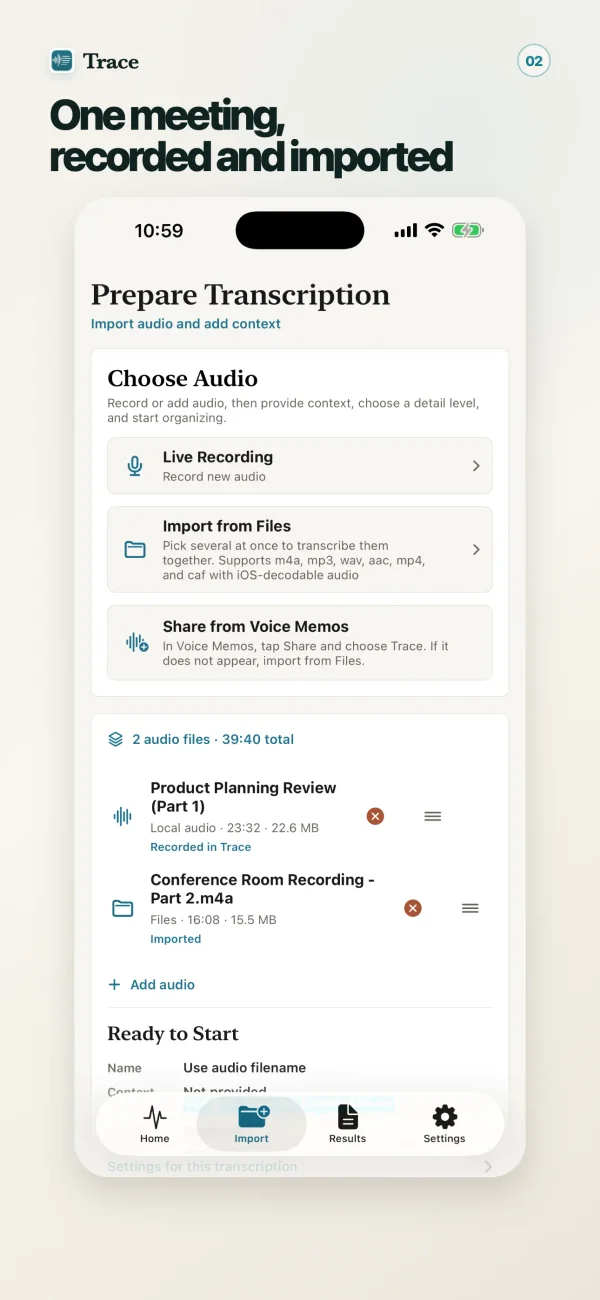
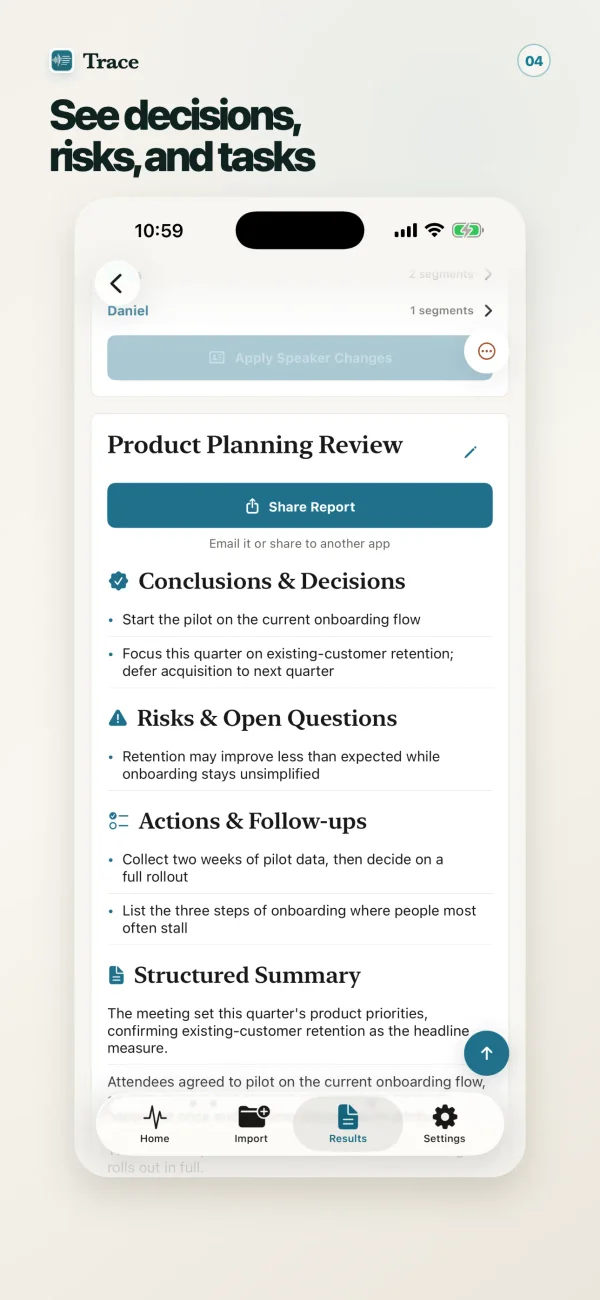
Trace turns meeting audio into useful, structured outcomes. Record directly in the app, import one or several audio files from Files, or share Voice Memos recordings to Trace. Combine recordings and imported files into one meeting, arrange their order, remove the parts you do not need, and add meeting context before processing.
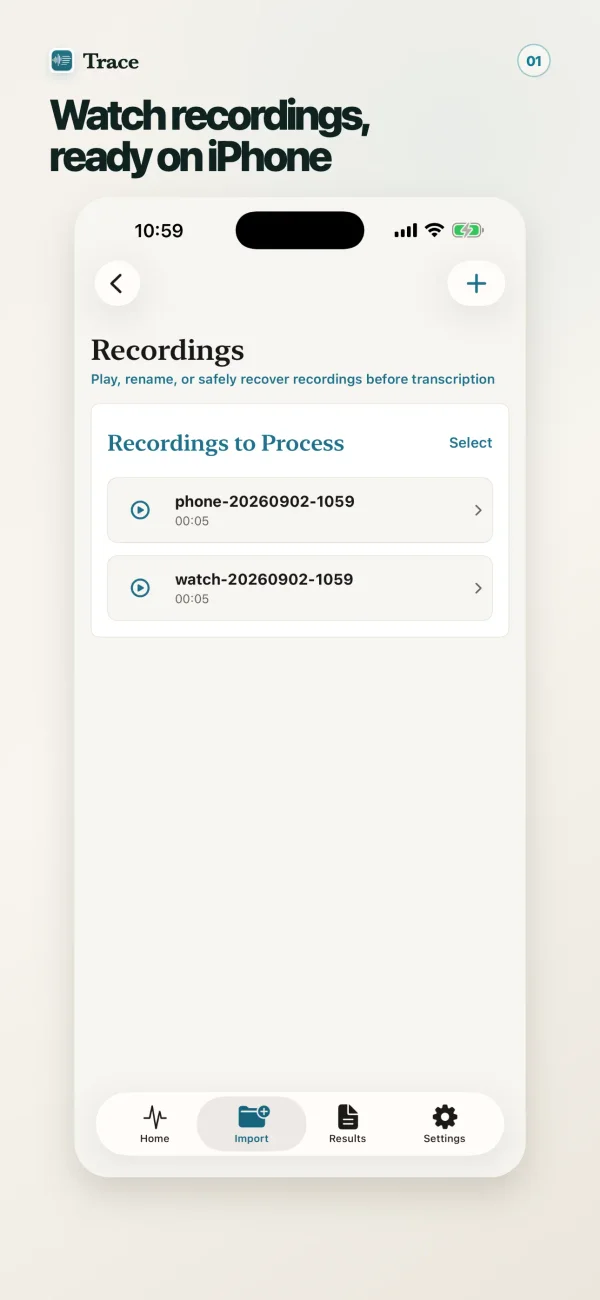
With the Apple Watch companion, record directly on your watch without opening the iPhone app. Completed Watch recordings transfer to the paired iPhone when connectivity allows and appear in the Recording Inbox the next time Trace is active. Watch and iPhone recordings are clearly labeled by source.
Use your own Gemini API key to create a transcript, meeting minutes, decisions, risks, action items, and a structured summary. For transcript sections where the provider does not return usable timing, Trace clearly marks locally estimated times so the text remains readable and playback remains navigable. You can correct transcript text without changing the source audio.
Trace is designed for long work meetings. It processes audio in manageable sections, shows progress and retry states, and keeps unfinished work available when processing is interrupted. For best results, keep Trace in the foreground during long processing. If iOS interrupts background execution, return to the app and continue from the saved work.
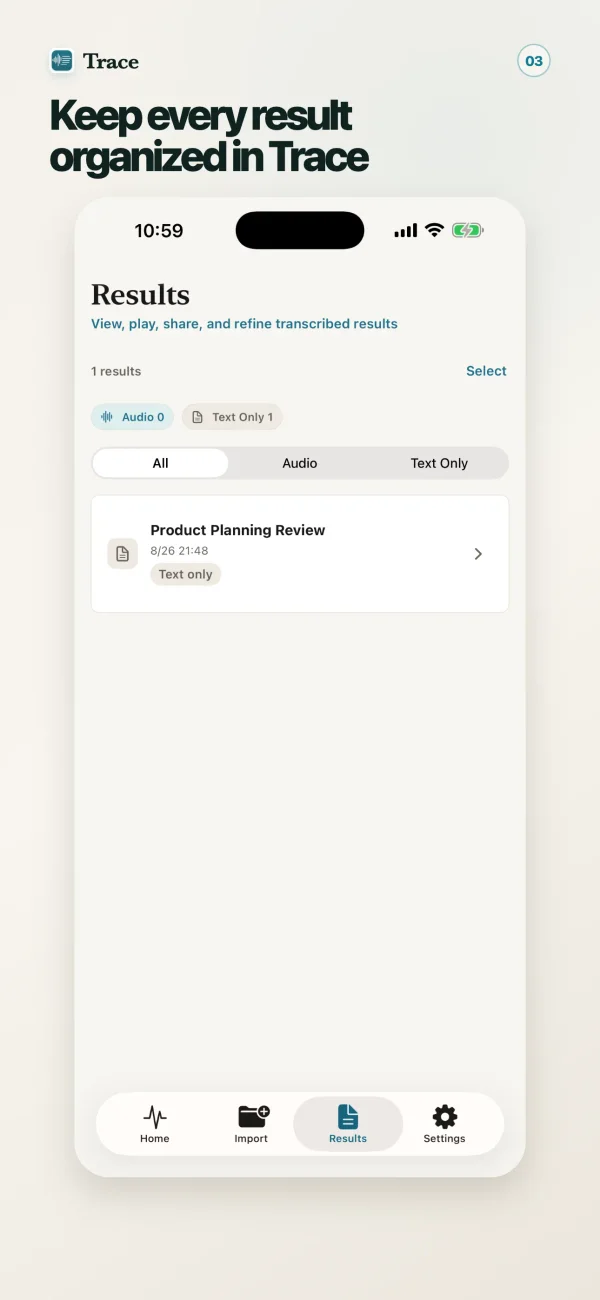
Review recordings with real waveforms, playback controls, trimming, renaming, and continuation. Share source audio, or prepare Markdown, HTML, and PDF reports for Apple Mail, Files, AirDrop, and other compatible apps. Trace also follows your iOS appearance and text size, with additional in-app text-size choices.
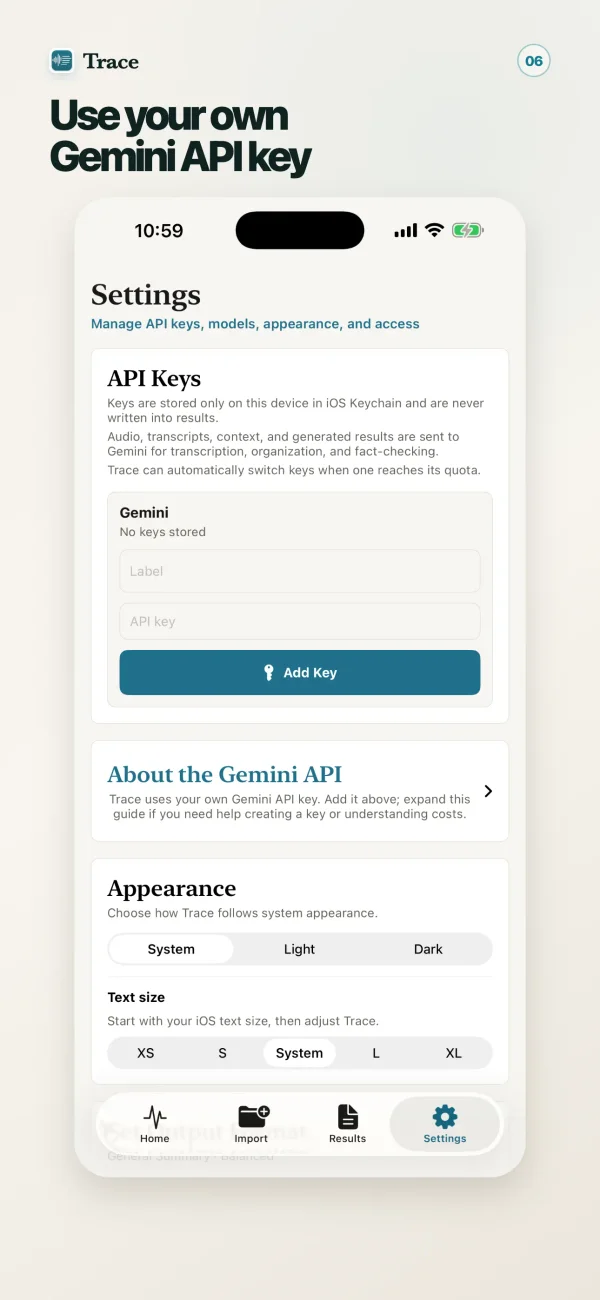
Trace uses a bring-your-own-key model. Your Gemini API key is stored in iOS Keychain. Selected audio, transcript text, meeting context, template instructions, and generated results are sent to Google Gemini only to provide transcription, organization, analysis, and fact-checking features. Trace does not include a shared Gemini account or API key, does not require a Trace account, does not track you, and does not provide built-in cloud sync. See the Privacy Policy for server-side processing and retention details.
Trace is free to download and includes 5 successful meeting results. A one-time non-consumable purchase unlocks continued use. Gemini API usage is not included; pricing and availability depend on your Google project and App Store storefront.
Nouveautés
Version 1.3.8 · 16/10/2026
If Google rejects a transcription request, for example during a temporary service problem, Trace now says the run did not finish and shows Google's own reply, with Try again right below. A rejected request is not billed. Before, this could wrongly read “Google responded, but the result was not saved.”
You can now select several recordings and share them at once, or press and hold a recording to transcribe, share, or delete it.
Also: clearer buttons on a failed card (Try again, Retranscribe unfinished segments), with View partial transcript inside the card; titles no longer show the audio file extension; the results filter shows its counts; Speaker Labels starts collapsed so the title and Share Report come first; and every row on the ready screen opens its editor.
Confidentialité de l’application
Ce que Yi-Sung Lin déclare sur l’App Store au sujet du traitement des données par cette application.
-
Données n’établissant aucun lien avec vous
Peuvent être collectées, mais ne sont pas liées à votre identité.
- Contenu utilisateur
Les pratiques en matière de confidentialité peuvent varier, notamment en fonction des fonctionnalités que vous utilisez ou de votre âge.
Informations
- Vendeur
- Yi-Sung Lin
- Catégorie
- Productivité
- Version
- 1.3.8
- Mis à jour
- 16/10/2026
- Publié
- 13/06/2026
- Taille
- 15,8 Mo
- Nécessite
- iOS 17.0 ou version ultérieure
- Classification d’âge
- 4+
- Achats intégrés
- Oui
- Langues
- Chinois traditionnel, Anglais
- Copyright
- © 2026 Yi-Sung Lin
Vous aimerez peut-être aussi
-
 Book RecordProductivité
-
 Prompta: AI Chat Bot AssistantProductivité
-
 ChatikaProductivité
-
 AI Writing Keyboard - KeyWhizProductivité
-
 FormsProductivité
-
 Privacy AI: Agent & Chatbot IAGGUF/MLX, voix et compétences
-
 Slipbox | Local AI Note TakerProductivité
-
 BonzAI - Agent IA LocalVotre IA personnelle et privée
-
 WebM ExtensionProductivité
-
 Cumbersome: AI LLM API ClientProductivité