
TunerView Pro
ECU Dashboard & Datalogger
Conçue pour iPhone, iPad
Gratuit · Achats intégrés
- Classification d’âge4+
- CatégorieUtilitaires
- DéveloppeurPeter Linszter
- LanguesAnglais
- Taille81,4 Mo
Renvoie vers la page App Store officielle
Download.org n’héberge aucun fichier de TunerView Pro. Le bouton ouvre la page de l’application sur App Store, où Peter Linszter la publie. Fiche vérifiée pour la dernière fois le 23/11/2026.
Captures d’écran



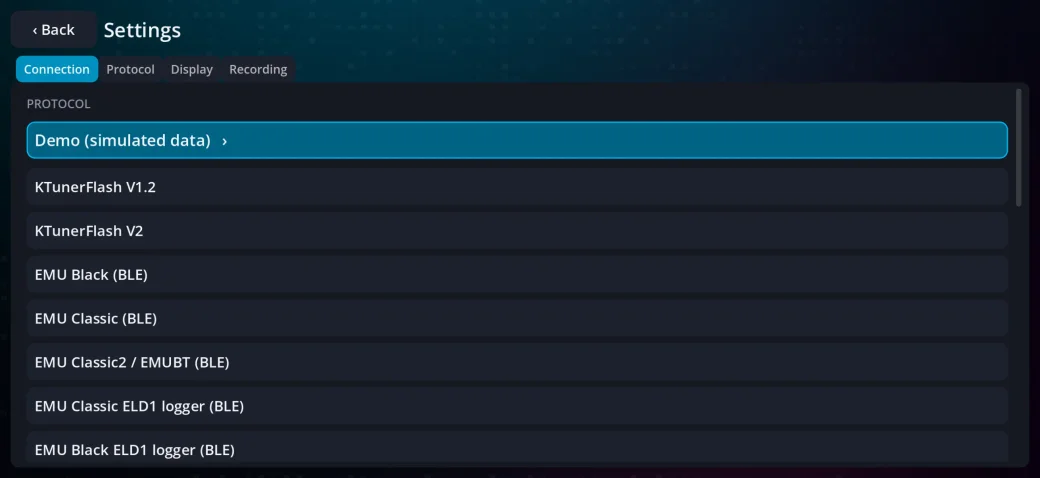
À propos
Le développeur n’a pas fourni ce texte dans votre langue.
IMPORTANT!!! – Neptune, eCtune, Crome, Hondata S300, Nismotronic and QuarterHorse Protocols REQUIRE SPECIAL BLUETOOTH LE MODULES
On iPhone and iPad this protocol works ONLY with a special Bluetooth LE (BLE) module. Older Bluetooth modules (classic Bluetooth / SPP, e.g. HC-05, HC-06) do NOT work on iOS.
Please contact the manufacturer of your Bluetooth module for information about a compatible module before purchasing.
TunerView Pro turns your phone or tablet into a fully customisable digital dash and datalogger for tuned cars.
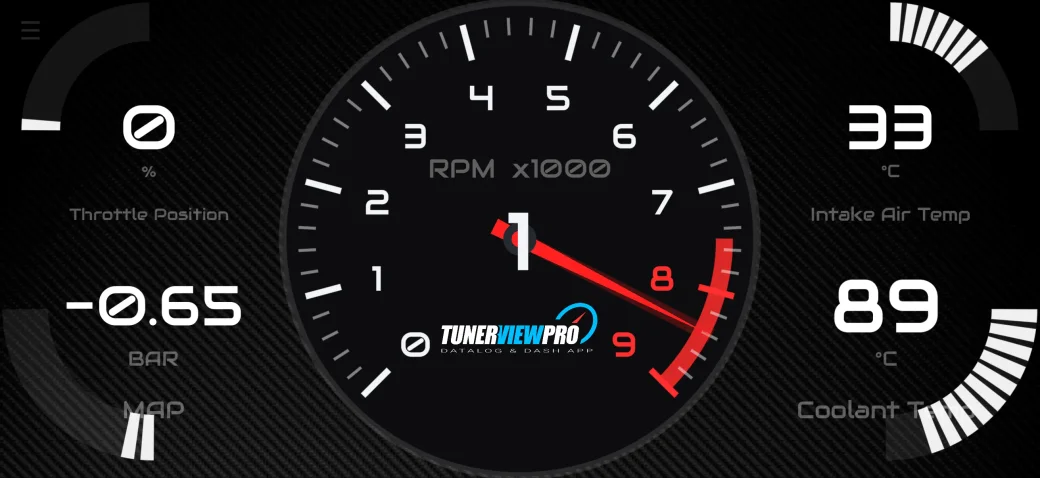
Connect to your ECU over Bluetooth or WiFi and see every important value live: RPM, boost, AFR / lambda, coolant and oil temperature, ignition timing, knock, injector duty and many more.
LIVE DASHBOARD
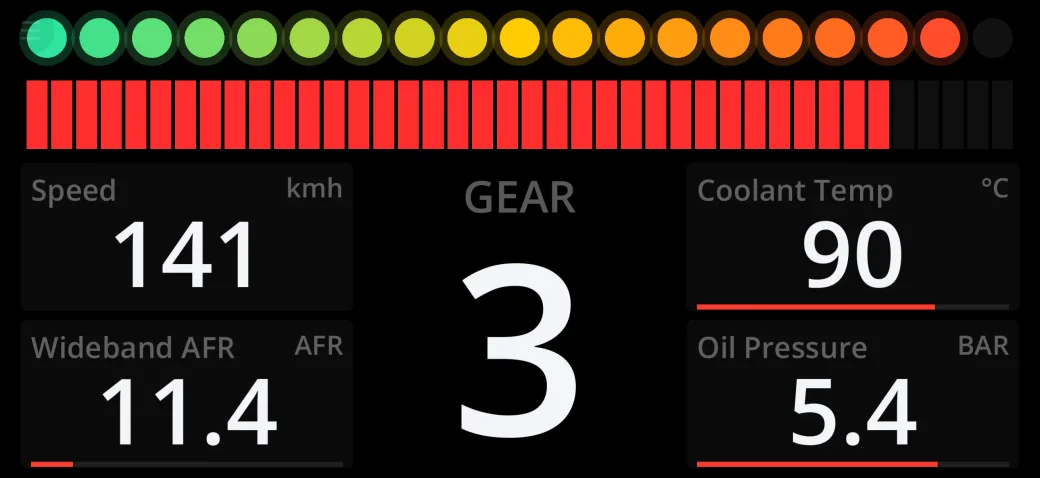
• Analog, arc, sweep (S2000-style), bar, digital, LED, gear and shift-light gauges
• Ready-made layouts in classic TunerView style, portrait and landscape
• Layout editor: drag, resize, colours, fonts, warning limits, background image, your own logo
• Export, import and share layouts with your friends
• HUD mode – mirrored display for the windscreen
DATALOGGING
• Record every channel with one tap, up to 50 Hz
• Built-in log viewer with charts, CSV export and sharing
CAMERA MODE
• Record video with the live dashboard overlaid on the picture
PERFORMANCE & TRACK
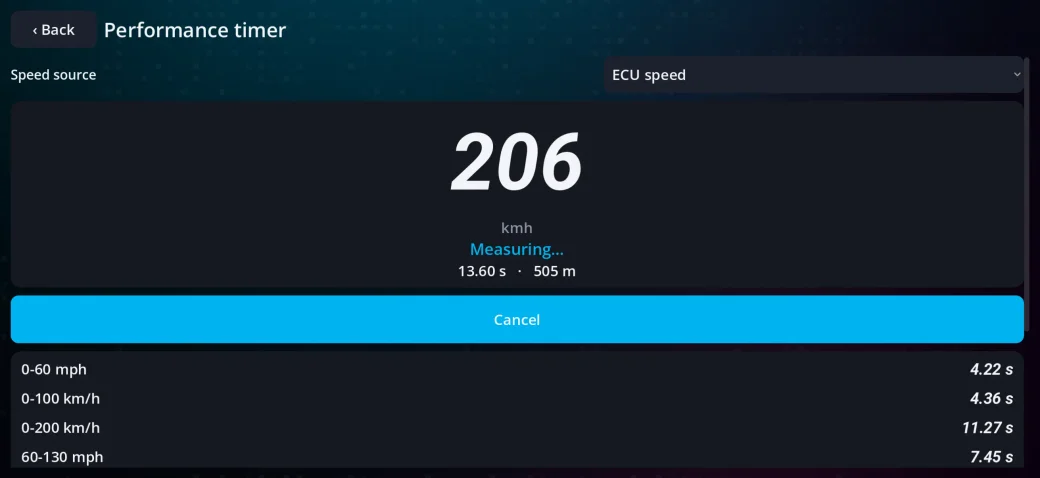
• Acceleration timer: 0-60 mph, 0-100 km/h, 0-200 km/h, 60-130 mph, 100-200 km/h, 1/8 mile, 1/4 mile, 1000 m
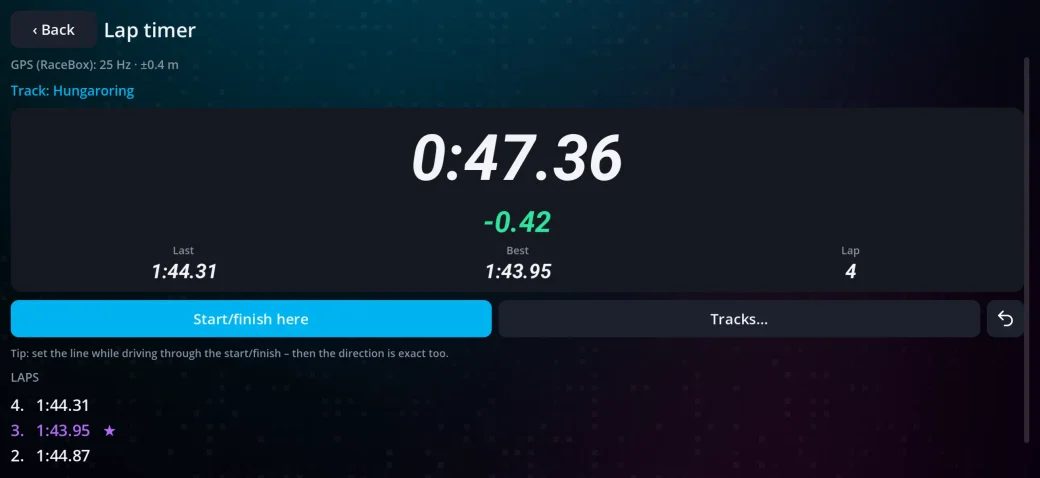
• Lap timer with start/finish line, saved tracks and live delta
• Phone GPS speed for every protocol, or a RaceBox Mini / Mini S / Micro for 25 Hz GPS
LIVE ACTIVITIES & CARPLAY (iOS)
• Selected values on the Lock Screen, in the Dynamic Island and on the CarPlay dashboard (iOS 26+), also while the app is in the background
LIVE STREAM (optional subscription)
• Your crew follows the car live in any web browser – in the pits, at home or on another phone, no app needed
• Live values, GPS position on a map, lap and sector times, alarms and indicators
• Tiles, gauges and a big pit board view, lap table with min / max per lap
• Permanent personal link or own code (e.g. your team name), QR code, optional viewer password
• Replay of earlier sessions and a team view for several cars on one map
SUPPORTED ECUs AND PROTOCOLS (in-app purchase per protocol)
• KTuner
• Neptune
• Crome
• eCtune / HTS
• Hondata S300 V3
• Nismotronic SA
• Moates QuarterHorse GUFB / CBAZA
• ECUMaster EMU Black / Classic, Speeduino, rusEFI, MegaSquirt MS2 / MS3
• CAN dash stream: Haltech Elite / Nexus, Link G4+ / G4X, MaxxECU, Emtron, AEM Infinity, FuelTech
• Any car: OBD2 with ELM327 / OBDLink / Vgate adapters
(Availability depends on the platform: iPhone supports Bluetooth LE and WiFi devices only.)
Try everything for free with the built-in Demo mode – no car or adapter needed.
Languages: English, Magyar, Deutsch, Français, Español.
Hardware note: TunerView Pro needs a compatible Bluetooth / WiFi adapter or interface for your ECU (for CAN protocols a CAN adapter such as OBDLink). The app only reads data – it does not change your ECU's tune.
Use the app responsibly. Do not operate the phone while driving; mount it securely. Performance and lap timing are intended for closed tracks only.
Live stream is an optional auto-renewing monthly subscription. Payment is charged to your Apple Account at confirmation of purchase. The subscription renews automatically unless it is cancelled at least 24 hours before the end of the current period. Manage or cancel it in your Apple Account settings.
Terms of Use: https://www.apple.com/legal/internet-services/itunes/dev/stdeula/
Privacy Policy: https://linszter.net/tunerview-pro-privacy-policy/
Nouveautés
Version 1.0.17 · 18/11/2026
- Added Frame settings to some widgets
Confidentialité de l’application
Ce que Peter Linszter déclare sur l’App Store au sujet du traitement des données par cette application.
-
Données n’établissant aucun lien avec vous
Peuvent être collectées, mais ne sont pas liées à votre identité.
- Emplacement
- Autres données
Les pratiques en matière de confidentialité peuvent varier, notamment en fonction des fonctionnalités que vous utilisez ou de votre âge.
Informations
- Vendeur
- Peter Linszter
- Catégorie
- Utilitaires
- Version
- 1.0.17
- Mis à jour
- 18/11/2026
- Publié
- 22/10/2026
- Taille
- 81,4 Mo
- Nécessite
- iOS 17.0 ou version ultérieure
- Classification d’âge
- 4+
- Prix
- Gratuit
- Achats intégrés
- Oui
- Langues
- Anglais
- Copyright
- © KTuner LLC
Vous aimerez peut-être aussi
-
 Touge DashUtilitaires
-
 WakeHero – Alarm & MissionsUtilitaires
-
 Tune-Up ConnectUtilitaires
-
 VibeScan - OBD2 Gauges ScannerUtilitaires
-
 I'm Hero OBD2 ScannerUtilitaires
-
 AirBLPUtilitaires
-
 AutoX Data LoggerUtilitaires
-
 CSV To PDF ConverterConvert CSV files to PDF
-
 BimmerDash: OBD2 GaugeReal-time performance monitor
-
 TuneBench: ECU TuningUtilitaires