
- Classification d’âge4+
- CatégoriePhoto et vidéo
- DéveloppeurMismi Group Limited
- LanguesAnglais
- Taille4,1 Mo
Renvoie vers la page App Store officielle
Download.org n’héberge aucun fichier de Ultra Camera. Le bouton ouvre la page de l’application sur App Store, où Mismi Group Limited la publie. Fiche vérifiée pour la dernière fois le 17/11/2026.
Captures d’écran
À propos
Le développeur n’a pas fourni ce texte dans votre langue.
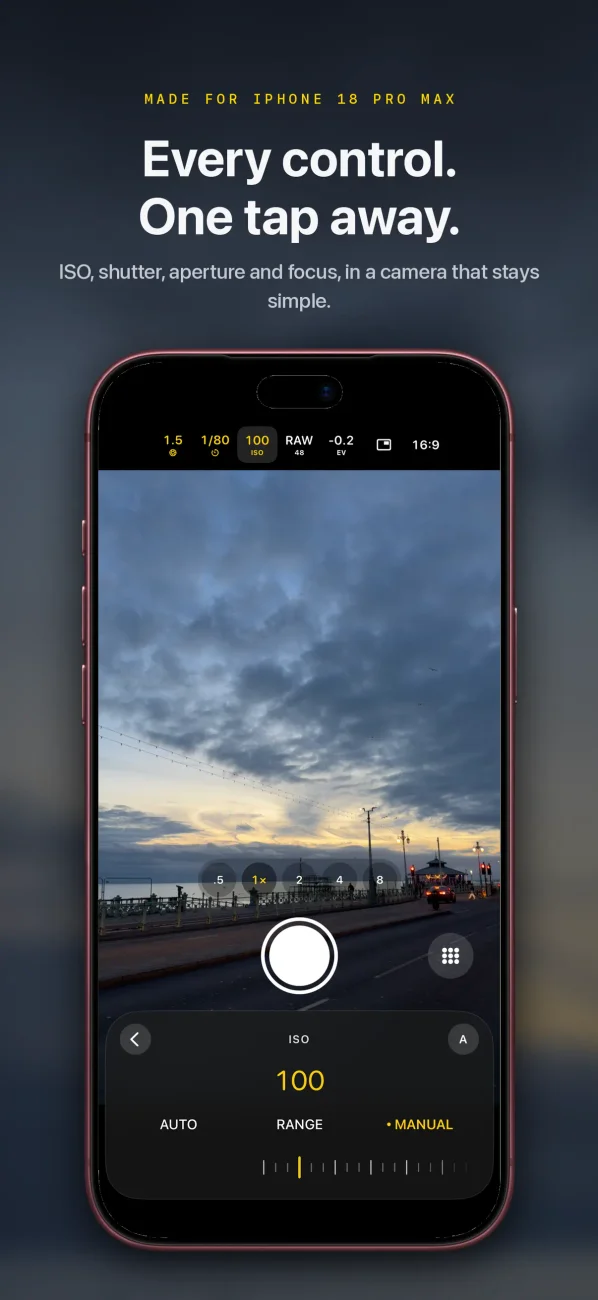
Ultra Camera does what the built-in Camera app won't. It's built and tested on iPhone 18 Pro Max, and it stays simple: point and shoot, and every manual control is one tap away when you want it.
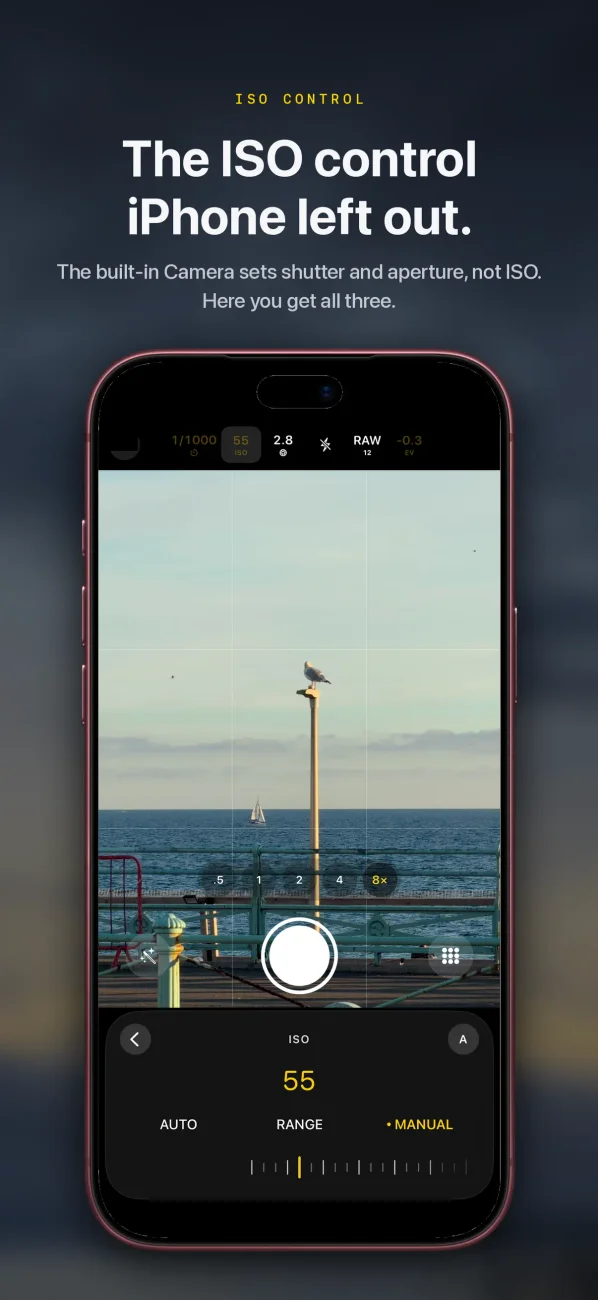
REAL ISO CONTROL
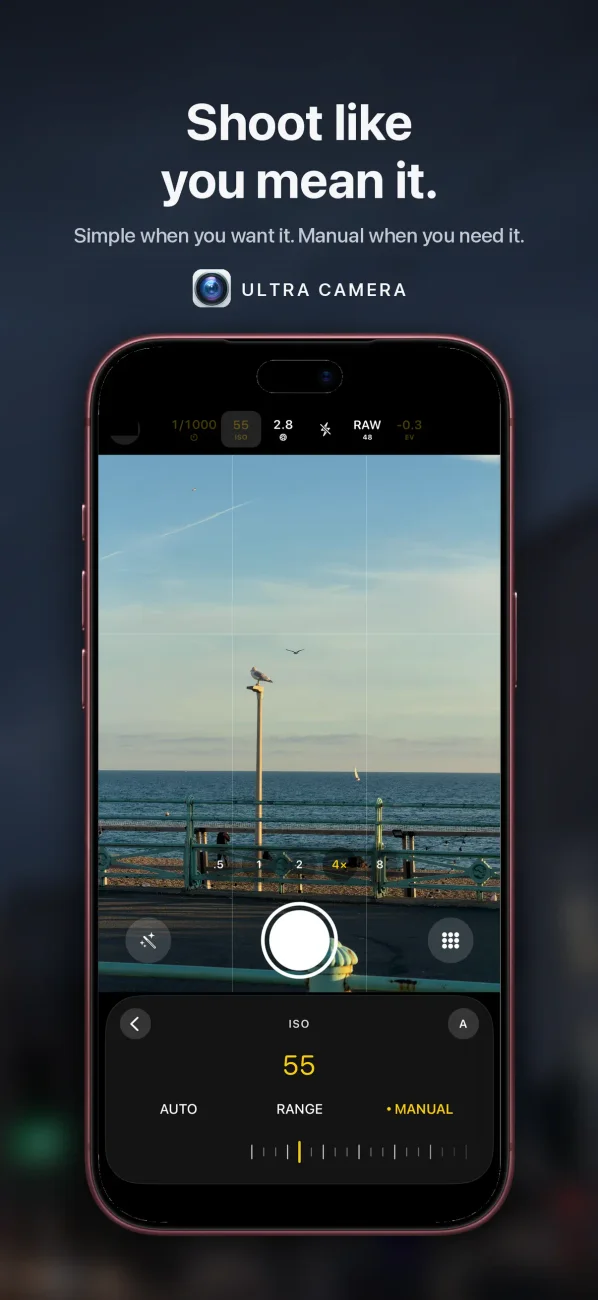
iPhone 18 Pro Max lets you set shutter speed and aperture in the Camera app, but not ISO. Ultra Camera gives you all three. Fix the ISO yourself, or use RANGE: the camera still decides, but only inside limits you set. Keep ISO between 50 and 800 for clean night shots, or keep the shutter at 1/1000 or faster so action stays sharp.
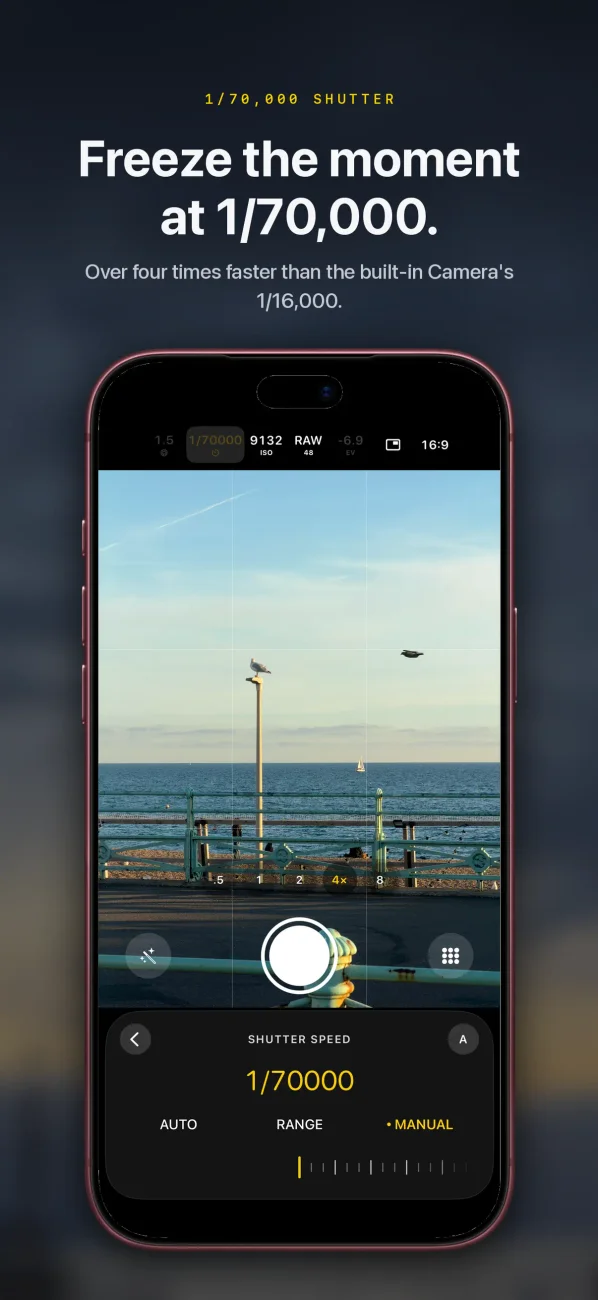
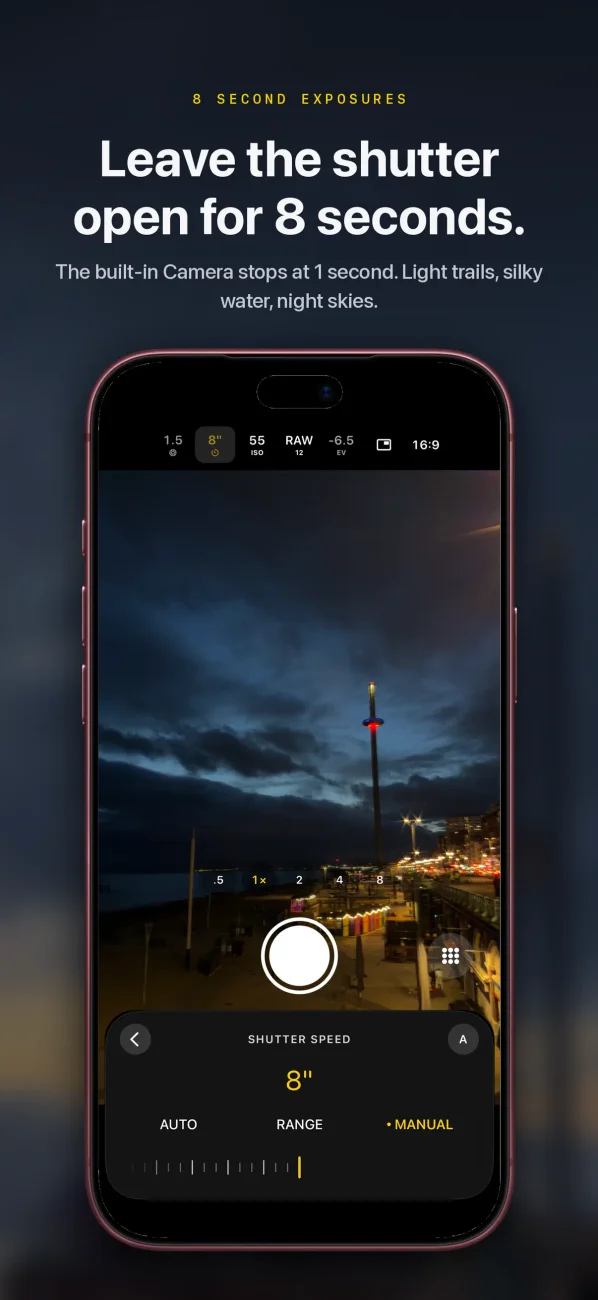
1/70,000 TO 8 SECONDS
The built-in Camera stops at 1/16,000 of a second and 1 second long exposures. Ultra Camera goes from 1/70,000 to 8 seconds. Freeze water drops, wings and spinning wheels in mid air, or leave the shutter open for silky waterfalls, light trails and night skies.
DUAL CAPTURE PHOTOS
Take photos with the front and back cameras at the same time, not just videos. Shoot the back camera on ultra wide at 0.5x and fit the whole scene in, with your reaction in the corner. Tap the inset to swap which camera is the big picture, expand the front camera for a larger picture-in-picture, and pick the aspect ratio you want.
DUAL CAPTURE VIDEO
Record front and back together in 4K. Move the inset to any corner, even while you're recording.
OPEN GATE VIDEO
Record with the whole sensor in a tall 4:3 frame, the way big-screen filmmakers shoot, then crop to any shape later without losing the shot. Pick Steady for stabilised 1440p, or Full Res for every pixel the sensor has.
MORE THAN THE BUILT-IN CAMERA
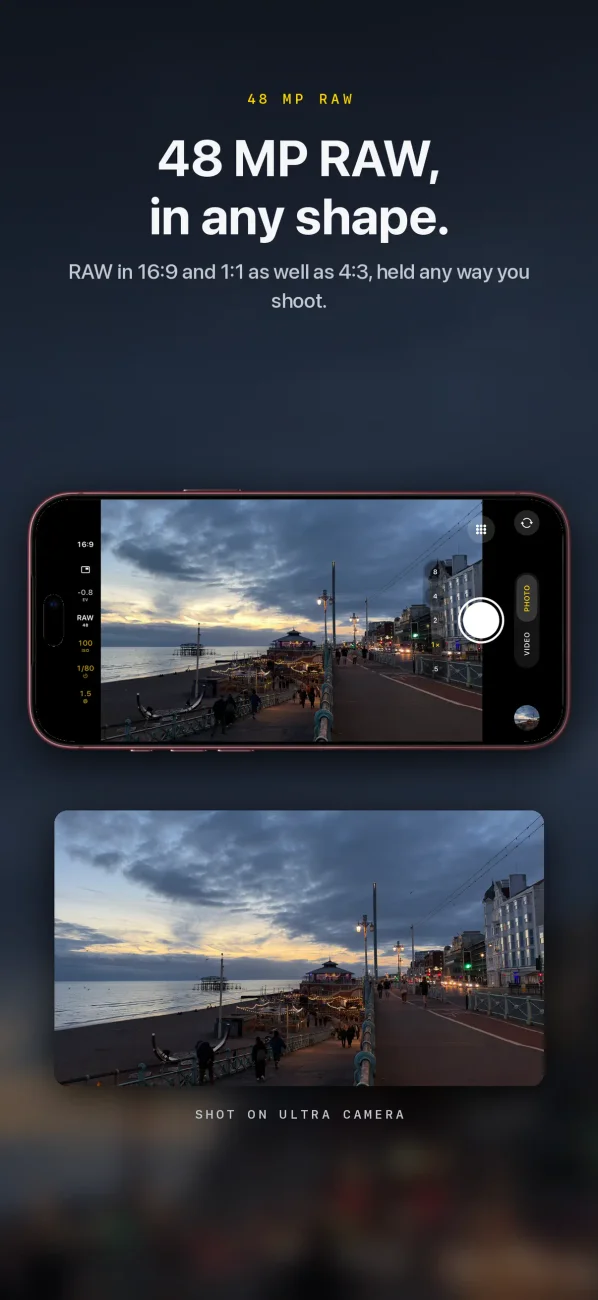
Photos at 12, 24, 36 or 48 MP. RAW in 16:9 and 1:1 as well as 4:3. A live histogram before you shoot. Set your own white balance from a sheet of paper or a grey card. Save whole setups as presets and switch in one tap.
YOUR LAYOUT
Touch and hold any control along the top to move it, add it or remove it. The grid button beside the shutter opens every control at once.
QUICK TO SHOOT
Take photos with the volume buttons or Camera Control. Tap the thumbnail to see your shots, check their details and share them.
UNDERWATER TRUE COLOUR (OPTIONAL)
Shooting in a waterproof housing? Turn on Underwater True Colour in Settings to bring back the reds that water takes out. With it off, none of it appears. Always use a housing rated for your depth.
Ultra Camera works on other recent iPhones too. Some features depend on your iPhone's cameras.
Nouveautés
Version 1.0.1 · 02/11/2026
Bug fixes, improvements and more cool pics.
Confidentialité de l’application
Ce que Mismi Group Limited déclare sur l’App Store au sujet du traitement des données par cette application.
-
Données n’établissant aucun lien avec vous
Peuvent être collectées, mais ne sont pas liées à votre identité.
- Emplacement
- Coordonnées
- Contenu utilisateur
- Identifiants
- Données d’utilisation
- Diagnostic
Les pratiques en matière de confidentialité peuvent varier, notamment en fonction des fonctionnalités que vous utilisez ou de votre âge.
Informations
- Vendeur
- Mismi Group Limited
- Catégorie
- Photo et vidéo
- Version
- 1.0.1
- Mis à jour
- 02/11/2026
- Publié
- 25/10/2026
- Taille
- 4,1 Mo
- Nécessite
- iOS 17.0 ou version ultérieure
- Classification d’âge
- 4+
- Prix
- Gratuit
- Langues
- Anglais
- Copyright
- © 2026 Mismi. All rights reserved.
Vous aimerez peut-être aussi
-
 Thingy Majiggy: Cute Face CamPhoto et vidéo
-
 Analog Film Cam - LightStreetPhoto et vidéo
-
 KiraSpark Caméra ScintilleEffets photo lumineux
-
 Blackbone Pro CameraPhoto et vidéo
-
 Irix Photo EditorPhoto et vidéo
-
 FILMIQUEPhoto et vidéo
-
 Lucent: Appareil Photo & VidéoCaméra pro, Teleprompter & 4K
-
 Locam - CCD & Y2K CameraFilm Retro et Appareil Jetable
-
 SimplphotoPhoto et vidéo
-
 Pro Camera : IrisZero AI, Film Simulation & RAW