
VisaPDF
Meet Visa PDF Size Limits
Conçue pour iPhone, iPad, Mac, iPod touch
Gratuit · Achats intégrés
- Classification d’âge4+
- CatégorieProductivité
- DéveloppeurBlock Software Inc.
- Taille3,2 Mo
Renvoie vers la page App Store officielle
Download.org n’héberge aucun fichier de VisaPDF. Le bouton ouvre la page de l’application sur App Store, où Block Software Inc. la publie. Fiche vérifiée pour la dernière fois le 15/11/2026.
Captures d’écran


À propos
Le développeur n’a pas fourni ce texte dans votre langue.
VisaPDF helps you prepare visa and immigration PDFs that meet strict file-size limits. All processing stays on your device — no uploads.
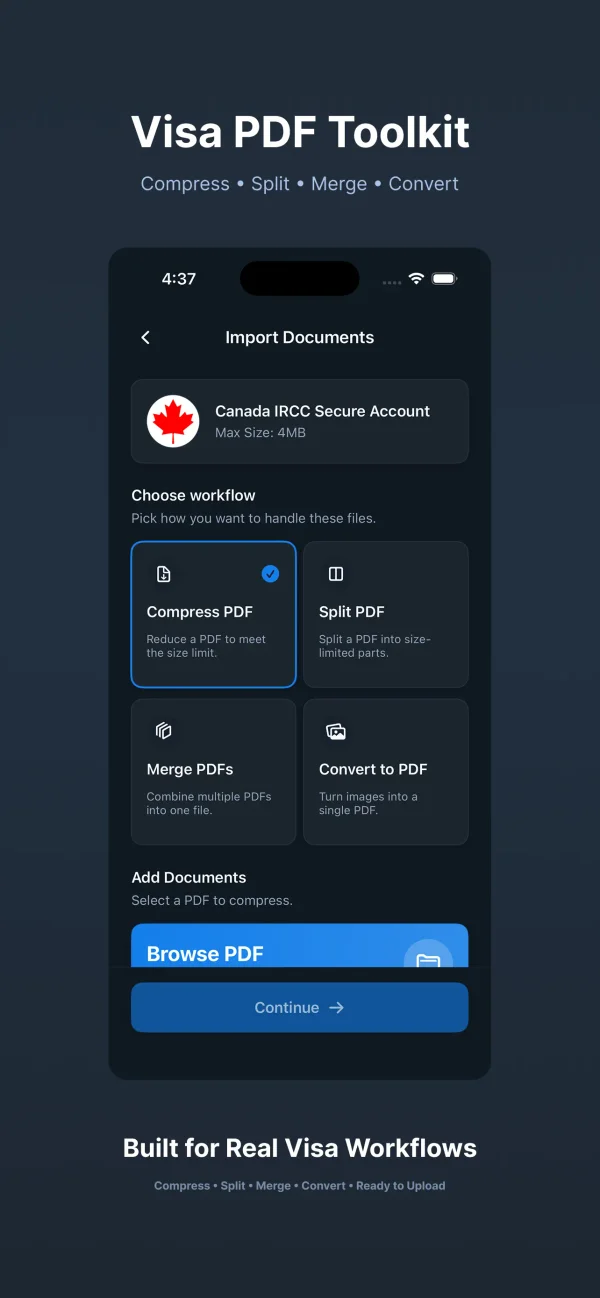
VisaPDF is a privacy-first PDF toolkit built for visa and immigration paperwork. Quickly compress PDFs, split large files, merge supporting documents, and convert images to PDF — so your files match common visa portal requirements.
Made for visa & immigration systems
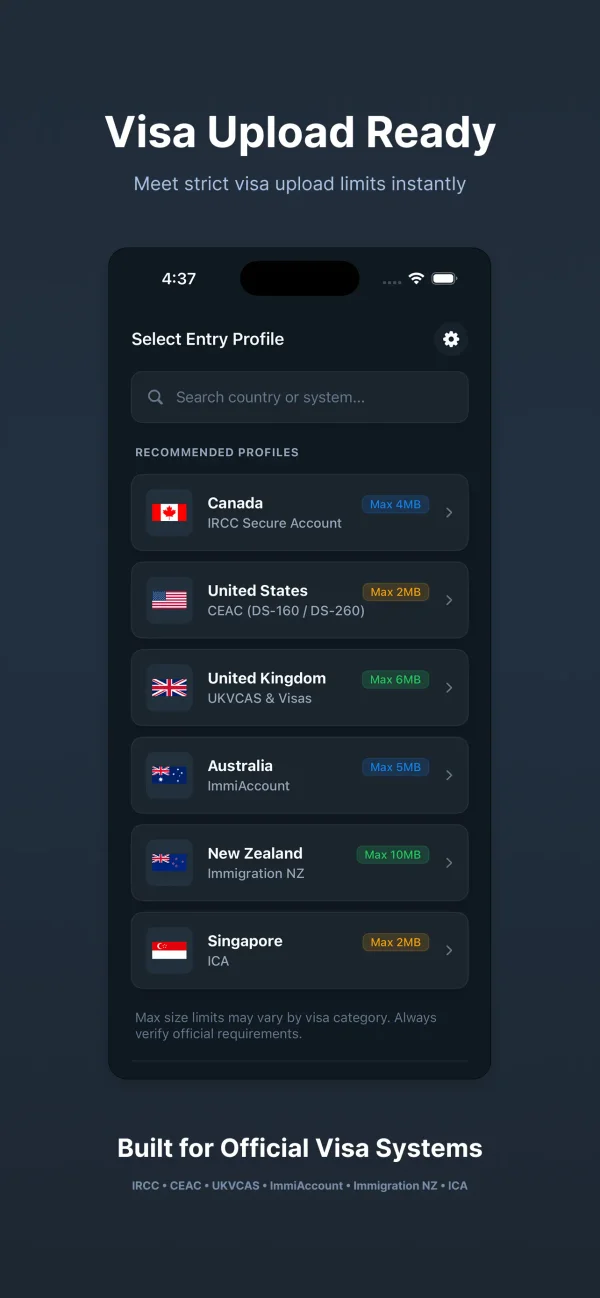
Choose an entry profile and work within typical limits used by:
• IRCC (Canada)
• CEAC — DS-160 / DS-260 (United States)
• UKVI / UKVCAS (United Kingdom)
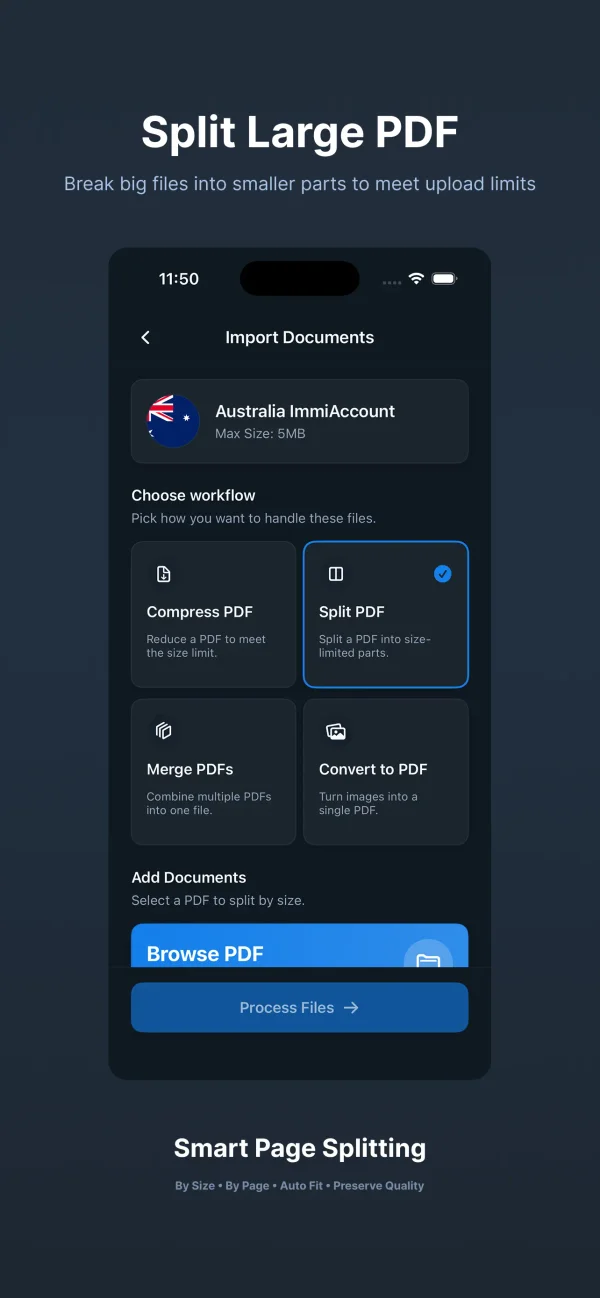
• ImmiAccount (Australia)
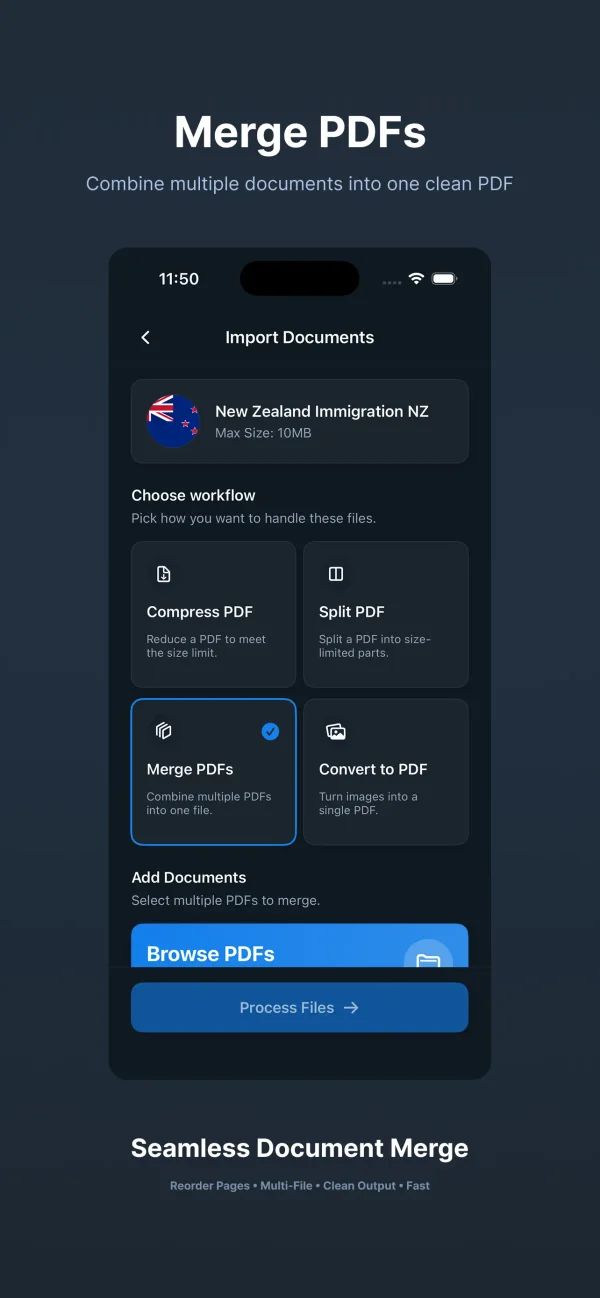
• Immigration NZ (New Zealand)
• ICA (Singapore)
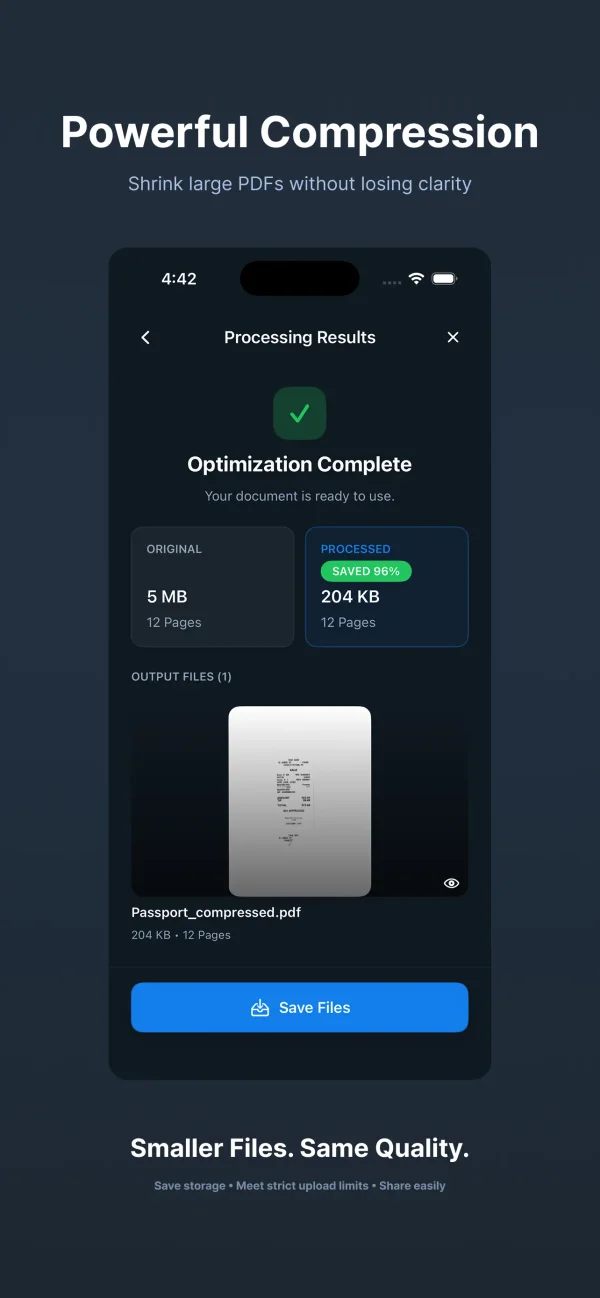
Compress with size-limit awareness
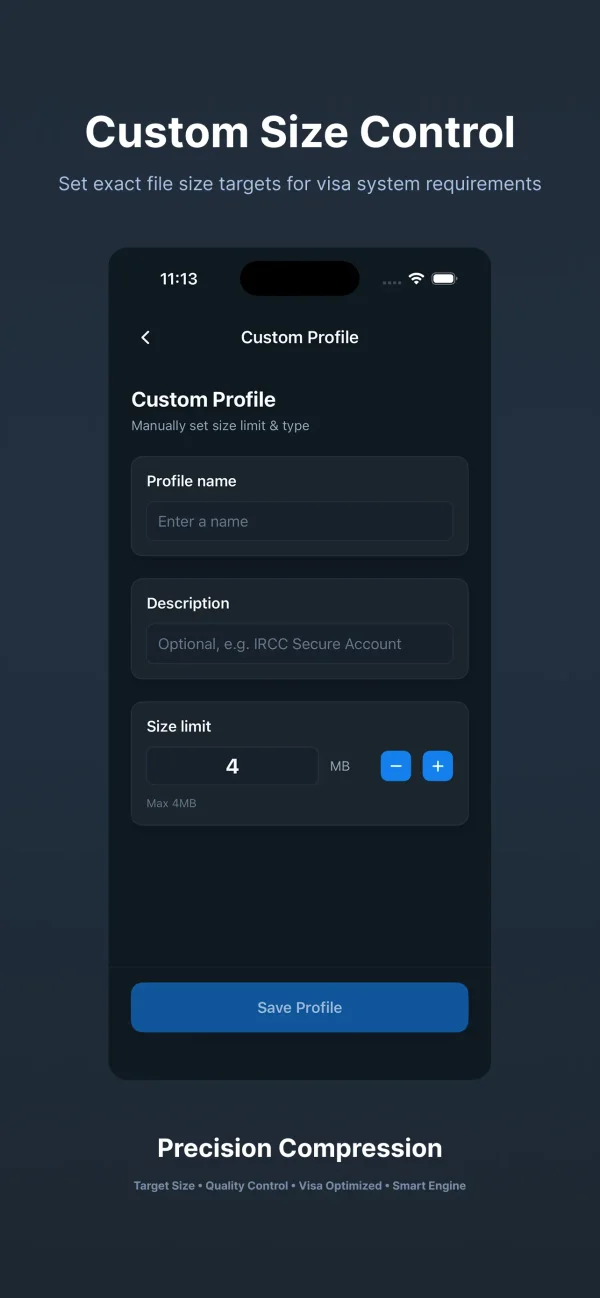
Pick a compression level and preview the estimated output size. VisaPDF warns you if a file may exceed the selected limit (such as 2MB, 4MB, or 5MB), helping you avoid last-minute surprises.
Split oversized documents
Split one large PDF into smaller parts that better fit portal requirements.
Merge supporting files
Combine passport scans, bank statements, and supporting documents into one clean, organized PDF.
Convert photos to PDF
Turn JPG/PNG images or scans into professional PDFs in seconds.
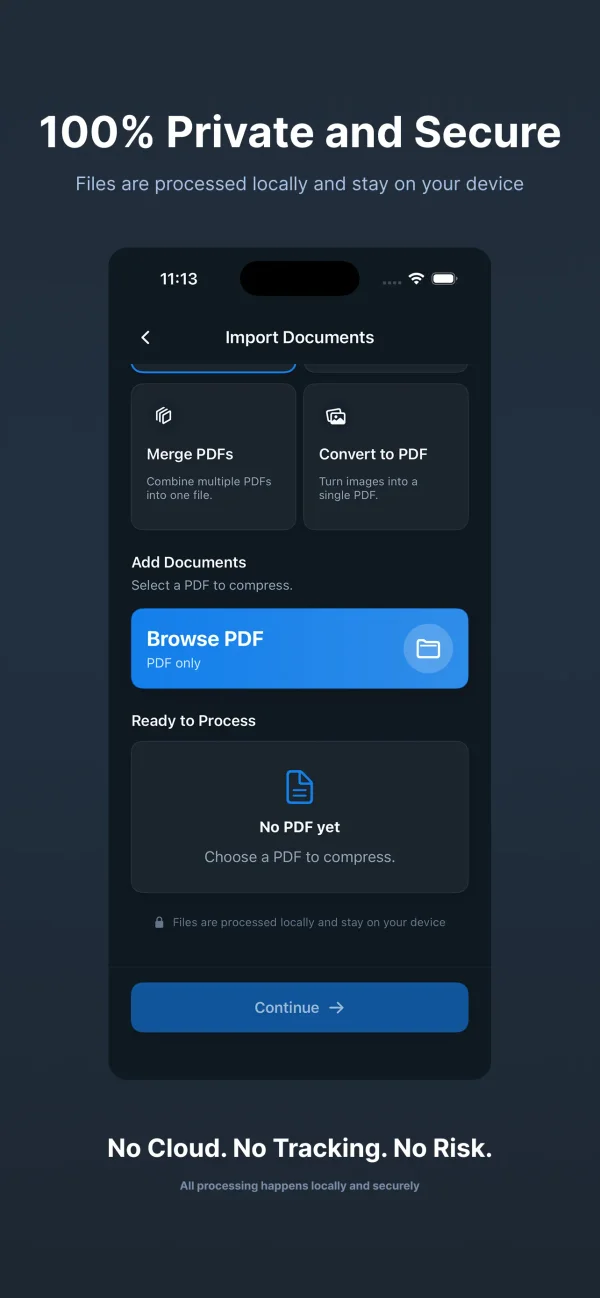
100% private & secure
All processing happens locally on your device. No uploads. No tracking.
---
Free & Pro Access (One-Time)
Try VisaPDF for free. Upgrade to Pro Access with a one-time purchase to unlock unlimited use. Not a subscription. If you switch devices, you can restore your purchase anytime.
---
Disclaimer
VisaPDF is an independent document processing tool and is not affiliated with any government, immigration authority, or visa service. Requirements and file size limits vary by visa category — always confirm details with the relevant official portal.
---
Privacy Policy: https://visapdf.xyz/privacy/
Terms of Use (EULA): https://www.apple.com/legal/internet-services/itunes/dev/stdeula/
Additional Terms: https://visapdf.xyz/terms/
Confidentialité de l’application
Ce que Block Software Inc. déclare sur l’App Store au sujet du traitement des données par cette application.
-
Données non collectées
Le développeur ne collecte aucune donnée à partir de cette application.
Les pratiques en matière de confidentialité peuvent varier, notamment en fonction des fonctionnalités que vous utilisez ou de votre âge.
Informations
- Vendeur
- Block Software Inc.
- Catégorie
- Productivité
- Version
- 1.0
- Mis à jour
- 20/02/2026
- Publié
- 20/02/2026
- Taille
- 3,2 Mo
- Nécessite
- iOS 15.0 ou version ultérieure
- Classification d’âge
- 4+
- Prix
- Gratuit
- Achats intégrés
- Oui
- Copyright
- © 2026 Block Software Inc.
Vous aimerez peut-être aussi
-
 Tandem TasksProductivité
-
 ReadTrace ProProductivité
-
 Slax Reader: AI Read LaterProductivité
-
 11 East 26th StProductivité
-
 Fretbox AdminProductivité
-
 Quick Note: Notes dans le MenuAutocollant, agenda & rappel
-
 ElpassProductivité
-
 Citer: Paper Format & CitationProductivité
-
 Compresser PDF - PDFpressRéduire la taille du fichier
-
 bypassgpt undetectable aiProductivité